


Hello to all Inflearn students.
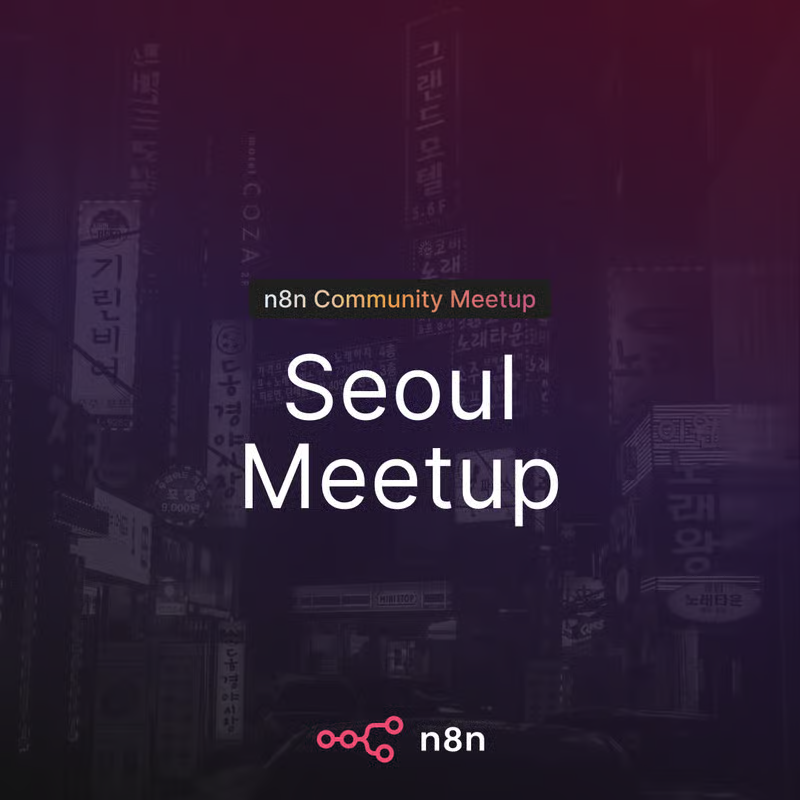
We invite you to the n8n meetup in Gangnam, Seoul!
We will meet on the evening of Friday, September 4th, in Gangnam to discuss automation and networking.
At this meetup,
• Sharing the latest n8n news and insights from n8n Fest 2026
• Live demo of native CLI / MCP support
• Corporate n8n adoption and operation case studies
will be shared together.
This is a place for university students, office workers, and practitioners who have used n8n at least once to share their workflows and challenges. Create new connections with people who are solving the same problems!
🗓 Friday, September 4, 2026, 19:00–22:00
📍 Gangnam-gu, Seoul
🎟 Free / 40 people (Approval-based)
Application Link: https://luma.com/n8n-seoul-meetup-260904
Hello, students.
Google Antigravity, which we use as the IDE in our course, was automatically updated to 2.0 on May 19th. I am providing this notice in advance as some of you may find that "the IDE screen looks strange" or "code editing is not working."
The cause is that starting from version 2.0, the "Agent App" and the "IDE (Code Editor) App" have been separated. Your data has not been deleted, so please do not panic and proceed with one of the two methods below that is more convenient for you.
What has changed?
Previously, Antigravity was a single app combining "IDE + Agent," but from version 2.0 onwards, the structure has been separated.
- Antigravity 2.0 (Desktop App) — Focused on Agent Orchestration
- Antigravity IDE — Code Editor (Separated into a standalone app)
- Antigravity CLI — New Go-based CLI (Existing Gemini CLI will be discontinued on June 18, 2026)
- Antigravity SDK — For building custom agents
- Native Voice Support — Voice commands based on Gemini audio models
As a result, after 2.0 is automatically installed, you may find that existing IDE features and installed extensions are not visible. Your data has not been deleted; rather, they are not being recognized because the app structure and folder locations have changed. You can restore them by following the procedures below.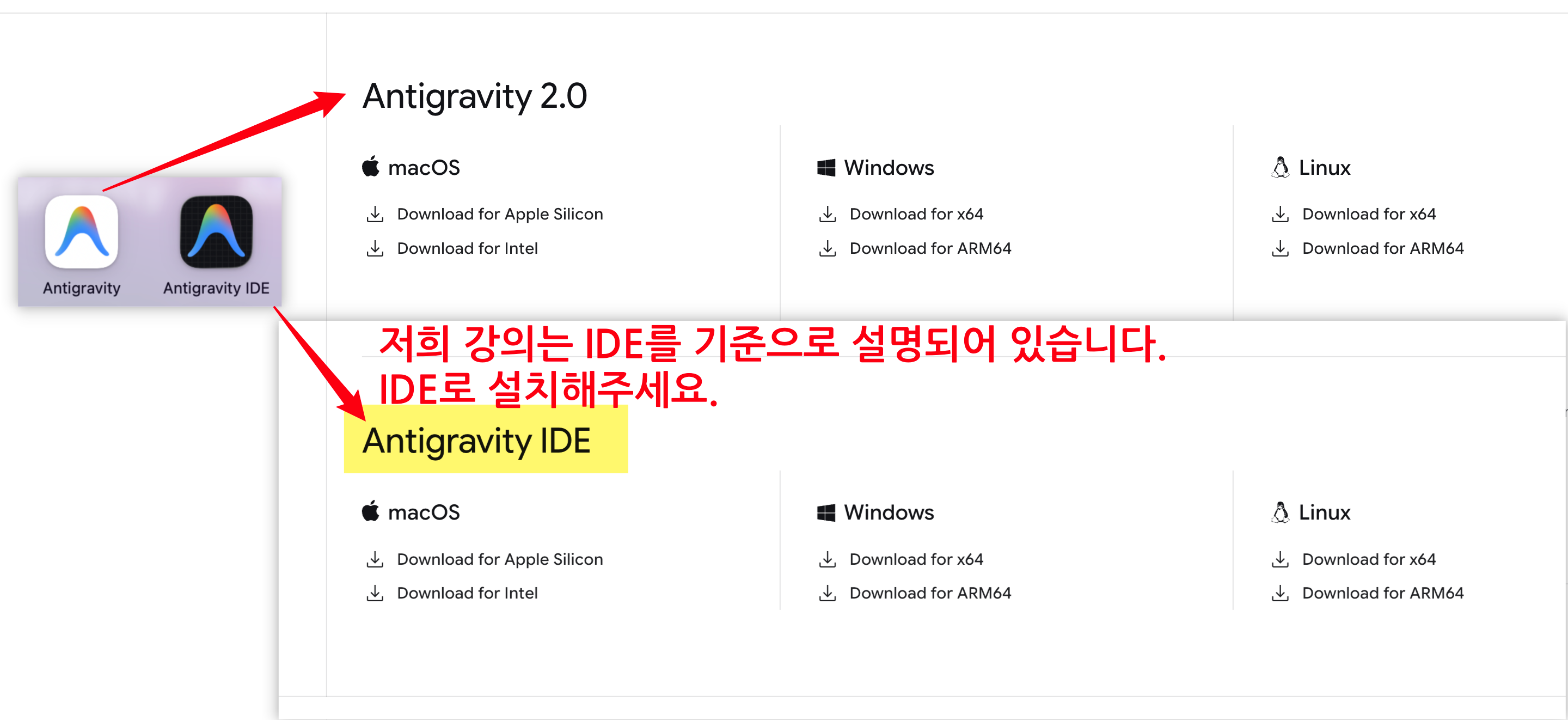
Method ① Install the new Antigravity IDE (separate app)
Recommended for those who want to adapt to the new 2.0 structure while also receiving new features.
Official download page Download and install Antigravity IDE (separate app) from the
After running, complete the login and initial setup wizard.
Open the lecture practice folder and proceed as usual
Method ② Rollback to version 1.x — "Revert"
Recommended for those who want to maintain their existing environment as it is.
Common Steps
Completely uninstall Antigravity 2.0 currently installed
Download the 1.x old version installation file from the official download page
(If you have a previously downloaded installation file, you may use that instead)Disconnect from the internet — Block the automatic update to 2.0 immediately after installation.
Reinstalling Version 1.x
Windows — Turn off automatic updates
Top menu File > Preferences > Settings (or
Ctrl + ,)Type
updatein the search barUpdate: Mode→ selectnoneUpdate: Enable Windows Background UpdatesUncheck chọnCompletely close the app and restart it → Reconnect to the internet
macOS — Turn off automatic updates
Top menu Antigravity > Settings (or
⌘ + ,)Type
updatein the search barSelect
Update: Mode→none
(macOS does not have the Windows Background Updates option, so you only need to change this one item)Completely close the app (
⌘ + Q) and then restart it → Reconnect to the internet) rồi khởi động lại → Kết nối lại internet
⚠ If you don't turn off automatic updates, it will upgrade to 2.0 again when you connect to the internet. Please make sure to check steps 7 and 8 before connecting to the internet.
📌 Course Progress
Either way, you can follow along with the lecture practice in the same way. If you get stuck on anything, please leave a message on the Q&A board.
