강의

멘토링

커뮤니티

NEW
Productivity

/

Task Automation

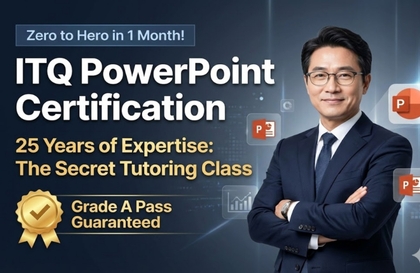
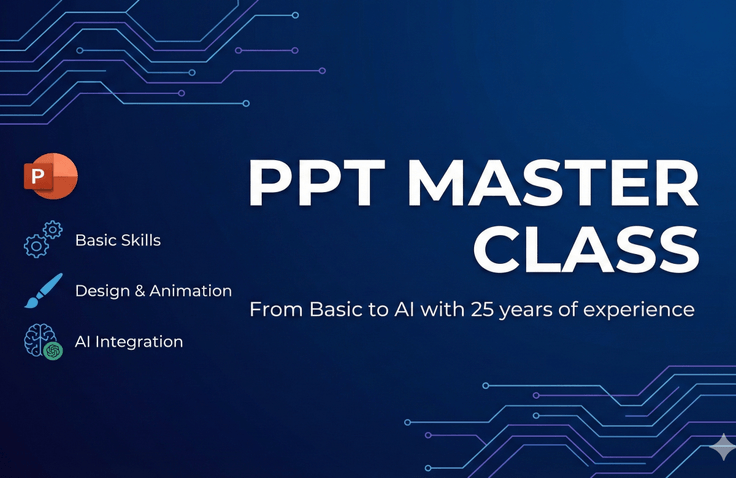
Really Useful! From PowerPoint Basics to Practical Application, This One Video Covers It All

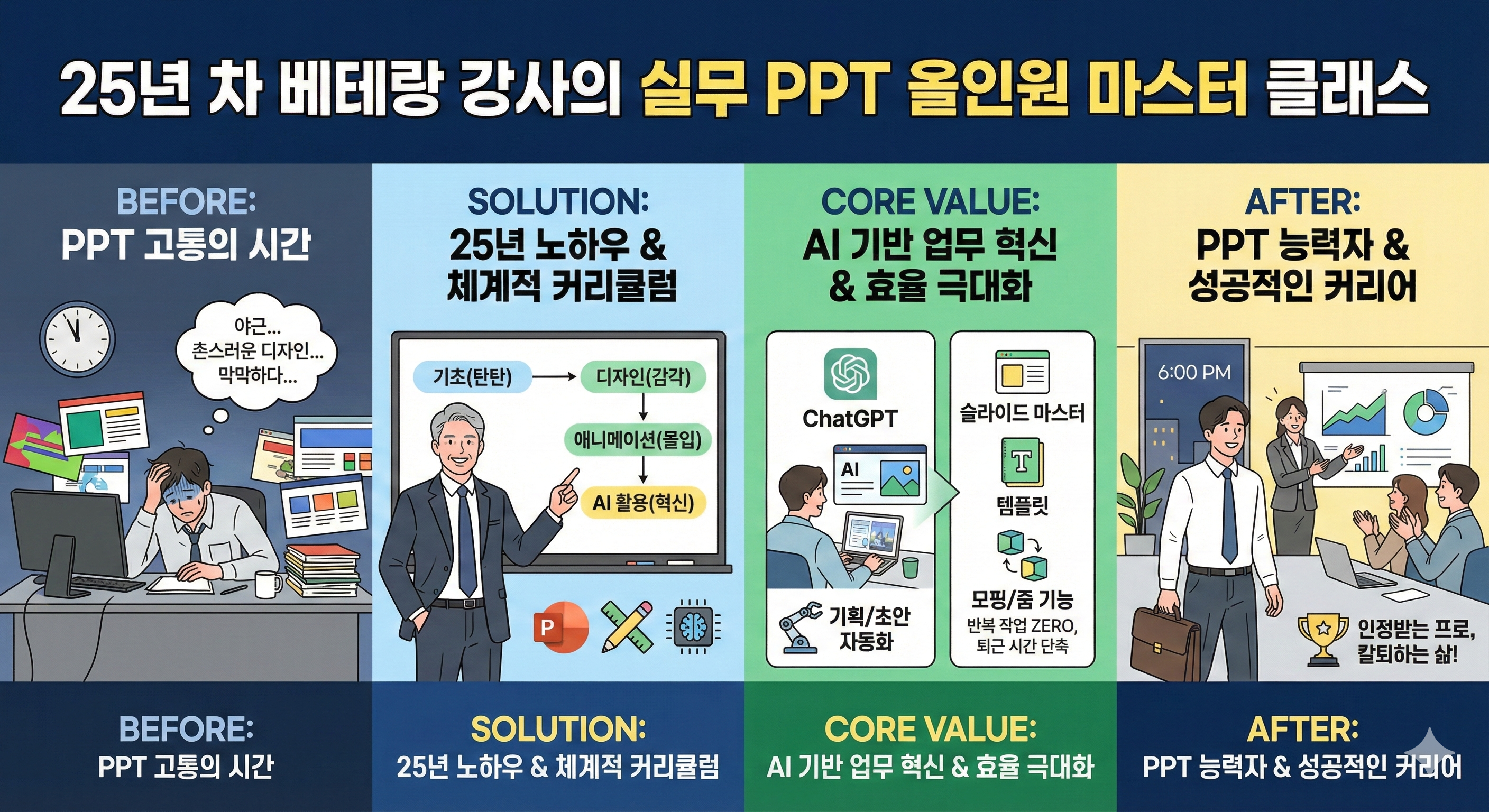
No more outdated PPTs even after working all night! A veteran instructor with 25 years of experience has packed in only the essential core skills needed for practical work, from PowerPoint basics to the latest AI utilization methods. Even without design sense, we'll teach you 'everything about presentations' that cuts your work time in half and doubles your quality.

38 learners are taking this course

Level Beginner

Course period Unlimited

  • ds8828455
ppt기초
ppt기초
업무효율
업무효율
피피티
피피티
직무교육
직무교육
프리젠테이션
프리젠테이션
MS-Office
MS-Office
PowerPoint
PowerPoint
presentation PT
presentation PT
AI
AI
ppt기초
ppt기초
업무효율
업무효율
피피티
피피티
직무교육
직무교육
프리젠테이션
프리젠테이션
MS-Office
MS-Office
PowerPoint
PowerPoint
presentation PT
presentation PT
AI
AI

What you will gain after the course

  • You can create sophisticated designs and infographics yourself without Photoshop.

  • Using slide masters and keyboard shortcuts will reduce your work time by more than half.

  • Learn how to automate everything from planning to draft creation using ChatGPT and generative AI.

  • Implement an interactive presentation that moves like a video using morphing and zoom features.

📘 25-Year Veteran Instructor's Practical PPT All-in-One Master Class (From Basics to AI) Detailed Introduction

No more staying up all night working overtime because of PPT or worrying about outdated designs! This course is an 'All-in-One PowerPoint' program that consolidates all the know-how of a veteran instructor who has taught presentations at numerous companies and universities for 25 years.

Even complete beginners new to PPT can start with solid basic functions that can be immediately applied in practical work, and systematically learn sophisticated design and data visualization techniques that capture the audience's attention. Additionally, you can create immersive presentations through the latest Morph and Zoom features that enable dynamic screen transitions like Prezi, and professional-level animation techniques.

Above all, the core of this course is maximizing work efficiency. Through Slide Master and template creation techniques that allow you to manage hundreds of slides at once, you can break free from repetitive manual labor. Furthermore, we'll teach you innovative methods to automate everything from planning to draft creation and design resource collection by utilizing the latest trends in ChatGPT and generative AI.

Go beyond just learning tool usage—master persuasive planning, sophisticated design, and smart work methods all at once to leave work earlier and become a recognized 'PowerPoint expert' at your workplace!

Recommended for
these people

Who is this course right for?

  • An office worker who suffers from working overtime every time because of PowerPoint work

  • People who lack design sense and end up with tacky reports no matter how much they try to dress them up

  • College students and job seekers staring blankly at empty slides, overwhelmed from the very planning stage

  • Early adopters who want to dramatically reduce work hours by utilizing ChatGPT and generative AI

  • Tool beginners who know the features but don't know how to apply them in actual work

Need to know before starting?

  • No prior knowledge is required. (Even complete beginners who are opening PowerPoint for the first time can do it.)

  • You will need a PC with Microsoft PowerPoint (version 2019 or later, or MS 365) installed for the practice exercises.

  • An internet-connected environment is recommended for using generative AI tools.

Hello
This is

608

Learners

39

Reviews

8

Answers

4.7

Rating

12

Courses

With 25 years of experience in both online and offline teaching, I am a computer instructor who constantly strives to help students achieve maximum results with minimum cost.

Awarded a Commendation from the Korea Association of Hakwons Instructor at International Computer Academy

Green Computer Academy Instructor (Information Processing, Computer Literacy, MOS)

The Joeun Computer Academy (C Language, Information Processing, MOS)

Dongduk Women's University MOS Lecture

International Business Education (C/C++ Lectures)

Edupen Video Lectures (Information Processing, Computer Literacy)

Gilbut Publishing (Information Processing Online Lectures)
Baeulhak (Computer Literacy Online Lectures)

Certifications
Computer Literacy Level 1, Engineer Information Processing, Word Processor Level 1, Craftsman Information Equipment Operation, Craftsman Computer, Computerized Accounting Certification

Curriculum

All

27 lectures ∙ (7hr 57min)

Course Materials:

Lecture resources
Published: 
Last updated: 

Reviews

Not enough reviews.
Please write a valuable review that helps everyone!

$15.40

ds8828455's other courses

Check out other courses by the instructor!

Similar courses

Explore other courses in the same field!