
inflearn logo

[Official LottieFiles] Lottie Creator: Motion Design with AI Creation and Interaction Implementation (Certificate Issued)

The official Korean-localized course for the global motion design platform LottieFiles is now available exclusively on Inflearn. This course covers Lottie Creator, LottieFiles' core web-based Lottie animation production tool. From micro-animations to UI components and interactive State Machines, you will learn the entire process of creating production-ready Lottie animations without complex coding. In particular, the curriculum focuses on AI-based workflows, such as "Prompt to Vector" for generating vectors from text prompts and "Prompt to State Machine," where AI automatically configures interaction logic. Finished projects can be exported as dotLottie files—renowned for their flexible cross-platform compatibility and ultra-lightweight size—and delivered directly to developers. Upon completion, you will receive both an official LottieFiles certificate and an Inflearn certificate.

(5.0) 2 reviews

53 learners

Level Beginner

Course period Unlimited

Interactive Web
Interactive Web
handoff
handoff
Interactive Web
Interactive Web
handoff
handoff
Thumbnail

What you will gain after the course

  • You can quickly create interactive animations using Lottie Creator's AI features.

  • You can complete dotLottie files—ranging from logo animations and UI components to State Machines—that are ready for production and hand them off to developers.

Only at Inflearn
take the official LottieFiles Korean course
and apply it to your work right away!

Lottie Creator is a Lottie animation-based
web-based tool that allows you to create UI motions and interactive experiences directly in your browser.

You can directly connect various interactions such as clicks, hovers, and scrolls to animations without any code,
and the built-in AI features dramatically speed up your workflow.


These AI features are available!

Prompt to Vector, which generates vector assets with a single line of text prompt

Motion Copilot, which suggests motion timing and easing

Prompt to State Machine, which automatically configures interaction logic with just natural language commands

From planning to handoff,
learn the workflow that allows a designer to complete everything alone in this lecture.

CHECK 1

What is Lottie?

Lottie is a JSON-based animation file format that

By using Lottie, you can transfer animations as easily as images.

It has a small file size and can work on any device, and

The fact that the resolution does not decrease even when resized is a powerful advantage of Lottie.

CHECK 2

Why should you use Lottie?

Flexible Resizing

It can be scaled up or down
without being affected by resolution.

Small Size
Compared to formats like GIF or MP4,
it is much smaller while maintaining the same quality.

Interactivity
Lottie has exposed animation elements that can be
modified to be interactive and can respond to interactions
such as scrolling, clicking, and hovering.

Support for Various Platforms and Libraries
It is incredibly easy to hand off Lottie to developers. Lottie animations can be used directly on iOS, Android, Web, and React Native without any modifications.

CHECK 3

The world's top web and app services
are using Lottie

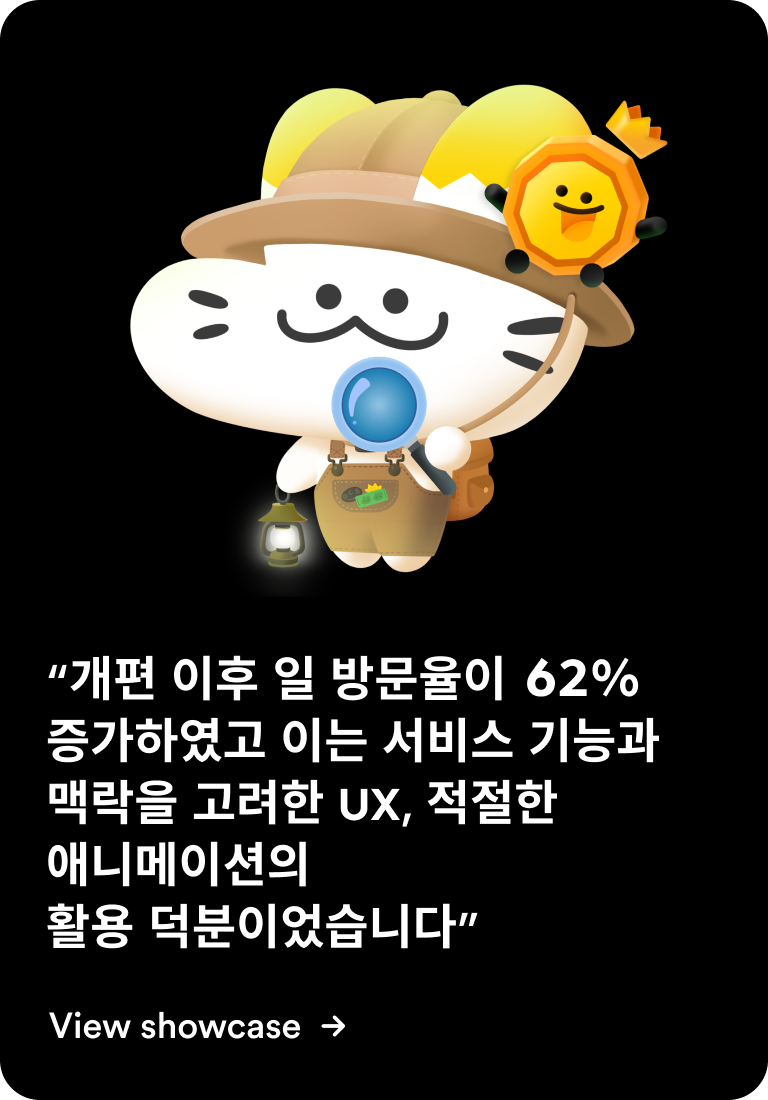
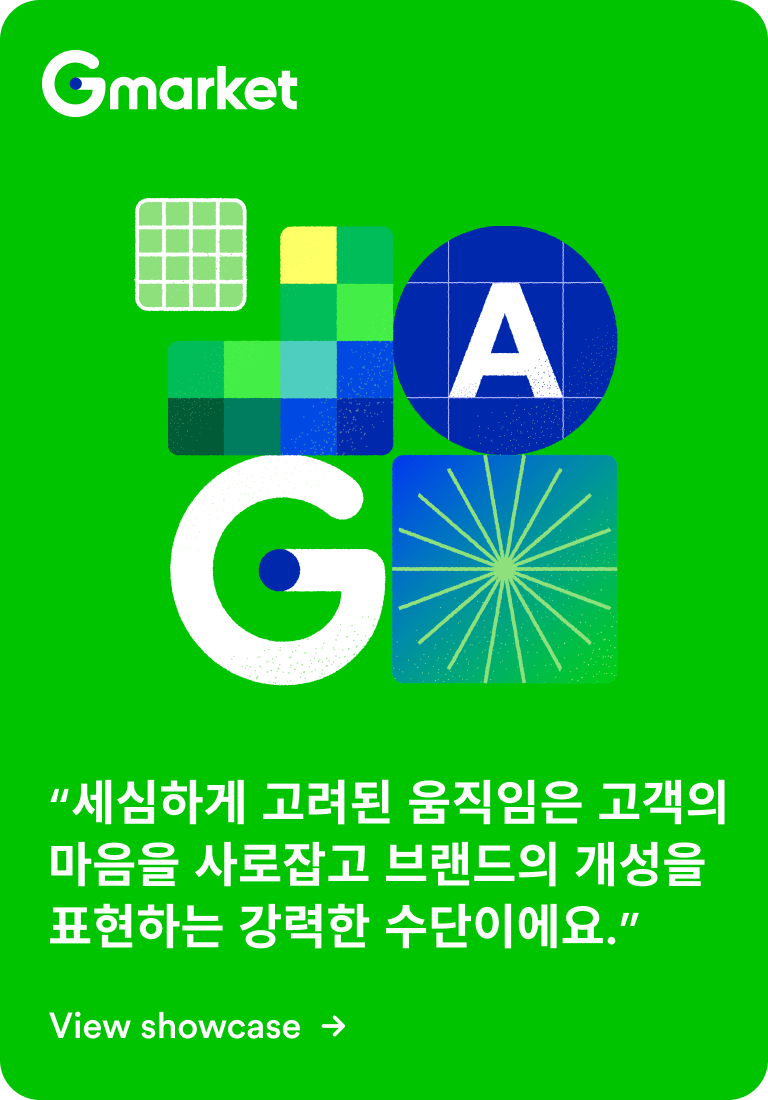
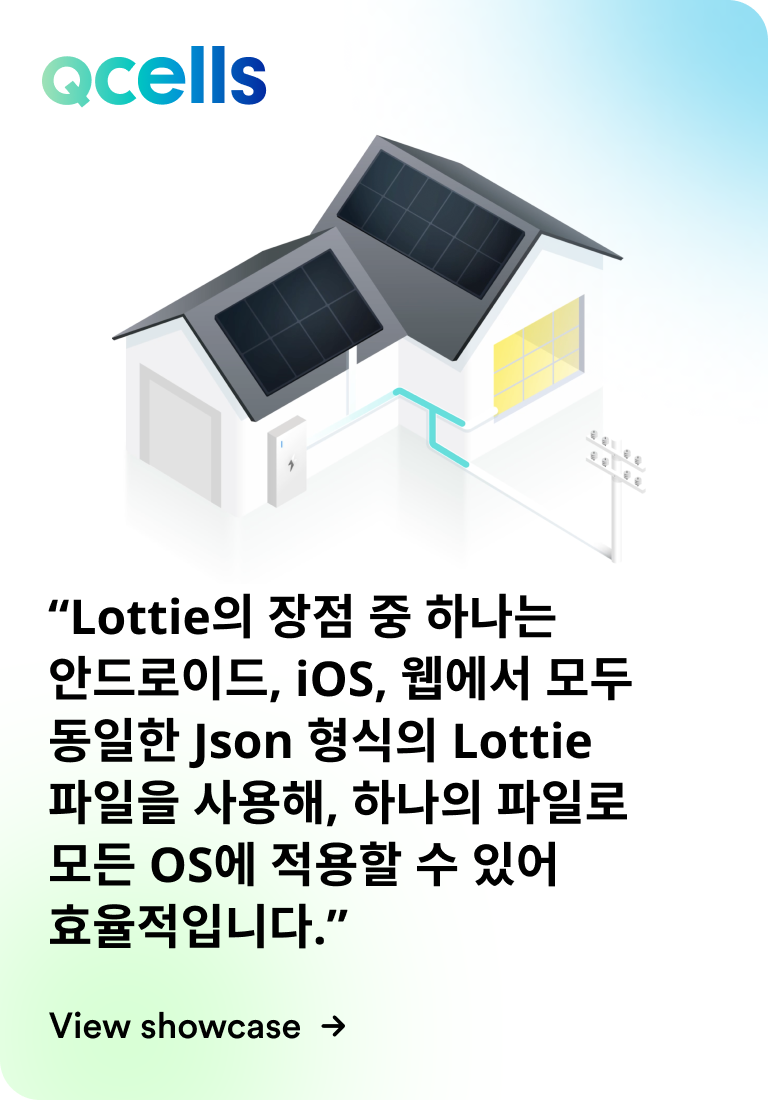
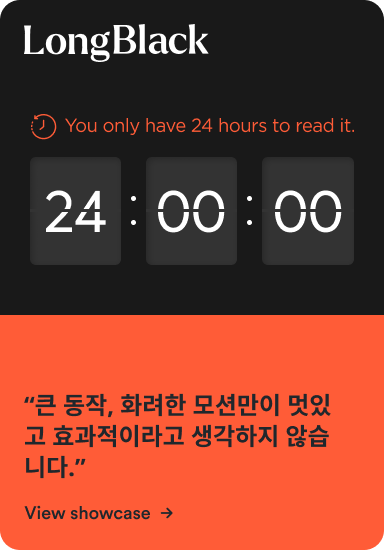
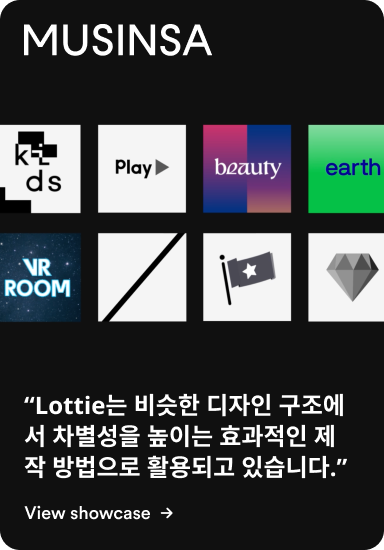
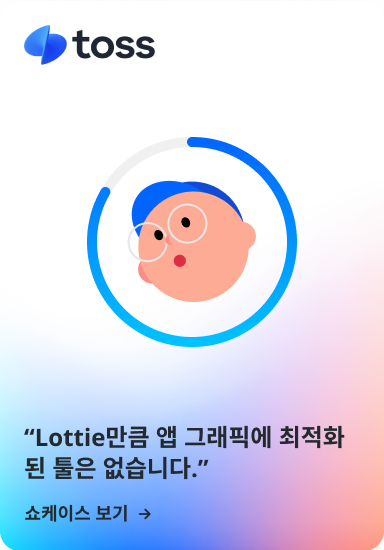
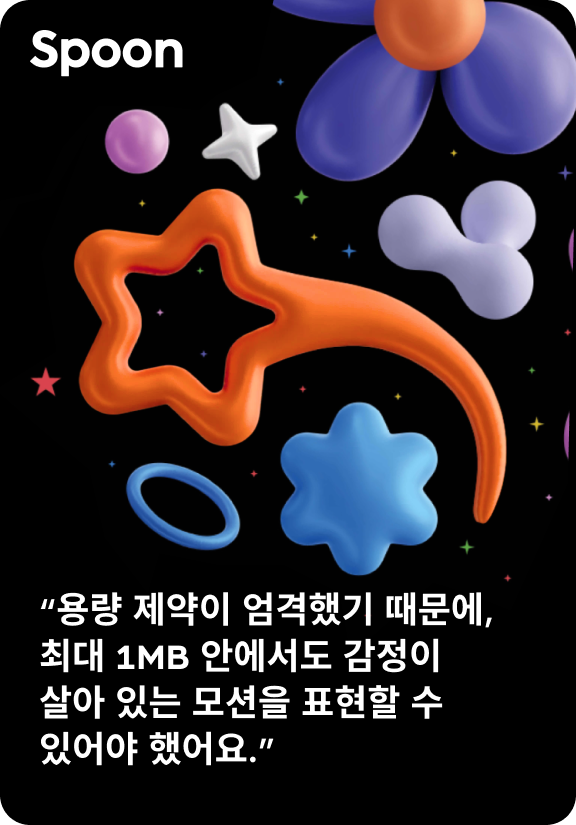
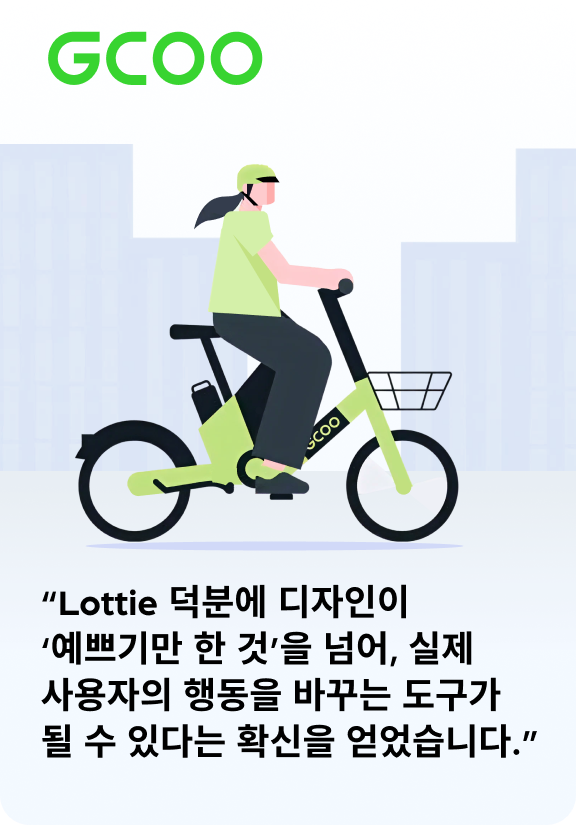
Check out the use cases for Lottie, which is actively used in the industry.

cashbag - showcase card
Gmarket - showcase card(kr) (1)
Qcells - showcase card (2)
showcase card (1)
showcase card (2)
showcase card_kr
showcase card
KR - riid - showcase card
Spoon - showcase card kr
gbike-kr card

You can check out various other use cases here.

CHECK 4

How should I take the course?

Inflearn courses support a variety of audio languages and subtitles.

Click the gear icon (Settings) at the bottom of the lecture screen,
and then freely select your desired audio language and subtitles.

CHECK 5

Get a certificate
certified by LottieFiles!

If you complete all the lectures and submit the final quiz,
you can receive both the LottieFiles Certificate and the Inflearn Certificate!
Feel free to use your certificates on LinkedIn or in your portfolio.

The Inflearn Certificate can be found at
My Page > My Learning > Certificates..

Recommended for
these people

Who is this course right for?

  • UI/UX designers and motion graphics designers who want to create interactive motions without coding.

  • Product designers who want to master design workflows using AI tools

  • Designers who want to make collaboration (handoff) with developers more efficient

Need to know before starting?

  • Basic animation/motion concepts (easing, keyframes, etc.)

  • Experience using Figma or similar vector design tools

Hello
This is LottieFiles

2,249

Learners

84

Reviews

4.9

Rating

5

Courses

LottieFiles is a platform that helps designers and developers worldwide easily create, manage, and implement animations. It allows for the rapid application of Lottie-format animations across various environments, including websites, apps, and presentations, while providing a range of tools to enhance efficient team collaboration and motion design workflows.

More
Published: 
Last updated: 

Reviews

All

2 reviews

5.0

2 reviews

  • tkthcjswo27013님의 프로필 이미지
    tkthcjswo27013

    Reviews 1

    Average Rating 5.0

    5

    100% enrolled

    It is informative

    • norsnsg6915님의 프로필 이미지
      norsnsg6915

      Reviews 1

      Average Rating 5.0

      5

      100% enrolled

      LottieFiles's other courses

      Check out other courses by the instructor!

      Free