

inflearn logo

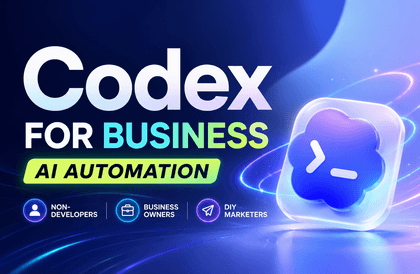
Get 200% More Out of ChatGPT’s Paid Plan: Use Codex for Files, Documents, Excel, and Even Scheduling Weekly Reports

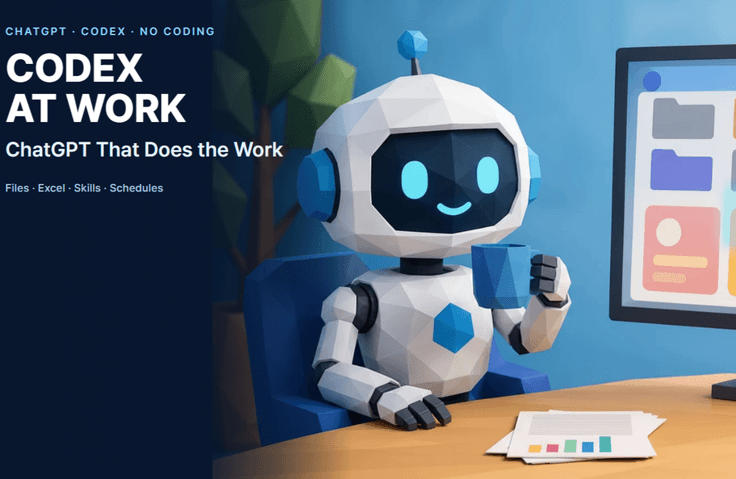
What if your weekly report were ready and waiting at 8 a.m. every Monday?! Learn how to hand off tasks to Codex in the ChatGPT you already use: set a safe boundary with a copy folder, then work through the four elements of an instruction, source verification, saving rules and skills, and scheduling—in that order.

(5.0) 1 reviews

11 learners

Level Beginner

Course period 6 months

Business Productivity
codex
codex
AI
AI
ChatGPT
ChatGPT
Model Context Protocol
Business Productivity
codex
codex
AI
AI
ChatGPT
ChatGPT
Model Context Protocol

What you will gain after the course

  • How to Set Up Guardrails for Safely Entrusting Company Files Using Copy Folders and Approval Request Permissions

  • How to Get It Right in One Go: Plan First, Then Give Instructions with Four Elements—Goal, Materials, Boundaries, and Desired Outcome

  • How to Get Contracts and Official Documents in Tables with Sources for Every Field, and Excel Transaction Statements in Organized Tables Reconciled Through the Totals

  • My Codex: Turning 15-Minute Instructions into One Line with AGENTS.md Rules, Report Templates, and Skills

  • Gmail · Google Drive integration, scheduled for 8 a.m. every Monday, with troubleshooting that starts by identifying the cause when it stops

Recommended for
these people

Who is this course right for?

  • People who use a paid ChatGPT plan but have only been copying answers from the chat window and pasting them elsewhere.

  • For those who want to cut down on repetitive weekly office tasks like organizing files, summarizing documents, and consolidating spreadsheets.

  • Someone who has been putting off getting started because they’re worried about whether it’s okay to let AI access their company folder.

  • An office or operations manager who wants weekly reports to be generated automatically at a set time.

  • For those who don’t know how to code but want to learn how to properly delegate tasks to AI and check the results.

Need to know before starting?

  • Installing and Signing In to the ChatGPT Desktop App (Windows or Mac; instructions for the Plus plan)

  • No coding knowledge required (Lesson 4 uses Microsoft Excel, and Lesson 6 uses a Gmail · Google Drive account)

Hello
This is signboardkr2653

347

Learners

44

Reviews

8

Answers

4.3

Rating

21

Courses

Smart Fork Co., Ltd. is an AI tech group that turns imagination into business reality.

We are not just a place that teaches theory. We are an 'active professional group' generating revenue by applying AI technology to real-world business models across various industries, including advertising, distribution, game development, and content IP business.

What matters more than "how much you know about AI" is "what you have created with AI."

Smartfork Co., Ltd. has been recognized for its technical prowess and planning capabilities in numerous AI content competitions, including winning the KT AI PAN Excellence Award (2025). Furthermore, the effectiveness of our solutions has already been proven to the public through successful funding on the crowdfunding platform Wadiz.

This course is not just about superficial tool usage found elsewhere. To ensure you can immediately equip your business and career with the powerful weapon of AI, we are revealing the 'winning data' and 'practical pipelines' gained firsthand by Smart Fork Co., Ltd. without reservation.

Experience the most advanced AI workflows now.

More

Reviews

All

1 reviews

5.0

1 reviews

  • 01104697님의 프로필 이미지
    01104697

    Reviews 5

    ∙

    Average Rating 5.0

    5

    63% enrolled

    signboardkr2653's other courses

    Check out other courses by the instructor!

    Similar courses

    Explore other courses in the same field!

    25% off for new members

    $53.70

    25%

    $73.70