
[10 Minutes a Day] From work automation to financial management with Notion AI! + Creating your own AI assistant team

Have you introduced AI but still find yourself losing time to repetitive tasks? The problem isn't the AI; it's the 'system.' This course guides you through the process of building a team of six AI assistants—including an executive assistant, content assistant, marketing assistant, CRM assistant, and personal productivity assistant—all using Notion AI. Based on my experience automating hundreds of repetitive tasks in real-world business settings, we will build actual workflows from start to finish, covering everything from organizing notes and automatically generating meeting minutes to blog writing, CRM construction, and automated KakaoTalk notifications. After completing this course, you will have a system where your own AI assistant team works automatically, powered solely by a Notion Business plan.

7 learners are taking this course

Level Beginner

Course period 12 months

Notion
Notion
Business Productivity
CRM Marketing
CRM Marketing
AI
AI
AI Agent
AI Agent
Notion
Notion
Business Productivity
CRM Marketing
CRM Marketing
AI
AI
AI Agent
AI Agent

What you will gain after the course

  • The ability to personally write and apply your own customized AI guidelines (system prompts).

  • A complete content workflow for creating blogs, SNS, and service introduction pages with AI

  • Customer Relationship Management (CRM) database and KakaoTalk Alimtalk automated notification system

  • All-in-one personal management system (AI review and analysis reports for time, investment, consumption, etc.)

  • Ability to design an integrated AI assistant team using Notion AI agents


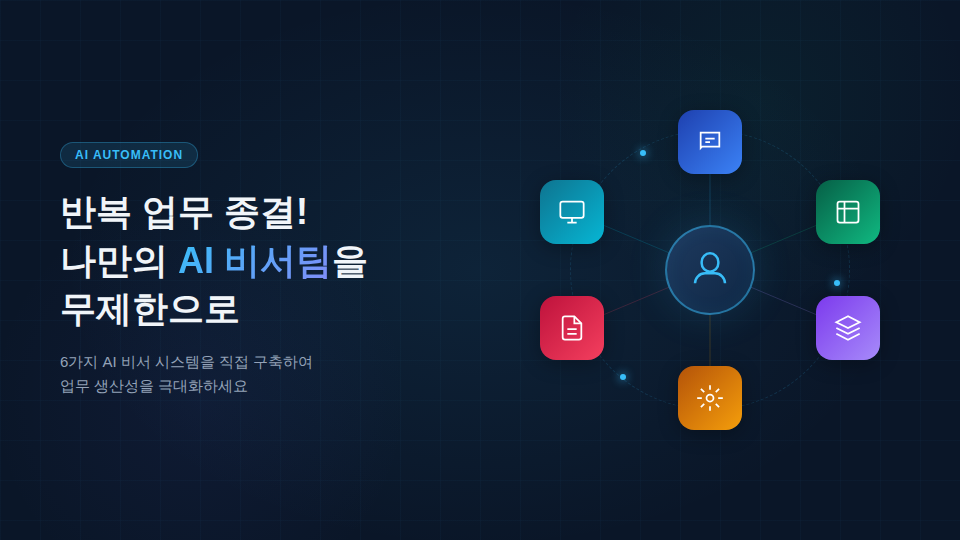
End repetitive tasks!


Unlimited AI Assistant Teams of Your Own


Build 6 types of AI assistant systems yourself.


In the AI era, many people are adopting AI,
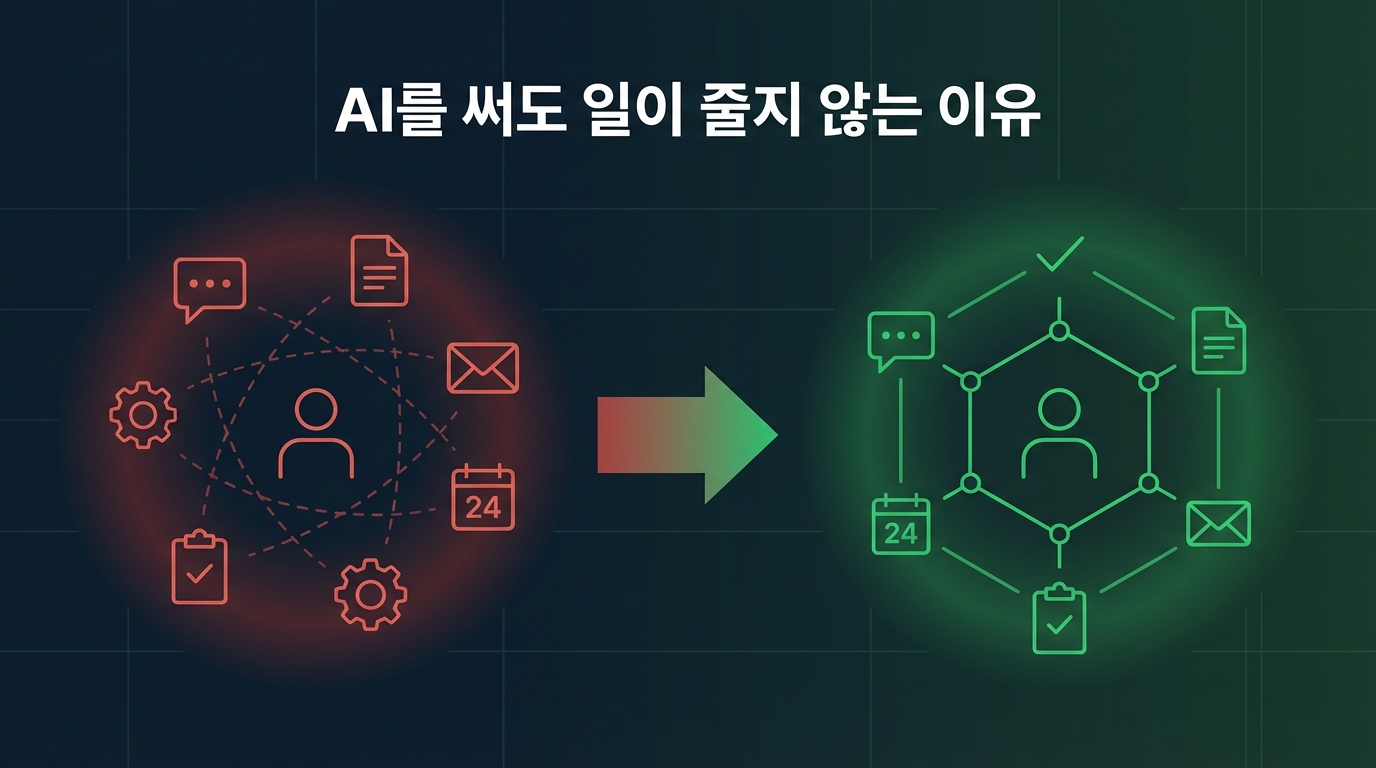
yet they are still exhausted by repetitive tasks and their working hours are not decreasing.


This course will show you how to create your own AI assistant team using Notion AI.


🤔 "I'm using AI... so why is my clock-out time still the same?"

ChatGPT, Claude, Gemini… Are you already using AI?

But let me ask you honestly.


😩 Have you ever had an experience like this?


✅ I asked the AI, but...

You have to explain everything from scratch every single time.


✅Even when the results come out

It's not in my style, so I end up rewriting it anyway.


✅While copy-pasting AI responses,

It actually takes more time.


✅Meeting minutes, emails, reports…

I am repeating the same tasks every day.


✅From customer management and content creation to marketing

You have to do everything by yourself.


✅I also have to write blog posts,

I also need to post on social media, but there is no time.


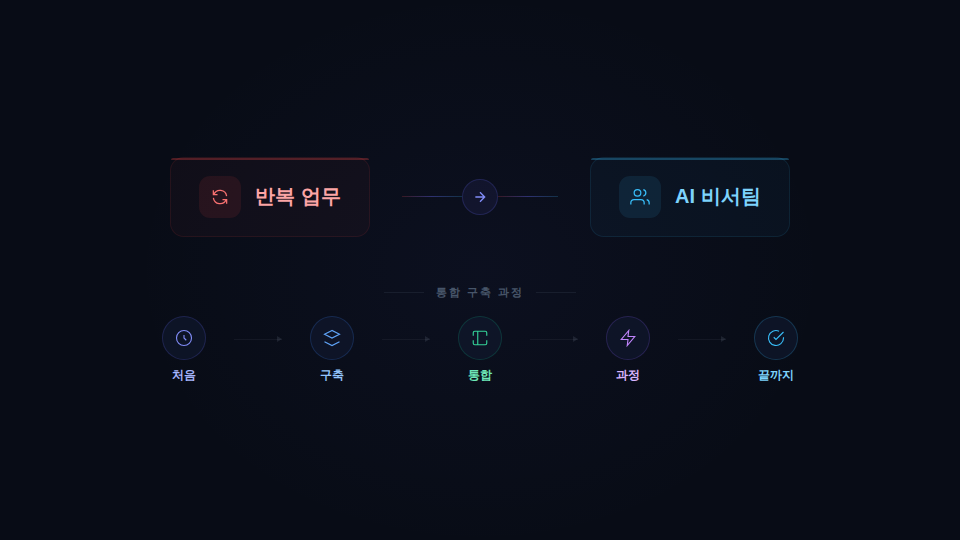
The difference between 'using' AI and

Making AI 'work' is completely different.


Most people use AI only as a simple question-and-answer tool.


But the real problem is containing the AI

'system' is missing.


💡 What if something like this were possible?


✅ If you throw in some disorganized notes

→ AI automatically organizes it into a clean document


✅ Just by pressing the record button

Meeting minutes completed + to-do list organized automatically


✅ Just by stating the topic

Blog posts and SNS promotional copy all at once


✅ After customer consultation

Consultation records, follow-up actions, and personalized message auto-sending


✅ With just a single photo of a receipt

Automatic household account book entry + spending analysis


✅ All of this with just one Notion Business plan

Unlimited use


🔥 This is not an imagination.

This is the system you will build yourself in this course.


🎯 This course was created for people like this


🙋 If even one of these applies to you, this lecture is the answer.


✅ Those who have tried using AI but find that their work hours are not decreasing

✅ Those who are exhausted by repetitive daily tasks (emails, reports, meeting minutes)

✅ Solo entrepreneurs, freelancers, or small teams who have to do everything alone

✅ Those who want to systematically automate content creation, marketing, and customer management

✅ Those who use Notion but are not utilizing the AI features properly

✅ Those who want to manage time, finance, and investment smartly with AI


Notion AI Master
A Practical Guide to Building Your Own AI Assistant Team

From automating repetitive tasks to content creation and customer management, improve your workflow design skills using
Notion AI and AI Agents


We will be with you from start to finish in the process of building an
Integrated AI Assistant Team that handles your daily repetitive tasks.


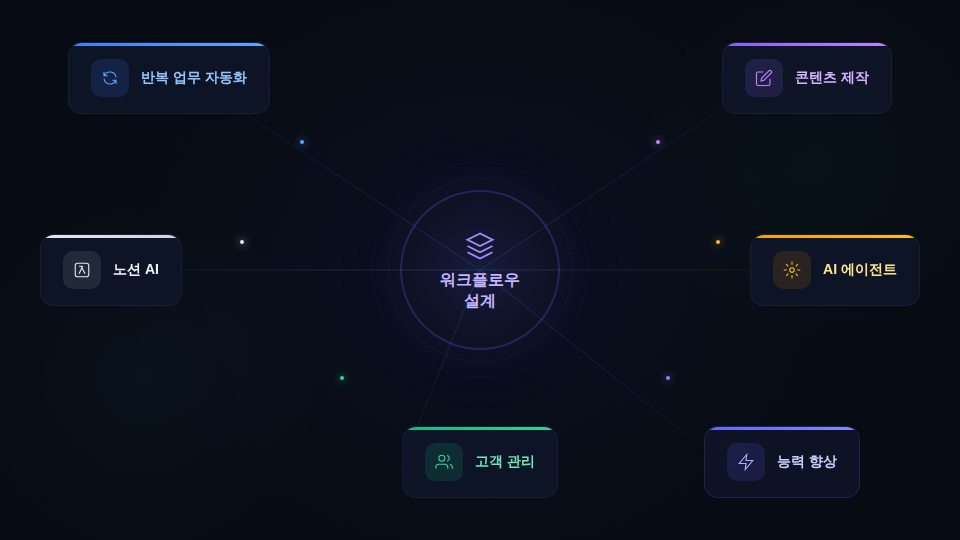
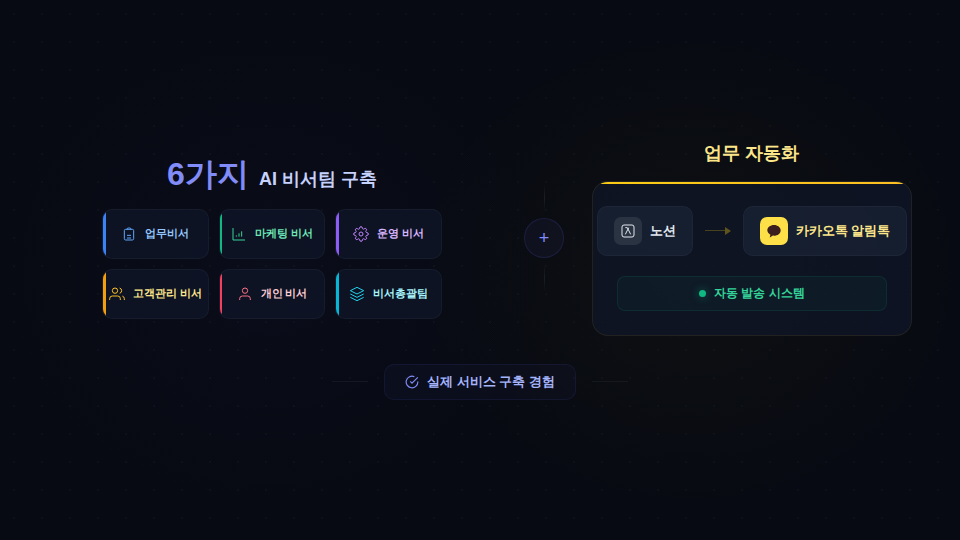
We provide hands-on experience in building a service, from creating 6 types of AI assistant teams to implementing a KakaoTalk notification talk auto-sending system.

Building an AI Assistant Team

Section 1 - Why work doesn't decrease even when using AI

We diagnose the causes of how a lack of systems leads to decreased work efficiency. We introduce ways to utilize Notion and Notion AI as data management, AI management, and result management systems.

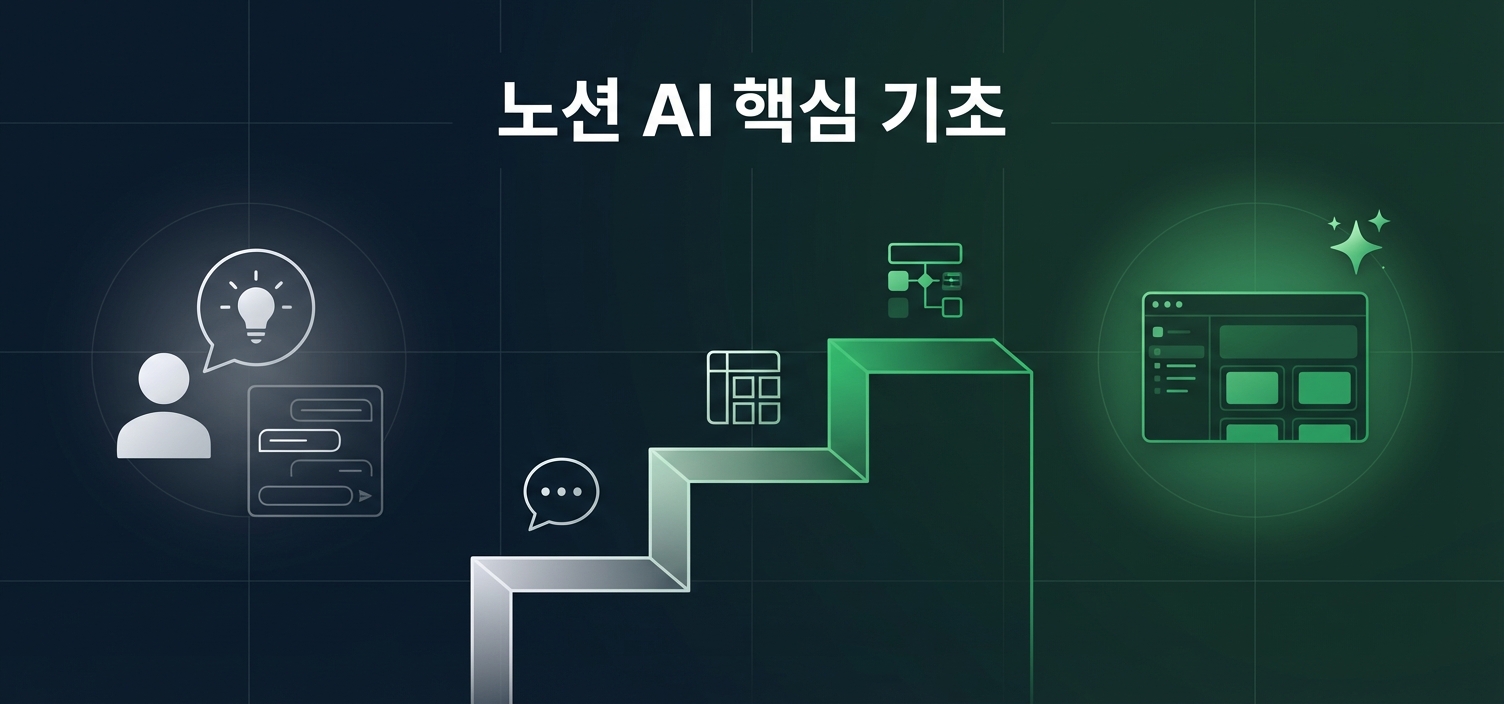
Section 2 - Notion AI Core Basics! Fundamentals for Using Notion AI Properly

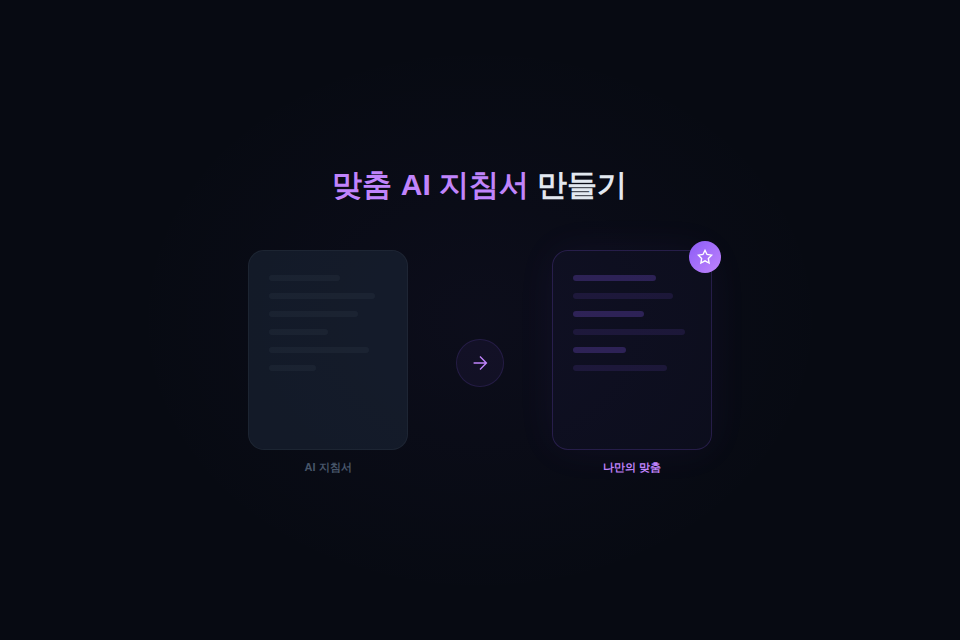
This is a foundational course to help you utilize Notion AI to its full potential. You will learn how to build your own personalized templates through Notion AI prompting techniques, utilizing free templates, and customizing databases and layouts.

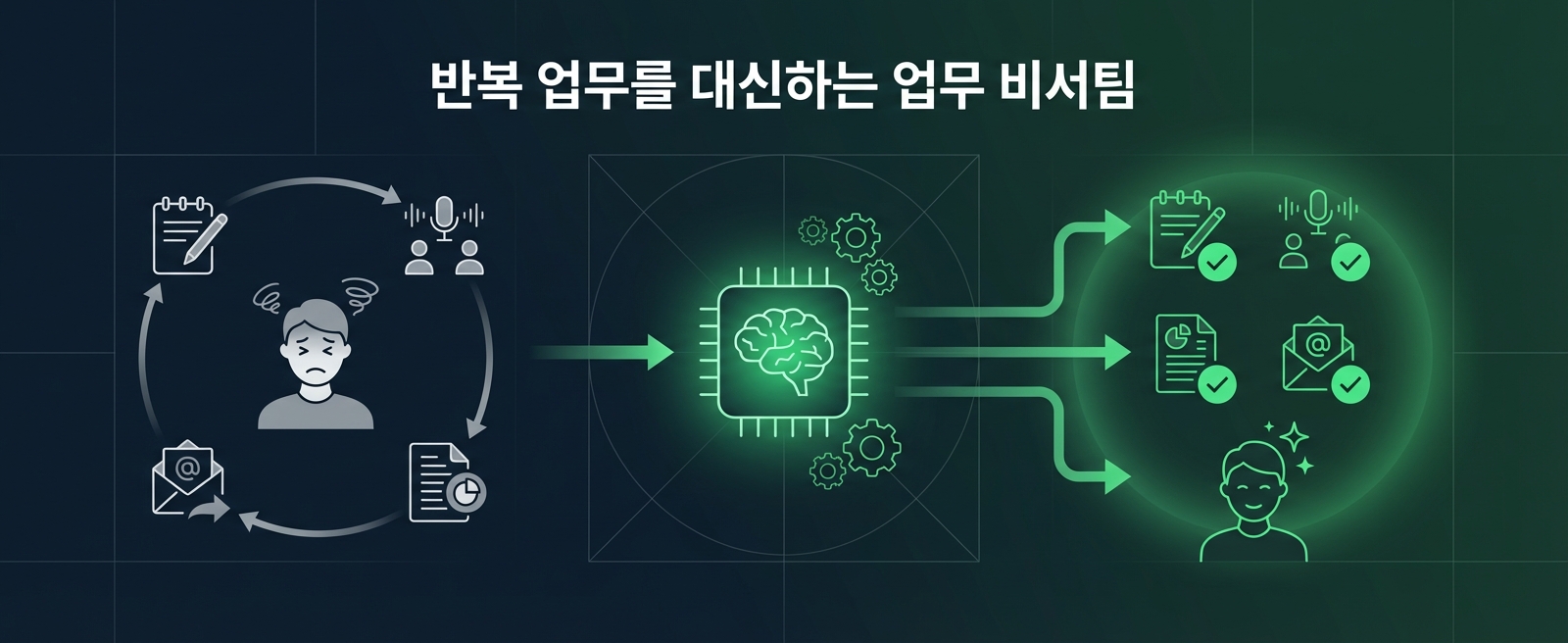
Section 3 - Creating a Virtual Assistant Team to Handle Repetitive Tasks

Learn how to automate repetitive tasks using AI. We will guide you through the process of building practical workflows—such as organizing notes, writing meeting minutes, generating reports, and sending emails—by configuring AI instructions and skills.

Section 4 - Automate Writing and Content Creation! Content Creation Assistant Team

Automate the content creation process, including blog writing, SNS promotional copy production, and service introduction page design, using AI. Build a workflow that instantly generates high-quality content just by entering a topic.

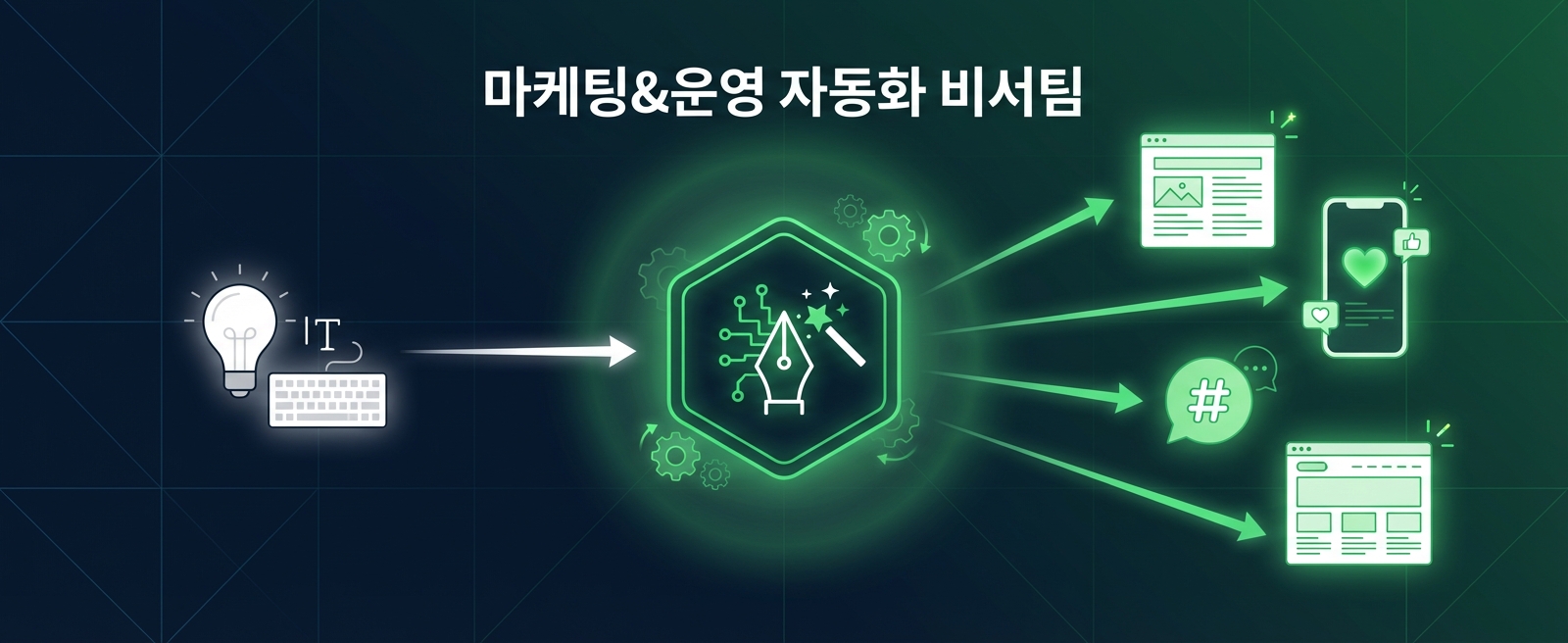
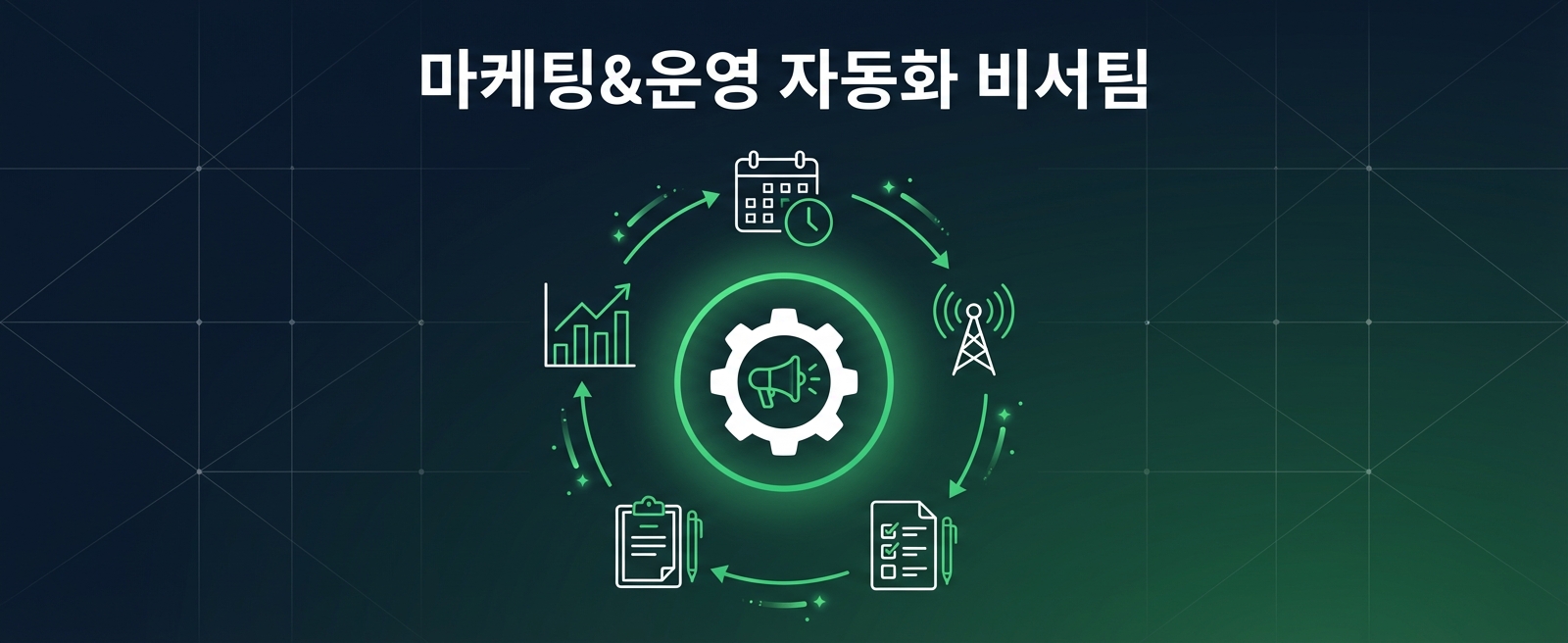
Section 5 - Marketing & Operations Automation Assistant Team

Learn how to build a promotion system using AI and maximize marketing operational efficiency, including promotion schedule management, surveys, and application forms.

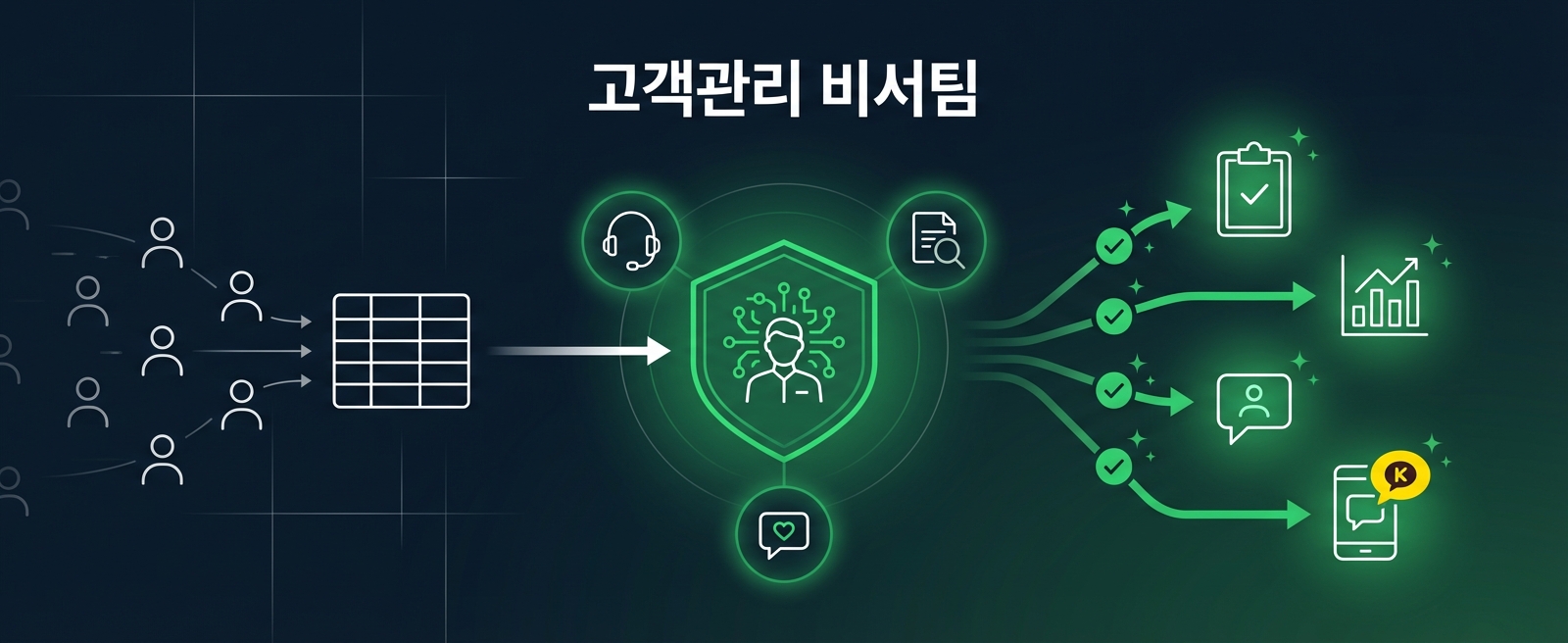
Section 6 - Customer Management Assistant Team

We will use AI to build an integrated customer management database and design a CRM system capable of consultation recording, summarization, analysis, and even auto-completing personalized messages. This includes building an automated KakaoTalk notification talk delivery system.

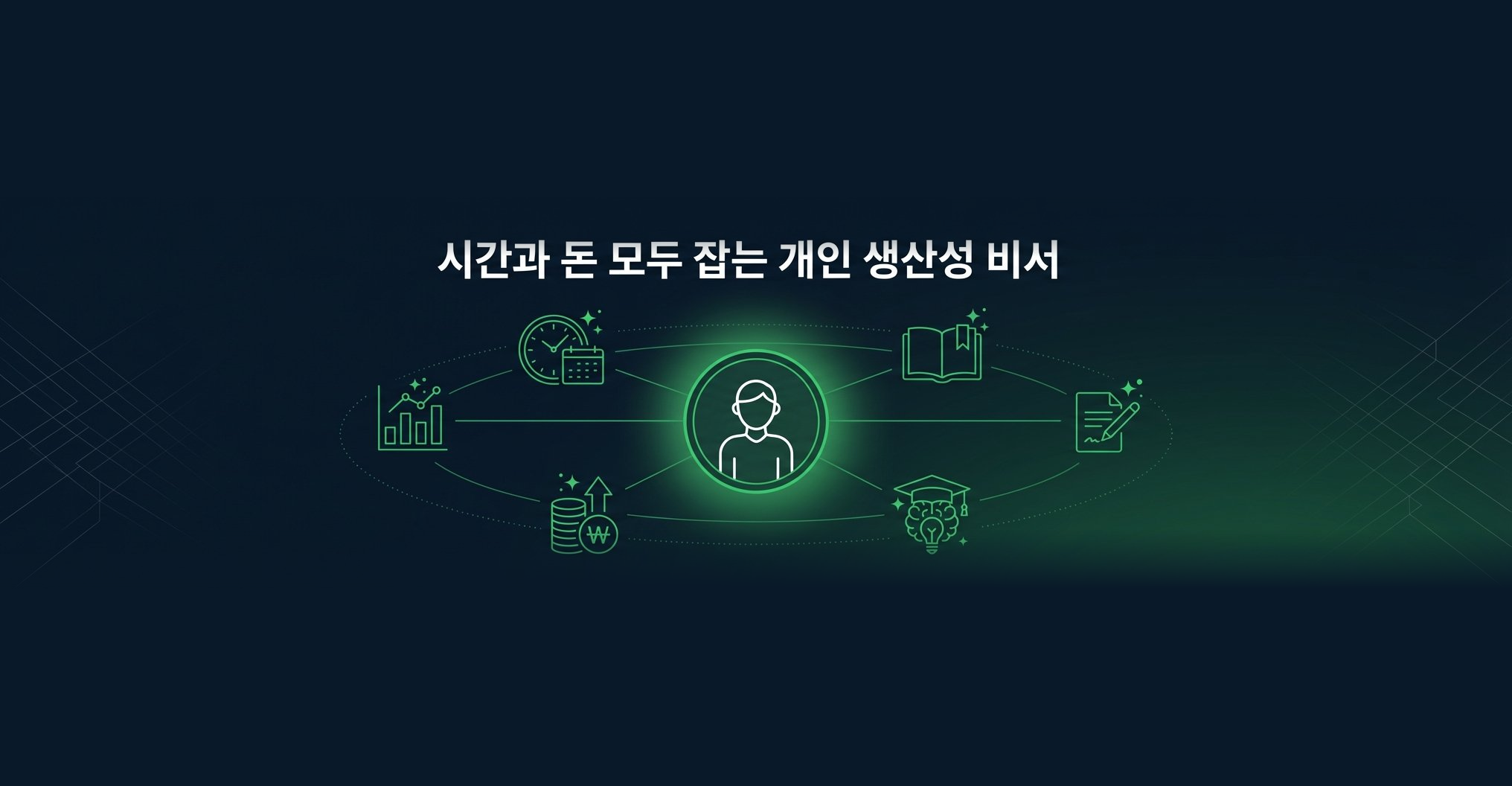
Section 7 - Personal Productivity Assistant to Save Both Time and Money

Build an AI assistant system that supports personal daily life and growth, including time management, reading notes, handwriting notes, study notes, and financial management. Maximize productivity by utilizing AI-based analytical reports and customized learning tools.

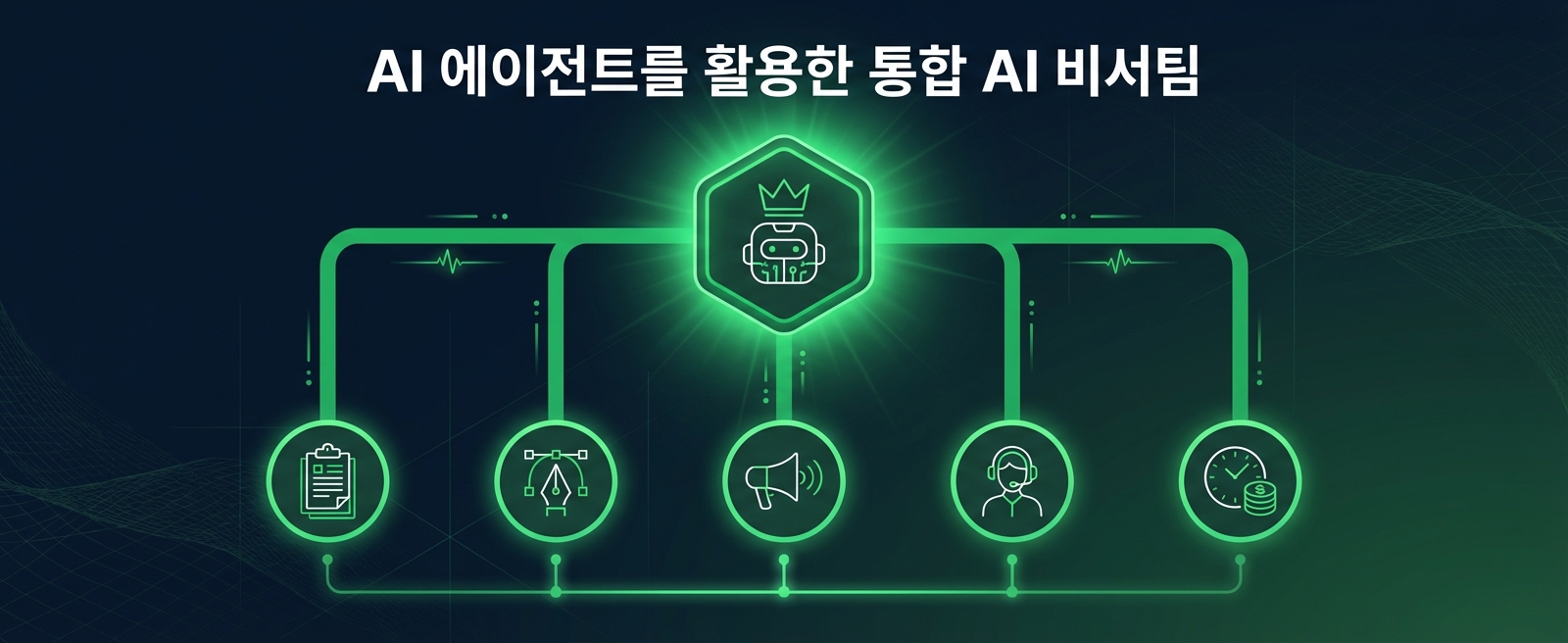
Section 8 - Building an Integrated AI Secretary Team Using AI Agents

You will understand the concept of AI agents and learn how to build the ultimate system for managing your own AI assistant team. Experience the pinnacle of workflow automation through your AI assistant team.


In the AI era, gain your competitive edge with your own team of AI assistants!

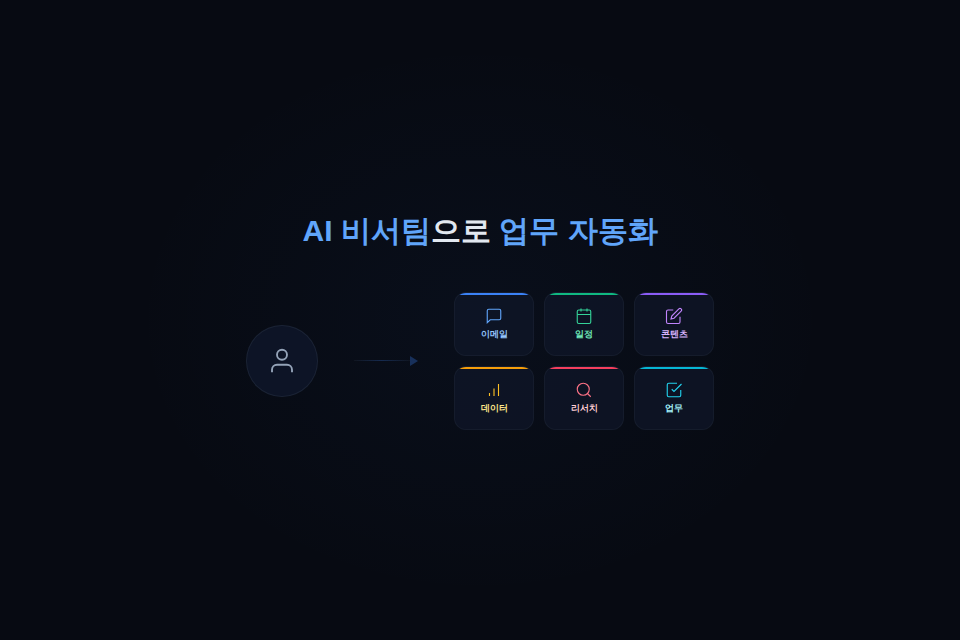
Point 1. Work Automation with an AI Assistant Team


Are you tired of repetitive tasks? This course teaches you how to build six types of AI assistant teams for work, content, marketing, customer management, and more using Notion AI. We will go through the entire process together, from simple note organization to writing complex reports.


Now, set up a system where your AI assistant team works on its own, and focus on more important tasks.


Point 2. Creating Your Own Customized AI Instructions


If you were unsatisfied with the results even after using AI tools, it was because you lacked a structured system. You will learn how to directly write and apply your own AI guidebook (System Prompt). Through this, you can make the AI accurately understand your work style and requirements, allowing you to obtain consistent, high-quality results.


Build a personalized AI system that can unlock 200% of AI's potential.


Point 3. One-stop system from content creation to CRM


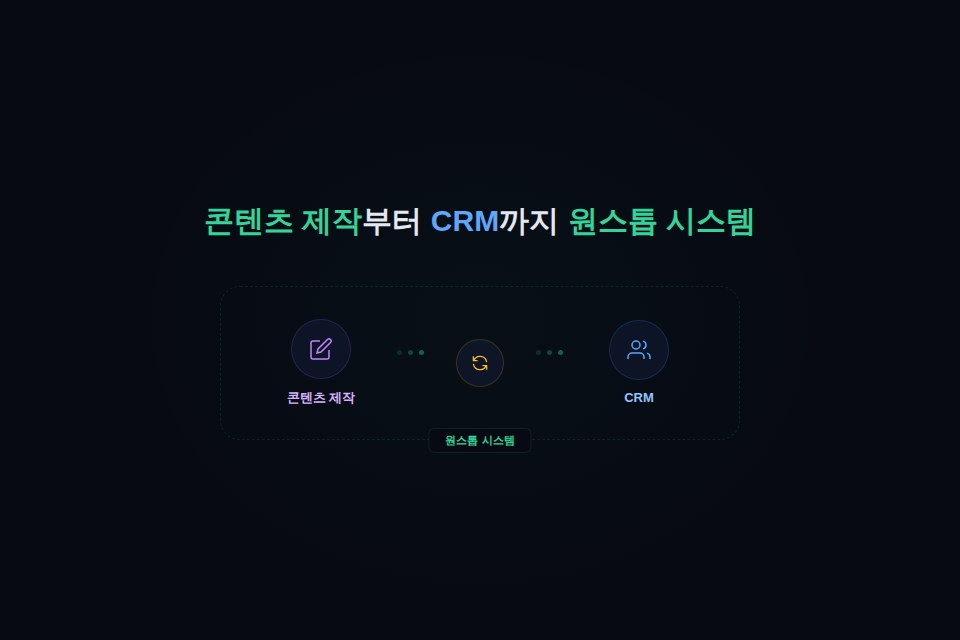
From blog writing and social media copy creation to service introduction page design, CRM database construction, and automated KakaoTalk notification messages. With this single course, you can automate the entire process from content creation to customer management using AI. By building an actual workflow together from start to finish, you will achieve results that can be applied immediately.

Stop wasting time on content creation and customer management.


Point 4. Completion of an All-in-One Personal Productivity System


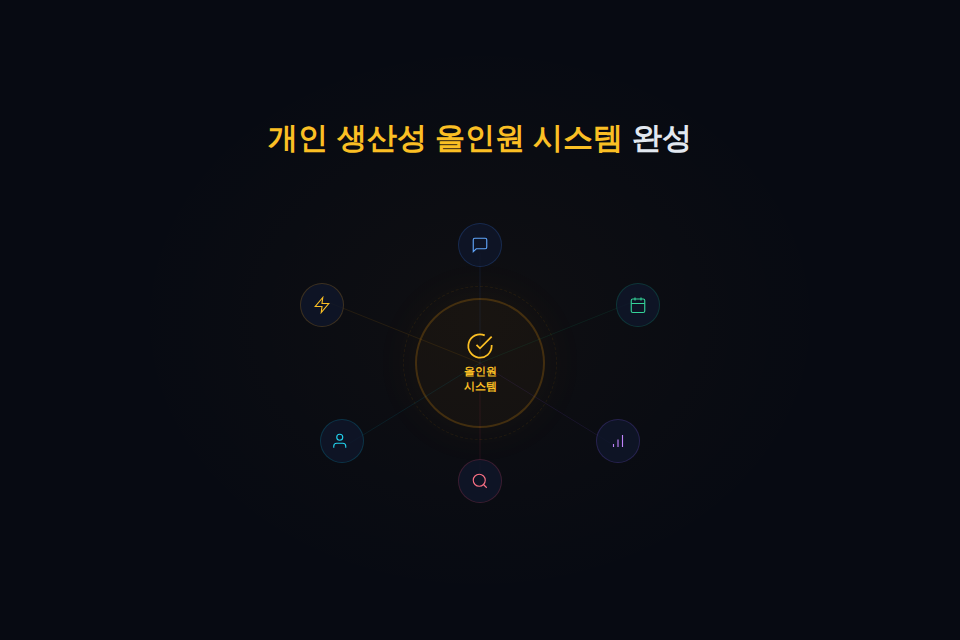
Build a system to review and analyze various personal areas such as time, investment, and consumption using AI. You can maximize personal growth and efficiency through AI-generated weekly planner analysis reports, automated reading notes, and consumption habit analysis reports. You will even acquire the ability to design an integrated AI assistant team using Notion AI agents.

Make your life more organized and productive with AI.

Are you still exhausted by repetitive tasks even after using AI?


This course was created specifically for people like you.


✔️ Office workers tired of daily repetitive tasks

  • Are you losing precious time to repetitive reports and email writing?

  • Do you want to try using AI tools but feel overwhelmed about where to start?

  • Do you want to maximize your work efficiency by building your own AI assistant team?


✔️ Small business owners struggling with customer management

  • Are you losing track of customers while managing them through Excel or KakaoTalk?

  • Do you want to learn how to build a systematic CRM system using AI?

  • Do you want to strengthen customer communication with an automated KakaoTalk notification talk system?


✔️ Users who want to increase their Notion AI utilization

  • Do you use Notion but find yourself unable to fully utilize its AI features?

  • Do you want to create a blog and SNS content production workflow using AI?

  • Do you want to build your own AI-based system to improve personal productivity?


Leave repetitive tasks to AI,

Focus on more valuable work.


You will experience amazing changes with your own AI assistant team.

Notes before taking the course


Practice Environment

  • No additional program installation is required; all you need is a web browser.

  • A Notion account (Business plan or higher) is required.

  • A stable internet connection is required.

Prerequisites and Important Notes

  • This is a course that even Notion beginners can learn.

  • You can easily follow along even if you have no prior experience with AI.


Learning Materials

  • This is a practical hands-on course, and PDF slides of the lecture presentation are not provided.


  • Notion templates (AI Guide, AI Skills, Franklin Planner, Household Account Book, Stock Trading Journal) for practice are provided.


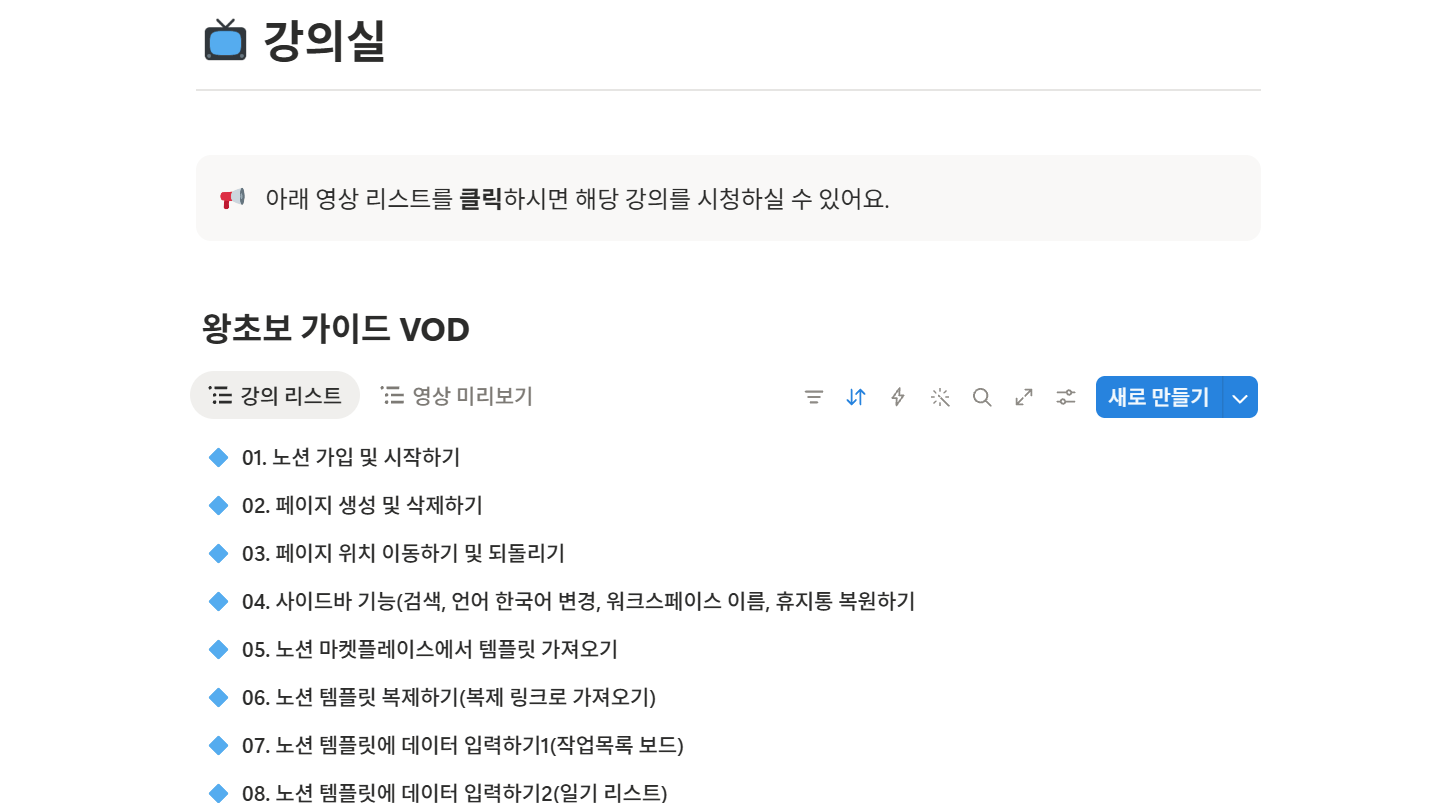
[🎁Benefit 0] 1-year unlimited VOD access


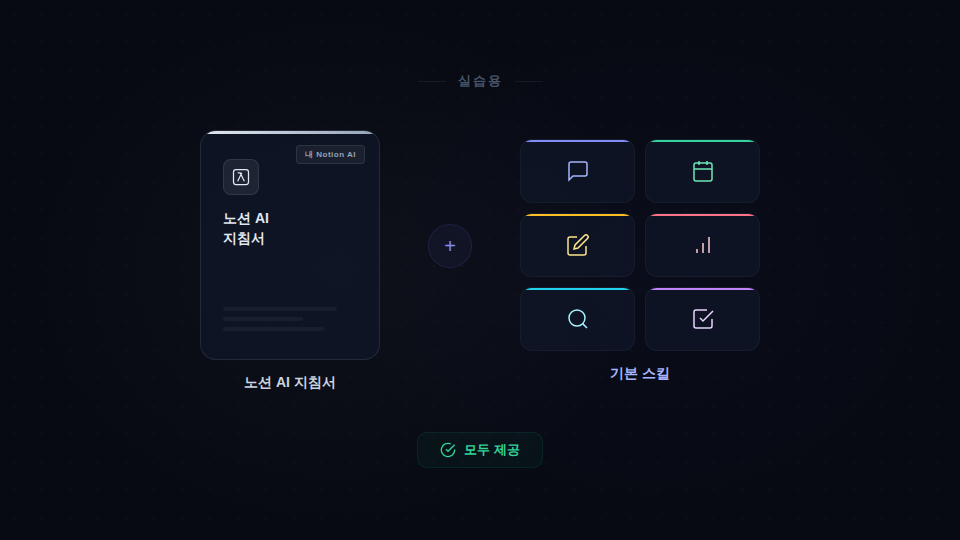
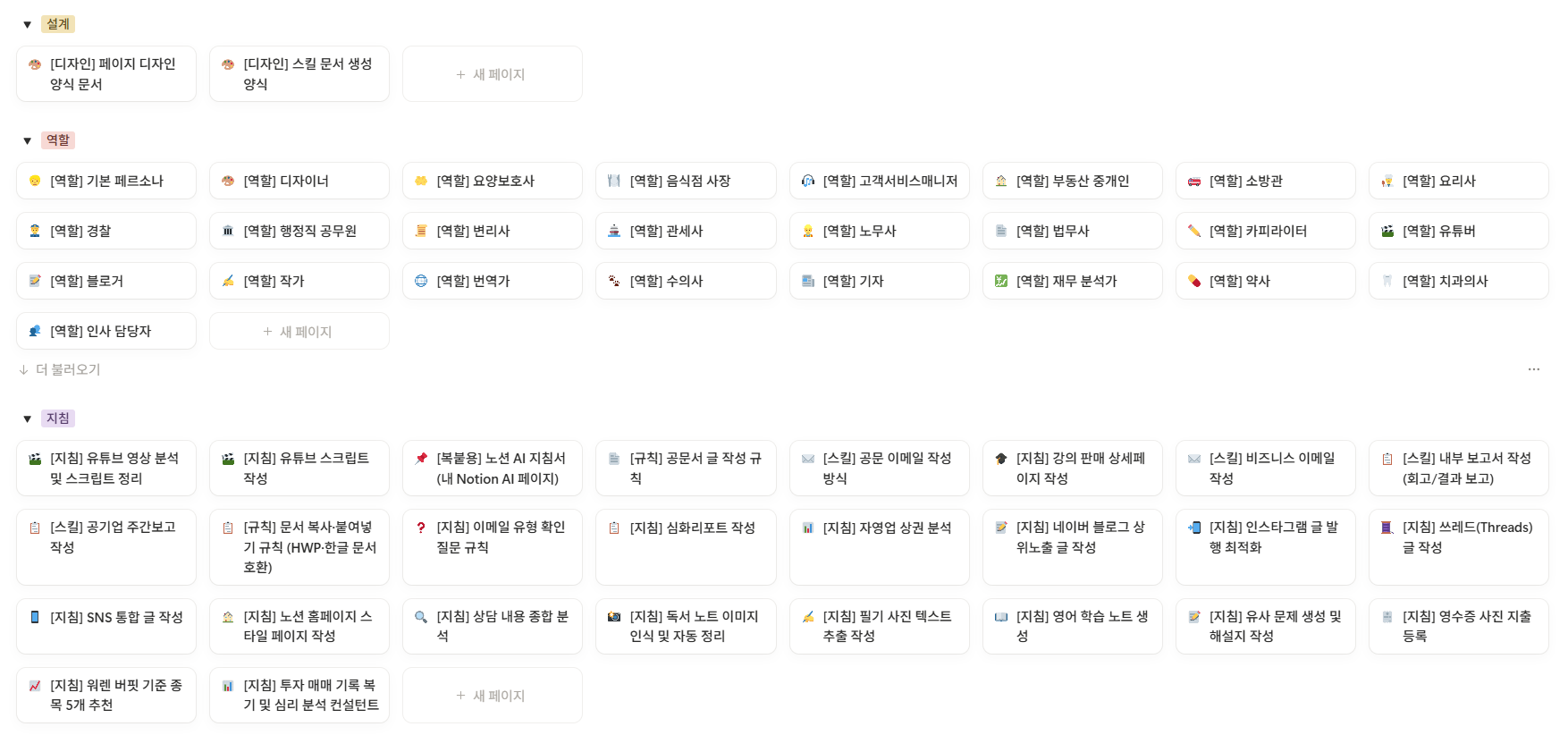
[🎁 Benefit 1] Both the Notion AI Guide (My Notion AI) for practice and basic skills are provided


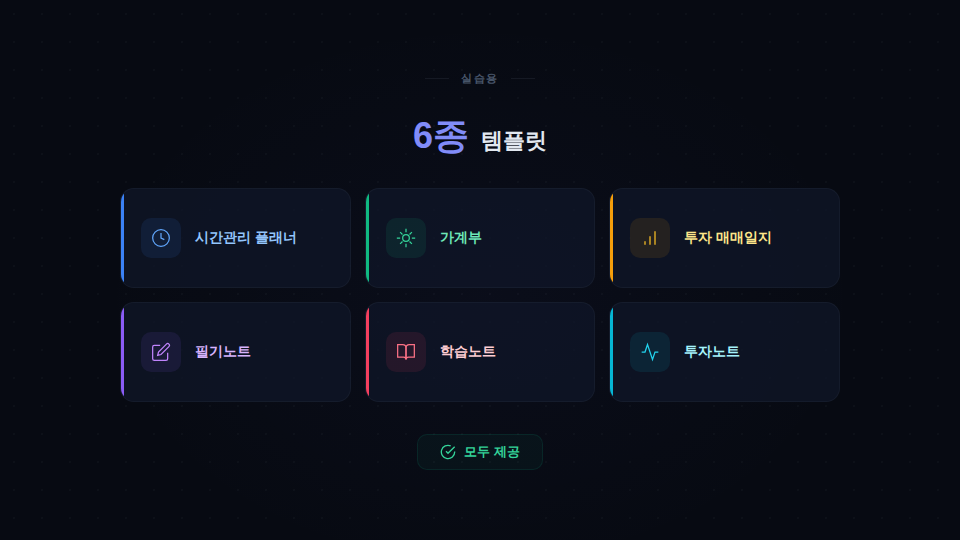
[🎁 Benefit 2] All 6 types of practice templates provided


⏰ Time Management Planner 💰 Household Account Book 📈 Investment Trading Journal ✏️ Study Notes 📚 Learning Notes 📊 Investment Notes

[🎁 Benefit 3] Notion Basic Lecture VOD for Beginners (valued at 60,000 KRW)

We are providing a beginner's lecture so that even those who are new to Notion can get started.

🎁 Course Review Event

Please leave an honest review of the course after attending.

To everyone who leaves a review, we will provide a collection of over 100 guidelines and role skill DBs, along with the practice answer sheets, as a gift!

Recommended for
these people

Who is this course right for?

  • Office workers who are losing time to the daily repetition of writing emails, meeting minutes, and reports

  • Solo entrepreneurs and freelancers who want to use AI tools but don't know where to start

  • Small business owners who lose track of customers while managing consultations and records via Excel or KakaoTalk.

  • Marketers and creators who need to consistently produce blog and SNS content but feel stuck when it comes to writing.

  • Notion users who use Notion but are not fully utilizing its AI features

  • Notion beginners who wanted to try using Notion but gave up because building a system was too difficult.

Need to know before starting?

  • Structured so that even those new to Notion can follow along starting from Section 2 (Basics).

  • Notion Business plan subscription or subscription plan

Hello
This is dayiwant

📌 7th year Notion user · CEO of one-person business 'Wonhaneun Haru'

📌 Administrator of Notion Community (1,600 members)

📌 Notion Academy Management Master Lecture with perfect satisfaction ratings (over 250 cumulative students)

📌 Achieved 1,000%+ funding on Wadiz for the All-in-One Investment Management Notion Template

From customer management CRM and task automation to personal scheduling and investment management — I share practical know-how for designing your life and business with just Notion.

More

Curriculum

All

52 lectures ∙ (9hr 11min)

Published: 
Last updated: 

Reviews

Not enough reviews.
Please write a valuable review that helps everyone!

Similar courses

Explore other courses in the same field!

Limited time deal

$1,670,586.00

50%

$123.20