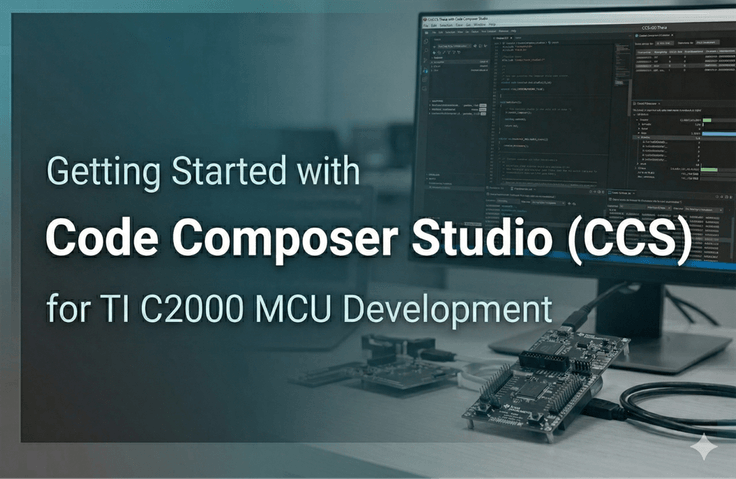
CCS Hands-on Course (TI MCU, CCSv20)

We will show you how to use Code Composer Studio (CCS), the dedicated development tool for TI MCUs. From installing CCS to loading and running programs, as well as debugging features, we will go through each step one by one through the instructor's demonstration.

6 learners are taking this course

Level Beginner

Course period Unlimited

Embedded
Embedded
Embedded
Embedded
Thumbnail

What you will gain after the course

  • You can set up the development environment for TI's C2000 processor MCU.

  • You can load and execute programs on the C2000 processor.

  • You can use the debugging features provided by CCS. (Breakpoints, Graph, etc.)

This is a
CCS (Code Composer Studio) hands-on course for those who are new to TI MCUs.


We have included the entire process, from having nothing prepared to directly running and debugging a program.

Due to the nature of embedded systems, setting up the development environment itself is a hurdle.
You might feel frustrated about which tools to use, how to connect the board to your PC, and how to upload the code.

Through this course, I will help you overcome that first hurdle.

We will cover the following content.


1⃣ Preparing the Development Environment

Software preparation involves downloading and installing CCS and C2000Ware from the TI website.

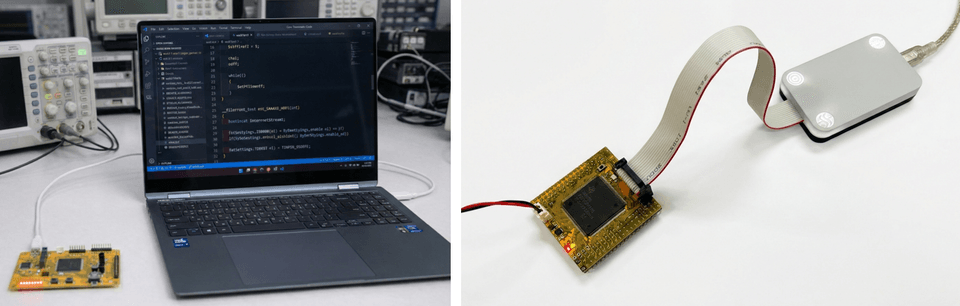
For the hardware, you will need a target board for development and a JTAG emulator for debugging. The target processor used in this course is TI's high-speed MCU, the TMS320F28377D, and the board used for the practice is our SyncWorks TR2837xD product. It is equipped with an XDS100v2 JTAG emulator and the F28377D processor.


2⃣ Target Configuration and Program Loading & Execution

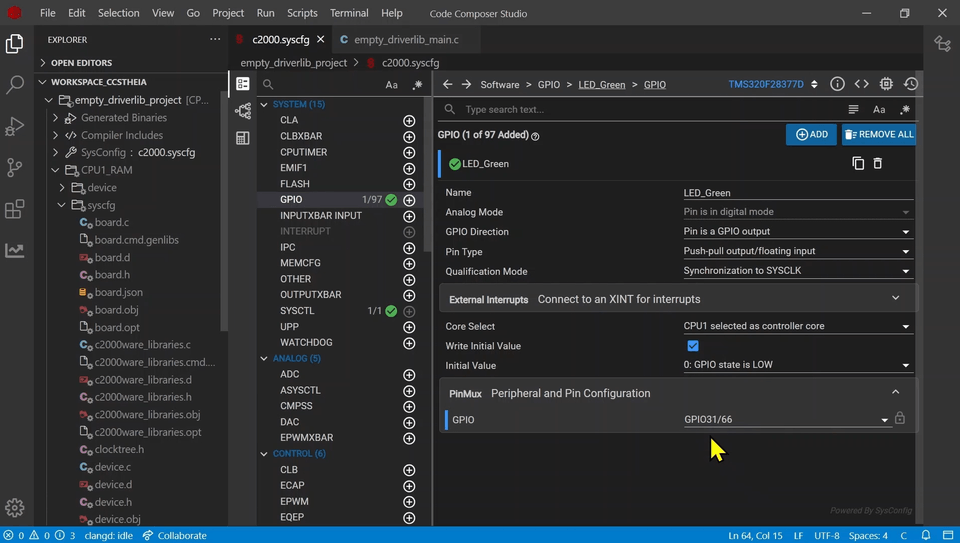
In CCS, specify which hardware to use through the Target Configuration file.

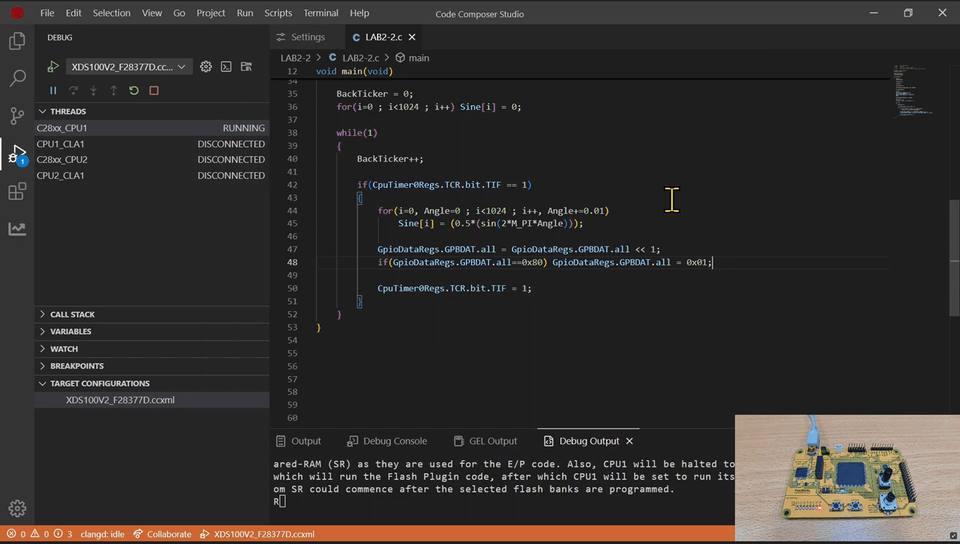
Enter debug mode with those settings and connect to the target.

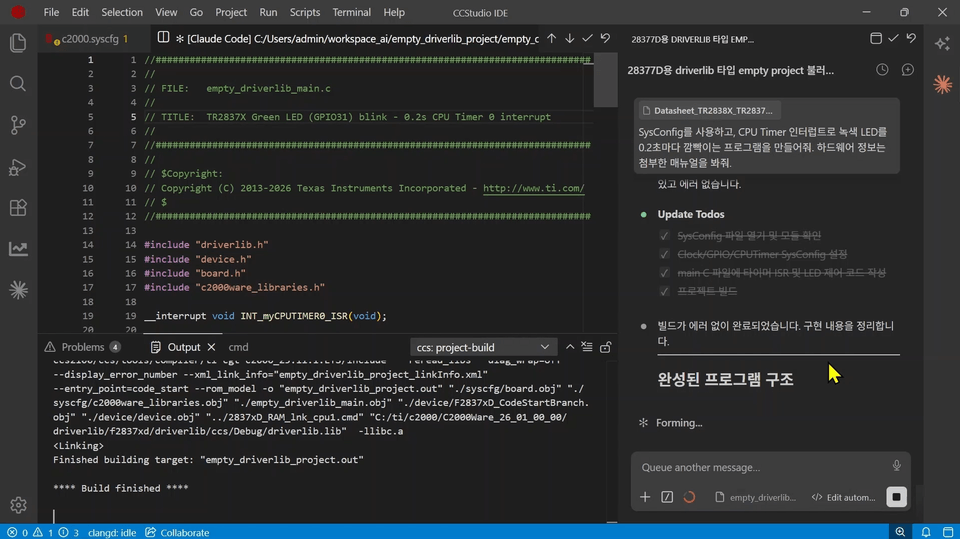
Then, load and run an example program that blinks LEDs one by one using the CPU timer into the F28377D memory.


3⃣ Program Debugging Features

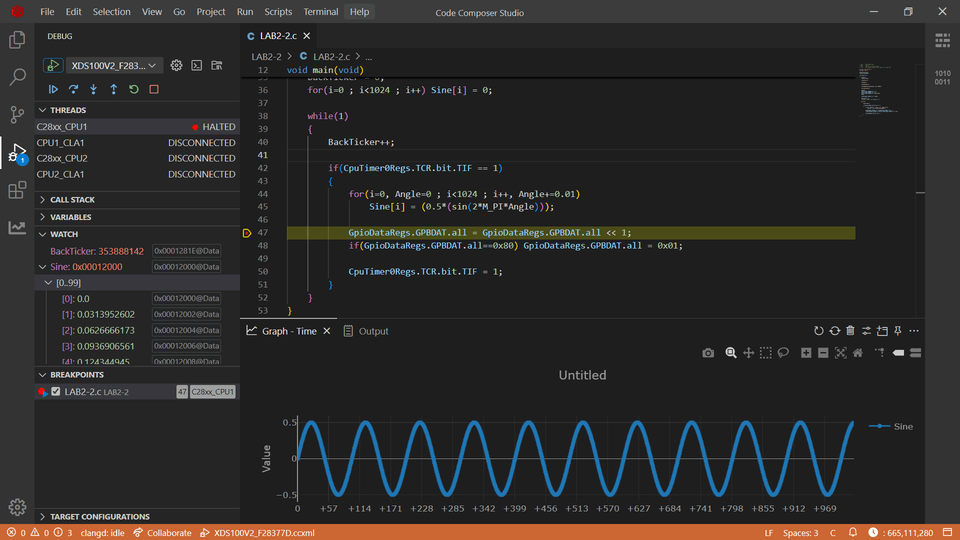
Try using each of the following features provided by CCS one by one.

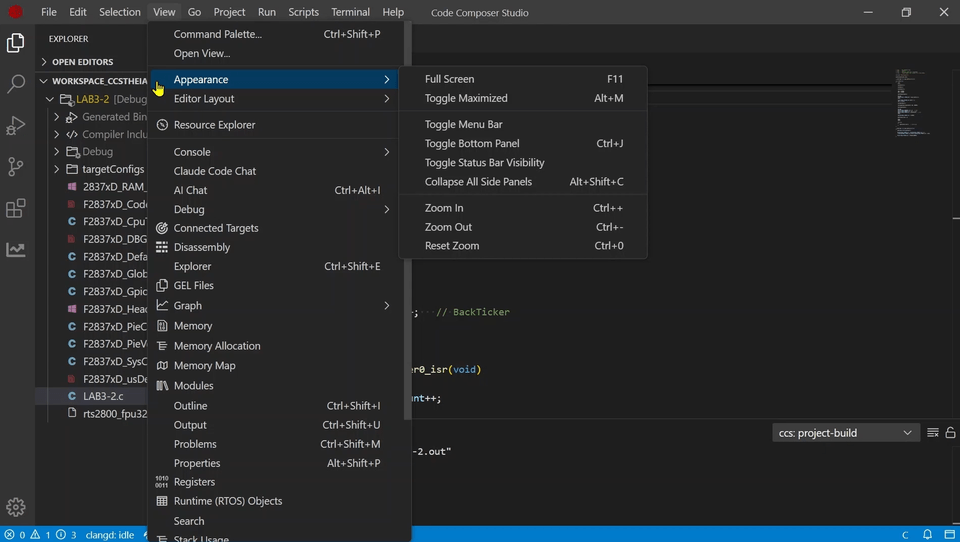
Breakpoints / Step Over / Clock / Graph / Watch / Memory / Memory Allocation / Disassembly / Register / Search


Notes before taking the course

Practice Environment

  • A standard PC with internet access

  • Target board equipped with C2000 MCU

  • JTAG Emulator

Prerequisites and Important Notes

  • Prior knowledge of how to use CCS is not required.

  • However, if you have a basic understanding of MCUs, the explanation of CCS functions may be more beneficial.


Recommended for
these people

Who is this course right for?

  • Those who are using TI MCUs for the first time and feel overwhelmed about where to start

  • Those who will soon need to use CCSv20, which has a completely different look and feel from previous versions.

Hello
This is c2000mcu

We specialize in Texas Instruments' C2000 MCUs(DSP / C28X, C29X) and provide related development environments, evaluation products, and offline lectures.

Curriculum

All

4 lectures ∙ (52min)

Course Materials:

Lecture resources
Published: 
Last updated: 

Reviews

Not enough reviews.
Please write a valuable review that helps everyone!

Similar courses

Explore other courses in the same field!

Free