
강의

멘토링

로드맵

Applied AI

/

AI for Work

Essential MacBook Settings from A to Z for New Owners (Including Claude Code · Homebrew · Agentic Coding | macOS All-in-One)

Did you buy a MacBook in the AI era but feel overwhelmed about where to start? A developer with 15 years of macOS experience will guide you through everything, starting from 'device initialization.' ✅ App installation · Essential macOS tips · Terminal · Homebrew · Setting up development environments ✅ Claude Code & Agentic Coding to create an environment where AI codes for you 👉 Start now and complete your development environment within today — make it the first day you truly master your MacBook.

(5.0) 7 reviews

124 learners

Level Beginner

Course period Unlimited

  • weekendcode
macOS
macOS
homebrew
homebrew
AI
AI
AI Agent
AI Agent
claude
claude
macOS
macOS
homebrew
homebrew
AI
AI
AI Agent
AI Agent
claude
claude
weekendcode님의 프로필 이미지

Edited

News about the addition of the Powerlevel10k introduction video

image.png


image.png


Hello, this is Weekend Coding.

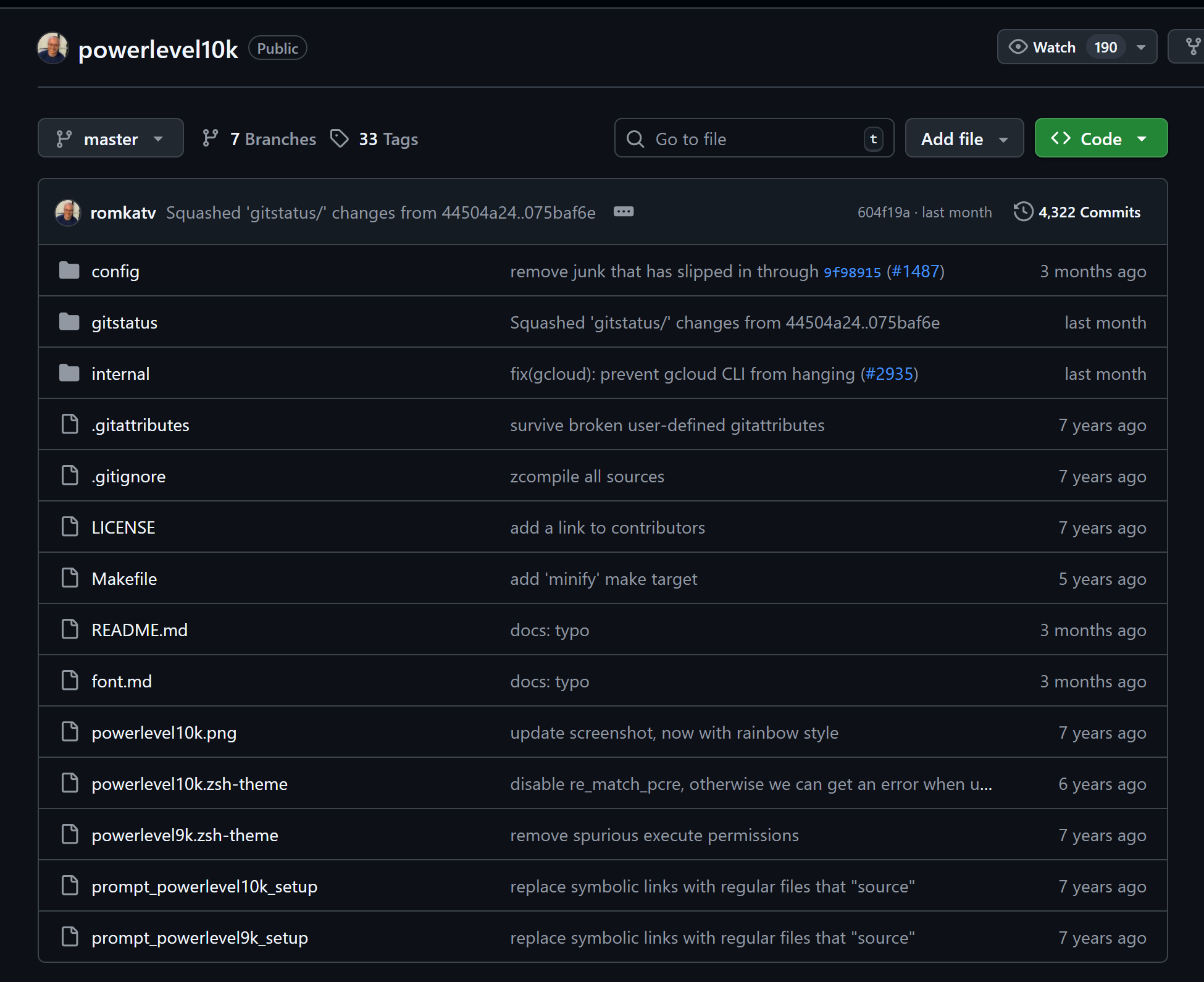
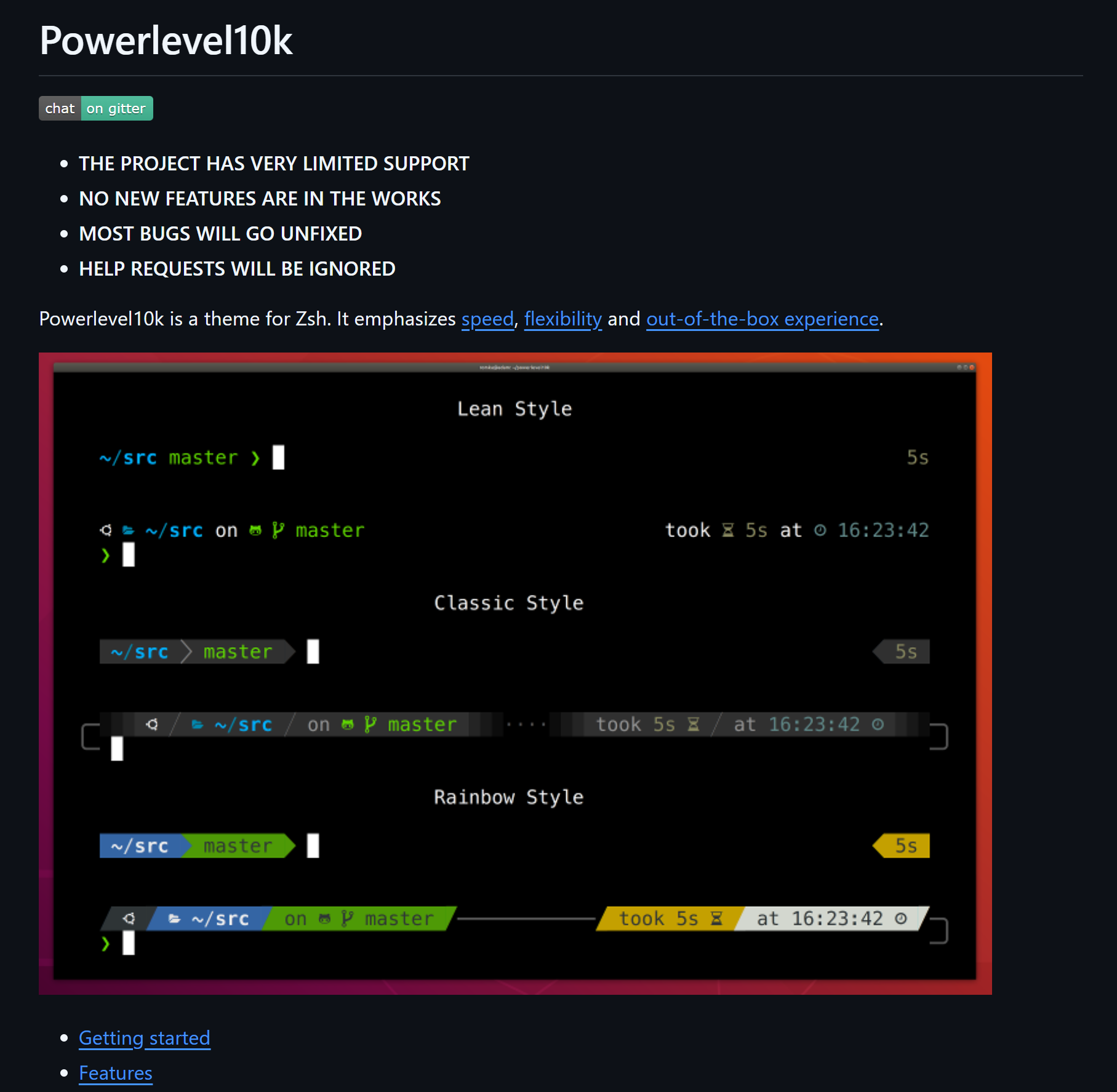
In the past, this open source was widely used for zsh-based terminal configurations.

It is an open-source project that I am still using to this day.

It is a project called powerlevel10k.


I have included a bonus section on how to make your terminal even simpler through this project.

This chapter wasn't originally in the lesson plan, but I recorded and uploaded it for you during my own setup process, so

Please understand that I might ramble a bit.
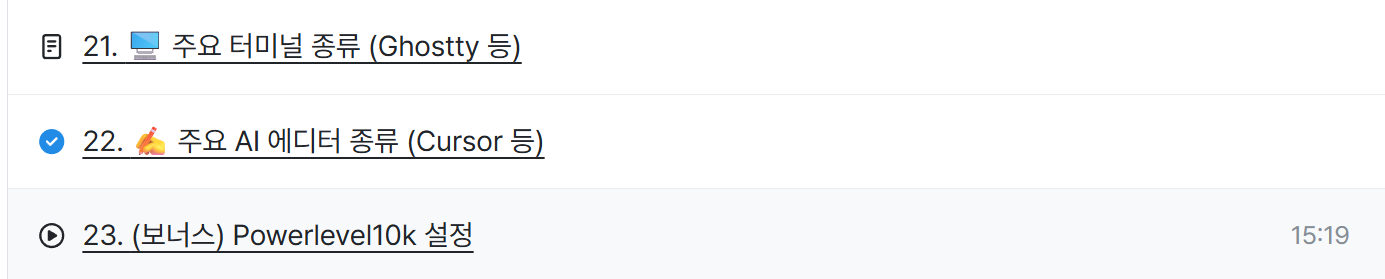
 

image.png


I have uploaded it to the last part of Session 2.

If you encounter any errors during installation, Perplexity or ChatGPT are quite helpful, so please refer to them!

Comment