KeyShot Intermediate & Advanced: KeyShot Rendering & Post-Processing for Hyper-Realistic Product Images Part.2

A photorealistic rendering process to improve your practical skills! Intermediate and advanced know-how for KeyShot & post-processing! I'll guide you through it kindly 😀

(5.0) 4 reviews

60 learners

Level Intermediate

Course period 18 months

KeyShot
KeyShot
3d-modelling
3d-modelling
3d-rendering
3d-rendering
Rhino
Rhino
Photoshop
Photoshop
KeyShot
KeyShot
3d-modelling
3d-modelling
3d-rendering
3d-rendering
Rhino
Rhino
Photoshop
Photoshop

Reviews from Early Learners

Reviews from Early Learners

5.0

5.0

di.kim

100% enrolled

It was very helpful for my work. Thank you.

5.0

최시현

9% enrolled

I am listening to the necessary parts alternately from Part 1 and Part 2, and I think it is more helpful. The lecture content is rich, but it is also a lecture that cannot be ignored in terms of quantity. I want to quickly apply what I learned in the lecture!

5.0

Ming

5% enrolled

Okay, I'm looking at the part where the light is written in detail first, and I'm going to try applying it to my product right away after seeing this. I'll also slowly learn and become familiar with the material graph. Thank you!!

What you will gain after the course

  • How to control light (lighting) precisely and delicately

  • Sensory product styling methods and composition techniques

  • Complex Material Graph

  • KeyShot animation techniques for commercial-style production

  • Photoshop post-processing know-how to elevate product details

📣 Please check the prerequisite knowledge!

KeyShot Rendering & Post-Processing for Hyper-Realistic Product Images Part.2

Join SOO and master photorealistic product rendering through over 25 advanced core examples, including precise and delicate lighting techniques, staging with a sense of composition, KeyShot animation techniques for commercial-style production, advanced material graph methods, and Photoshop post-processing to enhance product details! 😃

Soo's KeyShot Rendering What is the difference between PART.1 and PART.2?

PART.1 - From Principles to Understanding KeyShot A to Z

  • Based on the principles and understanding of KeyShot, you will approach the basic rendering process and learn everything from basic know-how to advanced rendering skills regarding lighting, composition, staging, material graphs, KeyShot animation techniques, and post-processing methods.

PART.2 - Complex Rendering Using a Single Example

  • Beyond the basic KeyShot rendering process, you will plan and render a product series for various situations using a single example. You can learn a more advanced rendering & post-processing process than in Part.1.

What you will learn

1. Complex product rendering series using 25 core examples and 20 materials

Using more advanced examples than Part.1, we will practice complex product rendering. Additionally, we will plan and render product series by utilizing a single example to explore various materials, situations, compositions, directions, and post-processing.

2. From Sensorial Light Utilization to Spatial Composition

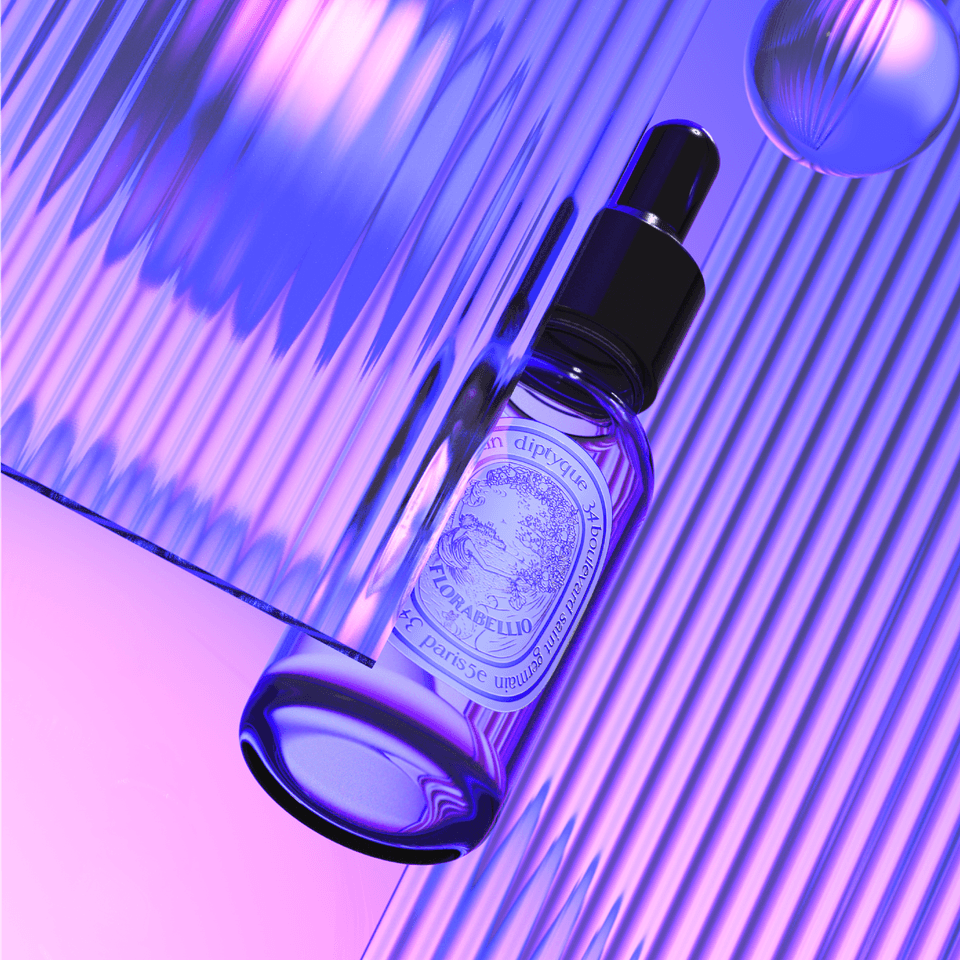
You will learn how to utilize sophisticated and detailed lighting settings, sensual light application, halo effects, and HDR editing, as well as how to configure rendering spaces using external light rays to achieve luxurious presentations.

3. Material Graph - Intermediate/Advanced

Beyond the basic Material Graph skills learned in Part 1, you will learn intermediate to advanced techniques for using realistic textures and nodes. You will master advanced Material Graph applications to achieve realistic and detailed product rendering.

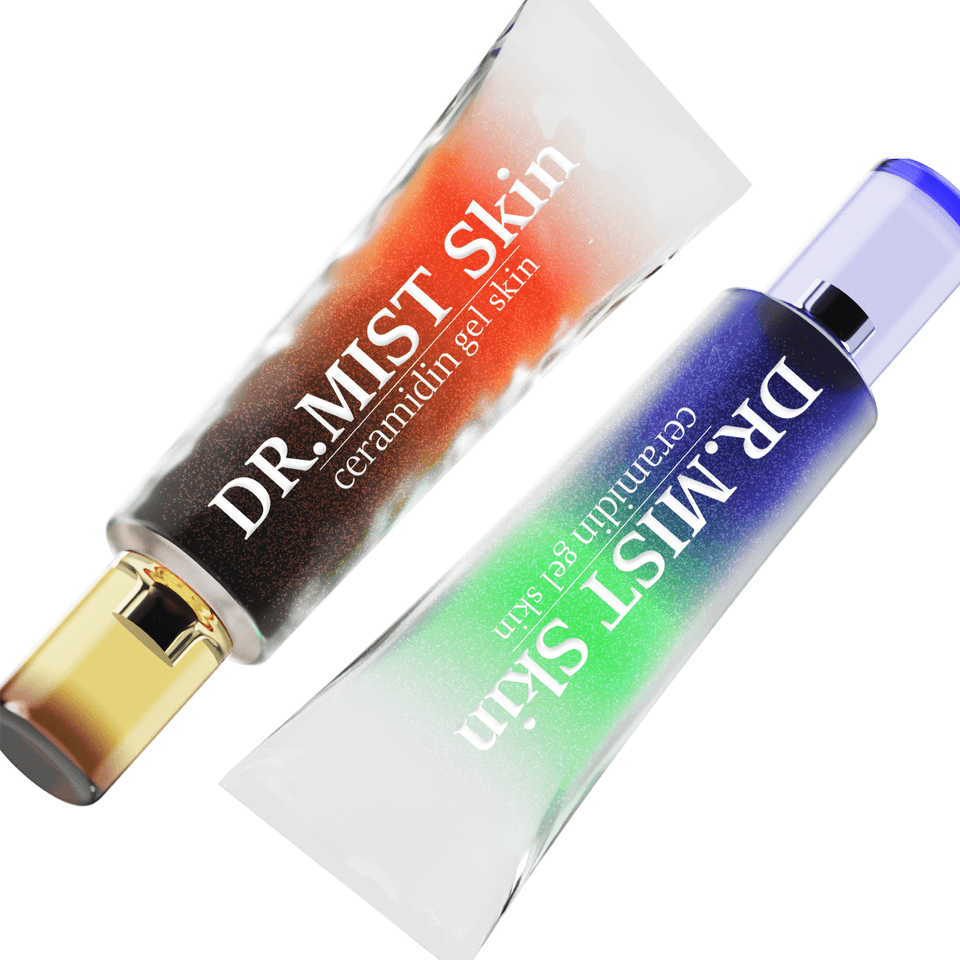
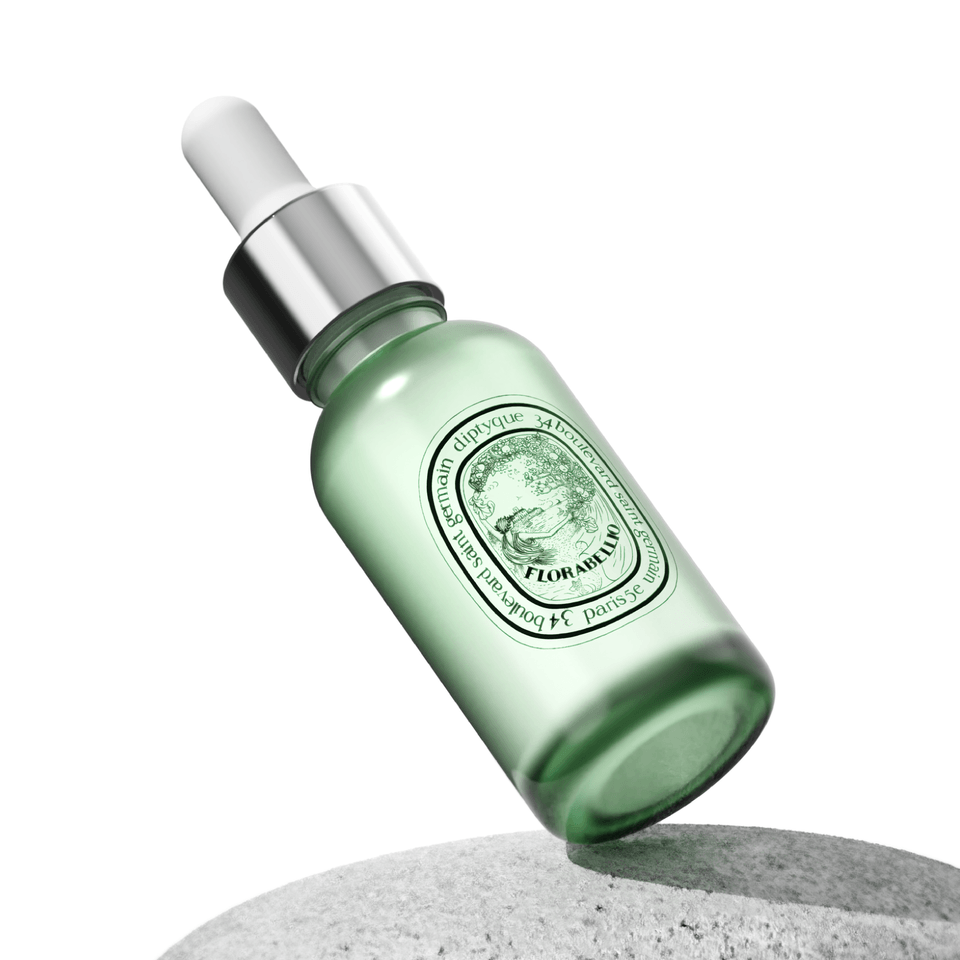
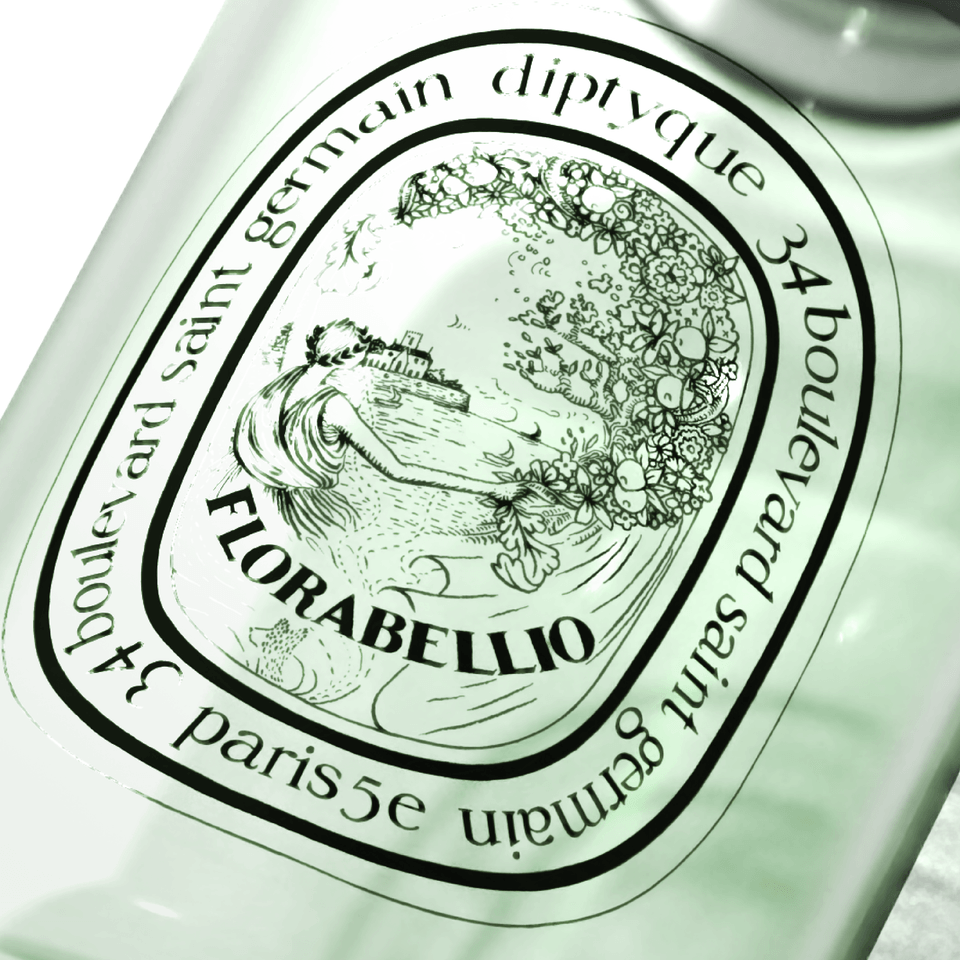
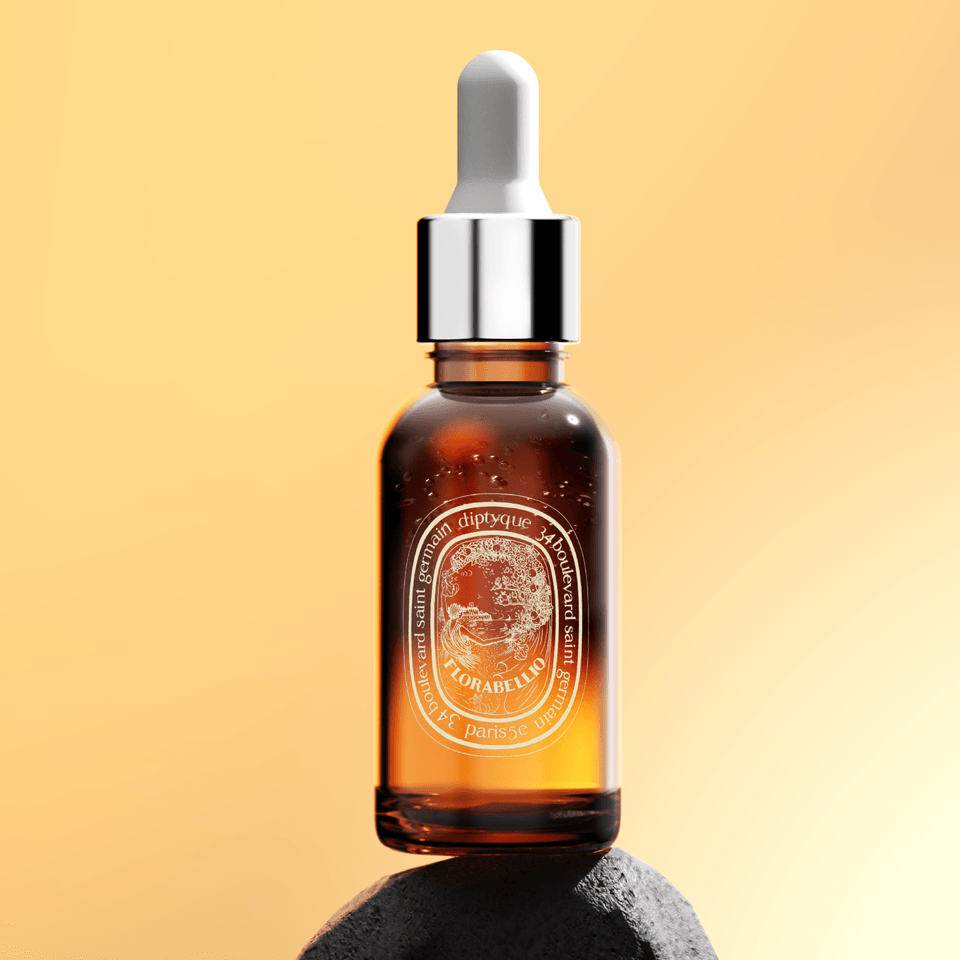
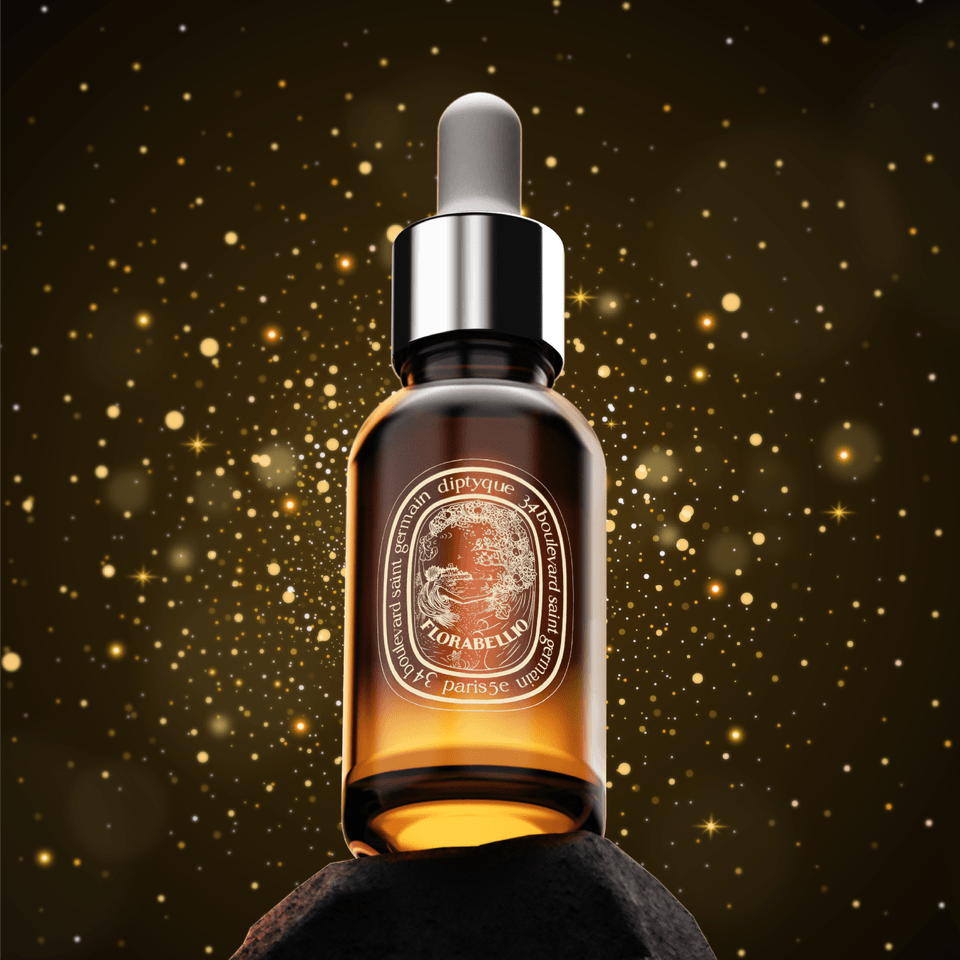
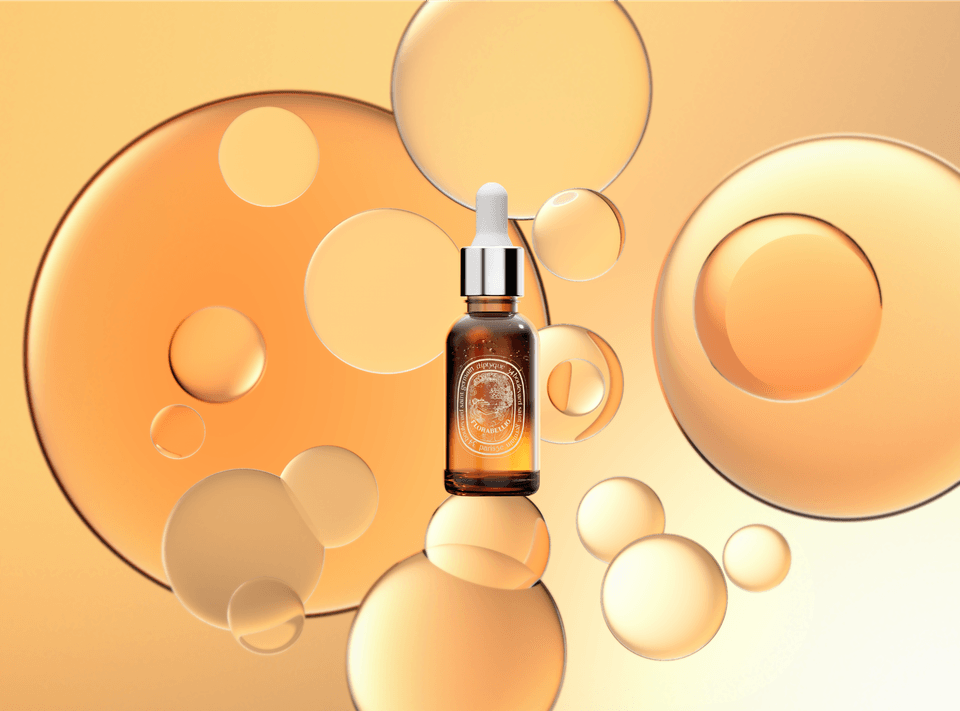
4. Cosmetic Series - Advanced Know-how for Maximizing Product Presentation NO.2

Based on the rendering skills you have learned so far, you will learn about the cosmetic series that can maximize presentation. You will master advanced know-how of the rendering process, from materials to light utilization and Photoshop post-processing.

5. KeyShot Animation Techniques with Product Presentation

Beyond basic KeyShot animation techniques, you will learn advanced KeyShot animation techniques accompanied by high-end product presentation. You will master advanced animation techniques that involve connecting multiple sectors to create a presentation, rather than focusing on just a single sector as covered in Part 1.

6. Boost Work Speed and Efficiency! - Photoshop Post-Processing

Learn how to partially utilize KeyShot rendered images and Photoshop post-processing techniques to maximize product details. Master image composition and retouching know-how that can only be done in Photoshop to express product images hyper-realistically.

7. Let's increase the completion rate!

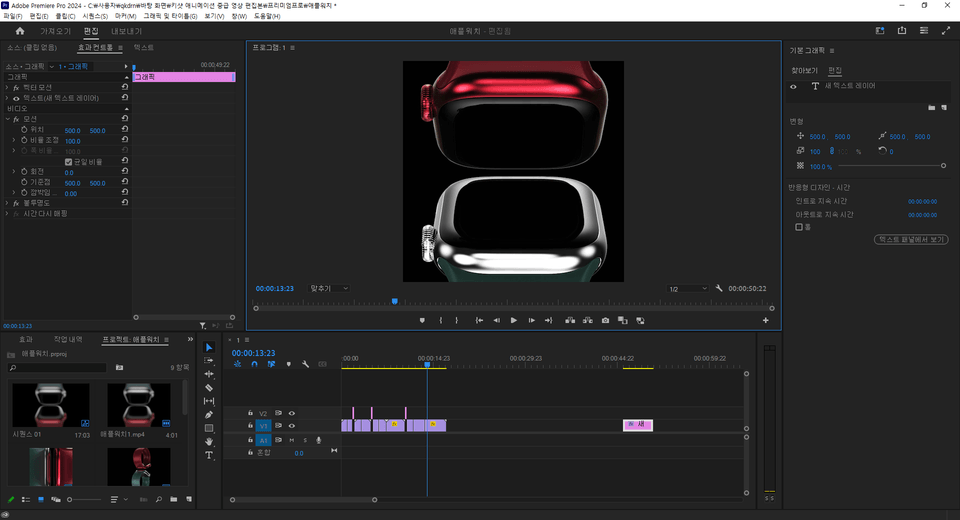
Great job on completing the course. For our wonderful students who have finished the course, we are providing Keyshot Animation - How to use Video Maps, and Video Editing methods using Premiere Pro. 😀 For those who have written a course review or completed more than 70% of the progress, please check [Section 15] and send us a verification to our email address, and we will send you the link.

Course Content: From Section 1 to 15

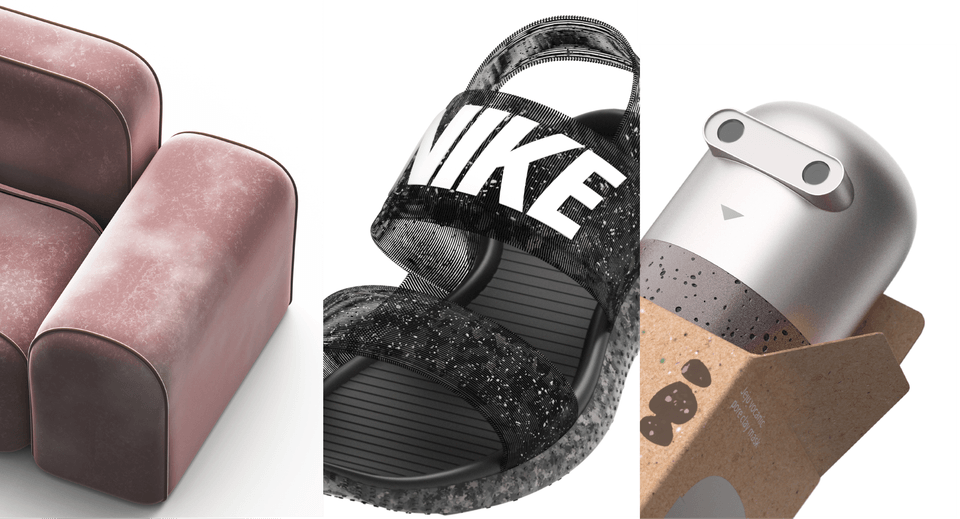
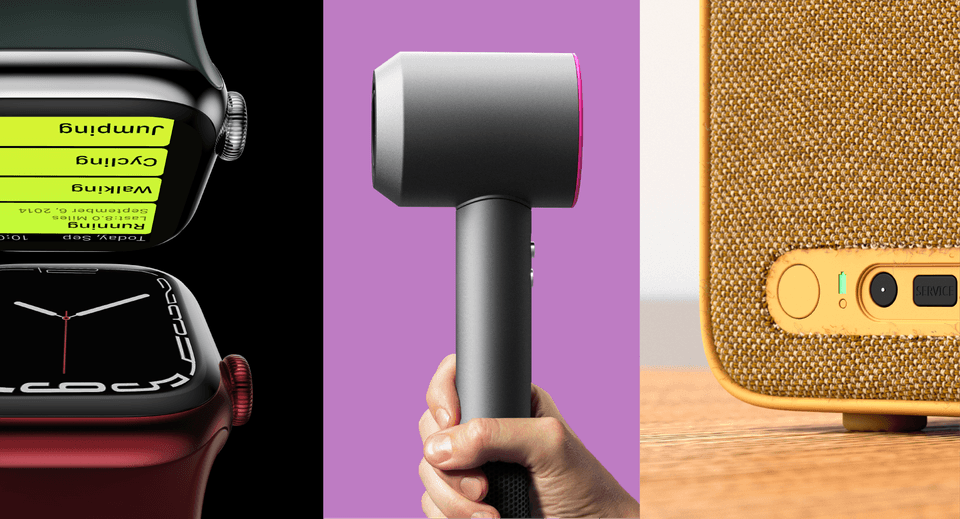
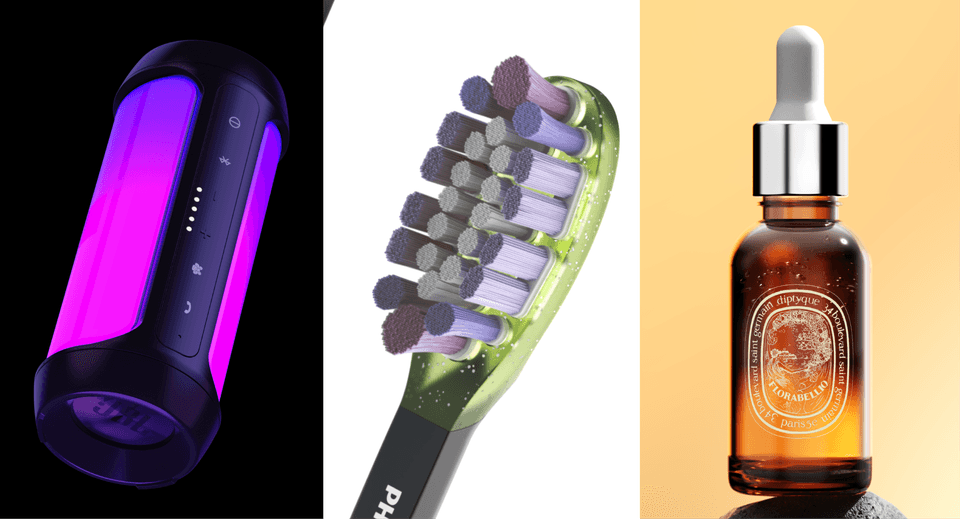
In addition to the images shown below, many other objects will be rendered and post-processed. Please be sure to refer to the KeyShot OT 😄

<Section 1 to Section 4>

  • Section 1: Advanced Material Graph 1

  • Section 2: Leather, Velvet, Sofa Space Composition, Material Graph

  • Section 3: Key points for cosmetic rendering, Material Graph utilizing Flakes

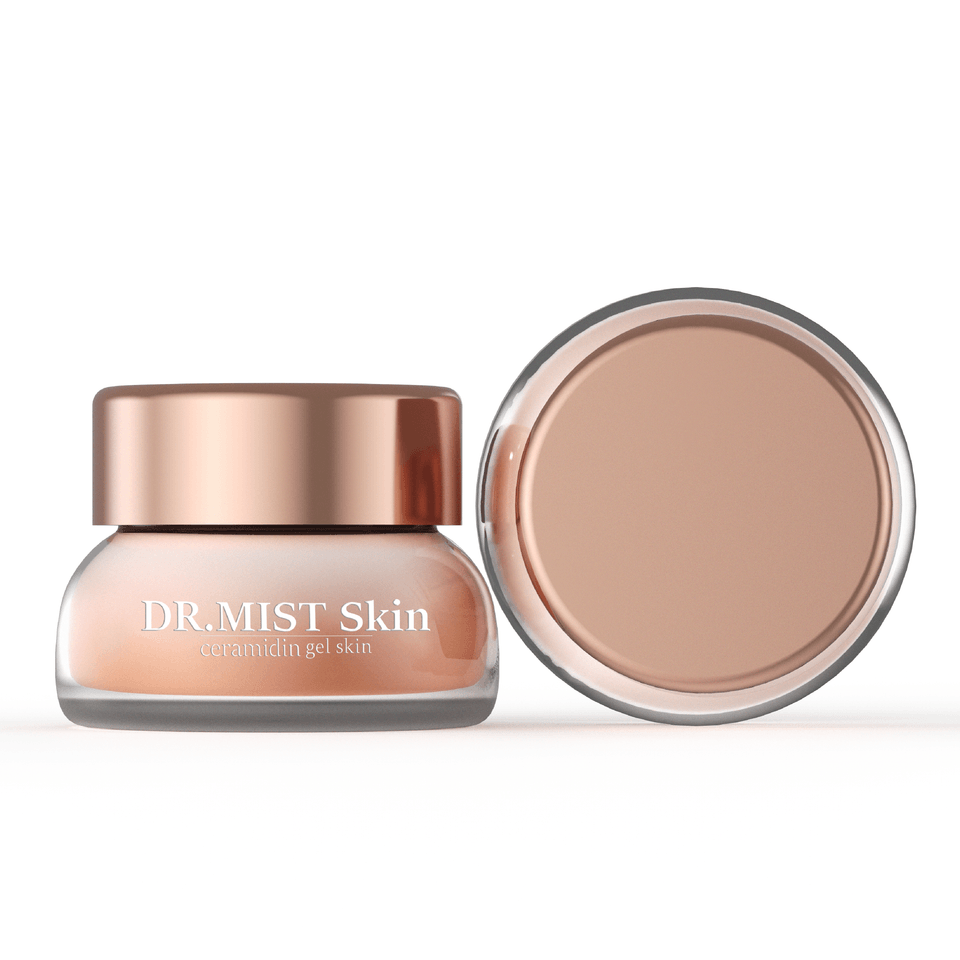
  • Section 4: Cosmetics, Packaging, Labeling, Material Graph

<Section 5 to Section 7>

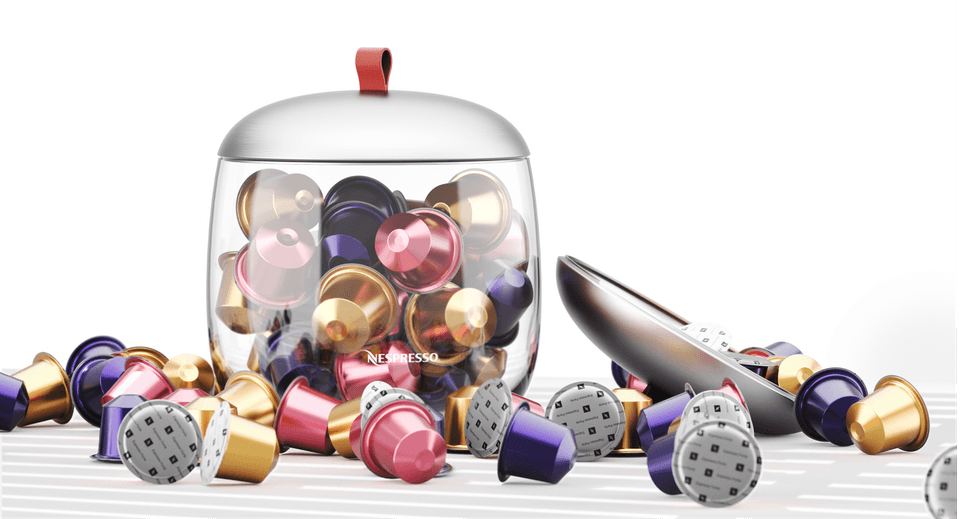
  • Section 5: Nespresso Capsule Labeling, Utilizing Collision Features

  • Section 6: iPhone Black & White Lighting

  • Section 7: Pro tips for creating light and composition, creating emotional lighting using external rays

<Section 8 to Section 10>

  • Section 8: Apple Watch composition, lighting, and spatial organization; creating bands using the material graph; and post-processing

  • Section 9: Hair dryer hand compositing, detailed light setting methods

  • Section 10: Fabric weaving methods, spatial composition, and lighting

<Section 11 to Section 13>

  • Section 11: Mesh Net, Fabric, LED Lighting

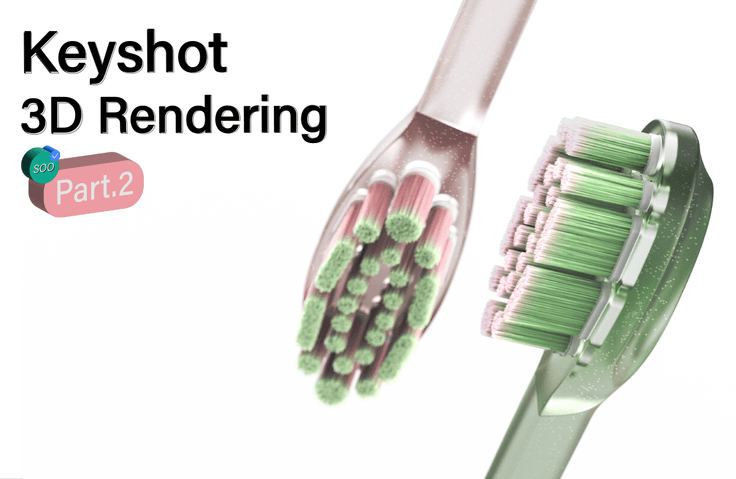
  • Section 12: Advanced Material Graph - Toothbrush and Bristle Rendering using Silicone, Curvature, Fuzz, Flakes, etc.

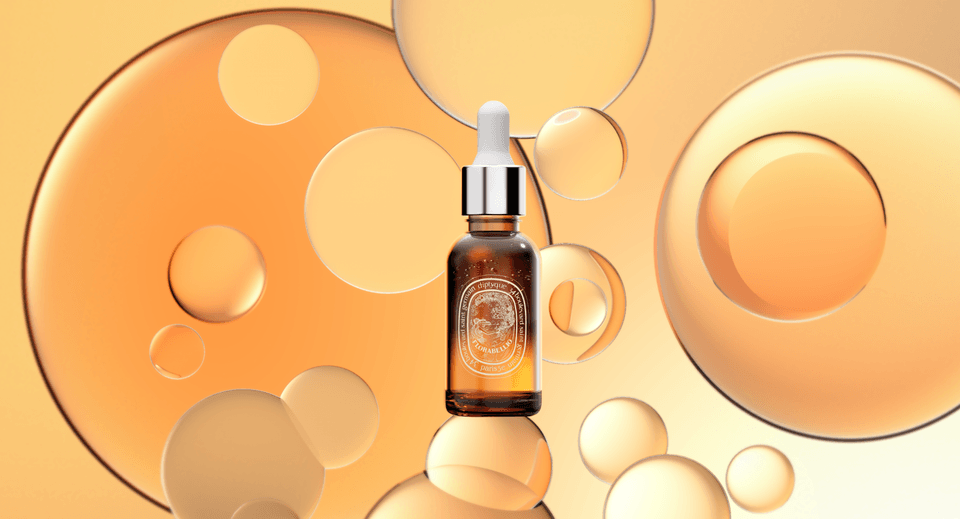
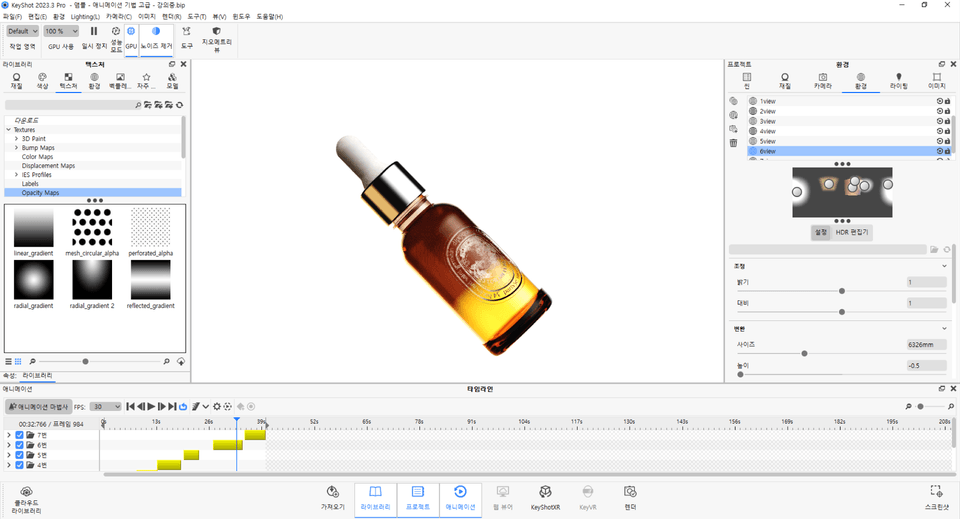
  • Section 13: Advanced Cosmetics - Ampoule rendering using spatial composition and external light rays

<Section 14 to Section 15>

  • Section 14: How to create animations by utilizing light, composition, and direction, and by dividing and connecting sectors

  • Section 15 : Review Event 😀

Q&A 💬

Q. What are the key points of this course?
A. Using more than 25 advanced core examples, you can experience hyper-realistic product rendering through various objects, including precise and delicate lighting techniques, directing using artistic compositions, KeyShot animation techniques like commercial production, advanced material graph methods, and Photoshop post-processing to enhance product details. Additionally, as it is conducted at a more advanced level than Part 1, you can acquire even more complex and sophisticated rendering skills.

Q. What are your unique characteristics as a knowledge sharer?
A. Since I started teaching, I have conducted classes with over 600 students both online and offline. Because I created this course based on that experience, it contains all of my know-how and secret tips. Furthermore, since I have fully integrated the questions and requests I received while teaching into the curriculum, I am able to provide lessons that are very easy to understand.

Q. Is there anything you would like to say to the students?
A. Unlike modeling, KeyShot rendering involves using almost every single feature. Therefore, you must practice rendering with various products and objects to be able to apply those skills in actual practice. Across Part 1 and Part 2, there are over 50 core examples to learn, and we utilize materials, lighting, composition, art direction, post-processing, animation techniques, and texture mapping tailored to various situations. Through this process, the course is designed to intensively improve students' rendering skills so they can be applied immediately in the field.

Q. What tools and versions need to be installed?
A. Keyshot10 or higher, or Keyshot2023 and PhotoshopCC versions are recommended. Practice files can be opened in Keyshot10, and final completion files can be used in Keyshot2023. If you follow along step-by-step, you can achieve the same quality even without the completion files!Keyshot2023, PhotoshopCC. Các tệp thực hành có thể mở được từ Keyshot10 và các tệp hoàn thiện có thể sử dụng trong Keyshot2023. Nếu bạn theo dõi kỹ từng bước, bạn vẫn có thể hoàn thành với chất lượng tương đương ngay cả khi không có tệp hoàn thiện!

Notes before taking the course

Practice Environment & Learning Materials

Recommended for
these people

Who is this course right for?

  • A class for intermediate KeyShot users

  • Detailed light control, sensational product presentation methods, and composition utilization strategies

  • Those who want to learn complex and advanced material graphs

  • Those who want to learn post-processing methods that boost work speed and efficiency

  • Those who want to learn advanced KeyShot animation techniques

Hello
This is soobaksee

565

Learners

104

Reviews

110

Answers

5.0

Rating

4

Courses

Hello! I'm soobaksee, someone who enjoys learning and sharing!

https://www.youtube.com/channel/UC0vu9QWsaOwwDFNPe7kUe_w

Please come visit my YouTube link~ :)

Curriculum

All

92 lectures ∙ (35hr 49min)

Course Materials:

Lecture resources
Published: 
Last updated: 

Reviews

All

4 reviews

5.0

4 reviews

  • dikim1208님의 프로필 이미지
    dikim1208

    Reviews 1

    Average Rating 5.0

    5

    100% enrolled

    It was very helpful for my work. Thank you.

    • sihyeon47790222님의 프로필 이미지
      sihyeon47790222

      Reviews 4

      Average Rating 5.0

      5

      9% enrolled

      I am listening to the necessary parts alternately from Part 1 and Part 2, and I think it is more helpful. The lecture content is rich, but it is also a lecture that cannot be ignored in terms of quantity. I want to quickly apply what I learned in the lecture!

      • kyoungchun677754님의 프로필 이미지
        kyoungchun677754

        Reviews 4

        Average Rating 5.0

        5

        7% enrolled

        In this project, I had to use KeyShot animation to compose the video, so I first looked at the beginner KeyShot animation and this intermediate KeyShot animation, and they seem pretty good. I only knew how to use scenes in KeyShot animation, and I was in a hurry to learn how to use sequences, so I'm so glad I found out about it and I'm going to apply it quickly~!

        • 1004kosoo003022님의 프로필 이미지
          1004kosoo003022

          Reviews 4

          Average Rating 5.0

          5

          5% enrolled

          Okay, I'm looking at the part where the light is written in detail first, and I'm going to try applying it to my product right away after seeing this. I'll also slowly learn and become familiar with the material graph. Thank you!!

          Similar courses

          Explore other courses in the same field!

          $177.10