강의

멘토링

커뮤니티

Programming

/

Front-end

Watch Me Code: Cloning Slack with React x Typescript

The trending combination of front-end development seen through Slack clone app live coding!

(3.7) 3 reviews

66 learners

  • sungeun6kim1465
Clone Coding
React
TypeScript

What you will gain after the course

  • Overview of the development process for a React x TS-based project

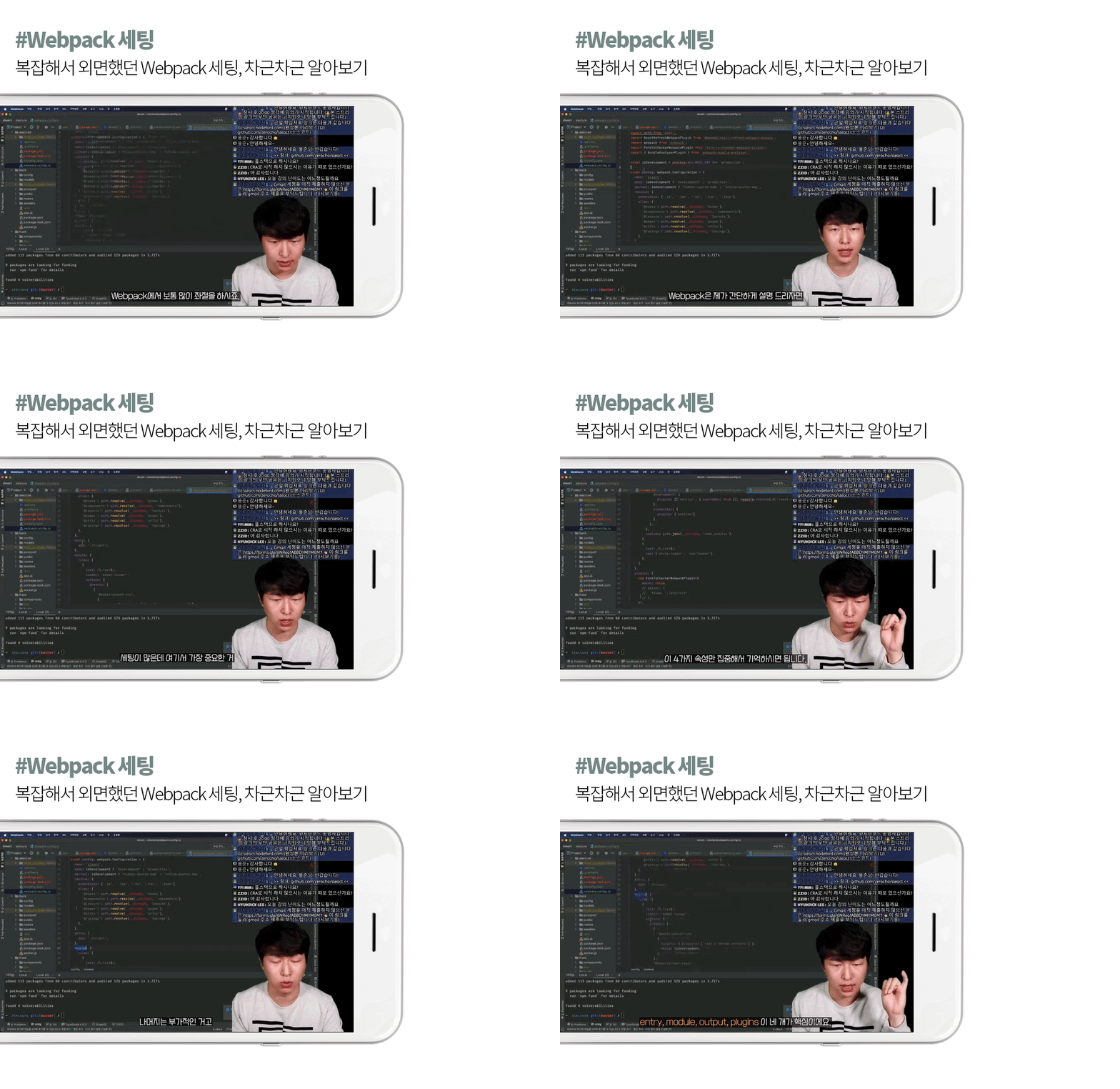
  • Know-how on setting up a front-end development environment including Webpack

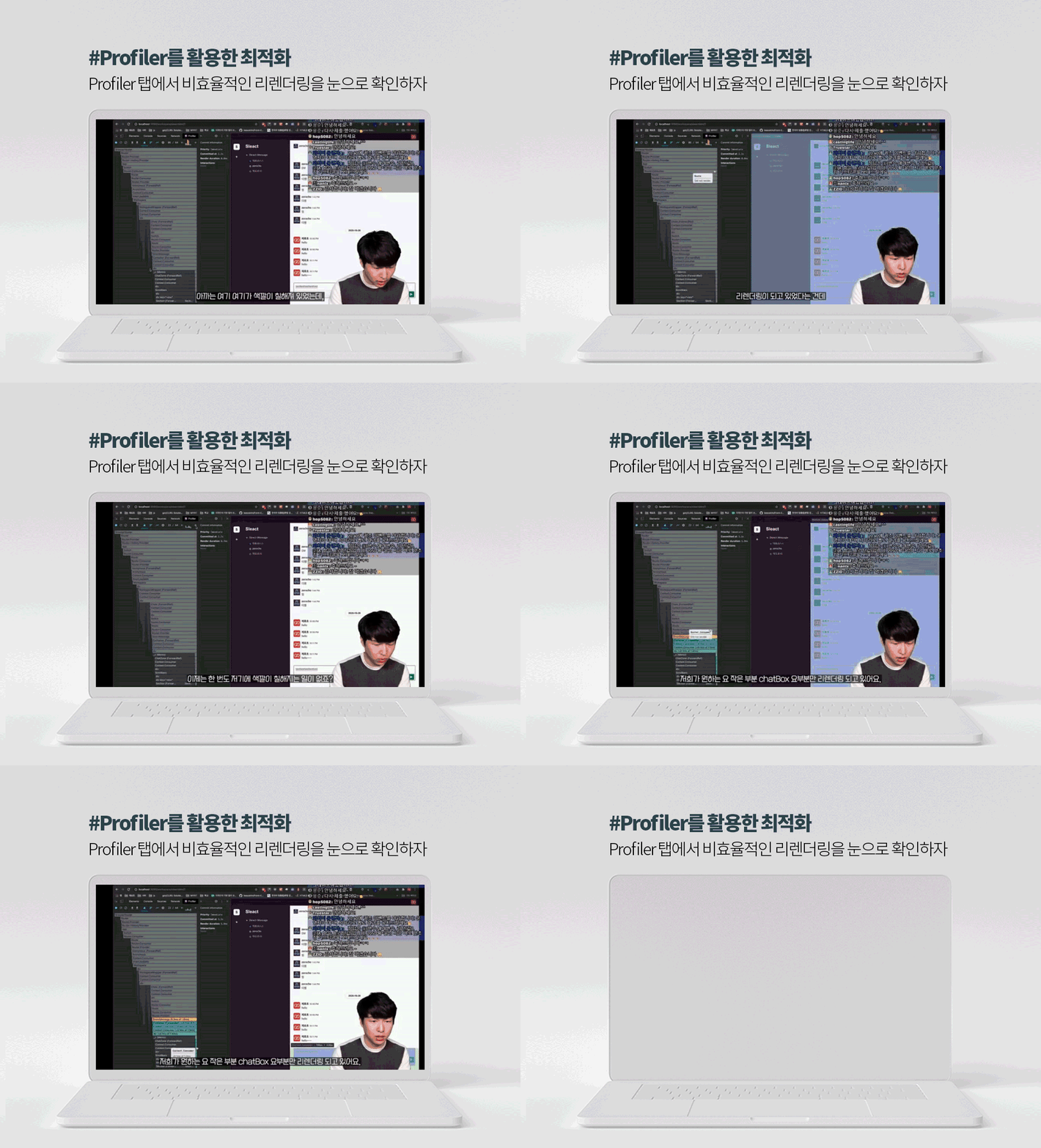
  • Optimization skills using various plugins, profilers, etc.

  • Implementing real-time chat function using web socket

■ This lecture is an edited version of a class conducted live in real time .
The audio may be choppy at some points. We apologize for your understanding.

■ The link to the finished product (sleact.nodebird.com) is currently inaccessible,
The completed source code can be found on the instructor's GitHub.

Curriculum


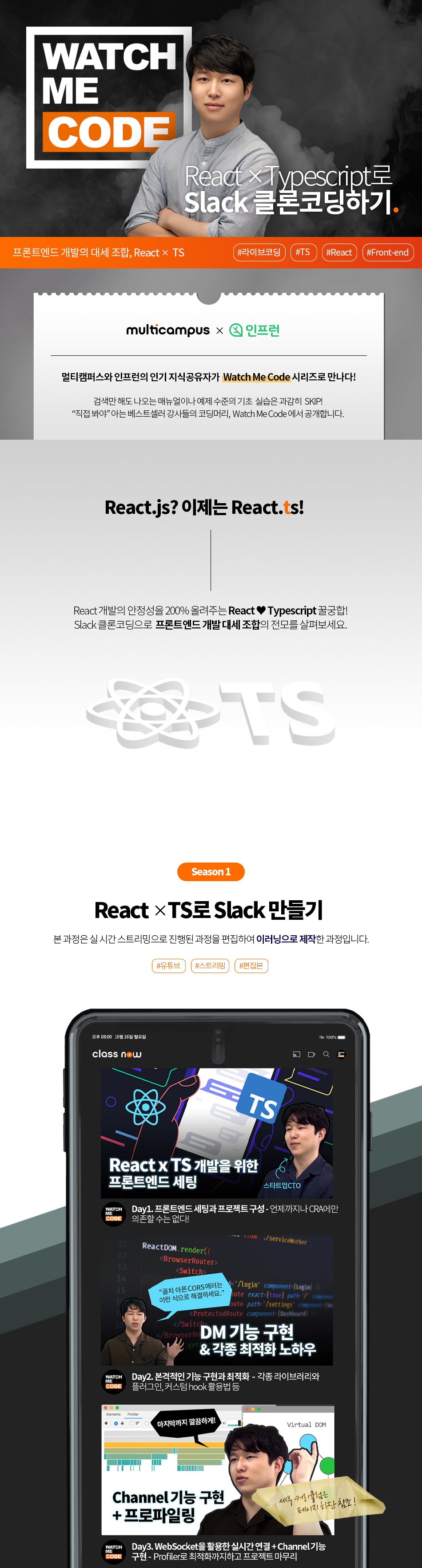
Day 1: Front-end setup and project configuration
Lesson 1. Front-end Settings - You Can't Rely on CRA All the Time!

· Introduction to the development environment and project
· Front-end settings Ⅰ: package.json, eslintrc, prettierrc, tsconfig.json
Front-end Setup II: Setting up Webpack and deploying it to the server


Lesson 2. Getting started with full-fledged clone coding - All services start with membership registration.

· Project folder configuration and router application
· Creating a membership registration page (ft. Styled Components)


Day 2: Implementing membership registration, login, and DM functions
Lesson 3. Optimization and API Communication Using Libraries and Plugins

· Utilize libraries, plugins, and custom hooks for optimization
(@loadable/component, fork-ts-checker-webpack-plugin, etc.)
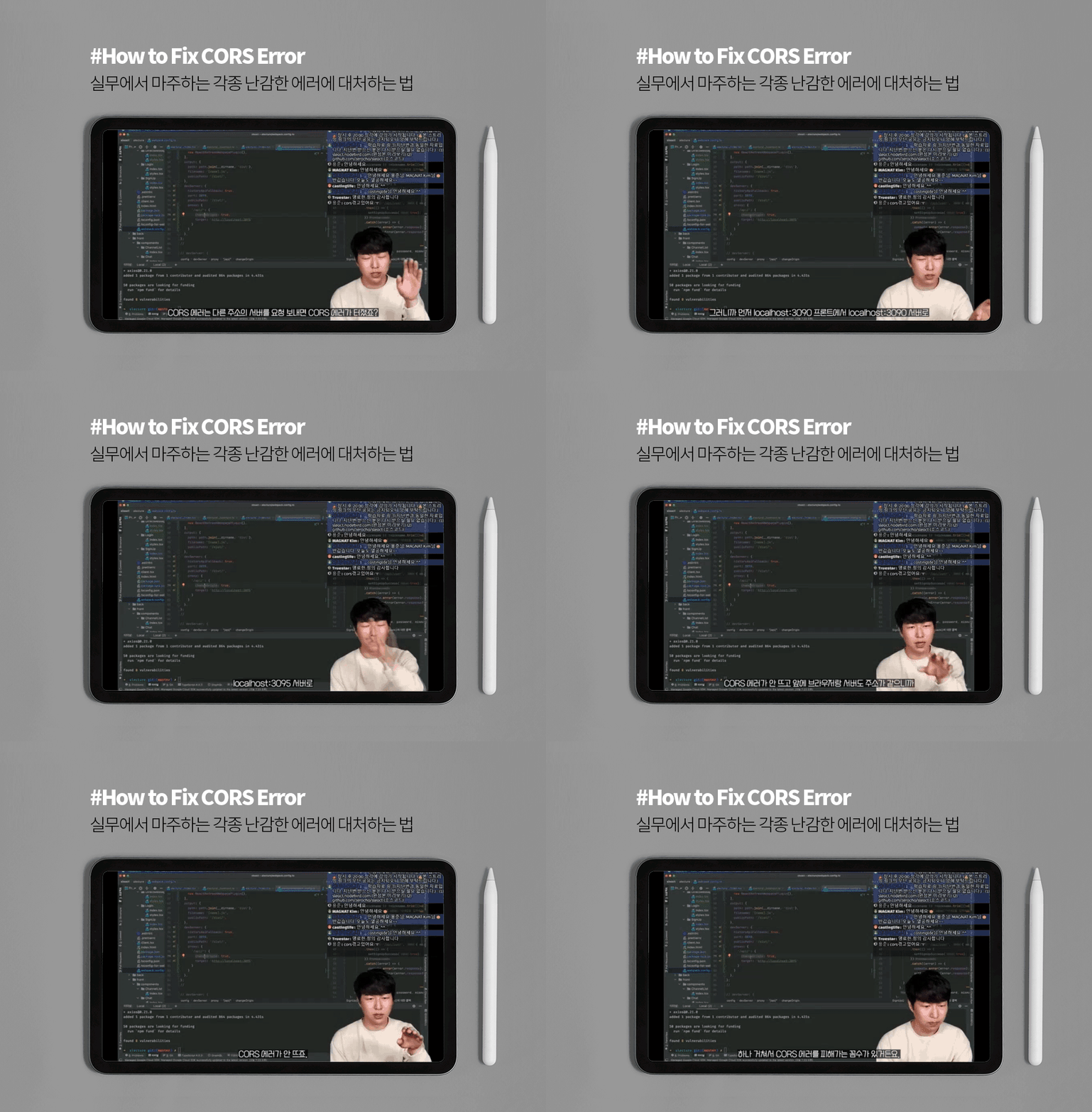
· Signing up with Axios + Tips for resolving CORS issues
· Finishing the login page by applying the membership registration page (ft. SWR)

Lesson 4. Implementing DM Functionality: Building the App Structure

· Create DM-related structures (+ pre-implement the functions shared with Channel)
· Send DM (ft. Optimistic UI)
· Settings for loading DM + applying Infinite Scrolling


Day 3: Real-time connection and project building using WebSockets
Lesson 5. Implementing DM Functions: Optimizing WebSocket Connections and Profiler

· Implementation of web socket connection and DM message window
· Optimization using Profiler


Lesson 6. Implementing Infinite Scrolling + Channel Features

· Real-time connection verification + Infinite Scrolling implementation
· Project completion after implementing the Channel (group chat) function

Recommended for
these people

Who is this course right for?

  • Anyone who wants to introduce TS to their React project

  • Anyone who wants to see the entire process of front-end development, from setup to deployment

  • Those who know the basics of React and TS but have difficulty applying them to actual development

Need to know before starting?

  • React Basics

  • Typescript Basics

Hello
This is

Curriculum

All

6 lectures ∙ (5hr 22min)

Published: 
Last updated: 

Reviews

All

3 reviews

3.7

3 reviews

  • william5081님의 프로필 이미지
    william5081

    Reviews 2

    Average Rating 5.0

    5

    100% enrolled

    I am learning a lot of useful knowledge for my work! I recommend it!

    • gkb10a0490님의 프로필 이미지
      gkb10a0490

      Reviews 3

      Average Rating 5.0

      5

      100% enrolled

      I believe in it. You were strong! Thank you.

      • figma3280님의 프로필 이미지
        figma3280

        Reviews 1

        Average Rating 1.0

        1

        100% enrolled

        There may be a version that is not right for the way to guide, but it is difficult because there is no guide for that. I got the front-end setting part, but I didn't get much after that. I recommend watching other lectures on Slack Clone Coding.

        Similar courses

        Explore other courses in the same field!