Thank you for giving me the gist so quickly and easily!
5.0
이은녕/Tina
100% enrolled
The lecture wasn't long, so I was able to take it quickly. I think I can use it right away because it only explains the core functions well. Thank you.
What you will gain after the course
Easy and convenient 3D visualization in design work using Enscape 2.4.1
Foundation of practical digital design capabilities
3D visualization rendering, Easy and diverse with Enscape!👀
🗒 Course Introduction
(Please note that this lecture does not provide instructor-assisted answers.)
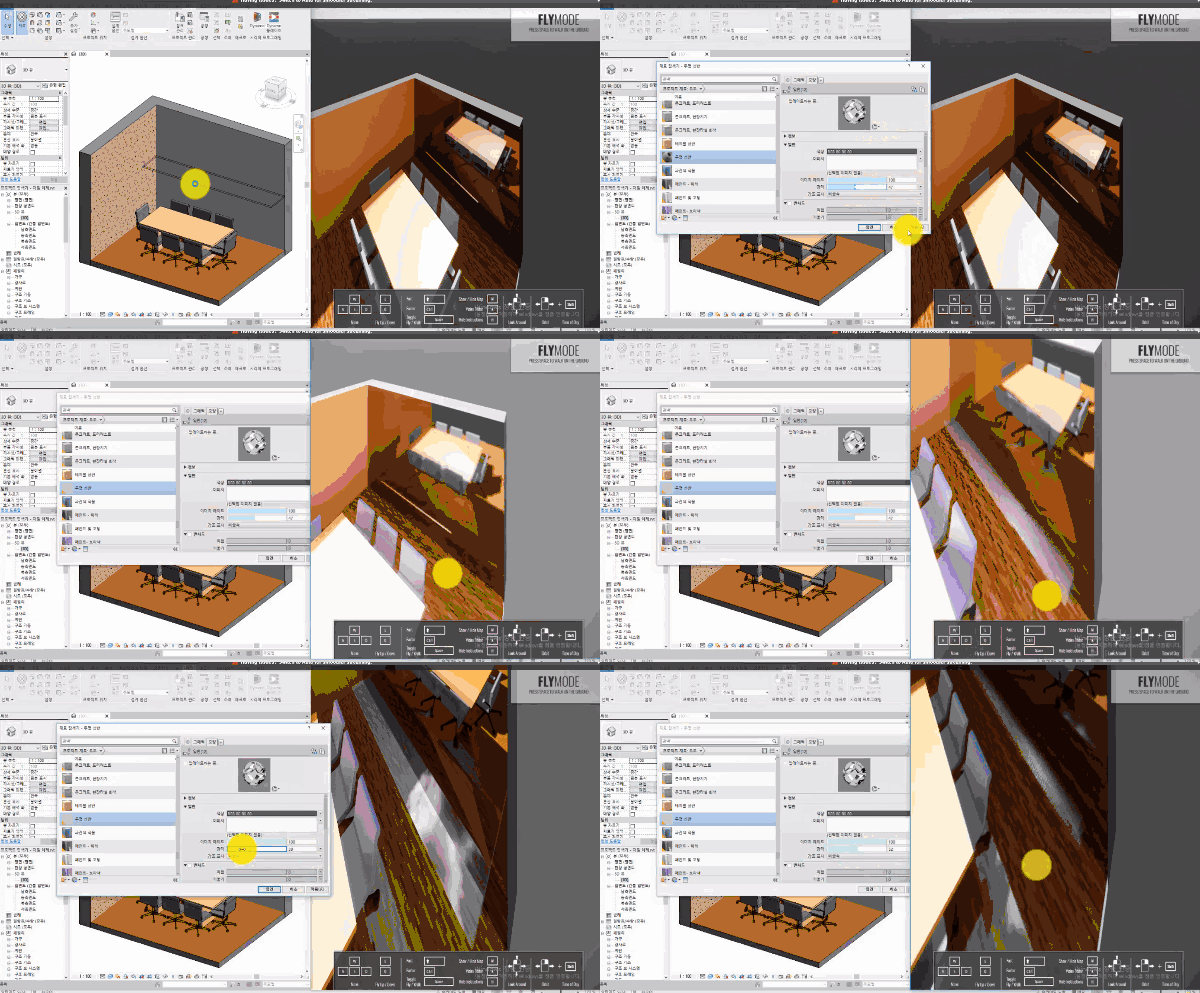
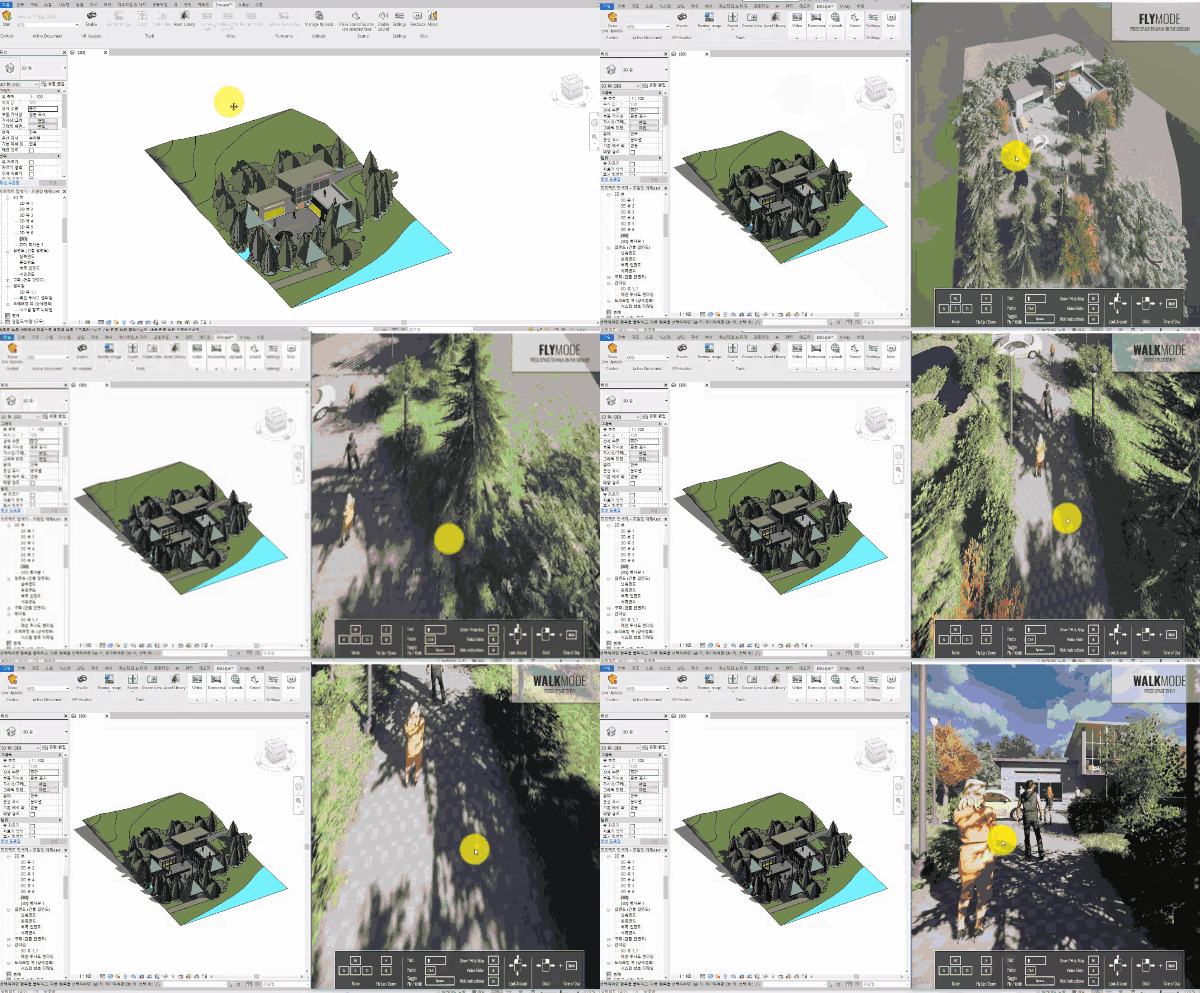
This course covers Enscape 2.4.1, a 3D rendering tool that makes it easier to learn and master the digital design features necessary for architectural and interior visualization work. It is structured in a follow-along learning format so that even beginners can easily learn through videos alone, so even those who are learning Enscape for the first time can easily acquire the functions. Through this course, you can visualize the 3D models you've been working on in Revit in a more realistic way, and learn various presentation techniques, including virtual reality implementation.
🌈 Preview the lecture
🙌 Tools covered here
Enscape 2.4.1
Autodesk Revit 2019
This course uses Enscape 2.4.1 and Revit 2019. Therefore, we recommend using the latest versions of Enscape and Revit.
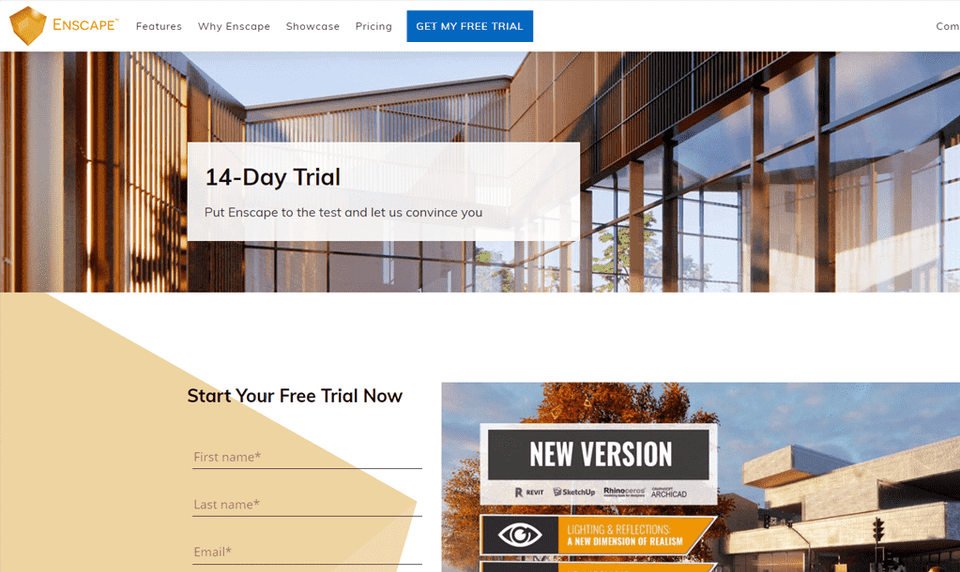
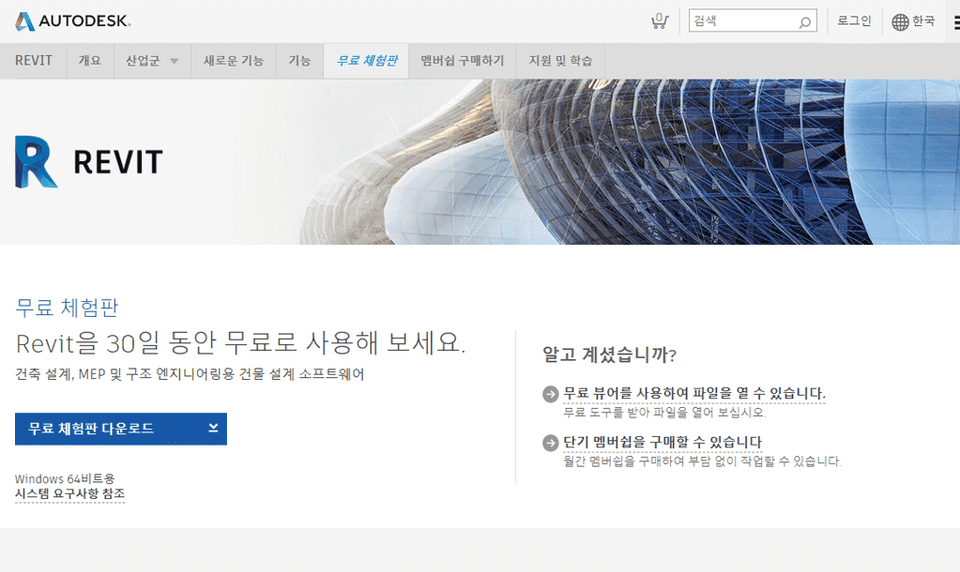
You can purchase Enscape from the official Autodesk website or use a limited-time trial version. Official site links (1)(2)
🙋🏻♂️ Expected questions related to the lecture
Q. Can non-majors and beginners also take the course? A. This course is a basic Enscape course, starting with the installation of Enscape. However, since it is intended for existing Revit users to learn and integrate Enscape's features, prior knowledge of Revit is required.
Q. Are lecture notes included? A. Yes, example files are attached to the second lecture. You can download the example compressed file by clicking the cloud-shaped icon on the left tab of the lecture playback screen or the green [Materials] icon in the upper right corner. (To ensure 100% progress, click [Viewed] in the bottom center.)
Recommended for these people
Who is this course right for?
Learners who are burdened by learning difficult visualization programs
Anyone who wants to learn how to create 3D photorealistic images and videos in a short period of time.
The lecture wasn't long, so I was able to take it quickly. I think I can use it right away because it only explains the core functions well. Thank you.