
강의

멘토링

커뮤니티

Productivity

/

Office

Boosting Work Productivity with iWork - Keynote

Learn step-by-step how to easily and elegantly complete presentations using Keynote in a Mac environment. A complete Keynote guide focused on practical skills from theme selection to animations and collaboration!

2 learners are taking this course

Level Beginner

Course period 12 months

  • usefulit
presentation PT
presentation PT
keynote
keynote
iwork
iwork
presentation PT
presentation PT
keynote
keynote
iwork
iwork

What you will gain after the course

  • You can learn Keynote's main features and interface to efficiently create documents.

  • You can create high-quality presentations by utilizing visual materials such as tables, charts, and images.

  • You can complete logical and practice-oriented presentation materials through presentation tools and collaboration features.

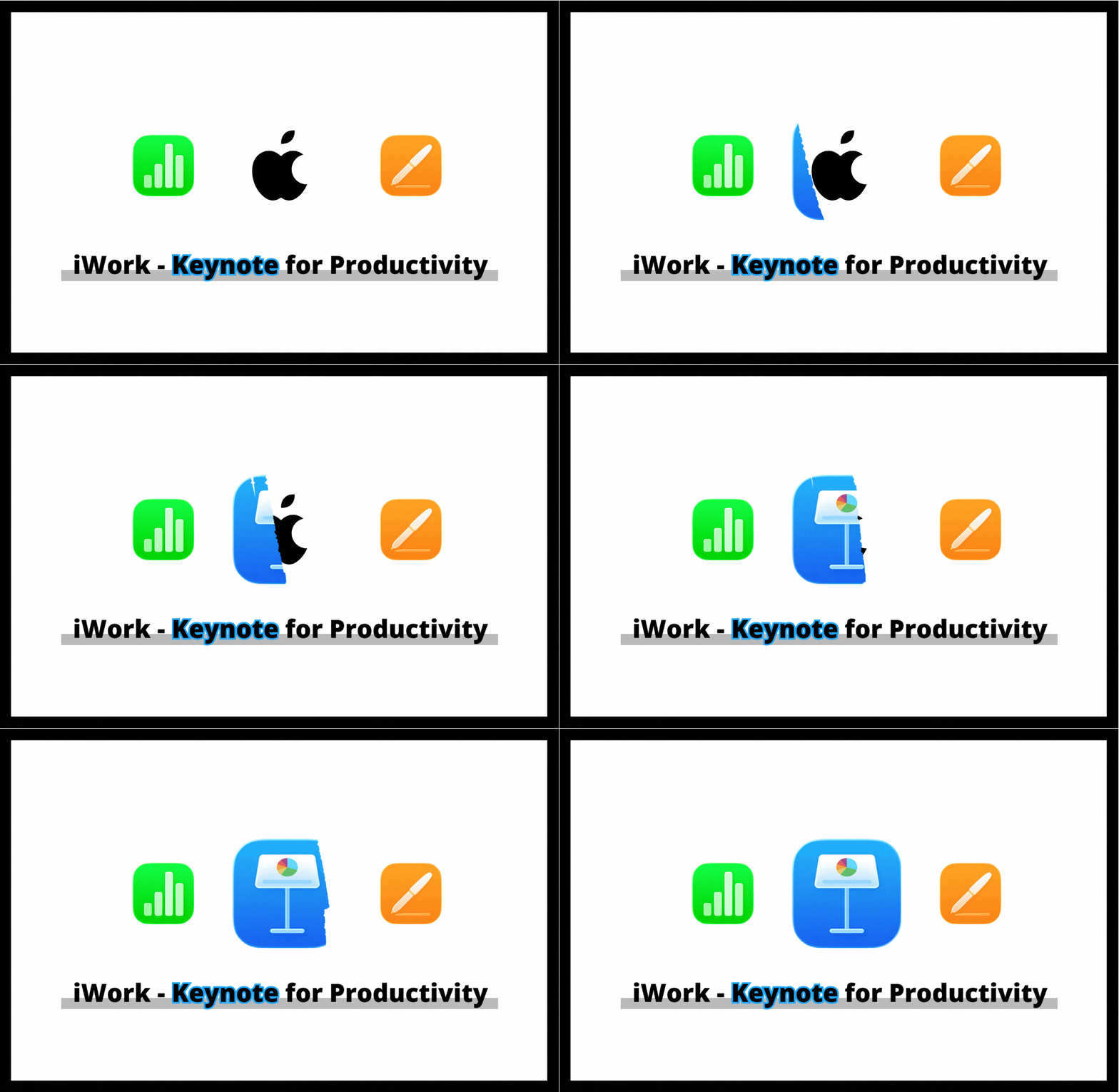
iWork - Keynote for Productivity

Creative presentations, now complete them with Keynote!

Creative presentations, now complete them with Keynote!
Learn step-by-step how to use iWork's flagship presentation tool, Keynote, which allows you to create slides easily and efficiently in a Mac environment.

From theme selection to slide composition, text editing, inserting images, tables, and charts, applying animation effects,
and even collaborative work and presentation features —
This is a comprehensive course where you can master practical Keynote usage all at once.


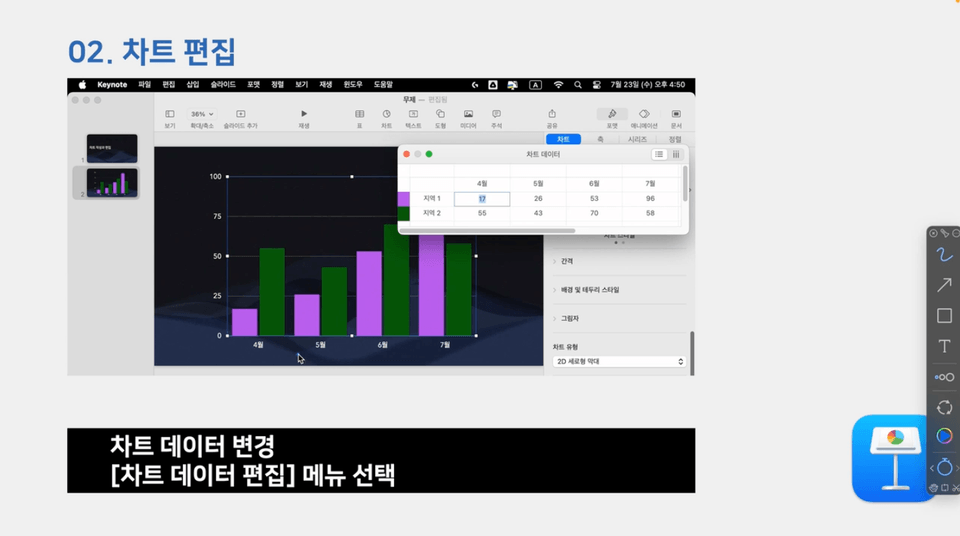
Section 4 Adding and Editing Charts

Sections 1-3 cover Keynote basics and text/image editing,
while sections 4-6 cover the process of creating high-quality presentations through advanced features such as tables, charts, structure management, and collaboration.


🎯 Learning Objectives

  • You can understand Keynote's key features and interface and quickly create documents.

  • Effectively utilize visual materials such as images, tables, and charts to enhance the completeness of presentation materials.

  • You can enhance visual communication through animations and transition effects.

  • You can implement collaboration-centered practical presentations by utilizing collaborative work and presentation tools.


⚙️ Tools Covered

  • iWork - Keynote: A core tool used for creating and presenting presentations in Mac environments


📂 Curriculum

Section 1. Learning Keynote Basics

Understanding Keynote's interface and organizing document structure.

  • Getting Started with Keynote

  • Slide Structure

Section 2. Working with Text and Layout

Enhance message delivery by configuring text editing and slide layouts.

  • Text Input and Editing I

  • Text Input and Editing II

Section 3. Inserting and Managing Visual Elements

Create polished slides by inserting images, shapes, and media, and managing objects effectively.

  • Insert Media

  • Managing Objects

Section 4. Mastering Data Visualization

Learn how to visually represent information using tables and charts.

  • Insert Table

  • Table Editing

  • Chart Addition and Editing

Section 5. Presentation Structure Design and Document Management

Design the slide flow and complete a logical presentation structure.

  • Presentation Management and Organization I

  • Presentation Management and Organization II

Section 6. Document Completion and Collaboration Features

Learn practical features for document completeness, editing efficiency, and presentation preparation.

  • Writing/Editing Tools

✅ Confirmation Items

  • This course does not provide instructor Q&A.

  • Lecture materials and lesson plans can be downloaded from [Class Materials] in the first lesson of each section.

Recommended for
these people

Who is this course right for?

  • Working professionals and freelancers who want to systematically learn presentation skills

  • Mac users who are new to Keynote or want to enhance their practical application skills

  • Instructors and planners who want to create educational and presentation slides directly

Hello
This is

8,278,677

Learners

6,372

Reviews

4.6

Rating

309

Courses

I will help you grow through useful IT lectures.

Curriculum

All

14 lectures ∙ (6hr 17min)

Course Materials:

Lecture resources
Published: 
Last updated: 

Reviews

Not enough reviews.
Please write a valuable review that helps everyone!

$37.40

usefulit's other courses

Check out other courses by the instructor!

Similar courses

Explore other courses in the same field!