

inflearn logo
inflearn logo

/

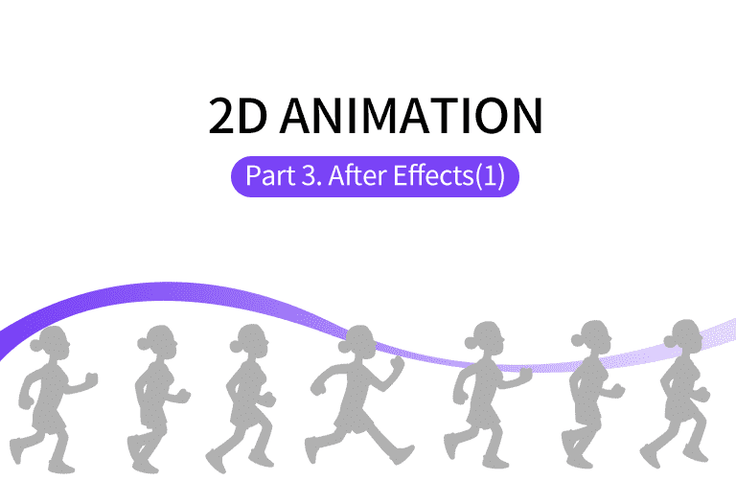
Anyone can easily create practical 2D animation Part 3 (After Effects)

Learn the motion graphics skills needed to create animations using AfterEffects.

(4.7) 6 reviews

13,440 learners

Level Basic

Course period 12 months

After Effects
After Effects
Video Production
Video Production
After Effects
After Effects
Video Production
Video Production

Reviews from Early Learners

Reviews from Early Learners

4.7

5.0

SP

100% enrolled

Thank you! This lecture is also very interesting!

5.0

할수있다

32% enrolled

This is the best lecture

5.0

드로우

15% enrolled

Thank you for the great lecture.

What you will gain after the course

  • After Effects

  • Various motion technologies such as motion typography

Making it with my own hands
Animation 🤸

🗒 Course Introduction

(Please note that this lecture does not provide instructor-assisted answers. )

Adobe After Effects is arguably the ultimate tool for motion graphics. Using After Effects, you can create vibrant, dynamic animations that go beyond ordinary videos.

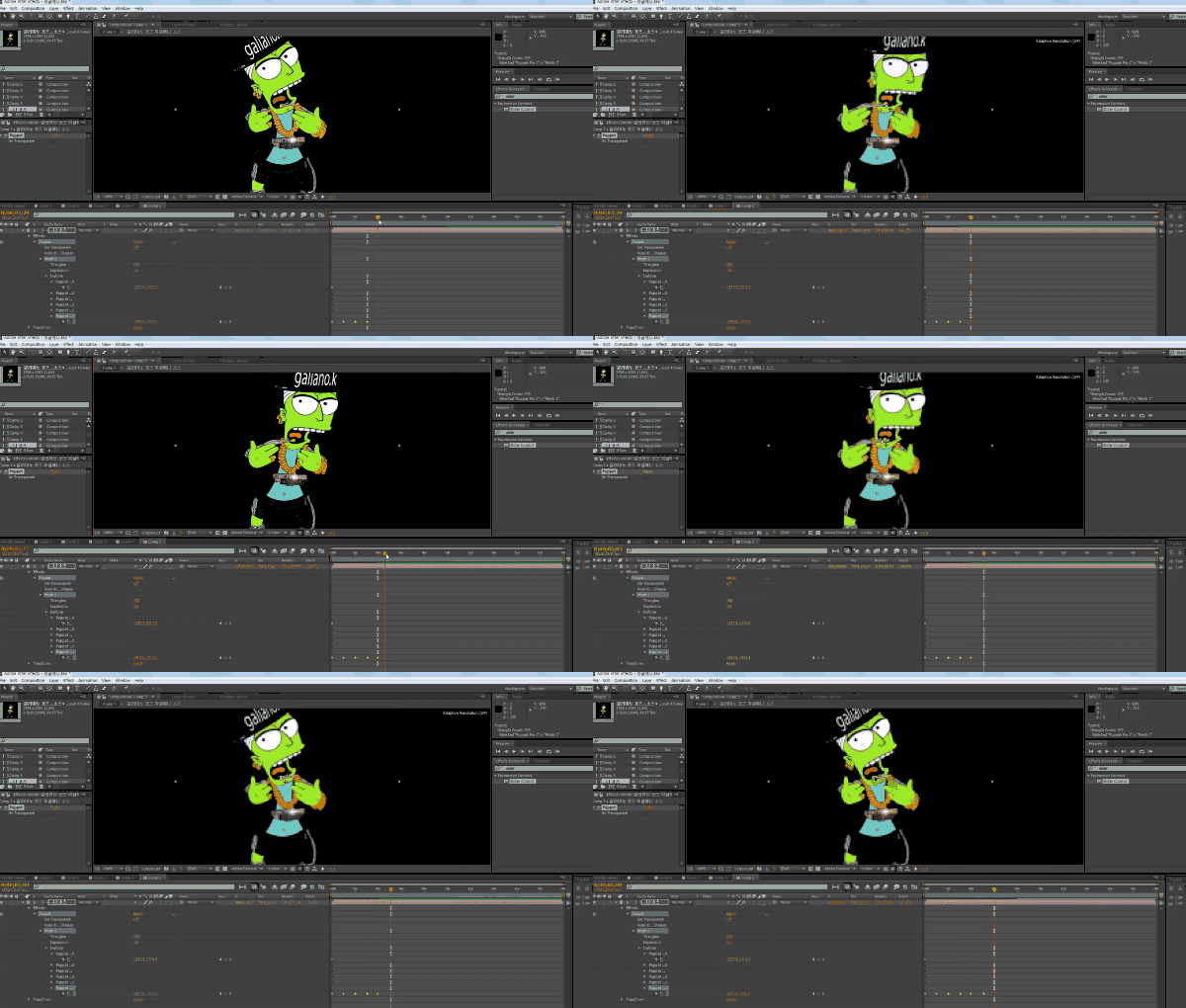
This course explores the basic After Effects features and animation-related skills needed to create animations. The goal is to demonstrate core After Effects features, including light motion, camera movement, and trim passes, through a variety of examples.

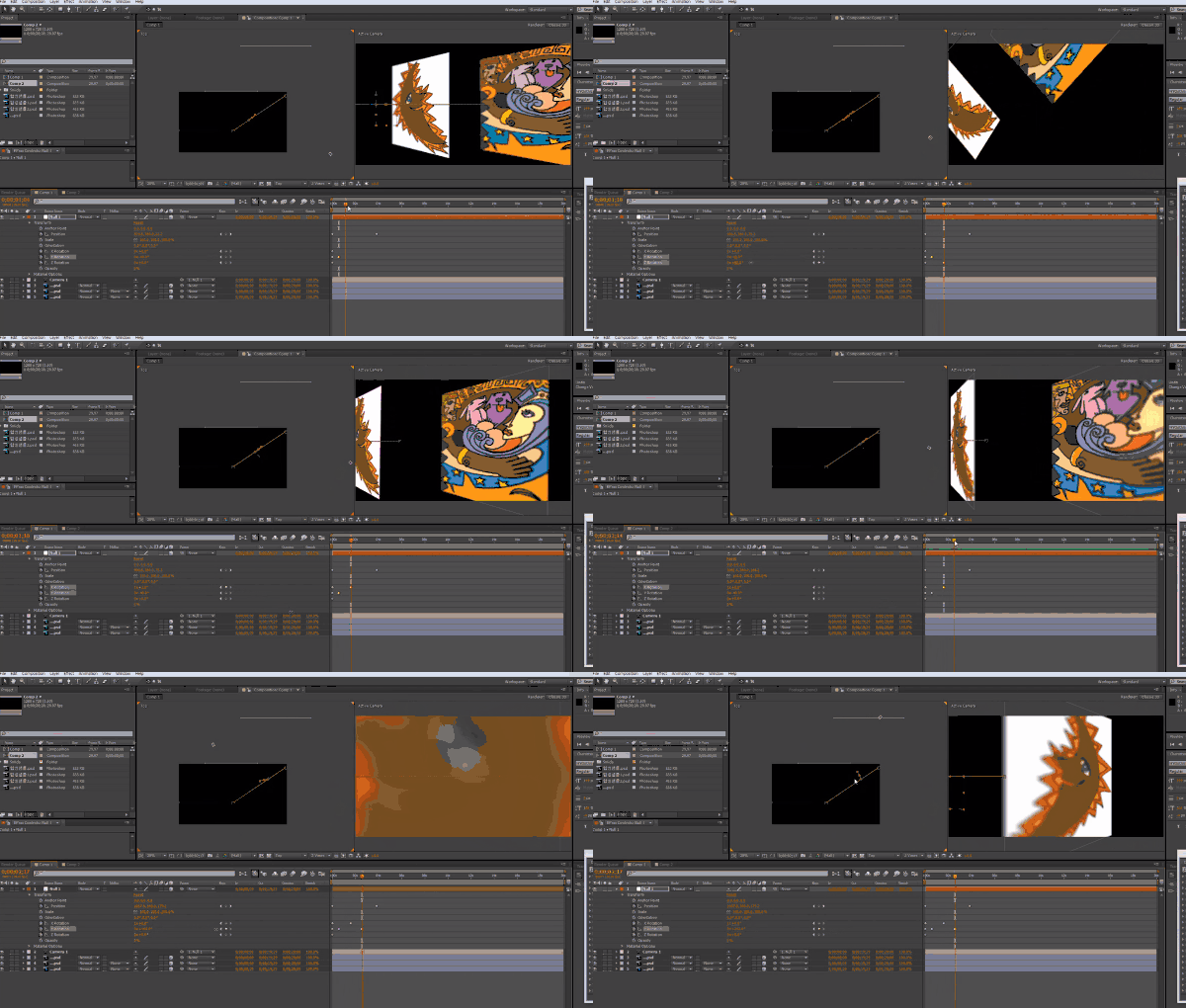
🌈 You can make things like this!

🙌 Tools covered here

  • Adobe After Effects CC

This course uses Adobe After Effects CC . Therefore, we recommend using the latest version of After Effects, CC 2018 or later.
You can purchase the program from the official Adobe website or download a free trial version. Official website link

🙋🏻‍♂️ Expected questions related to the lecture

Q. Can non-majors and beginners also take the course?
A. While this course will explore the fundamentals of After Effects, it will not provide a detailed, in-depth explanation, as it is a course taught through examples. Therefore, we recommend this course for learners who already possess the necessary skills to use Premiere Pro animation (e.g., those who completed "Anyone Can Create Practical 2D Animation: Part 2 (Premiere)") to gain experience using After Effects.

Q. Are lecture notes included?
A. Yes, you can download the lecture notes by clicking the cloud-shaped icon on the left tab while watching the lecture.
The syllabus is attached to the second lecture.

Recommended for
these people

Who is this course right for?

  • People who want to learn motion graphics

  • Available to Premier Intermediate and above users

Need to know before starting?

  • Intermediate or higher level video editing skills such as Premiere Pro

  • Anyone can easily create practical 2D animations Part 2 (Premiere) course (recommended)

Hello
This is usefulit

8,279,077

Learners

6,416

Reviews

4.6

Rating

309

Courses

I will help you grow through useful IT lectures.

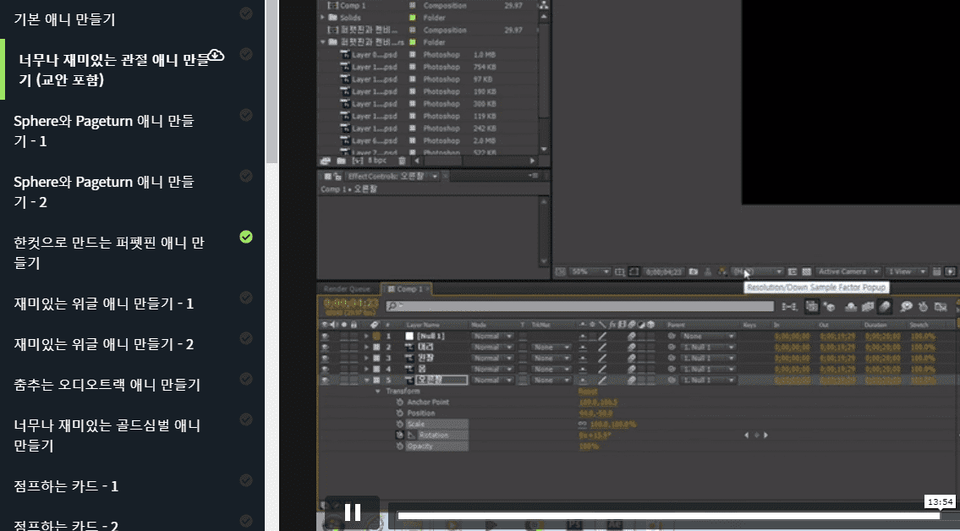
Curriculum

All

34 lectures ∙ (13hr 5min)

Course Materials:

Lecture resources
Published: 
Last updated: 

Reviews

All

6 reviews

4.7

6 reviews

  • hyde31633589님의 프로필 이미지
    hyde31633589

    Reviews 350

    Average Rating 5.0

    5

    32% enrolled

    This is the best lecture

    • ohje03145852님의 프로필 이미지
      ohje03145852

      Reviews 22

      Average Rating 4.7

      5

      100% enrolled

      Thank you! This lecture is also very interesting!

      • themis89083554님의 프로필 이미지
        themis89083554

        Reviews 10

        Average Rating 4.9

        4

        100% enrolled

        thank you

        • draw님의 프로필 이미지
          draw

          Reviews 269

          Average Rating 5.0

          5

          15% enrolled

          Thank you for the great lecture.

          • seoavid님의 프로필 이미지
            seoavid

            Reviews 14

            Average Rating 4.8

            4

            100% enrolled

            I'm watching you well.

            usefulit's other courses

            Check out other courses by the instructor!

            Access is restricted to non-public courses.