Triangles in action! CMake beginner
triangle
$77.00
Basic / cmake, vcpkg, C++
4.7
(26)
200+
Are you having trouble using CMake? After taking this course, you too will be a CMake expert.

Basic
cmake, vcpkg, C++

This course will help students understand the core concepts of Vulkan, enabling them to write code that effectively utilizes the GPU.
94 learners
Level Intermediate
Course period Unlimited
Reviews from Early Learners
5.0
Seongwook Seo
It would be difficult to explain Vulkan this easily.
5.0
김종수
Although I've used opengl and directx for quite some time, it was difficult to follow the lecture content during the first viewing. This was because a vast number of new functions and structures added in vulkan kept appearing. Fortunately, starting from the second full viewing of the lecture, I gradually began to understand, and by the third viewing, I could understand most of it. It takes several times longer to learn how to texture a triangle in vulkan than it does in opengl. Texturing a triangle requires almost 1300 lines of code. Regarding another person's review saying, "What kind of lecture explains every single struct in vulkan?", in my opinion, I think vulkan lectures inevitably have to be structured this way. This is because it's necessary to explain what each struct member means in the graphics pipeline. The points I found disappointing about the lecture are that there are too few assignments and only the core essentials are explained. Firstly, throughout the entire lecture, there were perhaps only about 4-5 simple assignments? In follow-up lectures, I hope there are more assignments, even simple ones, than now. Doing assignments helped me understand the lecture content more deeply. Secondly, the part where only the absolute core essentials of each vulkan concept were explained was also difficult when I first took the lecture. Explaining only the core makes it easy to remember and organize the content, but since the explanations are too short, I was able to learn more details about parts I couldn't understand solely from the explanations with the help of an LLM. For future lectures, I hope there are more supplementary explanations than now, even if the lecture content becomes a bit longer. I also request that the window framework be glfw, and that you check in advance if there are any errors on other platforms like Windows.
5.0
섭지코지
I listened well. The process of making the GPU work in Vulkan is really difficult. Buffer & image synchronization... gfx queue, compute queue synchronization... It's fine when drawing triangles, but If I try to make a game engine by myself later, I can imagine that setting up pipeline & renderpass resources will be very difficult. The lecture was great, but Vulkan itself is a bit disappointing 😭 It would have been nice if it was easy for users to make... I look forward to the advanced course~^^
Vulkan
Graphics
💡 The course is intermediate-level, but it's explained in a way that even beginners can understand , so don't worry too much about the difficulty. The reason the course is intermediate-level is because it only covers Vulkan, not overall graphics.

This course is designed for OpenGL developers considering migrating to Vulkan. It covers the fundamentals and delves into advanced topics such as GPUs, SPIR-V, synchronization, pipeline barriers, and buffering. Students will understand Vulkan's key benefits: explicit GPU control and performance optimization potential. Ultimately, this course will equip them with the understanding and skills necessary to transition from OpenGL to Vulkan. Upon completion, students will be ready to explore new horizons in advanced graphics programming.
Demo Showing Vulkan's Performance Beyond OpenGL
Demo showing Vulkan consumes less power than OpenGL
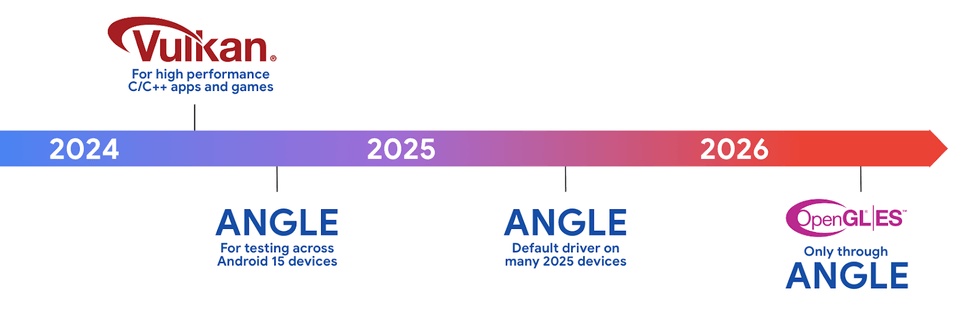
Starting with Android 15, Vulkan will be adopted as the default API, and OpenGL ES is recommended for deprecation.
📌 Vulkan is explained very simply. Years of Vulkan expertise are incorporated into the lecture.
📌 50% theory, 50% practice. All code is written in an easy-to-understand manner.
📌 This course is for intermediate learners. You should be familiar with CMake and OpenGL. 🙂
📌 We run a Discord for Q&A and active discussion . 🗣
📌 We offer student discounts to ease the financial burden on students and job seekers. 🥰

I want to learn Vulkan.
I heard that Vulkan was released to replace OpenGL, but I'm curious about what Vulkan is and want to learn about it.

I want to switch from OpenGL to Vulkan.
I know OpenGL, but Vulkan is too difficult to use. How can I learn Vulkan quickly and easily?

I want to solve Vulkan issues in Unreal Engine.
I enabled Vulkan in Unreal Engine to improve performance, but I'm getting rendering errors. I have no idea how to fix it.

I want to contribute to Vulkan open source.
I want to know how to understand and modify Vulkan code to make meaningful contributions.
You will gain a deep understanding of the core concepts of Vulkan.
Master the features of Vulkan to maximize the graphics performance of your applications.
Vulkan's cross-platform nature allows you to develop engines that run on a variety of operating systems.
Learn how to use Vulkan tools to identify and resolve issues in your applications.
You will understand SPIR-V.

Vulkan Advantages
You will learn more about the advantages Vulkan offers over OpenGL.

Vulkan Loader
You will learn about the Layer structure, which is the core structure of Vulkan, and the role of the Vulkan Loader that implements it.

synchronization
You will learn how Host and Device can synchronize and when synchronization is necessary.

hardware
You'll also learn about the hardware that software developers must understand to use Vulkan.
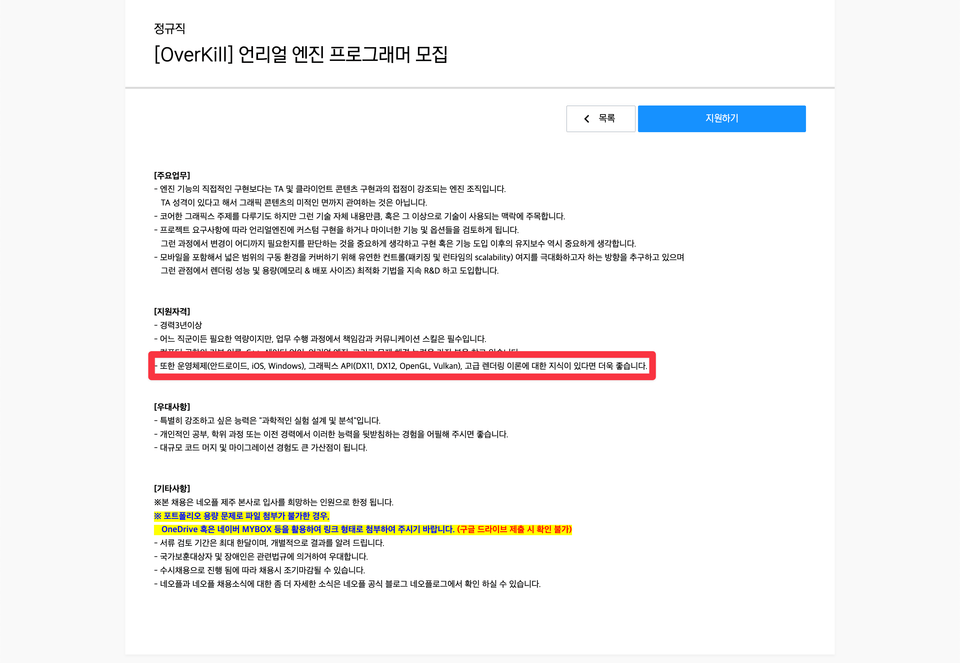
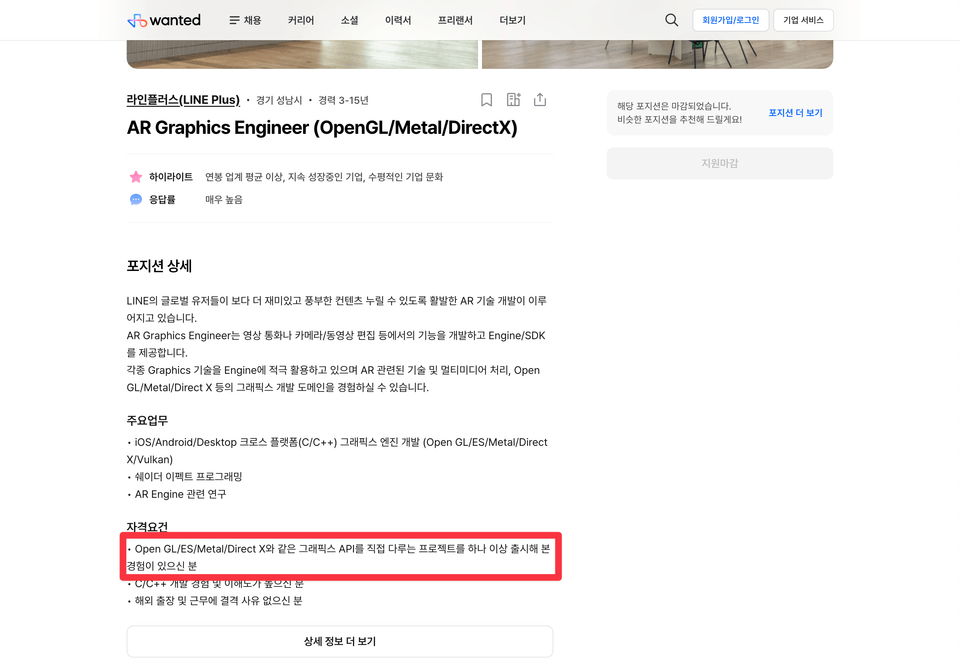
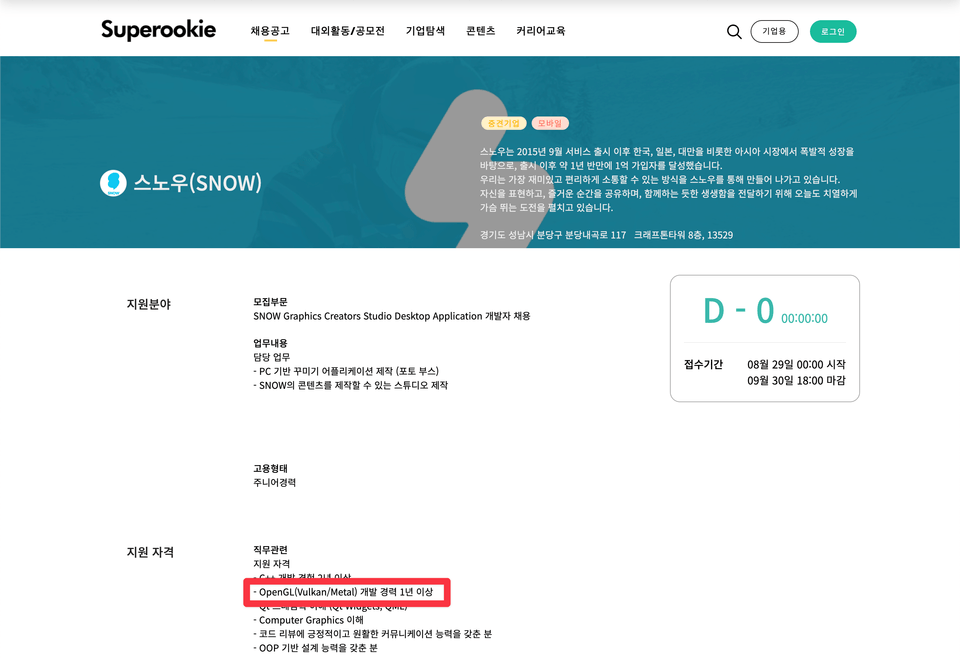
2024 ~ Present: Qualcomm AI Research
2021 ~ 2024: Kakao Brain
2023 ~ 2023: Open Source Playground Mentor Group
2020 ~ 2021: AMD
2019 ~ 2020: Line Plus
2018 ~ 2019: AMD
2012 ~ 2018: Samsung Electronics
2010 ~ 2011: Samsung Software Membership
The lecture is based on Android.
The IDE I use is Android Studio.
Lecture materials can be downloaded from the lecture.
Examples can be downloaded from GitHub .
CMake
C++
OpenGL

If you're looking to learn CMake, Triangle's "Practical CMake" beginner course will give you the knowledge you need. Students will also receive a discount coupon.

This course was created by Sweet Spot . Experts carefully selected the curriculum and provide practical know-how to help you grow. Sweet Spot 's courses reflect the latest trends, always providing up-to-date information, and their systematic learning methods ensure maximum learning effectiveness. Unleash your full potential with Sweet Spot courses today!
Who is this course right for?
Anyone who wants to learn Vulkan
For those who want to switch from OpenGL to Vulkan
Anyone who wants to fix Vulkan issues in the engine
Anyone who wants to contribute to Vulkan open source
Need to know before starting?
CMake
C++
OpenGL
Career Verified
406
Learners
42
Reviews
47
Answers
4.4
Rating
3
Courses
I have been working in the software field for over 10 years. I am deeply interested in graphics, parallel computing, and artificial intelligence, and I strive to develop my expertise in these areas. Having worked at Samsung Electronics, AMD, LINE Plus, and Kakao Brain, I am currently at Qualcomm. Although I did not join due to personal reasons, I have also successfully passed final interviews at Imagination Technologies, 42dot, Hyperconnect, NAVER LABS, Amazon, Google, and NVIDIA. Moving forward, I would like to share the knowledge I have gained with you and learn much from you as well. 🙇
All
44 lectures ∙ (7hr 56min)
Course Materials:
All
8 reviews
3.3
8 reviews

Reviews 17
∙
Average Rating 5.0
Reviews 4
∙
Average Rating 5.0
Edited
5
Although I've used opengl and directx for quite some time, it was difficult to follow the lecture content during the first viewing. This was because a vast number of new functions and structures added in vulkan kept appearing. Fortunately, starting from the second full viewing of the lecture, I gradually began to understand, and by the third viewing, I could understand most of it. It takes several times longer to learn how to texture a triangle in vulkan than it does in opengl. Texturing a triangle requires almost 1300 lines of code. Regarding another person's review saying, "What kind of lecture explains every single struct in vulkan?", in my opinion, I think vulkan lectures inevitably have to be structured this way. This is because it's necessary to explain what each struct member means in the graphics pipeline. The points I found disappointing about the lecture are that there are too few assignments and only the core essentials are explained. Firstly, throughout the entire lecture, there were perhaps only about 4-5 simple assignments? In follow-up lectures, I hope there are more assignments, even simple ones, than now. Doing assignments helped me understand the lecture content more deeply. Secondly, the part where only the absolute core essentials of each vulkan concept were explained was also difficult when I first took the lecture. Explaining only the core makes it easy to remember and organize the content, but since the explanations are too short, I was able to learn more details about parts I couldn't understand solely from the explanations with the help of an LLM. For future lectures, I hope there are more supplementary explanations than now, even if the lecture content becomes a bit longer. I also request that the window framework be glfw, and that you check in advance if there are any errors on other platforms like Windows.
Reviews 1
∙
Average Rating 1.0
1
The quality of the lecture is not good. I did not pay a lot of money to read the function name and parameters. What if I have to look up the parameters? And I am an intermediate learner, so I don't think I will listen without knowing about pointers and structures. Most of the lecture is about reading functions.
Hello. Since I tried to explain everything, there are a lot of functions explained in the beginning of the lecture. However, in the latter half, all of those contents will be combined, so you will be able to understand Vulkan. If you find the function explanation boring, can you skip that part and look at the combined part and give me feedback again?
Reviews 1
∙
Average Rating 1.0
Reviews 1
∙
Average Rating 1.0
1
The quality of the lecture is not satisfactory. 90% of the lecture content is just reading the function names and parameters. The latter part is the same.
Oh, I see... The pipeline barrier and buffering part don't help either. I'll try to prepare a different lecture next time. I'm sorry for disappointing you.
Check out other courses by the instructor!
Explore other courses in the same field!
25% off for new members
$112.90
25%
$152.90