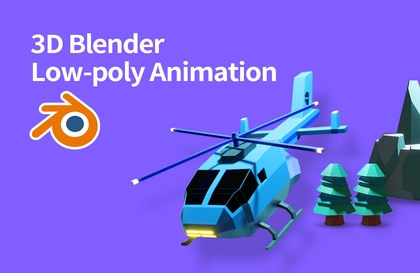
From Blender Beginner to Low-Poly 3D Animation
AZTechnology
$38.50
Beginner / Blender
4.8
(24)
400+
A course that will teach you everything from the basics of Blender to creating low-poly 3D animations.

Beginner
Blender

3D modeling,
It's my first time, can I do it? 🥺

With the free tool Blender
Start 3D modeling!
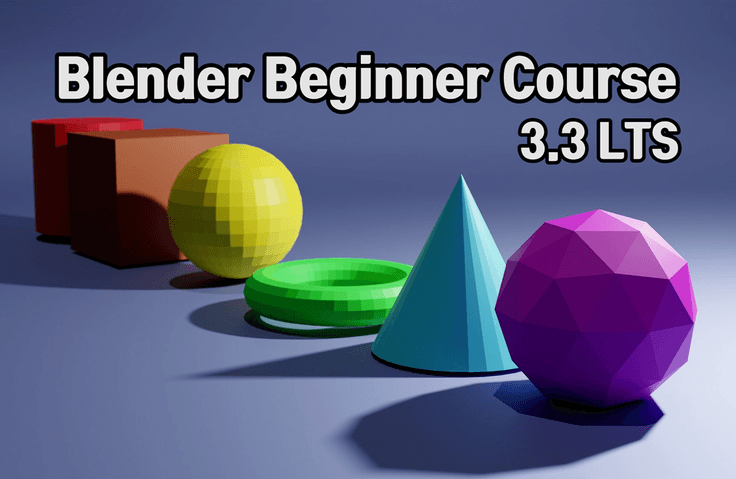
When you first encounter 3D software, the barrier to entry can seem high. However, with Blender, you can achieve anything with determination and a free imagination. This course will teach you the very basics of using Blender 3D software, and while creating a simple low-poly robot, you'll learn modeling, editing, shading, lighting, and rendering. This one-hour course is designed to help you determine if you're interested in 3D modeling.
📌 Course Features

3D modeling/design
Anyone interested

In the metaverse ecosystem
Anyone interested

My own 3D modeling
Anyone who wants to try it
I was completely clueless about design/3D modeling. Blender software is incredibly easy to use, and best of all, it's free, so it's easy to get started. If you don't enjoy investing an hour or so, don't bother. By taking this course, you'll understand the basics of Blender and will be able to decide whether to pursue a career in 3D. And if you're a hobbyist, you'll be able to create your own 3D models.
.gif?w=960)
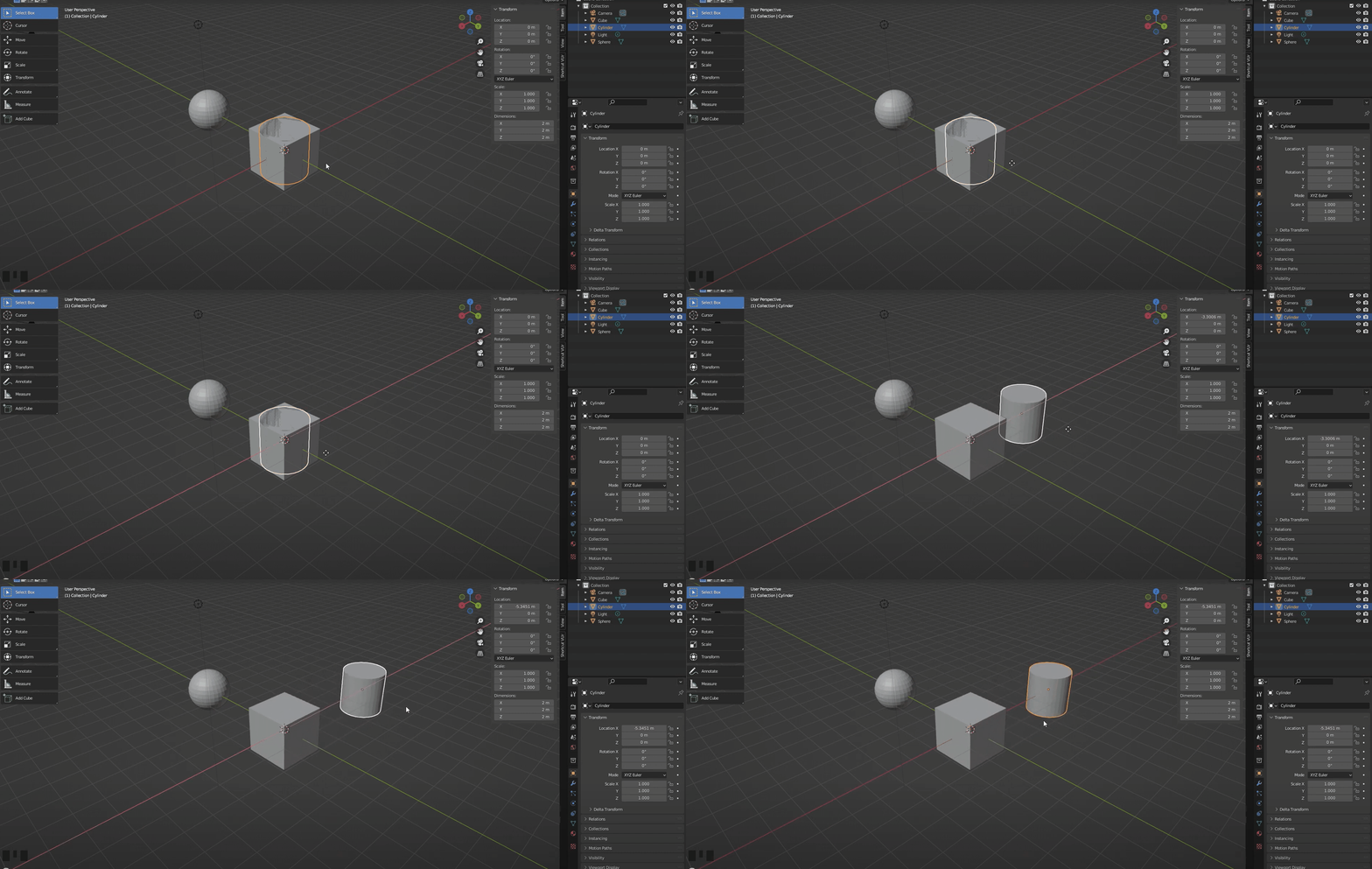
1. A really basic introduction to the interface for those installing Blender for the first time.
Introduction to basic contents such as basic interface, moving/rotating/scaling objects, adding objects, applying materials, rendering, etc.
2. Blender Basic Modeling
An introduction to modeling in a low-poly style using only simple move/rotate/scale functions.
3. Blender Basic Edit Mode
Introducing frequently used tools to change the shape of objects in Edit Mode.
4. Blender Basic Shading
Introduction to how to color the surface of an object and change its material state.
5. Blender Basic Lighting
An introduction to adding simple lights and expressing light spatially.
6. Blender Basic Rendering
Introducing how to output 3D modeling results as simple images/videos.
Q. Is this a course that non-majors can also take?
A. Yes, you can do it even if you don't know anything. Just listen and follow along.
Q. Do I need good computer specifications?
A. Since this is a basic course, a low-spec computer is fine.
Q. What are the benefits of learning Blender?
A. It can be applied to various fields such as 3D design, games, and the metaverse, and above all, it is fun to do as a hobby.
I've been running the YouTube channel AZTechnlogy since September 2020, uploading tutorial videos about Blender and other software.





![[LV1] Super Beginner Effect (VFX) - Build a Strong Foundation! (UE5, Blender)Course Thumbnail](https://cdn.inflearn.com/public/courses/328616/cover/746106c5-b98e-4791-99c0-6cc9bc140ada/328616-eng.jpg?w=420)