A course that builds your capacity to collect, process, analyze, and visualize data to make accurate decisions!
Through this course, understand the Excel functions necessary for data analysis and derive the results you want!
Excel data analysis methods that can be used in practice
Effective expression skills through data visualization
Ability to derive data-driven insights
Data literacy, you can't put it off any longer! 🔥
The power of data-driven decision making!
A comprehensive course that covers everything from data collection, processing, and analysis methods to how to make decisions based on data!
Master data literacy through Miso Campus's lectures! 💪
What is Data Literacy? 📑
Digital literacy refers to the ability and knowledge to read, analyze, and write digital technology, data, information, content, and media. American media educators Rubble and Bailey defined digital literacy as the ability to understand digital technology and knowing when and how to use it. Now, all of humanity's knowledge is stored digitally and can be used freely by anyone.
Technologies such as artificial intelligence, big data, cloud computing, and the Internet of Things are merely “tools” for us, and achieving results using these tools depends on the capabilities of the practitioner. The core of digital literacy is understanding technological structures and developing the ability to utilize tool technologies in the right places to adapt and grow amidst the changes of the digital age.
For those who want to develop data literacy skills ✨
💁 Recommended for these people
✔️ Those who want to understand the digital environment
✔️ Those who want to learn about programming languages
✔️ Those who want to make accurate decisions through data analysis
✔️ Those dreaming of starting a business, getting a job, switching careers, reskilling, or talent transformation
🎲 After taking this course
By taking the Data Literacy Overview, you will be able to acquire the following competencies!
✔️ Understanding the basic concepts of data
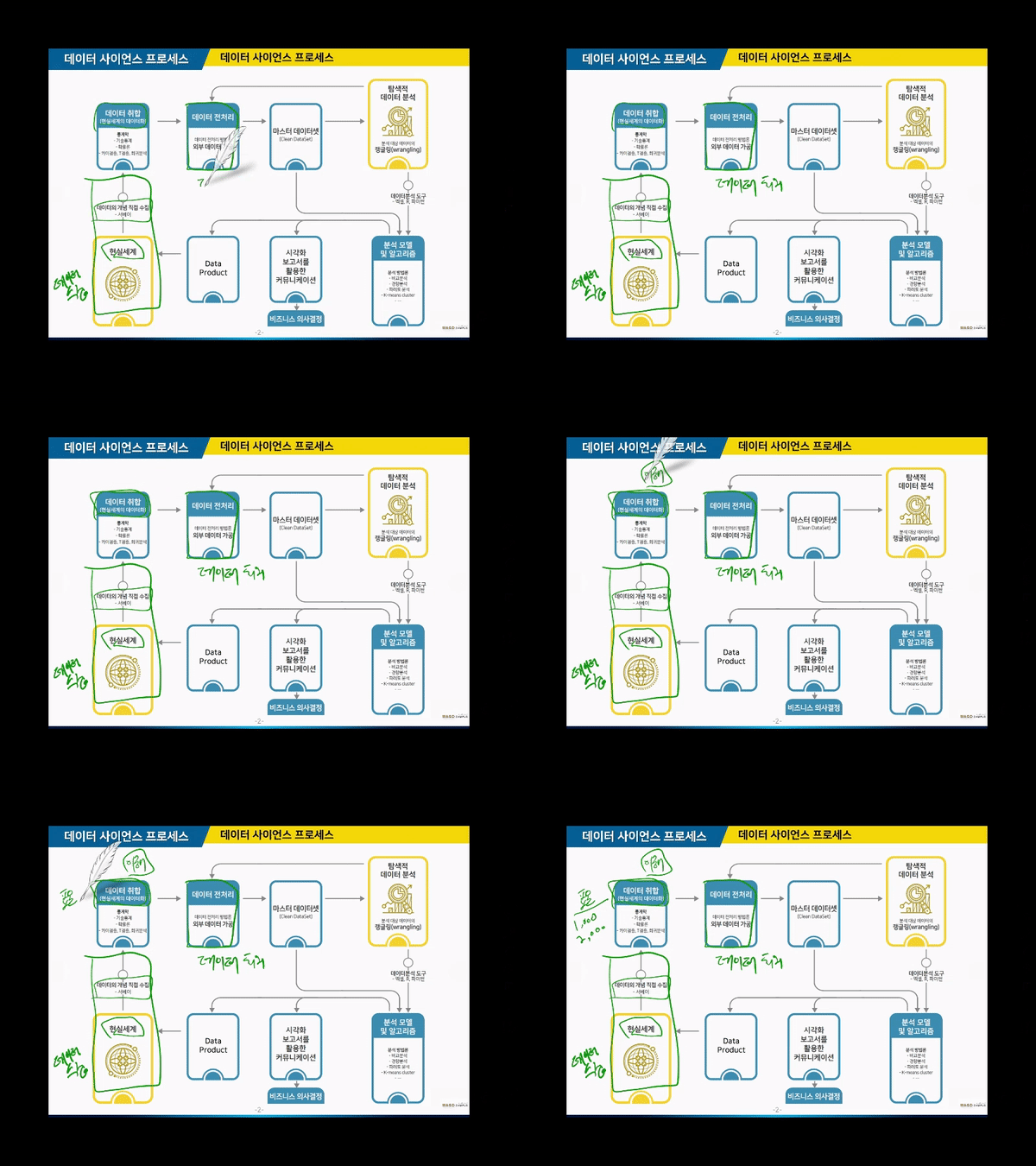
✔️ Understanding the data science process
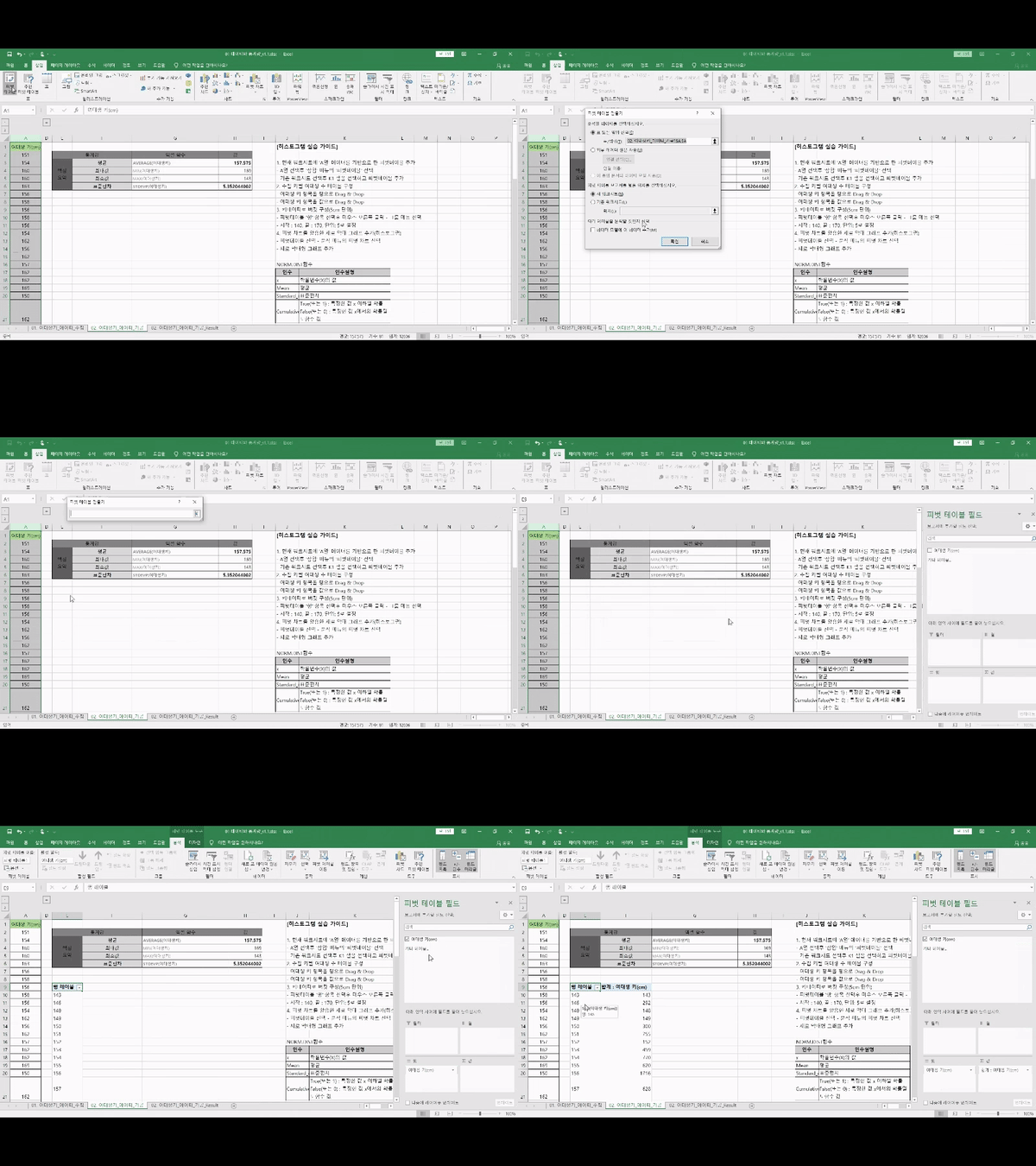
✔️ Excel data analysis methods that can be applied in practice
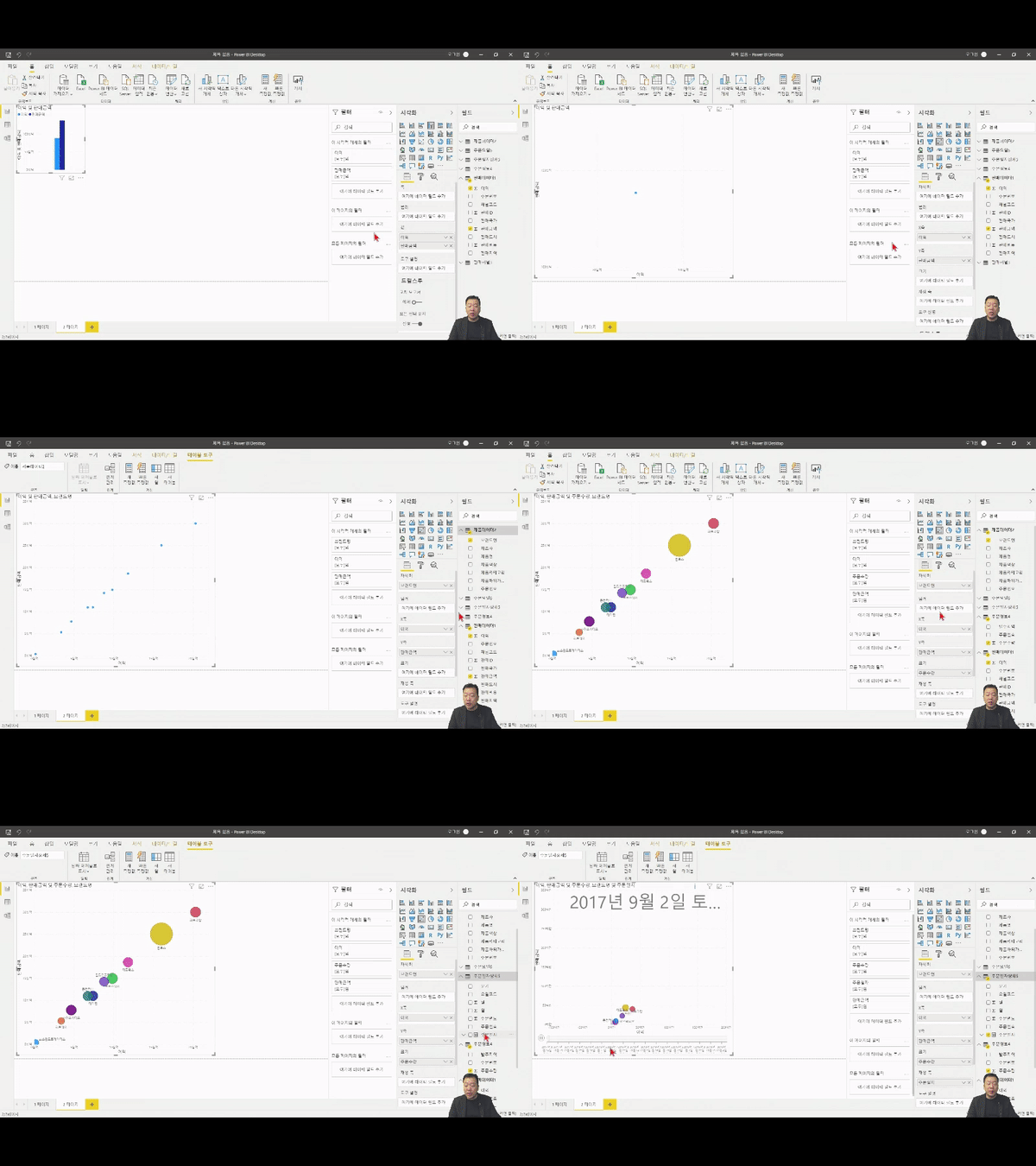
✔️ Effective expression skills through data visualization
✔️ Ability to derive data-driven insights
The key points of this course 👀
1️⃣ First, let's understand the Data Science Process!
Feeling overwhelmed about where to start with data analysis? Don't worry! This course begins with an overview to help you understand the data science process. It is an excellent course for beginners because you first grasp the big picture of how to utilize and establish data to reach your goals before diving into the specific details!
2️⃣ From data collection to decision-making, the entire process together!
This course shows you everything from data collection methods to how to make decisions using data through hands-on practice! Therefore, even complete beginners can learn data analysis methods easily and quickly!
3️⃣ Breaking Down Learning Barriers: Setting up my Excel as a real-world practice environment!
I'm working hard on the practice exercises while listening to the lecture... but wait, my Excel features are different from the instructor's?! (Oh no ⚡️) I don't know the first thing about Excel... What should I do if I feel lost? To prepare for situations like this, we have prepared a [Setting Up the Practice Environment] lecture so you can practice in an environment identical to the actual one! Let's set up the Excel features and move through the practice step-by-step 😉
Check out the learning content 📚
Understanding the Data Science Process
Learn how to collect, process, and analyze data
Visualizing Data
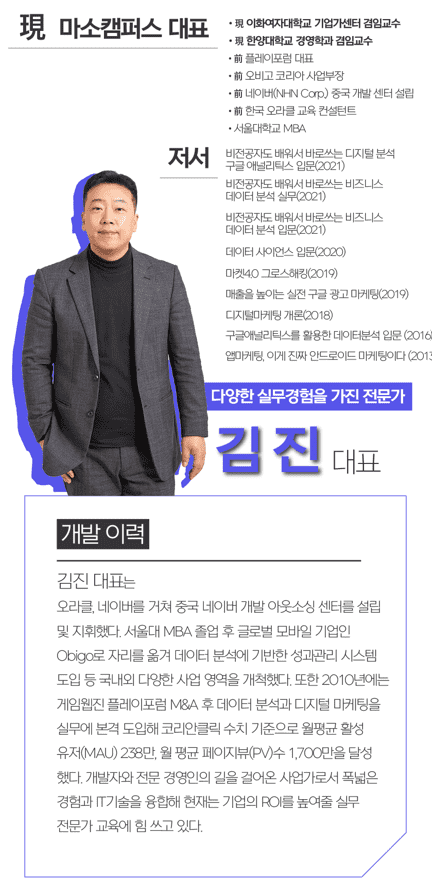
The instructor for this course is ✒️
Check out the Q&A! 💬
Q. Do I need to be proficient in Excel to follow the class?
The instructor points out every single button you need to click, so you don't have to worry about your basic skills.
Q. Are there any requirements or prerequisites for taking this course?
Since this is a practice-oriented course, we recommend using dual monitors or an extra device so you can separate the lecture screen from your practice screen. Additionally, as the exercises are based on Windows OS, we recommend taking the course in a Windows environment.
✅ Please check before taking the course!
There are differences in sound volume between lecture units. Depending on your listening environment, the audio of certain videos may feel a bit quiet, so please be sure to check the [Preview] of the lecture before enrolling.
Since this is a practice-oriented course, we recommend using dual monitors or an extra device so you can separate the lecture screen from your practice screen. Additionally, as the exercises are conducted on a Windows OS basis, we recommend taking the course in a Windows environment.
Lecture notes and practice files can be found in the <2. Textbook Download Center> section.
Recommended for these people
Who is this course right for?
Those who want to understand the digital environment
Those who want to learn about programming languages
Those who want to make accurate decisions through data analysis
Those dreaming of starting a business, joining a company, career transition, reskilling, or talent transformation.







![[Introduction Class] Server, Internet and DataCourse Thumbnail](https://cdn.inflearn.com/public/courses/328897/cover/0803d412-5041-472f-be5c-ef5e3b9b00b2/328897-eng.png?w=420)