강의

멘토링

커뮤니티

Game Dev

/

Game Art

[Creating Your Own Game Textures] Everything About Substance Designer

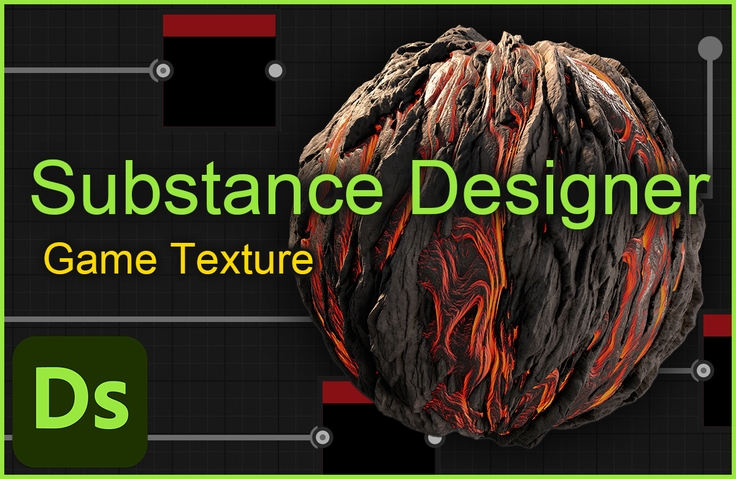
Stop using the identical textures that everyone else uses from texture sites! Study Substance Designer from basic to advanced, enabling you to create your own textures and improve the quality of your portfolio and game graphics.

(4.7) 19 reviews

187 learners

Level Basic

Course period Unlimited

  • gmpeanut
substance
substance
texture
texture
3d
3d
adobe
adobe
designer
designer
substance
substance
texture
texture
3d
3d
adobe
adobe
designer
designer

Reviews from Early Learners

Reviews from Early Learners

4.7

5.0

lynxpaw

86% enrolled

This is a really helpful course. Thank you. I have a question~ What is the best way to study Substance Designer? Would it be helpful to watch the course repeatedly? Or would it be better to make something easy without any help? Or would it be okay to just memorize the process of creating nodes? How did you study at first, Gwangmyeong Peanut? Thank you for the great course ^^

5.0

딸기똘기

23% enrolled

The Subdi lectures on YouTube are old and don't have much information, but they were really helpful. It's good to go back and look at the parts I missed, and the explanations are very detailed, so it's very helpful. However, for those who have no concept of nodes and node names, it would be more effective to personally search for the relevant parts and then listen to this lecture. However, once you get used to Subdi, you'll be able to follow along... Thank you for the great lecture!

5.0

F FF

69% enrolled

It's the best among other subdi lectures. The texture examples and lecture composition are all helpful and useful. In the node explanation lecture in the curriculum, I wrote the node explanations on a timeline in my notes, so whenever I forget the node function, I go through the timeline and listen to the explanation again, which is really helpful. And the texture explanations are also really good. If you follow the lecture without thinking, you may forget the part you did before, but the explanation reminds you of the part you worked on, so I recommend that others listen to the explanations as well! There are still the function part and the custom node lecture part left, so I have to get my mind right and watch them..! It's a little difficult, but thanks to you, I've become a lot more familiar with subdi. It was the first step to becoming a subdi expert. I'm really looking forward to Gwangmyeong Peanut's next lecture.

What you will gain after the course

  • PBR Texture Creation

  • Substance Designer Basics

  • Using Substance Designer nodes

  • Substance Designer Fxmap, Pixel processor Usage

If you have these concerns, you've come to the right place!

I want to create a texture, but I have no idea how to do it.

I want to use Substance Designer, but it's too difficult.

There aren't enough materials to study on my own.

I need a video that explains this in detail.

Don't worry!

Everything you need to know about creating textures in Substance Designer

I pressed it in tightly!

Learning Contents

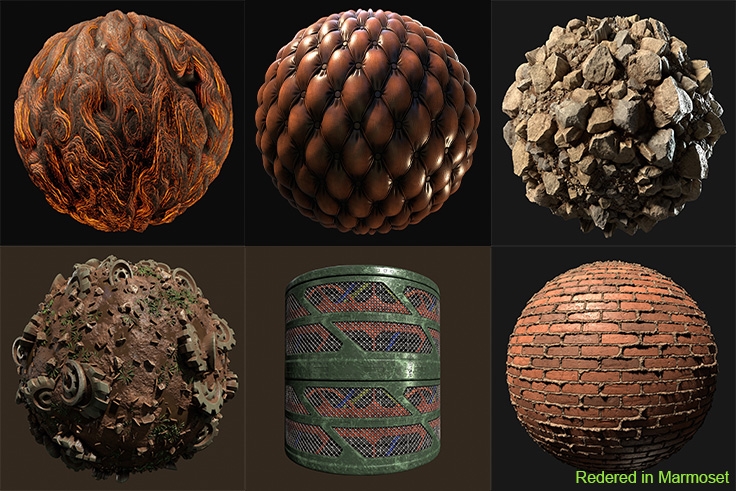
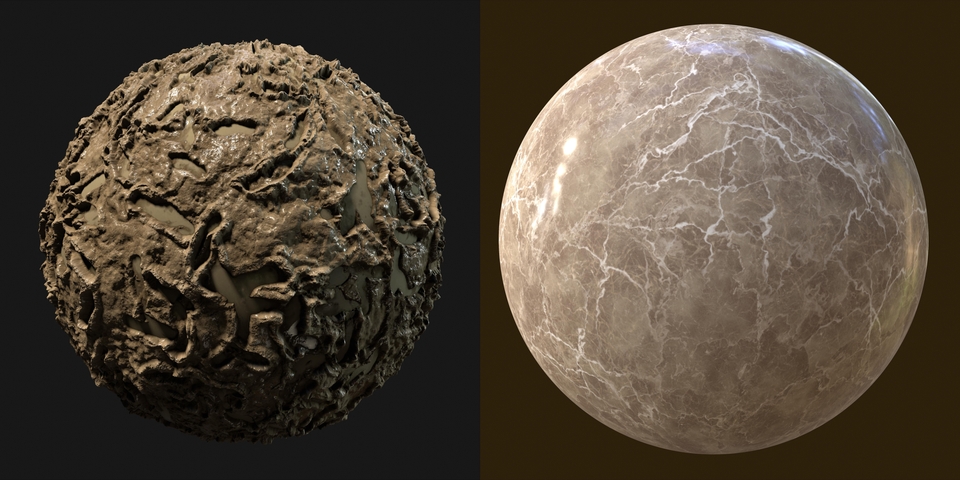
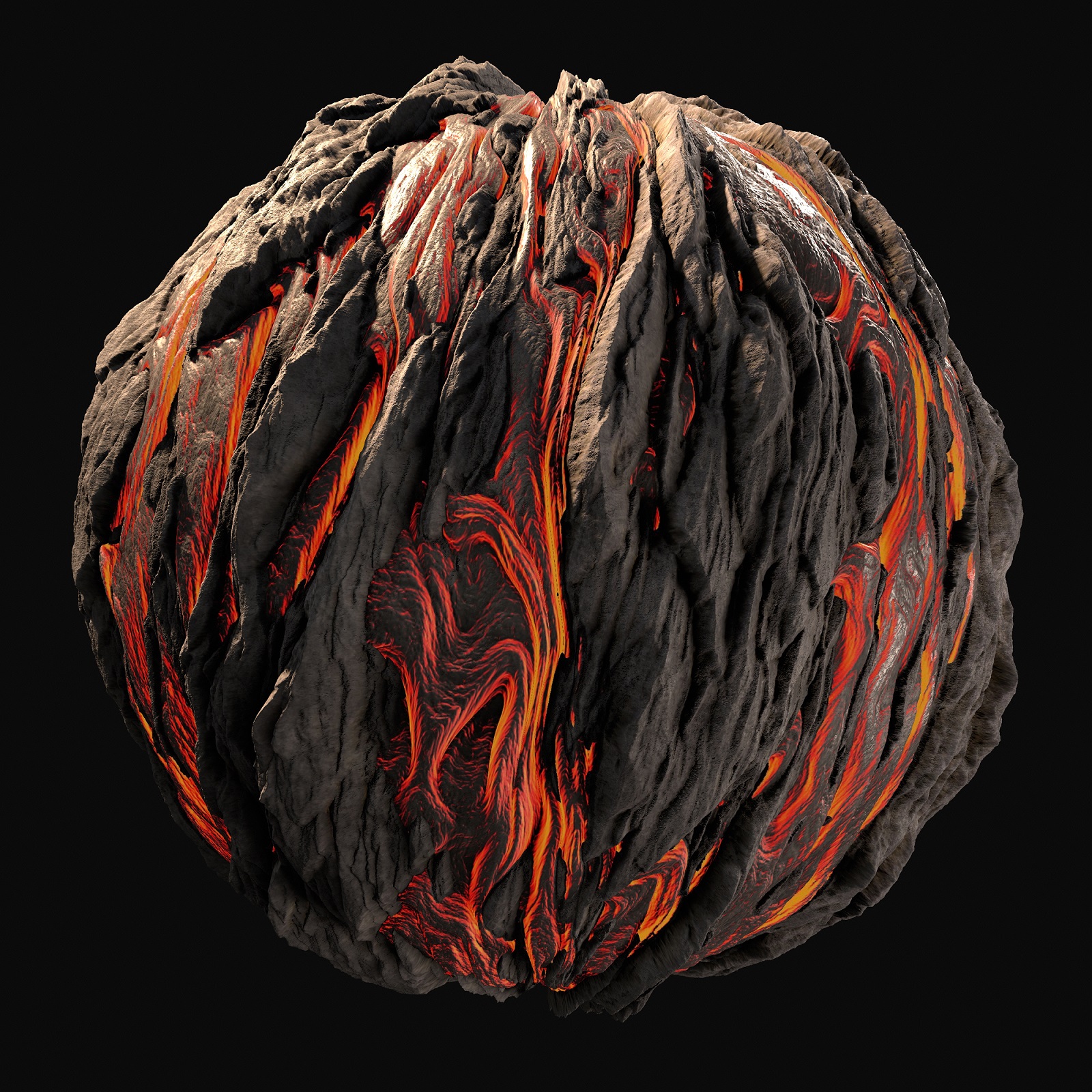
This is a texture we will create together while taking the class.

Not only realistic textures, but also stylized textures!

(This is a screenshot taken with a texture created during class.)

(This is a screenshot taken with a texture created during class.)

(This is a screenshot taken with a texture created during class.)

(This is a screenshot taken with a texture created during class.)

Create a total of 9 different textures, including tutorials.

We'll give you a broad overview of Substance Designer's know-how.

You can also learn how to leverage node capabilities.

  • Substance Designer, something you can never learn in academia! We teach you from the basics.

  • It allows you to leverage the power of Substance Designer beyond simple texture creation.

  • The basic lecture provides detailed explanations on why it is made this way.

I know how to use Substance Designer

I want to know how to create nodes as well as textures

Don't worry! Create your own custom nodes and

We will teach you how to create advanced nodes.

This is a custom node that uses only the provided nodes.

Learn fxmap by creating a simplified version of the nodes in Substance.

Learn how to create your own nodes using pixel processors.

Outside of the regular curriculum!

To help students use Substance Designer with ease

In the last section, we provide you with nodes that you have created yourself!

Recommended for
these people

Who is this course right for?

  • Aspiring texture artist

  • Beginner Substance Designer user

  • 3D Background Designer

  • Someone who wants to use Substance Designer at an advanced level

Need to know before starting?

  • Basic knowledge of tools like Max, Maya, Blender

  • Basic knowledge of tools like Photoshop

Hello
This is

187

Learners

19

Reviews

8

Answers

4.7

Rating

1

Course

Experience

- Former Pearl Abyss (Black Desert PC Environment Team)

Experience - Former Pearl Abyss (Black Desert PC Environment Team) Intro: I am a 3D environment graphic designer who enjoys creating textures. Even if the process of bringing the environments I imagine to life is exhausting, the result is incredibly rewarding and thrilling.

Introduction

I am a 3D environment artist who enjoys texture creation.

Bringing the environments I've imagined to life is incredibly rewarding and thrilling, even if the process can be exhausting. I want to share that feeling with you as we create exciting environments together.

I aim to share professional knowledge based on my more than four years of experience with Substance Designer.

I will incorporate my experience using Substance Designer in actual projects into the lectures to share practical tips from the field.

What I want to tell you

I enrolled in an expensive game academy to learn background graphics, but I wasn't able to learn as much as I had hoped,

I had to fill in the gaps through self-study. Because I know the difficulties and time-consuming nature of self-teaching better than anyone else,

I want to make sure to teach you exactly what I wished I had known while attending the academy, along with the practical methods that are actually used in the industry.

Curriculum

All

35 lectures ∙ (17hr 37min)

Course Materials:

Lecture resources
Published: 
Last updated: 

Reviews

All

19 reviews

4.7

19 reviews

  • tringkwon7358님의 프로필 이미지
    tringkwon7358

    Reviews 1

    Average Rating 5.0

    5

    13% enrolled

    It's hard to find study materials or lectures, so it's hard to study on your own, but this lecture is like rain in a drought.

    • gmpeanut
      Instructor

      Thank you for taking tring-kwon's class! I hope it will help you study for the sub-diary since it is a rare class! Thank you!

  • mainintvoid7357님의 프로필 이미지
    mainintvoid7357

    Reviews 1

    Average Rating 5.0

    5

    7% enrolled

    It's my first time doing it, so I'm not sure if it's because I've been through it all, but it's difficult once you get past the beginning, but it's really good because you can learn a variety of concepts about how to work.

    • gmpeanut
      Instructor

      If you are a beginner and you are reading it all at once, you may feel that the difficulty level is quite high. Since each topic has a different workflow, I think it will be much more helpful if you proceed slowly. Thank you.

  • studiokei님의 프로필 이미지
    studiokei

    Reviews 1

    Average Rating 5.0

    5

    100% enrolled

    • gmpeanut
      Instructor

      Thank you so much for taking my course, Studio kei! I really appreciate you leaving such a positive review!

  • banabanana1068623님의 프로필 이미지
    banabanana1068623

    Reviews 1

    Average Rating 5.0

    5

    20% enrolled

    I'm listening to it and each lecture isn't too long while containing intuitive methods and essential content, so I'm not getting lost and it's helping me a lot. I'm currently listening diligently, but I hope the new lecture you're considering making comes out soon as well.

    • gmpeanut
      Instructor

      Dear 개봉꿀벌! I'm truly delighted that the lectures are being so helpful to you. I hope the remaining lectures will also be beneficial in many ways. Thank you for taking the course!

  • han475614395님의 프로필 이미지
    han475614395

    Reviews 2

    Average Rating 5.0

    5

    31% enrolled

    The spline node explanation was great. The examples are also neat and clear! Thank you.

    • gmpeanut
      Instructor

      Mr. Han Seung-won, delighted you liked the node explanations and examples. You might have found it tough, so it's a big relief! Thanks for taking the course!

Limited time deal ends in 3 days

$206,250.00

25%

$212.30

Similar courses

Explore other courses in the same field!