inflearn logo

Master Claude Motion Graphics in 4 Weeks with 4 Projects

In just 4 weeks, here's what you'll get

  • Essential Principles for Non-Cliché AI Motion Graphics

  • Creating stylish kinetic typography motion graphics designs

  • Character Animation and Motion Graphics Design Production

  • Create storyboards and promotional reels for your store with just one link.

  • Creating Eye-Catching Game Trailers (Promotional Videos)

  • A visually stunning showreel video design made with a single link

Starts Dec 8

22 days

Finish Dec 29

SSAENGCHO님과 함께해요!

62

Learners

8

Reviews

1

Answers

5.0

Rating

2

Courses

I combine a designer’s sensibility with AI to create films, ads, exhibition graphics, and motion graphics, and I make it easy to learn how.
• Grand Prize, CGV AI Film Contest: “The Wrong Visitor” — participated as an AI artist
• Best AI Film Award, Hollywood AI International Film Festival — participated as an AI artist
• Award winner, Gokseong Rose Festival and Hana Universe AI Contest
• Lectures on AI content creation for Samsung Electronics, government agencies, the Artificial Intelligence Academy, and more
• AI video and image projects for Industrial Bank of Korea, LG Household & Health Care, and Cosmo Beauty

🔥Design Portfolio
✨Youtube · Threads · Instagram


More

AI Motion
Graphics
Training

SSAENGCHO’s 4-Week Motion Graphics Training GuideEvery Tuesday in December · 4 sessions

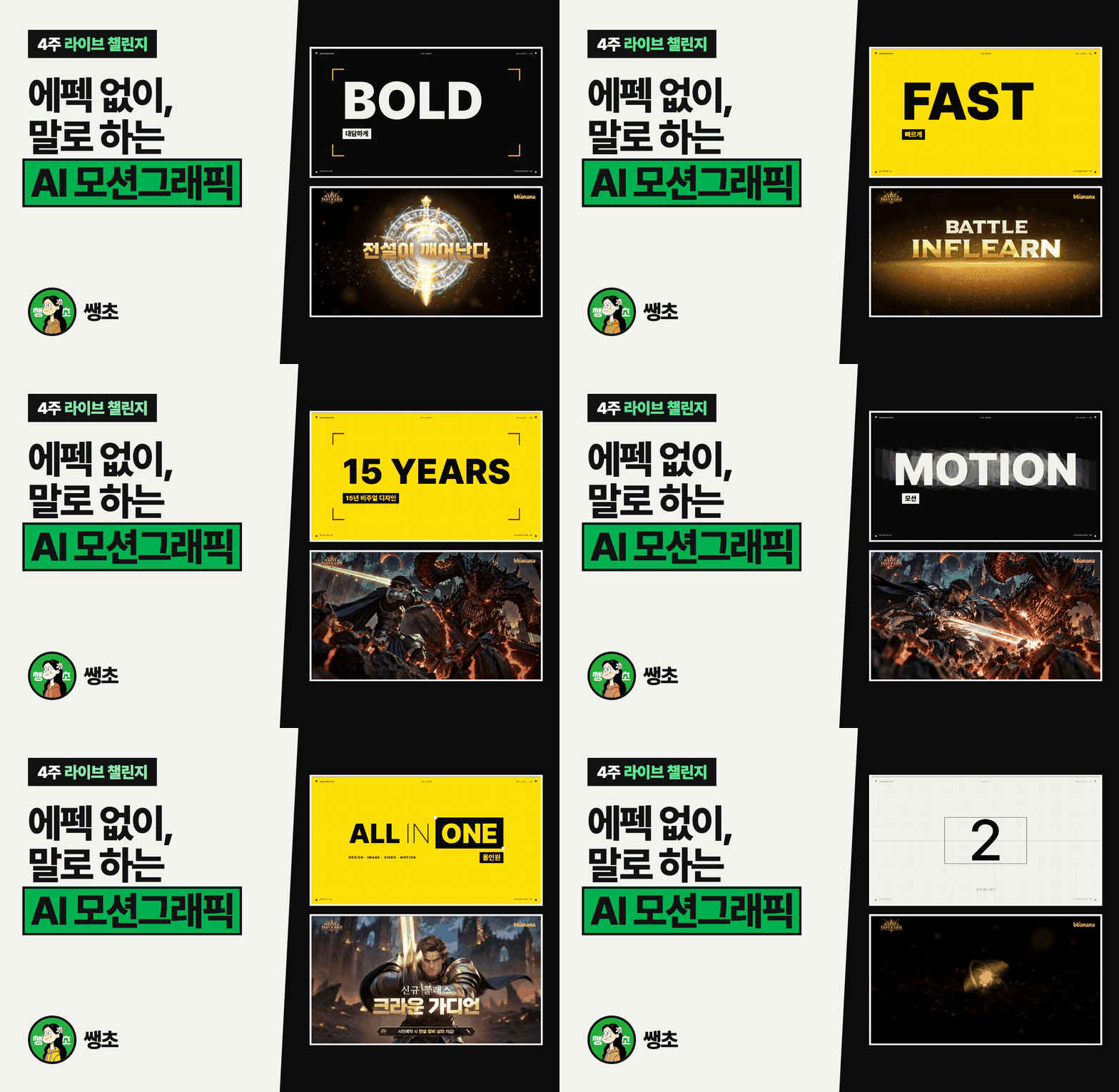
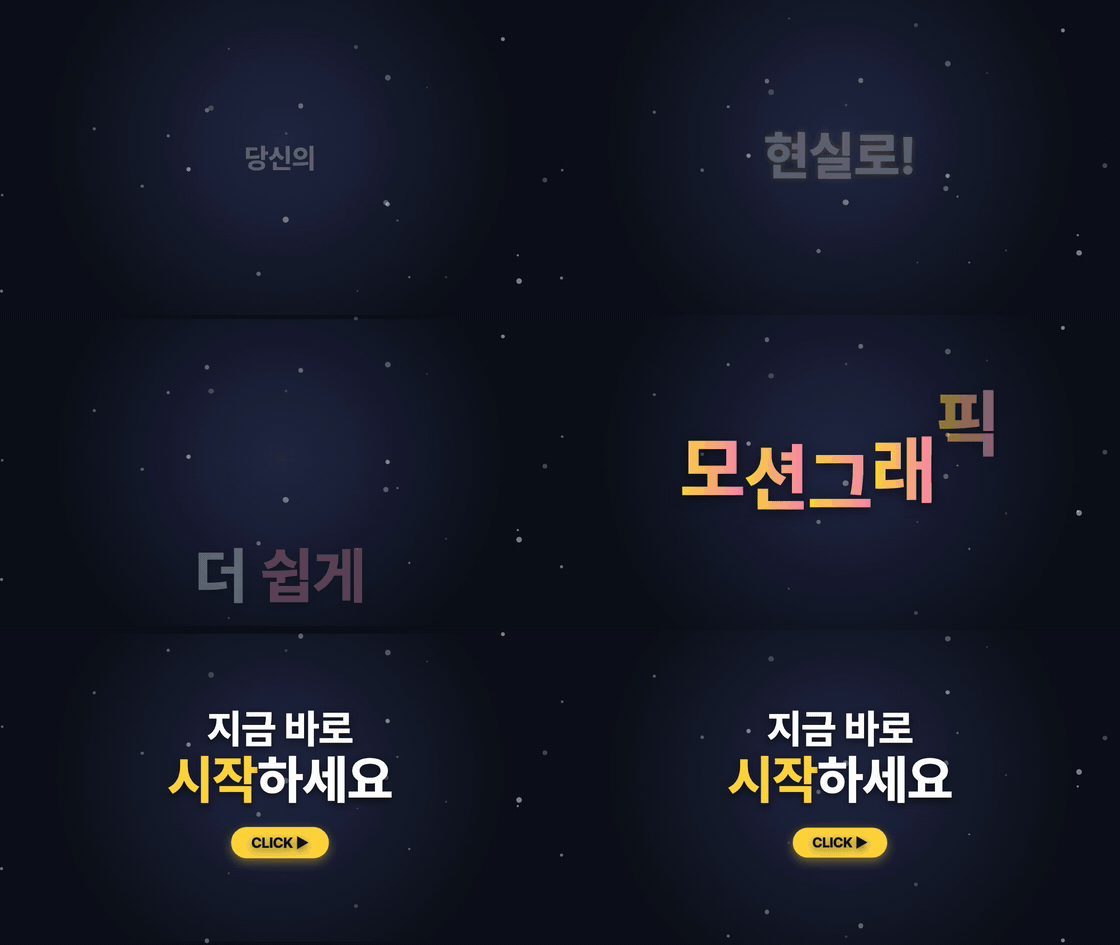
AI motion graphics without After Effects, just by talking
Create 4 promotional videos yourself in 4 weeks

Every Tuesday from 12/8 to 12/294 live sessionsWeekly assignment feedbackNo coding experience needed

Simply asking Claude to do it
is different from asking it with an understanding of motion graphics principles!

What happens if you just make motion graphics without knowing the principles?

뻔한 모션 예시 영상
  • Monotonous, unengaging movement
  • A generic motion graphic that doesn’t emphasize the key message.

This is what a good motion graphics video looks like!

시선 집중 모션 예시 영상
  • Emphasis, rhythm, easing, timing, transitions
  • A prompt you should include even in simple motion graphics.
  • Reading color, rhythm, and layout from references

Key concepts every good motion graphics video needs!
I’ll show you how to use them the right way.

EasingEASING

It’s the change in an object’s speed. It makes movement feel natural by having it start slowly and speed up, or come in fast and ease to a stop.

TimingTIMING

It’s when each movement starts and how long it lasts. The same movement can feel different depending on its duration and spacing.

StaggerSTAGGER

It means making multiple elements move one after another with a slight delay between them. An effect where letters appear one by one is an example of this.

LoopLOOP

The final scene flows naturally into the first, creating a seamless loop. It’s often used in Reels and background videos.

WORK 01 → 04

Build a solid foundation over 4 weeks
and create 4 high-quality motion graphics and AI videos yourself

Create an assignment each week, then review it together with Saengcho in the next live session and get feedback.

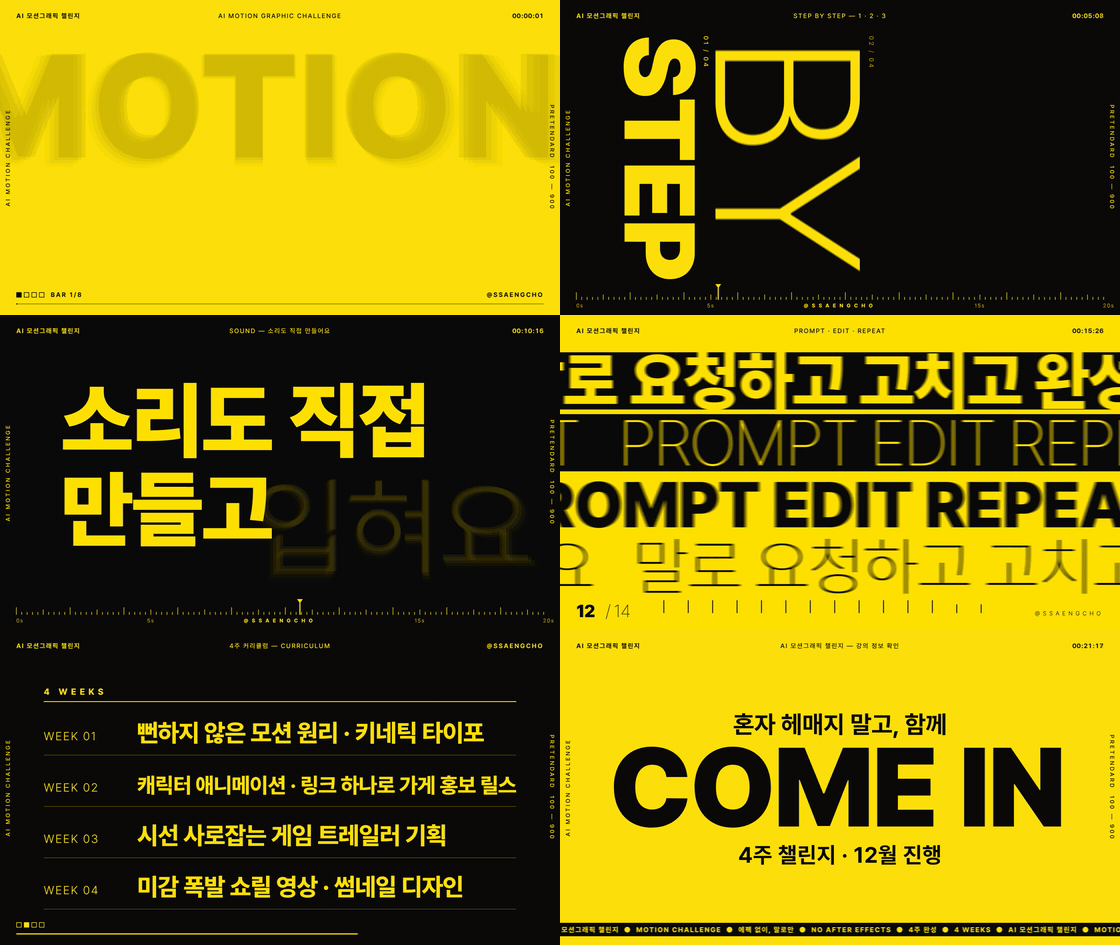
WORK 01 · Week 1

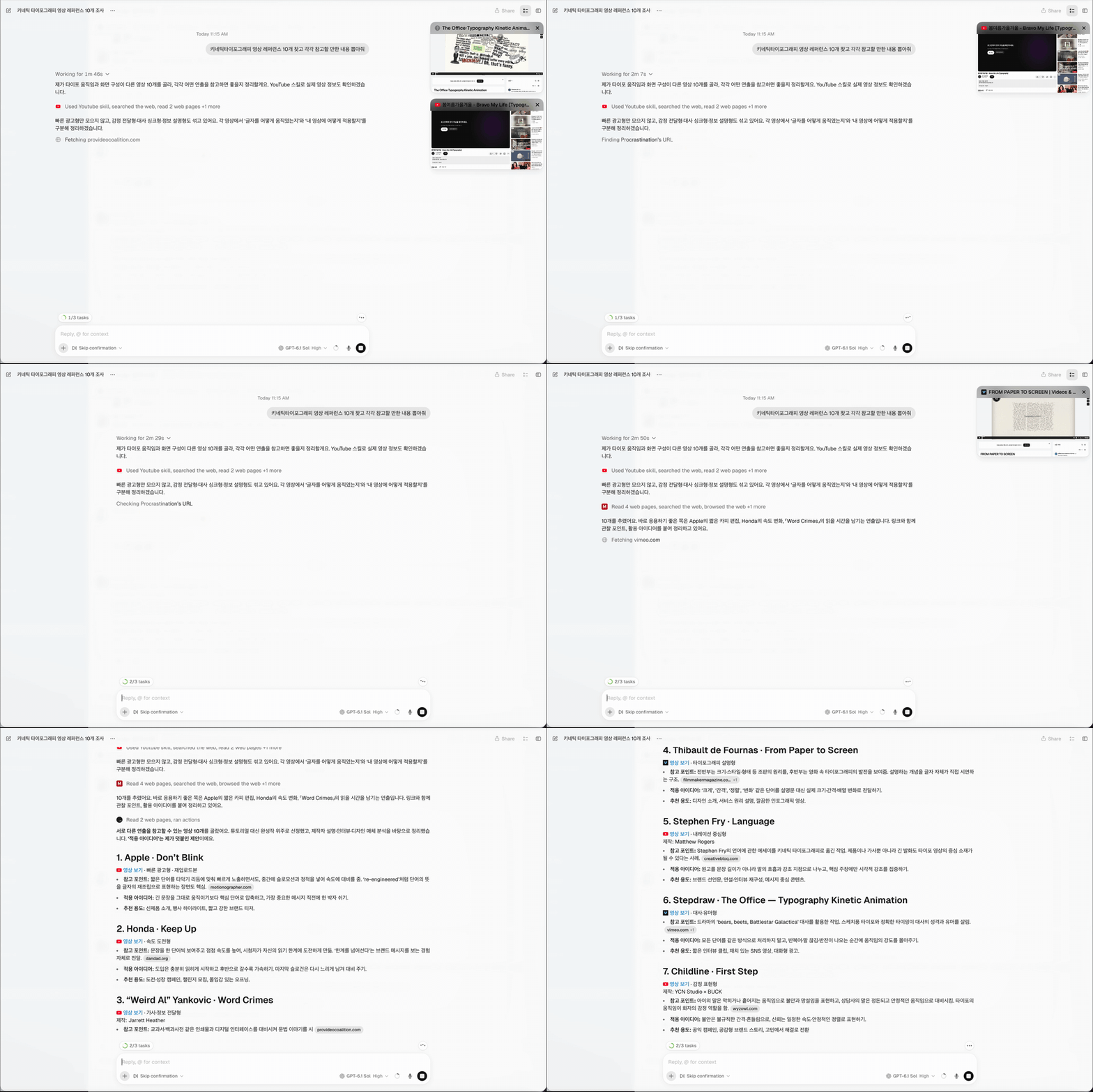
Kinetic Typography
That Introduces Me

Use motion principles and a motion glossary to animate text,
then elevate it with free fonts and music.

🔊 Be sure to listen with the sound on!

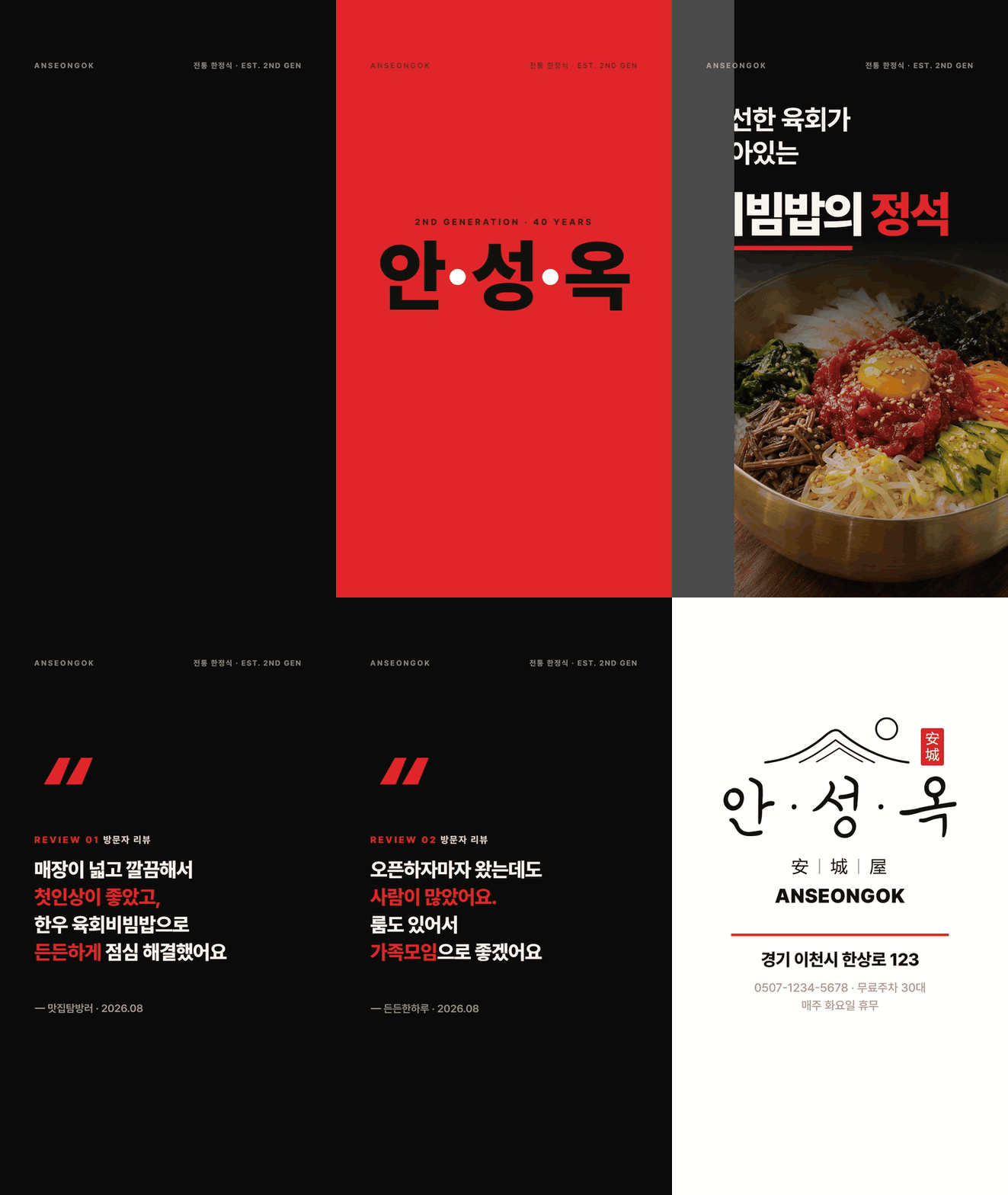
WORK 02 · Week 2

Create a promotional Reel for your store
with just one link

Collect images and videos from a Naver Place link, preview them in a storyboard tool, and create your video.

WORK 02 가게 홍보 릴스 영상
WORK 03 · Week 3

VFX promotional video with SUNO music and sound effects
added

Storyboard your trailer using the official formula,
then add music and sound effects perfectly matched to the video’s length.

🔊 Be sure to listen with the sound on!

WORK 04 · Week 4

My brand introduction video and thumbnail
+ portfolio landing page

Complete a brand introduction video using motion templates and code,
and create a thumbnail without design tools.

WORK 04 브랜드 소개 영상
쌩초 캐릭터 프로필

Introducing the knowledge sharer who will join us for this challenge.

An instructor to 40,000 people and an artist involved in award-winning AI films!
Saengcho will guide you as you get started with AI video.


20KYouTube subscribers to Saengcho's Computer Lab
18,000Threads followers 
Participated in two award-winning AI filmsGrand Prize, CGV AI Film Contest
Best AI Film, U.S. AI International Film Festival
Produced by Muam Production, with participation by an AI artist
STUDENTS

Let me show you what my students have created.

Isn’t this an amazing result for just a single day and one one-day class?

FINAL WORKS

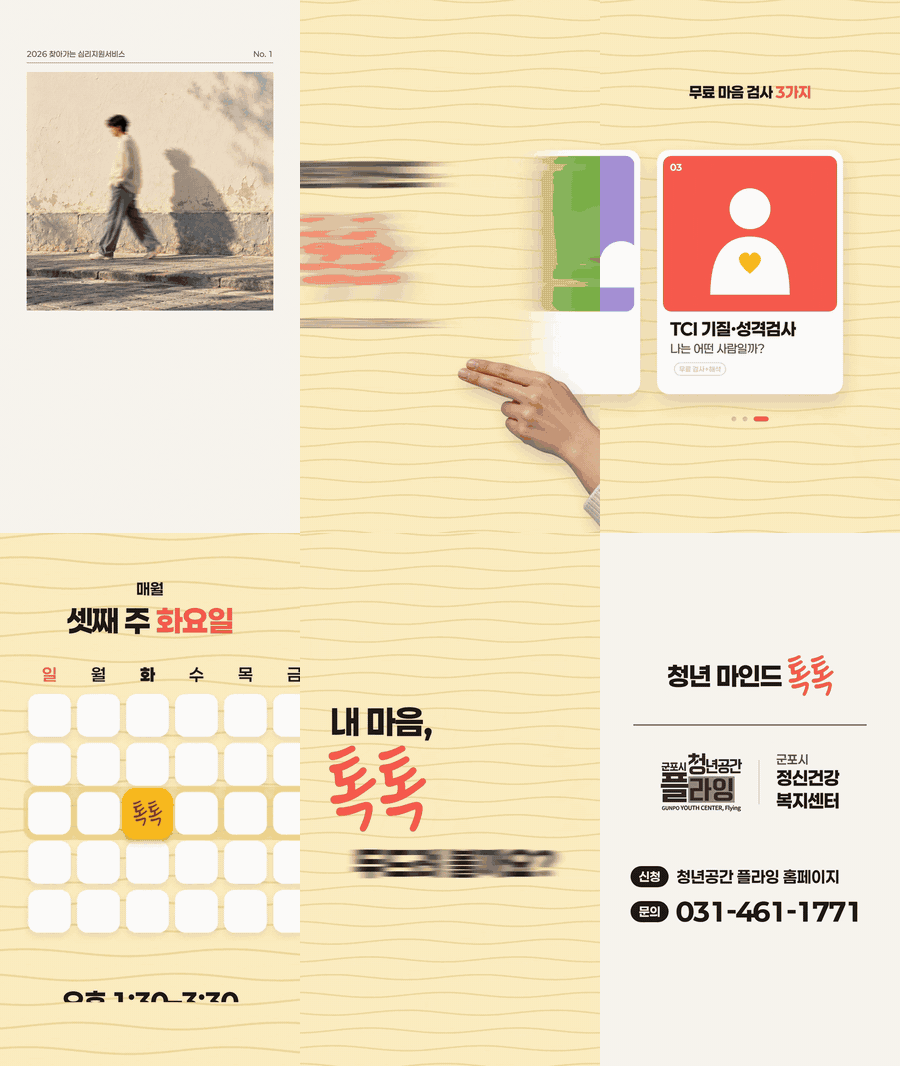
수강생 결과물: 청년 마인드 톡톡
Youth Mind Talk Talk
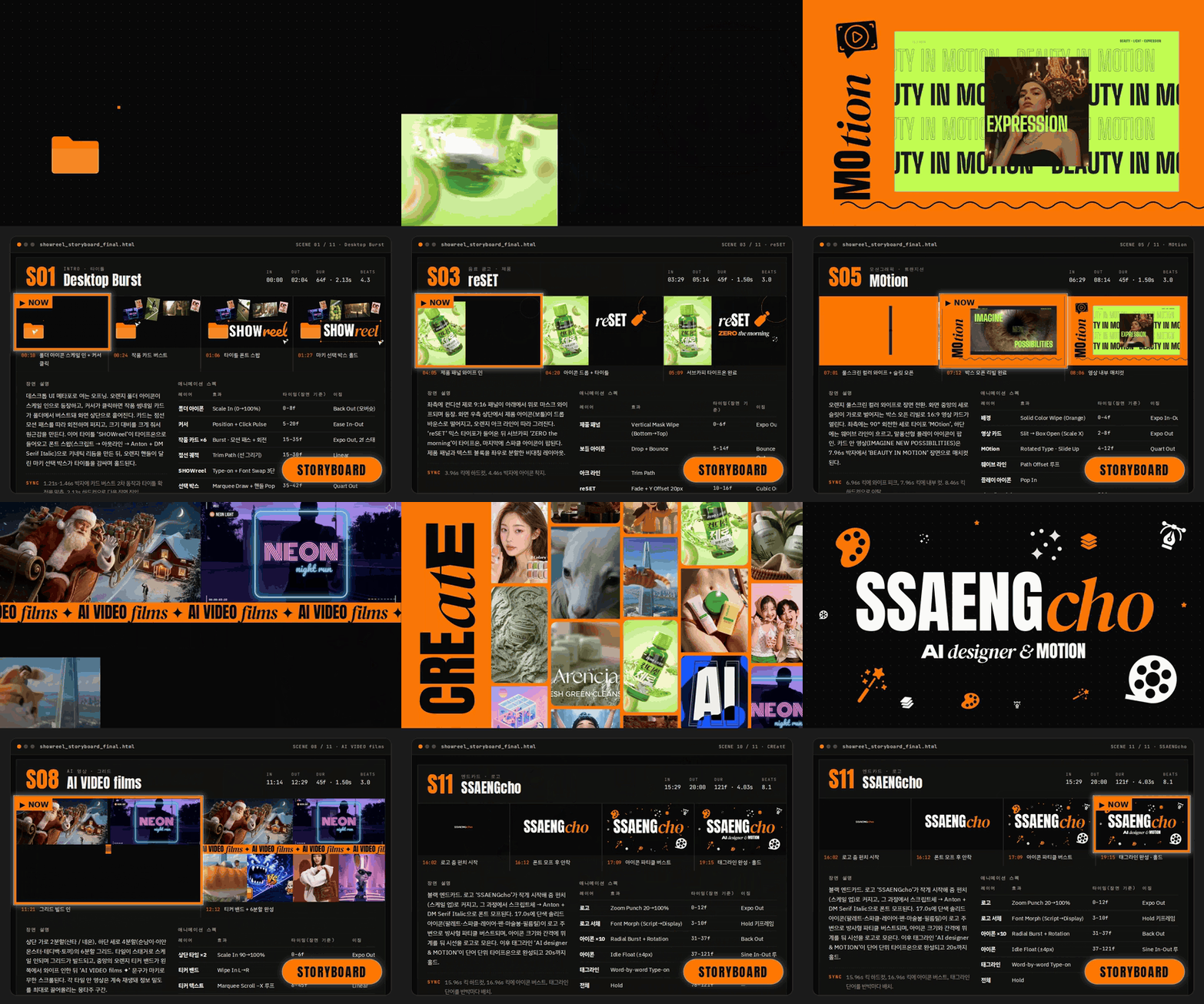
수강생 결과물: PEACH PROMPT 쇼릴
PEACH PROMPT Showreel
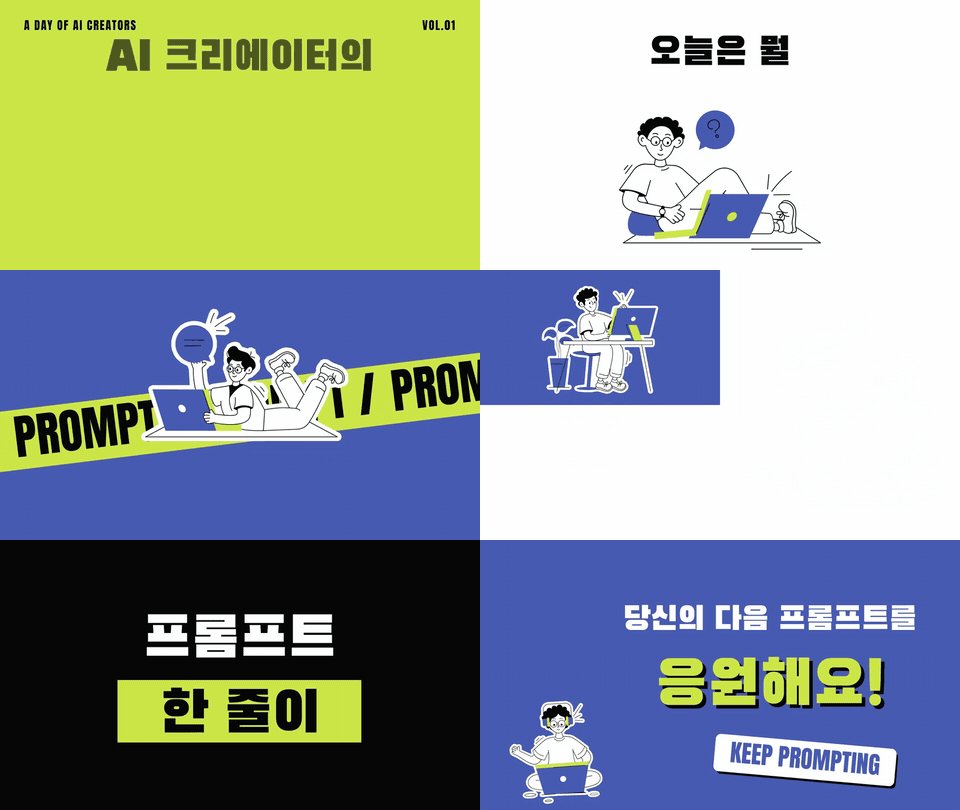
수강생 결과물: AI 크리에이터의 하루
A Day in the Life of an AI Creator

REVIEWS

It was an enjoyable and useful class. The instructor carefully shared their know-how and explained everything step by step so we could follow along. I especially liked learning the instructor’s pro tips and how to apply them, rather than just learning AI motion graphics that anyone can make.

10/20 class attendee

I could tell you were trying to explain everything step by step. This course reminded me once again that you need to ask questions and follow along in person.

I feel like I’ve discovered motion animation anew. On top of that, I’ve learned a lot about using AI tools, and I’m incredibly grateful.

I was able to learn how designers plan!

It was an experience that broadened my perspective on how to use AI, not just motion graphics.

It was a kind yet clear and inspiring course.

What I wish had been better

“One session! I was disappointed that it was only three hours. I wanted a longer class or more sessions... That’s what I’m most disappointed about. 😢”

This time, it’s four weeks,
with four live sessions

PROCESS

Learn the fundamentals of great videos
step by step.

01ReferencesCollect assets with a sidecar
02StoryboardProduction Brief and Storyboard
03Motion ProductionDescribe it to Claude in words
04SoundSUNO music and sound effects
05FinalizeSubmit your assignment → Get feedback
스토리보드 툴 화면과 완성 영상 비교

Preview with a storyboard toolCreate your own planning storyboard tool and preview your video

모션 템플릿과 프롬프트 레퍼런스를 스크롤하는 화면

Referencing sources safelyLearn search keywords and how to evaluate references together.

DIFFERENCE

I'll work closely with you for four weeks.

When following along on your own with videos4-week challenge
FeedbackWhen you get stuck, there's nowhere to askGet feedback as we review assignments together in weekly live sessions
Deliverablesare easy to just watch and leave at thatSubmit an assignment each session and have four videos after four weeks
ExampleOne example from the videoCreate your own work each week. 
The latest toolsare updated as soon as they’re releasedWhen Claude is upgraded, it’s reflected in the course right away
That’s why we prepared the examples and assignments this way ↓
4 weekly examples

Each week, follow an example and make it your own to suit your needs

We won’t stop at simply following the examples—we’ll also guide you through adapting them to your own material.

1주차 예제: 키네틱 타이포
Week 1Kinetic Typography
2주차 예제: 가게 홍보 릴스
Week 2Store Promotion Reels
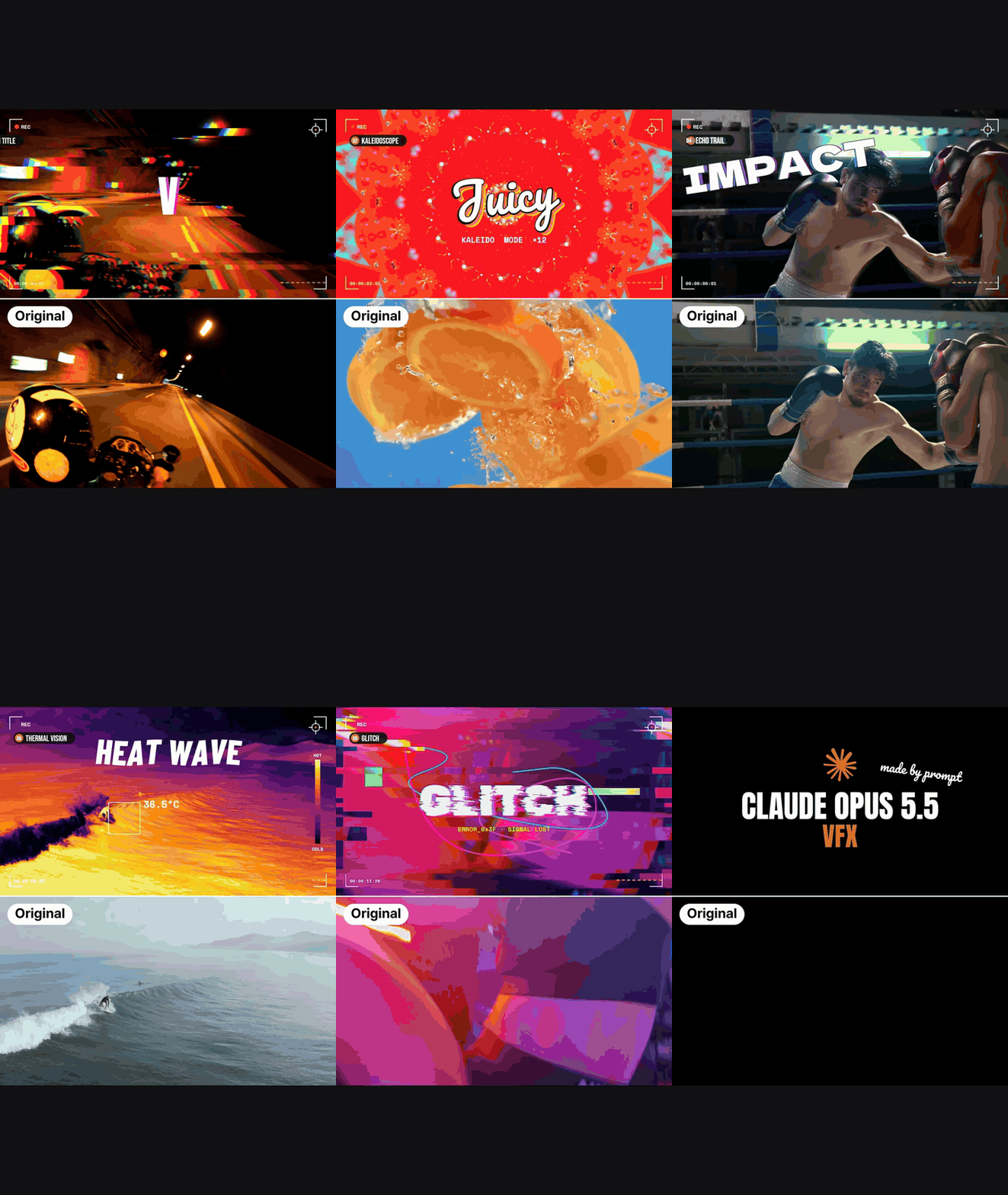
3주차 예제: VFX 홍보 영상
Week 3VFX promotional video
4주차 예제: 브랜드 소개 영상
Week 4Brand Introduction Video

Curriculum

Every Tuesday in December, 8–10 PM · 4 live sessionshands-on practice

WEEK 0112.8 (Tue)

01Essential Requirements for Distinctive AI Motion Graphics

  • Generic Motion vs. Eye-Catching Motion
  • Motion Principles: Contrast, Rhythm, Easing, Timing, and Transitions
  • A prompt you must include, no matter how simple the motion is
  • Create a Kinetic Typography Motion Graphic Introducing Yourself
  • Reading Color, Rhythm, and Layout from References

02 Stylish Kinetic Typography Motion Graphic Design

  • Speaking in Motion Design Terms
  • Upgrade Your Motion Graphics with Free Fonts and Music
  • Aside—Collecting References
  • Analyze and apply motion from references

AssignmentKinetic Typography Motion, 15 Seconds

WEEK 0212.15 (Tue)

03 Character Animation Motion Graphics Design

  • Assignment Feedback
  • Turn a static character into an animated character
  • Aside - Explore free music
  • Add Motion Graphics to the Animated Character

04Create a storyboard and make a promotional reel for your business with a single link

  • Collect images and videos from a Naver Place link
  • Find free music that suits your store.
  • Create a project brief for motion graphics production.
  • Create a planning storyboard tool and preview the video.

Assignment Storyboard tool HTML file + store promotional video under 30 seconds

WEEK 0312.22 (Tue)

05Planning a VFX Promo Video That Grabs Attention

  • Assignment Feedback
  • Plan the storyboard according to the trailer formula.
  • Collect Text Effects and Motion References
  • Gather VFX (special effects) and font assets.

06 Sound Design · VFX Promotional Video Production

  • Generate SUNO music that fits the video length perfectly.
  • Create Motion Graphics for a VFX Promotional Video
  • Aside - Explore Free SFX (Sound Effects)
  • Complete the trailer video by adding sound.

Assignment VFX promotional video under 20 seconds

WEEK 0412.29 (Tue)

07Designing a Visually Stunning Showreel Video with a Single Link

  • Assignment Feedback
  • Collect Assets (Images and Video), Music, and References for the Aside
  • Plan fonts that balance visual appeal and readability.
  • Creating a Storyboard to Plan the Flow and Motion

08Using Motion Templates and Code · Thumbnail Design

  • Complete a Showreel Using Motion Graphics Templates and Motion Code
  • Design Thumbnails Without Design Tools

Assignment Create a self-introduction and portfolio landing page

RecordingWe provide a recording even if you can't attend live
Feedback FormatWe'll review your assignments together and provide feedback during the live sessions
Question ChannelInflearn Challenge Q&A Channel
BEFORE YOU START

What to Prepare Before You Start

PaidClaude Max (recommended)motion creation 
FreeAsideReference & Asset Collection
Free Suno music generation
Free · no installationRemotion, HyperframeMotion templates and code
No need to install anything separately

This may not be a good fit for you if you:

  • - Those who want to learn advanced After Effects techniques
  • Those who have difficulty participating during the live sessions.
FAQ

Frequently Asked Questions

Q
Can I keep up even if I don’t know anything about coding?Yes, you can keep up even if you don’t know how to code.
Q
Is it okay if I'm not a designer?This course is designed for non-designers such as solo business owners, marketers, and planners, as well as designers looking to expand their skill set.
Q
Do I need a paid Claude plan?You’ll need the Claude Max plan ($110). You can keep up until around Session 2 with the Pro plan, but you may run out of usage and miss parts of the lesson if you upgrade during class.
Q
What if I can't join the live session?If you can't attend the live session, we'll provide a recording.

If any of these sound like you, be sure to sign up!

Self-assessment

I need to create social media promotional content myself, but making videos feels dauntingSolo business owners · Marketers

Even when I watch and try to recreate well-made motion graphics, I can’t get the same result.

If you’re unhappy with the result, you just enter the same prompt again.

It’s hard to explain what easing, timing, and stagger mean.

Until now, you’ve only created static image designsdesigner

If you checked two or more items?

Before learning another tool, you need to learn the language of motion.

In four weeks, we’ll help you create
high-quality AI motion graphics! 

12.8 ~ 12.294 live sessions every TuesdayLimited to 20 participants, first come, first served
강사 프로필
LIVE

함께 소통할 수 있는 라이브가 예정되어 있어요!

12.08.화

오후 08:00

1주차 실시간 라이브 : 모션그래픽 기초 다지기 (12/8 라이브)

12.15.화

오후 08:00

2주차 실시간 라이브 : 고퀄리티 영상 트레일러 제작하기 (12/15)

12.22.화

오후 08:00

3주차 실시간 라이브 : 복잡한 영상과 음악의 조화! 게임 트레일러(VFX) 제작하기 (12/22)

12.29.화

오후 08:00

4주차 실시간 라이브 : 링크 하나로 만드는 미감 폭발 쇼릴 영상 디자인 (12/29)

12월

8일

챌린지 시작일

2026년 12월 8일 오전 12:00

챌린지 종료일

2026년 12월 29일 오후 11:30

챌린지 커리큘럼

All

8 lectures

Course Materials:

Live

Recommended for
these people

Who is this course right for?

  • For anyone looking to quickly create a promotional trailer for their service.

  • For anyone who wants to create high-quality motion graphics videos without a designer

Need to know before starting?

  • A can-do attitude

취소 및 환불 규정
챌린지는 지식공유자가 설정한 수업 최소 정원이 충족되지 않을 경우, 폐강 안내가 고지되며 결제 내역이 자동취소됩니다.

모집 인원 20명

$271.70