inflearn logo
Challenge
Recruiting

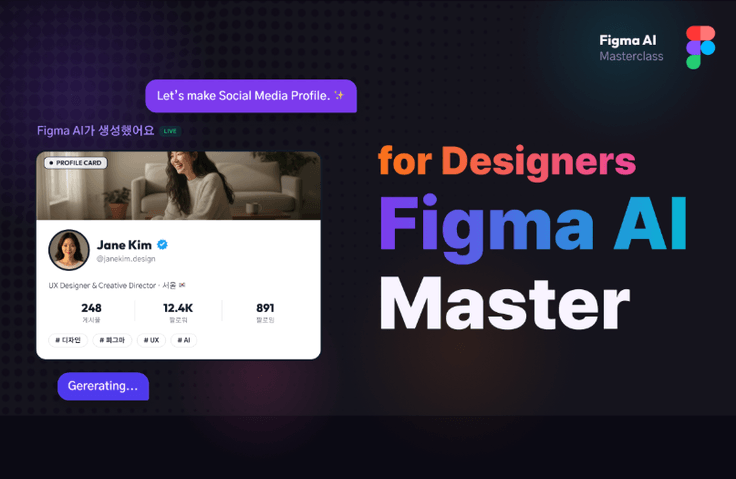
Master Figma AI and create a portfolio in just 4 sessions

Here is what you will learn in this class: ✔ You will experience Figma's AI features (Make Designs, AI image/text generation, auto-organizing layers, etc.) firsthand from start to finish. ✔ You will master Auto Layout patterns actually used in the industry to develop an eye for selecting high-quality structures among AI-generated screens. ✔ You will create your own project on a topic of your choice using AI and refine it into a polished result through mentor feedback. ✔ You will even learn how to include your completed screens in your portfolio.

AI
Figma
Portfolio
Figma Tokens
figma variable

4개 수업 학습

지식공유자와 멘토링 혜택!

추가 자료를 통해 학습을 이어나가요.

newtudy님과 함께해요!

Career Verified

2,006

Learners

41

Reviews

1

Answers

4.8

Rating

2

Courses

Hello. I'm Juhyeop, a product designer at an edutech company, previously a senior designer at a UX agency.

In this class, you will learn these things.

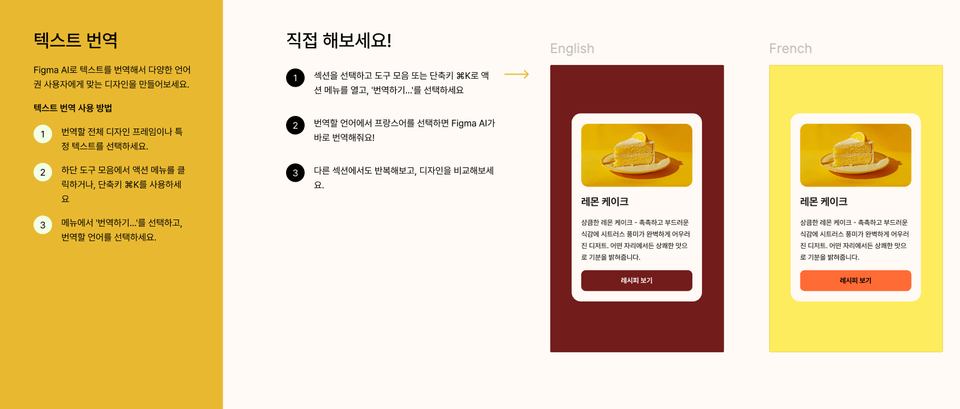
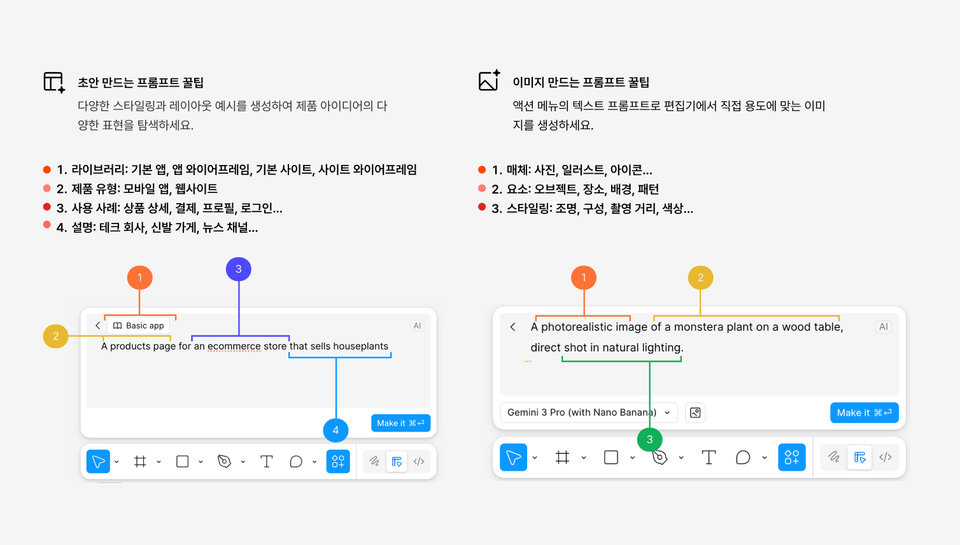
✔ You will experience Figma's AI features firsthand from start to finish (including Make Designs, AI image/text generation, auto-organizing layers, etc.).

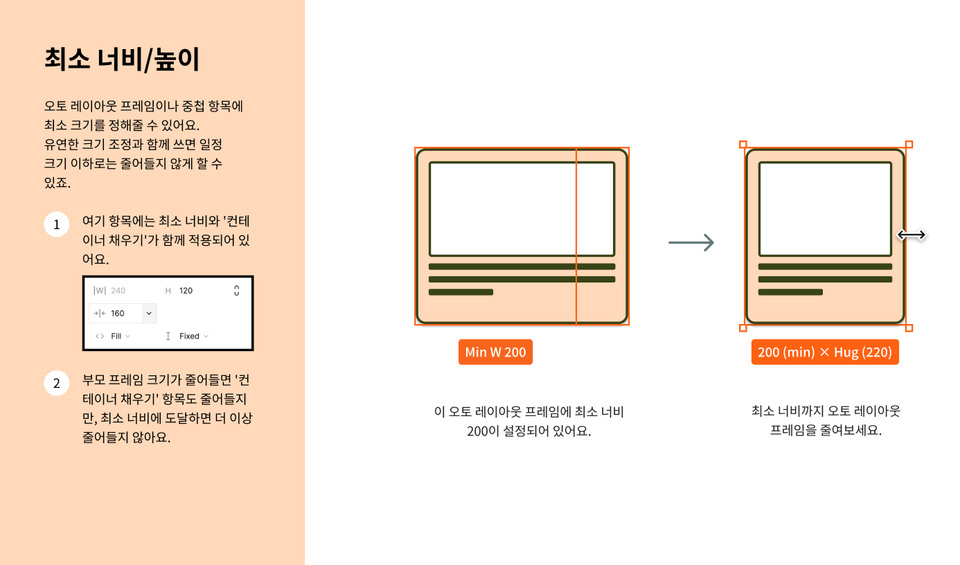
Learn auto-layout patterns actually used in the field to develop an eye for selecting high-quality structures from AI-generated screens.

✔ Create your own project on a topic of your choice using AI, and refine it into a high-quality result through mentor feedback.

✔ Learn even how to include the completed screens in your portfolio.

You can apply AI features immediately after hearing the explanation.

Resolve any difficulties immediately on the spot with your mentor!

What makes this class special


01. Practice materials based on the official Figma community

Instead of just listing AI features as theory, we have created practice files based on official Figma community resources. By following the steps in order, you will naturally master all the features. You can create high-quality results from the very first session.


02. Auto Layout Class: Extracting Only Practical Patterns

Instead of teaching Auto Layout from scratch, I will teach you by compressing only the patterns actually used in the field. In a short period of time, you can even develop the insight to judge AI-generated results.


03. The "Document Screening Formula" learned through reviewing hundreds of portfolios

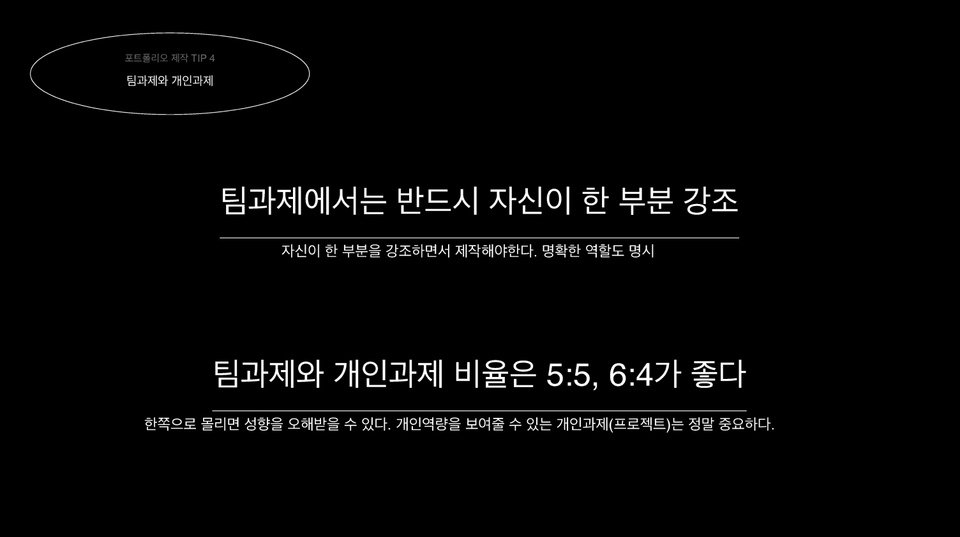
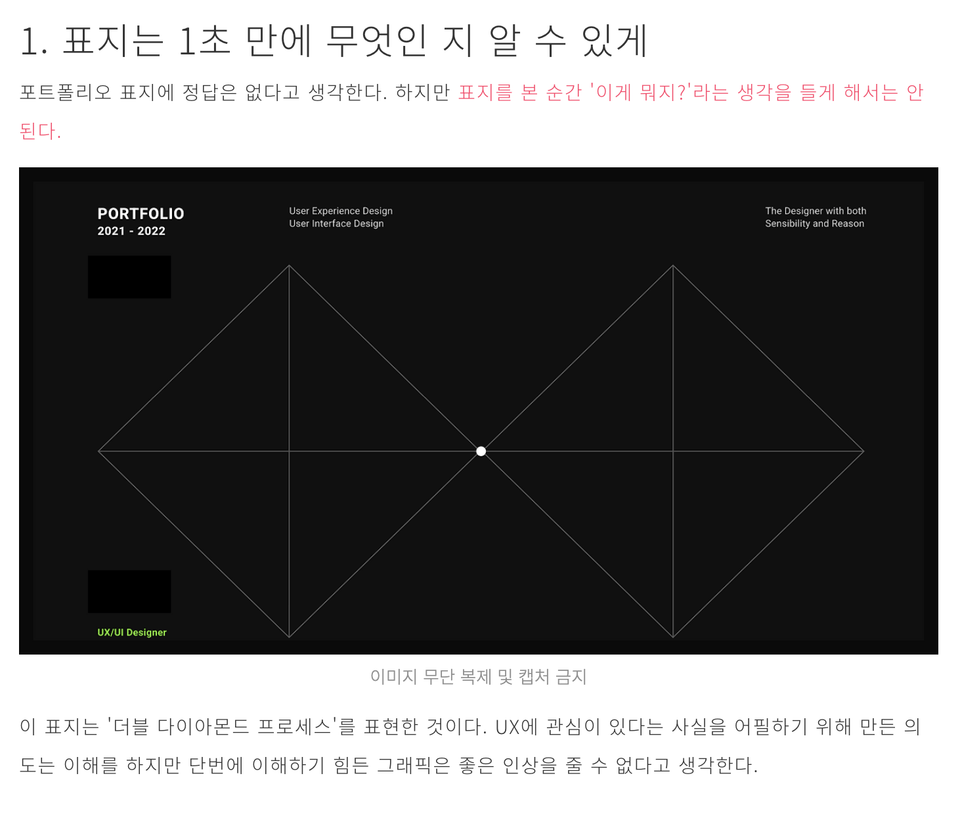
We are sharing the know-how compiled from hundreds of portfolio cases accumulated through actual hiring and review processes via a special lecture. These are not vague pieces of advice, but formulas that actually work.

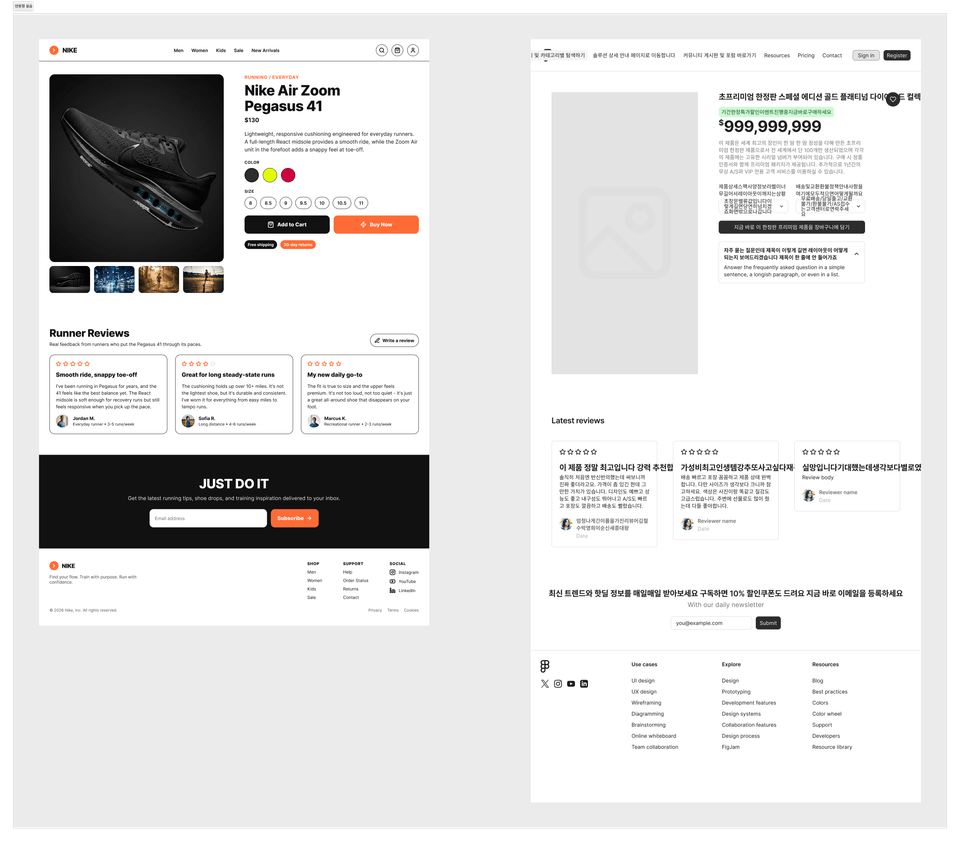
(👇 Part of the portfolio special lecture)

(👇Portfolio review examples)

04. Completion of Your Own Project and 1:1 Mentor Feedback
In every session, a mentor provides real-time feedback as they review your work together. In the final week, you will directly witness your growth by comparing your results from Week 1 and Week 4 side-by-side.

Changes and outcomes you can expect after the course

✅ You will be able to freely use Figma's AI features and create the screens you want on your own.

✅ You will be able to judge for yourself which structure is better among the various drafts created by AI.

✅ You can immediately use the project screens you completed over the 4 weeks in your portfolio.

✅ You will learn the portfolio composition formula that increases document screening pass rates, allowing you to practically apply it to your job search.

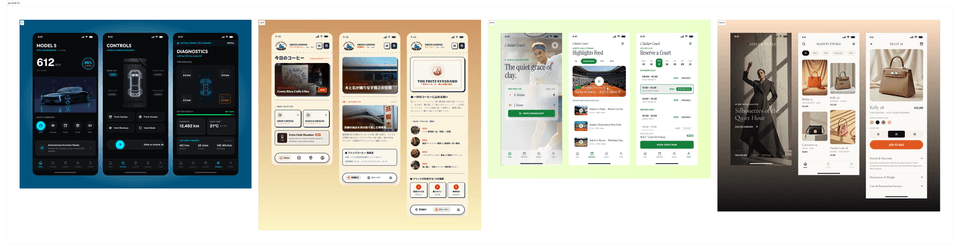
You can make it even better than the results above (guaranteed!)

Student Benefits


1️⃣ 4 Project Topic Presets Provided

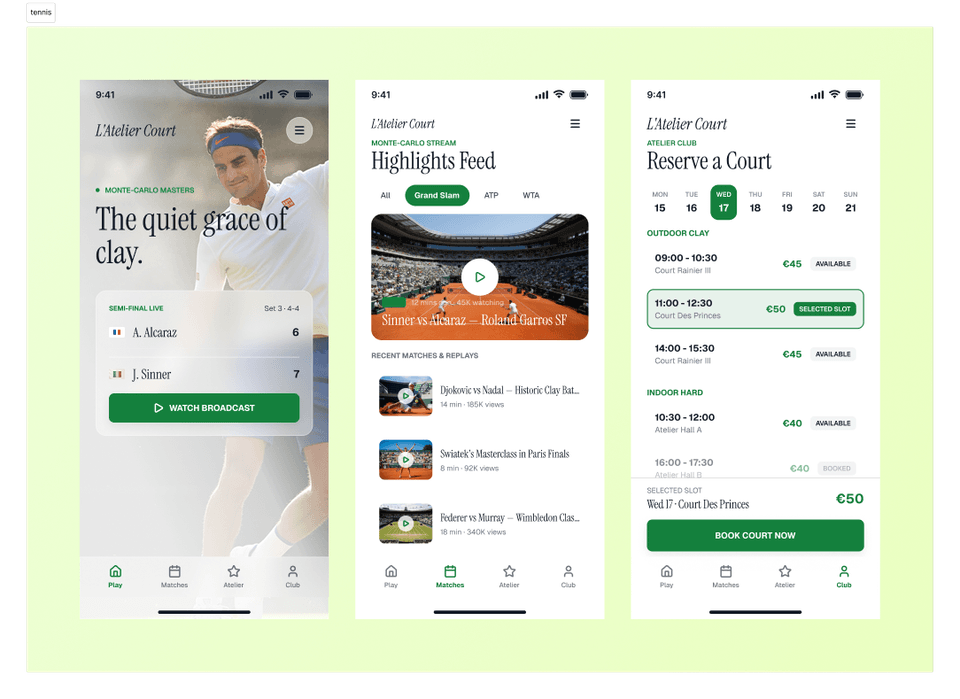
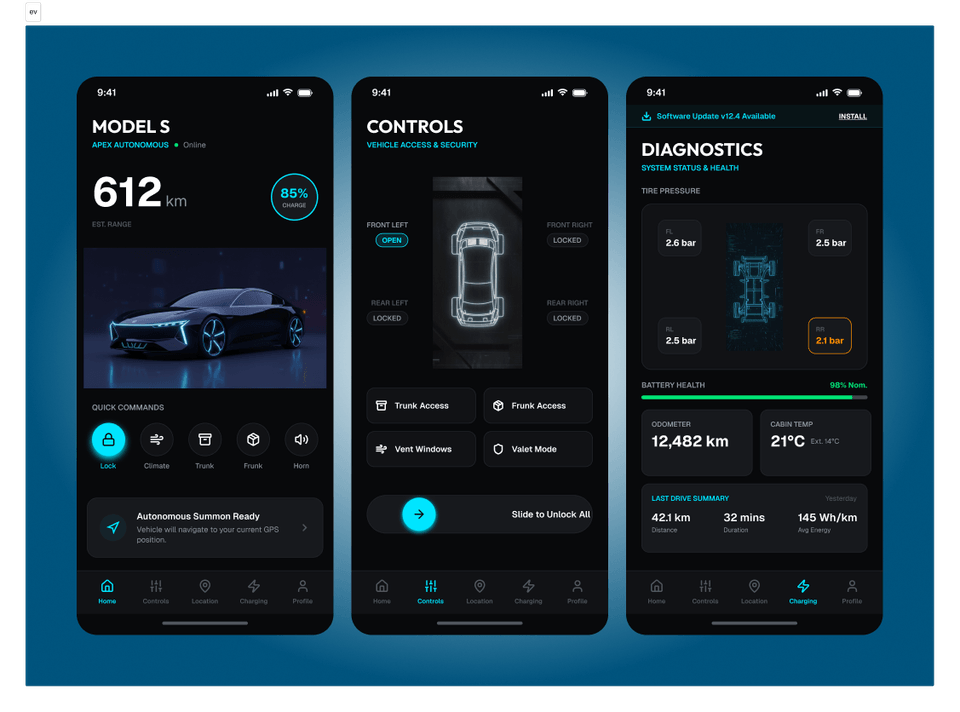
For those who find it difficult to decide on a topic, we have prepared four presets: a tennis app, a high-end fashion app, a cafe ordering app, and a car management app. References and necessary assets are also provided.

2️⃣ Special Lecture on the Formula for Passing Portfolio Screening

In the 3rd week, we will hold a special lecture summarizing the experience of reviewing over hundreds of portfolios. This is content that is difficult to find elsewhere outside of this class.

3️⃣ 1:1 Mentor Feedback

In every session, the mentor will personally look at your screen and point out even the smallest, hard-to-notice details.

Student Reviews

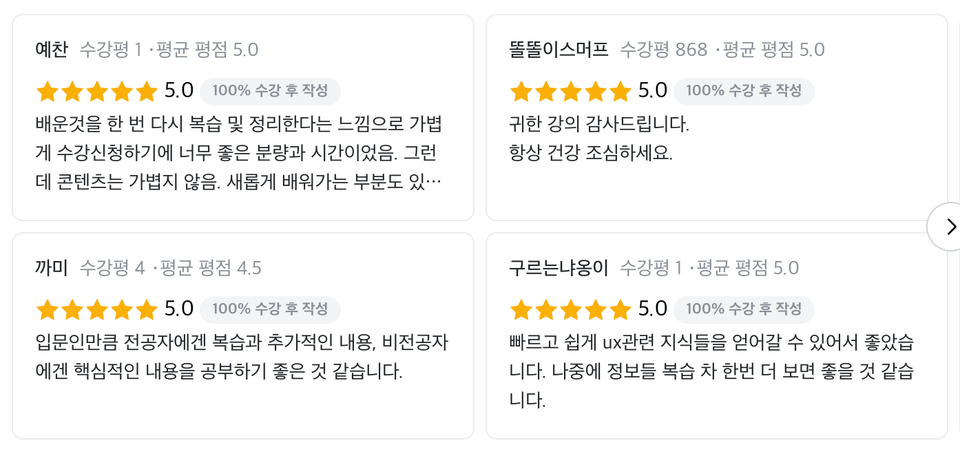
Get a sense of the class atmosphere through these reviews from my previous sessions on Taling.

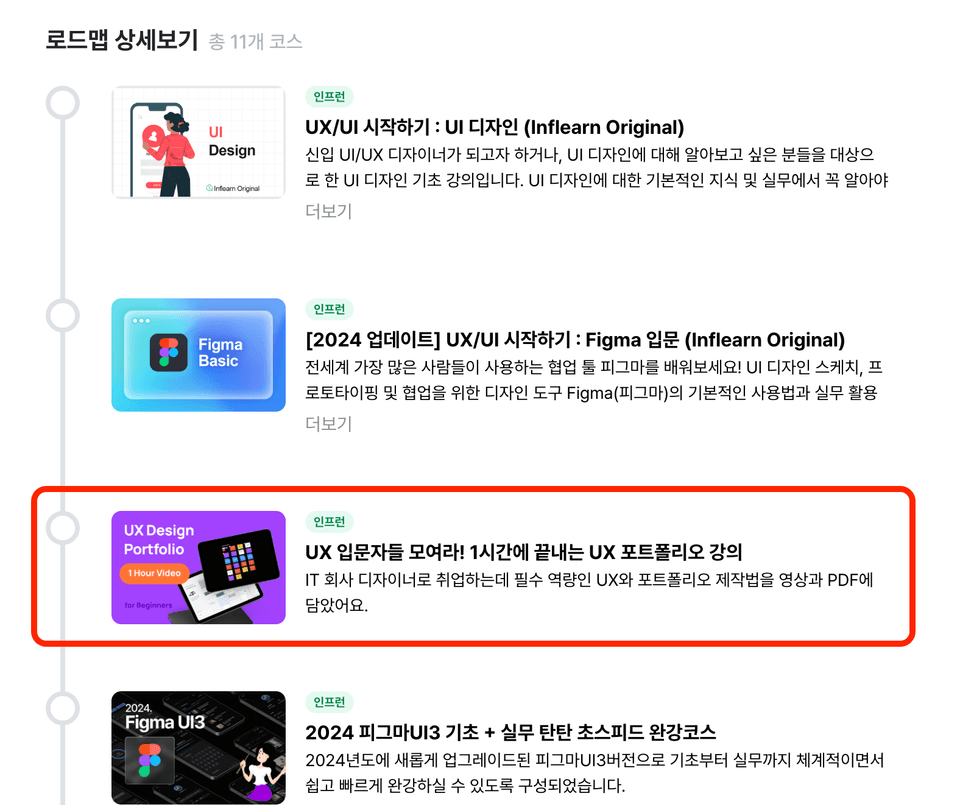
Many people have positively reviewed the UX course on Inflearn.

My lecture has also been included in the roadmap

Preparation and things to note before the class

☑️ Bring your own laptop (Figma supports both web browsers and desktop apps)

☑️ Pre-create a Figma account with AI access enabled

☑️ Study room usage fees will be announced separately based on the number of participants

👩‍🎓 Frequently Asked Questions

Q. I have never learned design before; will I be able to follow along?

A. Don't worry. The course is conducted with hands-on materials designed so that even those opening Figma for the first time can follow along.


Q. Is it okay if I'm not good at drawing?

A. Yes, that's fine. Instead of drawing skills, you will learn how to create high-quality results using AI along with pre-prepared references and assets.


Q. What happens if I miss one of the four sessions?

A. Since the project structure continues every week, we recommend attending all four sessions. If you have an unavoidable absence, please let us know in advance, and we will provide separate guidance.


Q. Can I participate without a laptop?

A. You must bring a laptop. Figma can also be run in a web browser.

8월

29일

챌린지 시작일

2026년 8월 29일 PM 03:00

챌린지 종료일

2026년 9월 20일 PM 02:30

챌린지에서 배워요

  • You can freely use Figma's AI features and create the screens you want on your own.

  • It can judge for itself which structure is better among the various drafts created by AI.

  • You can use the screens of your own project, completed over four weeks, directly in your portfolio.

  • You can learn the portfolio composition formula that increases document screening pass rates and practically apply it to your job search preparations.

Recommended for
these people

Who is this course right for?

  • Those who want to properly learn Figma AI in a short period of time

  • Those who did not major in design but want to explore a career as a UX/UI designer without pressure.

  • Those who can create screens with AI but have trouble judging what constitutes a good design.

  • Those who have experienced starting on their own with online lectures but getting stuck and coming to a halt.

FAQs

취소 및 환불 규정
챌린지는 지식공유자가 설정한 수업 최소 정원이 충족되지 않을 경우, 폐강 안내가 고지되며 결제 내역이 자동취소됩니다.

모집 인원 6명

$95.70

29%

$136.40