


[November Refund Course] AI Services Built with Vibe Coding

- Cohort 4
- 39
- 63
- 4 · 3


This is a live challenge that both individual customers and employer-sponsored training customers
can take.
Individual customers are not eligible for reimbursement. Employer-sponsored training customers, please check the application and reimbursement process below.
It is possible without a paid AI subscription.
We will use the free AI tool Google AI Studio.
Deploy your own services using Gemini, Nanobanana, and more.
- Attend 2 of the 3 sessions
- Final mission submission
- Completion requires meeting both conditions 1 and 2
- If the minimum is not met, submit one additional mission besides the final submission mission
- Proceed once the minimum number of 3 participants is reached
- If fewer than 3 participants, the matter will be carried over or refunded after consultation with the manager
- Two screenshots in total (directly related to the completion criteria)
- Once · Within 30 minutes after starting
- 2 times · About 30 minutes before the end
- Camera must be ON when taking screenshots (with your face visible)
- Completion is not possible if your face is not visible
gov.partnership@inflab.com
Complete a
vibe-coded AI service without coding
With Google AI Studio, complete an AI service that can actually be deployed in just one day—without writing code.
Building an AI service,
do you have concerns like
these?
After six hours, under my name
a deployed service remains.
100% Live in real time
Build it live together with the knowledge provider. Ask questions as soon as you get stuck and solve them right there.
Close mission management
Each session includes a mission. Pass with hands-on support from the operations manager and feedback from the knowledge-sharing expert.
Just 6 hours, completed in 3 sessions.
Three 2-hour sessions. Complete everything in one course, from the basic concepts to database integration and deployment.
complete your first dashboard
a service that accumulates data
From Planning to Deployment
Each class produces
a working deliverable.
With just one Excel file
your first dashboard
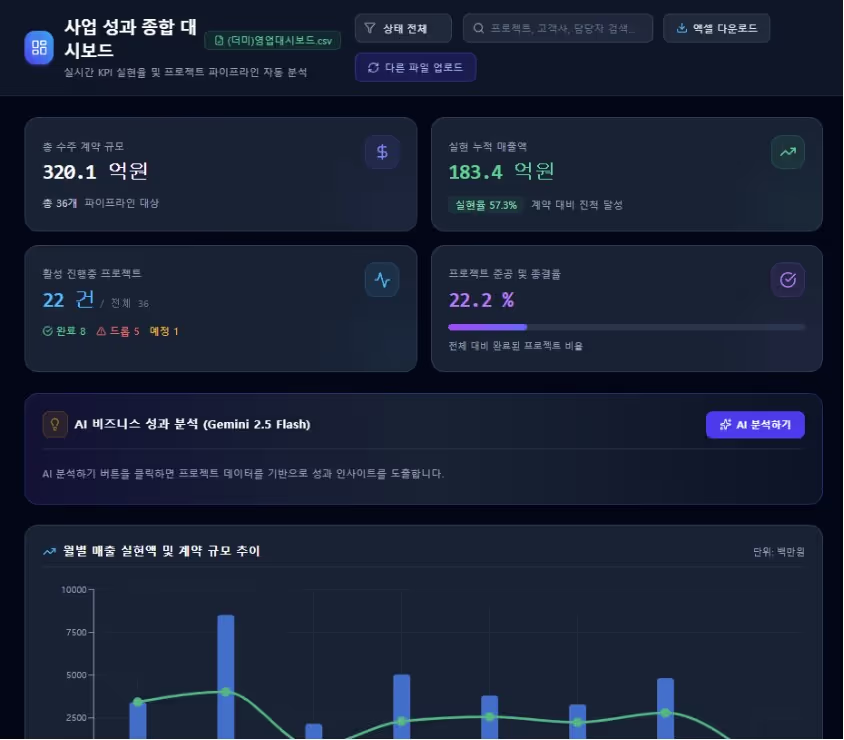
When you upload your Excel or CSV data, an analytics dashboard appears on the screen. You’ll build it right in the first session.
Data that remains
even after refreshing
Connect Firebase and Supabase to build a service where data is actually accumulated.
Deploying my service
with its own URL
Deploy the completed service and share it with colleagues via a single link.
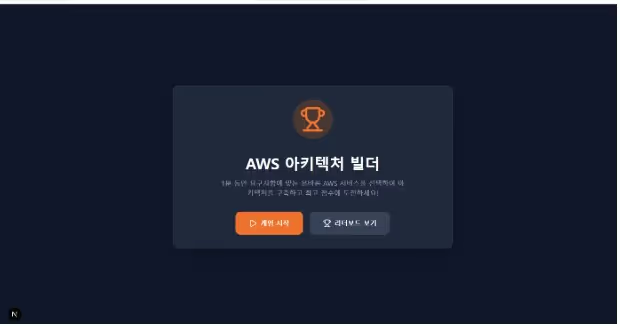
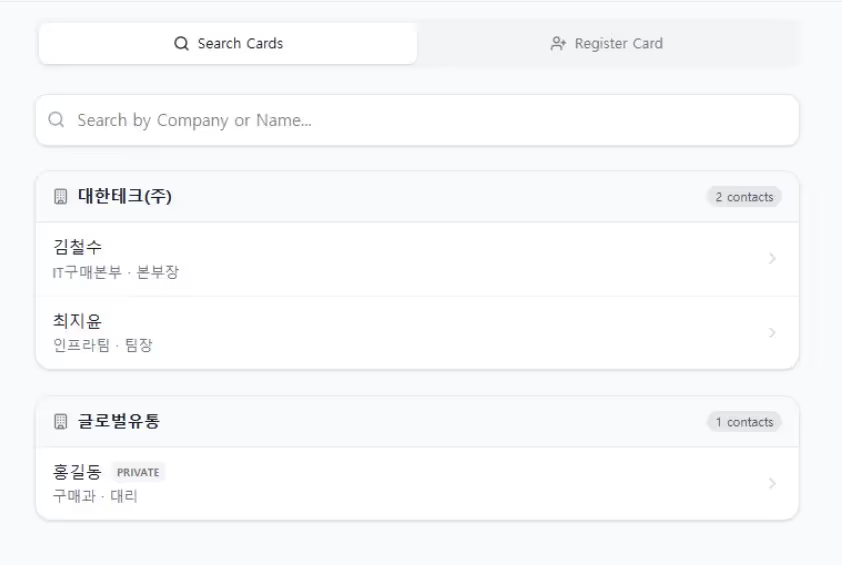
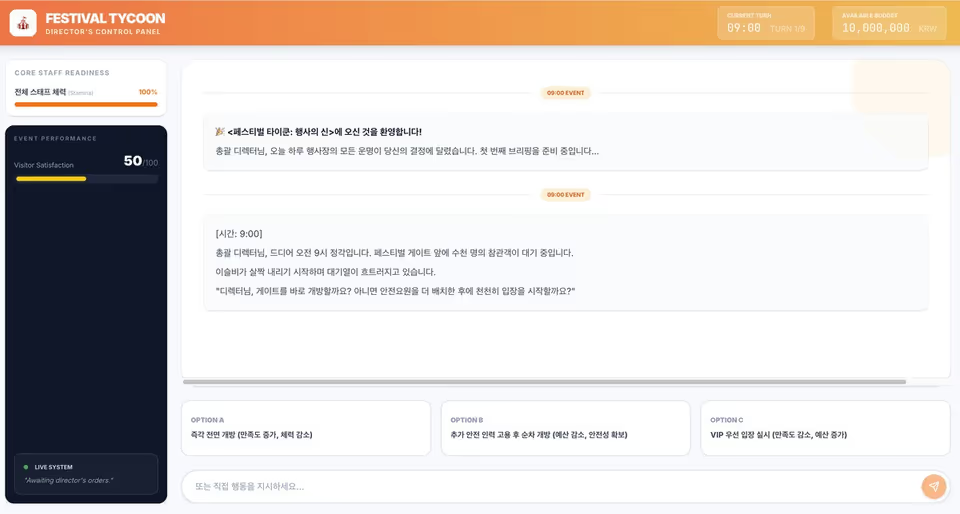
Actual projects created by the students
Instructor Introduction

SideOnAI Founder — AI Service Development & Corporate Consulting
ModuLabs — AI Education Planning & AI Evangelist
DB Group Talent Development Institute — Training Planning and Operations
Lectures delivered at numerous broadcasting companies, financial institutions, government agencies, and more
Book: 『Vibe Coding with Cursor』 (Gilbut, 2026)
Book: 『Big Data Analyst』 (Gilbut, published annually)
Inflearn VOD — Offering 2 Vibe Coding Courses
Apply it to your work through a total of three projects
Try applying it to your own work
Each module follows the structure: theory → practice → mission.
- Understanding Vibe Coding and Exploring the Tools
- Web Service Structure Basics
- Google AI Studio from Basics to Practical Application
- Creating a Simulation Using AI Studio
- Create a Data Analysis Dashboard Using Excel/CSV Data
- Database Concepts (Firebase, Supabase)
- Prompting for vibe coding
- Create a service connected to a database
- AI Diagnostic Test (Firebase)
- AI Company Nearby Restaurant Bulletin Board (Supabase)
- Planning an AI service that solves problems
- Improve and enhance the system prompt
- AI service prototype creation and deployment
- A team business card management service for sales purposes
- Freely Create & Deploy Your Own AI Service
A live course created
and operated by Inflearn,
where countless people learn
90% of the course fee reimbursed
If you’re a small or medium-sized business, you can take this course with government support.
the rest is government-funded
Minimum guaranteed for companies with fewer than 500 employees
and settlement are handled by Inflearn.
Applications must be submitted under the company’s name by the HR or training manager. This is available to companies eligible for priority support (employees currently enrolled in employment insurance), and applications may close early once the budget is exhausted.
Learn today and use it tomorrow.
Create your own AI service with just Google AI Studio—no coding required.
Ask questions and solve problems the moment you get stuck.