


없습니다
535
작성한 질문수 2
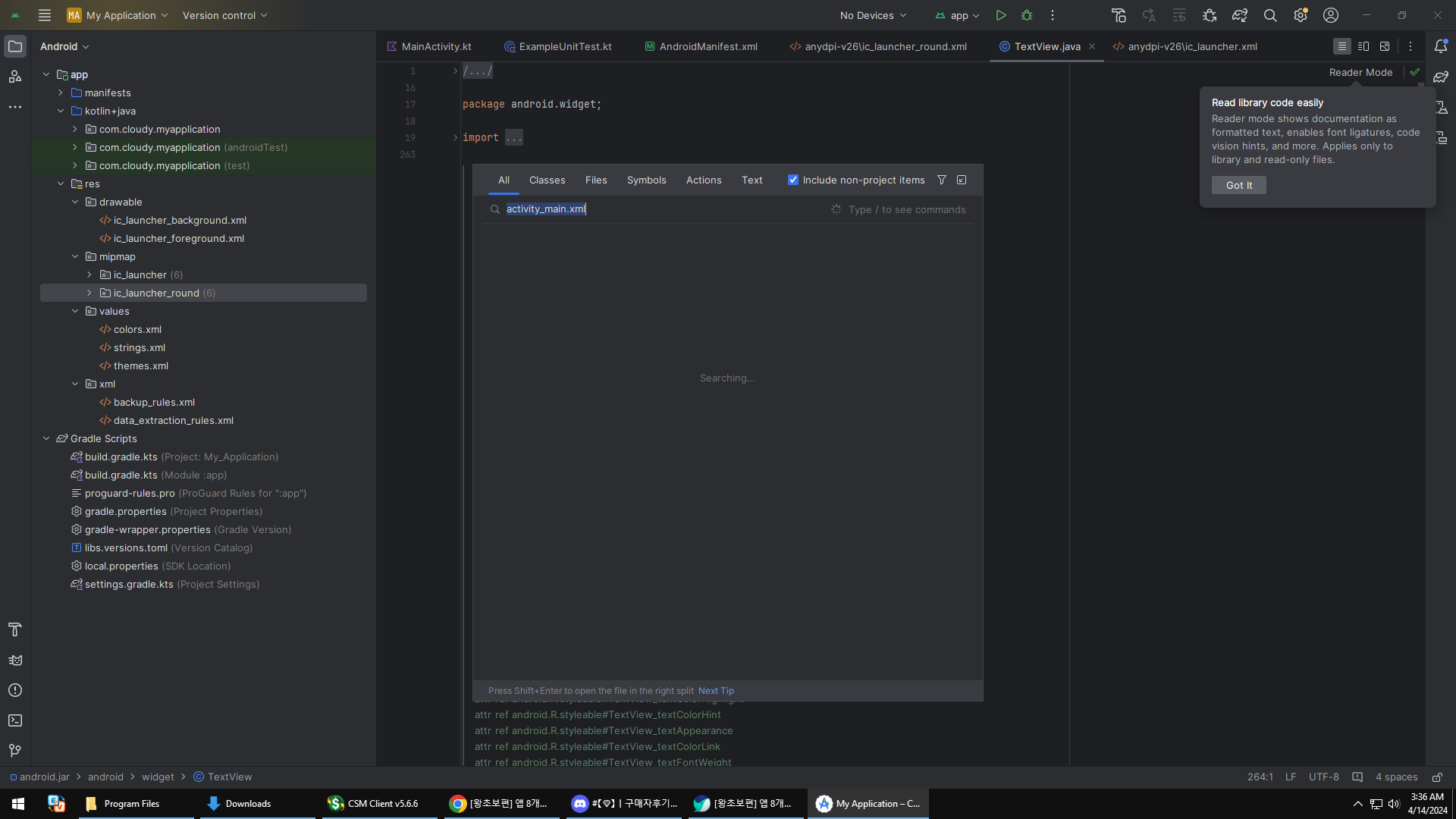
activity_main.xml 이라는것이 없습니다
답변 7
0
Executing tasks: [:app:assembleDebug] in project C:\Users\Administrator\AndroidStudioProjects\MyApplication
AGPBI: {"kind":"warning","text":"Please remove usages of jcenter() Maven repository from your build scripts and migrate your build to other Maven repositories.\nThis repository is deprecated and it will be shut down in the future.\nSee http://developer.android.com/r/tools/jcenter-end-of-service for more information.\nCurrently detected usages in: root project 'My Application', project ':app'","sources":[{}]}
Build-tool 34.0.0 is missing DX at C:\Users\Administrator\AppData\Local\Android\Sdk\build-tools\34.0.0\dx.bat
Errors during XML parse:
Additionally, the fallback loader failed to parse the XML.
Build-tool 34.0.0 is missing DX at C:\Users\Administrator\AppData\Local\Android\Sdk\build-tools\34.0.0\dx.bat
FAILURE: Build failed with an exception.
* What went wrong:
Could not determine the dependencies of task ':app:compileDebugJavaWithJavac'.
> Installed Build Tools revision 34.0.0 is corrupted. Remove and install again using the SDK Manager.
* Try:
Run with --stacktrace option to get the stack trace. Run with --info or --debug option to get more log output. Run with --scan to get full insights.
* Get more help at https://help.gradle.org
BUILD FAILED in 475ms
0
Could not determine the dependencies of task ':app:compileDebugJavaWithJavac'.
> Installed Build Tools revision 34.0.0 is corrupted. Remove and install again using the SDK Manager.
* Try:
Run with --stacktrace option to get the stack trace. Run with --info or --debug option to get more log output. Run with --scan to get full insights.
0
Please remove usages of jcenter() Maven repository from your build scripts and migrate your build to other Maven repositories.
This repository is deprecated and it will be shut down in the future.
See http://developer.android.com/r/tools/jcenter-end-of-service for more information.
Currently detected usages in: root project 'My Application', project ':app'
0
Installed Build Tools revision 34.0.0 is corrupted. Remove and install again using the SDK Manager.
이런 오류가 나옵니다
0
섹션0
(왕초보 필수시청 - 1) 최신 안드로이드 스튜디오로 처음 프로젝트를 만들 때
의 방법대로 만드신게 맞으신가요?
만약 맞으시다면 프로젝트를 어떻게 만드셨는지 스크린샷으로 알려주세요.
주사위앱 소개 및 레이아웃 설정 문제
0
81
2
안드로이드 에뮬레이터가 실행이 안 되요...ㅠ
0
140
2
30 강 소스 좀 올려 주십시요
0
97
2
onBackPressed 함수가 동영상 하고 다르게 동작합니다.
0
108
2
ListView 초기 실행 안됩니다.
0
110
2
코딩을 완료하고난후 앱 실행시 자동 종료
0
87
2
datavinding에서 오류가 납니다.
0
63
1
안드로이드 스튜디오 버전 차이로 초기 empyt activity 선택하면 안됩니다.
0
138
2
context의 구별에 대하여
0
84
2
"프롤로그에서 ..." 오류 관련해 직전 질문에 대한 추가 질문입니다.
0
80
2
"프롤로그에서 콘텐츠가 허용되지 않습니다." 오류
0
187
3
해결완료
1
205
2
databinding 설정후 run하면 에러(해결)
0
234
2
databinding 설정 이후 실행시 에러
0
297
4
안드로이드 입문하는 사람입니다.
0
78
1
Firebase uid
0
90
3
activity_main 화면 다름
0
129
2
강의화면과 다른데 맞게진행되는것인가요...????
0
117
2
파이어베이스 질문
0
84
2
ActivityMainBinding에 오류가 납니다
0
146
2
선생님 onBackPressed 작동이 안되는거 같습니다
0
128
2
>app>res>layout 이 존재하지 않습니다.
0
124
2
안드로이드 스튜디오 미어캣 버전 사용 한글 깨짐
0
783
2
안드로이드 스튜디오 오류 발생 시 대처 방법은 요?
0
310
2