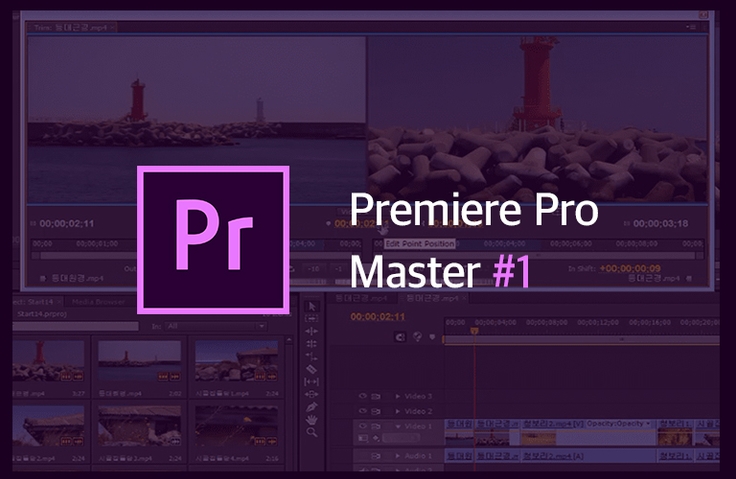
Premiere Pro Master (Episode 1) - This is Premiere Pro!
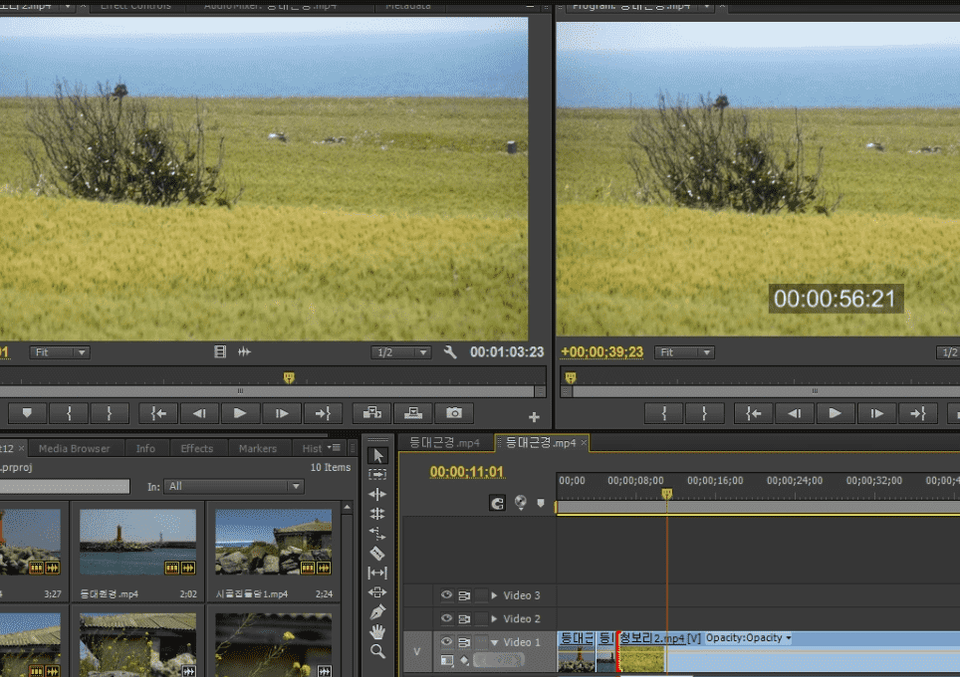
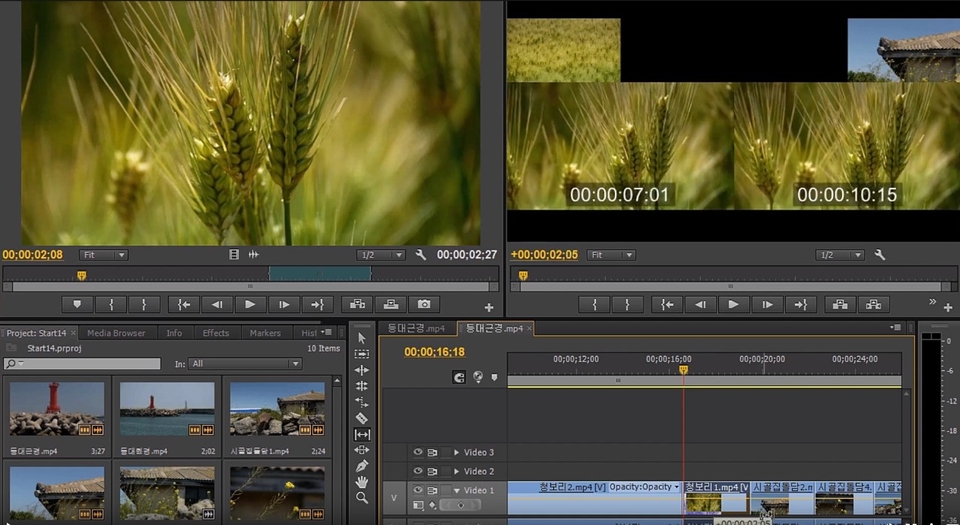
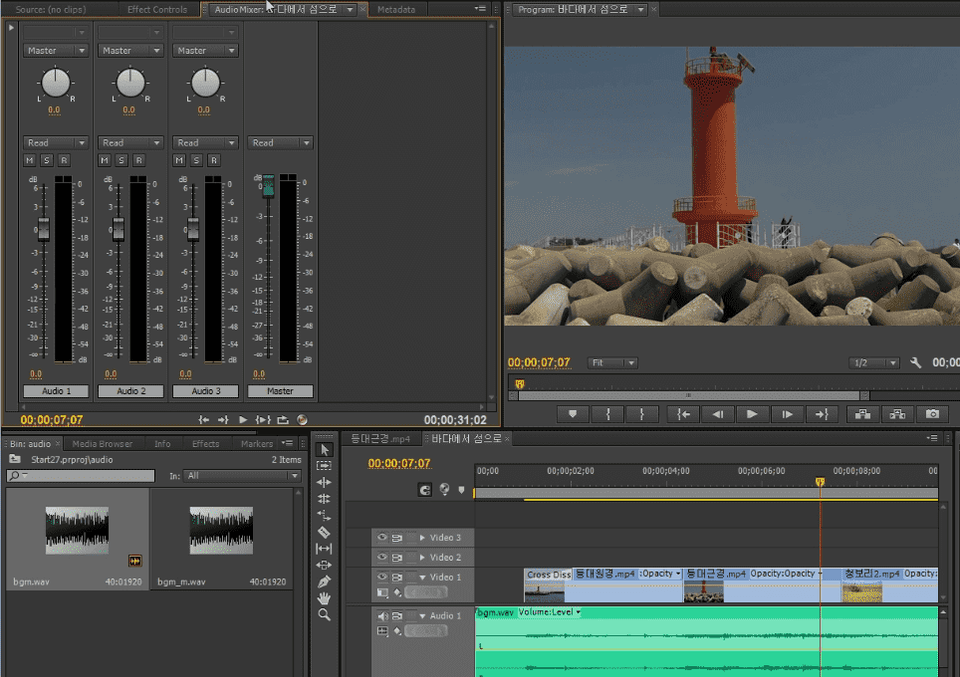
A lecture that will teach you the fun of editing with Premiere Pro. This lecture, which has received five stars, rave reviews, and praise as the best Premiere Pro lecture, even years after it was created, is a lecture by a true expert that provides a realistic approach and enjoyable explanations to help you understand, empathize, and learn the meaning of editing.
Pros
- It wasn't just about learning how to use Premiere Pro, but the instructor taught video editing methods while seamlessly incorporating Premiere Pro usage throughout, which was really, really, really, really, really good. However, since I haven't taken other Premiere courses, I think it would be good to compare with other courses and decide based on your own needs.
Points that might be divisive
- The instructor emphasizes review and I fully understand the necessity, but the problem is that since this is my first Premiere Pro course, I felt lost about what to create while reviewing. I'm thinking of reviewing by completing example projects from other free Premiere Pro courses.
- This is a course based on Premiere Pro 6.0 / early CC, so the UI might look different from Premiere Pro 2025. So far (36% completed), I haven't been unable to follow the course due to UI or shortcut differences, but it would be good to know this before taking the course.
- The instructor is high-energy and includes high-level comedy in between. I liked how the comedy came in when my concentration was about to drop, but it might vary from person to person.
5.0
프타로
61% enrolled
I'm currently going through lesson 20, and this lecture has everything - whether it's information delivery, speaking style, sense, or wit, nothing is lacking. This is a lecture that clearly makes you feel why you shouldn't just stick to free lectures trying to save a few bucks. I've been working in design-related fields for a long time using programs like Photoshop and Illustrator, but I've recently become very interested in video editing, so I'm learning from the basics. As I learn and get familiar with the tools, memories of when I first learned Photoshop and Illustrator come flooding back, and I can feel myself gradually getting more comfortable with Premiere as well. I'm already excited thinking about quickly completing this basic course and then creating and sourcing various materials myself to edit different videos and work on sample projects. Thank you for the Kind and straightforward lecture. Once I conquer Premiere, I'll go tackle the After Effects course too!
5.0
henderson Mr.
100% enrolled
This is the best lecture
What you will gain after the course
The first episode of Premiere Pro Master Season 1 (Fly like a beginner and edit like a pro)!
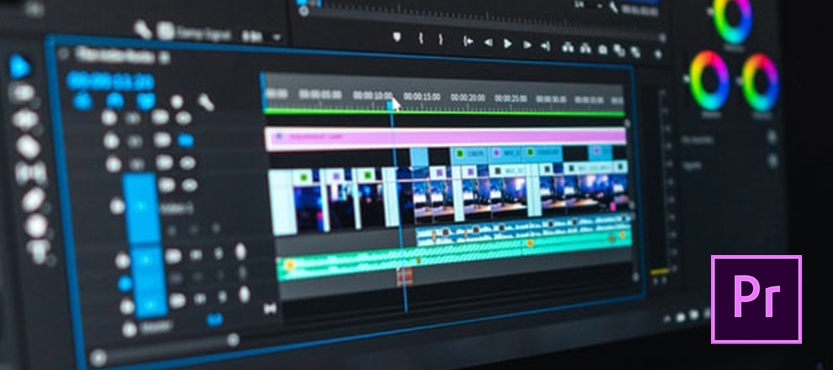
How to use Premiere Pro CS6/CC and tips that can be applied to all versions
No boredom! Easy from basic principles to applications! Fun! Clear!
Real skill improvement with exciting editing theory and practical know-how!
It is completely different from other lectures, including problem-solving methods and time-saving tips!
The famous Demaster lecture has come to Inflearn! Do you want to learn video editing, but are worried that it will be difficult?
Do you know “ how ” to use Premiere Pro, but are worried because you lack “ editing know-how ”?
If you have ever hesitated to learn because you were using an older version of Premiere rather than the latest version!
We introduce you to a premier lecture that will melt away all your worries.
Actually, when you learn an unfamiliar tool, you worry a lot.
I wonder if I can keep up, I feel tired just thinking about studying, am I just wasting my time?
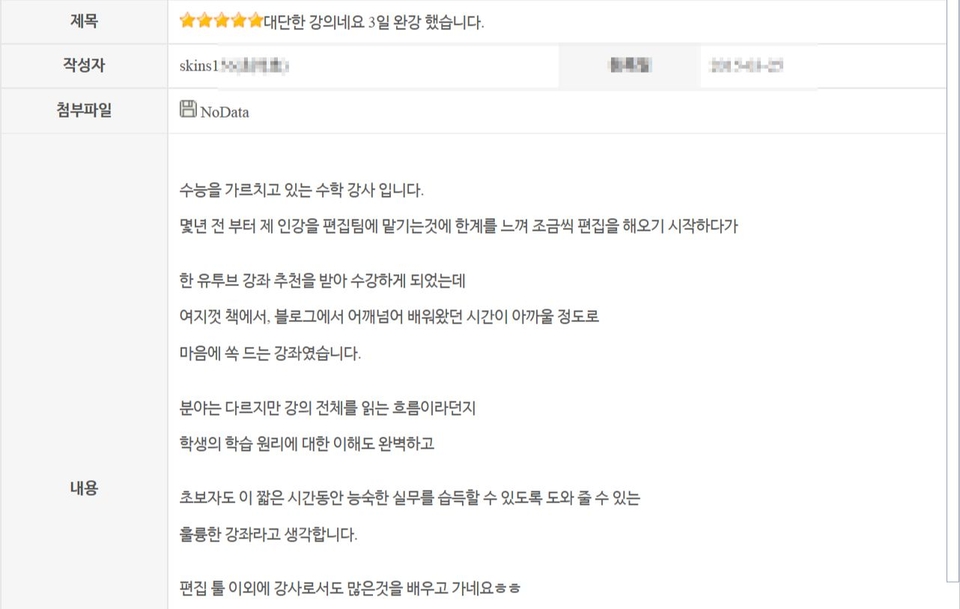
"It's all thanks to you, teacher! Thank you!"
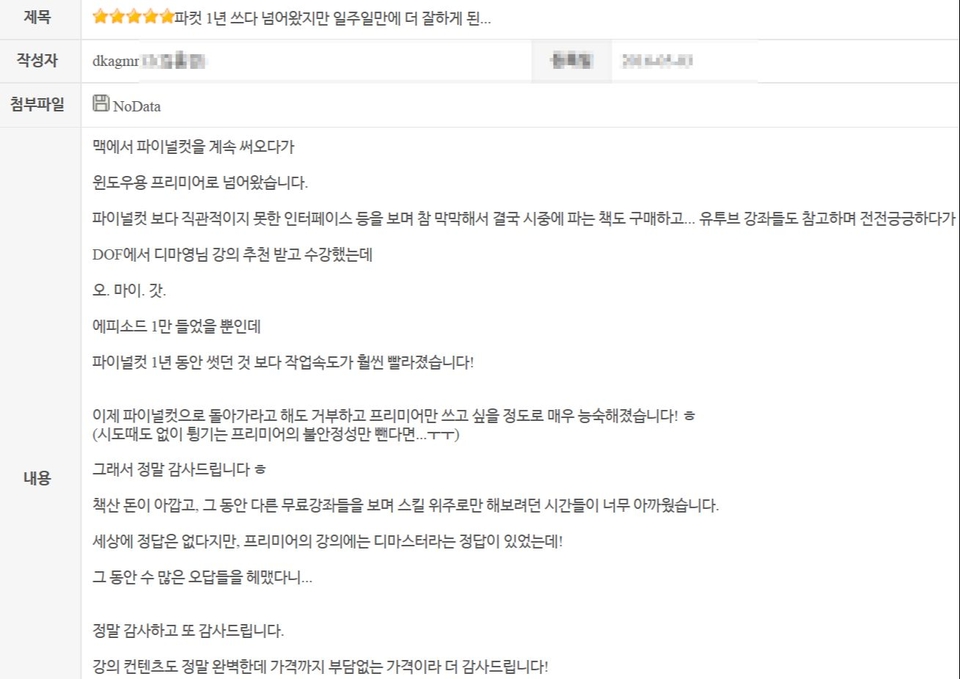
- Excerpt from the actual thank you message Dimayoung received. -
But there is a teacher who has trained real professionals who are very active in the field.
How about sharing your practical know-how, built up over decades of practical and educational experience, in a fun way ?
Dima Young, who has produced numerous professional professionals, will teach you not only the basics of using Premiere tools, but also
From sophisticated editing know-how to scene composition methods (emphasis) that are of great help in editing ,
Learn editing principles and concepts that can be easily applied to practice in an easy and fun way at Inflearn!
How to use shortcut keys and key editing tools without having to memorize them
Sophisticated fine-tuning features (how to use the fine-tuning tool and trim function)
Tips for handling sources, principles for composing and ordering scenes
Check the results with super easy encoding
Useful features you can use right away
Mouse editing know-how, transition know-how
Preview know-how, clip management know-how
Utilizing 4-point editing and time stretching
Video audio separation, background music, audio utilization
Causes of problems and solutions
2 Features of this course
[1] NO to spoon-fed education! YES to solving the root of the problem!
Know-how to solve various problem situations
[2] Honey TIP!
A lesson on scene composition that will be a great help in editing!
[3] Student Reviews
A course filled with decades of teaching and practical experience, as well as the educational know-how gained from training numerous video experts!
How did people who actually attended the lecture leave their reviews?
3 A word from Dimayoung!
This is not a boring tutorial or a lecture that explains the menu in order!
The reason why this course has been popular for a long time is because the course is so interesting and the basic usage of Premiere Pro is similar, so users of the latest version can take the course without much inconvenience. Since it contains a lot of interesting editing theories and practical know-how, it is a course that users of the latest version take more often.
Come experience a lecture that is easy on the ears and contains decades of educational know-how that has been accumulated through diverse practical experience and training numerous video experts .
Recommended for these people
Who is this course right for?
I don't like boring lectures! Already famous for being easy and fun.
As the name of DeMaster suggests, you can learn the essence of Premiere Pro.
Those who want to learn not only simple tool technology but also know-how and editing methods
Fun! Refreshing! Clear! Satisfying! 100% pleasure from Demaster Demayong's lectures
A lecture that can be applied from Premiere Pro CS6 to CC
Those who want to learn editing while learning Premiere Pro properly
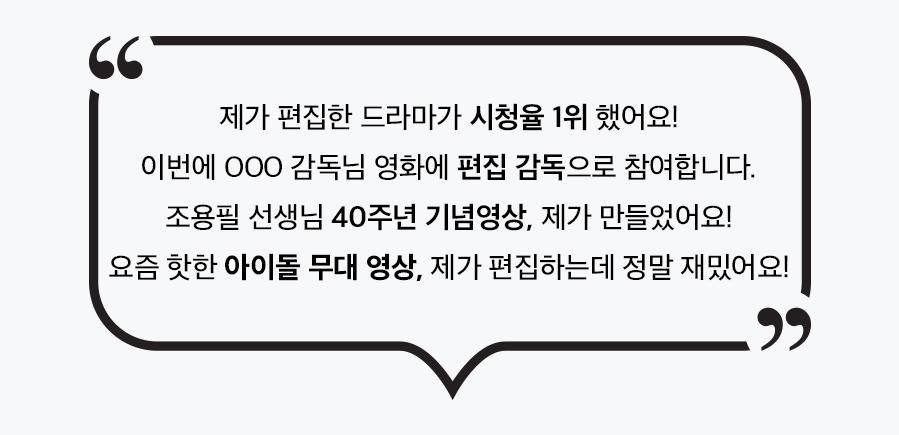
My students are playing an active role in various fields across the Korean media industry.
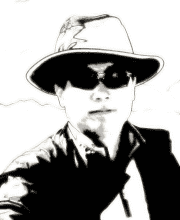
A student who shared the joy of editing a top-rated drama, a student who expressed gratitude for participating in their dream film editing... From Cho Yong-pil's 40th-anniversary commemorative video to the stage visuals for Hallyu-leading idol stars, my proud students are creating them all. Furthermore, students in charge of special effects for blockbuster films have already expanded overseas to showcase their talents.
Having trained countless professionals, I now intend to dedicate my remaining expertise to this video-driven era through online education, where anyone can create videos and become an expert. Many have already taken great leaps forward through my lectures. Their support and precious words of gratitude are the source of my strength.
Experience:
I have decades of practical and educational experience, including serving as a former professor of Digital Media Production and Digital Editing at the SBS Broadcasting Academy, a professor of Broadcasting Technology at the MBC Broadcasting Academy, the director of the D-Master Professional Course (Motion Graphics, Digital Editing, Color, VFX), and the CEO of Production Grim. My online teaching experience alone spans 15 years.
- Extensive hands-on experience in various video fields such as advertising, PR, music videos, and multimedia, covering editing, animation, motion graphics, VFX, and color.
- Special lectures, PR strategy consulting, and video-related product development advisory for various corporations including Samsung Electronics' Camera Division, as well as foundations and incorporated associations.
- Over 20 years of offline education experience at various broadcasting academies including SBS and MBC, universities, and professional video production institutes.
- Over 15 years of online education including dmaster.co.kr (including 7 years of free online education)
- Years of support, volunteer work, and free consulting for small-scale productions and video freelancers
I'm currently going through lesson 20, and this lecture has everything - whether it's information delivery, speaking style, sense, or wit, nothing is lacking. This is a lecture that clearly makes you feel why you shouldn't just stick to free lectures trying to save a few bucks. I've been working in design-related fields for a long time using programs like Photoshop and Illustrator, but I've recently become very interested in video editing, so I'm learning from the basics. As I learn and get familiar with the tools, memories of when I first learned Photoshop and Illustrator come flooding back, and I can feel myself gradually getting more comfortable with Premiere as well. I'm already excited thinking about quickly completing this basic course and then creating and sourcing various materials myself to edit different videos and work on sample projects. Thank you for the Kind and straightforward lecture. Once I conquer Premiere, I'll go tackle the After Effects course too!
Pros
- It wasn't just about learning how to use Premiere Pro, but the instructor taught video editing methods while seamlessly incorporating Premiere Pro usage throughout, which was really, really, really, really, really good. However, since I haven't taken other Premiere courses, I think it would be good to compare with other courses and decide based on your own needs.
Points that might be divisive
- The instructor emphasizes review and I fully understand the necessity, but the problem is that since this is my first Premiere Pro course, I felt lost about what to create while reviewing. I'm thinking of reviewing by completing example projects from other free Premiere Pro courses.
- This is a course based on Premiere Pro 6.0 / early CC, so the UI might look different from Premiere Pro 2025. So far (36% completed), I haven't been unable to follow the course due to UI or shortcut differences, but it would be good to know this before taking the course.
- The instructor is high-energy and includes high-level comedy in between. I liked how the comedy came in when my concentration was about to drop, but it might vary from person to person.
I'm a complete beginner, so it still feels difficult, but I believe that if I keep practicing repeatedly, there will come a day when I can enjoy editing. I recommend the instructor's fun and informative Photoshop class.