






![[Web Publishing Practice] Creating a Responsive SiteCourse Thumbnail](https://cdn.inflearn.com/public/courses/328215/cover/336533da-bae5-46bd-888f-0f5f0fea43cd/328215-eng.png?w=420)
[Web Publishing Practice] Creating a Responsive Site
webstoryboy
Let's create a responsive web that freely changes the screen size according to the mobile, tablet, and web environment.
Basic
Responsive Web
If you're going to do it, do it right! This is a publishing course that follows official web standards🧑🏻💻

Reviews from Early Learners
5.0
최민수
It's not a recent lecture, but it's very good for beginners to listen to.
5.0
Jang Jaehoon
Thank you for the great lecture!
5.0
wonE
I learned it easily and well.
Building the Basics of HTML & CSS
Building a site that complies with web standards
Are you ready to try web publishing today?
✨ Here's a lecture for absolute beginners ✨
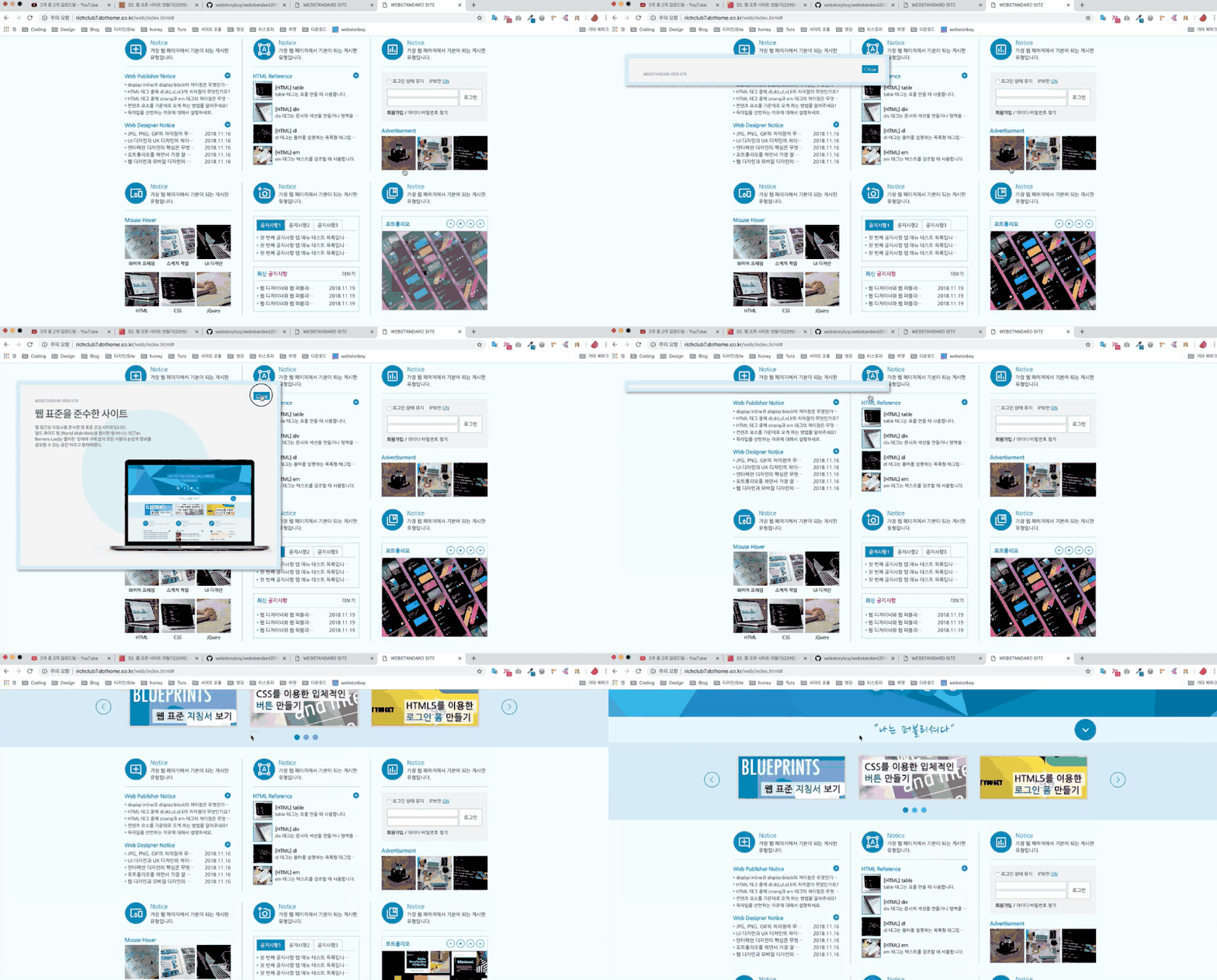
In the 'Layer Pop-up'
Layout Structure Practice
Page structure practice
Event and Additional Features Practice
Final practice
📢 Information to note when taking the course
*Click on each image to go to the corresponding lecture page.
1. [Web Publishing Practice] Creating a Web Standard Site Current Lecture
This course will give you a feel for how to create a website.
2. [Web Publishing Practice] Creating a Responsive Site
We create responsive web that freely changes screen size according to the web environment.
3. Creating a Movie Ticket Reservation Site: Design
Now it's time for the real thing! Here's the first part of creating a movie ticket reservation website: design.
4. Creating a Movie Ticket Reservation Site: Coding
Now it's time for the real thing! Here's part 2 of building a movie ticket reservation website, coding-wise.
New to coding and web publishing
People who have never created a site before
People who want to prepare for publishing
Q. Is this a course that non-majors can also take?
Yes! This course covers the basics, so even beginners can easily follow along. ^^
Q. Is there anything I need to prepare before attending the lecture?
All you need to do is prepare your passion.^^
Q. What level of content is covered in the class?
It is at a level where you can learn together even if you know nothing about HTML and CSS.
Who is this course right for?
If you want to create a website that adheres to web standards but don't know where to start
Anyone who wants to create a website from scratch, step by step
Those who wish to work as a web publisher
7,552
Learners
103
Reviews
1
Answers
4.9
Rating
4
Courses
Hello! 🧑🏻💻
I have a great interest in the web, and I am currently teaching
Web Storyboy.
On the YouTube channel Webstoryboy,
I create various lectures.
If you don't give up and follow along with me one by one until the last lecture,
you will be one step closer to becoming a web publisher. You must try it yourself to improve your skills.
If you give up because it's difficult, wrong, or you don't understand, it will be hard when you try to build other sites too, right?
If something goes wrong or doesn't work while following along, compare your code with my lecture source
and try to find where the mistake is yourself. That will also be a great way to learn 🧚🏻♀️
I’m rooting for your hard work again today. Good luck!
All
36 lectures ∙ (9hr 6min)
1. layout 1
24:26
2. layout 2
10:32
3. layout 3
07:11
4. layout 4
07:17
5. layout 5
15:38
6. layout 6
16:24
7. layout 7
16:51
8. layout 8
22:00
9. layout 9
08:54
10. Skip Menu
17:35
13. Header icon
29:13
14. Full menu
16:36
15. Full Title
13:12
16. All Banners
23:02
17. Content Layout
17:11
18. Bulletin Board 1
14:23
19. Bulletin Board 2
06:24
20. Bulletin Board 3
10:46
23. Tab Menu
21:53
24. Bulletin Board 4
11:11
25. Gallery
12:50
26. Login
22:29
27. Popup
07:18
28. Footer & W3C Fix
13:25
All
55 reviews
4.9
55 reviews
Reviews 40
∙
Average Rating 4.8
Reviews 31
∙
Average Rating 5.0
Reviews 1
∙
Average Rating 5.0
Edited
Reviews 1
∙
Average Rating 5.0
Reviews 821
∙
Average Rating 4.9
Check out other courses by the instructor!
Explore other courses in the same field!
Free