Through various practical examples of HTML+CSS+JQUERY publishing for beginners and intermediate levels, you will learn the basics of publishing for intermediate publishing skills. In particular, through various practical examples, you will gain confidence in publishing by experiencing sufficient explanations and practical work. This is a publishing class that provides a sufficient amount of study time of over 41 hours. (It is more effective if you study CSS intermediate theory on the Coding Works YouTube publishing channel.)
Let me be honest.
Rather than paying 1.5 million won for a private institute and listening for 6 months,
Pay 50,000 won for this lecture and just listen to it for 2 hours a day for 1 month. (Recommended to read twice)
It only teaches the real essence and key points without any boring theories.
(I got a 1-second refund after watching the history of HTML in the first lecture of F-Mo online lecture)
Usually, when online lectures are given, the instructors make a mistake by going slowly at first,
and then when the practical part gets difficult, I don't know if it's because they're lazy to explain or because they're excited, but the speed increases by 4 times while writing code that wasn't explained,
but here, they go all the way to the end at the same pace as the beginning, tailored to beginners.
Difficulty? Honestly, if you graduated from middle school or higher and find this lecture difficult, you can think that publishing is not your destiny in this life because it's so kind and easy. For reference, I only know C# in liberal arts and the words HTML and CSS were new to me.
What do you want? 1. I wish there was a practice of publishing an entire web page, even if it's just one page. (Like a shopping mall)
2. Rather than making HTML and CSS layouts one by one, I would appreciate it if you could share some tips on where to get them from. (Even if it's an additional course, I'm willing to buy it.)
5.0
wodndi0321
45% enrolled
As a new publisher working at a company, I think this was the perfect lecture to help me resolve the parts that I was really confused about and didn't know about. First of all, I understand it very well. Coding Works' lectures are generally at a level that suits my level, and since he has a lot of practical experience, there were a lot of parts that were really helpful for the company. Since the lectures are unlimited, I can look them up whenever I forget or get confused, which is really great, and I plan to take other lectures as well. Thank you so much :)
5.0
세계수
71% enrolled
I am currently studying Coding Works as a front-end developer.
I have seen HTML and CSS in other books and lectures, but it was very difficult to create a proper screen.
By chance, I watched two Coding Works lectures through the YouTube algorithm and paid for them right away.
Before taking this lecture, I definitely watched the lectures and read the book, but I was unfamiliar with the markup and had a hard time doing it,
but now I am having fun running the examples for today and implementing them.
I need to study React, but I am studying the markup work harder. ㅎㅎㅎ
In my case, it is easier to control the DOM with vanilla JavaScript than jQuery, so I did not take the jQuery lecture, but I think it would be good for beginners to experience creating dynamic screens with jQuery. I have also purchased the intermediate CSS lecture, and I plan to take it together when Season 1 is somewhat complete.
For now, I am aiming to complete Season 2 and the intermediate CSS theory by the end of January.
Thank you for making this lecture.
What you will gain after the course
Improve your basic publishing skills with the core theories of HTML+CSS+JQUERY
Improve your website publishing skills and know-how
Accurate concept and use of block elements and inline elements
The exact concept and use of the position attribute
hover before after checked active Understanding and using virtual classes
How to use the text editor Brackets and Emmet
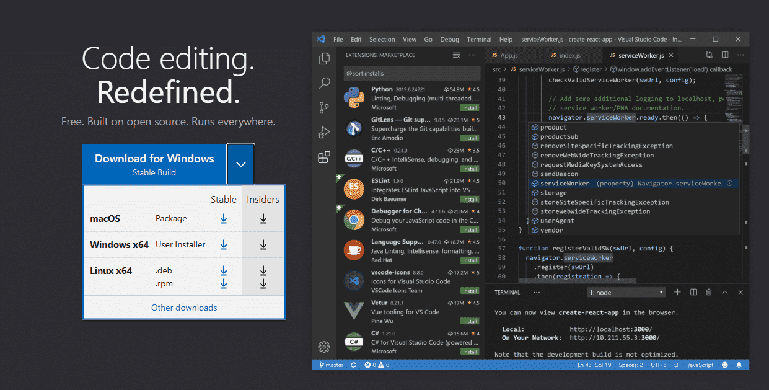
How to use the text editor Visual Studio Code and Emmet
Using Flex and the concept and use of the Transform property
Understanding and using adjacent selectors, attribute selectors, and checked virtual classes
Various mouse hover effects
Understanding and using Font Awesome
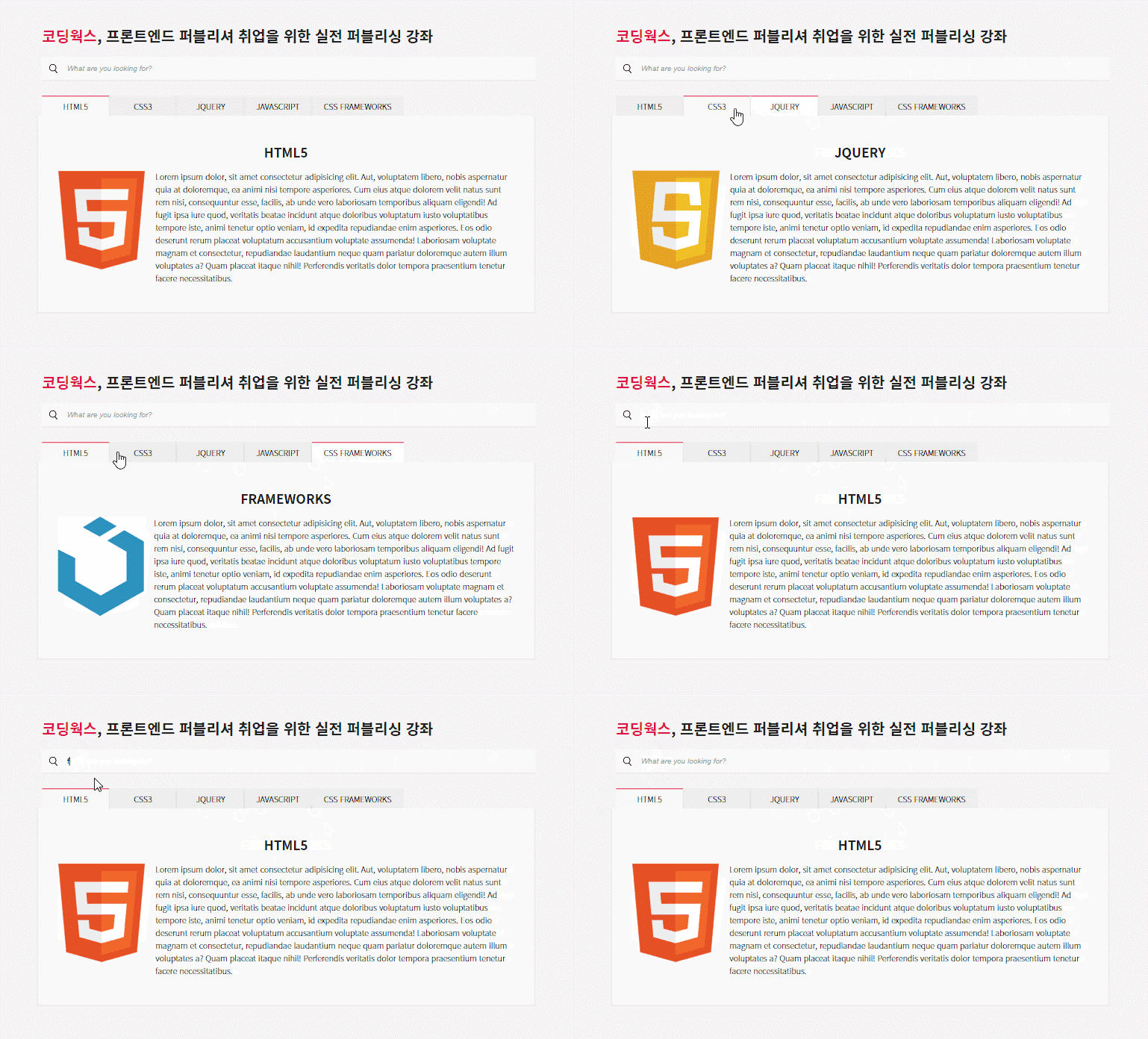
CSS tab menu content, JQUERY tab menu content creation ability
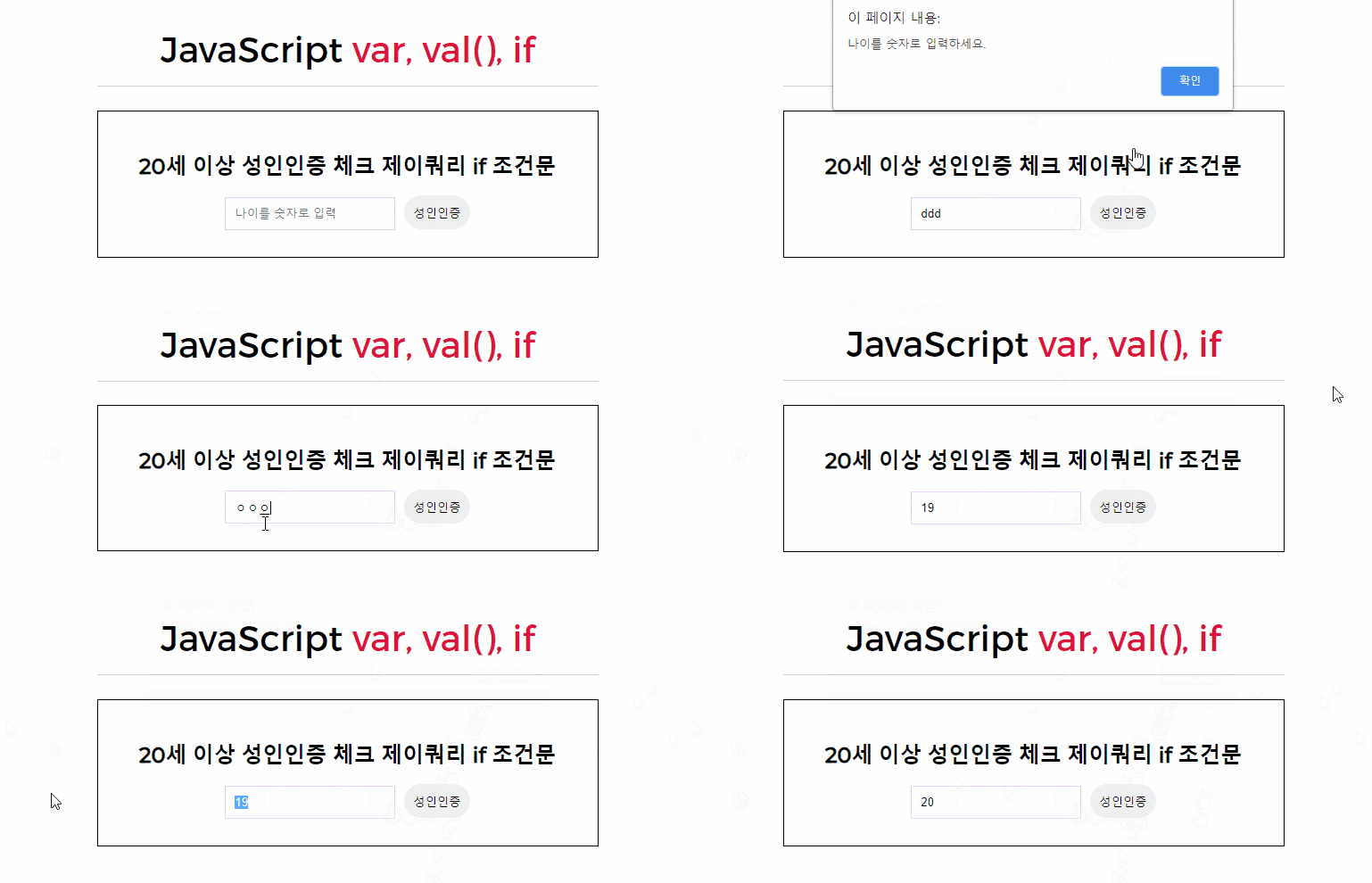
Understanding and using JavaScript variables (var) and conditional statements (if)
' Skill Up Essential Course for Publisher Employment'
' Hardcoding class for real skills in practical publishing'
📔Hard coding skills are real publishing skills.
Publishing that is dynamic and flashy using jQuery plugins is not real publishing.
Real publishing skills are those that can meticulously design the layout with HTML, arrange and design in detail with CSS, and even create interaction with jQuery that you wrote yourself.
If you rely on the flashiness of using jQuery plugins and do not study the basics, it is not easy to get a job as a web publisher. Even if you get a job and start working, it is likely that each day will be difficult as a publisher.
Being able to hard code, that is, code each line of code yourself, is the real publishing skill.
Coding Works' lectures are thorough and accurate.
1. Publishing! Don't be too scared. Start with confidence. Getting started is half the battle .
2. Publishing! I can't say it's easy to get on track, but it definitely pays off .
3. Basic HTML+CSS+JQUERY hardcoding skills are important for getting a job as a publisher.
Coding Works publishing lectures do not use code that students cannot understand. We believe that a good lecture is one that allows students to understand the principles, and Coding Works lectures are produced that way.
For those who are new to web coding, we hope that you will gain confidence in publishing through easy and friendly lectures on core theories and practical examples.
I have something to say to those who are starting out with HTML+CSS+JQUERY publishing.
It's not easy to develop publishing skills to create a good website by hardcoding it all by yourself. It's hard, to be exact.
There are many theories to know, and you should have enough practical experience creating based on theories. You should also have some Photoshop UI design skills. Only then can you become a skilled person who can create a website worth seeing on your own.
However, you should not follow the 'Follow the Portfolio Website Creation' method without expanding your skills through faithful theoretical study and example creation using the theory mentioned above.
Of course, if you follow along diligently, you will get a result called a 'clone portfolio that copies someone else's work', but it will not lead to real skill.
If you are looking for a job as a web publisher or if you are a designer and want to be competitive with web publishing skills, you definitely need a personal portfolio website. Even if you create a personal homepage by following along without the thorough theoretical study and practical production experience I mentioned earlier, if you do not have hard coding skills, even if you get a job, you will quickly find out that you lack basic skills.
Before creating a personal portfolio website, please gain sufficient theoretical knowledge and experience creating various publishing examples using the theory.
📔Guide to learning methods
The way I think about 'improving publishing skills' is...
When making a practical publishing example, first, just watch how to make it without any burden, the second time, make it while watching and following along, the third time, do it on your own without watching, and when you really can't remember, refer to the video and make it. Only then will it be recorded as your true skill.
※ Recommended learning method when studying publishing practice examples (1st to 4th learning and creating a final report)
1st time - Just watch the video until the end without thinking about anything and without stopping in the middle. (The purpose is to understand the flow of production. To save time, watch it at about 1.5x speed.)
2nd time - Watch the video and follow along, then stop, write your own code, check the browser, play it again, and so on.
3rd time - Prepare only the source files (images, texts) without watching the video and create it yourself without the help of the video. (If you really can't think of anything, just watch it for a moment.)
4th - For the personal portfolio homepage work that you will create later, prepare different text and images in the same format as the source file of the video but with a different subject, and create a personal work that does not deviate significantly from the production method and code of the video.
🙋🏻♂️ Expected questions and required reading related to the lecture
Q. Is there a video explaining intermediate CSS theory while making examples? A. ' There are a lot of intermediate theories that are not covered in the basic theory when making examples. Where can I take intermediate theory classes? ' This question is frequently posted on the bulletin board.
This course is not about creating a beginner publishing example. It is about creating a beginner to intermediate publishing example. So you should have some knowledge of CSS beginner and intermediate theories. But you don't have to know them all. We will continue to repeat CSS beginner and intermediate theorieswhile creating examples. And there is a detailed video of the essential intermediate theories needed for creating examples in the playlist called [Intermediate Theory] CSS Intermediate Theory on the Coding Works YouTube Publishing Channel, so it would be good to learn the intermediate theories while taking this course.
Q.If I take this course, will I be able to work as a publisher in the field? A. If you understand and can utilize all the publishing content in this course well, it is possible. However, publishing requires sufficient experience to work in the field. I think it would be enough to study a few more things like the current course and study a few of the entire website production processes. Of course, you should also create a personal portfolio homepage. The barrier to entry for publishing is higher than you think. Since watching a video once does not mean that all the content and know-how will be conveyed to the student, I hope you will make it your own through the learning method explained above.
Q. While creating a practical example, are there any parts in the theory section that aren't explained? A. The basic theory videos for beginners are uploaded so that you can refer to them if you feel there is any theory that you lack. In the video of making a practical example, there is content that is not in the theory part. If you ask why there is content in the example that is not in the theory part, it will be difficult for me to answer.
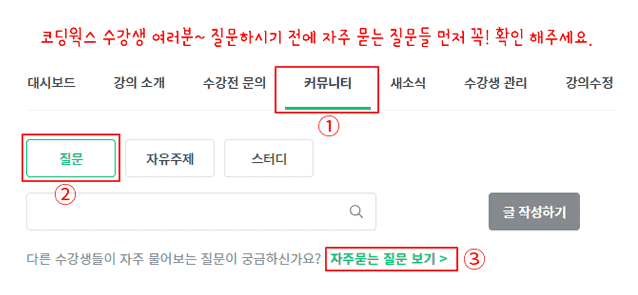
Q. Where can I ask questions if I don't understand something while studying? A. If you have any questions, please post a post on the [Questions & Answers] board and I will answer you as soon as I confirm it, even if it is not right away. Also, please be as specific as possible with your questions. It is not easy to give a sufficient answer when your question is not specific. So when you ask a question, it will be much easier to answer if you attach a screenshot of the HTML, CSS, and JQUERY coding screen you are writing along with the content you are curious about.
Q. There is a course on creating responsive websites. Which one should I take first? A. Before taking the course to create a full responsive website, I recommend that you sufficiently improve your theoretical and practical example creation skills in this course and then come to the course to create a full responsive website. Since it is a course to create a full responsive website, it is difficult to cover each part in detail like this course, so I think that if you are sufficiently trained in the practical publishing course and then come to the course to create a full website, your understanding will be much higher.
Q. Instructor, would it be a good idea to first look at the Publisher Job Search Real Practical Guide during class? A. It is important to learn more publishing skills, but it is important to first establish the basics as a publisher. In the e-book (PDF) of the Publisher Employment Practical Guide, the publishing basics are thoroughly organized into the content that you must know as a publisher, such as desirable coding habits and principles, and publishing like an experienced person. We recommend that you first look at the e-book (PDF) of the Publisher Employment Practical Guide and study the publishing basics to gain a sufficient understanding. Click on the image below to see the class introduction.
📔 Update Guide
[Update Guide, Learning Method Guide] HTML+CSS+JQUERY Portfolio Publishing Essential Theory and Practical Example Production Course
Thank you for taking the Coding Works, HTML+CSS+JQUERY Portfolio Publishing Essential Theory and Practical Example Production Course. And thank you in advance to all those who will take the course in the future..^^
This course will be continuously updated for the time being. If there is an update, we will notify you through 'Inflearn News'. Please follow the existing theory and practical publishing well until the final update. ^^
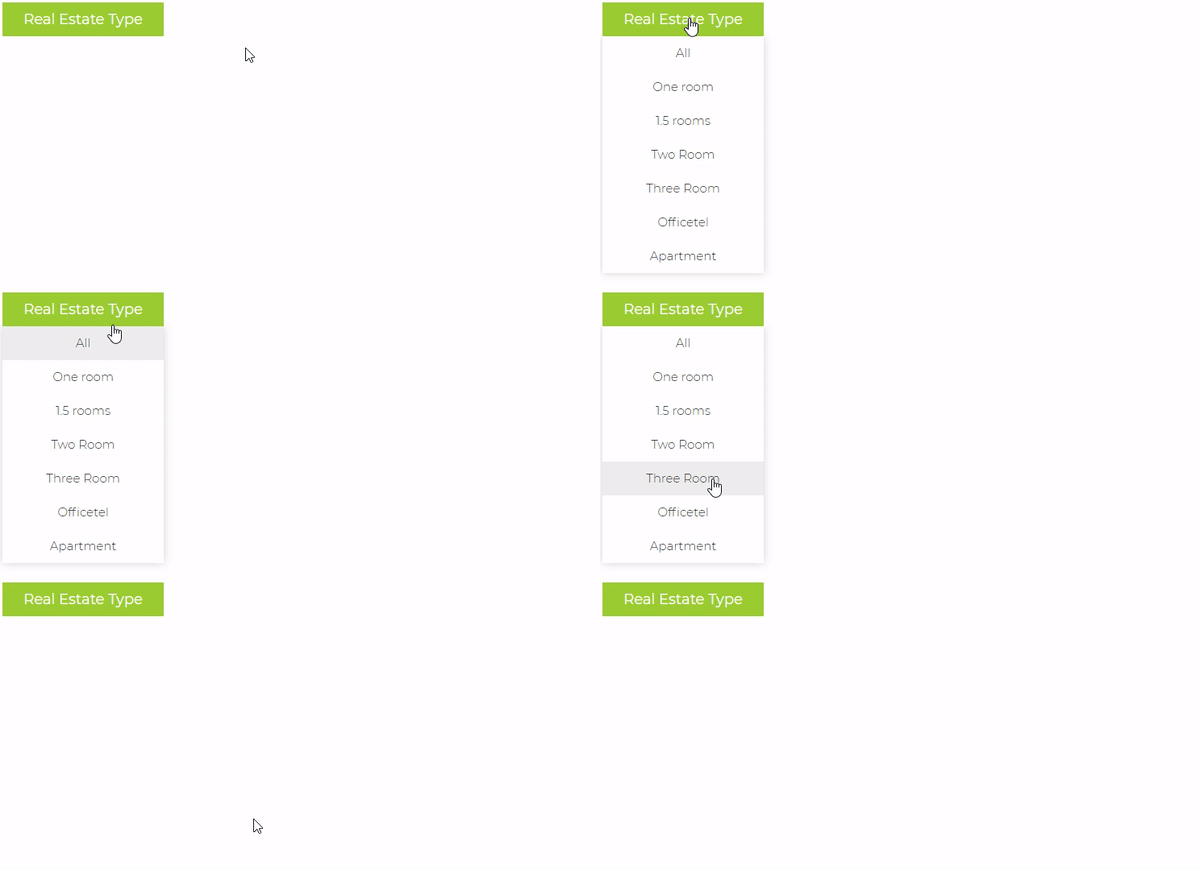
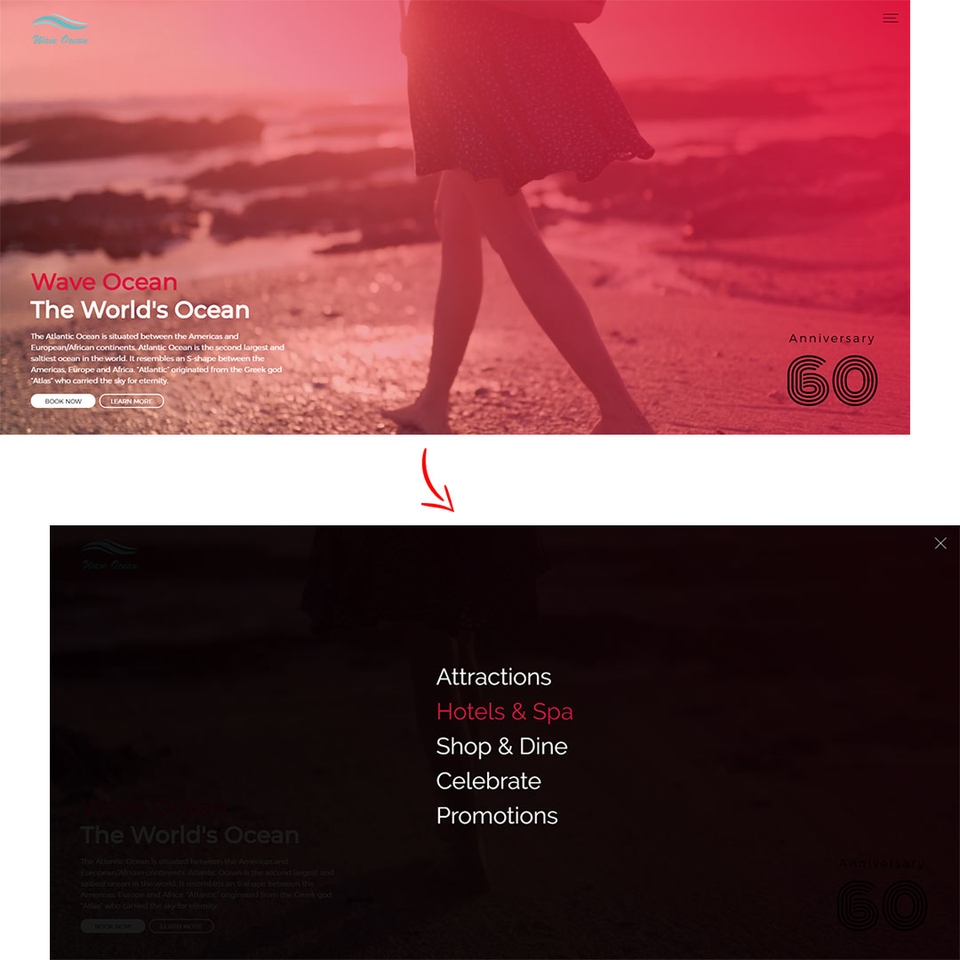
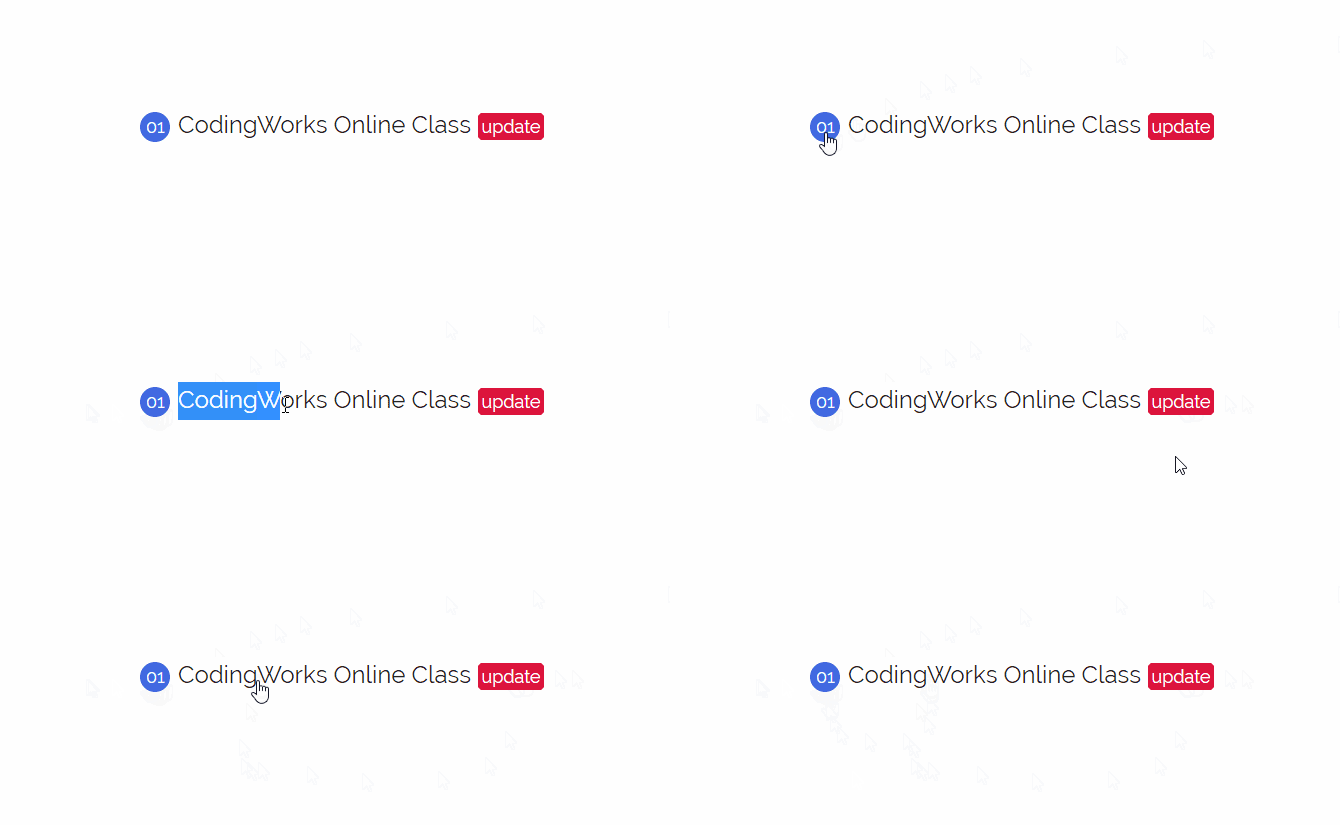
01. Creating a practical example using virtual class hover (basic drop-down navigation)
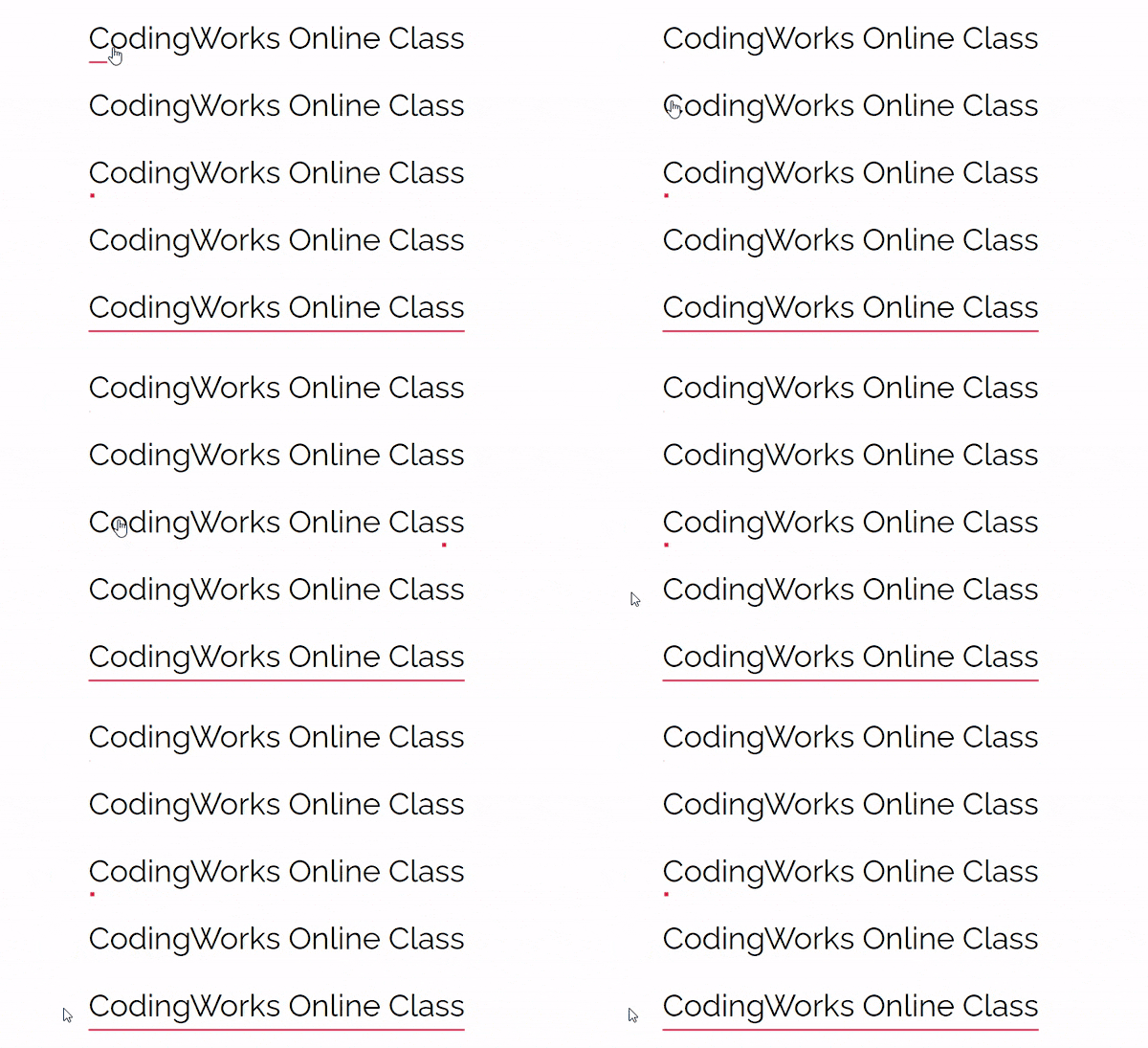
02.before after Creating a practical example using a virtual class (navigation hover effect - Border)
03.before after Creating a practical example using a virtual class (navigation hover effect - content attr)
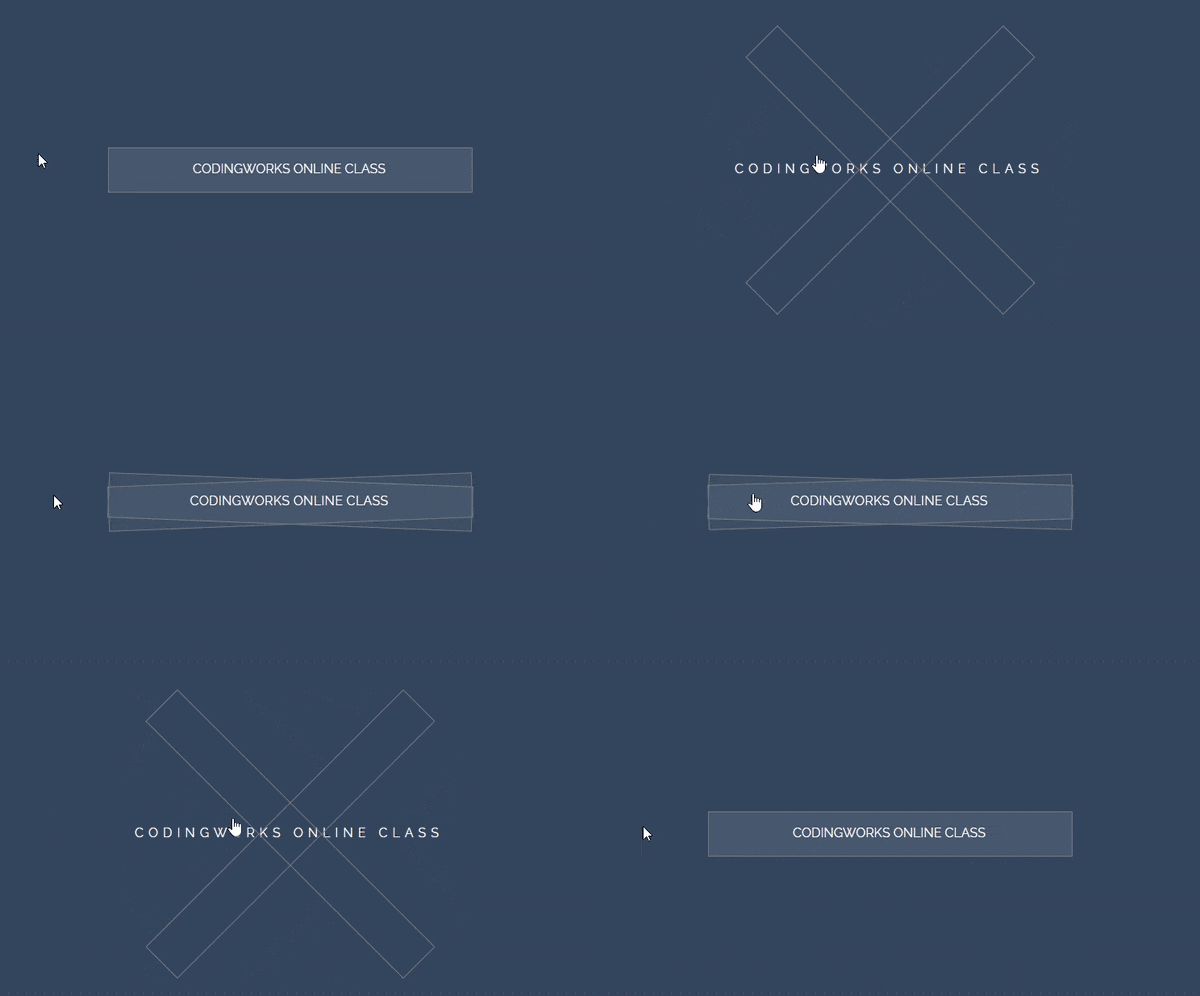
04.before after Creating a practical example using a virtual class (navigation hover effect – Rotate)
05. Styling radio buttons and check boxes as custom check boxes (using background images)
06. Styling radio buttons and checkboxes as custom checkboxes (using FontAwesome icons)
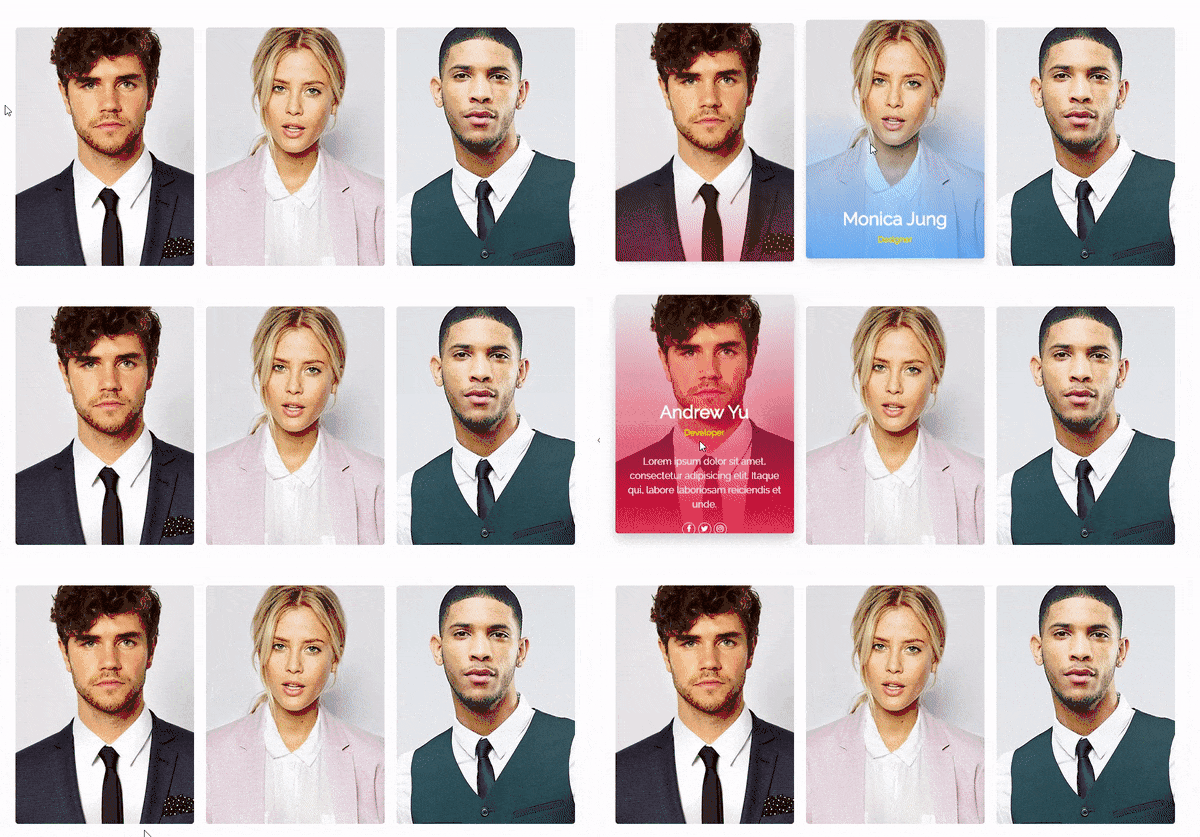
07. Creating a practical example using the virtual class for order check (personal profile card UI hover effect)
08. Practical publishing using virtual classes related to forms (full screen search window with background image)
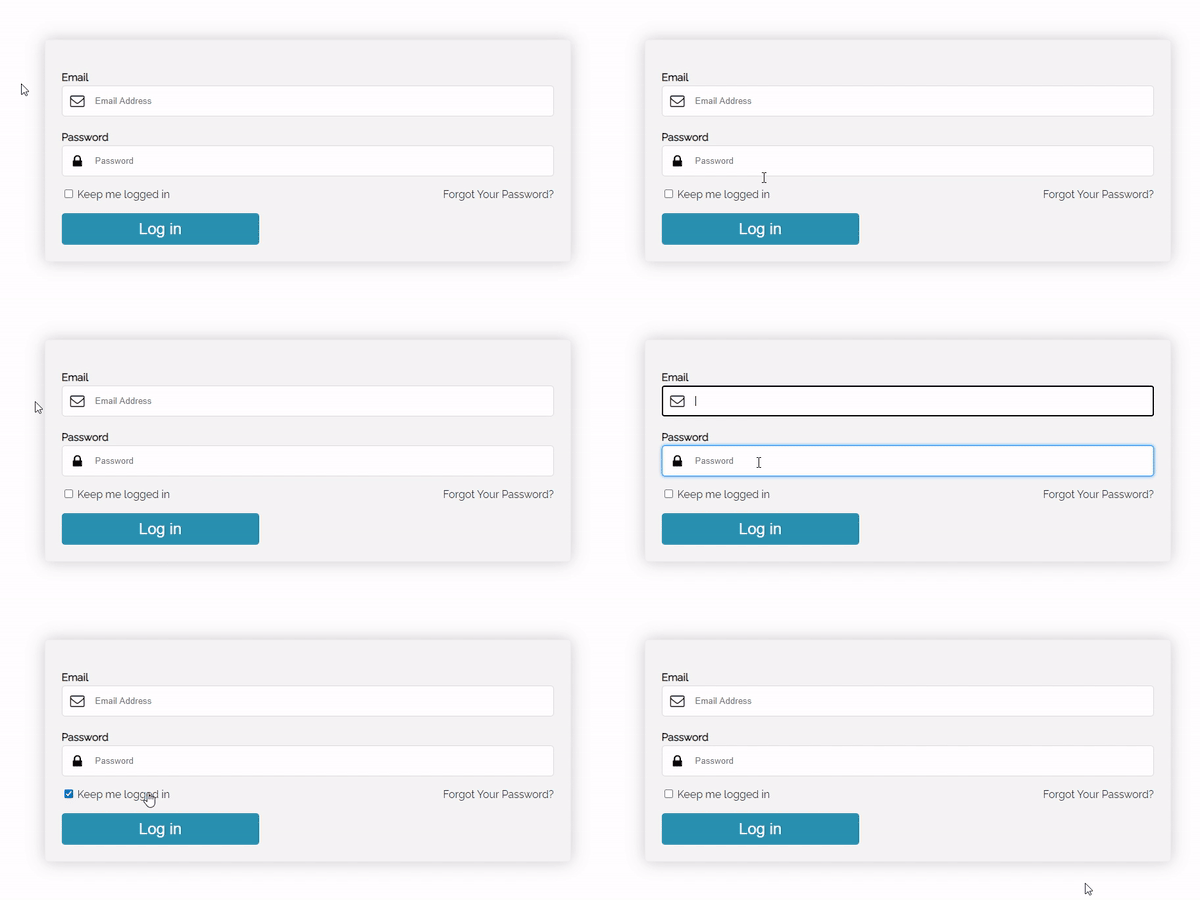
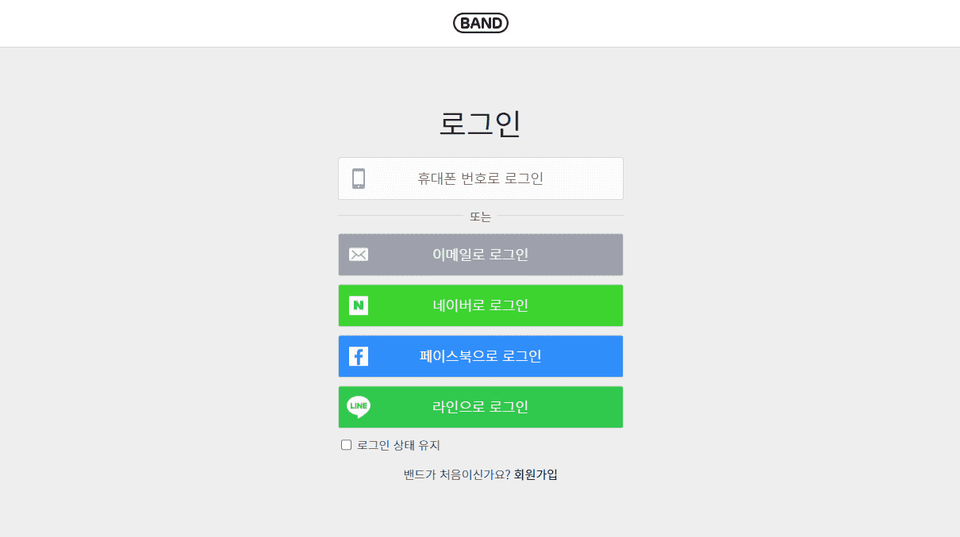
09. Practical publishing using virtual classes related to forms (login screen)
📔List of upcoming intermediate to advanced level Jump Up publishing theories and tips
We continuously update not only theories essential for creating practical examples, but also core theories and tips necessary for publishing skill up. If there is an update on the core theories and tips videos necessary for skill up, we will notify you through new news.
The core theories and tips videos needed for Skill Up will be sequentially updated in Section 7. Even if you haven't received any new news, please come to Section 7 and check if there are any videos you need to learn. Fighting~^^
※ You can receive a zip file of the completed learning examples studied in the Jump Up Publishing Theory and Tips video by clicking on the lesson materials in the upper right corner of the video.
Section 7. Intermediate to Advanced Level Jump Up Publishing Theory and Tips
Chrome Extension Recommendations for Web Publishers (6)(Completed, 2020.05.31)
Two ways to smoothly find the desired part with the A tag anchor (jQuery plugin, CSS property)(Completed, 2020.07.25)
Using iframe to load and display another html inside the body(Completed, 2020.07.25)
CSS click event created with :checked and extended selectors (adjacent selectors, sibling selectors, attribute selectors) of input tags(Completed, 2020.07.25)
Using inline JavaScript (linking href to div, going back, going forward, refreshing, closing window)(Completed, 2020.07.26)
Distinguishing between good and bad publishing instructors (understanding display properties)(Completed, 2020.08.2)
Understanding relative font size em and rem units (Completed, 2020.08.2)
Understanding Folder File Paths You Must Know When Creating a Website (Absolute Address vs. Relative Address)(Planned)
Creating an Image Map that finds coordinates directly and codes them directly without relying on a generator(planned)
Fully understanding the flower (before, after) of the virtual class that designs the front and back of an element(planned)
📔Completelist of updated real-world publishing examples
Publishing tab menu content with JQUERY (style 01)(Completed, 2020.05.30)
As a publisher, you must know JavaScript, variables (var) and conditional statements (if) - 20-year-old adult check(Completed, 2020.06.02)
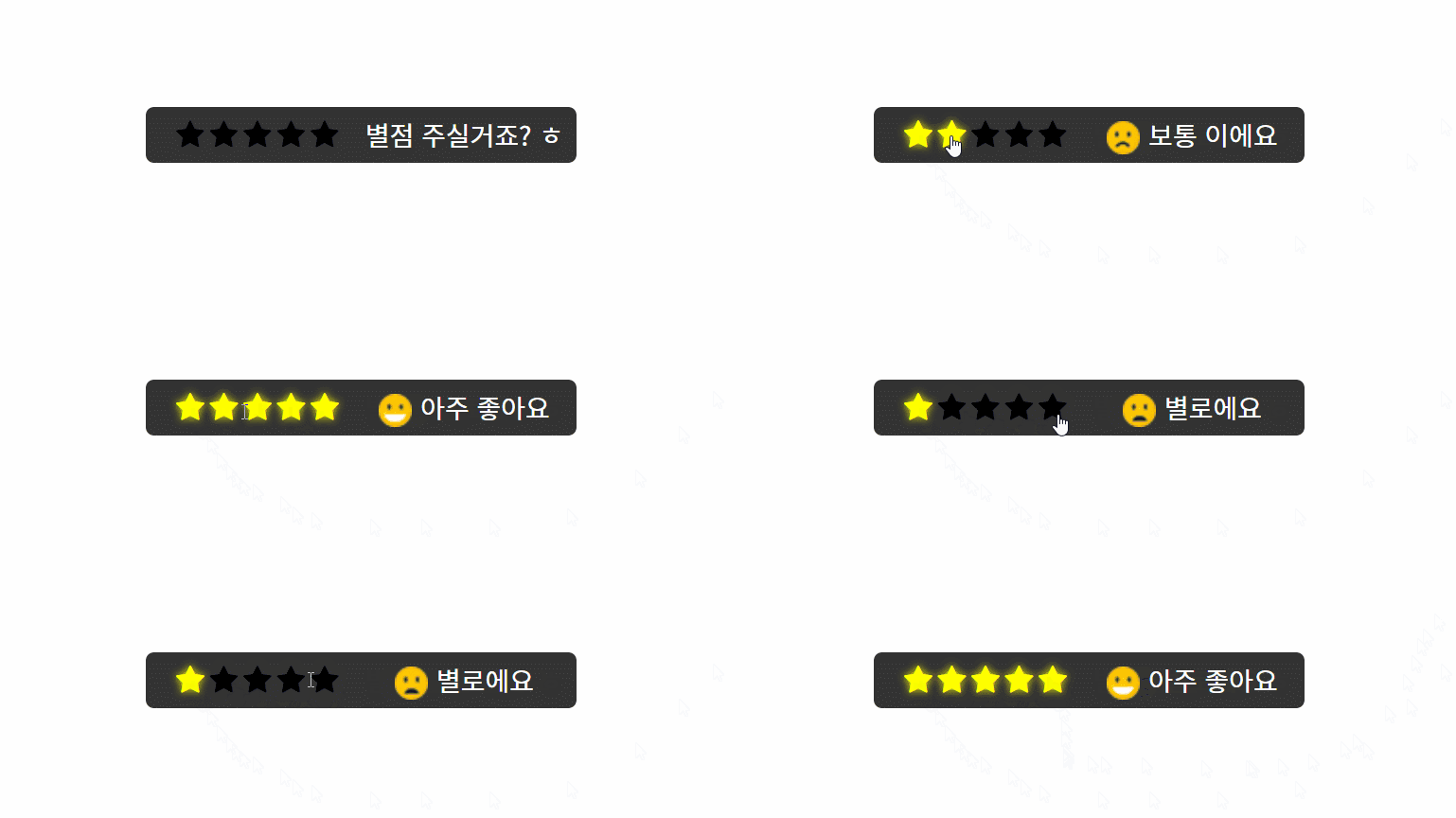
Practical Publishing with JavaScript Variables and Conditional Statements for Star Ratings with jQuery(Completed, 2020.06.02)
How to use Visual Studio Code and Emmet(Completed, 2020.06.05)
Tab Menu Content - Style 02 (Prototype) with jQuery(Completed, 2020.06.07)
Tab Menu Content - Style 02 (Practical Production) with jQuery(Completed, 2020.06.07)
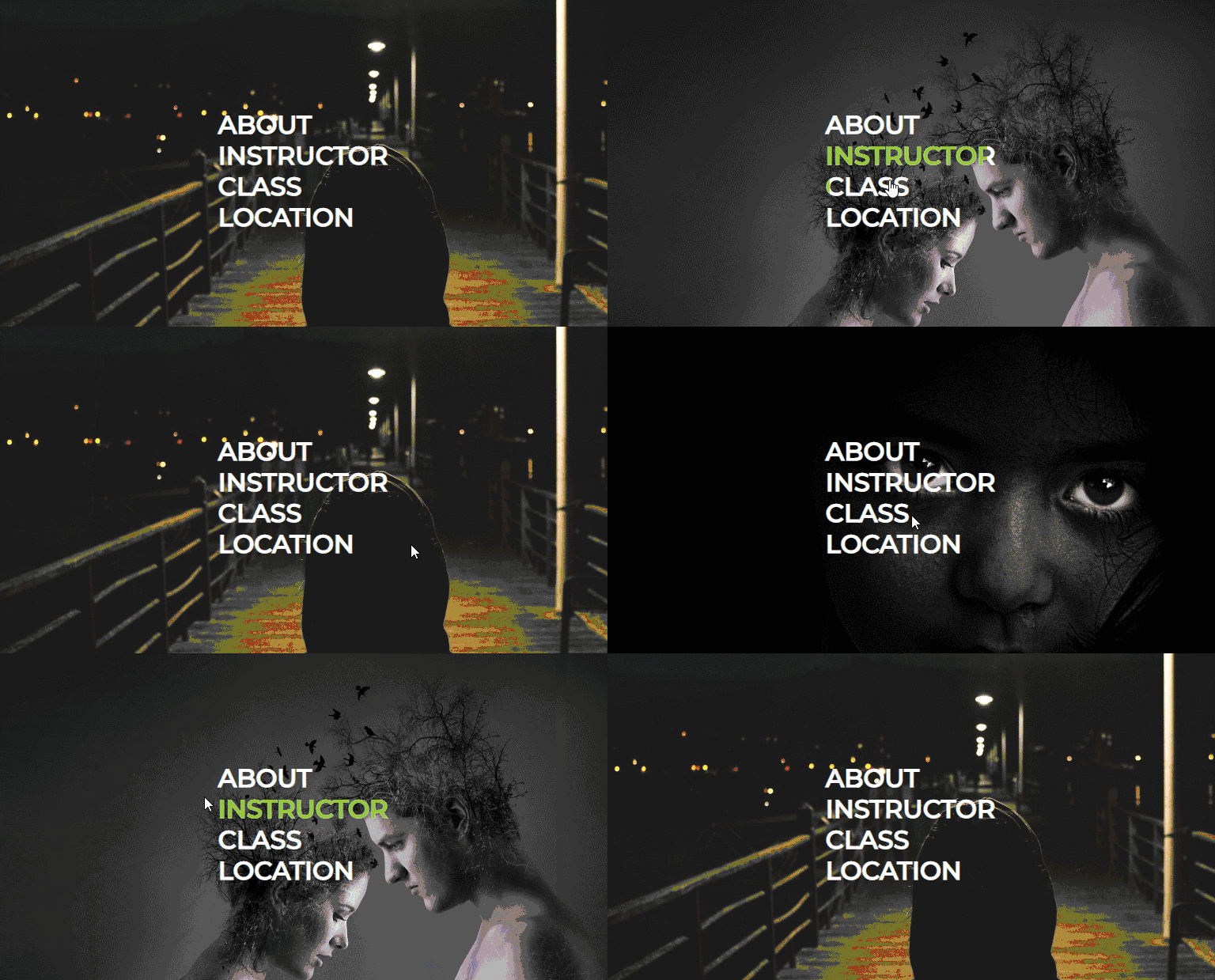
Changing the background image on mouse hover Publishing prototype with jQuery(Completed, 2020.06.07)
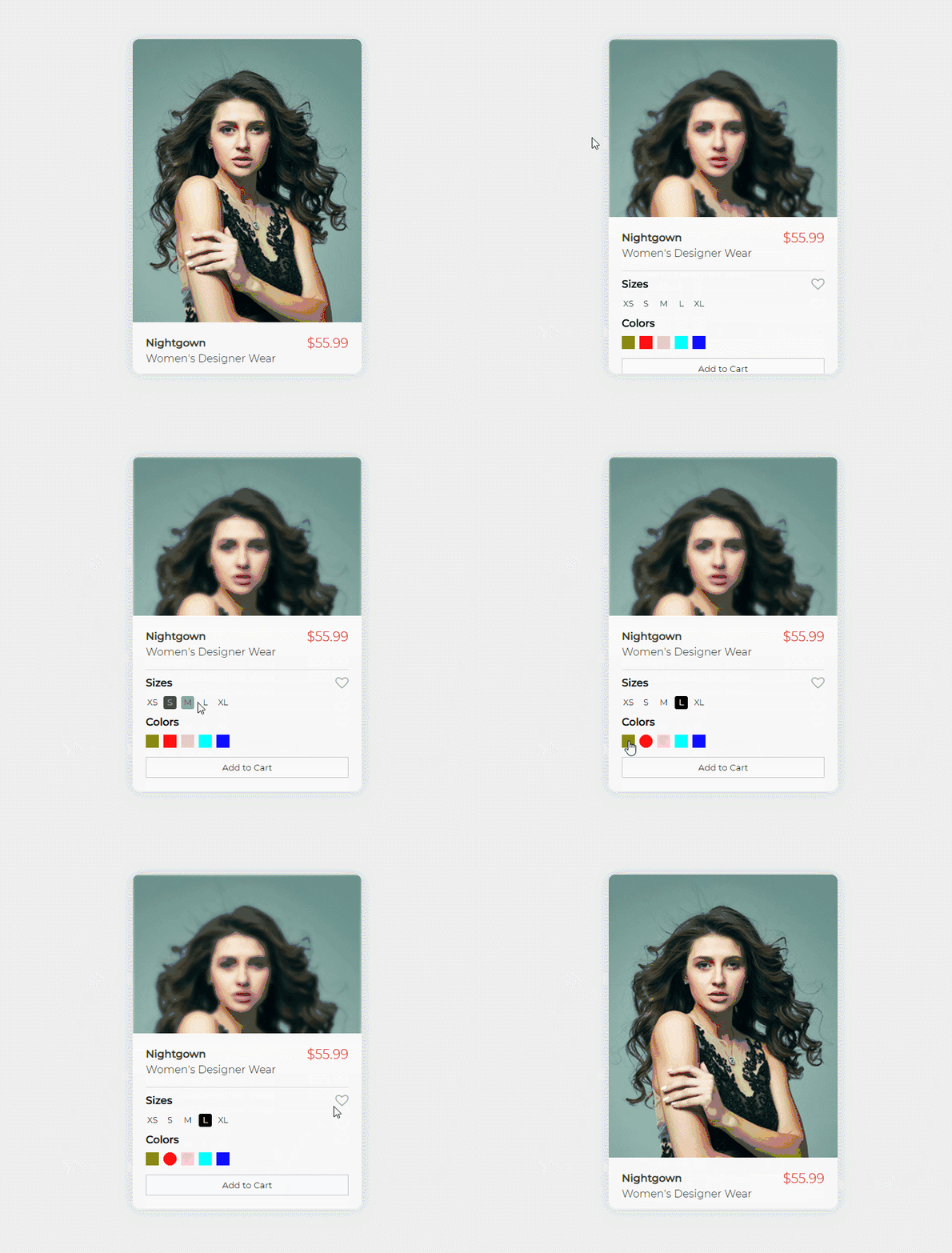
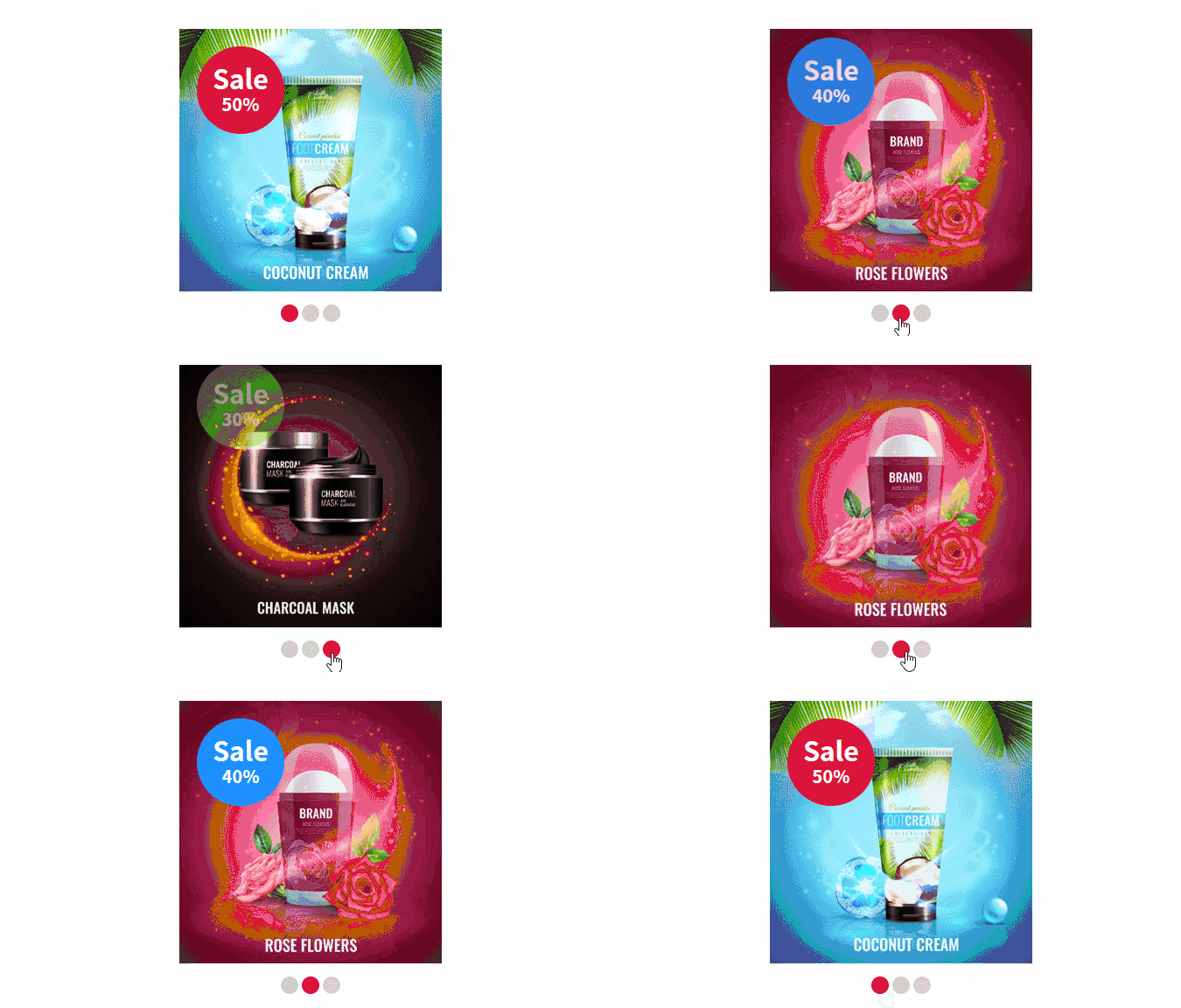
Shopping Mall Item UI Hover Effect with jQuery(Completed, 2020.06.07)
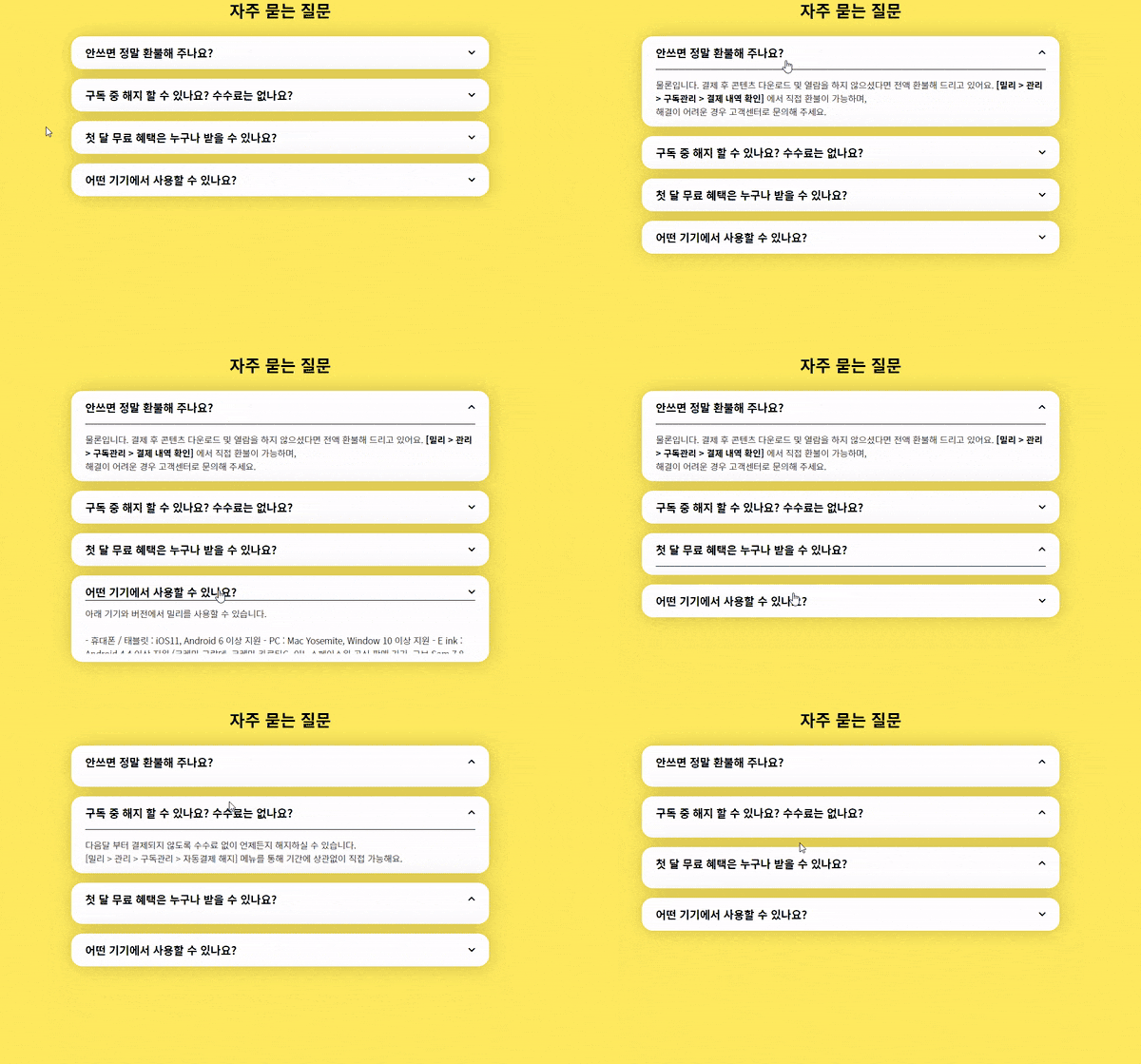
Coding Works Lecture Features Accordion Content Slide with jQuery(Completed, 2020.06.10)
[Part 03] Login Screen UI Design (CSS Design - Button Design and Checkbox and Label)
[Part 04] Login screen UI design (CSS design - before and after divider design)
The Login UI Design Practical Web Page Publishing video has been updated. This updated lecture video consists of a total of 4 parts in Section 7. The complete version has also been uploaded for downloading. When practicing, download the complete version, delete index.html and style.css, and follow along slowly from the beginning of the video.
Publishing a login UI design is a static publishing without jQuery interaction, but it is considered an optimal example for studying all CSS properties across the board, including the core CSS properties such as box model, border, background image, color, and using checkboxes and labels.
▼ How to use Visual Studio Code and Emmet(complete)
▼ Publishing tab menu content (style 02)with jQuery(complete)
Change the design of the search box placeholder text
When you click on the search box (:focus), make the placeholder gradually disappear and when you release the click, make it gradually appear.
Designing tab menu content with CSS (especially border design)
Writing scripts for jQuery tab menu content functionality - addClass(), removeClass(), siblings(), custom attributes data-alt, var, attr() methods to get attributes
It is divided into two parts: prototype production and actual production, so learn the prototype first and then watch the actual production video.
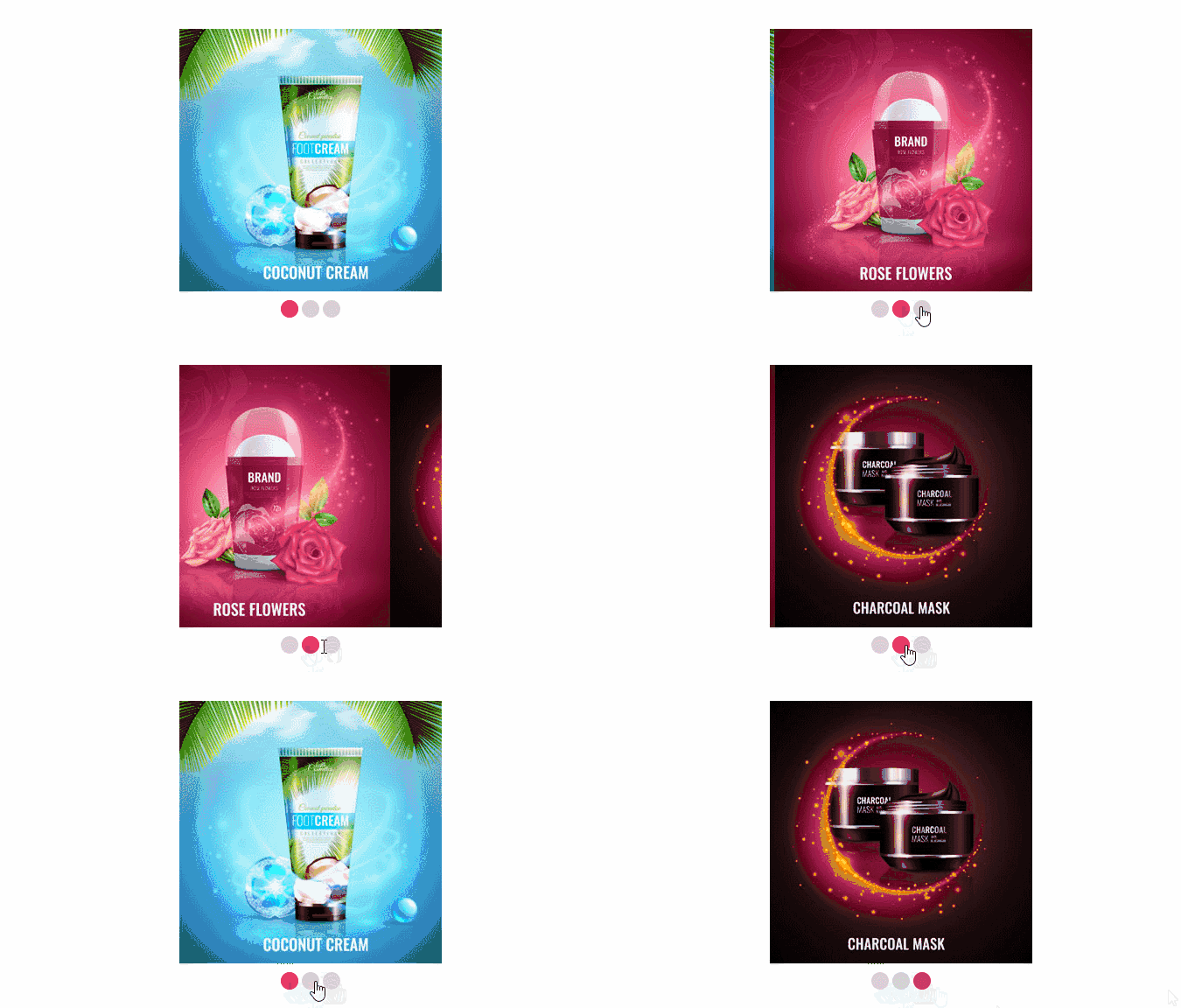
▼ Publishing prototypewith jQuery that changes the background image when the mouse is hovered over it(complete)
Adding a background image with CSS (backgorund property)
Creating a text navigation that is filled in using the content: attr() of the virtual class :before
How to change background image with CSS by loading value in custom attribute with jQuery mouseenter and mouseleave with attr()
Positioning parent and child elements with CSS and designing in detail
Show product details when the mouse is over it and blur the image with the CSS filter property.
Change design by selecting size and color (addClass, removeClass)
When you press the Like button, change the content of the virtual class :before to FontAwesome Unicode (toggleClass)
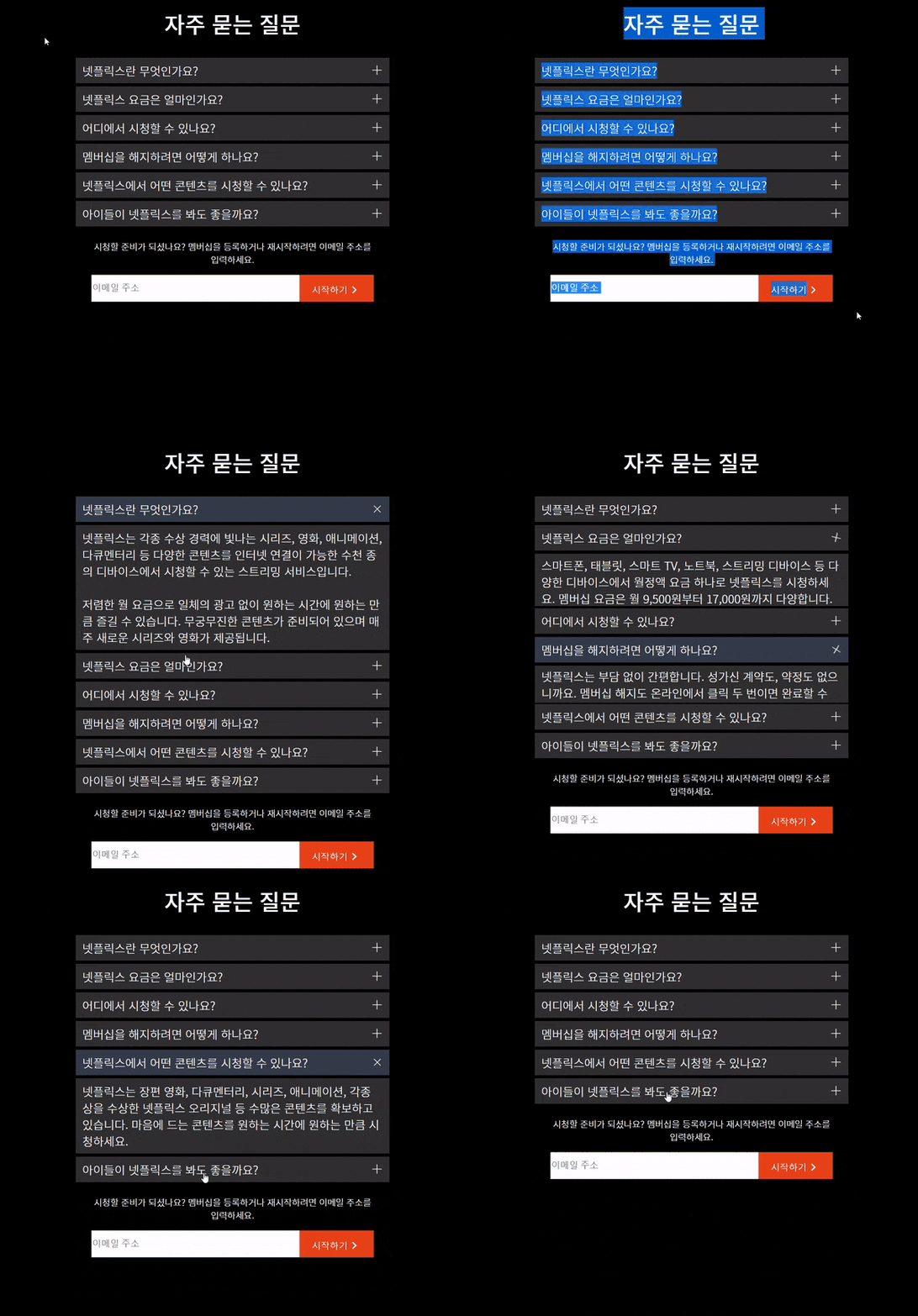
▼Coding Works Lecture Features Accordion Content Slide with jQuery(Completed)
Center horizontally and vertically with flex
Virtual Class: After Positioning the KakaoTalk Logo Exactly Where You Want It
When the title is over, the design changes and the arrow font awesome icon design changes and rotates
Clicking on the title changes the design of the title and displays the corresponding content in a sliding manner (addClass, removeClass, slideDown, slideUp)
When you click on the title, replace the value of data-image specified in the custom attribute of the image title on the right through attr()
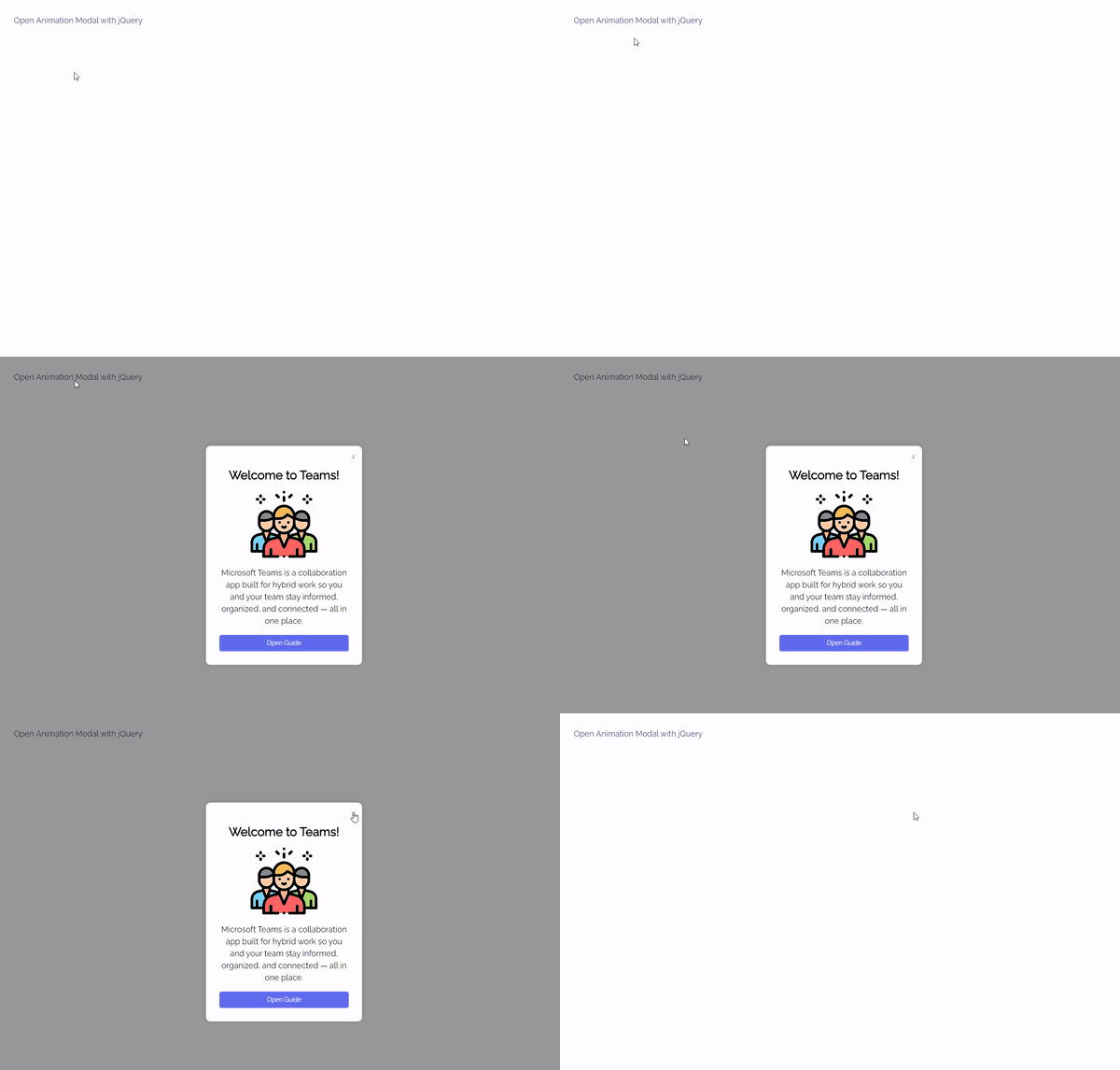
▼ jQuery Responsive Animated Modal
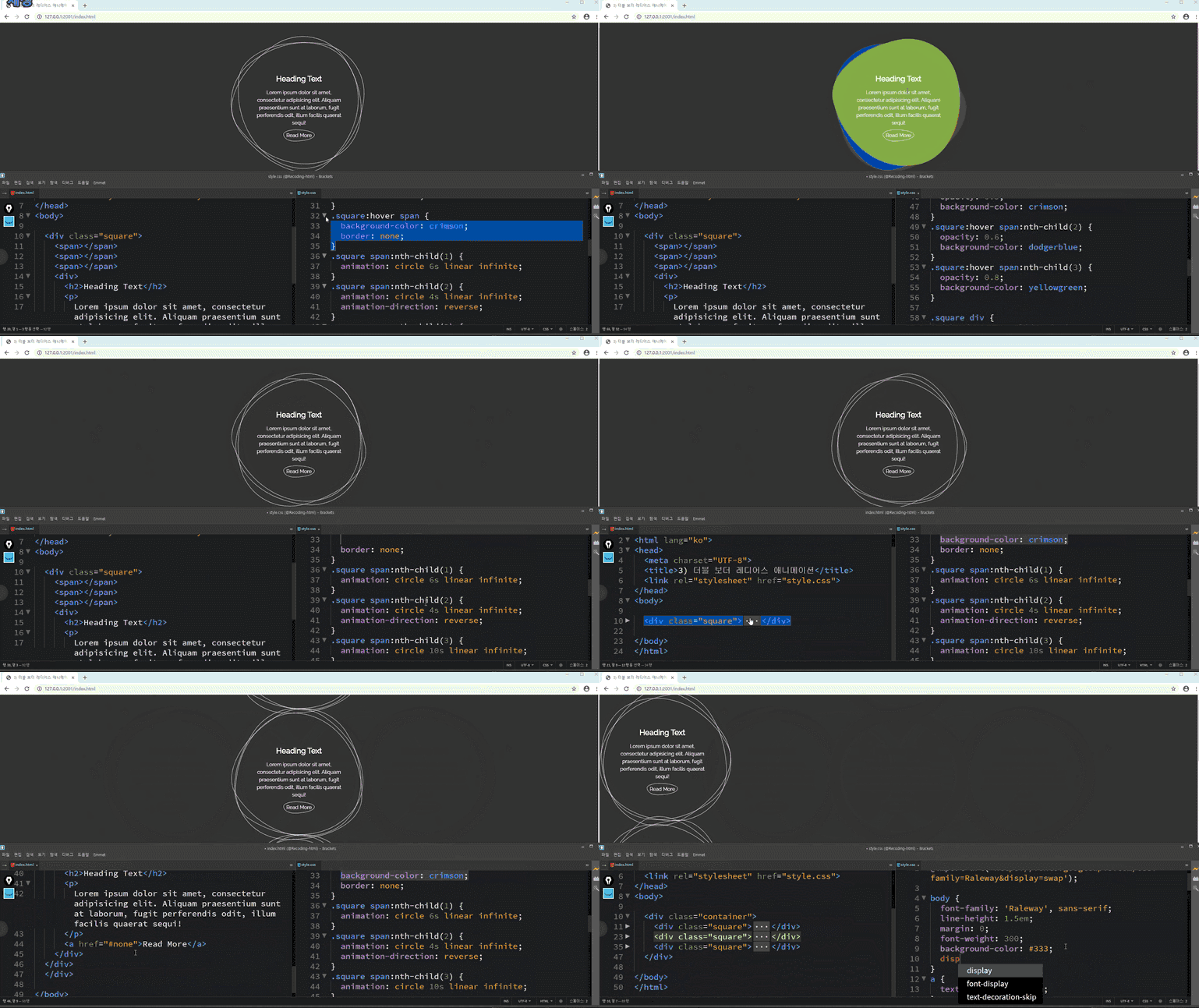
💡 Preview of HTML+CSS Practical Publishing Course Results
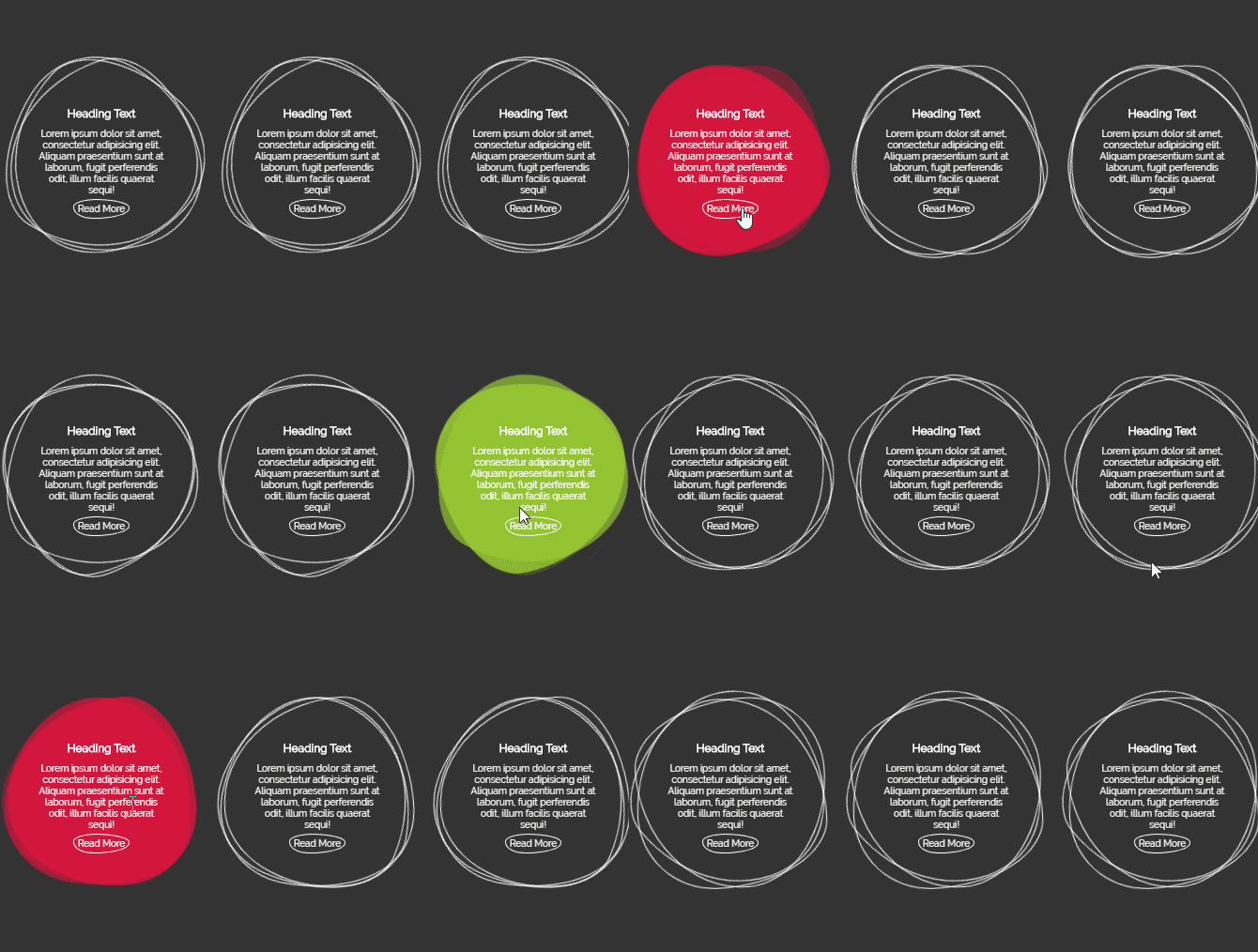
▼ 01. Creating a practical example using CSS keyframe animation 01 (Circular size change loading animation)
▼ 02. Creating a practical example using CSS keyframe animation 02 (rectangle coordinate change loading animation)
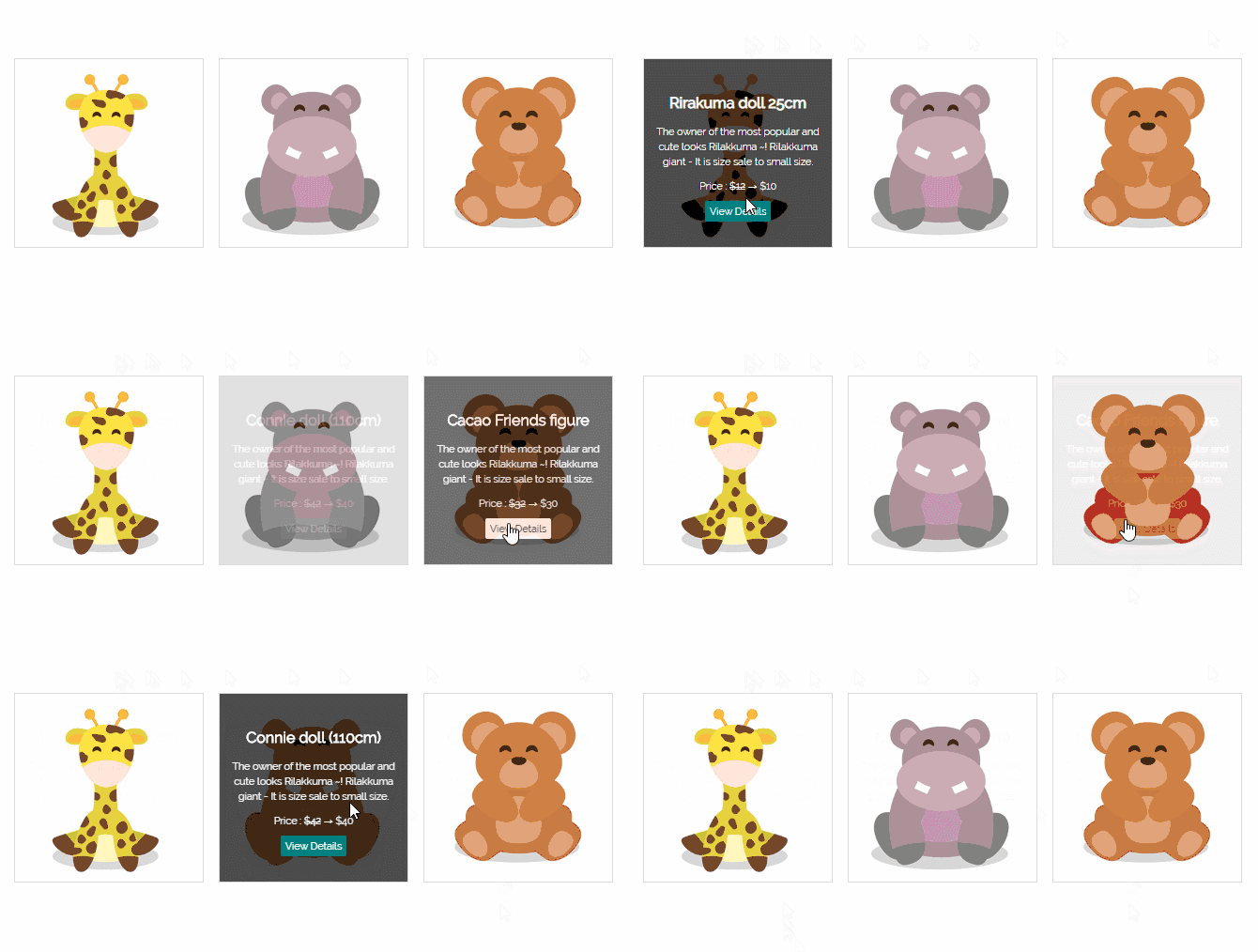
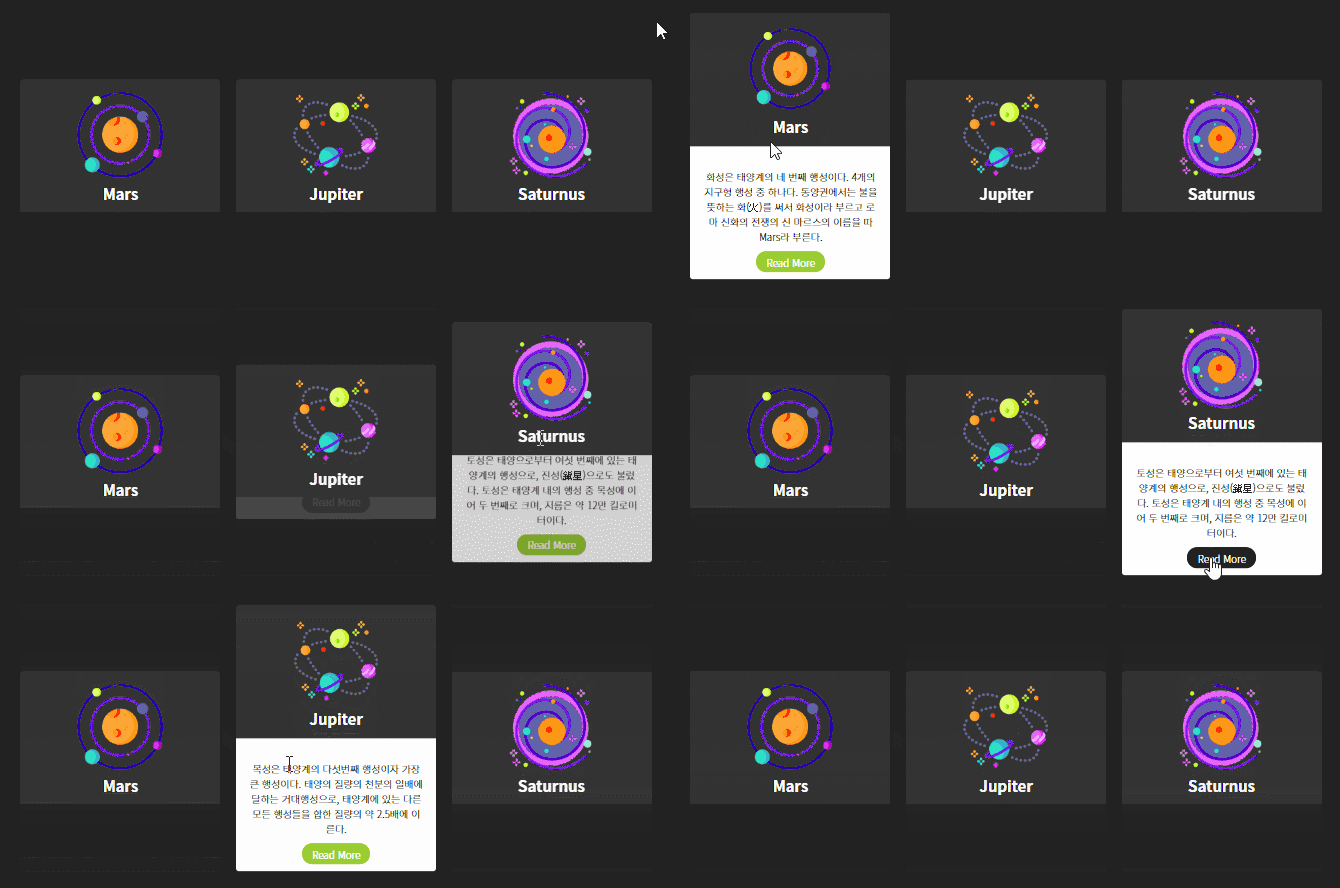
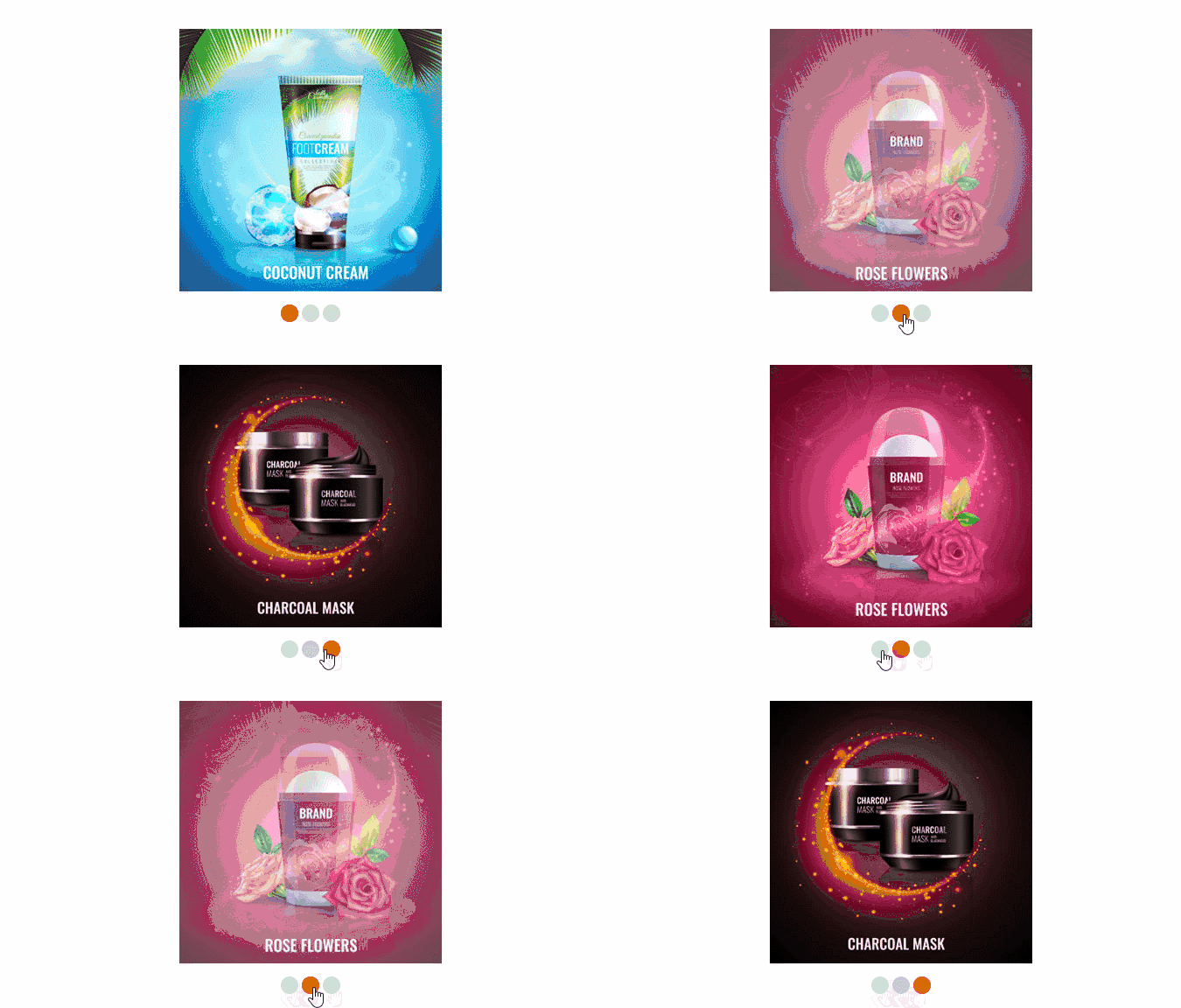
▼ 04. Practical publishing using virtual class hover 01 (Product list with detailed description when hovered)
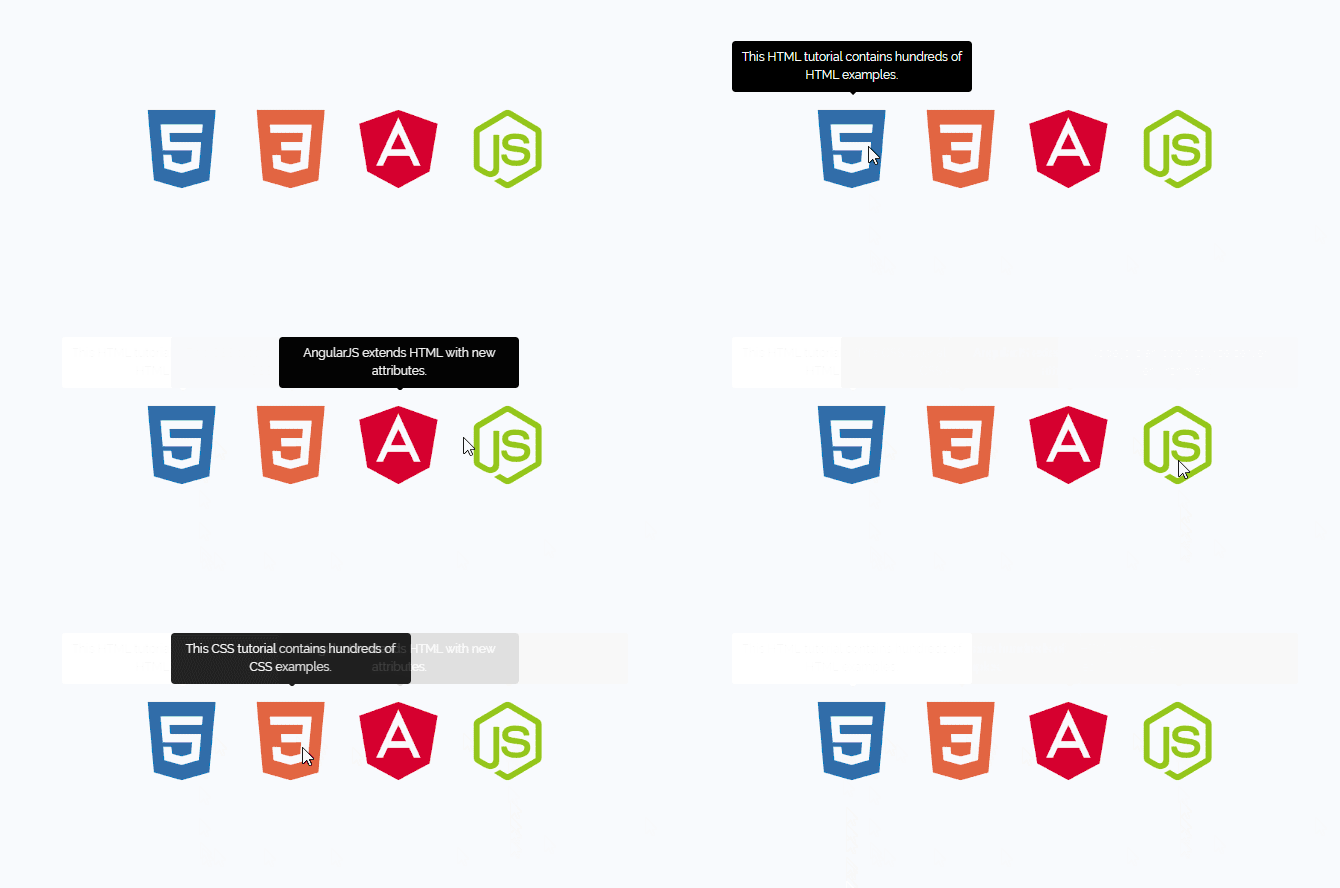
▼ 05. Practical publishing using virtual class hover 02 (Creating a tooltip that appears when the mouse is over it)
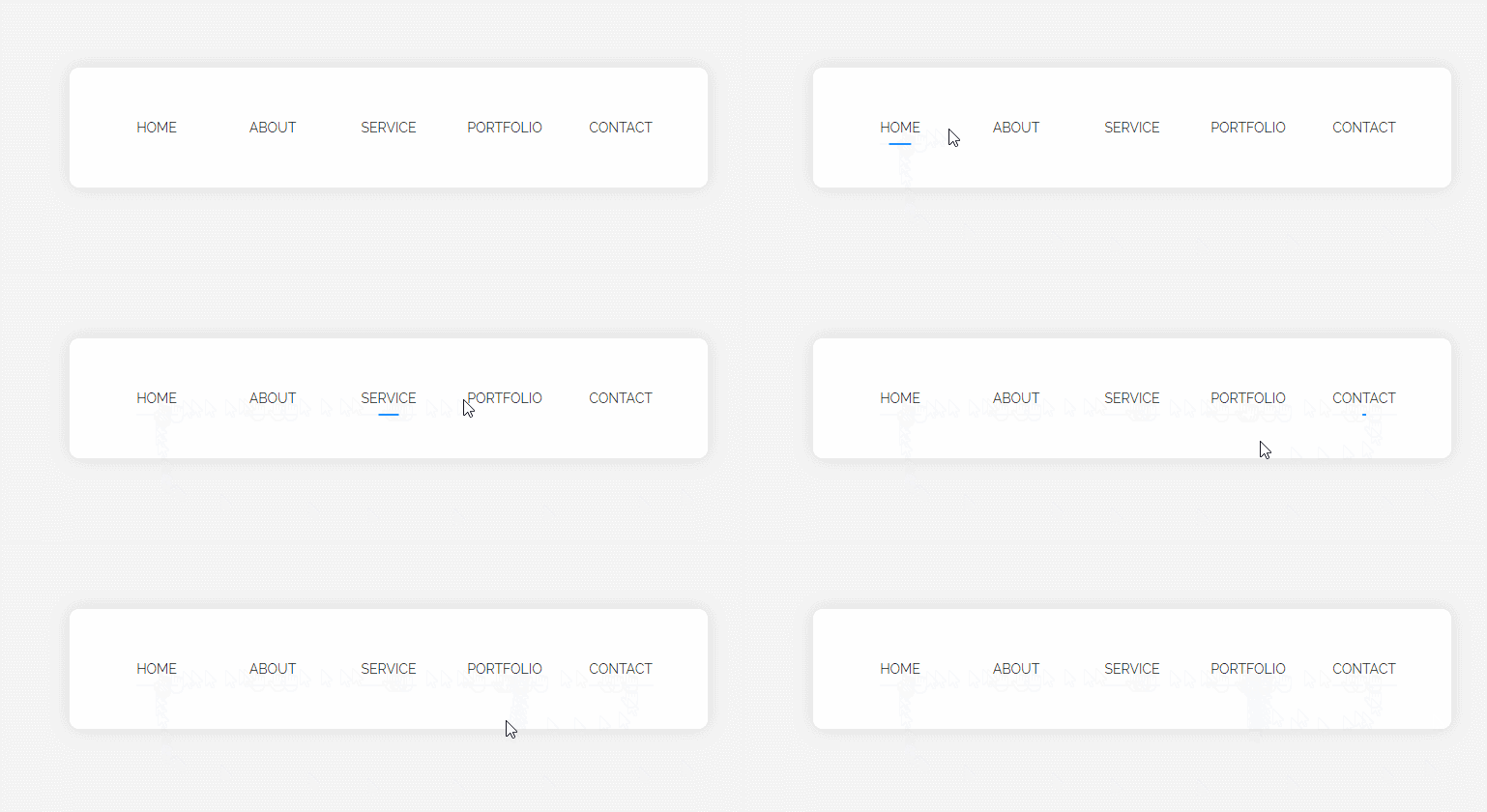
▼ 06. Practical publishing using virtual class hover 03 (over-the-top menu and other blurred navigation)
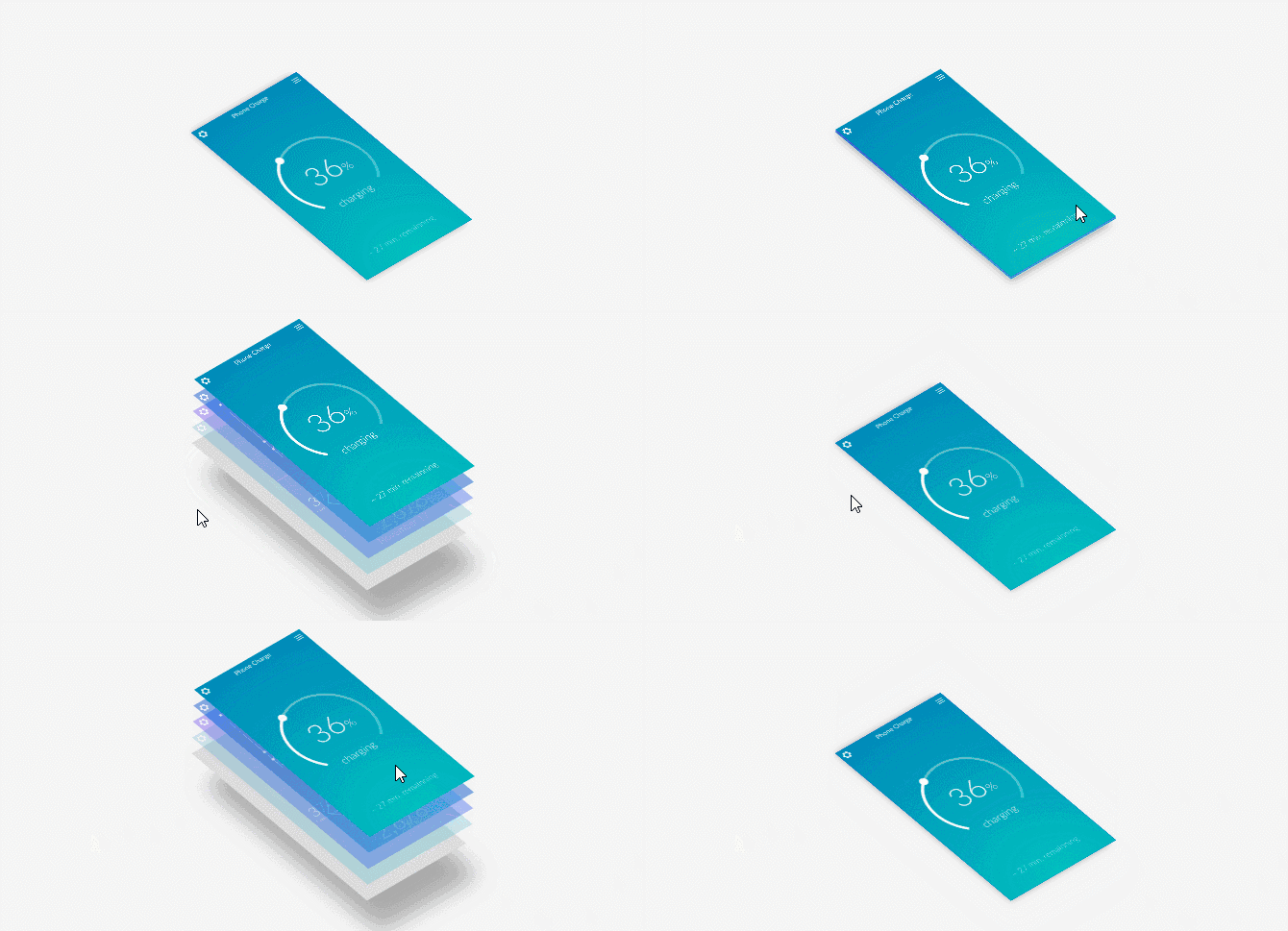
▼ 07. Practical publishing using virtual class hover 04 (hover navigation effect that separates up and down)
▼ 08. Practical publishing using virtual class hover 05 (App UI layer 3D hover animation)
▼ 09. Practical publishing using virtual class before and after 01 (basic usage before and after)
▼ 10. Practical publishing using virtual class before and after 02 (Animation hover navigation effect)
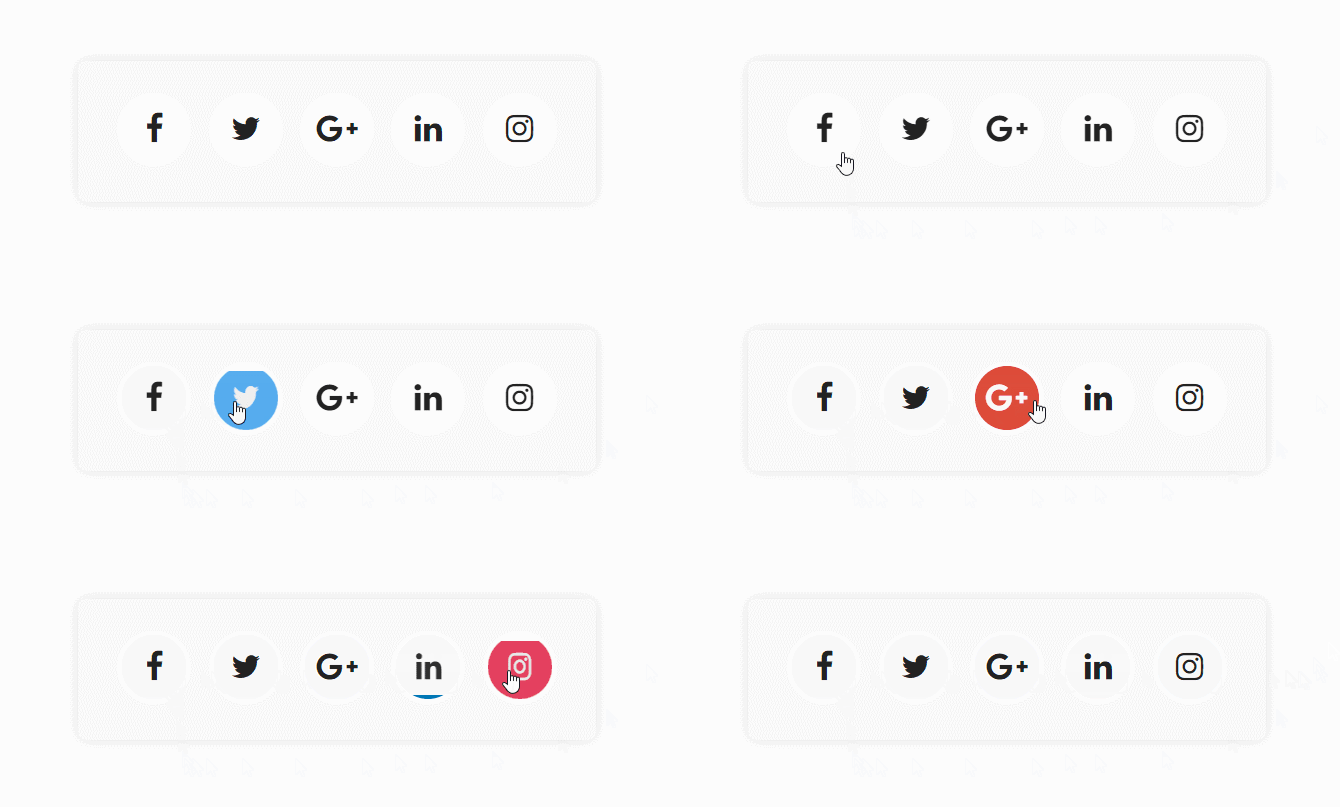
▼ 11. Practical publishing using virtual class before and after 03 (SNS icon animation)
▼ 12. Practical publishing using virtual class before and after 04 (text navigation using content attr)
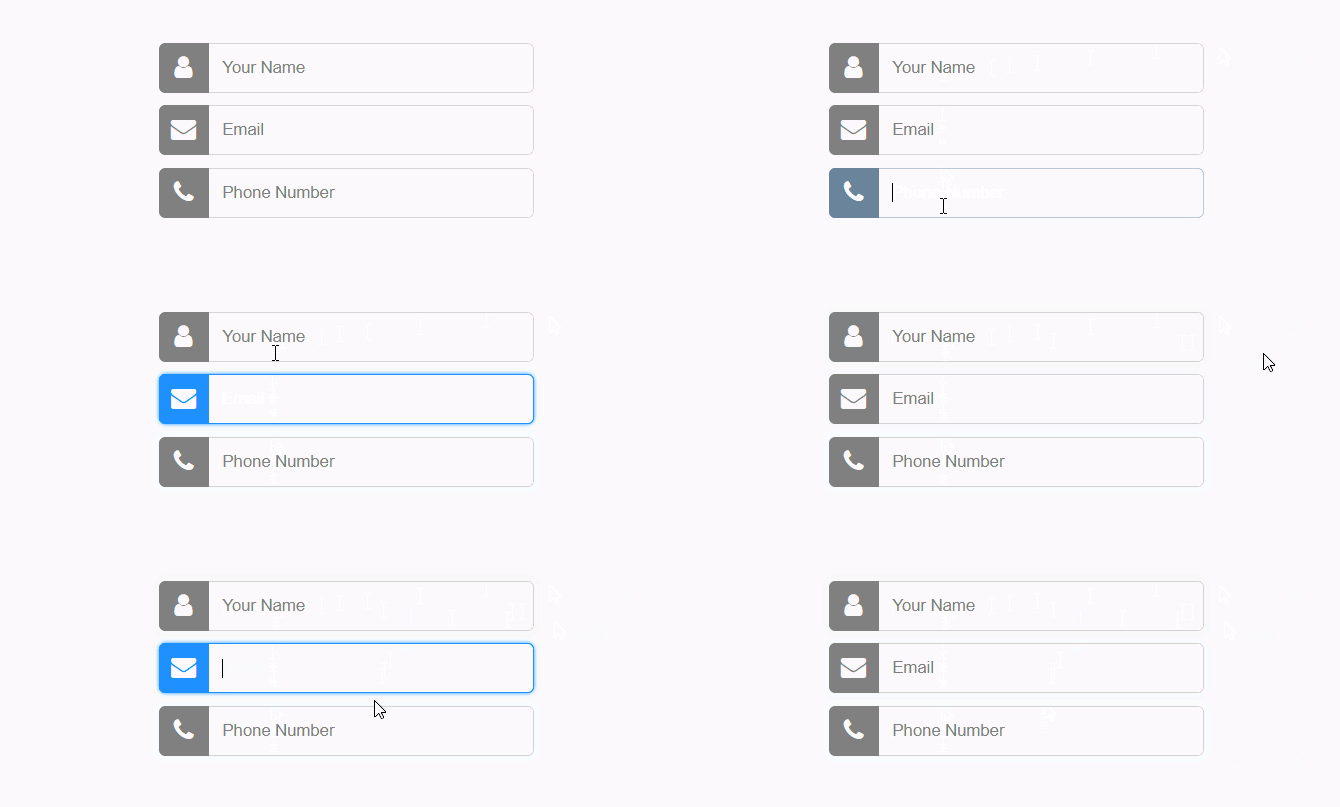
▼ 13. Practical publishing using virtual classes to decorate input field designs (input fields using Font Awesome)
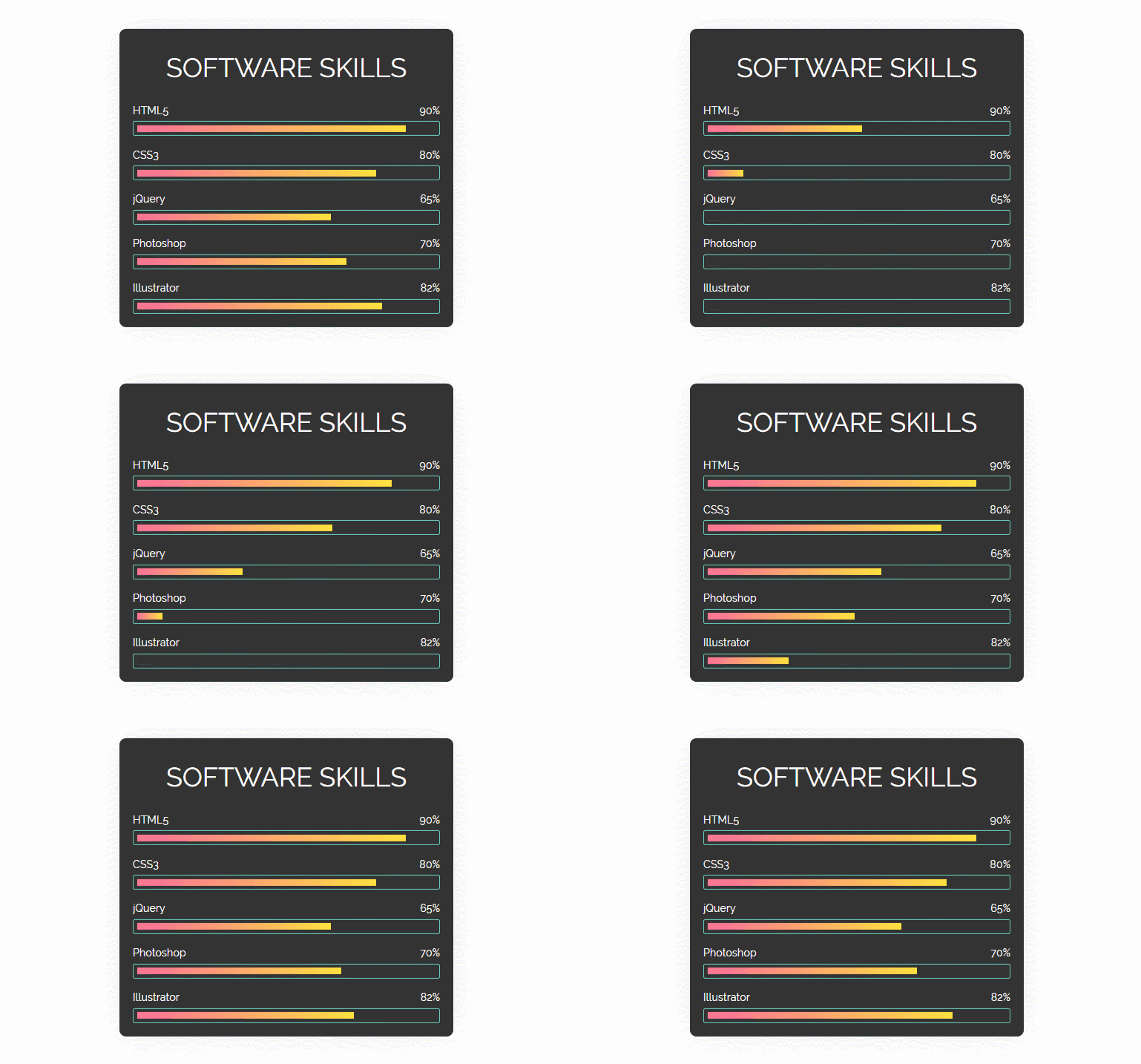
▼ 14~15. Practical publishing using virtual class order check 01 (Animation skill progress, delay)
▼ 16. Practical publishing using the order check virtual class 03 (Gallery image accordion navigation using Flexbox)
▼ 17. Practical Publishing 01 (Creating an Animated Hamburger Button) with Extended Selector and Virtual Class Checked
▼ 18. Practical publishing with extended selector and virtual class checked 02 (Creating animated side menu)
▼ 19. Practical Publishing 03 (Creating Tab Menu Content) with Virtual Class Checked with Extended Selector
▼ 20. Practical Publishing 04 with Checked Virtual Class with Extended Selector (Tab Content - Opacity)
▼ 21. Practical Publishing 05 with Checked Virtual Class with Extended Selector (Tab Content – Opacity Application)
▼ 22. Practical Publishing 06 (Tab Content - Slide) with Virtual Class Checked with Extended Selector
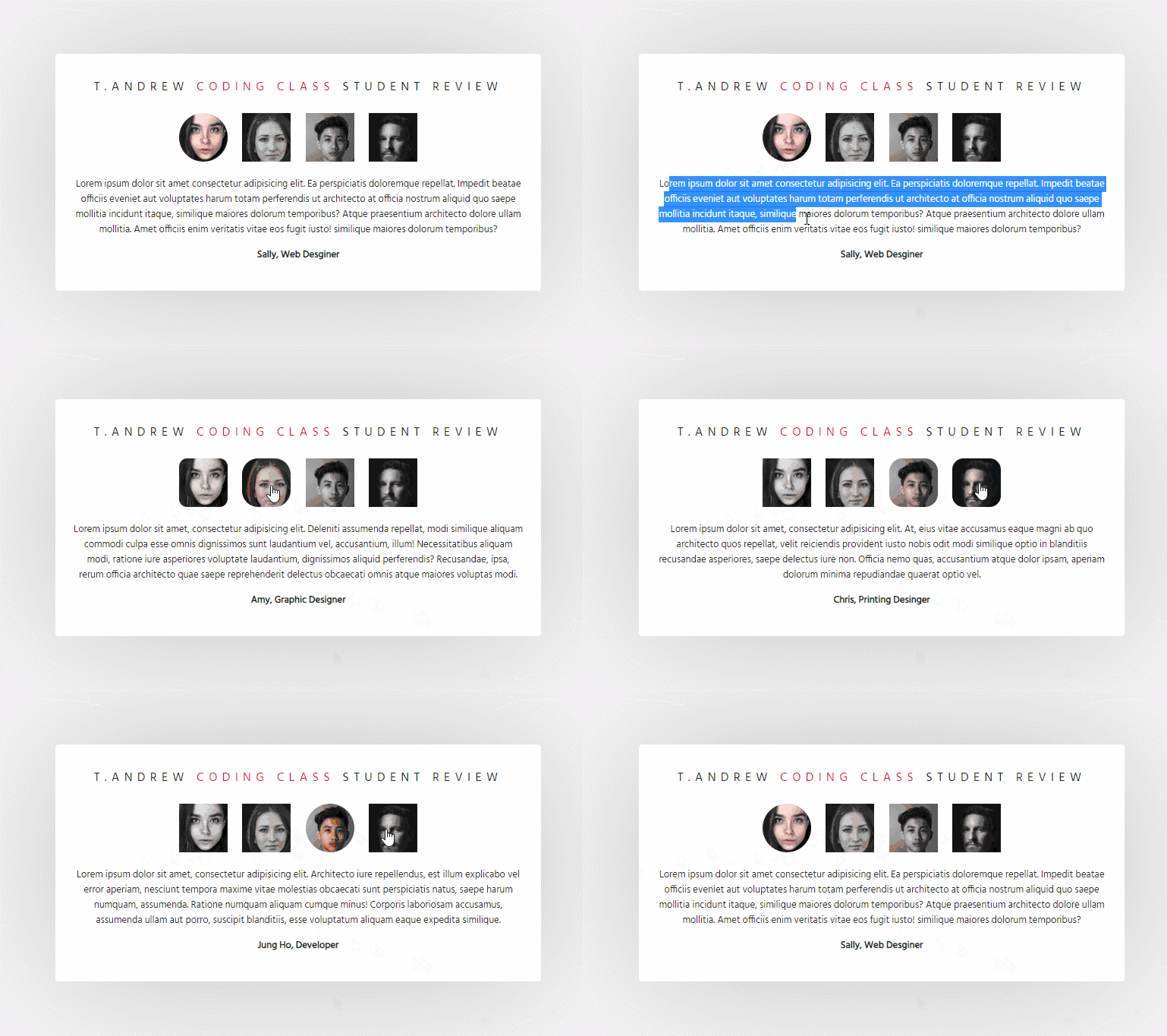
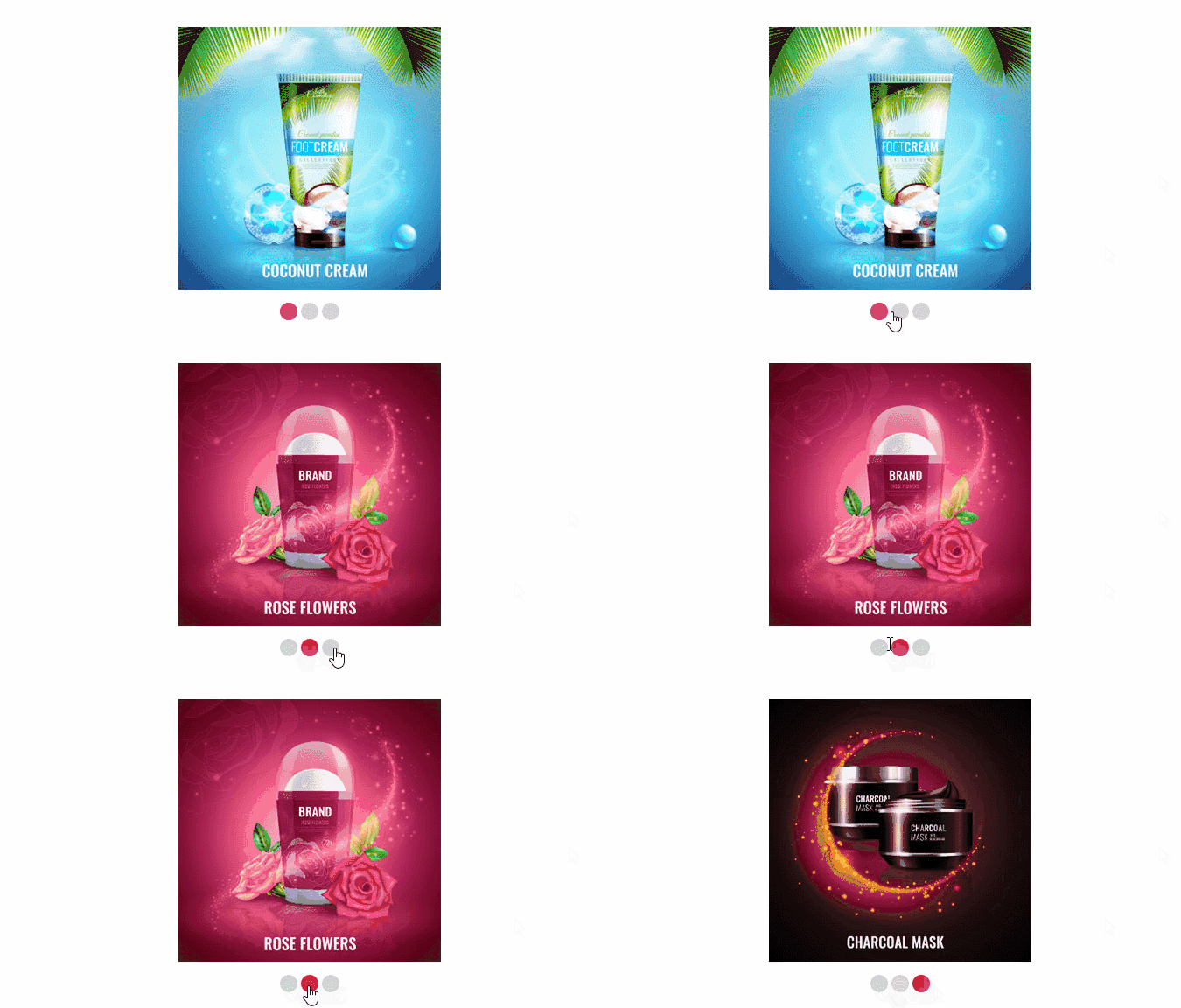
▼ 23. Practical Publishing 04 (Testimonial Tab Slider) with Virtual Class Checked with Extended Selector
▼ Accordion with jQuery
▼ Modal with jQuery & :target
💡 Must-read before learning
Before learning, you need to learn CSS Essential Theory and CSS Intermediate Theory first.
This course is a course that focuses on learning through examples. You need to learn CSS essential theory and CSS intermediate theory first. Therefore, you should know at least CSS essential theory and learn how to create examples. If you continue to study examples, the difficulty of the examples will continue to increase. Therefore, it can be burdensome because the unknown theories will continue to increase.
If you ask questions that are too basic, you will end up posting a lot of questions in the future. As the person answering the questions, if you ask questions that can be easily found by searching on Google, it will be no fun to answer them.
I'm not saying that you shouldn't ask basic questions. I studied on my own, but studying on your own is hard. When you get stuck, there's no one to ask, and it's frustrating. However, if you get stuck and have questions, Google it first. There are many contents that Korean bloggers explain very well. If you search and study but still have questions, ask me about them, and I'll explain them in detail to the best of my knowledge.
In order to improve your skills in the future, you will need to learn a lot of things while studying publishing.
Your skills will improve a lot as you learn on your own. However, there may be some parts that are difficult to find and understand on your own. I will help you with those parts. And you can ask questions about the content of the code from the example production in this course.
Just in case, I would like to add that rather than doing the examples now, I recommend that you first learn the essential and intermediate CSS theories on the Coding Works YouTube channel and then do the examples.
For reference, there is a lecture called [All About CSS3 for Intermediate to Advanced Publishing] among the Coding Works lectures. If you take this lecture, you will have a perfect understanding of CSS theory. After that, if you come to other example production and website production courses, you will be able to learn while understanding most of the learning content, so I think the learning efficiency will be very good.
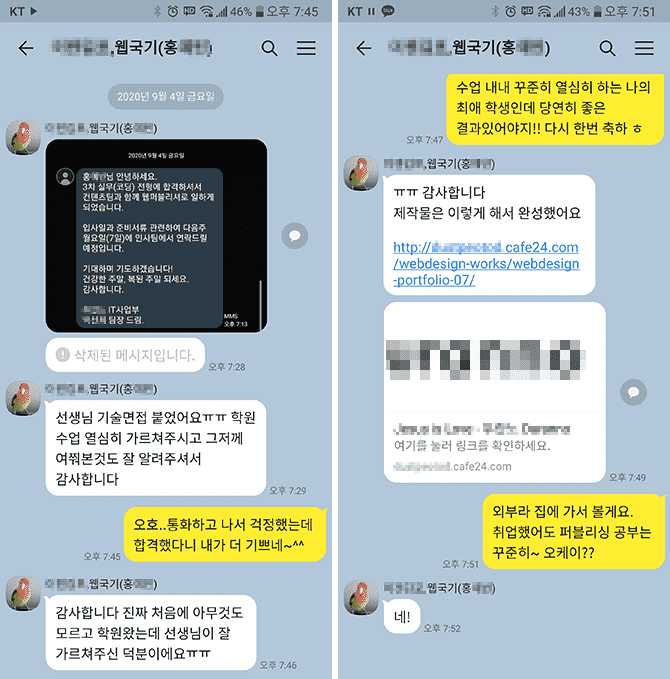
❤ News of passing the publisher exam for Coding Works students
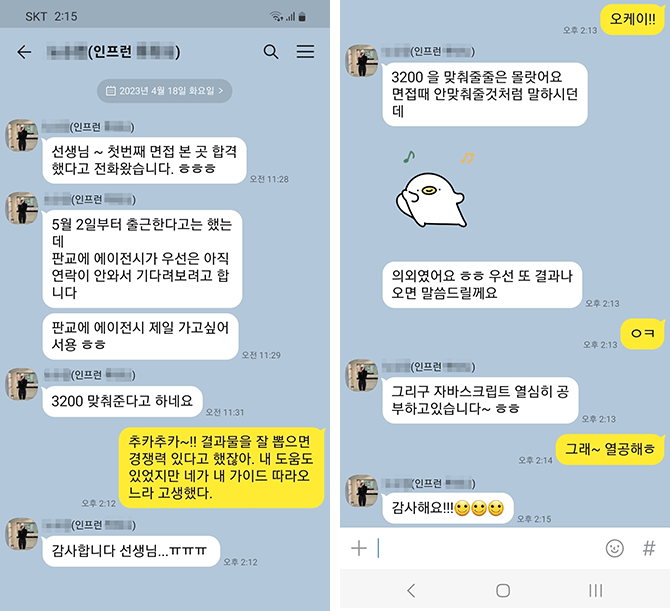
▲ A student who studied under me for about 4 and a half months in a nationally funded publishing course received a KakaoTalk message saying that he got a job.
▲ I received a KakaoTalk message about the interview results for students who took the offline course on creating a personal portfolio at Coding Works (April 24, 2023).
❤ Email sent by a Coding Works student after getting a job at a publisher
Hello teacher :)
Teacher, I am Kim O-jeong, a student who was taking Inflearn's lectures. I am a student who sent an email this summer asking for advice on my personal portfolio. Do you remember?😊😊
It's nothing else than, I'm sending this email to tell you that I successfully landed a job at a publisher with the portfolio I received advice on from you!
Even!! The company contacted me first after seeing the portfolio I posted on Saramin, and I was interviewed via Zoom and passed! The company matched my desired salary, and I was able to join a company where I could do only publisher work, not design or development work.
It was a company looking for an experienced publisher, and they contacted me, a new employee, and asked me why they contacted me. He said that he looked at a lot of other people's portfolios, but he contacted me because the "Functional Definition" in my portfolio caught his eye.
I think this is all thanks to the teacher's lectures. If I hadn't taken the teacher's class, my portfolio would have just been ordinary, but I was able to successfully get a job thanks to the great tips the teacher gave me!
Although I have never actually met him, While creating my portfolio, I relied on it a lot, trusted it, and worked hard while watching the teacher's lectures!
I feel like my skills have improved a lot in the three months I spent listening to the teacher's lectures and creating a portfolio, more than the skills I built up while taking long classes at the academy.
I desperately wanted it, I believed and did as the teacher said and the results were really good.
Thank you so much!
Be careful of corona I hope to see you again with another great lecture :)
Hello teacher~ I'm Inflearn student OOO~ I found out the email address from another student's answer..😊😊
I just wanted to say thank you 😊😊
I've had a hard time taking your class and submitting my resume for about two weeks now... I passed the interview at a company and decided to come to work.. Thank you so much..😭😭
Actually, I was worried because I'm 32 years old. I submitted a lot of resumes, but I didn't get any calls. But this company's HR manager said that he doesn't like people who graduated from private academies 😊😊 The company I decided to join is small, but it has developers and web designers. They said they would train them for three months and then put them into practice. It's a bit far and the salary is low, but I'm going to study hard and try to increase my salary~ 😊😊
Thank you so much for everything. You answered my questions so well, and I am so amazed that I got a job after taking this online class.
I will continue to study and improve my skills by listening to your lectures. Fighting~!
Please read this before asking questions!!
If you have any questions while learning, please ask. When asking questions, you must upload the content that is not working, the code, and a screenshot of the browser result. In the case of code, you must upload all HTML, CSS, and JS codes so that we can give you an accurate answer.
If you only describe your problem in text without any code in your question, it will be difficult to give you an accurate answer unless it is really simple. Then, I will have no choice but to reply again saying, 'Please upload HTML, CSS, JS code and browser capture~', which will be cumbersome and take more time to find a solution.
⚡ For effective learning, please refer to the Coding Works Publishing YouTube channel!
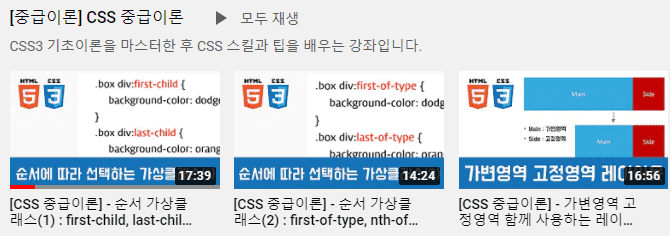
Please watch the theory video lectures on the Coding Works Publishing YouTube channel in parallel. Of course, not all theory videos are on the YouTube channel, but most of the important theory videos are there. Since there are many videos, it is recommended to search for videos as in the example below.
※ If you know basic publishing theory, you can learn practical publishing production. ※ You can refer to the essential theories when neededwhile learning practical publishing production .
Section 0.[Preview] Preview of the completed HTML+CSS practical publishing example
[Preview of the finished version] HTML+CSS practical publishing production
[Complete version production notes] HTML+CSS practical publishing production
[Complete version production notes] HTML+CSS practical publishing production with jQuery
[Finished version production notes] Practical publishing of landing pages using video backgrounds with jQuery
Section 1.Using Brackets and Visual Studio Code
How to use Brackets and use shortcut keys
How to use Emmet in Brackets and use shortcuts)
Brackets Live Preview (Creating Folder Structure)
How to use and set up Visual Studio Code
How to use Emmet in Visual Studio Code
Section 2. Section 01. HTML+CSS+JQUERY Publishing Essential Theory
How to use HTML5 core tags (paragraph, text format)
How to use HTML5 core tags (creating a list)
How to use HTML5 core tags (links, images)
CSS Core Theory (What is CSS, CSS Linking, Basic Grammar)
CSS Core Theory (Selectors, Selector Application Priority)
CSS formatting properties (text style)
CSS formatting properties (list style)
CSS descendant selector vs child selector, parent element vs child element
CSS Box Model (border, border-radius) for detailed design
CSS box model for detailed design (width, height, padding, margin, box-sizing)
CSS Box Model for Detailed Design (box-shadow, text-shadow)
All About Publishing! HTML Inline Elements, Block Elements, Inline-Block Elements
Horizontally aligning HTML with CSS (float, overflow, clear, inline-block)
■ [Current] Government-funded Publishing & Frontend Instructor ■ [Current] Freelance Frontend Publisher ■ [Current] Operator of HTML+CSS+JQUERY Publishing YouTube Channel 'Coding Works' ■ Green Computer Academy Web Publishing Instructor ■ The Joeun Computer Academy Web Publishing Instructor ■ Ezen Computer Academy Web Publishing Instructor ■ Frontend Publisher, Professional Frontend Publishing Instructor ■ UI/UX Web Design Portfolio Lectures ■ Web Design Technician Practical Certification Class Lectures ■ Easy & Edu Frontend UI/UX Design and Publishing
Let me be honest.
Rather than paying 1.5 million won for a private institute and listening for 6 months,
Pay 50,000 won for this lecture and just listen to it for 2 hours a day for 1 month. (Recommended to read twice)
It only teaches the real essence and key points without any boring theories.
(I got a 1-second refund after watching the history of HTML in the first lecture of F-Mo online lecture)
Usually, when online lectures are given, the instructors make a mistake by going slowly at first,
and then when the practical part gets difficult, I don't know if it's because they're lazy to explain or because they're excited, but the speed increases by 4 times while writing code that wasn't explained,
but here, they go all the way to the end at the same pace as the beginning, tailored to beginners.
Difficulty? Honestly, if you graduated from middle school or higher and find this lecture difficult, you can think that publishing is not your destiny in this life because it's so kind and easy. For reference, I only know C# in liberal arts and the words HTML and CSS were new to me.
What do you want? 1. I wish there was a practice of publishing an entire web page, even if it's just one page. (Like a shopping mall)
2. Rather than making HTML and CSS layouts one by one, I would appreciate it if you could share some tips on where to get them from. (Even if it's an additional course, I'm willing to buy it.)
Hello. This is Coding Works.
I am embarrassed that you praised my poor lecture too much.
I am currently teaching at an academy, but my rule is to never say, 'Use code you don't know and memorize it for students'.
I think it is never desirable to use code you don't know and get results. I also don't know a lot, so I always think of easy ways to help students understand.
Following the 'Practical Publishing Example Creation Process' you are currently listening to, the lecture on creating a responsive website from start to finish with a single page that you mentioned is currently being recorded. Since it is a lecture on publishing the entire website, it took quite a while to produce the video. Originally, I was going to open this first, but it was delayed, so I opened the Practical Publishing lecture first.
As you know, the most difficult part of publishing is HTML wireframe design for the entire website layout, and I am especially good at teaching the process of publishing the entire website. I am preparing hard, so please wait a little.
It's a tough time, but I'm sure you'll be rewarded for your hard work studying publishing.
Thank you again for the great review.^^
As a new publisher working at a company, I think this was the perfect lecture to help me resolve the parts that I was really confused about and didn't know about. First of all, I understand it very well. Coding Works' lectures are generally at a level that suits my level, and since he has a lot of practical experience, there were a lot of parts that were really helpful for the company. Since the lectures are unlimited, I can look them up whenever I forget or get confused, which is really great, and I plan to take other lectures as well. Thank you so much :)
I am currently studying Coding Works as a front-end developer.
I have seen HTML and CSS in other books and lectures, but it was very difficult to create a proper screen.
By chance, I watched two Coding Works lectures through the YouTube algorithm and paid for them right away.
Before taking this lecture, I definitely watched the lectures and read the book, but I was unfamiliar with the markup and had a hard time doing it,
but now I am having fun running the examples for today and implementing them.
I need to study React, but I am studying the markup work harder. ㅎㅎㅎ
In my case, it is easier to control the DOM with vanilla JavaScript than jQuery, so I did not take the jQuery lecture, but I think it would be good for beginners to experience creating dynamic screens with jQuery. I have also purchased the intermediate CSS lecture, and I plan to take it together when Season 1 is somewhat complete.
For now, I am aiming to complete Season 2 and the intermediate CSS theory by the end of January.
Thank you for making this lecture.
Since this is a detailed course review, I think it will be a good reference for prospective students. Have fun studying and if you have any questions, please ask~!!
I'm taking other classes, but I can't find a class I can write a review for, so I'm writing here! I really, really recommend this publishing class! I studied with the teacher's class and got a job as a new publisher, and it's already been a year! I remember working on my portfolio and even having an interview with this class!! When I'm working, I look up the classes I signed up for, and if there are any updated classes, I look them up again, and I also look at the teacher's YouTube channel. The teacher teaches you from the basics so easily and solidly, so you can trust and follow along! I'm leaving a review because I really want to thank you, teacher! ㅠㅠ I hope you continue to give many more classes in the future!! I'm about to have a salary negotiation, and you're the teacher who gave me confidence because you taught me everything, like flex, grid, and scss. ㅠㅠ I'm slow at learning, so I'm lacking in many ways, but I'll work hard and learn well. Please cheer me on so that my salary can go up!! ㅎㅎ Thank you, teacher.






























![[2026 Examination Standards] Perfect Guide for the Web Design & Development Technician Practical ExamCourse Thumbnail](https://cdn.inflearn.com/public/courses/324878/course_cover/12211037-e74b-46b3-8942-46d465b81bba/webdesign-cover-02.png?w=420)