Blender beginner's basic course
nodeep777
Free
Beginner / Blender
4.9
(206)
14,100+
This is a lecture for beginners that focuses more on practice than theory. You can learn Blender's menus and functions.

Beginner
Blender

Check your PC and server with PowerShell
Automate your work 💪
PowerShell
You can add interfaces by operating functions at cmd window level and utilizing GUI features.
5.x versions are used on Windows, and 7.x versions are used on Windows/Mac/Linux.
If you are an IT administrator, you can learn and apply PowerShell, a task automation solution consisting of a command-line shell and scripting language framework, to create detailed inspection tools by writing scripts that you can manage yourself .
This course covers Windows PCs and Windows Servers, using version 5.1. Even beginners can create a GUI tool capable of remote server management by typing directly.

Automate repetitive tasks
People who want to make their daily lives easier

Aiming for IT administrator
Job seekers who are doing

Management Solutions and Programming
Those who want to develop related skills
A sneak peek of the lecture content 🥄
Section 0. PowerShell Basics (Powershell 5.1)
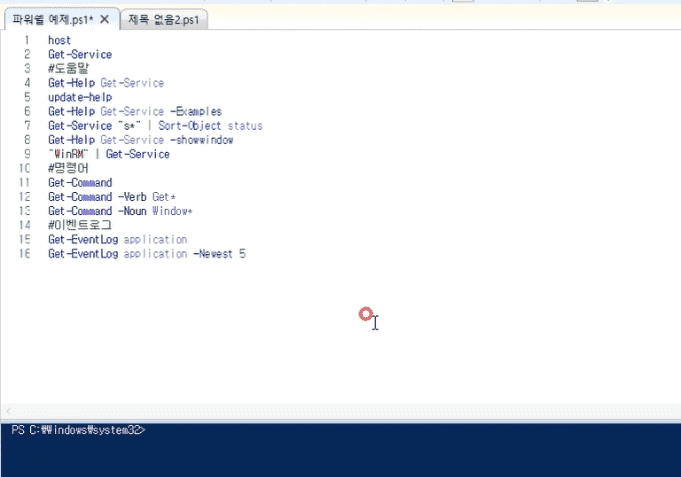
Learn the most basic parts of PowerShell.
You can even perform remote inspections by learning only the scripting language, not the GUI.
We will learn the basics of GUI tools, such as creating text boxes and list boxes for easy use.
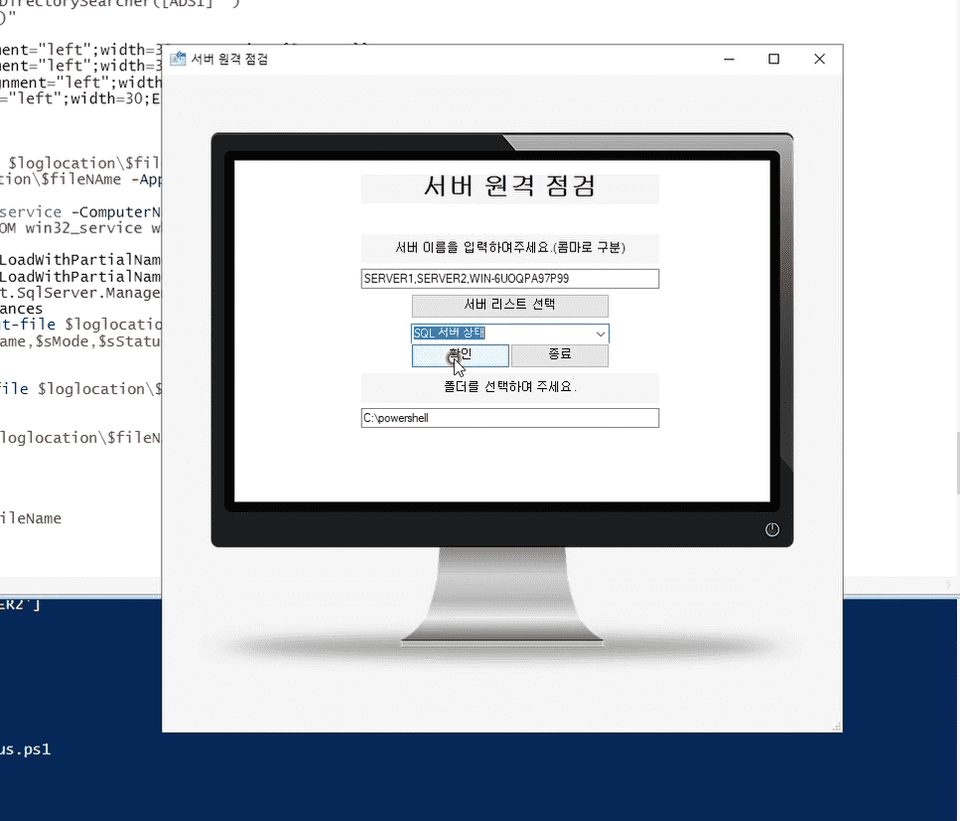
This is a process of creating a system from drive check to SQL server check by synthesizing what you have learned.
Q. Do I need to purchase Windows Server?
We will build a virtual Windows server using Hyper-V and download the image for free from the Microsoft website to proceed with the lecture.
Hyper-V is included in Windows 10 PRO or later.
However, Oracle's VirtualBox is slow and difficult to run virtual Windows.
Although not included in the course, vmware is also possible.
If you can run virtual Windows with VMware, you can proceed with the lecture.
Q. I have never worked with servers before. Can I still take the course?
It also includes the process of installing a server, so you can create a GUI tool using PowerShell even if you don't have any server-related knowledge.
Q. Is the source code provided?
All source code used in the lecture is available for download.