“There are so many plugins and themes, but none of them are right for me.” 🧐 “I just need one simple feature, but it’s not there.” 🤔 Installing plugins, checking their features, deleting them, and searching again 👩💻 If you’ve spent that time developing, you’ve already created the features you need 🙈 If you’ve ever experienced these problems, it’s time to take a step further 🙉 Learn how to develop, not how to use WordPress 🤝
It was a useful time to learn about WordPress from a development perspective. I'm curious about the admin side too.
5.0
meyou1218
46% enrolled
Even though it's an old lecture, it's okay because the names of WordPress functions haven't changed~! It's easy to follow because it teaches in a rich and easy-to-follow manner, as it also includes content on the post menu and slider. ^^ I should listen to the admin part too~ After listening to all of them, I think it'll be easy to change themes.
5.0
park heejae
100% enrolled
A great help when creating a website with WordPress!
What you will gain after the course
Create a website with WordPress
WordPress Site Maintenance
Escape the WordPress plugin swamp
The World of WordPress Development 💾 Try client customization!
Please check before taking the class!
The “WordPress Development Properly” series consists of “Admin” and “Client” sections.
The admin part corresponds to Part 1 and the client part corresponds to Part 2, but there is no major problem in learning by taking the individual lectures.
For those who prefer to focus on the client side rather than the admin side, we've added "Client Only" videos and provided links to related admin lectures. The admin lectures you need are available free of charge.
If you have any questions or find anything missing during the individual lecture, please leave a message on the Q&A board.
This course walks you through the process of creating a virtual bookstore website.
📗 This series of lectures will teach you how to build an online bookstore theme from scratch. Stop trying to modify someone else's theme. We'll build it ourselves, step by step. It's easy. 📙 Learn properly. Just like the official WordPress development documentation teaches.
How to use WordPress properly You need to know “WordPress development” .
Learn WordPress client-side development
Side Identity and Menu composition
Detail page and List page composition
Index page Composition and Text processing class
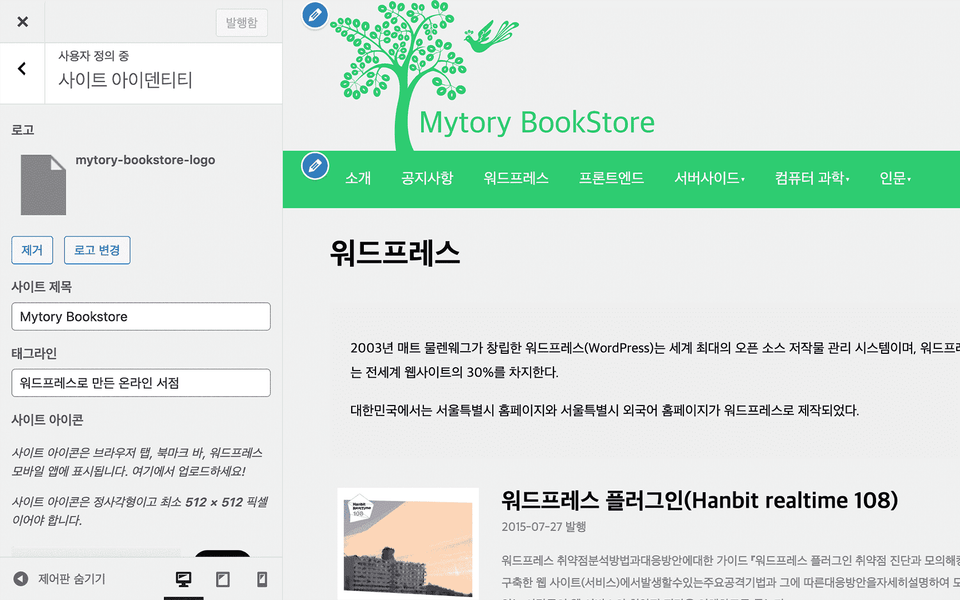
Site identity, menu structure
WordPress has powerful client-side presentation features , including site identity and menu configuration .
Detail page and list configuration
Once you've created a custom post type and custom category, you can retrieve the data you entered simply by entering the URL for the post or category in the address bar. You'll learn how to prepare template files and how to achieve your desired look, as well as the basics. Of course , customizing the details and list pages is also possible.
Index page configuration
WordPress is primarily a blogging tool, but as developers, there's nothing it can't do. By following WordPress's basic structure, you can customize the index page just like any other website.
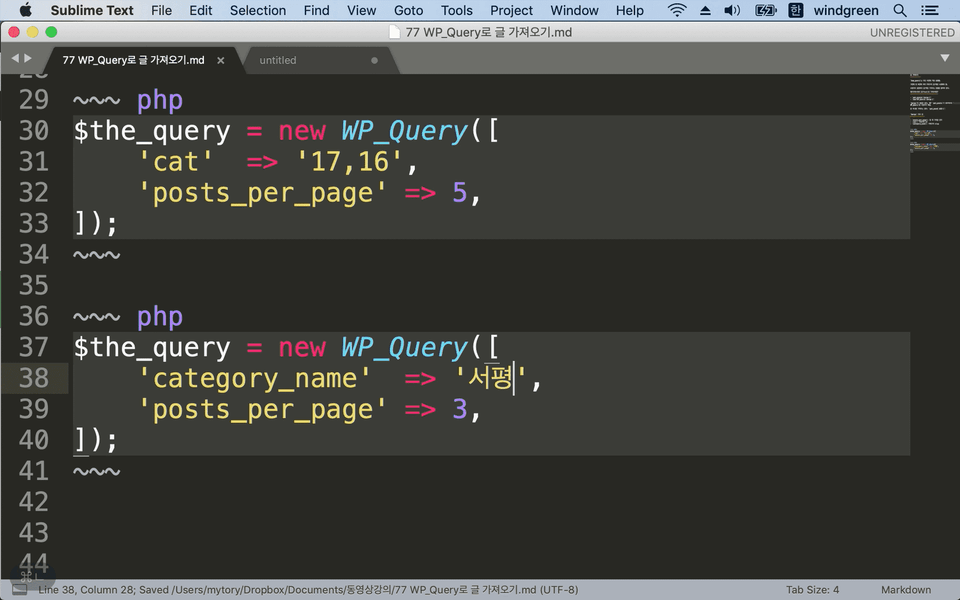
To achieve this, we'll learn about WP_Query, the most fundamental post processing class in WordPress. This isn't a superficial overview; we'll delve into the fundamentals and learn in depth.
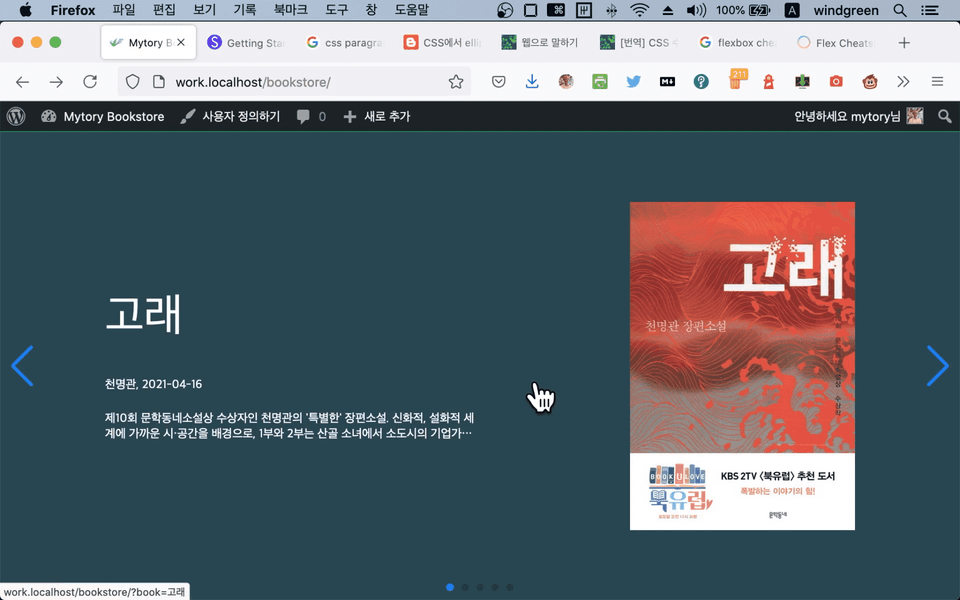
You'll learn more than just the basics. Since we created book information using custom fields (post meta), we'll also need to be able to sort articles based on those custom fields. Since we also used custom taxonomies, we'll also need to know how to retrieve articles based on those custom taxonomies. We'll cover all of that. Finally, you'll learn how to integrate with SwiperJS to create a main slider.
Are you curious about the development of the admin unit?
We'll help you get started with WordPress development.
📙 This course, which continues the series, is a process of creating an online bookstore theme from scratch . 😉 Stop trying to fix other people's themes. We make them ourselves, one by one. 🤝 Anyone with basic PHP and front-end development knowledge can follow along.
👍 Learn properly. Just like the official WordPress development documentation teaches.
Explore the learning content
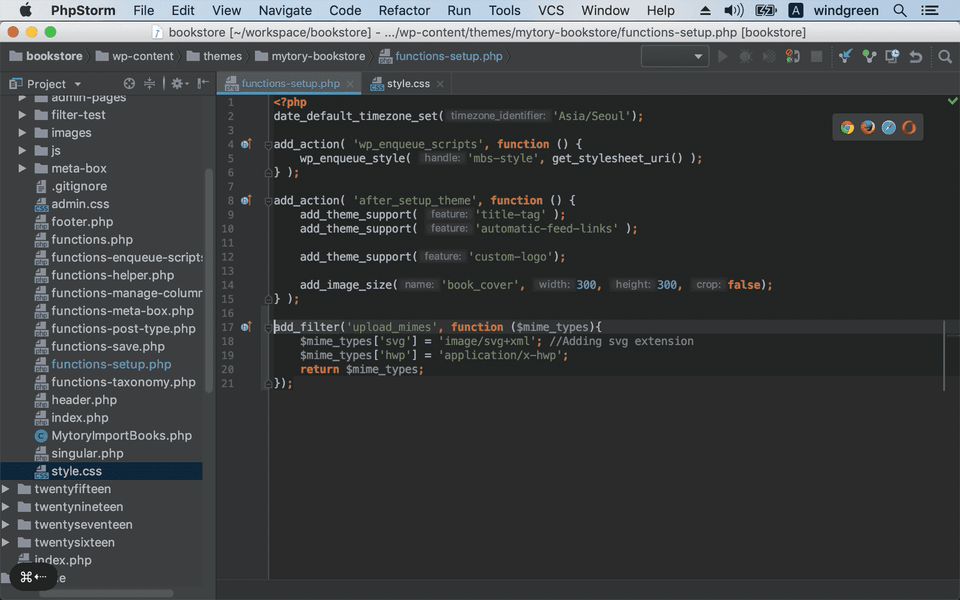
Code to allow administrators to change the logo .
If you want to use the logo as an SVG, you'll need to allow SVG uploads , right? Instead of using a plugin, you can do this with code.
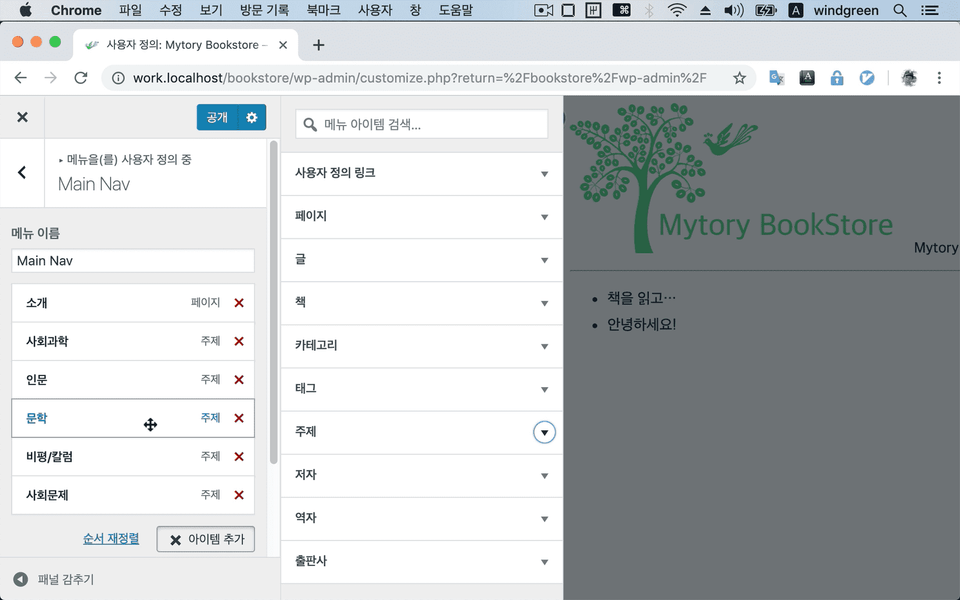
Create your main navigation using WordPress' menu feature. It's a powerful feature.
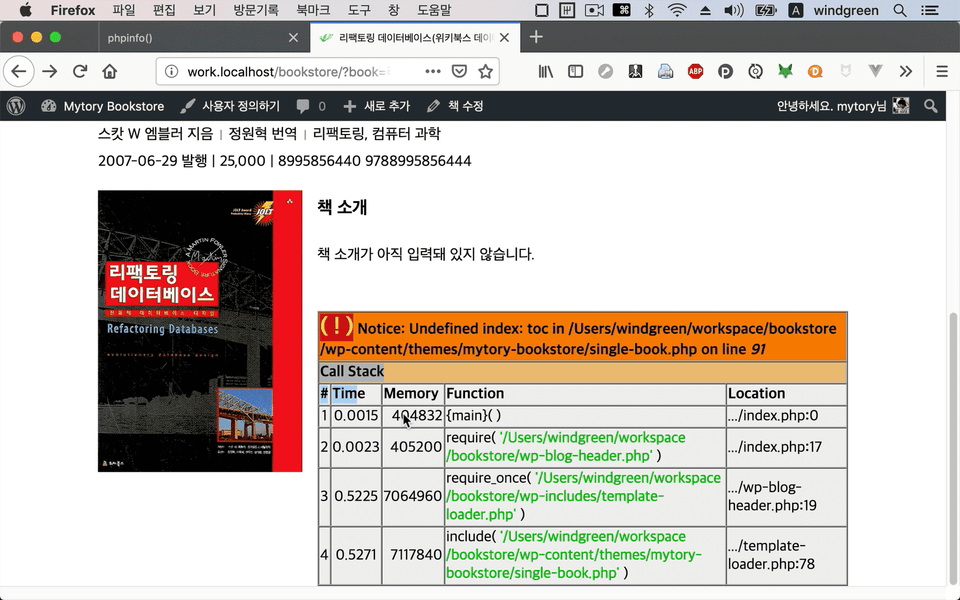
Learn how to configure detail screens .
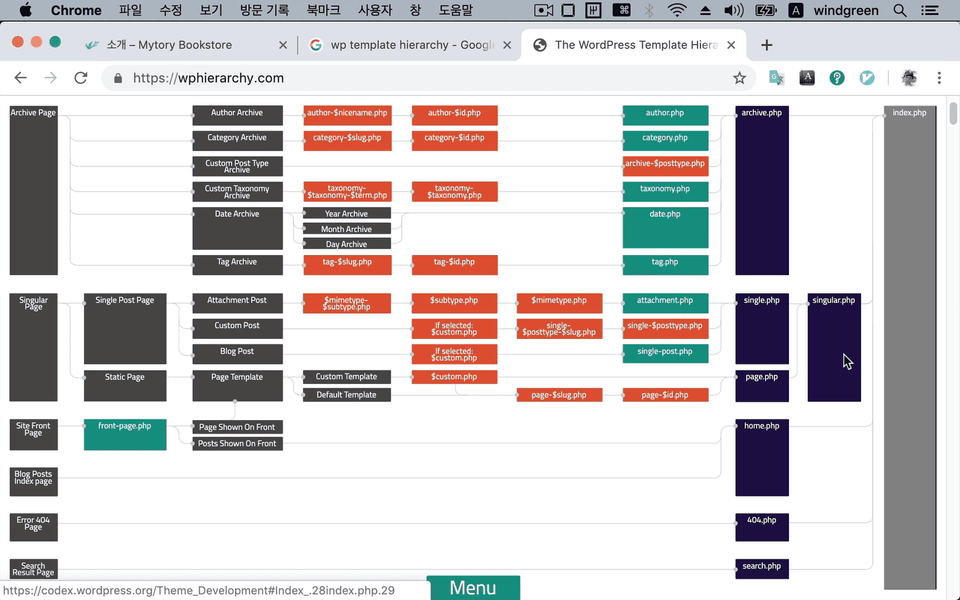
Learn the WordPress template structure and how to use it.
Learn basic debugging techniques in PHP .
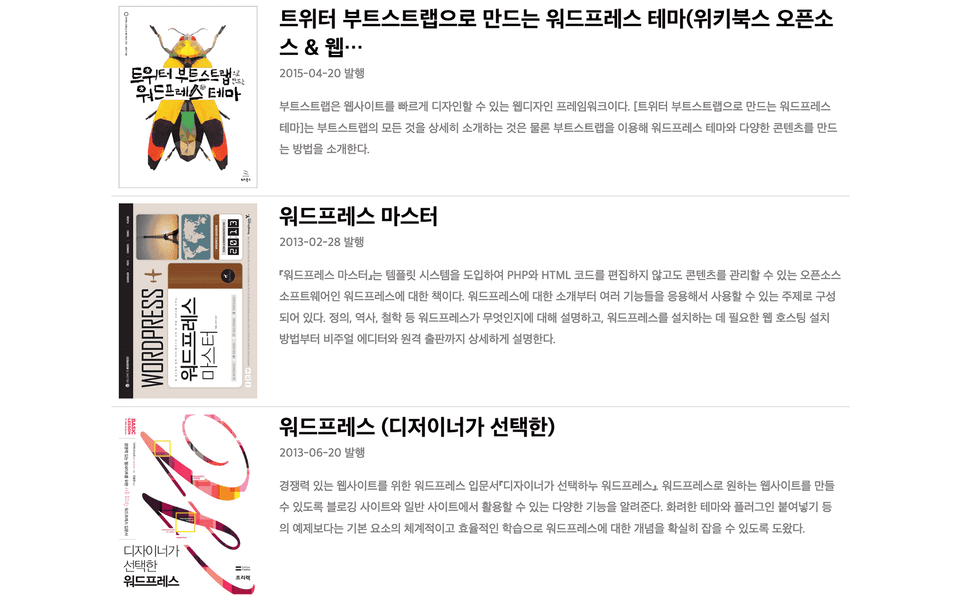
Configure the list screen
Learn the basic inner workings of WordPress (WP_Query, Loop) by creating the first screen.
Let's paste the main slide on the first screen.
I am this kind of developer
I've been developing with WordPress for the past 12 years.
All the code I worked on is available on GitHub for your reference while practicing. However, this only includes the theme portion, so you'll need to download the WordPress code separately. You can download the source code using your preferred Git tool and use it for reference.
Download source code for each lecture
I've tagged each lecture. The Git tag for the source code immediately after Lecture 45 ends is 45 Therefore, if you're familiar with Git, you can navigate to the tag and review the source code as it was at the end of the lecture.
If you are unfamiliar with it, you can download the source code compressed file for each tag by clicking the link below. 👉 https://github.com/mytory/bookstore/tags
I am a full-stack web developer with 16 years of experience. I primarily work with PHP, and most of my work involves Laravel and WordPress. I have also created several WordPress plugins for personal use.
Even though it's an old lecture, it's okay because the names of WordPress functions haven't changed~! It's easy to follow because it teaches in a rich and easy-to-follow manner, as it also includes content on the post menu and slider. ^^ I should listen to the admin part too~ After listening to all of them, I think it'll be easy to change themes.
Thanks for the review.
A widely used tool like WordPress has to maintain backward compatibility, so while new functions will appear, it's rare for old functions to disappear. Especially since the functions I used are so basic :)
It was a bit fast paced and sometimes hard to keep up with, but... It was really helpful because I was able to learn how to use CSS, the editor, and git at the same time!