Hello, I am Kim Ho-seung of 'Content Heaven'.
I am someone who teaches Minecraft, video editing, and blogging, holding onto the single sentence, "Let's restore the joy of learning."
Are you perhaps feeling lost right now, thinking, "When on earth will it be my turn..." because you're working hard but don't see any results?
I know exactly how that feels. Because I was right there in that same spot.
In February 2019, my blog's monthly views were less than 200.
Far from getting sponsorships, I seriously considered giving up, wondering if I should even continue.
Then, in December of that year, I started digging in properly. I analyzed trending posts versus buried ones one by one and found the 'principles of success.'
As a result, it became a blog that consistently exceeds 1,500 to 2,000 daily views — and from then on, good things started following one after another.
It felt like a waste to enjoy this change all by myself. That is why I opened this course.
I want to share the principles I discovered so that you don't have to take the long way around as I did.
This is the path I have walked so far.
· 6 years of continuous lecturing, from Minecraft convergence education to blogging
· Selected as a Naver Influencer in 2021, still actively participating
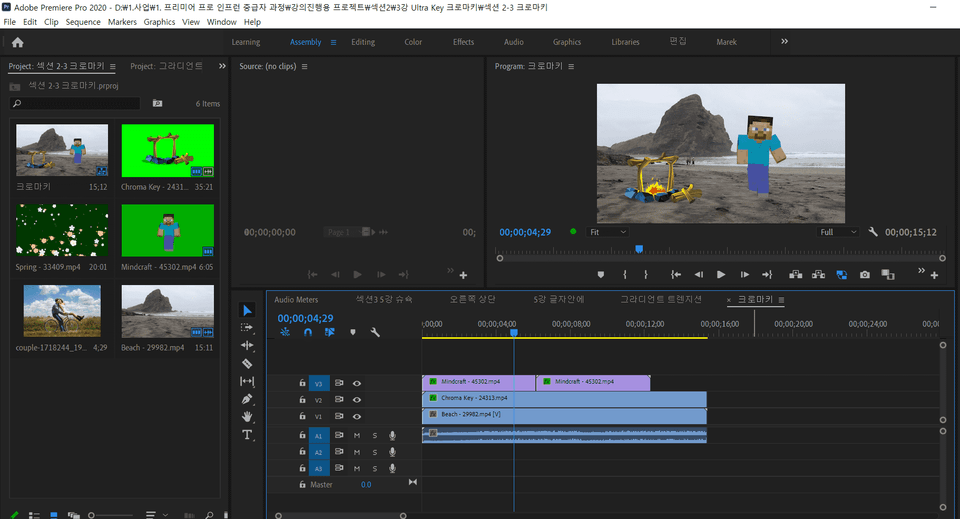
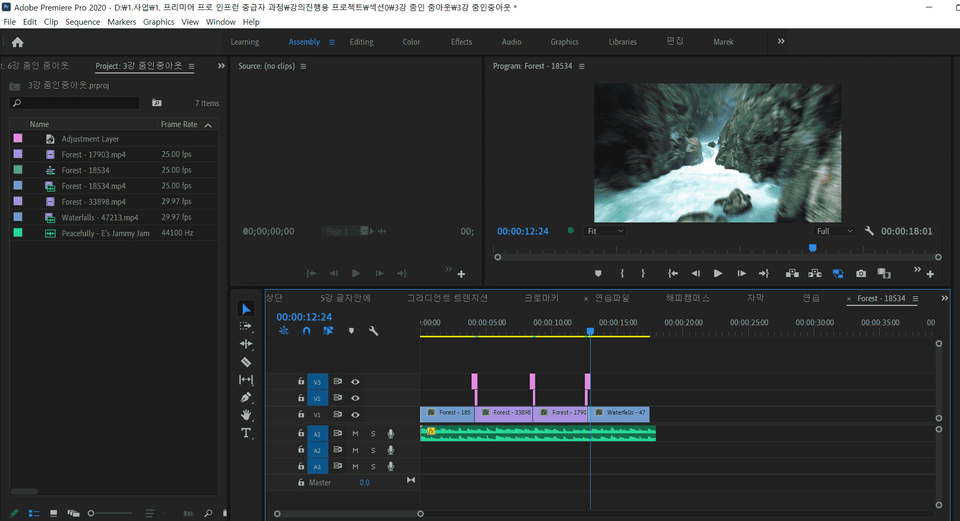
· Kyung Hee University video editing lecture — researching on-site "what" beginners find difficult
· Sharing basics for free on YouTube that are helpful to know before starting Inflearn
I will continue to share what I know without ceasing.
Won't you join me in rediscovering the 'joy of learning'?
👉 Naver Influencer: in.naver.com/contentsheaven




















![[Integrated] Introduction to AI Video + Shorts ProductionCourse Thumbnail](https://cdn.inflearn.com/public/files/courses/343177/cover/01kx2mmgmppa8h7jdb8kx9bxye?w=420)
![[Integrated] Introduction to AI Video Production + Practical ApplicationCourse Thumbnail](https://cdn.inflearn.com/public/files/courses/343029/cover/01kwtvq9840gqg1t7b6krs3bkk?w=420)