inflearn logo

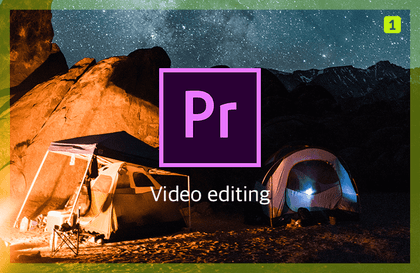
Course to become an intermediate level video editor in Premiere Pro

This course is designed to help those who want to move beyond the beginner level of Premiere Pro and college students who are preparing their portfolios to improve their skills.

(4.7) 3 reviews

82 learners

Level Basic

Course period Unlimited

Premiere Pro
Premiere Pro
Youtube Creator
Youtube Creator
Premiere Pro
Premiere Pro
Youtube Creator
Youtube Creator

What you will gain after the course

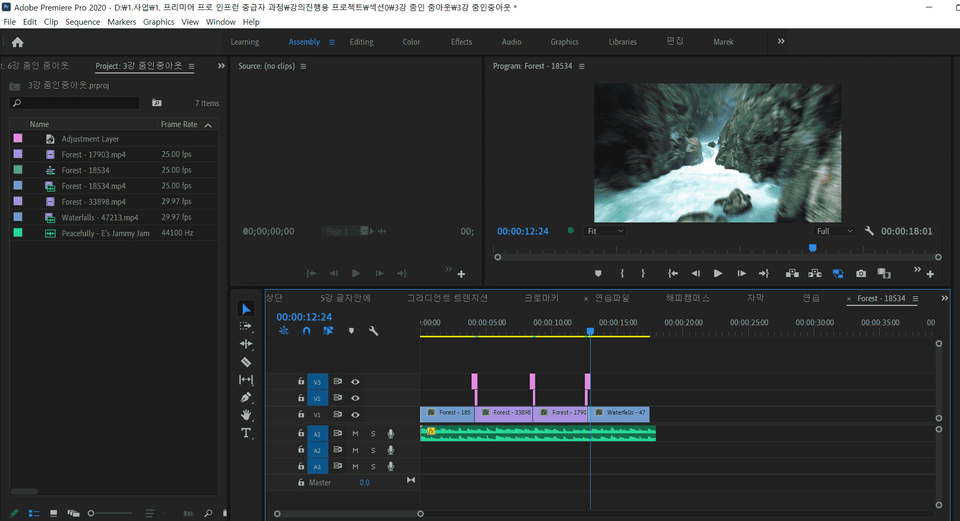
  • Effects available in Premiere Pro

  • From start to finish of video projects

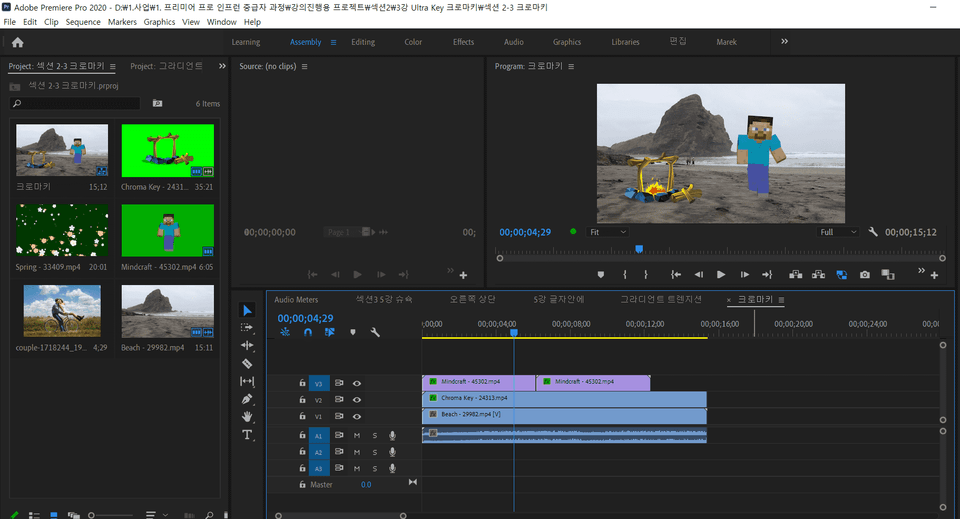
  • Create simple motion graphics with Premiere Pro

Premiere Pro, take your skills to the next level!

Why I Created This Lecture

You may have heard a lot about the introduction to Premiere Pro and beginner courses. However, some of you may have felt that the courses alone are not enough. Some people misunderstand that the only thing you can do with Premiere is cut editing. I was the same.

I started researching Premiere Pro when I thought it was just a simple cut editing program, and I realized that there were more functions and methods to utilize Premiere than I thought. That's why I opened an intermediate course to inform those of you who are having the same concerns as me.

Also, after I created 'Premiere Pro: Intermediate Level in 3 Hours' (link) , many people took the course and left good reviews. Accordingly, I felt a sense of responsibility to create a more helpful course, and I opened an intermediate level course.


I'm an intermediate level student, so you're saying the lecture should be 2x faster? Absolutely nope!!

I also took other lectures and courses for continuous development. However, I have seen someone who made a lecture that doubled the lecture speed by itself, so that I did not know where to move what. The instructor did not think from the students' perspective and did not understand the students' minds.

So, I created the course based on the content that students need from the students’ perspective. I thought about what they need, where they need it, and how to help them reduce editing time and created it.


Verified Premiere Pro Courses

We have been offering Premiere Pro courses at Inflearn for two years and have been operating the course to date, with over 150 students taking the course.

As this is a verified course, we have created a guideline that will help you become an intermediate user of Premiere Pro by putting in more thought and effort.


What you can get from this lecture

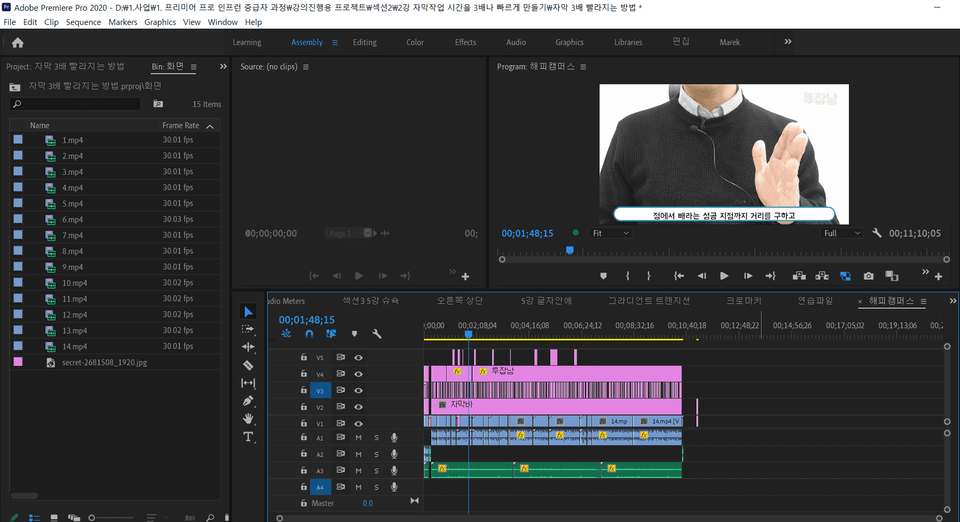
1. When you get started with Premiere Pro, you will need action subtitles or entertainment subtitles. So, we are giving away 10 paid entertainment subtitles that you can use for free.

2. You will learn practical skills and editing methods to become an intermediate user. You will experience the magic of editing a 10-minute video in only 4 hours.


Related lectures

Recommended for
these people

Who is this course right for?

  • For those who want to try out features other than Premiere Pro Cut Edit

  • Those who have completed the Premiere Pro beginner course

  • For those who want to improve their video editing skills

  • A design student preparing for employment

Need to know before starting?

  • Premiere Pro Beginner Skills

Hello
This is contentsheaven

1,261

Learners

95

Reviews

14

Answers

4.6

Rating

7

Courses

Hello, I am Kim Ho-seung of 'Content Heaven'.
I am someone who teaches Minecraft, video editing, and blogging, holding onto the single sentence, "Let's restore the joy of learning."

Are you perhaps feeling lost right now, thinking, "When on earth will it be my turn..." because you're working hard but don't see any results?
I know exactly how that feels. Because I was right there in that same spot.

In February 2019, my blog's monthly views were less than 200.
Far from getting sponsorships, I seriously considered giving up, wondering if I should even continue.
Then, in December of that year, I started digging in properly. I analyzed trending posts versus buried ones one by one and found the 'principles of success.'
As a result, it became a blog that consistently exceeds 1,500 to 2,000 daily views — and from then on, good things started following one after another.

It felt like a waste to enjoy this change all by myself. That is why I opened this course.
I want to share the principles I discovered so that you don't have to take the long way around as I did.

This is the path I have walked so far.
· 6 years of continuous lecturing, from Minecraft convergence education to blogging
· Selected as a Naver Influencer in 2021, still actively participating
· Kyung Hee University video editing lecture — researching on-site "what" beginners find difficult
· Sharing basics for free on YouTube that are helpful to know before starting Inflearn

I will continue to share what I know without ceasing.
Won't you join me in rediscovering the 'joy of learning'?
👉 Naver Influencer: in.naver.com/contentsheaven

More
Published: 
Last updated: 

Reviews

All

3 reviews

4.7

3 reviews

  • seloul40502079998796님의 프로필 이미지
    seloul40502079998796

    Reviews 2

    ∙

    Average Rating 5.0

    5

    100% enrolled

    Please teach the lecture easily and well.

    • seloul40502070029214님의 프로필 이미지
      seloul40502070029214

      Reviews 4

      ∙

      Average Rating 4.3

      4

      33% enrolled

      There are ways to use Premiere Pro like this. Thank you.

      • ambiguous9006님의 프로필 이미지
        ambiguous9006

        Reviews 6

        ∙

        Average Rating 5.0

        5

        33% enrolled

        contentsheaven's other courses

        Check out other courses by the instructor!

        Similar courses

        Explore other courses in the same field!

        25% off for new members

        $17.60

        25%

        $17.60