inflearn logo
inflearn logo

Complete mastery of Excel macros and VBA from basics to practical use

Automate complex tasks in a snap! Excel macros and VBA, from basics to practical use!

(4.8) 142 reviews

974 learners

Level Intermediate

Course period Unlimited

Business Productivity
Excel
Excel
VBA
VBA
Business Productivity
Excel
Excel
VBA
VBA

Reviews from Early Learners

Reviews from Early Learners

4.8

5.0

최수완

62% enrolled

Really explains VBA from the basics, and when I don't understand something after listening, I Google it and ask GPT if my understanding is correct, which gradually broadens my perspective. I thought it would be difficult to master VBA with just one course, so I was looking for a course that would build a solid foundation, and I'm glad this course leads me in the direction I was hoping for.

5.0

hjlove

100% enrolled

It's so easy to understand, I think I'll be able to apply it to my work!!!

5.0

오세린

100% enrolled

It was such a new world that I regret not having just come across VBA. You answered my questions quickly and it was so great. I will have to retake the course again. Thank you!!

What you will gain after the course

  • Learn the basics necessary to use macros and VBA

  • Create a task automation program using automatic macros

  • Create a program that automatically edits RawData and retrieves data

  • Create a program to separate data into sheets and files

  • Handling core control statements that control program execution

  • Create a program that automatically issues certificates by searching with ActiveX controls

Lecture Introduction

Excel users are not programmers, so if you try to learn Visual Basic* syntax from the beginning, you'll get tired and easily give up . By making it possible to access macros using Excel's built-in features , you can easily learn macros step by step .
(* Visual Basic: Windows application development language developed by MS Soft )

Macros are a feature for creating programs in Excel, and those with programming experience can easily access them. However , for general Excel users without programming experience, they can't help but feel like they're in a completely different field from Excel .


This course is designed to teach Excel users how to use macros from the basics to their applications, allowing them to easily learn macros and create their own VBA programs . It consists of the most useful and highly applicable examples that can be used in representative departments within a company.

Lecture Structure

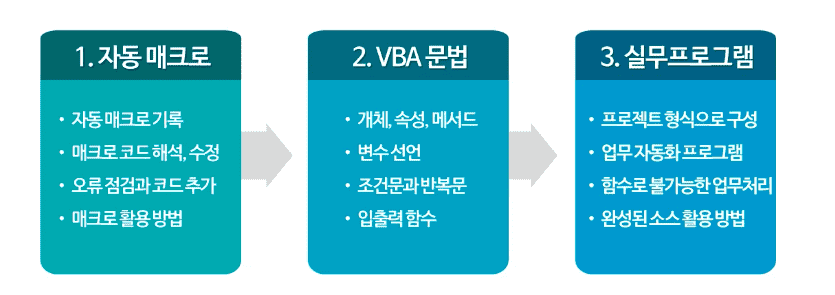
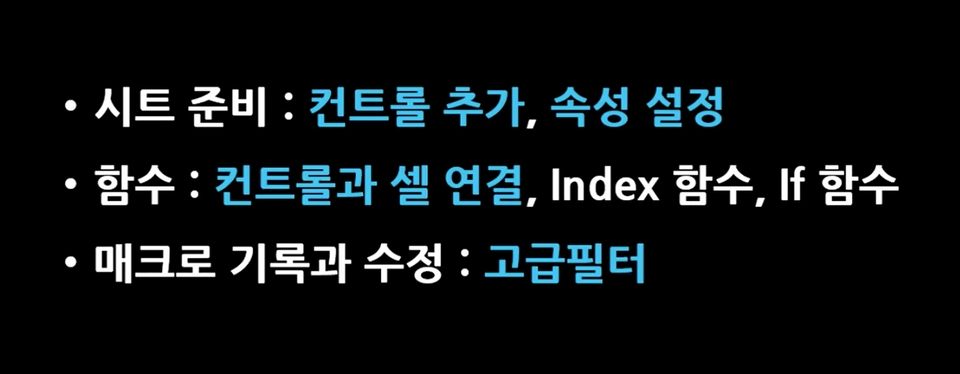
1. Learning the basics essential for using macros and VBA

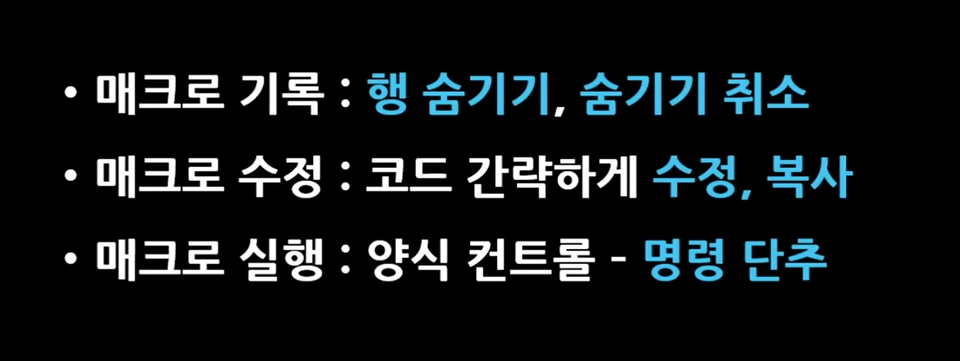
2. [Project Example 1] Creating a program that displays only the performance of selected business units.


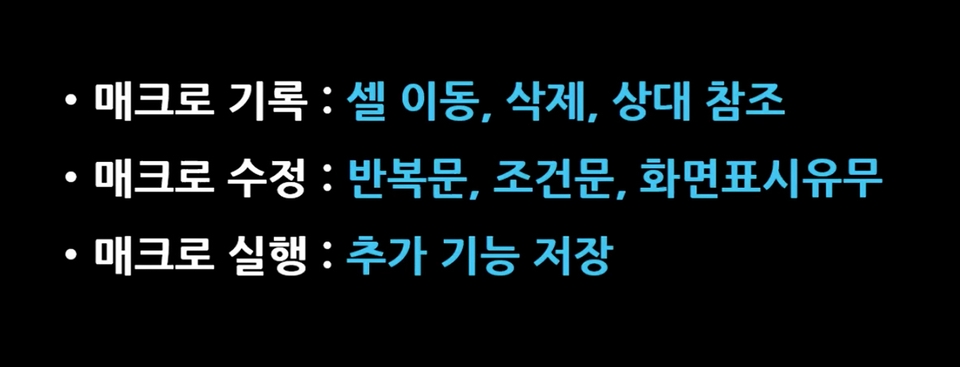
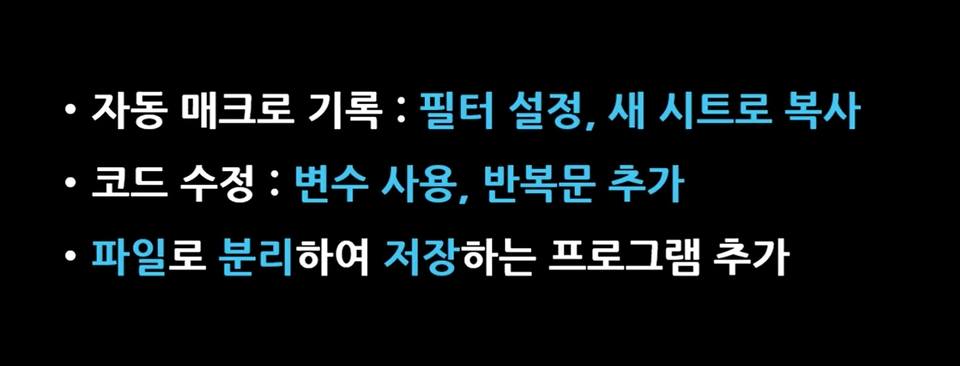
3. [Project Example 2] Creating a program that automatically edits raw data.

4. [Project Example 3] Creating a Data Retrieval Program Using Form Controls

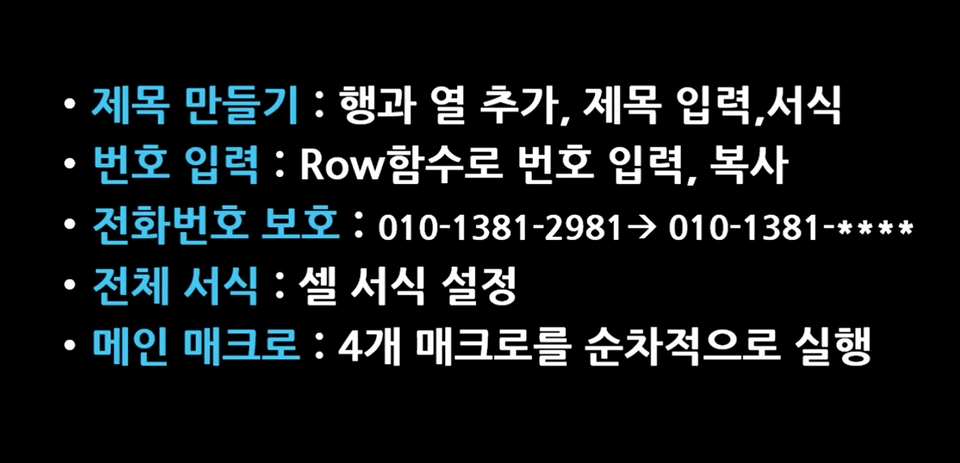
5. [Project Example 4] Creating a Program to Automate Data Editing and Formatting

6. Learning the grammar required for VBA coding

7. [Project Example 5] Creating a practical program to separate data into sheets and files

8. Learning core control statements for program execution control

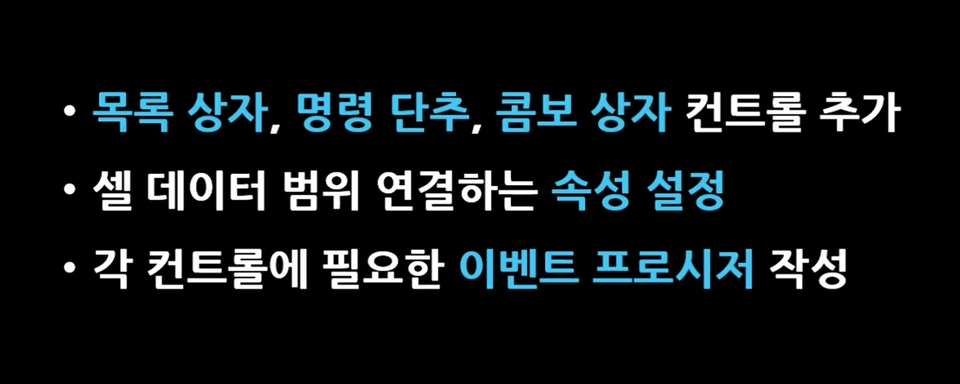
9. [Project Example 6] Creating an Employee Information Retrieval Program Using ActiveX Controls


10. [Project Example 7] Creating a Certificate of Employment Issuance Program Using ActiveX Controls

Tools covered here

All versions of Excel are available

Recommended for
these people

Who is this course right for?

  • Anyone who wants to automate simple repetitive tasks in Excel

  • For those who think that the basic functions or data analysis features provided by Excel are insufficient

  • People who are good at using Excel but have no experience in creating programs

  • Those who want to systematically learn Excel macros and VBA and create their own programs

  • Anyone who wants to do programming using Visual Basic in Excel

Need to know before starting?

  • Excel Basic User

Hello
This is onwings

6,663

Learners

683

Reviews

162

Answers

4.9

Rating

6

Courses

Kim Kyung-ja / CEO of Compeople, Adjunct Professor at Yeonsung University, Excel Goddess (http://blog.naver.com/onwings)

While working at the LG Electronics Learning Center, I began my career in IT education. Currently, I deliver lectures at organizations such as Samsung Group, Kia Group, Udemy, the Financial Supervisory Service, Kim & Chang, and the National Human Resources Development Institute. I am the CEO of Compeople, a company specializing in IT and information technology training, and I also serve as an adjunct professor at Yeonsung University.


- Excel Data Utilization and Analysis for the Workplace (Hanbit Media, 2025)
- Surviving with Excel at the Workplace (Hanbit Media, 2023)
- Excel Practical Functions + Formulas (Hanbit Media, 2021)
- Excel Practical Macros and VBA (Hanbit Media, 2020)
- Excel Practical Data Utilization + Analysis (Hanbit Media, 2019)
- Excel 2016 Basic + Practical Completion (Booksholic, 2018)
- Practical Lecture on Excel Functions for Professionals (Hanbit Media, 2017)
- Excel 2016 Macros and VBA for Empowering Workplace Tasks (Jungbo Munhwasa, 2016)
- Excel Data Utilization + Analysis Immediately Applicable at Work (Hanbit Media, 2016)
- Excel 2013 Basic Practical Completion (Booksholic, 2014)
- Keynote & Numbers Step-by-Step (Gilbut, 2014)
- Excel 2010 Macros and VBA (Youngjin.com, 2012)
- Excel 2010 Basic Practical Completion (Booksholic, 2011)
- Excel 2007 Macros & VBA Basic + Practical (Sungan-dang, 2009)
- Excel 2007 Basic + Practical (Sungan-dang, 2007)
- Strong Practical Excel Macros and VBA (Cyber Publishing, 2005)

More

Curriculum

All

39 lectures ∙ (6hr 2min)

Course Materials:

Lecture resources
Published: 
Last updated: 

Reviews

All

142 reviews

4.8

142 reviews

  • hjlove4470님의 프로필 이미지
    hjlove4470

    Reviews 1

    Average Rating 5.0

    5

    100% enrolled

    It's so easy to understand, I think I'll be able to apply it to my work!!!

    • nahv5972님의 프로필 이미지
      nahv5972

      Reviews 2

      Average Rating 5.0

      5

      100% enrolled

      The instructor's teaching skills are really great. Thanks to the great explanations, I was able to get started well~!^-^

      • ssch40840045님의 프로필 이미지
        ssch40840045

        Reviews 13

        Average Rating 4.9

        Edited

        5

        62% enrolled

        Really explains VBA from the basics, and when I don't understand something after listening, I Google it and ask GPT if my understanding is correct, which gradually broadens my perspective. I thought it would be difficult to master VBA with just one course, so I was looking for a course that would build a solid foundation, and I'm glad this course leads me in the direction I was hoping for.

        • sroh8994님의 프로필 이미지
          sroh8994

          Reviews 1

          Average Rating 5.0

          5

          100% enrolled

          It was such a new world that I regret not having just come across VBA. You answered my questions quickly and it was so great. I will have to retake the course again. Thank you!!

          • fmlejl6009님의 프로필 이미지
            fmlejl6009

            Reviews 1

            Average Rating 5.0

            5

            41% enrolled

            The lecture content is easy to understand and the pronunciation is accurate, so it goes right into my ears. After I finish this lecture, I will have to take other courses.

            onwings's other courses

            Check out other courses by the instructor!

            Similar courses

            Explore other courses in the same field!

            $42.90