This course will teach you the basics of HTML and CSS with a variety of application examples. After taking this course, you will gain confidence in HTML and CSS!
I listened to it to refresh my memory of the pub I learned a long time ago, and it was very helpful. Thank you.
5.0
안안재형
84% enrolled
This is the style of lecture I wanted. There is no unnecessary content, only the content that is really necessary, and practical tips are included. It is simple and clear, so I like it. The price is also cheap.
What you will gain after the course
HTML, CSS Basics
HTML, CSS application
Widely used by web publishers Learn the core technologies of HTML and CSS!
Web publishers Do you want to be?
Are you interested in learning HTML and CSS? I've created this course to share my knowledge and help you move forward together. Take this course, which covers the fundamentals of HTML and CSS needed to become a web publisher, and improve your skills!
I recommend this to these people.
✅ Those who want to build a solid foundation in HTML and CSS ✅ Anyone who wants to get a job as a web publisher ✅ Those who want to apply what they have learned through various examples ✅ Those who want to listen to active lectures rather than passive lectures
Enough with the theory!
You can learn HTML tags and CSS styling in a fun way by creating various examples from each curriculum. It's not difficult! The courses are designed for beginners, making learning easy . After taking these courses, you'll develop the ability to code various designs!
What you'll learn 📚
Explanation of the div tag concept
Finding out position with div tags
Understanding flex box with div tags
Explanation of span and p tag concepts
Font style with span and p tags
a tag concept explanation
Hover effect with the a tag
Explanation of the ul tag concept
Explanation of the table tag concept
Explanation of the input tag concept
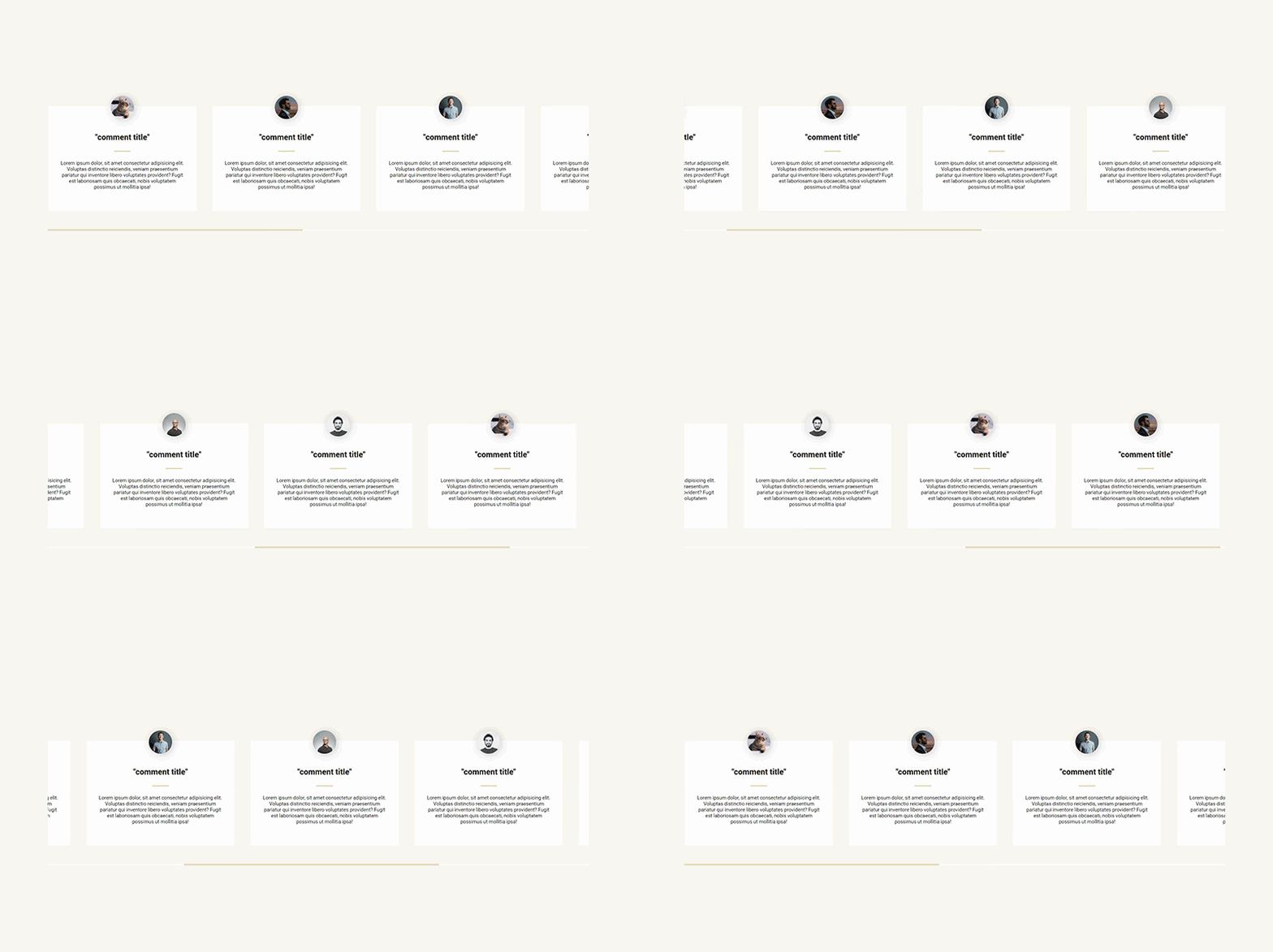
✅ Example 1 - Creating a movie review window Let's create a movie review window using div, span, and p tags.
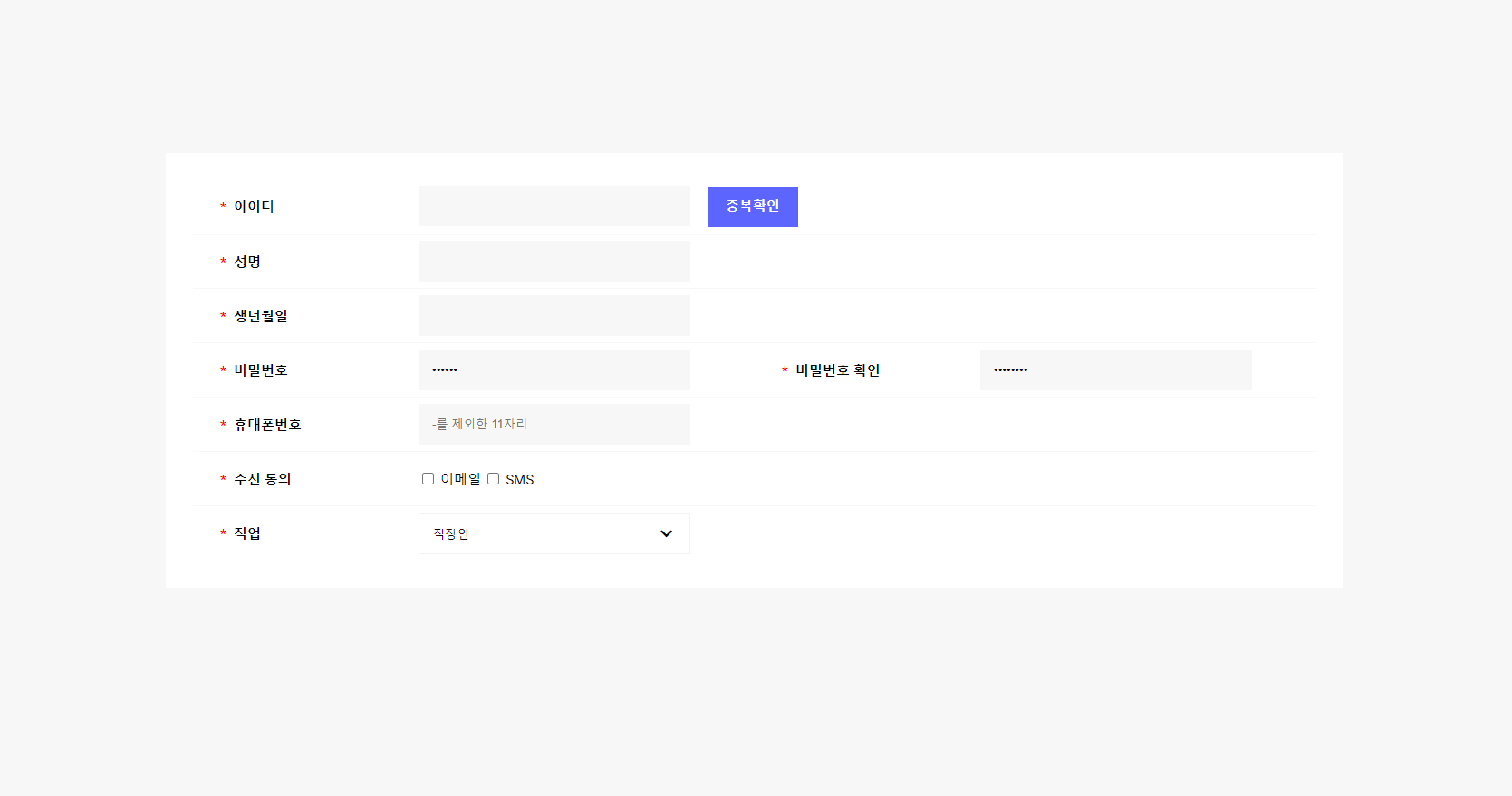
✅ Example 2 - Creating a Membership Registration Form Let's create a membership registration form using table and input tags.
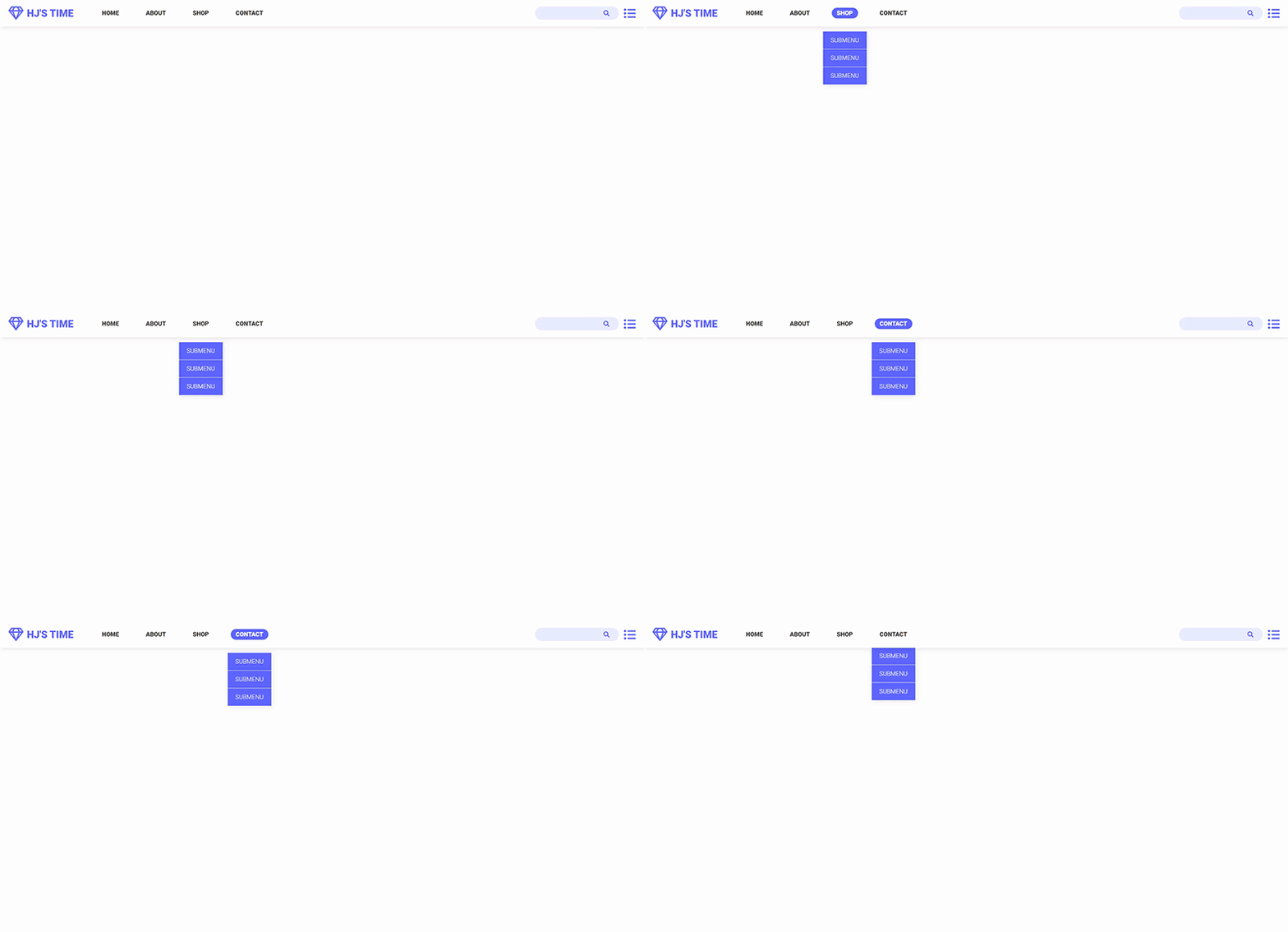
✅ Example 3 - Creating a menu bar with submenus Let's create a menu bar using tags such as a, ul, etc.
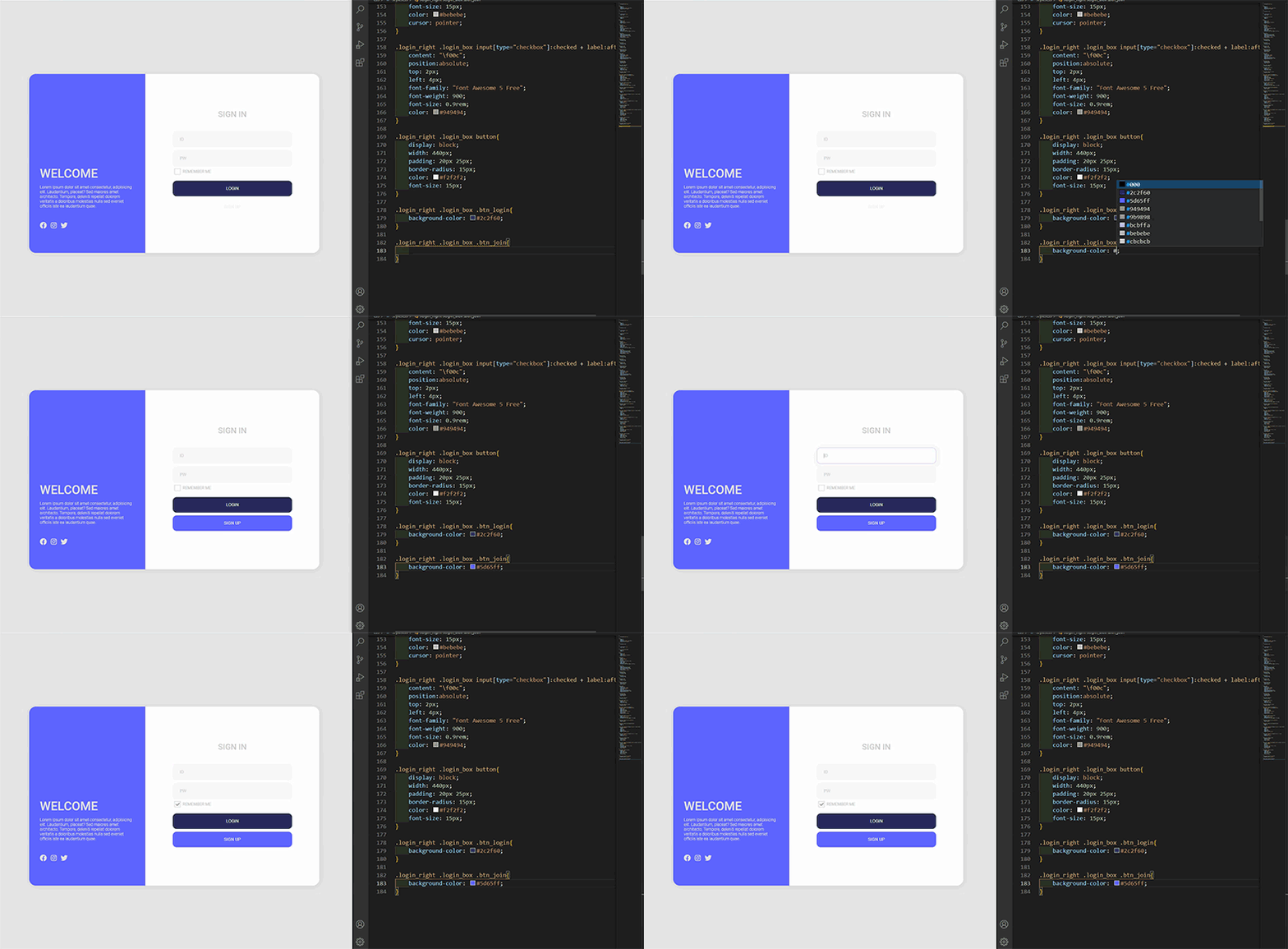
✅ Example 4 - Creating a Login Screen Let's use the tags we've learned to create a login screen, which is often used in practice.
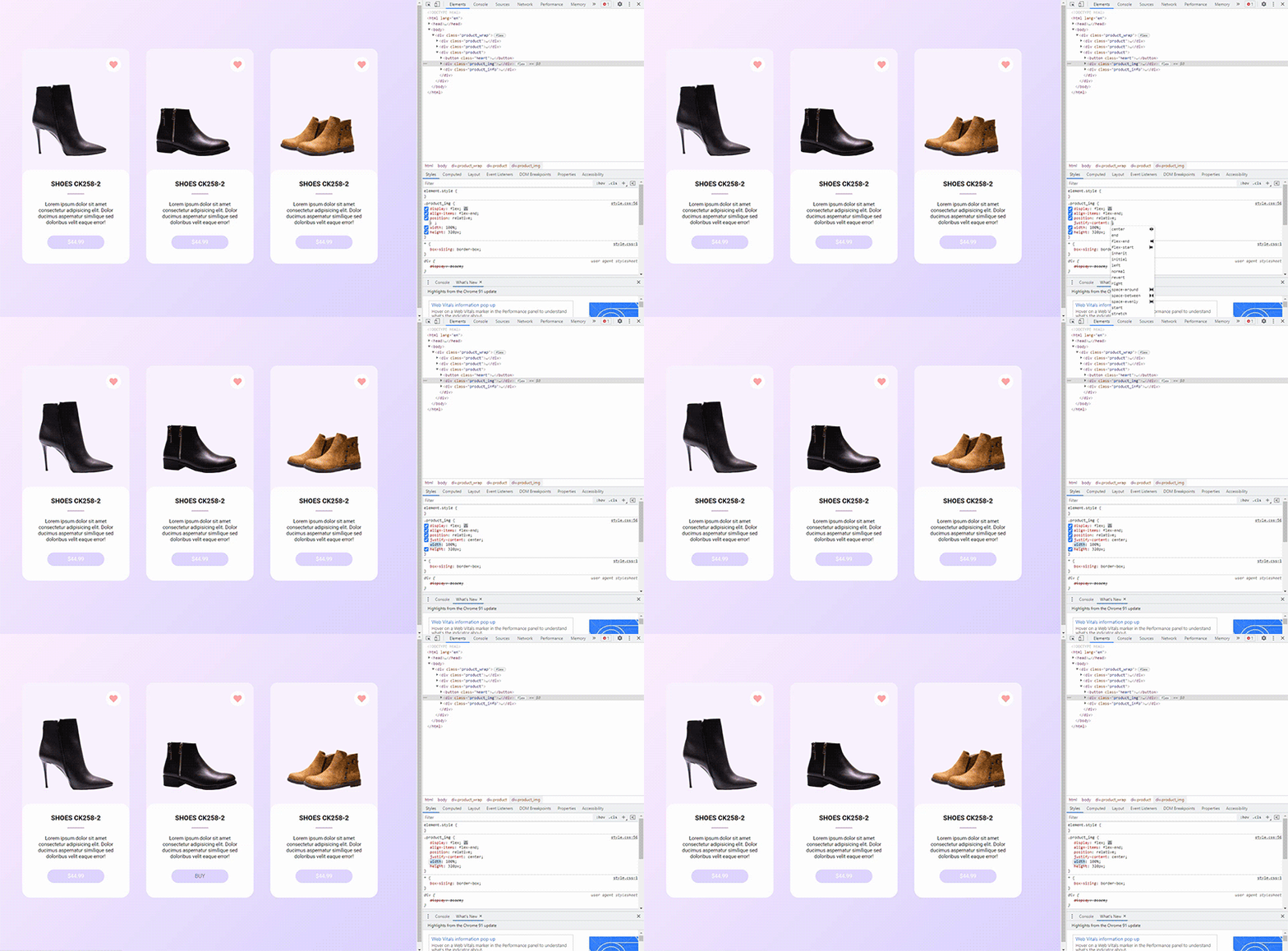
✅ Example 5 - Creating a Product List Let's create a product list using the tags we learned.
Hello, this is Kim Hyun-jin ✒️
Hello, I am web publisher Kim Hyeon-jin. Currently working as a web publisher , I've been developing various skills and, over the past four years, have acquired specialized knowledge and developed my own unique style. Now, I'm also sharing my knowledge with you as a knowledge sharer.
Expected Questions Q&A 💬
Q. Is this a course that non-majors can also take?
Of course. We've made it easy for even non-majors to learn!
Q. Is there anything I need to prepare before attending the lecture?
It's okay if you come unprepared ! We'll feed you everything.
Q. What level of content is covered in the class?
Learn about the main HTML tags, CSS selectors, simple styling, and how to apply them!
Recommended for these people
Who is this course right for?
Anyone who wants to get a job as a web publisher
Anyone who wants to create anything with HTML and CSS
This is the style of lecture I wanted. There is no unnecessary content, only the content that is really necessary, and practical tips are included. It is simple and clear, so I like it. The price is also cheap.
I think it would be more helpful for those who have learned it once to follow the example rather than those who are completely new to it. Rather than explaining basic terms, it explains in a way that you can apply it right away under the assumption that you already know it.
When you focus on coding, there are times when you don't talk for a while, but it would be better if you consciously continue talking. As I was coding along with the lecture, I thought I could input it right away if you talked, but I had to look at the screen. And when the teacher finished coding, if you paused for 1-2 seconds and then continued, it would have been easier to pause on that screen and compare it with my code, but since you went too far, I felt a little uncomfortable because I had to find the screen where the code was completed and pause it.
I liked that you gave me a lot of great tips~
I recommend it to those who want to learn it once and then review it in a short lecture!





![[2026 Examination Standards] Perfect Guide for the Web Design & Development Technician Practical Exam강의 썸네일](https://cdn.inflearn.com/public/courses/324878/course_cover/12211037-e74b-46b3-8942-46d465b81bba/webdesign-cover-02.png?f=avif&w=420)

css.png?f=avif&w=420)


![Web Design Development Technician [2025] Complete Practical Course (KakaoTalk Q&A Available)강의 썸네일](https://cdn.inflearn.com/public/courses/332868/cover/3a2245ca-bb9f-414a-ba67-403cfcb2b7c9/332868.jpg?f=avif&w=420)


![Solid Frontend Bootcamp for Full Stack (HTML, CSS, Vanilla JavaScript + ES6) [Full Stack Part2]강의 썸네일](https://cdn.inflearn.com/public/course-326306-cover/4ea213de-f786-4af1-a9d0-b8932263885a?f=avif&w=420)