

inflearn logo
inflearn logo

/

Create your own design goods with Illustrator+Photoshop

This is a course where you learn Illustrator and Photoshop while designing various goods such as shopping bags, menus, and tickets. Anyone interested in creating design goods can take on the challenge.

(4.5) 10 reviews

19,538 learners

Level Beginner

Course period 12 months

Photoshop
Photoshop
Illustrator
Illustrator
Photoshop
Photoshop
Illustrator
Illustrator

Reviews from Early Learners

Reviews from Early Learners

4.5

5.0

sangho3655

100% enrolled

I had fun learning it well. ㅎㅎ But while listening to the lecture, I felt that I needed to take the lecture with some basic knowledge of Illustrator and Photoshop! And since it was different from the English version, I had a hard time finding it. ㅜ

5.0

양하연

100% enrolled

It was really helpful that you introduced the website and explained how to order. But, could you attach something like a link to the website to the lecture materials?

5.0

three486

100% enrolled

I liked the practicality of the lectures, which were centered around real-life examples.

What you will gain after the course

  • Adobe Illustrator

  • Adobe Photoshop

  • Graphic Design

  • Goods Design

Using Illustrator
Making design goods,

Even if you don't major in it, you can make it if you follow the steps.

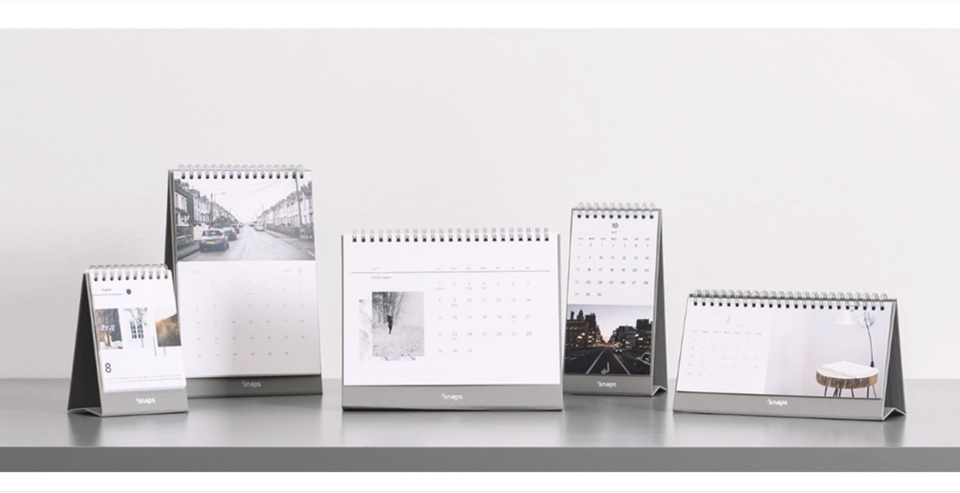
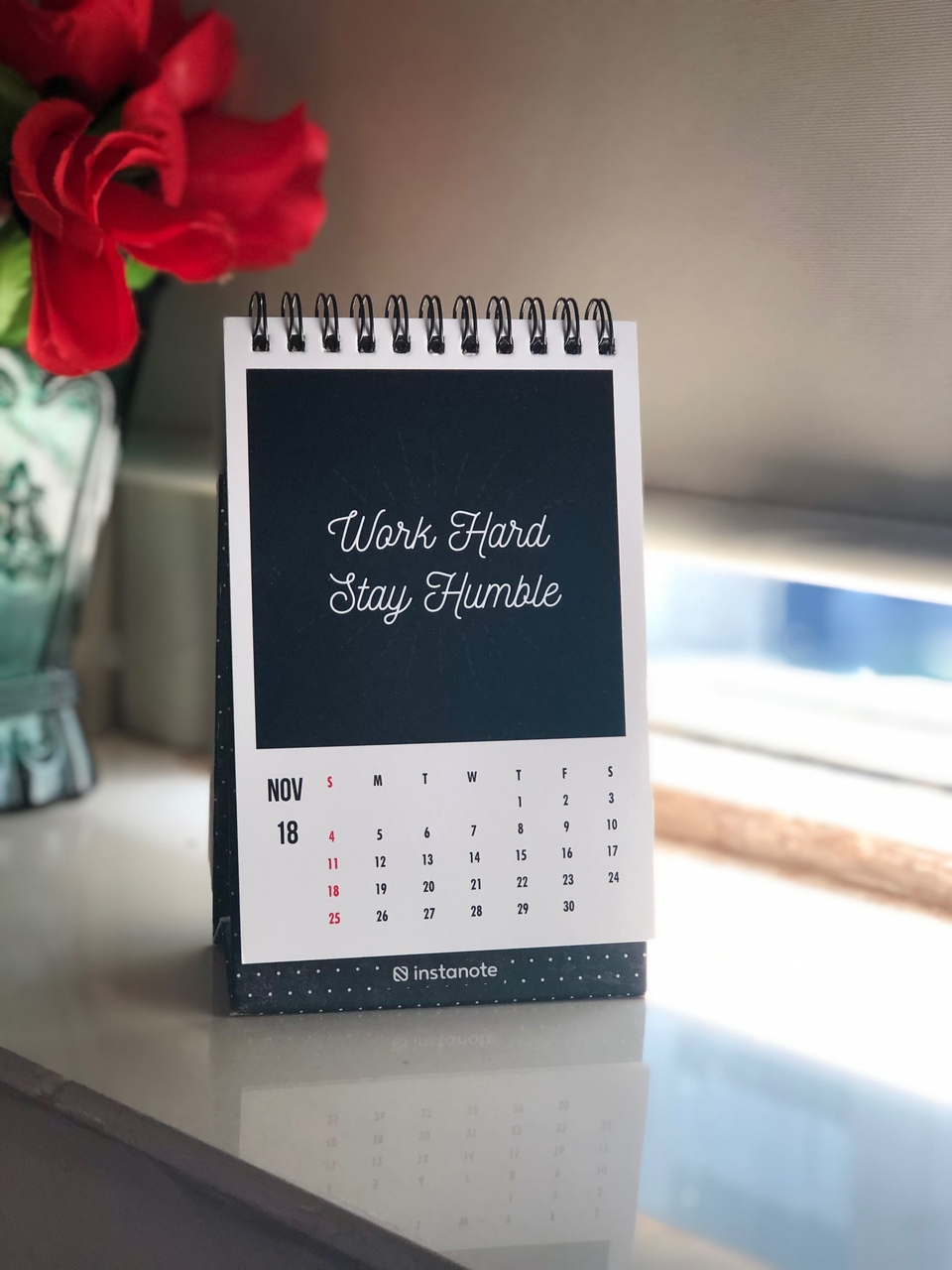
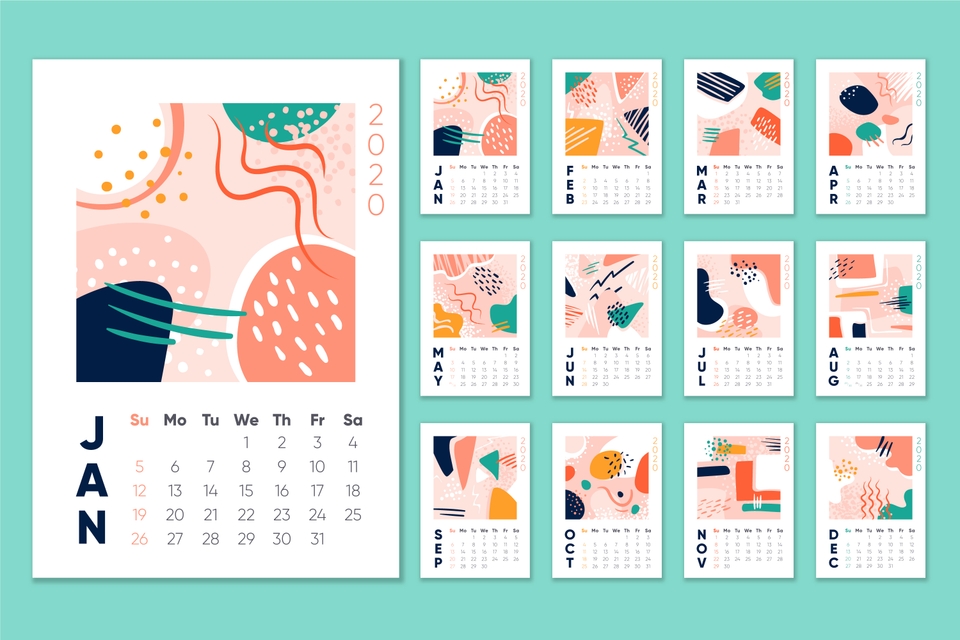
My own calendar,

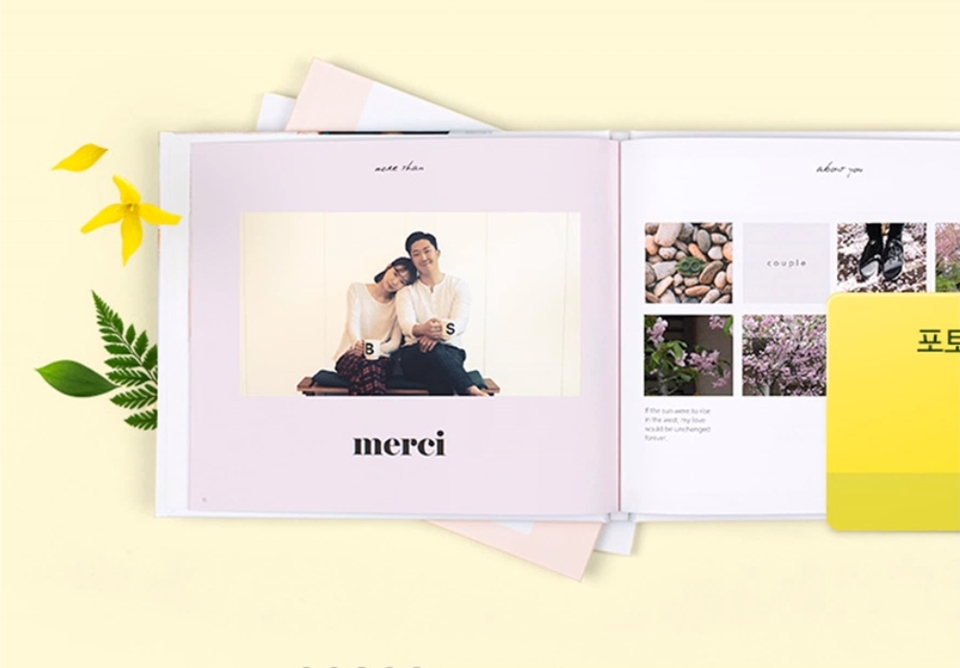
A photo album that I decorate myself,

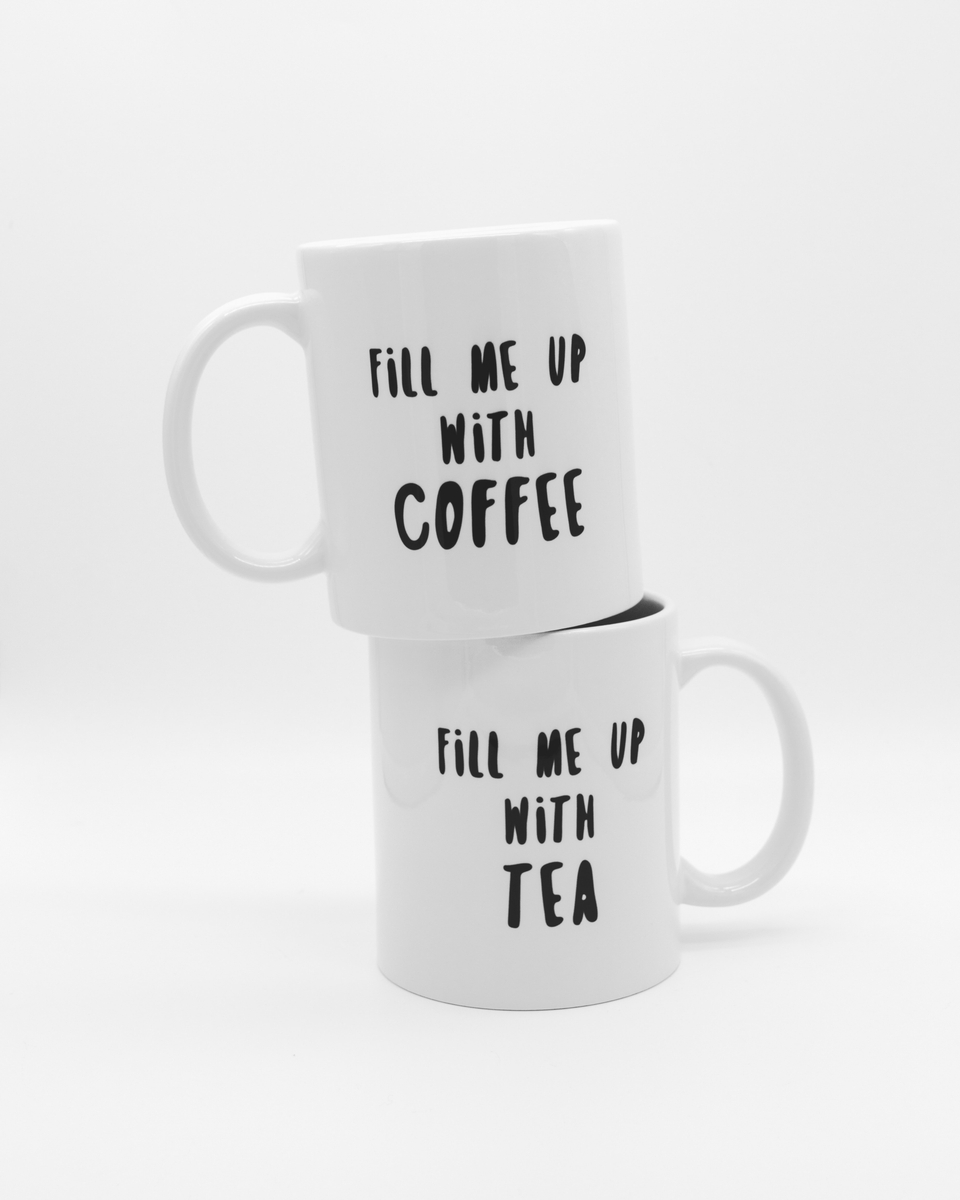
A mug with my idea engraved on it,

The one and only in the world
Create your own design goods.

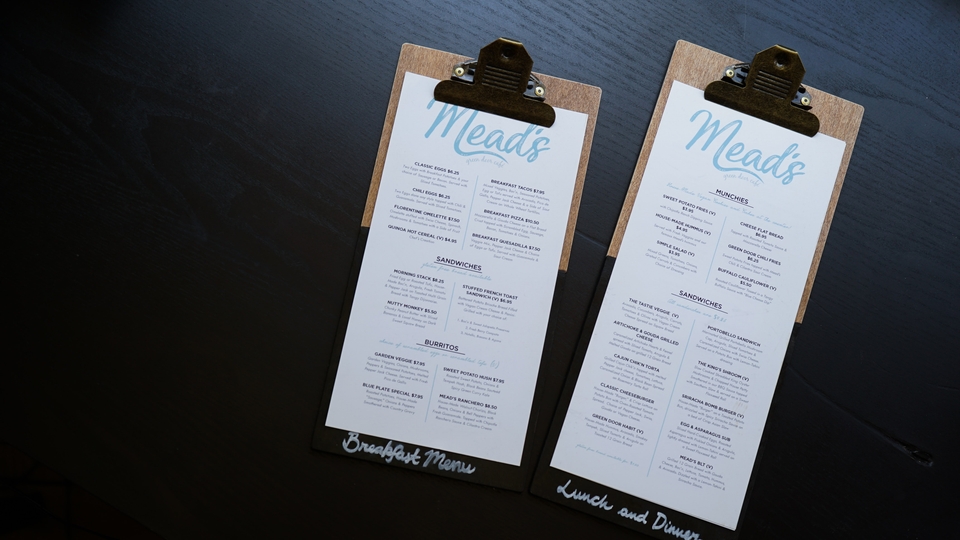
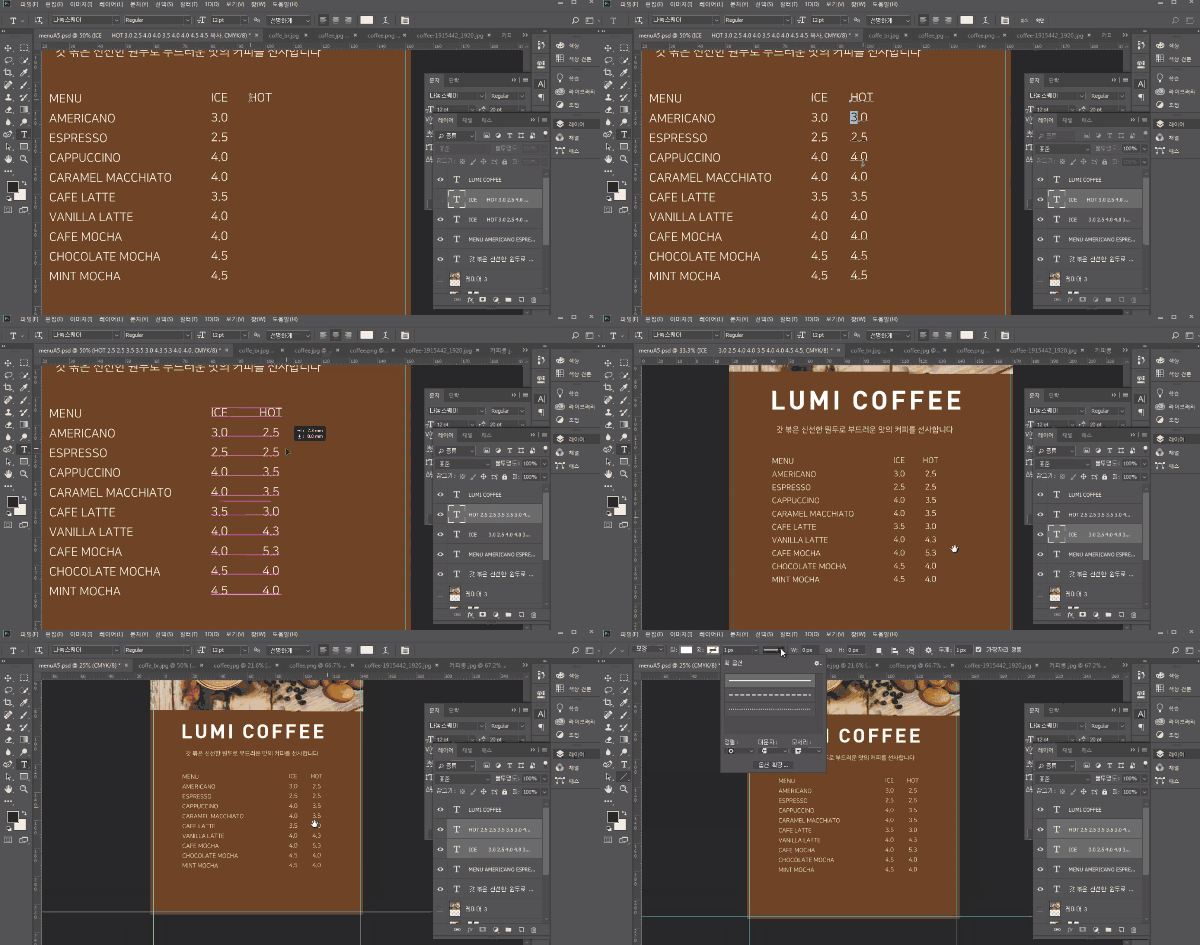
If you follow the steps step by step, making a menu isn't difficult.

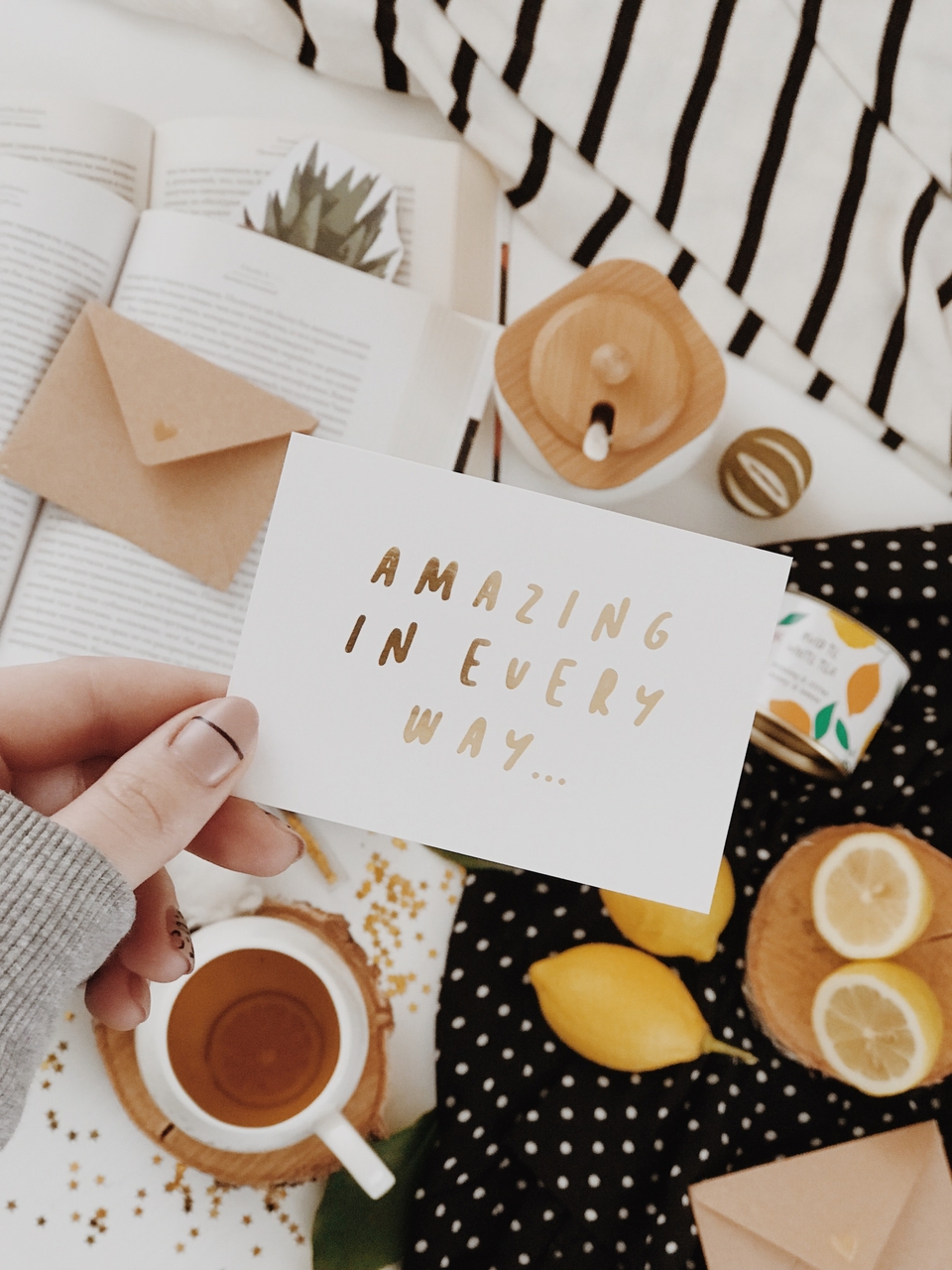
You could also make invitations or postcards.

It is also possible to make t-shirts.

🗒 Course Introduction

(This lecture does not provide instructor answers. )

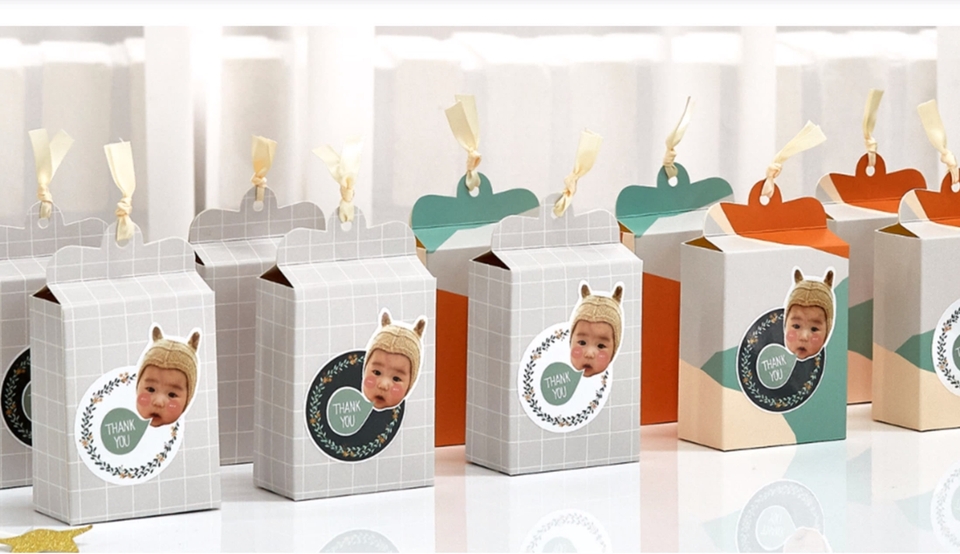
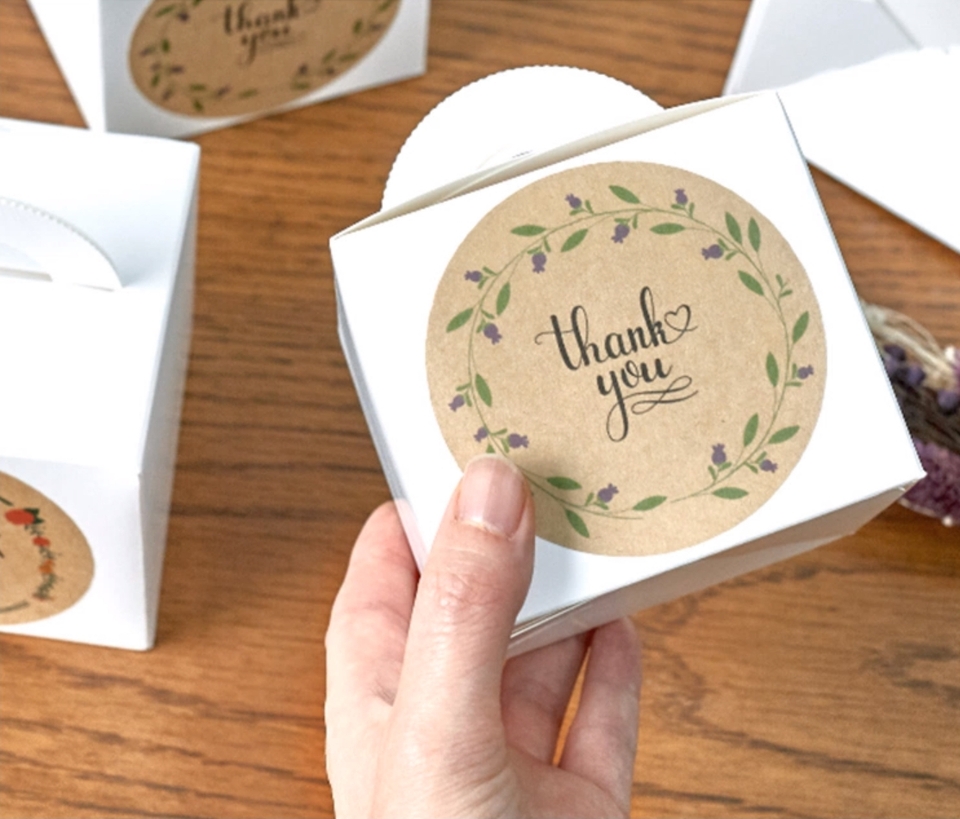
Want to create your own design goods using Illustrator and Photoshop, essential tools for graphic designers ? You can create a variety of goods, from shopping bags and gift boxes to tickets, menus, tumblers, eco-totes, and even t-shirts, following the designs.

First, we've designed the course so you can learn the key concepts, then watch videos and practice key use cases. Anyone interested in creating their own design goods can learn it.

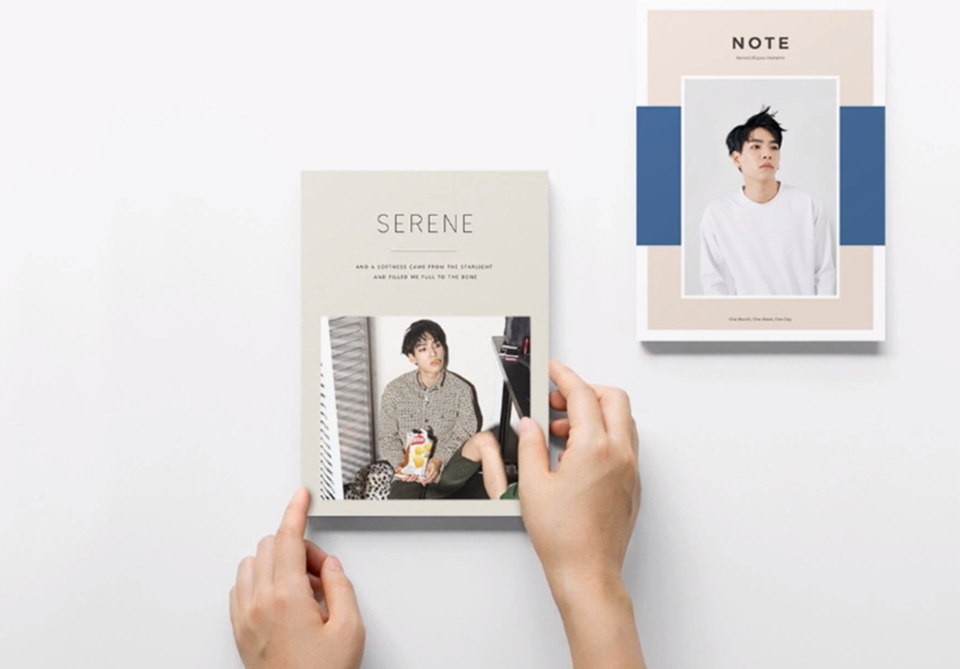
🌈 You can make things like this!

🙌 We will cover the tools below.

  • Adobe Photoshop CC
  • Adobe Illustrator CC
  • Adobe Creative Cloud

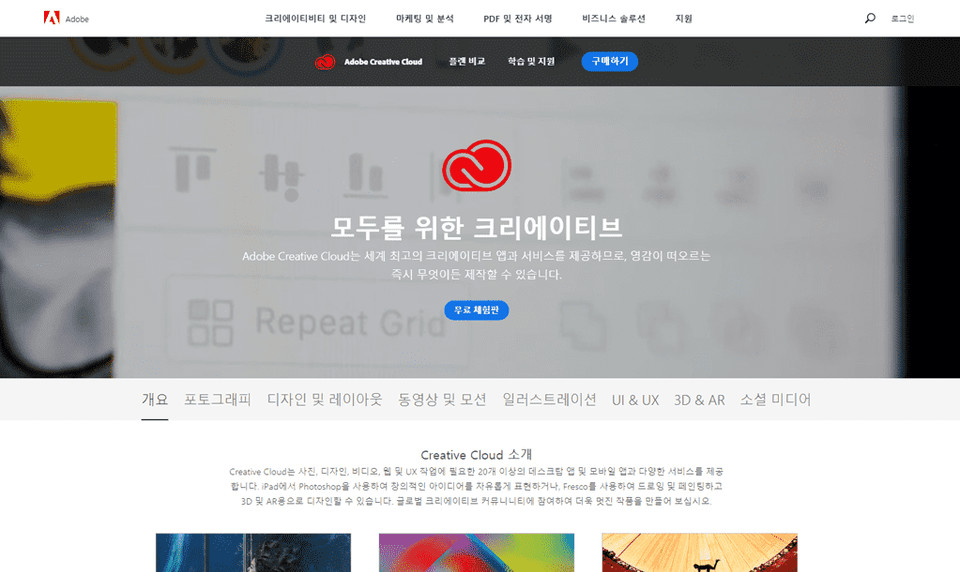
This course uses Adobe Creative Cloud (CC) 2019 , so we recommend that you have that version or higher. (At least CC 2014 is required.) You can download a free trial version from the official website. Official website link

🙋🏻‍♂️ I have a question.

Q. Can non-majors and beginners also take the course?
A. This course is structured step-by-step, starting with easy steps like installing Adobe CC software. Anyone interested in creating design goods can take it.

Q. Are lecture notes included?
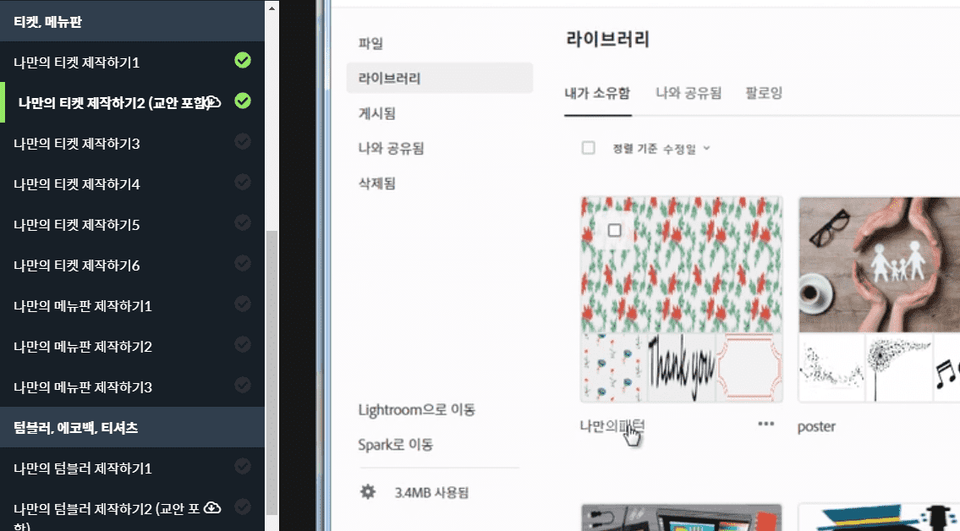
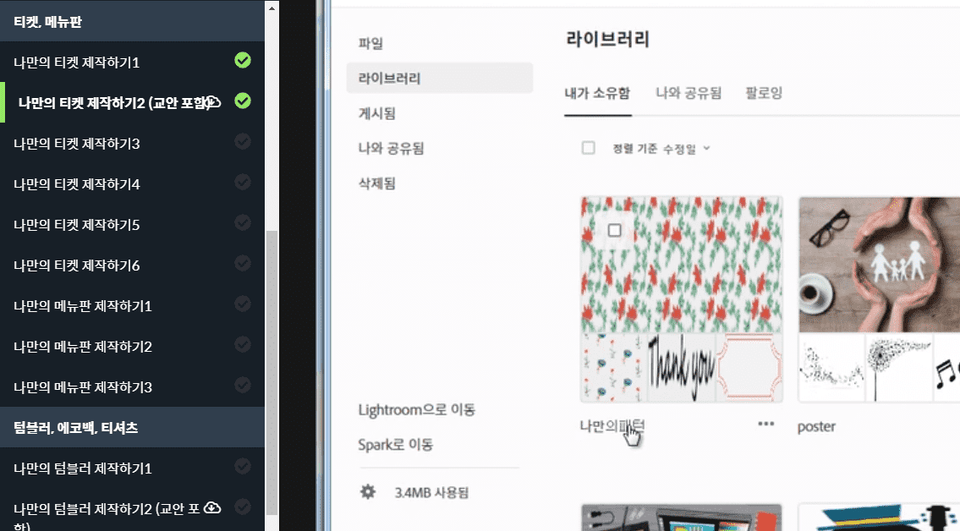
A. Yes, you can download the lecture notes by clicking the cloud-shaped icon on the left tab while watching the lecture. The lecture notes are attached to the second lecture of each part, so please check them out.

[caution]
If you turn up the sound volume, the sound may be a little irritating. We appreciate your understanding.

Recommended for
these people

Who is this course right for?

  • Anyone interested in Photoshop and Illustrator

  • Anyone who wants to create their own design goods

Hello
This is usefulit

8,279,077

Learners

6,416

Reviews

4.6

Rating

309

Courses

I will help you grow through useful IT lectures.

Reviews

All

10 reviews

4.5

10 reviews

  • ohje03145852님의 프로필 이미지
    ohje03145852

    Reviews 22

    Average Rating 4.7

    4

    100% enrolled

    It was interesting to learn about the process of designing goods.

    • sangho36550941님의 프로필 이미지
      sangho36550941

      Reviews 2

      Average Rating 5.0

      5

      100% enrolled

      I had fun learning it well. ㅎㅎ But while listening to the lecture, I felt that I needed to take the lecture with some basic knowledge of Illustrator and Photoshop! And since it was different from the English version, I had a hard time finding it. ㅜ

      • jwonuna1913님의 프로필 이미지
        jwonuna1913

        Reviews 1

        Average Rating 4.0

        4

        100% enrolled

        It was really good that you explained everything from the basics. I was able to understand it easily even though it was my first time using the program. It was a shame that the microphone sound quality was not consistent.

        • artholic40993님의 프로필 이미지
          artholic40993

          Reviews 13

          Average Rating 4.4

          4

          100% enrolled

          I wish there were more parts that deal with more examples of designs. There were some parts where the sound was muffled in the beginning, but it gets better as it goes on. I'll listen to the class well and go.

          • hope388836150님의 프로필 이미지
            hope388836150

            Reviews 10

            Average Rating 4.9

            5

            100% enrolled

            It was really helpful that you introduced the website and explained how to order. But, could you attach something like a link to the website to the lecture materials?

            usefulit's other courses

            Check out other courses by the instructor!

            Access is restricted to non-public courses.