


Learn Vue js and UI at once / Build a real-time weather app with Nuxt3 + OpenWeatherMap
gis
You can easily learn Nuxt UI, Nuxt SEO, Nuxt Server Api, Pinia, PWA, Firebase, Email Login, Google Login~~

Basic
Vue.js, PWA, Firebase
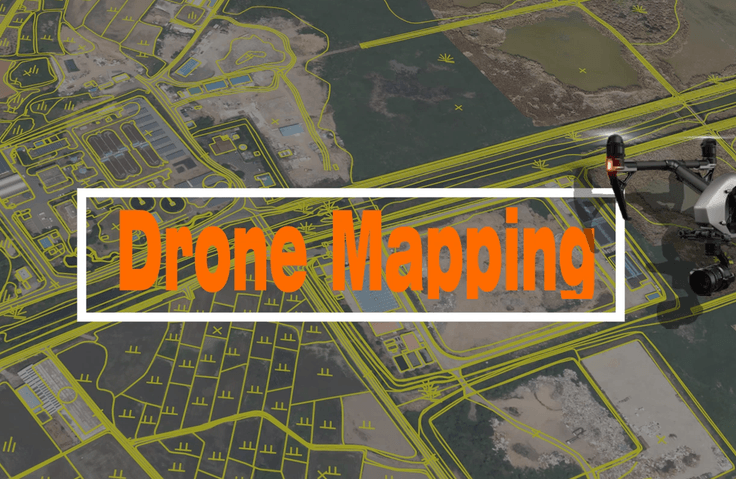
Now is the era of one drone per person!
We will be your guide to drone mapping.
We will select 150 people from those who register for the course and provide the 'Drone Mapping' book for free. After registering for the course, please leave your name, address, and contact information in the Google Form.
(Shipping costs are paid by the recipient, delivered cash on delivery.)
The era of one drone per person is approaching. However, the ecosystem that comprises drones is so vast that it's very difficult and complex to learn, and figuring out how to get started can feel overwhelming.
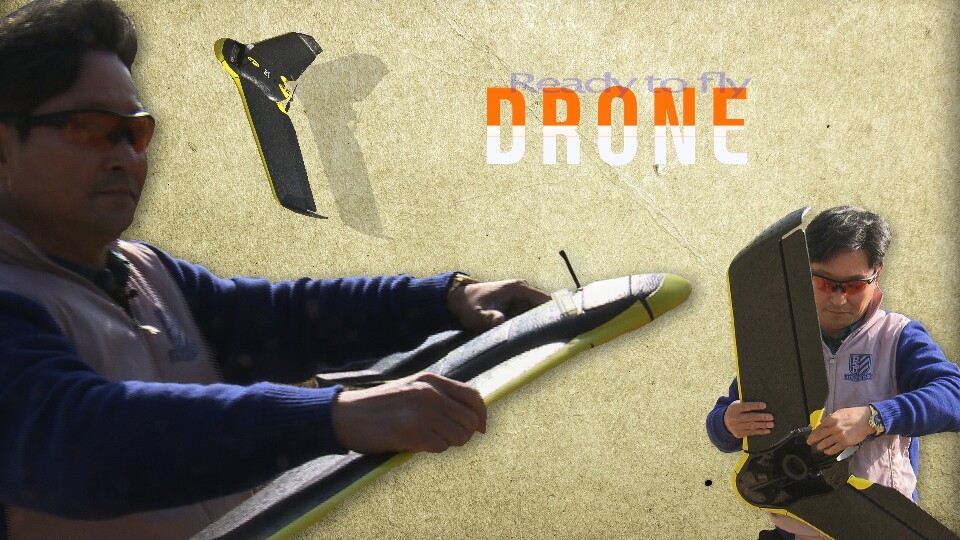
Nevertheless, the fields utilizing drones are expanding their scope day by day through convergence and integration. Are you worried about spending excessive economic and time resources through countless trials and errors while self-studying drones alone? If so, start with drones through this course. If you take this course, you can learn various programs and principles under the theme of Drone Mapping, and later find learning directions and application fields that suit you.
Are you interested in drones? Want to enhance your personal capabilities? Looking for another way to start a business or create something new?
This course will be a guide for you who are starting with drones.
By learning drone mapping, you will be able to create orthophotos based on GIS spatial information and drone-captured images, and produce digital topographic maps and GIS-related thematic maps.




✅ Introduction to Drones and Program Installation(Pix4D Mapper, QGIS, AutoCAD 3D, Google Earth Pro)
✅ Basic Geodesy and GIS
✅ Full-scale Drone Mapping Work
Q. Can non-majors take this course too?
Anyone interested in drones can take this course.
Q. What are the benefits of learning drone mapping?
You can acquire professional knowledge about drones to strengthen your personal capabilities, and through this, you can start a business/create projects.
Q. What programs are used in this course?
Google Earth, QGIS, Pix4D Mapper, and AutoCAD Civil are used.
Q. What motivated you to start this course?
I prepared this online course to minimize spatial and temporal constraints after seeing many people around me express frustration about the lack of learning paths for drone mapping.
Q. What sparked your interest in the drone field, and what are your future goals?
I became interested in drones as a way to prepare for an uncertain future and become a leader by learning about this core industry of the future ahead of others, in a process where we don't know how the future will change. Drones of the future will come into our lives in various forms. By applying and integrating drones through the most fundamental drone mapping, it will lead to a hopeful future.
💾 Please check your learning environment.
I'm watching it well! And.. I'm watching the orientation, and I found out that there are textbooks. How can I get them by any chance..?