Learn the main functions of the authoring tool to quickly and easily create and animate images used in emoticons. By creating emoticon results that are mainly used on SNS, we have increased practical usability.
Great class for beginners!! Please explain everything in detail.
What you will gain after the course
Adobe Photoshop CC
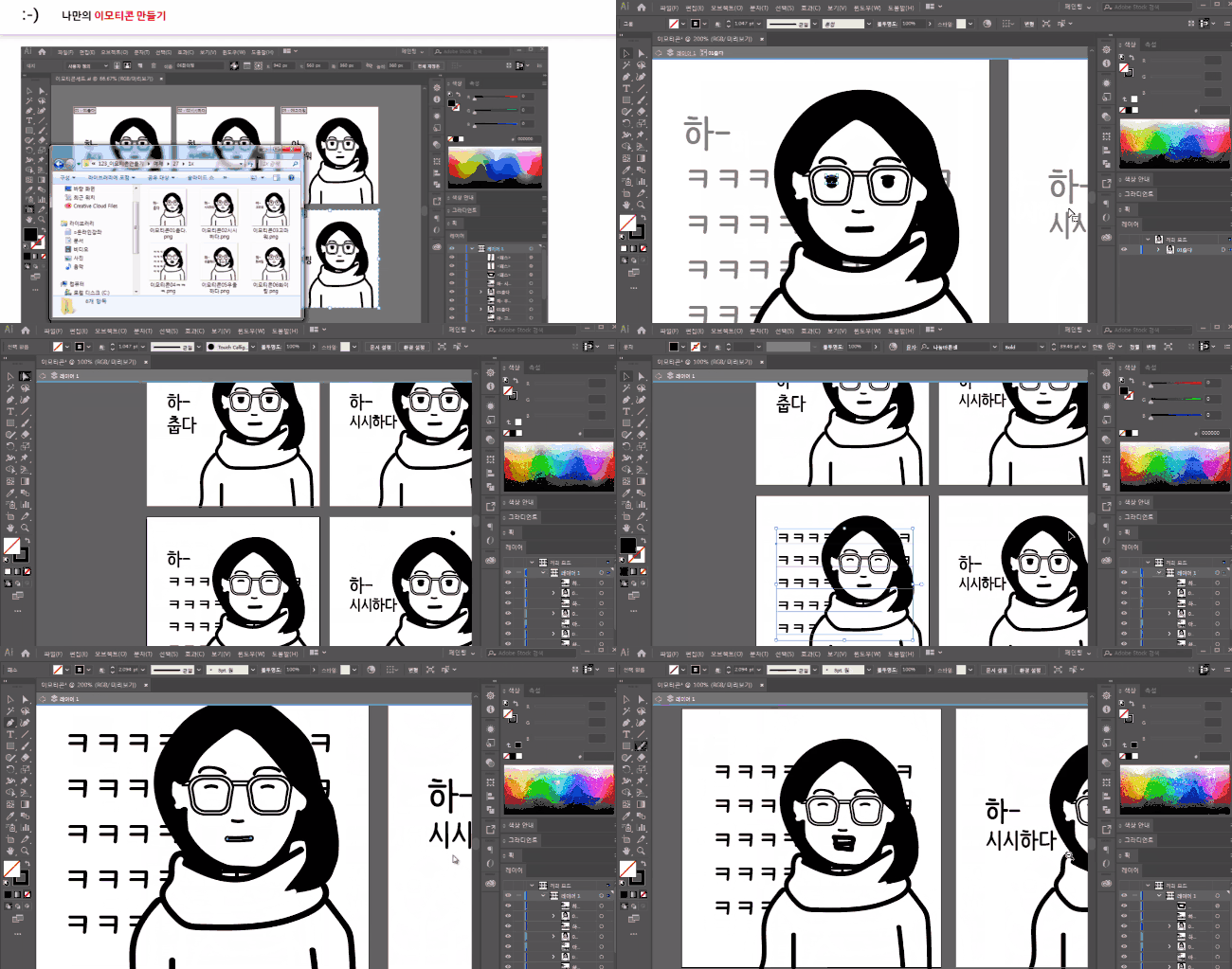
Adobe Illustrator CC
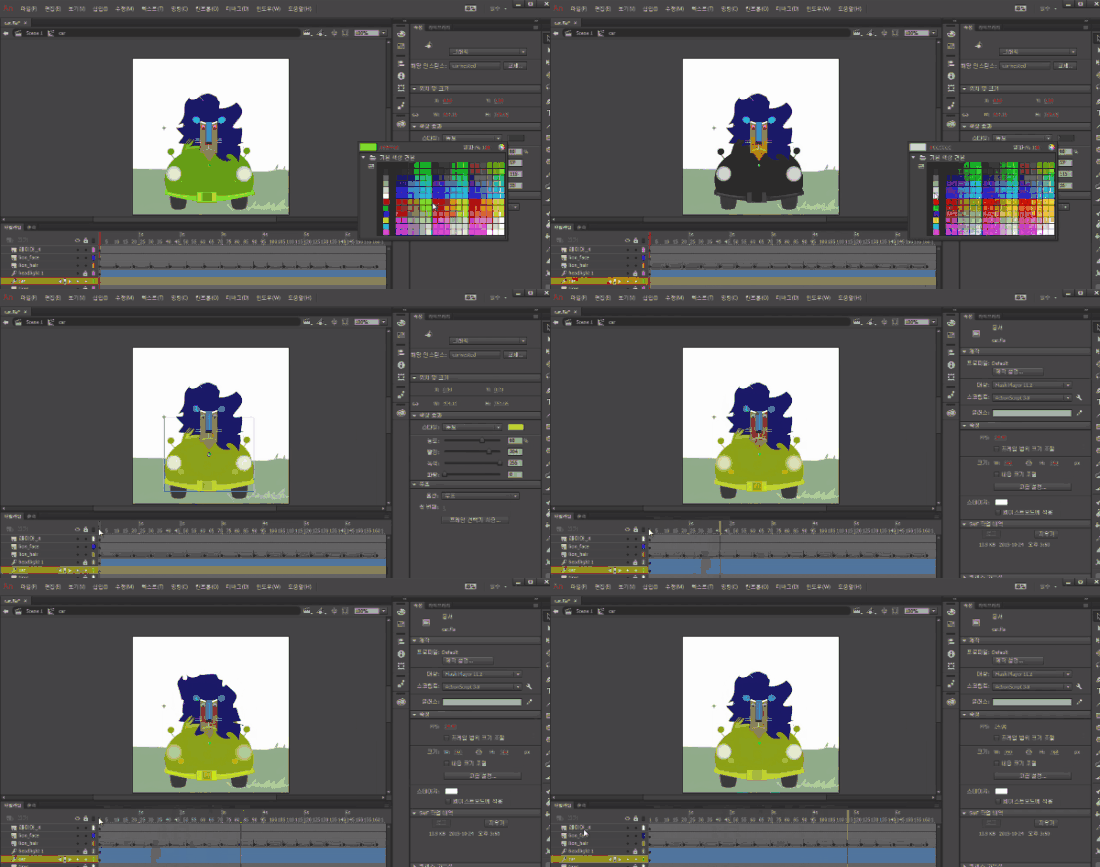
Adobe Animate CC
Create animated emoticons and simple animation skills
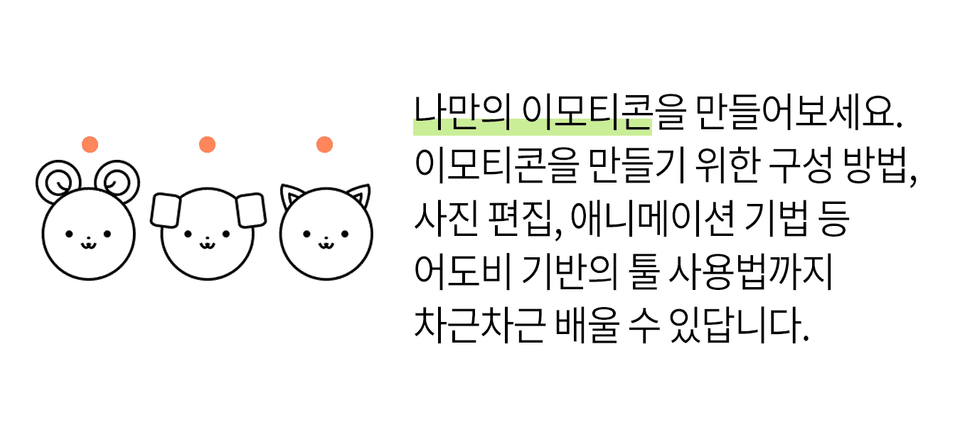
Create your own emoticons
Create emoticons using photos
Easily create emoticons with your own hands 🙈
🗒 Course Introduction
(Please note that this lecture does not provide instructor-assisted answers.)
KakaoTalk, Line, Telegram... We use messenger apps every day. That's how popular messenger emoticons are. The number of people who want to create and sell emoticons is increasing day by day.
This course is for those who want to create their own emoticons but don't know how to compose them. This is an emoticon creation course designed for those who have difficulty using graphic tools.
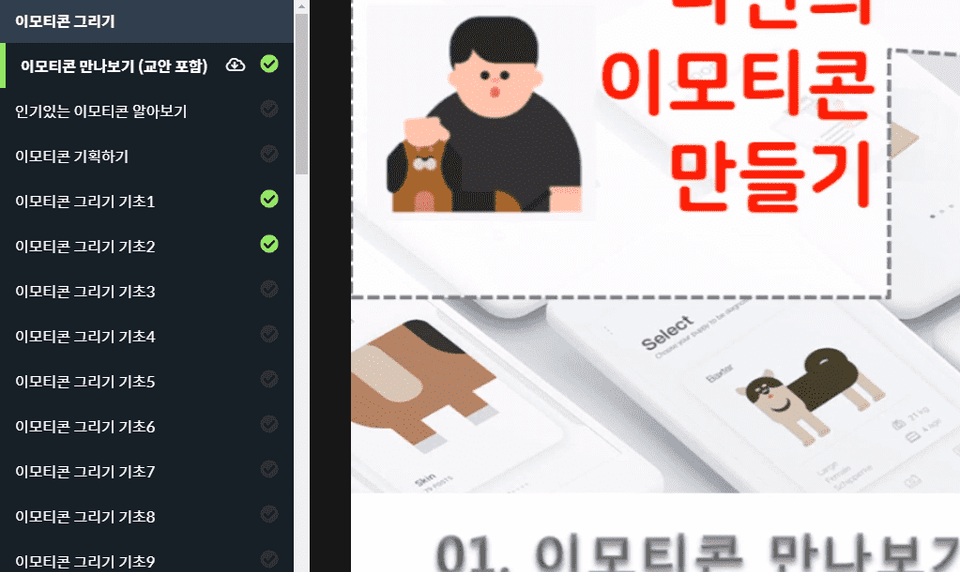
This course is designed to help you easily learn how to create emoticons using graphics and animation authoring tools. Additionally, after explaining the main theories through a textbook, you can practice creating emoticons that can be used on social media through a video.
🌈 You can make things like this!
🙌 Tools covered here
Adobe Photoshop CC
Adobe Illustrator CC
Adobe Animate CC
Adobe Creative Cloud
This course uses Adobe Creative Cloud (CC) 2019 , so we recommend that you have that version or higher. (At least CC 2014 is required.) You can download and use a free trial version from the official website. Official site link
🙋🏻♂️ Expected questions related to the lecture
Q. Can non-majors and beginners also take the course? A. This course is structured step-by-step, starting with the easy installation of Adobe CC tools. Anyone interested in creating emojis can take it.
Q. Are lecture notes included? A. Yes, you can download the lecture notes by clicking the cloud-shaped icon on the left tab while watching the lecture. The lecture notes are attached to the first lecture of each part.
Recommended for these people
Who is this course right for?
Anyone who wants to learn Photoshop and animation techniques to create emoticons
Anyone who needs their own emoticons but is not familiar with tools etc.
I am so glad I finally found this site. Thank you so much, Professor Cho Kyo-yeon. I happened to hear on TV that there was an emoticon writer, and I read a few books, but I couldn't figure out what to do and was lost. That's the problem of the 386 era. There was only a lot of information about the items, and I didn't know what was needed for production. I sincerely hope that my heart will be opened up a little after I finish this course.





![[Photoshop Revolution Broadcast] Photoshop Advanced Completion - Mastering the Pen Tool강의 썸네일](https://cdn.inflearn.com/wp-content/uploads/photoshop001.jpg?f=avif&w=420)


![[Photoshop Revolution Broadcast] Photoshop Basics Complete강의 썸네일](https://cdn.inflearn.com/wp-content/uploads/photoshop002.jpg?f=avif&w=420)


