inflearn logo

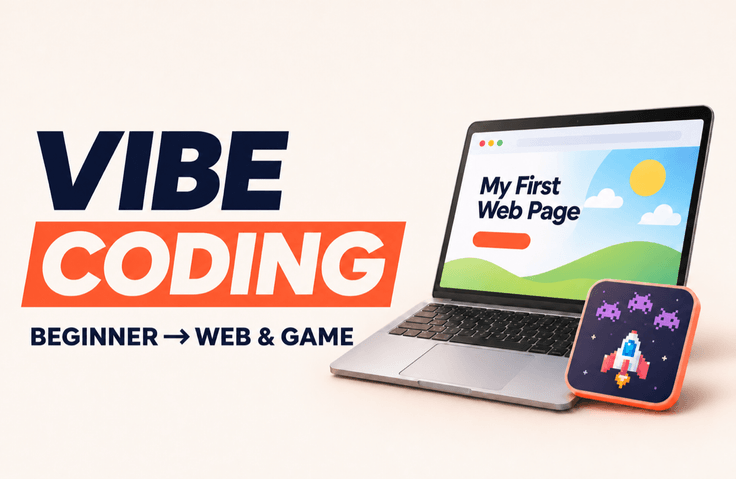
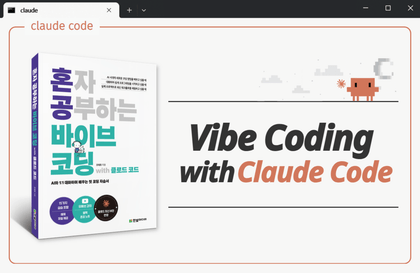
Vibe Coding for Beginners: From Installation to Building Websites and Games

From installation, basic terminology, terminals, and Markdown to web pages, e-books, and simple games. Step-by-step hands-on exercises for beginners.

1 learners are taking this course

Level Beginner

Course period Unlimited

markdown
markdown
Vibe Coding
Vibe Coding
markdown
markdown
Vibe Coding
Vibe Coding

What you will gain after the course

  • You can install the app and CLI and check where the working folder and output files are saved.

  • You can clearly tell the AI what you want it to do and when it’s done using basic commands and Markdown.

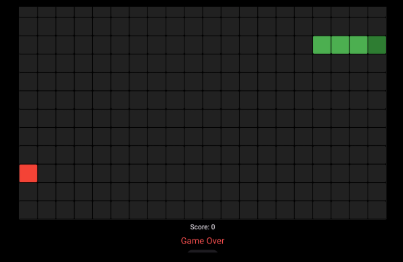
  • You can follow along, recreate, and customize a personal start page, a simple to-do tool, an EPUB mini-book, and a card-matching game.

  • You can practice reproducing errors, making partial fixes, restoring versions, and resuming work, and distinguish where local, cloud, and remote tasks are executed.

Recommended for
these people

Who is this course right for?

  • A beginner who doesn’t even know where to start—what to install or where to enter it.

  • Those who want to chat with AI and try making a small webpage or game themselves, and those who want to learn step by step how to find and check the output files and move on to the next task.

Need to know before starting?

  • No coding experience is required.

  • You’ll need a computer, an internet connection, and accounts for the tools you’ll use. The hands-on exercises are primarily based on Mac, with Windows instructions and official links provided where needed. Tool features and usage limits may vary depending on your account.

Hello
This is Kihong

Career Verified

Hello. I’m Kihong Kim (Kihong), and I share insights on telecommunications technology and global career experience.

Drawing on more than 25 years of experience in telecommunications at KT, AT&T, and Samsung Electronics America, as well as eight years working in the U.S., I make complex technologies and practical challenges easier to understand and work with you to find ways forward.

My areas of expertise include 5G system architecture and communications protocols, requirements definition and verification, and communication with global teams. I connect architecture diagrams to real-world workflows and aim to help learners apply what they learn to their own work.

For those preparing to work at U.S. Big Tech or tech companies, I offer one-on-one consulting based on more than 100 job interview experiences. Together, we review how to align your career experience with your target role, as well as your English resume, LinkedIn profile, and anticipated interview questions and answers.

I run Kihong Story Lab, where I create personal tools with AI and work hands-on in content creation and publishing. I also share my experience producing two books—a vibe-coding book and a novel—in multiple languages and distributing them on platforms including Amazon, Apple Books, and Google Play Books.

Drawing on my global patent experience, I had my NIW petition approved in just four months. After obtaining U.S. permanent residency, I gained eight years of hands-on experience in the U.S. I share what I learned from preparing and documenting my technical experience and achievements, and offer guidance on your possibilities.

Rather than simply sharing my experience, I aim to have conversations where we review your current goals and materials together and clearly define the next steps you can take.

I also share practical experience creating small tools with vibe coding to reduce repetitive work, then testing and improving the results.

More

Curriculum

All

29 lectures ∙ (2hr 42min)

Course Materials:

Lecture resources
Published: 
Last updated: 

Reviews

Not enough reviews.
Please write a valuable review that helps everyone!

Kihong's other courses

Check out other courses by the instructor!

Similar courses

Explore other courses in the same field!

25% off for new members

$57.00

25%

$77.00