


Introduction to UX Design for Beginners by a New York Product Designer
This is an introductory UX design course for non-majors who have never studied design, students who are just starting to study UX design, and job seekers in UX and UI design. We will "release" methods to become a UX, UI designer with solid fundamentals in a short period of time from a practitioner's perspective.


Why UX/UI Beginners/Job Seekers Must Master Responsive Design (Ft. Responsive Design Course Launch & Early Bird 50% Discount)
Looking at new hires or junior designers joining companies these days, I can see a few patterns. One is that they have basic skills and management capabilities regarding design systems, and another is that they have the ability to create responsive designs in Figma.
I think the reason is quite simple. Having this ability means you can be "deployed directly into the field". Conversely, if you join a company without design system and responsive design capabilities, from the company's perspective, they would need to invest a significant amount of cost and time to provide training, which is no small matter.
However, not all applicants possess this ability. In my experience, only a few had this capability. This means that if you develop this skill, you'll quickly stand out and have a higher chance of advancing to the interview stage.
That's why one of the things I strongly emphasize that UX/UI design beginners and job seekers should definitely acquire these days is responsive design. If you develop this skill, you can gain significant competitive advantage in the job market.
And if you're a junior designer or currently working in the field but don't know how to do responsive design, I highly recommend that you acquire this skill. This is because having this ability allows you to work much more efficiently and significantly improves communication effectiveness with developers.
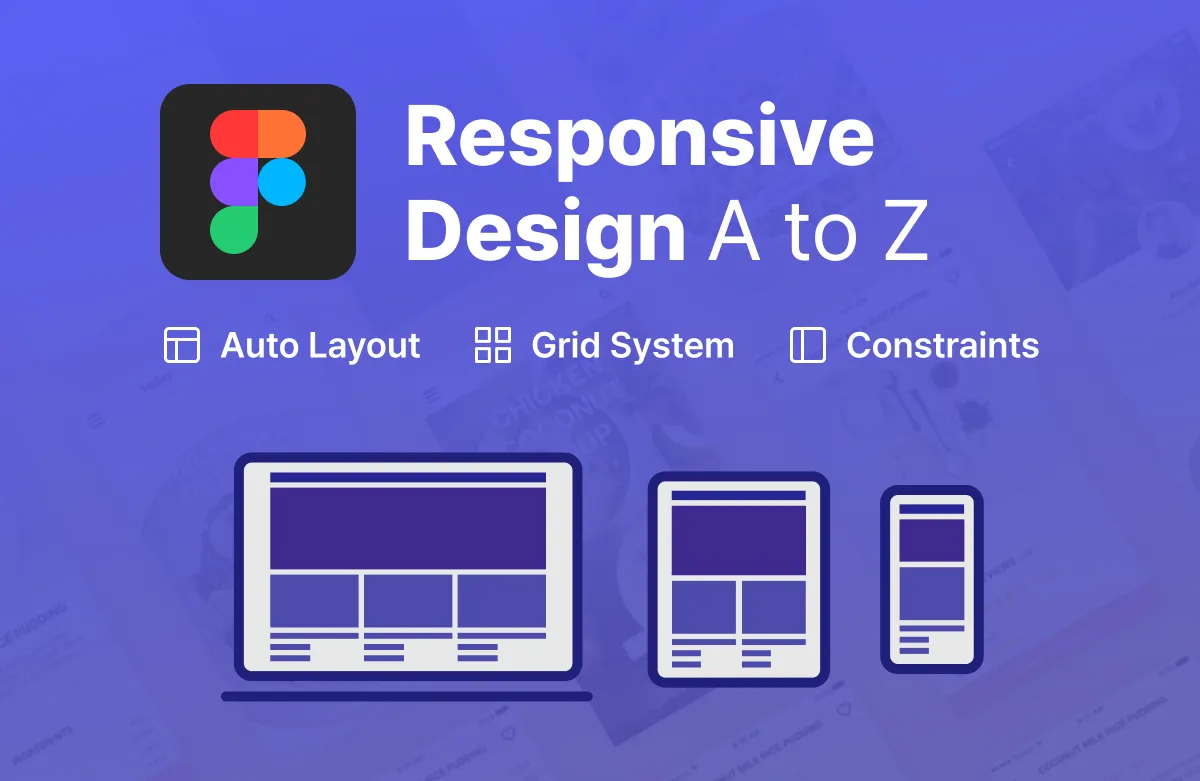
We're launching the "Complete Mastery of Responsive Design with Figma" course this week. (We're offering an early bird 50% discount coupon.)
Earlier, I mentioned the importance of responsive design. This week (around Wednesday), I'm launching a course that intensively covers responsive design, allowing you to directly create many things using Figma - from responsive apps to web, cards, components, and more. If you've been wondering what responsive design is and how to get started, this course will serve as a great starting point for you.
From basic concepts to hands-on practice, step by step, this course is designed to help you directly grasp the principles of responsive design using Figma and equip yourself with practical skills.
Key Concepts of Responsive Design Summarized
Understanding and Utilizing Auto Layout, Constraints, and Layout Grid
Composed of content frequently used in practical work
Master Both Responsive Web and Apps
If you're curious about the detailed curriculum and content of the course, please click this link to check it out.
✨ Early Bird 50% Discount Information and Application Form
For those interested in the course, we've specially prepared early bird benefits this time. If you participate in the simple survey at the link below, we plan to provide you with a coupon that allows you to take the course at a 50% discounted price when it launches.
>> Early Bird Registration (50% Discount): https://forms.gle/reSTKbdhMn1Yo6ni8
Those who want to receive the early bird discount benefit should apply by this Thursday (6th).
Thank you.