


Hello, students!
Claude’s new model, Opus 5.5, has been released, and we’re excited to share the news :)Have you ever worked with Claude Code, supplemented your explanations several times, but still failed to get the desired result and ended up finishing the task yourself?
With this model, it would be a good idea to have it tackle tasks that didn’t go well before and compare the results.
And the speed has become noticeably faster. I’ve also switched everything I was running on fable 5.1 at work over to opus 5.5, and it feels much smoother. The quality of the answers also feels clearer and cleaner.
There are three changes worth noting in Anthropic’s official announcement.
Improved performance on complex coding tasks: It is said to have improved on lengthy, multi-file tasks such as migrations that modify an entire codebase and large-scale code reviews.
Speed and cost improvements: Compared to Opus 5, output generation is reportedly more than 30% faster, and execution costs for typical tasks with the default settings have decreased by approximately 40%.
More readable explanations: It is said to have been improved to present important information first and explain the results and reasons for changes in an easy-to-understand way.
Official announcement link: https://www.anthropic.com/claude-opus-5-5
When trying it yourself, start with a task whose outcome you already know. Give it a previously fixed bug or a feature that took several requests to complete, under the same conditions.
Comparing whether the results are correct, how much intervention is needed along the way, and whether it explains the reasons for its revisions convincingly will help you assess how useful it can be in your work.
You could also redo the exercises from the course using Opus 5.5. Try applying the process of organizing requirements, defining the scope of the work, and verifying the results as well :)
Then, I wish you all the best on your learning journey.
Thank you!Hello, the Claude Code course has been updated with a lesson exploring Superpowers!
Have you ever experienced something like this?
I asked Claude to build a feature, but it started writing code before even properly clarifying the requirements. It skipped the tests too, and at the end it said, “It’s complete,” but when I checked, there were missing pieces.
Each time, I have to say again, “Make a plan first,” “Test it too,” and “Check that it actually works.”
Superpowers is a project that organizes the development process into skills. It guides you to ask first, design, make a plan, test, and verify.
It may sound like something complex and technical just from the name, but the key components we’ll examine this time are several skills and a single SessionStart hook that we’ve already learned about. You may have wondered how the skills and hooks we learned earlier are actually used in open source projects. This time, we’ll open up Superpowers itself and examine the role each element plays.
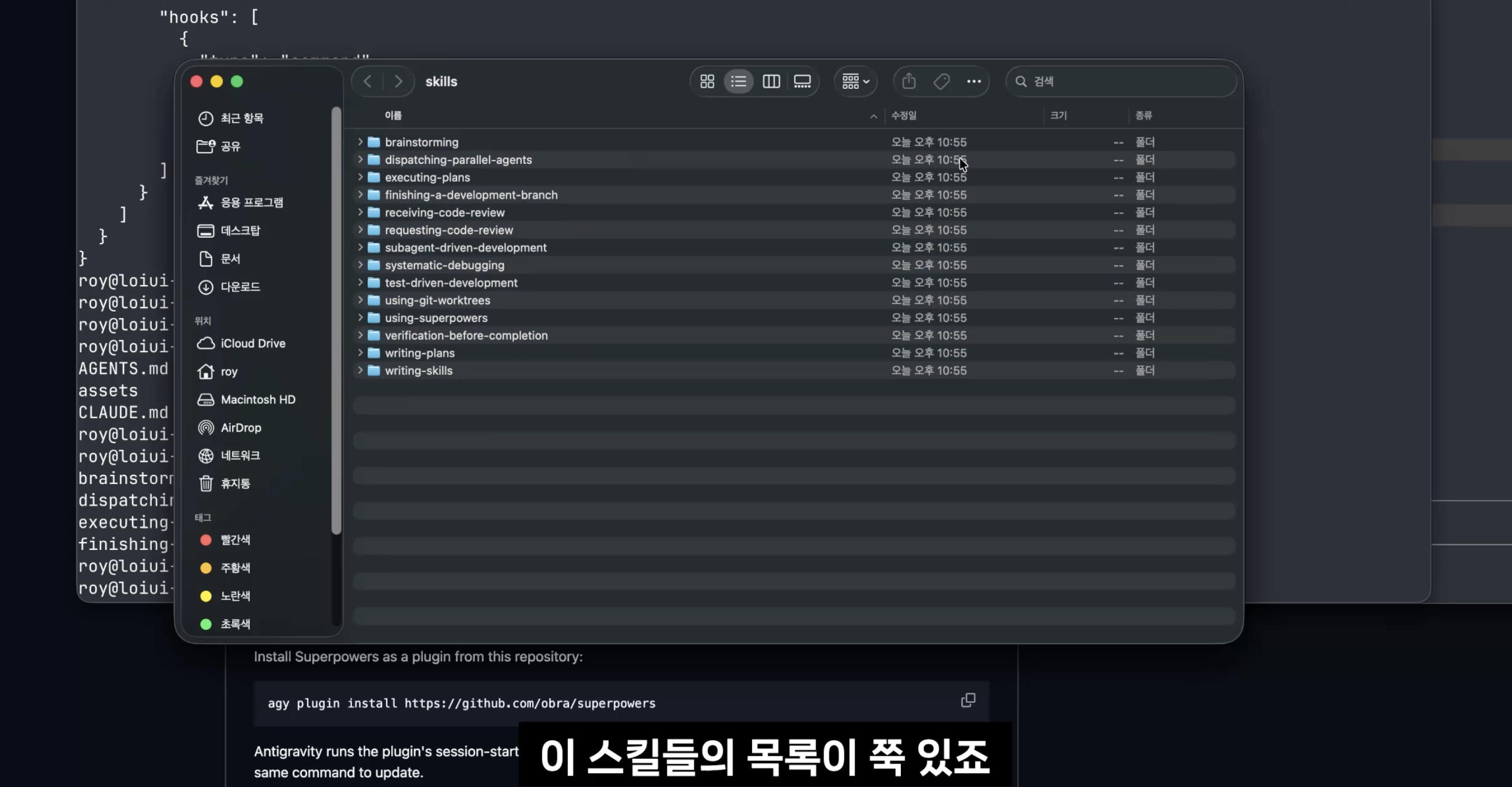
[Screenshot - Superpowers skill folder structure]
The skills describe how to work step by step, while the hooks add instructions to check the relevant skills first when a session begins.
The key point is this: even when using the same model, the way it works can differ depending on what instructions you give it, when you give them, and the order in which you have it work.
In this lecture, we’ll explore the following topics.
The Role of the Skills That Make Up Superpowers
Instructions added by the SessionStart hook at the start of a session
The software development process from questions and design through testing and validation
If you’ve learned about skills and hooks and wondered, “So how should I combine these?”, this course will provide a concrete example.
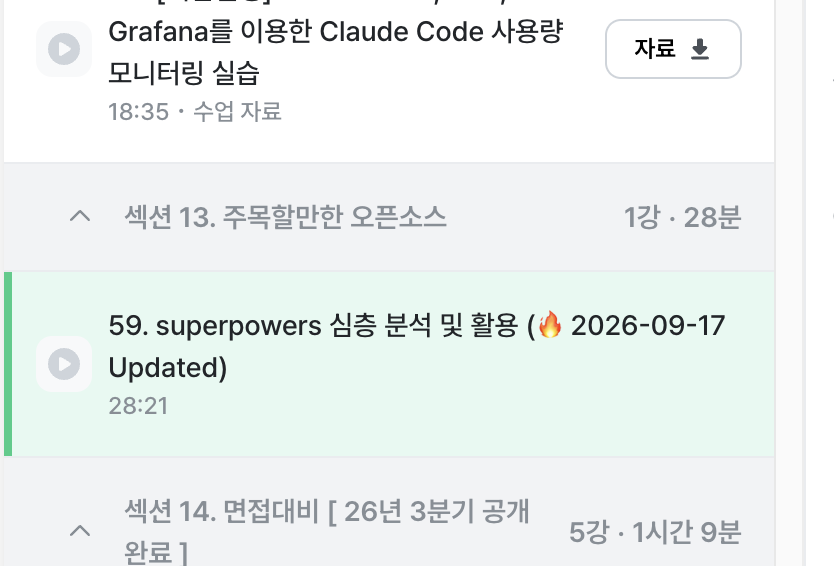
[Screenshot - Superpowers course list]
Give it a listen, and see if you can find parts to apply to your own work :)
We’ll continue exploring how real-world open-source projects use the features we’ve learned.
I’ll be cheering you on throughout your learning journey.
I look forward to bringing you more useful news next time.Thank you.
Hello, a lecture covering Claude Code commands has been updated in the Standard Guide to Claude Code! 😀
Since it covers almost all commands, the volume has increased significantly, leading to the creation of an entirely new section. (As a result, the subsequent sections have been pushed back by one.)
Section 2. Claude Code Core Commands
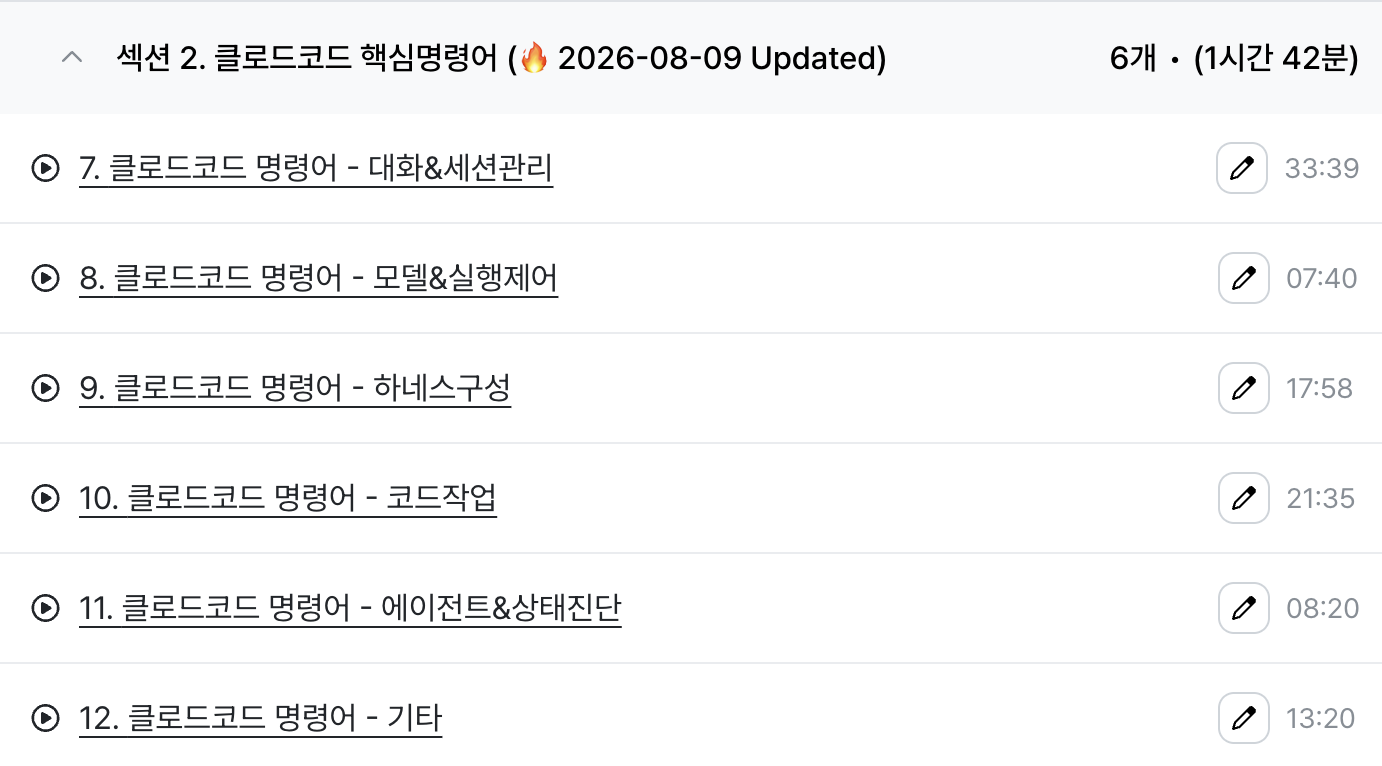
Approximately 1 hour and 40 minutes of content has been added, and the latest updates as of August 2026 have also been reflected. In the lecture, we will practice by running key commands together in the terminal. (& All were filmed using the latest version)
You might be worried about whether you need to memorize all these commands, but of course, you don't have to memorize them all. I have specifically pointed out the commands I frequently use in practice, so please refer to those sections.
I have also attached the lecture materials as a PDF file, so please feel free to download and use them!
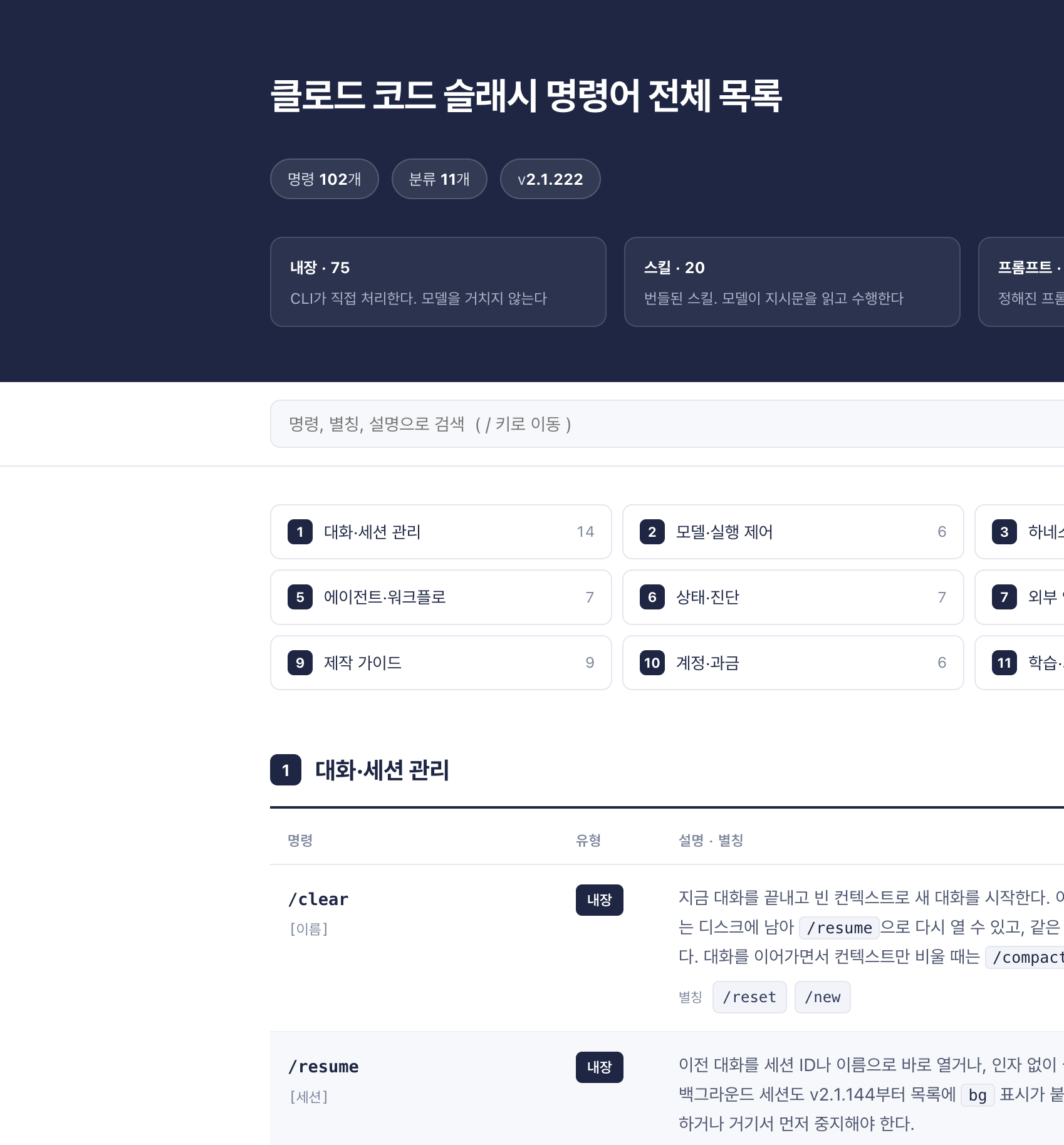

In addition, Claude Code is currently undergoing rapid changes. To prepare for these fast-paced developments, I plan to use Claude Code in practice every day to research and share standard, effective methods.
So, with the standard practices of Claude Code, I will continue to support your learning journey and return with more helpful update news.
Hello! The "Mastering Claude Code" course has been updated with the Advanced Feedback section on Telemetry Monitoring!
This section covers the essentials for transitioning Claude Code from a personal tool to one used by a team or organization. This falls under the domain of observability, which involves transforming the logs streaming on your personal screen into queryable data for the organization.
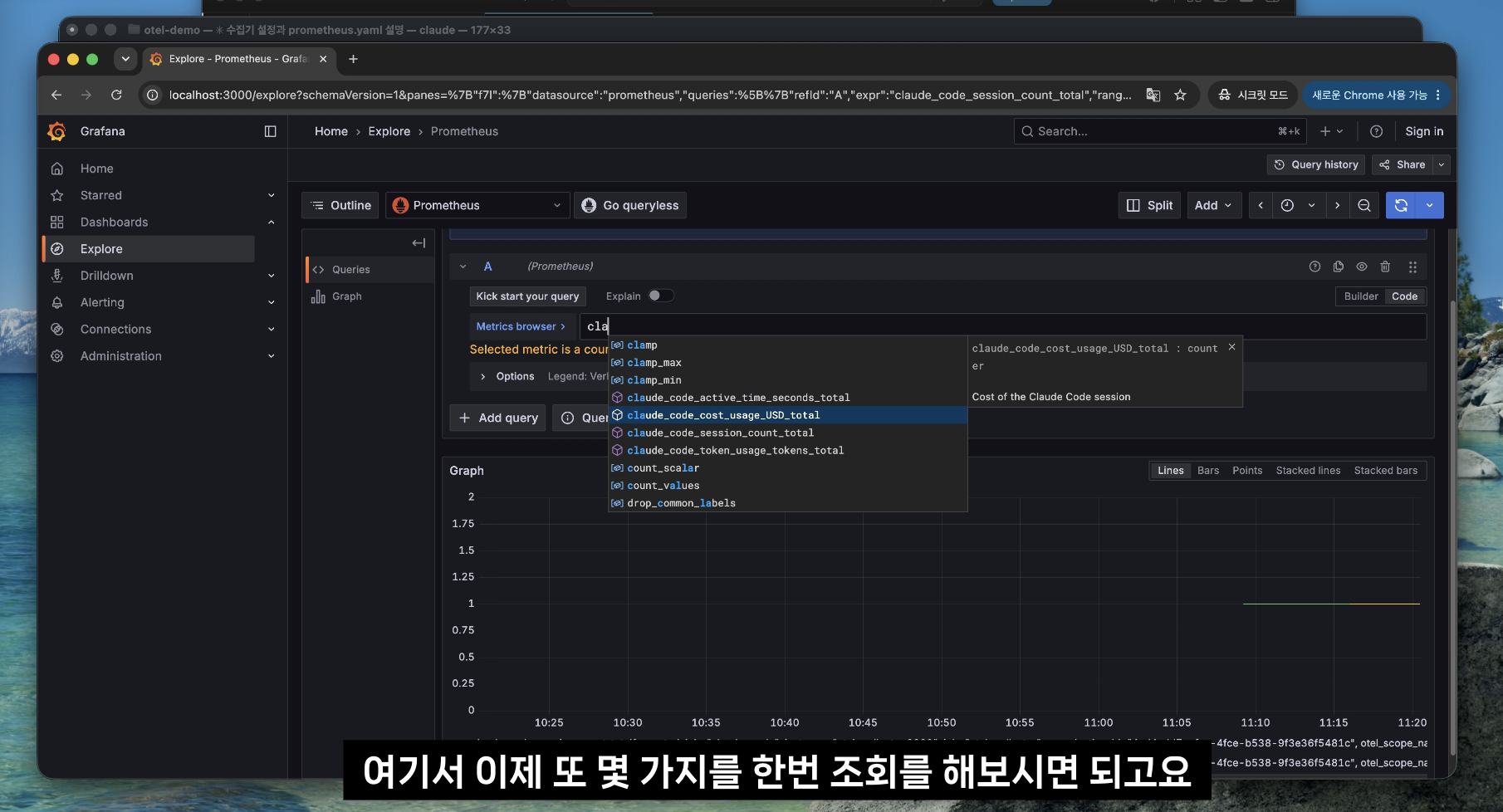
This update includes the following three lectures.
OTel Concepts and Ecosystem
Enable Claude Code Telemetry
Collection Stack Hands-on - Setting Up otel-collector, Prometheus, Grafana, and Loki with Docker Compose
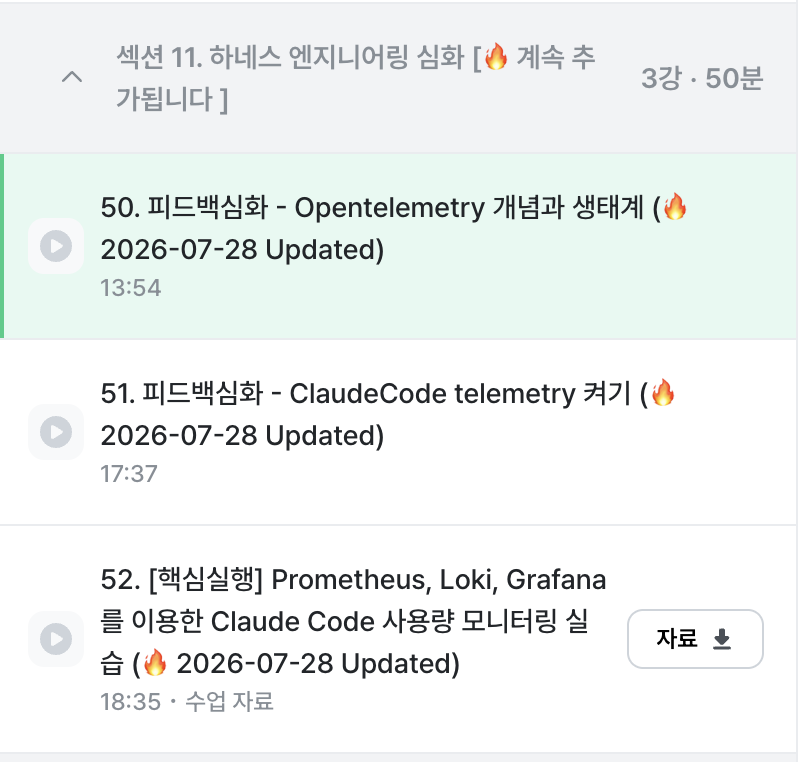
The final lecture includes the hands-on materials. It contains the docker-compose.yml and configuration files for the collector, Prometheus, Loki, and Grafana, so all four containers spin up with just a single command. You can use it to verify the overall setup on your local machine before integrating it into your company's environment. All you need is Docker Desktop running.
Give it a try, and when adopting it for your team, use it to help establish criteria for how much data to collect :)
Then I'll be cheering you on in your learning journey!
I'll be back next time with more useful updates.
Thank you.
Hello, a new section "Interview Preparation" has been updated in the Standard of Claude Code!
Have you ever experienced this? That feeling of being lost and not knowing what to believe or how to prepare after hearing things like, "AI will replace junior developers," "They don't look at algorithms anymore," or "It's okay to use AI during interviews these days."
However, we must first clear up one of the biggest misunderstandings here.
When it comes to interviews in the AI era, it is easy to assume that you need to "show off a flashy command of AI tools." However, flaunting your tool proficiency can actually act as a negative signal.
What companies look for is how you OO the results produced by AI, OO them, and OO those decisions yourself.
The updated content is a lecture covering how developer recruitment is changing in the AI era and what you need to prepare.
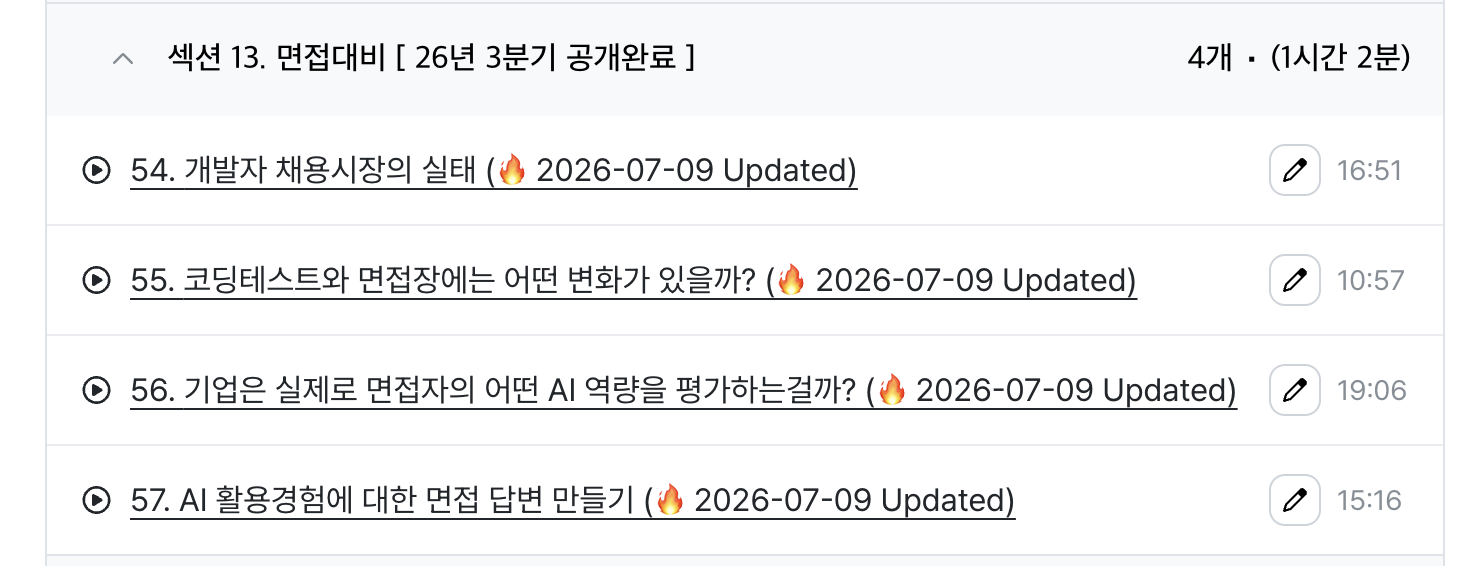
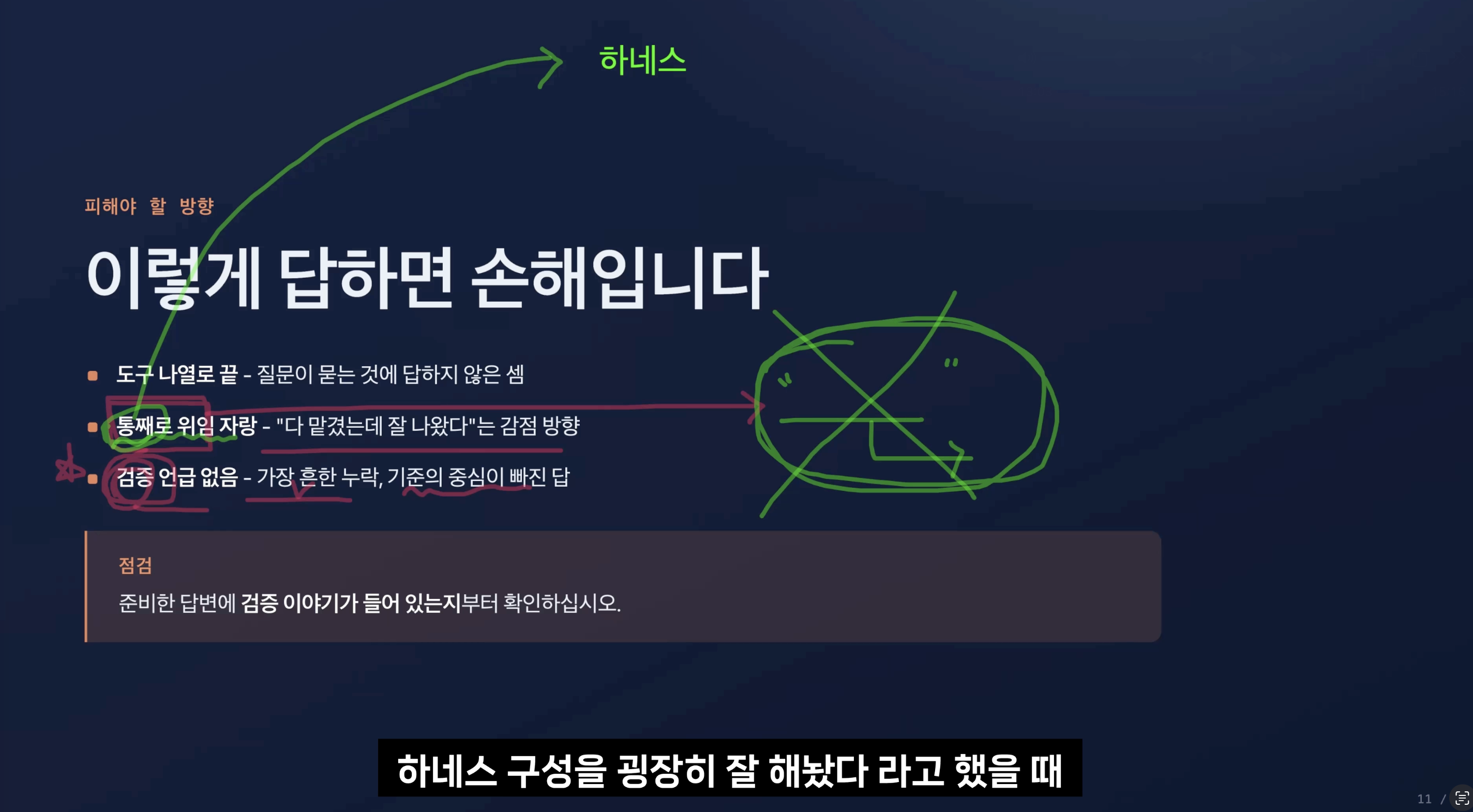
(I may provide additional updates for interview preparation at a point when I deem further updates are necessary.)
Please give them a listen and try applying them to your actual interview preparation :)
I will be back with more practical lecture updates.
Thank you.
Hello, the second series of the Claude Code practical tips lecture has been updated!
This topic covers Claude Code's new Agent View feature. I have summarized how to work in parallel by gathering multiple Claude sessions on a single screen.
I've tried various tools to run multiple sessions at once, but after switching to Agent View myself, I've put together some practical insights on which situations actually speed up your workflow and what points you need to be careful about.
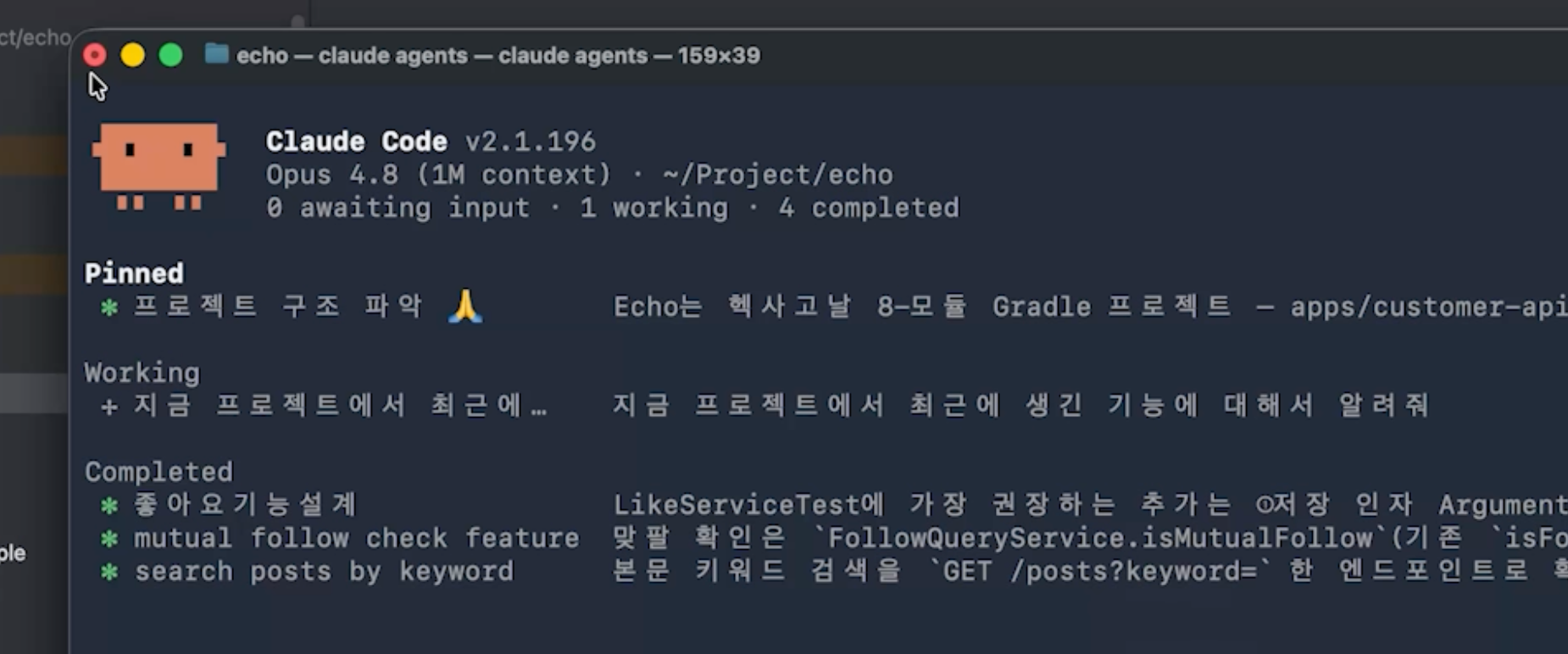
(Practice screen within the lecture)
Have you ever experienced this? When using Claude Code, you eventually reach a moment where you think, "I wish I could run several of these at once." You want to have one instance fixing a bug, another reviewing a PR, and yet another investigating a failing test. So, you open two, three, four terminal tabs. Before you know it, this happens: Which tab was finished? Which one is waiting for my response? Is this tab still running or has it stopped? You end up clicking through the tabs one by one to check.
Agent View eliminates that tab switching. It lines up all active sessions row by row and shows you what's in progress, what's waiting for you, and what's finished, all on a single screen. Just one claude agents command opens that dashboard.
But first, we need to clear up one misunderstanding.
It is easy to perceive Agent View as simply a "screen where you can view multiple sessions at once." However, the real core is not the screen itself, but the fact that it changes the way we approach work.
In the past, when I gave Claude a task, I would sit in front of that chat and wait until the answer arrived. Work progressed one at a time, and only while I was physically present. Agent View flips this. You can assign tasks to multiple sessions, let them run on their own, and then simply handle the ones marked "Input Required" in the list like notifications. The sessions don't stop just because you leave. The unit of work shifts from "a single conversation I'm tied to" to "multiple sessions running independently."
I have updated two lectures where you can experience both theory and practice. Please give them a listen and try applying them to your actual work :)

+As a side note, the Agent Teams Operation Manual lecture, which was scheduled for update within June, has also been updated!
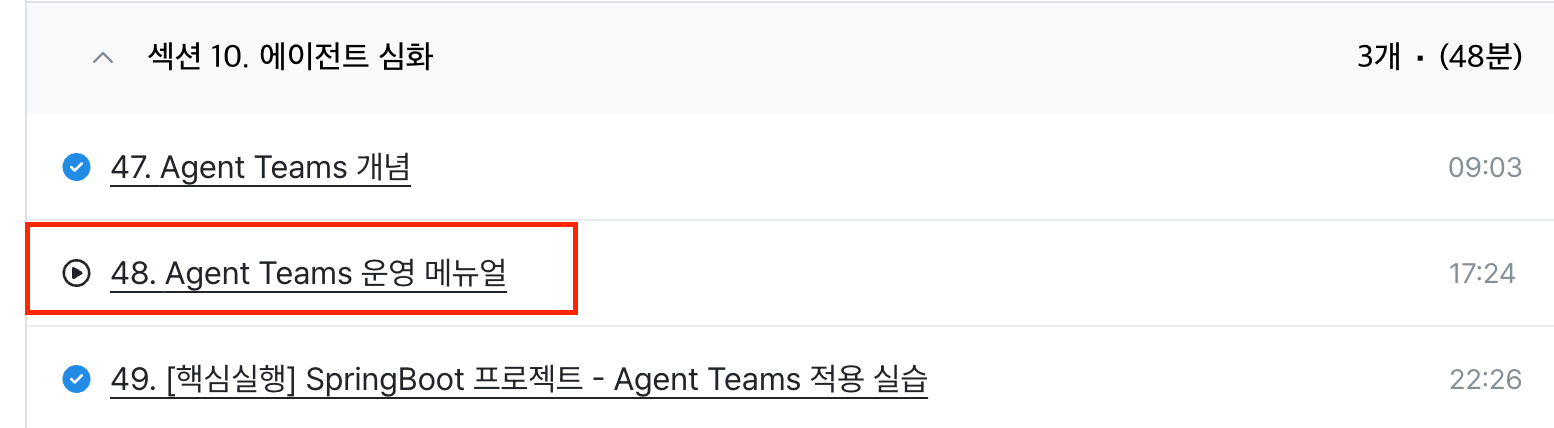
I will be rooting for your learning journey.
I will be back with more helpful news next time.
Thank you.
