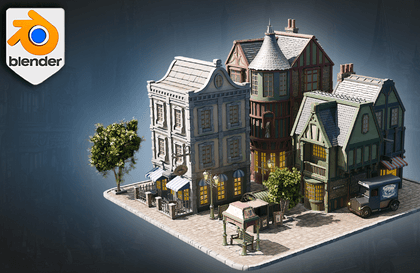
Blender 4: The Ultimate Environment Artist's Guide
3D Tudor
$19.80
Beginner / Blender, 3d-modelling
5.0
(1)
From Concept to Render: Master Environments in Blender 4

Beginner
Blender, 3d-modelling

For beginners who felt overwhelmed by getting started with complex 3D, we’ve opened the most reliable and intuitive Blender starter course—one that takes you from start to finish in a single Scene. Moving beyond the tedious approach of simply listing tool functions, this course draws on hands-on jewelry CAD experience and self-taught expertise to guide you step by step, from basic controls to texturing and atmospheric lighting. Following a curriculum proven in offline classes, you’ll create your own single scene as a fully realized 3D environment, experience the thrill of turning your imagination into a work right before your eyes, and gain the confidence and momentum to keep learning 3D on your own!
8 learners are taking this course
Level Beginner
Course period Unlimited
Acquire at least 7 core functions necessary for modeling
Scene composition skills
Basic Texturing
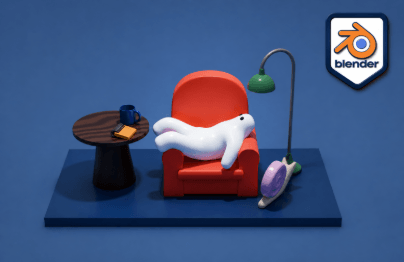
Opening Blender for the first time can feel overwhelming. Rather than difficult theory, this course focuses on the 'experience of completing something first' . You’ll create a cozy room with a small character sitting back on a sofa. By building this small scene yourself from start to finish, you’ll learn the fundamentals of 3D modeling through hands-on practice.
Practice over theory: Learn the basics of modeling by creating a complete scene
From the perspective of someone who started learning on their own: Because the curriculum was created from that perspective, it highlights in advance the points where beginners are likely to get stuck.
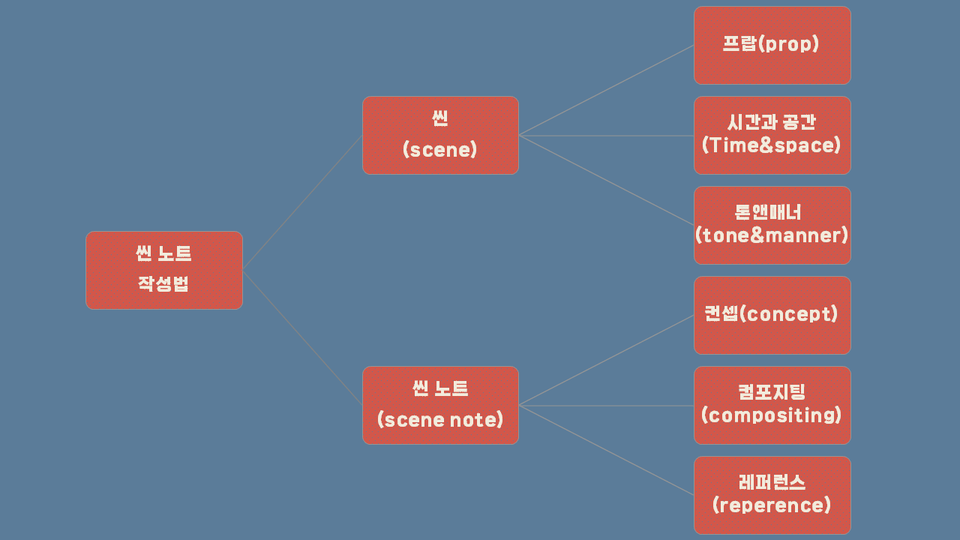
Before starting a project, learn how to gather references and organize the concept, composition, and tone and manner.
Instead of turning on Blender and diving in without a plan, develop the habit of drawing the finished image first before you begin.
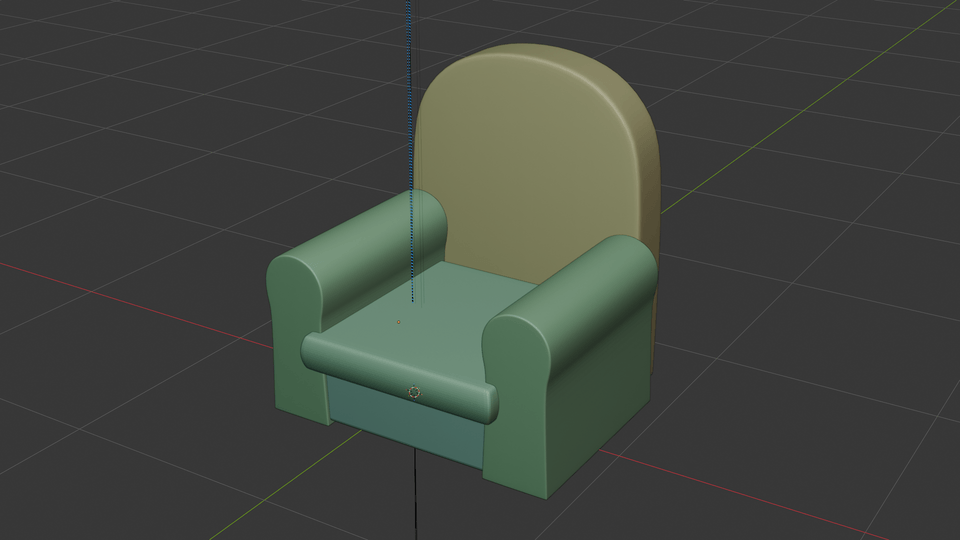
Learn the core Blender modeling tools—extrude, bevel, loop cut, inset, mirror, subdivision surface, and more—one by one through hands-on practice.
Practice until the skills become second nature by creating everything yourself, from the character’s body to the sofa and props.
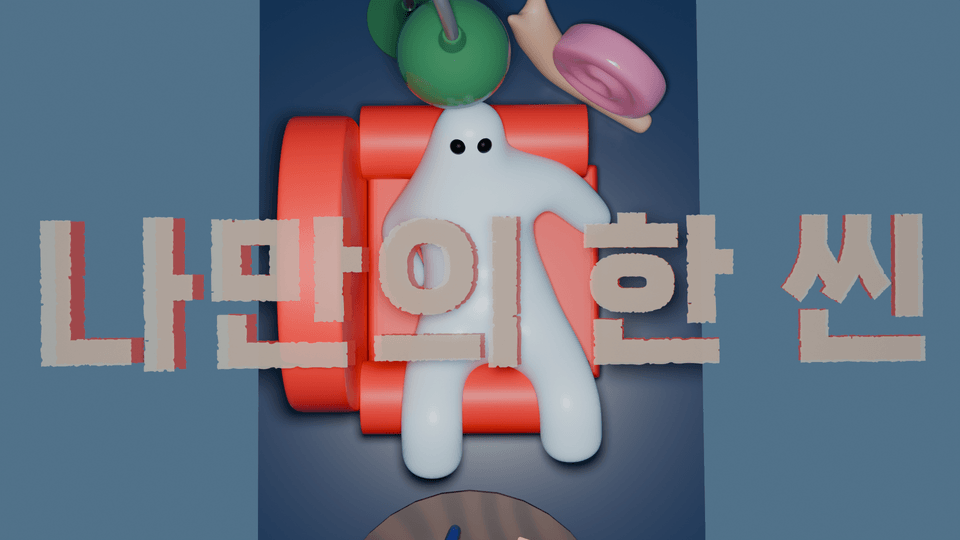
This is the final step, where you put all the skills you’ve learned so far to use, refining the lighting, composition, and details to complete 'the small world I created'.
Master the absolute basics of Blender, from downloading the program to basic操作
The easiest introductory course to finish with a complete scene
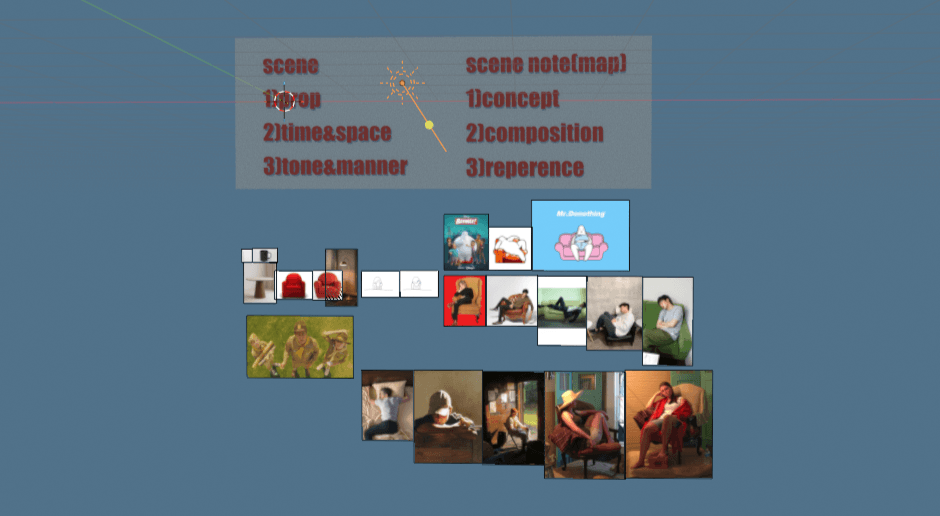
(1) How to write a scene note
Before starting a project, learn how to gather references and organize the concept, composition, and tone & manner.
Instead of opening Blender right away, you’ll develop the habit of first sketching the finished image before you begin.
(2) Basic Modeling
Practice and master Blender’s core modeling features one by one, including extrude, bevel, loop cut, inset, mirror, and subdivision surface. Build everything yourself—from a character’s torso to a sofa and props—to make the techniques second nature.
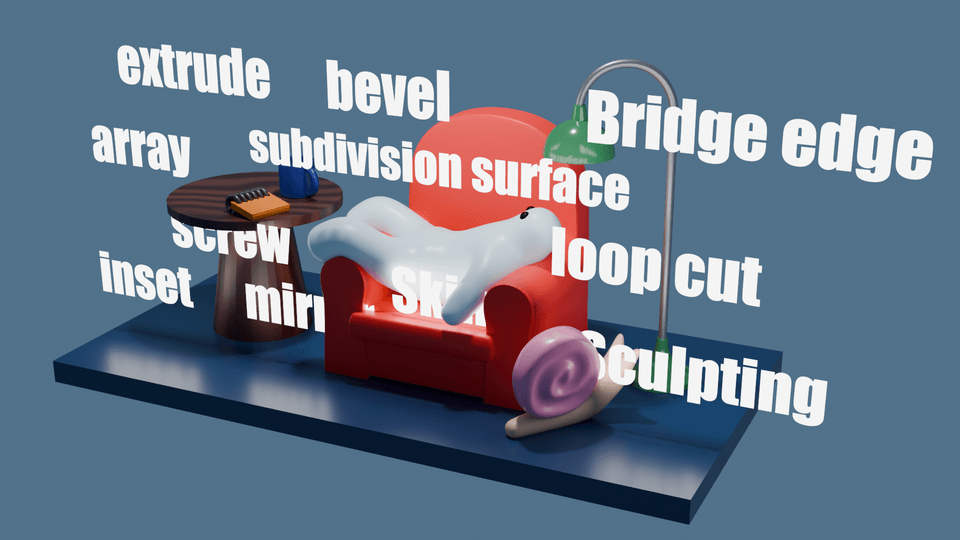
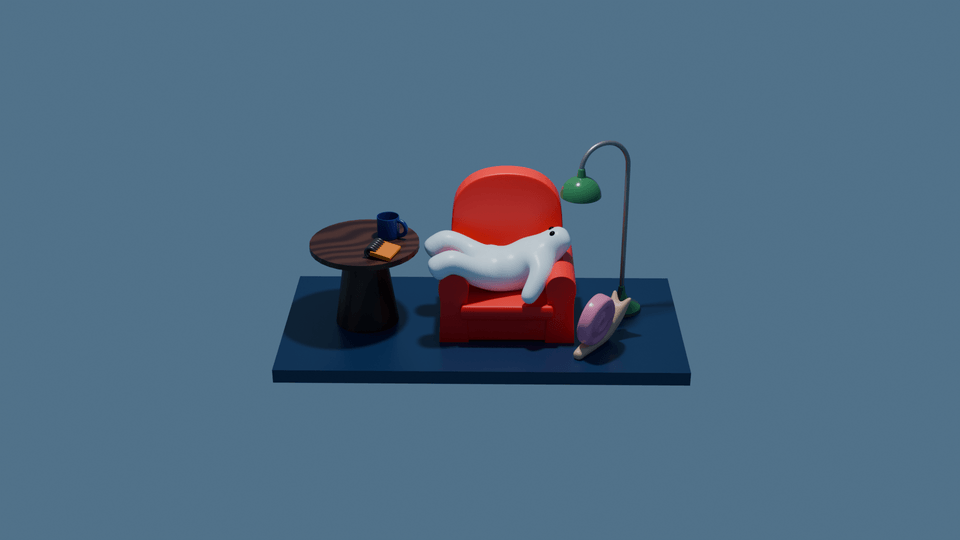
(3) My Own Scene
Use all the skills you’ve learned so far to complete a finished scene. Refine everything from the lighting and composition to the details—this is the final step in completing “the little world I created.”
Operating system and version (OS): Windows 10/11 and macOS are both supported (based on Blender’s supported operating systems)
Tools used: Blender (free; the latest stable version is recommended) / No additional paid add-ons required
PC requirements: 8 GB of RAM or more; a dedicated graphics card or better is recommended (this is not high-end work, and practice is possible on a standard office laptop)
Example files and reference images used in the course are provided.
Step-by-step screenshots/checklists included to make it easy to follow the exercises for each section
It’s okay if you’ve never used Blender before. We’ll start together with installing the program.
Experience with 3D tools such as Maya or ZBrush may help you follow along more quickly, but it is not required.
Since this is a hands-on course, we recommend opening Blender and following along as you watch the lectures.
The copyright for the course materials and videos belongs to the creator, and unauthorized distribution or resale is prohibited.
If you have any questions, please leave them through the Q&A, and we’ll check them and get back to you.
Who is this course right for?
Beginners or self-learners who want to learn 3D but feel overwhelmed and can’t even get started
Those who want to bring their own characters or a scene from a fairy tale to life as a three-dimensional 3D animation.
For those who want to complete an actual 'piece of work' from start to finish, rather than taking a course that ends after merely learning the tool’s functions
Need to know before starting?
Since this is a very basic course, no prior knowledge of Blender is required.
All
14 lectures ∙ (5hr 8min)
Course Materials:
Explore other courses in the same field!
25% off for new members
$42.70
25%
$62.70
![[Beginner] Learn how to create 3D animated videos with no-code using CreateStudio3, even if it's your first time [Super Easy]Course Thumbnail](https://cdn.inflearn.com/public/files/courses/340594/cover/01kfwdvk88zkg41ewrb9tg73xa?w=420)