
[Qt/QML Basics Part 1] Cross-platform App Development Learning through C++ Integration and Signals-Slots

You can get started with desktop app development using Qt QML and C++. This course focuses on development targeting the Windows operating system. Development is also possible on macOS using the same methods.

(4.7) 13 reviews

112 learners

Level Beginner

Course period Unlimited

Hybrid App
Hybrid App
C++
C++
GUI
GUI
Qt
Qt
QML
QML
Hybrid App
Hybrid App
C++
C++
GUI
GUI
Qt
Qt
QML
QML

Reviews from Early Learners

4.7

5.0

jeong9032

24% enrolled

There were few lectures on QML, so I was struggling, and this lecture helped me get started quickly. The information you provided as a bonus was also a great tip. :) Thank you for the great lecture!!

5.0

다중언어GUI

100% enrolled

Thank you for the great lecture!

5.0

개린이 :)

12% enrolled

I think this is the most friendly lecture I've ever heard! The explanations are well organized and the content is applied to practice right away, so even a complete beginner like me had no trouble understanding! I felt like I was gradually accumulating knowledge, so I felt less burdened. Thank you so much for the great lecture! :)

What you will gain after the course

  • From Qt6 Project Creation to UI Development

  • Application software development using Qt QML and C++

  • App development through UI and data model configuration

Lecture Topic 📖

  • Through this course, participants will learn how to create user interfaces using Qt and QML, and how to implement business logic with C++.
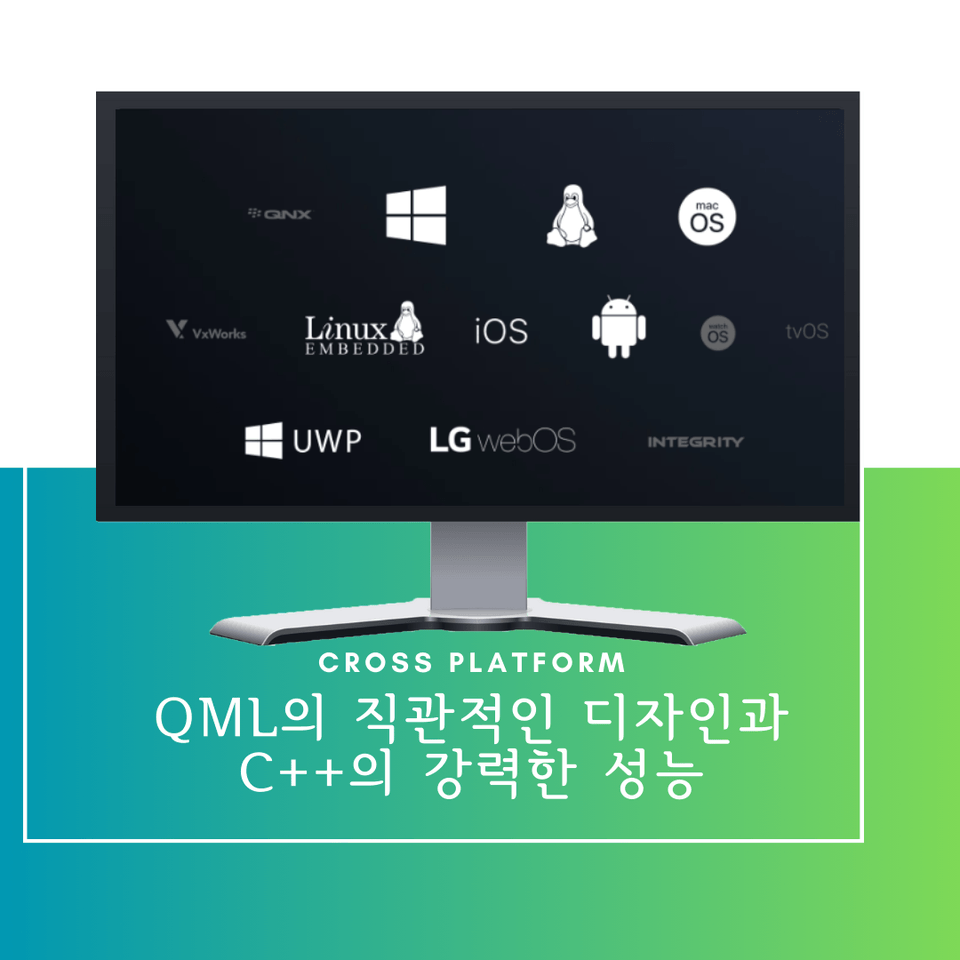
  • Students will gain the ability to create applications that can be used across various platforms, ranging from mobile apps to desktop applications and embedded systems.
  • I created this course while studying the Qt framework to provide an introductory guide that could be of some help to future Qt beginners.


Target Audience / Course Objectives 🙆‍♀️

  • Qt and QML are powerful cross-platform development tools.
  • "Qt QML and C++ Application Development for Beginners" is designed for developers who want to use these technologies to create applications with stunning user interfaces and robust business logic.
  • This course provides a comprehensive curriculum covering everything from the basics of GUI development to data modeling and business logic processing with C++.

Target Audience as Defined by the Instructor

  • Students who want to learn quickly for use in projects using QML
  • Students who want to get started with cross-platform app development using C++

Course Features ✨

  • Practical Curriculum: Through lectures that harmoniously combine theory and practice, you can acquire knowledge and skills that are immediately applicable in real-world development environments.
  • Step-by-step approach: You can build your knowledge systematically by learning step-by-step, from basic concepts to advanced techniques.
  • Rich Examples and Practice: You can deepen your understanding by immediately applying what you've learned through various examples and hands-on exercises.

What You Will Learn 📚

  • The "Introduction to Application Development with Qt QML and C++" course covers everything from the basics of the Qt framework to QML UI composition, C++ integration, and functional implementation.
  • Students will acquire the fundamental skills and learning strategies necessary for practical work, such as GUI development, business logic implementation, and staying updated with the latest information.

Expected Q&A 💬

  • Q: Qt와 QML을 배워야 하는 이유는 무엇인가요?
    • A: Qt and QML are powerful and flexible cross-platform development tools that allow you to create applications that run on various platforms with a single development cycle. Furthermore, they enable excellent user interfaces and efficient development processes.
  • Q: 이 강의에 필요한 사전 지식이 있나요?
    • A: Having basic programming knowledge (Object-Oriented Programming, C++, UI/UX) is helpful, but we explain everything starting from the basic concepts so that even beginners can understand.
  • Q: 강의 수강 후 실제 프로젝트에 바로 적용할 수 있나요?
    • A: Yes, the course covers examples and hands-on exercises similar to real-world projects, so you can apply what you've learned to actual development projects immediately after completing the course.

Notes before taking the course 📢

Practice Environment

  • Windows 10 or higher
  • Qt 6.6.0
  • MSVC 2019 C++

Prerequisite Knowledge and Important Notes

    • If you have any questions during the lecture, you are always welcome to ask. Active participation leads to better learning outcomes.
    • If you have a grasp of object-oriented (especially C++) concepts, you will be able to understand more quickly.

Recommended for
these people

Who is this course right for?

  • Those who want to quickly learn Qt QML for use in projects

  • Those who want to create cross-platform apps based on C++

Need to know before starting?

  • C++ Basic Syntax

  • Object-Oriented Programming

Hello
This is codebridge

Inflearn Verified

Career Verified

1,581

Learners

134

Reviews

32

Answers

4.8

Rating

16

Courses

I share knowledge by combining the know-how gained through direct challenges with new trends.

Experience

  • Master's program in AI in Silicon Valley, USA

  • Developer at a major domestic IT corporation (6 years+)

  • Currently developing and operating 14 Android apps, 7 iOS apps, and various websites.


[Eng]

Based on my existing experience and experience, I'm sharing know-how and tips I want to share while following world trends. Thank you for your cooperation!

Experience

Developer at a major IT corporation in South Korea (6y +)

Bachelor's degree in Computer Engineering

More

Curriculum

All

26 lectures ∙ (5hr 22min)

Course Materials:

Lecture resources
Published: 
Last updated: 

Reviews

All

13 reviews

4.7

13 reviews

  • hnara28114764님의 프로필 이미지
    hnara28114764

    Reviews 3

    Average Rating 5.0

    5

    12% enrolled

    I think this is the most friendly lecture I've ever heard! The explanations are well organized and the content is applied to practice right away, so even a complete beginner like me had no trouble understanding! I felt like I was gradually accumulating knowledge, so I felt less burdened. Thank you so much for the great lecture! :)

    • codebridge
      Instructor

      Hello, Gaerin! Thank you for taking the class and giving us a good review! I will come back with more helpful lectures in the future!!☺️

  • whdudtlr90423077님의 프로필 이미지
    whdudtlr90423077

    Reviews 1

    Average Rating 5.0

    5

    76% enrolled

    I had a lot of difficulties getting started with QML, but it was very easy to approach because you explained it step by step. I wish you would give more lectures on QML.

    • codebridge
      Instructor

      Thank you for taking the class! The thing I was most worried about while making the lecture was how to make it easy for beginners to follow along, but fortunately, it's not too late..! Please refer to the next lecture, Beginner's Course (Project Practice Course)! (Lecture Link: https://inf.run/vLaL3) If there is any part that you would like to make into a lecture, please feel free to email or comment.😄

  • husti5190874님의 프로필 이미지
    husti5190874

    Reviews 13

    Average Rating 4.5

    Edited

    5

    88% enrolled

    I wish the screen were a bit larger. Thank you for picking out the essential parts that are difficult to find in the official Qt documentation; I enjoyed watching it.

    • jeong90323947님의 프로필 이미지
      jeong90323947

      Reviews 1

      Average Rating 5.0

      5

      24% enrolled

      There were few lectures on QML, so I was struggling, and this lecture helped me get started quickly. The information you provided as a bonus was also a great tip. :) Thank you for the great lecture!!

      • codebridge
        Instructor

        Thank you!! I will consider it as encouragement for preparing future lectures!

    • nonenonenone님의 프로필 이미지
      nonenonenone

      Reviews 11

      Average Rating 4.9

      5

      100% enrolled

      Thank you for the great lecture!

      • codebridge
        Instructor

        Thank you!! I'm glad it helped!

    codebridge's other courses

    Check out other courses by the instructor!

    Similar courses

    Explore other courses in the same field!