- This course builds on the fundamentals by implementing a wider range of layouts and covering practical applications of Compositional Layout and Diffable Datasource . This will help you move beyond simple examples and develop the skills to implement complex screen compositions and dynamic data processing with increasing proficiency.
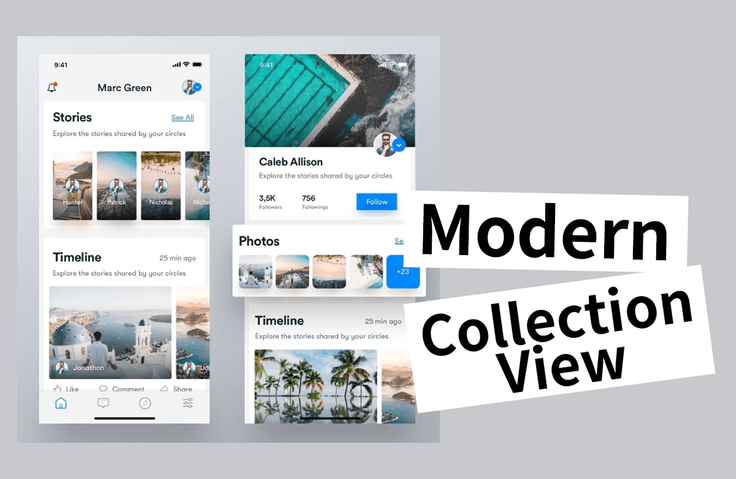
Swift iOS UI: Core Skills for Mastering! 📲
For iOS Swift layout implementation
MVVM pattern + library utilization
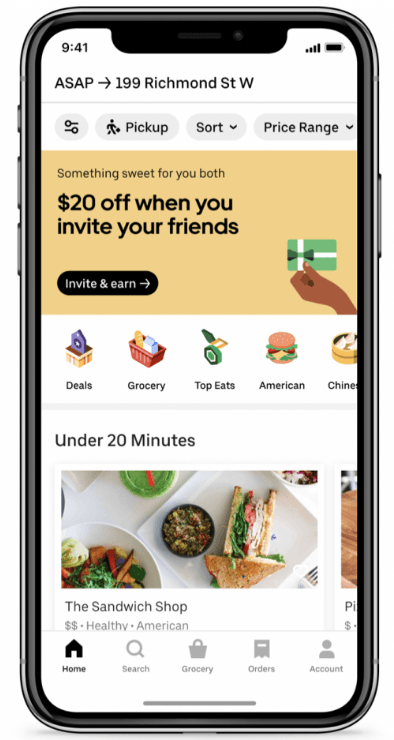
How would you implement the layout of an app like the one in the photo? Scrolling down will reveal more layouts, and their order may change depending on the API.
If you use Compositional Layout and Diffable Datasource, you can apply multiple layouts to a single collection view without having to embed multiple collection views inside a table view.
This course aims to master Modern Collection Views using Compositional Layout and Diffable Datasources for practical use. Through an in-depth project, you'll implement the MVVM pattern using widely used libraries like Snapkit and RxSwift . Using open APIs, you'll implement networking directly and render data values in the collection view.
Apply the libraries required for layout implementation and experience firsthand how to implement the MVVM pattern!
✅
Master the Modern Collection View to implement a variety of UIs.
✅
You can learn step by step by dividing the course into basic → advanced → application .
✅
In the application phase, we will implement the network directly using public APIs and handle a slightly more complex UI .
✅
We will implement the application project using SnapKit, Kingfisher, Rxswift, and RxAlamofire .
✅
I will implement the project using the MVVM pattern .
✅
You can learn more in depth than what you can find by Googling!
The lecture proceeds like this 📚
I recommend this to these people
- Anyone who has experience with Swift and UIKit
- If you are having trouble implementing various collection view layouts
- Anyone who wants to implement layouts in a new way using the modern collection view
I'm Dumbbelloper , a 4-year startup mobile iOS developer 😃
We'll teach you the patterns and how to use Liveberry for mobile app development.
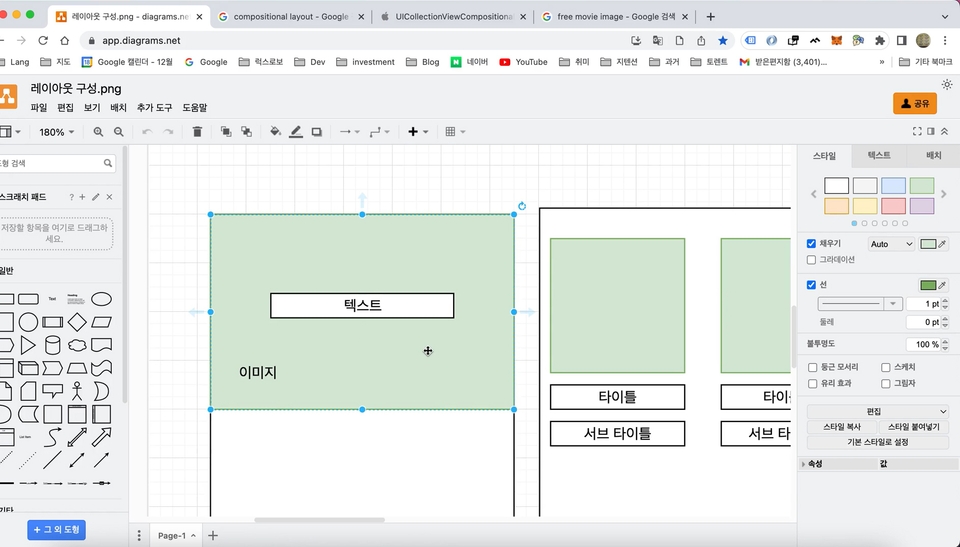
1. Basic Modern Collection View Usage
- In this course, you'll learn how to implement layouts using Compositional Layout and manage data and cells using Diffable Datasource . You'll also master the fundamental principles of usage through simple examples. Through these exercises, you'll acquire the skills to easily implement complex layouts and dynamic data processing.
- Additionally, we cover layout composition using SnapKit and image loading using Kingfisher , providing you with the ability to learn commonly used features in practice and how to apply them.
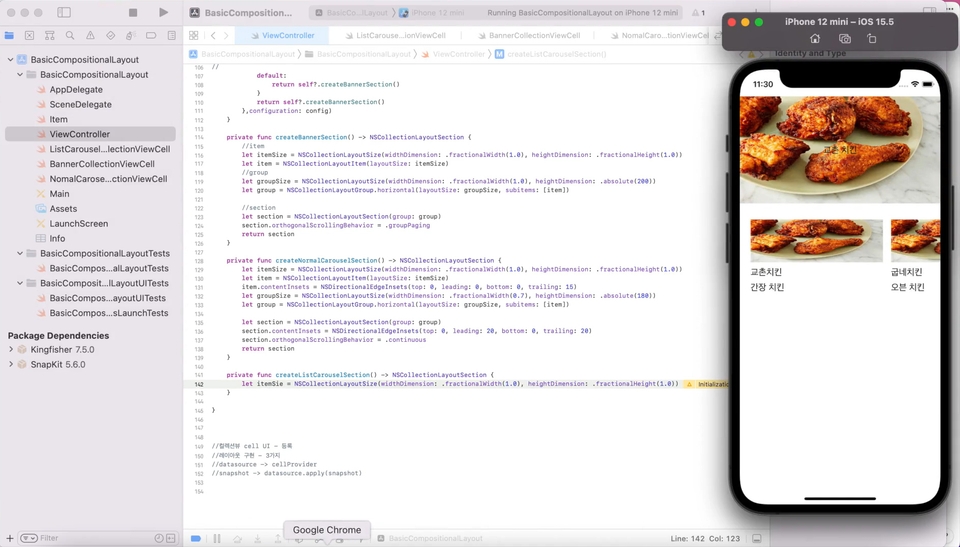
2. Basic Modern Collection View Practice
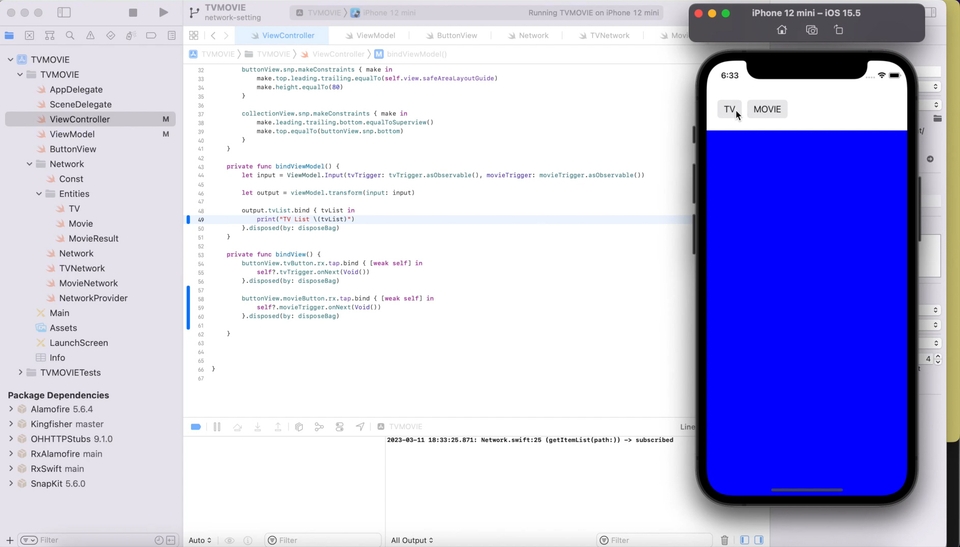
3. MVVM + Network Implementation
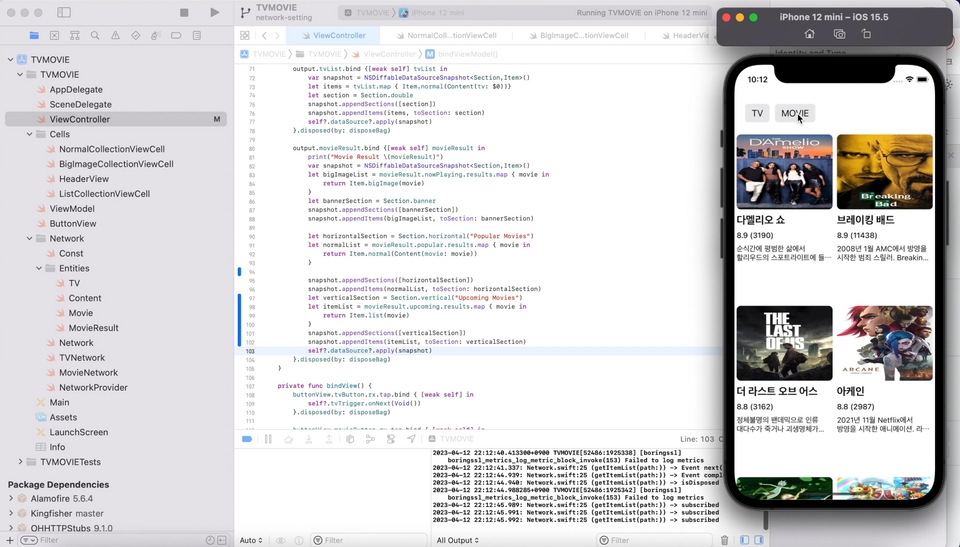
4. Modern Collection View In-Depth
📢 Please check before taking the class.
- You should have basic Swift syntax and experience with UIKit . This course does not cover detailed explanations of related topics.
- The operating system is macOS , and Xcode version 13 or later must be used for practice.

1. The difficulty level is set to beginner to beginner, but I think it is a higher level lecture than that. 2. Although it explains the overview of MVVM, there were some parts that were a little difficult to understand for someone who is just starting out. It would have been better if it had explained the structure by connecting RxSwift and MVVM and making a diagram. (Of course, there is no lecture that makes you understand 100%, and there are parts that students must study, so there may be individual differences.) 3. It seems that you need to have some prior knowledge of Collection View, and the code and structure explanation for sections/layouts were a little difficult for me to understand. 4. The part where you configure the view with Snapkit instead of storyboard is very, very helpful. 5. It seems like I only listed the disadvantages, but in fact, I don't think there is any other lecture that is this useful and covers this much depth. This is a lecture that anyone who understands iOS development to some extent should definitely take. + Review after one month First of all, I listed the shortcomings above, but I learned about SnapKit in this lecture, and I am confident that I can compose any view and screen, so I am cloning and coding with SnapKit. If you don't have any ideas right now and want to study, listen to this and try cloning an existing app with SnapKit... It's very helpful...!
I was looking for a course that covers compositionalLayout and DiffableDataSource, which I've only used once or twice, and RxSwift + MVVM, which I'm just getting started with and struggling to apply, and I happened to find it, so I paid in the afternoon and listened to it all night long. :D In particular, I've gotten a feel for the Input and Output types of RxSwift. There are a lot of things I'm curious about, but I'll go over them several times and try to figure them out!
It was a good lecture. I should listen to it again^^
It was useful to learn the basics and usage of MVVM, RxSwift, and ModerCollectionView.
I was able to learn something short and informative.





![[Lv.3] Practical Network Communication - SwiftUI Combine, Async/AwaitCourse Thumbnail](https://cdn.inflearn.com/public/files/courses/335552/cover/01kj15b6f429wcq1d8e2aa189s?w=420)



![MAUI [Cross-Platform Applications & C#]Course Thumbnail](https://cdn.inflearn.com/public/courses/332442/cover/89ee60dc-f139-4b63-ae28-abd8a6036cb8/332442-eng.png?w=420)
![Creating RPG Game Apps [iOS iPhone]Course Thumbnail](https://cdn.inflearn.com/public/courses/324527/course_cover/90d24f33-c1fb-4d19-aec5-ec0a802e3ef1/onarcher_rpg.png?w=420)