
강의

멘토링

커뮤니티

NEW
Programming

/

Programming Tool/Software

Master Git & GitHub: Complete Version Control & Collaboration Bootcamp for Developers

Learn Git from zero to expert — commits, branching, merging, rebasing, GitHub workflows, pull requests, issues, releases, and real-world team collaboration.

4 learners are taking this course

  • cutecode
실습 중심
자격증
백엔드이해하기
토이프로젝트
GitHub
Git
github-actions
gitlab
git-commands

What you will gain after the course

  • What Git is and how version control works Installing Git on Windows, macOS, and Linux

  • Merge vs rebase Handling and fixing merge conflicts Rewriting history with rebase, squash, and fixup

  • Reset (soft/mixed/hard) Revert, restore, and recovering lost changes Cherry-picking commits

The curriculum is typically divided into around 15 detailed sections, which include:

  • Introduction and Basics: Covering the importance of version control, setup, and installation of Git.

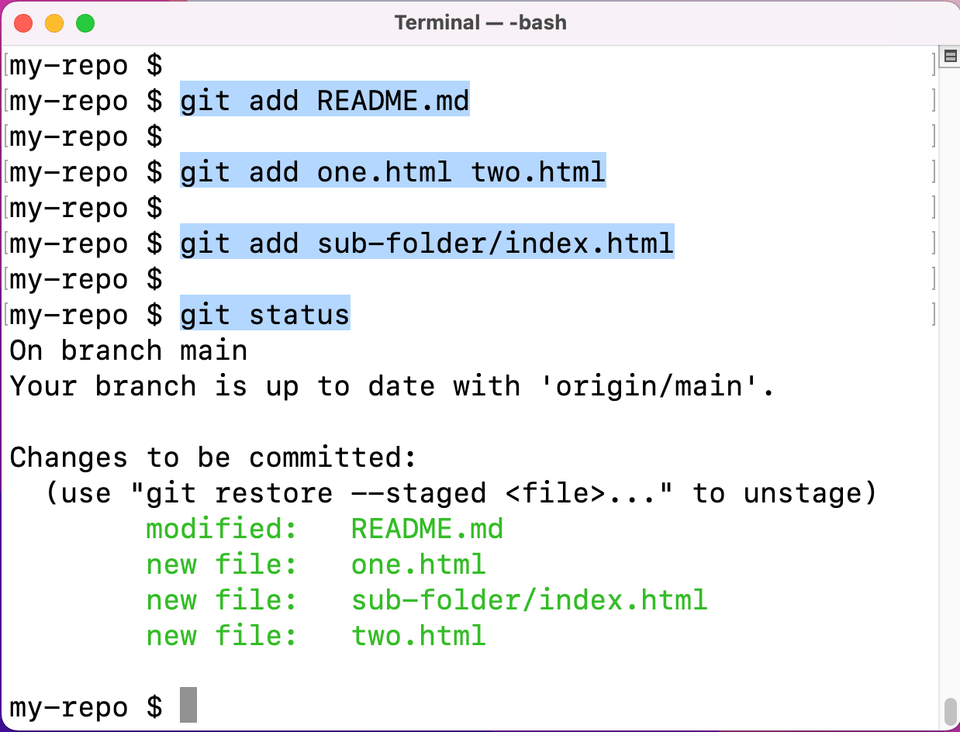
  • Core Git Mechanics: Explanation of objects like commits, trees, blobs, and tags, alongside fundamental commands such as git init, git add, git commit, and git status.​

  • Branching and Merging: Developing proficiency in creating, switching, and managing branches, resolving conflicts, and merging using commands like git branch, git merge, git rebase, along with techniques like squash and stash.​

  • Repository Management: Working with remote repositories, cloning, forking, and managing pull requests, tags, releases, and project workflows on GitHub.​

  • Advanced Techniques: Rebasing, reverting, resetting, rebasing, and undoing changes, plus resolving complex merge conflicts.​

  • Collaboration and Workflow: Using workflows suitable for teams, open-source contribution, continuous integration, and deployment pipelines, including GitHub Actions.​

Practical Skills and Applications

Throughout the course, learners gain practical experience in:

  • Managing code versions efficiently and safely

  • Collaborating with teams via pull requests and code reviews

  • Automating workflows using GitHub features like settings, releases, and project boards

  • Enhancing profiles with documentation and best practices for open-source contributions.​

Course Duration and Format

Most of these bootcamps are modular, offering self-paced learning with video lectures, quizzes, and hands-on labs. The typical length ranges from a few hours up to a few days depending on depth and learner engagement.​

By completing this course, developers will be equipped to confidently use Git and GitHub for version control, collaboration, and open-source contributions, making it an invaluable skill set for modern software development and team workflows.​

Recommended for
these people

Who is this course right for?

  • Beginner developers who want to learn Git & GitHub properly Students & career switchers preparing for software jobs

  • Frontend, backend, mobile & full-stack developers DevOps engineers needing Git expertise in workflow automation

  • Teams and freelancers who want smoother collaboration Anyone contributing to open-source projects

Hello
This is

Curriculum

All

7 lectures ∙ (1hr 13min)

Published: 
Last updated: 

Reviews

Not enough reviews.
Please write a valuable review that helps everyone!

Limited time deal ends in 7 days

$8,910.00

70%

$23.10

Similar courses

Explore other courses in the same field!