inflearn logo

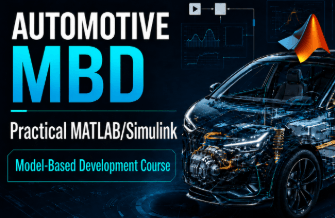
Introduction to Practical Automotive MBD with MATLAB/Simulink: From Modeling to Verification and Code Generation

This course covers everything from the necessity of MBD in automotive software development to Simulink/Stateflow-based control modeling, MIL verification, and the code generation workflow. Rather than just teaching how to use blocks, it focuses on the practical professional workflow—implementing requirements into models, verifying them through simulation, and explaining how the generated C code integrates with actual ECU software structures.

19 learners are taking this course

Level Basic

Course period Unlimited

MATLAB
MATLAB
MATLAB
MATLAB

What you will gain after the course

  • Automotive MBD development flow: requirements, modeling, verification, and code generation

  • You can configure control logic based on models using Simulink and Stateflow.

  • You can understand the purpose of MIL verification and how to configure test scenarios.

  • You can distinguish the respective roles of MIL, SIL, PIL, and HIL in the V-cycle.

  • You can read the structure of C code generated by Embedded Coder and the perspective of ECU/BSW integration.

  • In automotive control software development, it can be understood that a model is not just a simple drawing, but an executable design asset.


Automotive MBD Development

Experience the entire process from start to finish with MATLAB/Simulink

Based on the DC Motor inverter control SWC example

Requirements analysis, defining Controller/Plant boundaries,

Simulink/Stateflow modeling, Unit Test/MIL verification,

Connect everything into a single flow, all the way to Embedded Coder code generation.

  1. I am preparing for an automotive R&D role, but I have no idea how requirements translate into models and testing.

  1. I've looked at Simulink a bit, but I don't know how to define the Controller/Plant boundaries and the SWC structure.

  1. I want to see the flow that doesn't just end with modeling but connects all the way to Unit Test/MIL verification and code generation.

Learn the practical MBD workflow by designing a requirements-based inverter control SWC.

• Systematically organize the entire flow of automotive MBD development, from requirements analysis to modeling, verification, and code generation.

• You can understand what MIL, SIL, PIL, and HIL verify, why they are necessary, and what roles they play in the development process.

• You can learn MATLAB/Simulink not just as a simple tool, but by connecting it to practical automotive software development.

✔️

Learn the automotive MBD development workflow,
not just simple Simulink functions

Requirements → Modeling → Verification → Code Generation leading to

Understand MBD based on the automotive SW development workflow.

Start by grasping the big picture of
automotive SW development.

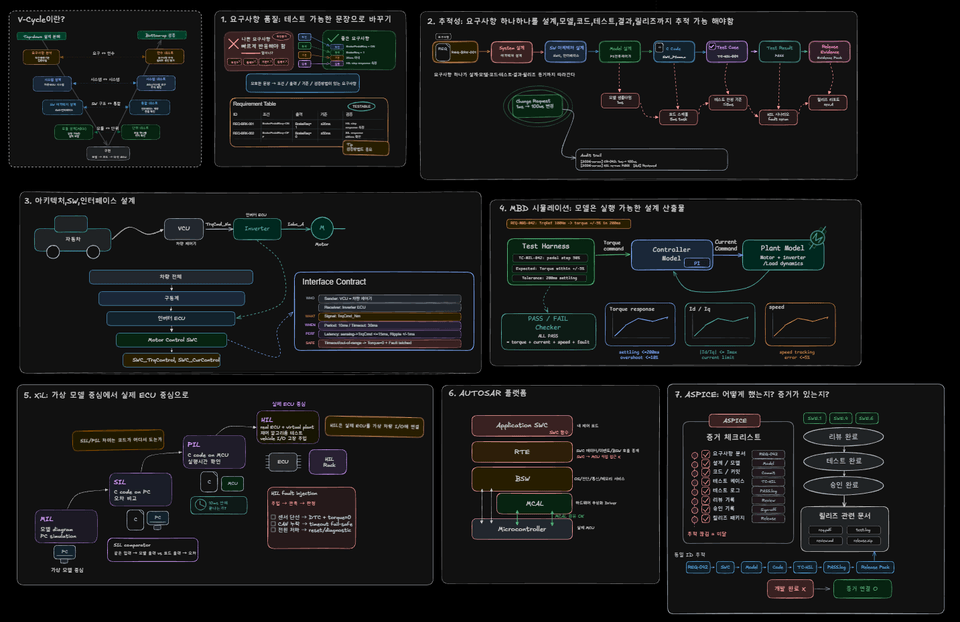
Automotive control software begins with requirements and proceeds through modeling, verification, and code generation. We will first clarify where MBD fits within the V-cycle, enabling you to understand the actual flow of automotive development.

Practical MBD Development Workflow

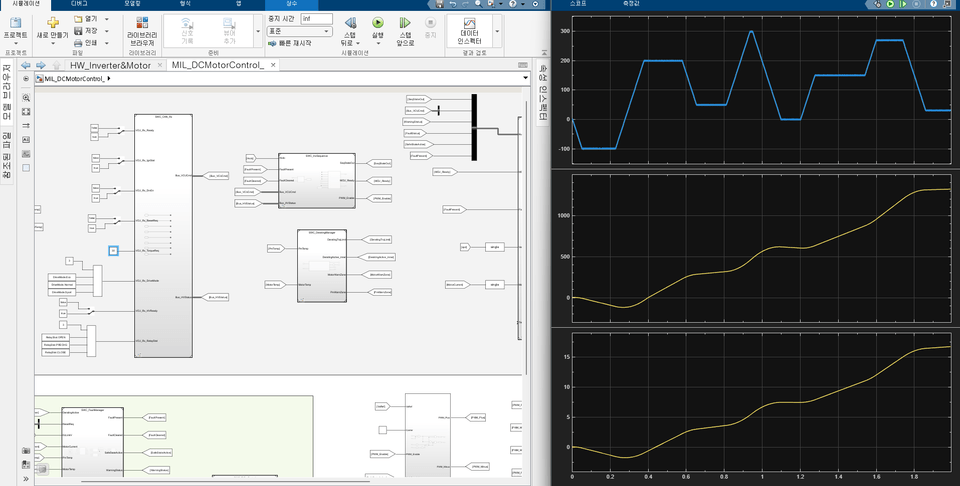
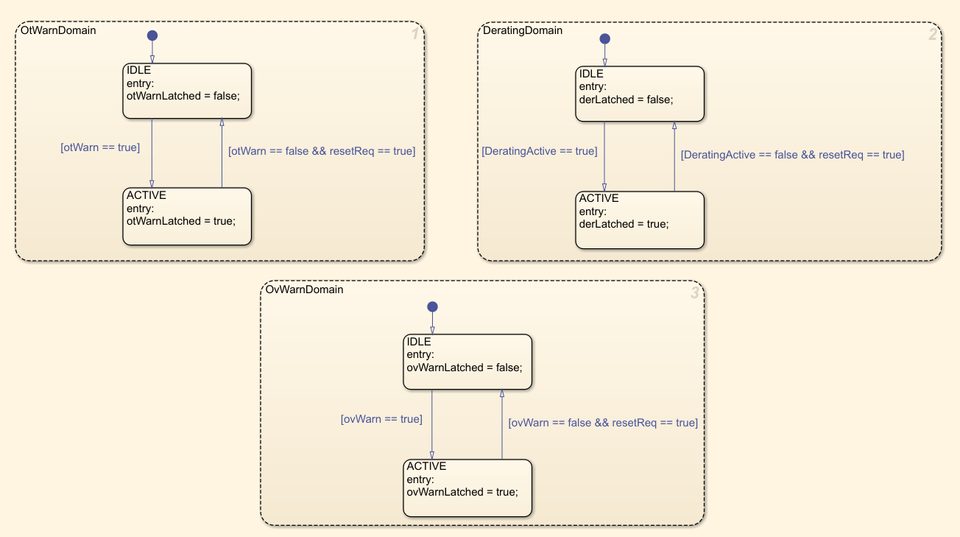
To implement actual automotive control logic, you will practice state machine design using Stateflow, SWC (Software Component) development, and PI controller modeling. Additionally, you will gain hands-on experience with each stage of the MBD development process through MIL verification scenario configuration and integrated simulations utilizing vehicle and plant models.


Executable Design Assets and Code Generation

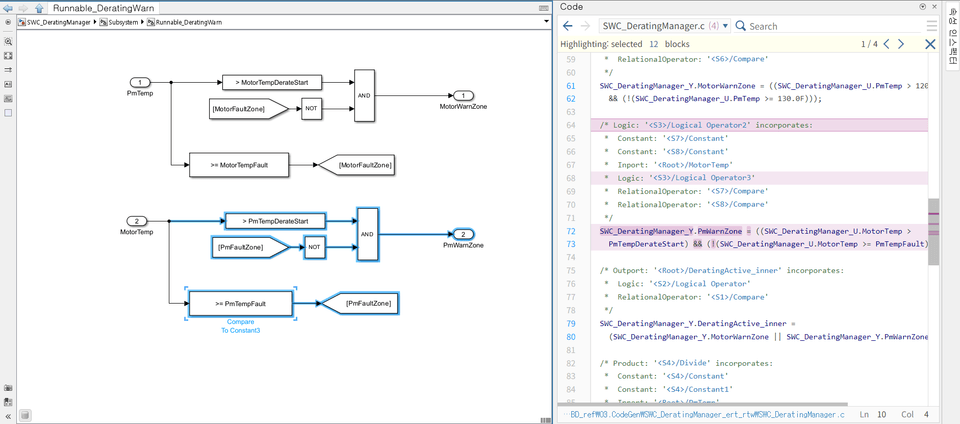
Beyond simple modeling, you will learn how to implement requirements into actual executable design assets. By analyzing the structure of C code generated using Embedded Coder and understanding the perspective of integration with ECU/BSW, you will gain a clear understanding of how model-based development connects to actual mass-production software development.


📚

Master the practical MBD development workflow at a glance

Section 1

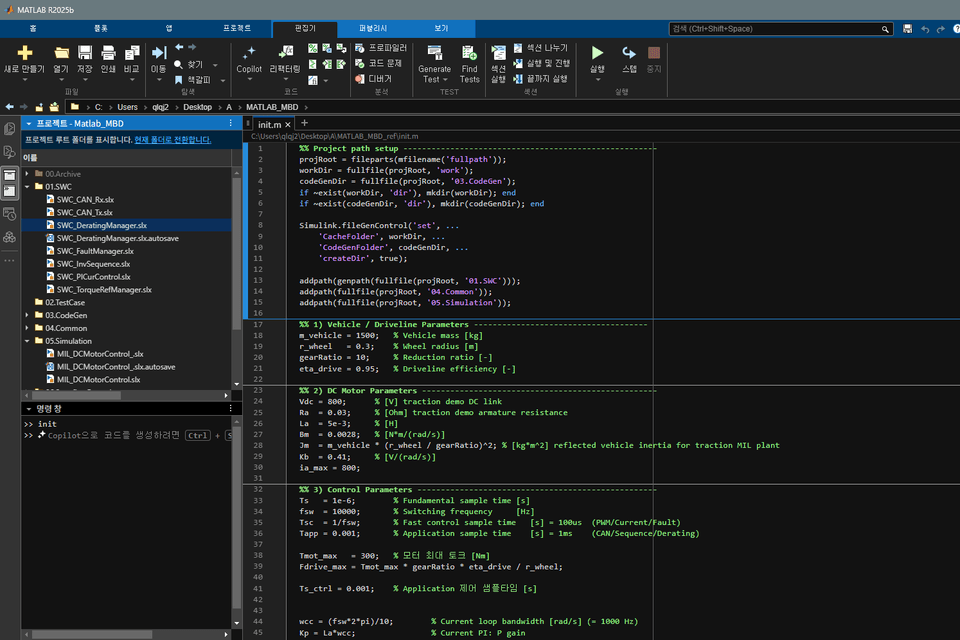
Course Introduction and MBD Development Environment Setup

This lecture introduces the objectives of the course and the overall flow of automotive MBD (Model Based Design) development. Additionally, it completes the preparation for learning, including the MATLAB/Simulink environment setup.


Section 2

MBD Basics and State Machine Modeling

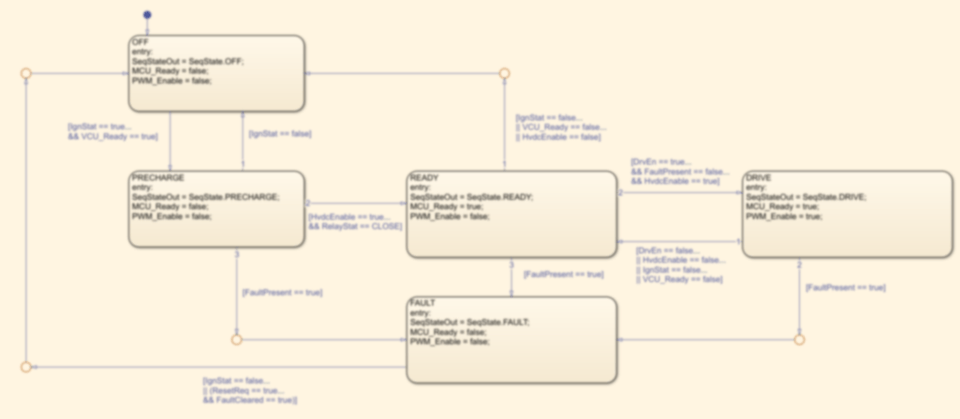
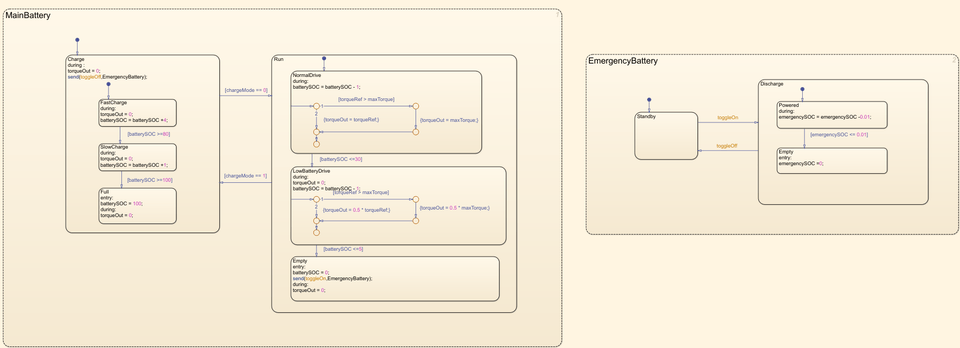
Learn Simulink/Stateflow-based modeling methods and implement the state machine required for inverter control step-by-step. Learn how control logic is represented as a model while configuring various operating states and transition conditions. Functional safety and ASIL will be summarized focusing on the conceptual flow required before the hands-on practice.


Section 3

SW Architecture Design and Control Logic Implementation

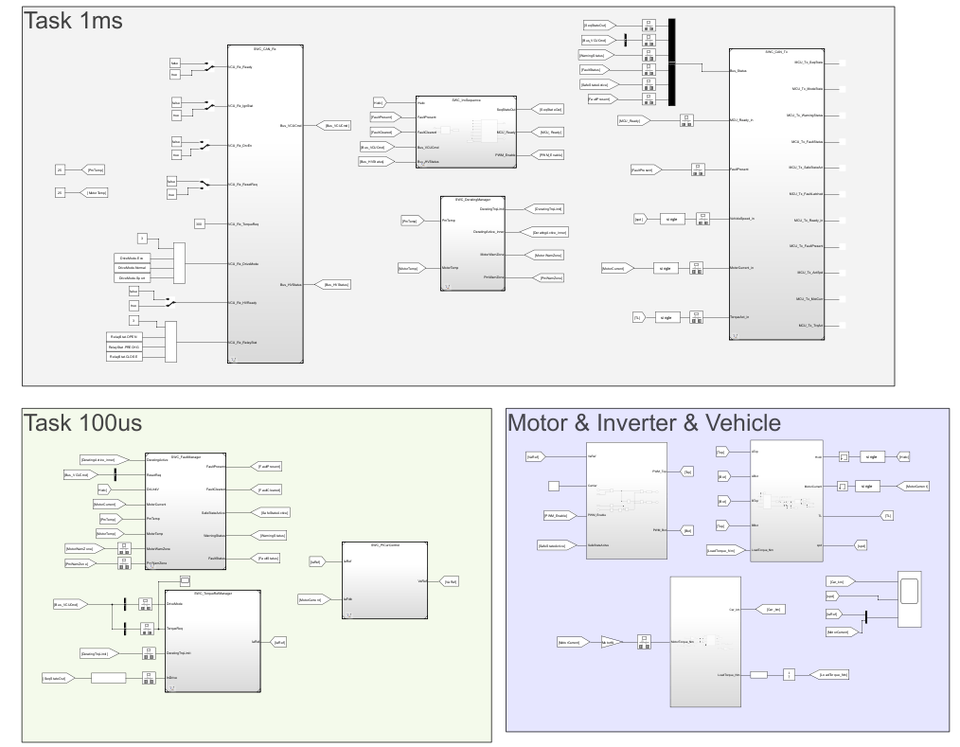
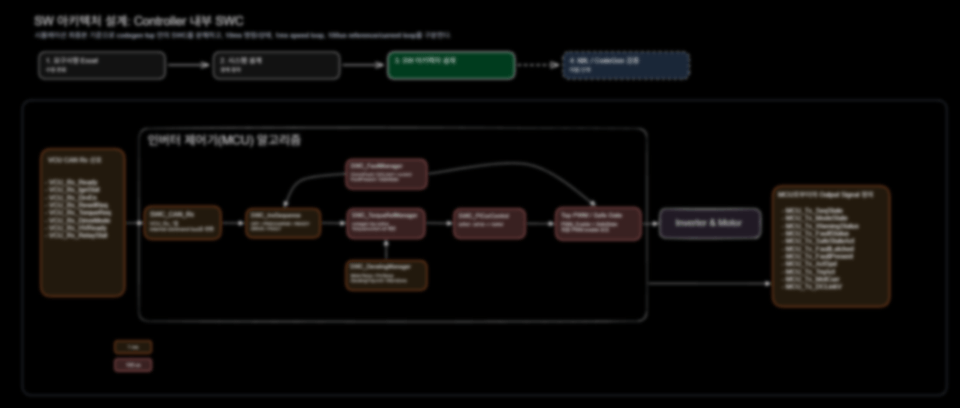
We perform requirements-based system architecture design, data management using SLDD, and modeling of various SW components such as CAN communication and PI controllers. This establishes the foundation for integrated modeling and verification.


Section 4

Unit Test, Integrated Modeling, Verification, and Code Generation

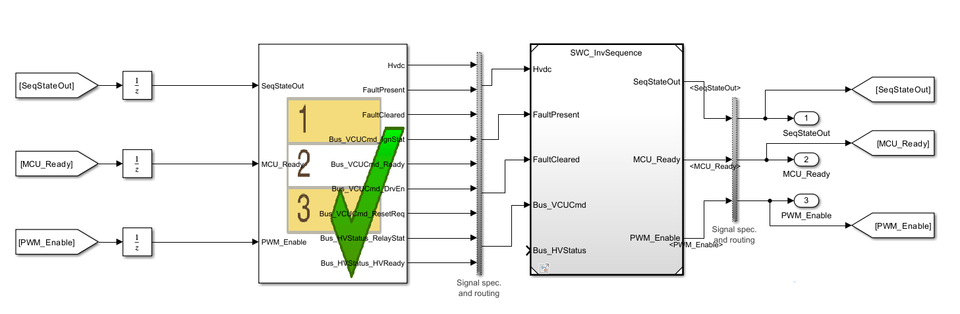
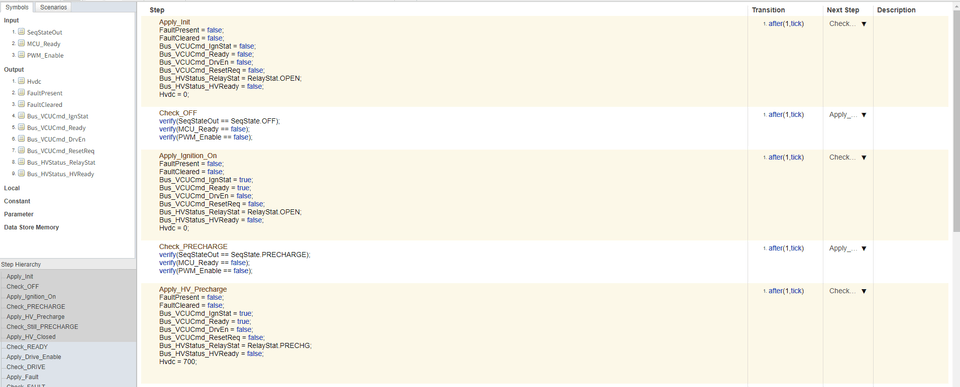
We configure SWC unit tests and MIL scenarios to verify inputs, expected outputs, and PASS criteria. We validate model behavior by integrating the Controller with a simulation-only Plant and check the C code generation results using Embedded Coder.


We can solve the concerns
of people like this!

📌

Starting Automotive MBD for the first time

  • Those who have started learning MATLAB/Simulink but
    do not yet have a clear grasp of how MBD is actually used in automotive development

  • Engineers who want to organize from scratch how requirements, modeling, verification, and code generation are connected in sequence

📌

Job seekers and entry-level professionals preparing for Automotive R&D roles

  • Preparing for R&D positions at automobile companies or parts suppliers,

    Job seekers who want to understand the control software development process

  • Terms like V-cycle, SWC, Unit Test, MIL, and CodeGen

    Those who want to understand the development workflow rather than simply memorizing it


📌

Those who want to expand from embedded/control SW to
MBD

  • You have experience in C code or firmware development, but

    Engineers who are unfamiliar with Simulink/Stateflow-based modeling and code generation workflows

  • Controller/Plant boundaries, SWC structures, and verification scenarios

    Those who want to organize their knowledge from an automotive control software perspective

Notes before taking the course


Practice Environment

  • MATLAB/Simulink R2025b or a later version must be installed.

  • Windows 10/11 (64-bit) operating system is recommended.

  • A minimum of 8GB RAM and 20GB or more of storage space is recommended.

Prerequisites and Important Notes

  • You must be familiar with the basic usage of MATLAB/Simulink.

  • Basic knowledge of C language is required.

  • It is okay if you do not have prior experience with the MBD development process.

Learning Materials

  • Practice MATLAB model files provided in the lecture are available.


  • PDF lecture materials containing key concepts will be provided.


Recommended for
these people

Who is this course right for?

  • Those who have basic knowledge of MATLAB/Simulink and MBD and wish to develop advanced capabilities by applying them to real-world projects.

  • Those who have learned MATLAB/Simulink but lack a sense of how it is actually used in real-world automotive MBD development.

  • Those who feel that MIL verification, code generation, and the V-cycle concept are disconnected and want to organize the overall flow.

  • Embedded software developers who want to expand into the field of automotive control/MBD.

  • Those who want to set a direction for their MBD portfolio while preparing for a job or career move in the automotive software field.

Need to know before starting?

  • It is helpful to have a basic understanding of programming concepts.

  • Understanding the concepts of functions, variables, and structures in C will help you understand the code generation part.

  • The explanation is designed so that even those seeing MATLAB/Simulink for the first time can follow along, but it will be easier if you are familiar with the basic interface layout and the concept of connecting blocks.

Hello
This is insid2embedded

Inflearn Verified

Career Verified

608

Learners

75

Reviews

150

Answers

4.9

Rating

4

Courses

Hello, I am Control Guy.

I am a working engineer currently developing electrification (motor/inverter) systems at a major corporation.

Based on my experience directly handling everything from circuits, PCBs, and firmware to control algorithms in mass-production projects, I am creating educational content for embedded developers while running the YouTube/Naver blog "Inside Embedded".

I aim to explain the practical aspects actually used in the field that are rarely covered in books or classrooms :)

  • Collaboration with global automotive OEMs

  • 3-Phase Inverter Hardware Development (Circuit / PCB)

  • BLDC · PMSM · WFSM (Wound Field Synchronous Motor) control algorithm development

  • Overall electrification system development / verification process

  • Experience in vehicle and bench-based evaluation


Cafe : https://cafe.naver.com/insideembedded?iframe_url=/MyCafeIntro.nhn%3Fclubid=31273003

Blog : https://blog.naver.com/sw_engineer-

YouTube : https://www.youtube.com/@Inside_Embedded

Open Chat Room: https://open.kakao.com/o/gsUVs3Uh

More

Curriculum

All

38 lectures ∙ (6hr 15min)

Course Materials:

Lecture resources
Published: 
Last updated: 

Reviews

Not enough reviews.
Please write a valuable review that helps everyone!

Limited time deal

$90,860.00

30%

$100.10