

inflearn logo

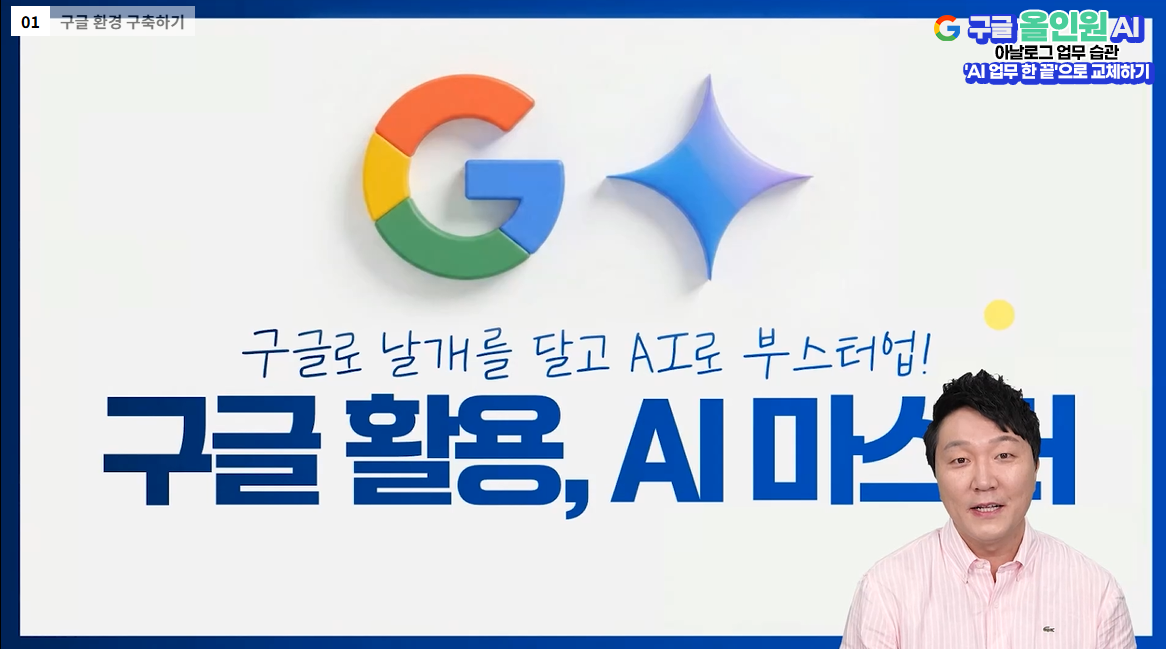
[Google All-in-One AI] Replacing Analog Work Habits with 'The Finishing Touch of AI Work'

Workplace innovation completed with Google Workspace, Gemini, and NotebookLM! This is a practical course that takes you step-by-step from setting up the Google environment to utilizing Gemini, advanced search, managing notes/tasks/schedules, using Drive and Photos, collaborating via Gmail/Meet/Chat, working with Docs/Sheets/Slides, creating images and videos, building forms and sites, analyzing data based on NotebookLM, and automating tasks using Colab and Apps Script. Rather than a simple introduction of features, it is structured around hands-on practice—such as searching, drafting documents, organizing data, creating presentation materials, receiving applications, building rulebook chatbots, registering schedules, and automatically generating surveys—so that it can be applied immediately to real-world business scenarios. 🚀 Key Course Points 1. Integrated Smart Work Connecting the Google Ecosystem as One Google allows you to organically connect and use search, email, calendar, documents, drive, and collaboration tools with a single account. This course helps you master this connection structure centered on workflow. 2. Immediate AI Practical Application and Automation It covers everything from document writing, summarization, chatbot configuration, schedule generation, survey creation, and email automation using Gemini, enabling you to transform repetitive tasks into actual business automation. 3. Data-Based Analysis and Highly Reliable Business Application By using NotebookLM to find answers only within uploaded sources and performing summarization, analysis, learning, and report writing based on citations, it enhances the reliability of your practical work. "Add AI wings to the Google ecosystem." Now, leave the complex tasks to AI agents and focus on more valuable decision-making.

5 learners are taking this course

Level Beginner

Course period 1 months

Google Apps Script
Google Apps Script
jupyter-notebook
jupyter-notebook
gemini
gemini
n8n
n8n
GAS
GAS
Google Apps Script
Google Apps Script
jupyter-notebook
jupyter-notebook
gemini
gemini
n8n
n8n
GAS
GAS

What you will gain after the course

  • Automating document creation, data analysis, and material summarization using Gemini AI and NotebookLM

  • Establishing practical collaboration processes for Google Workspace (Docs, Sheets, Slides, Gmail, Meet)

  • Business process automation and repetitive task efficiency using Apps Script and Colab


Work innovation completed with Google Workspace, Gemini, and NotebookLM!

This is a practical course where you will learn step-by-step, starting from setting up a Google environment to utilizing Gemini, advanced searching, managing notes/tasks/schedules, using Drive and Photos, collaborating via Gmail/Meet/Chat, practical skills for Docs/Sheets/Slides, image and video production, building forms and sites, data analysis based on NotebookLM, and even task automation using Colab and Apps Script.

Rather than a simple introduction of features, the course is structured around hands-on practice—including search, document writing, data organization, presentation creation, application processing, rulebook chatbots, schedule registration, and automatic survey generation—so that they can be applied immediately to real-world work scenarios.


🚀 Key Course Highlights

1. Integrated Smart Work Connecting the Google Ecosystem as One

Google allows you to organically connect and use search, email, calendar, documents, drive, and collaboration tools with a single account, and this course helps you master this connection structure centered around workflow.


2. Practical AI Application and Automation for Immediate Use

It covers document writing, summarization, chatbot configuration, schedule creation, survey production, and even email delivery automation using Gemini, allowing repetitive tasks to be converted into actual business automation.


3. Data-driven analysis and reliable business application

By utilizing NotebookLM, answers are found only within the uploaded sources, and summarizing, analyzing, learning, and report writing are performed based on citations to increase practical reliability.


"Add AI wings to the Google ecosystem."

Now, leave the complex tasks to the AI agent and focus on more valuable decision-making.

Recommended for
these people

Who is this course right for?

  • Team leaders and professionals who have adopted or plan to adopt Google Workspace and want to maximize their team's collaboration efficiency.

  • Practitioners who want to use Gemini not just as a simple chatbot, but as an AI agent that processes practical data and automates tasks.

  • Learners who want to systematically analyze scattered data through NotebookLM and improve their proficiency in using Documents, Spreadsheets, and Slides.

Need to know before starting?

  • Basic computer literacy and experience using internet browsers

  • Whether you have a Google account or the ability to create one

  • Interest in work automation and productivity enhancement, and a willingness to learn.

Hello
This is contents

380

Learners

38

Reviews

4.8

Rating

38

Courses

Published: 
Last updated: 

Reviews

Not enough reviews.
Please write a valuable review that helps everyone!

contents's other courses

Check out other courses by the instructor!

Similar courses

Explore other courses in the same field!

25% off for new members

$64.70

25%

$84.70