inflearn logo

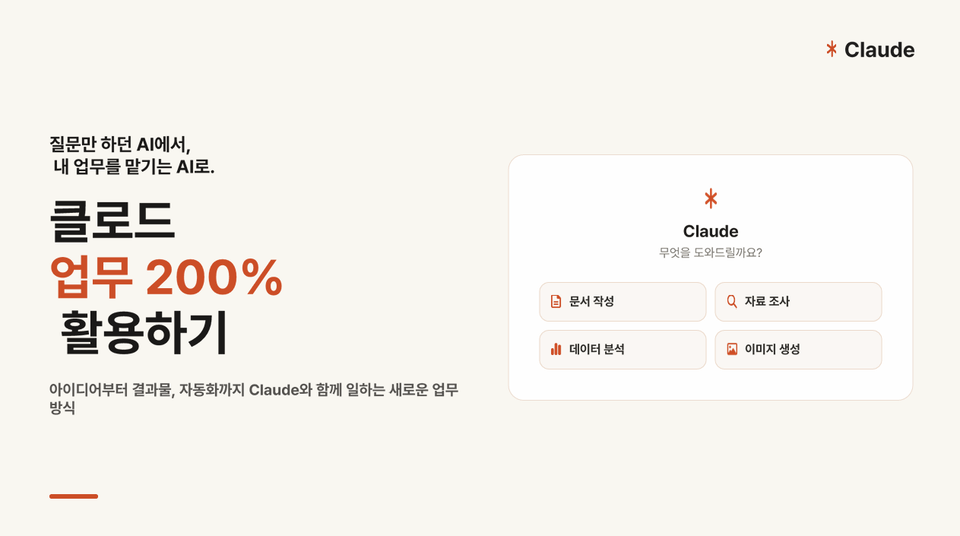
Get 200% More Out of Claude at Work: From the Basics to Automation, All in One Guide

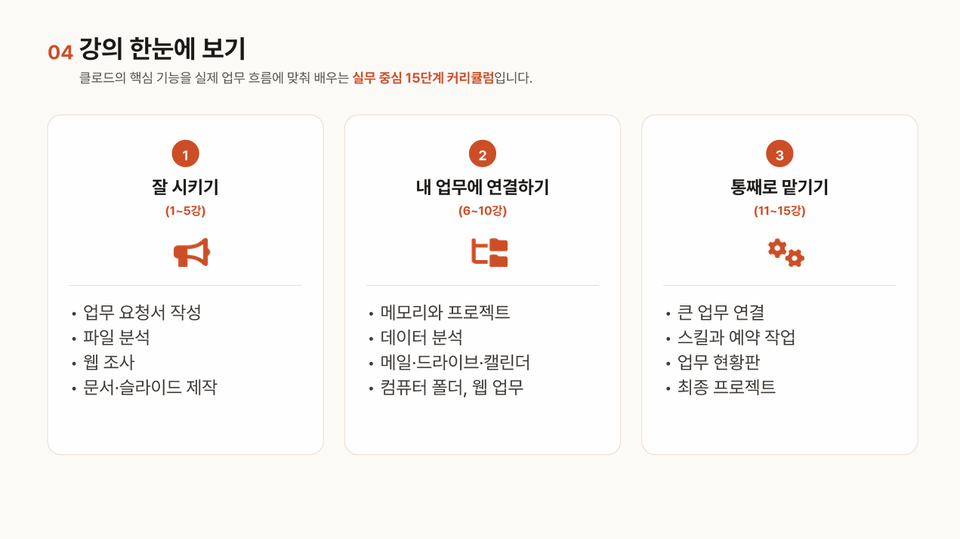
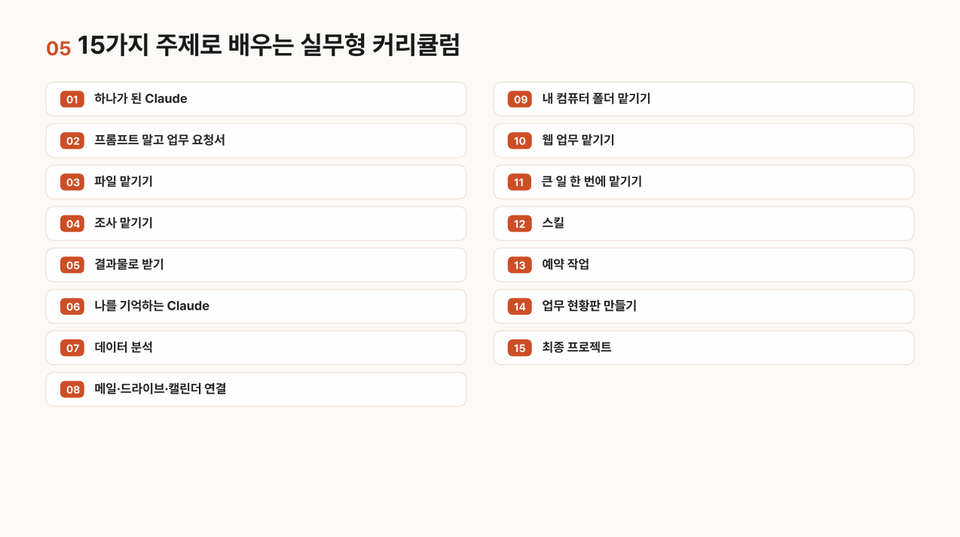
Start by installing the Claude desktop app and getting familiar with its interface. Then learn what’s changed with the all-in-one Claude and understand the difference between an AI you ask questions and an AI that does the work. PART 1 In “Giving Clear Instructions,” learn how to delegate work to Claude through a single chat window—from writing work requests and assigning files and research to getting finished documents, slides, and spreadsheets. PART 2 In “Connecting Claude to Your Work,” use memory and projects to teach Claude your rules, and connect it to your real work environment—including data analysis, email, Drive, Calendar, folders on your computer, and web-based work. PART 3 In “Handing Off the Whole Task,” delegate major tasks all at once and use skills, scheduled tasks, and work dashboards to automate recurring work—creating a workflow where people only need to approve the results. Each session centers on the instructor using Claude to handle work they’re actively doing, and includes examples of applying the same methods in corporate and school settings.

4 learners are taking this course

Level Beginner

Course period 1 months

claude
claude
prompt engineering
prompt engineering
AI
AI
AI Agent
AI Agent
Project Management (PM)
claude
claude
prompt engineering
prompt engineering
AI
AI
AI Agent
AI Agent
Project Management (PM)

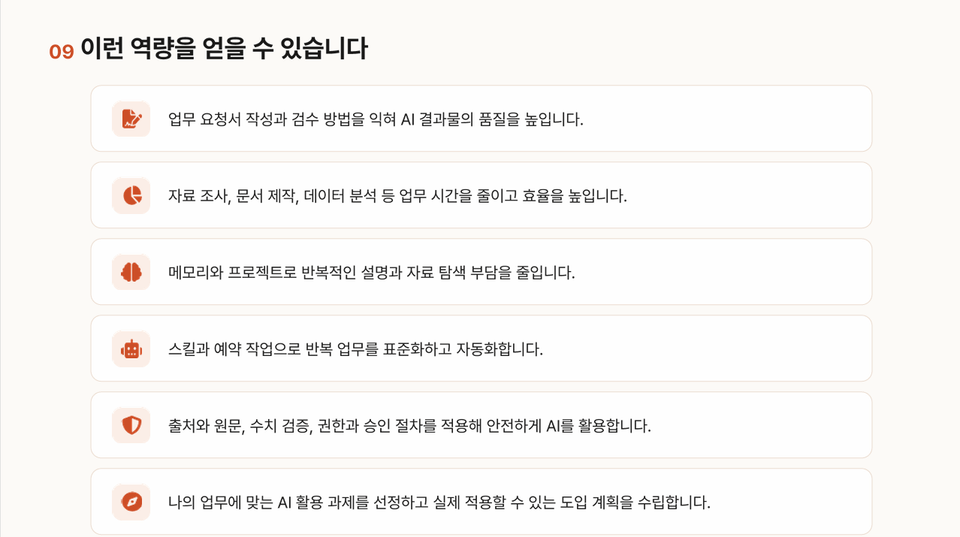
What you will gain after the course

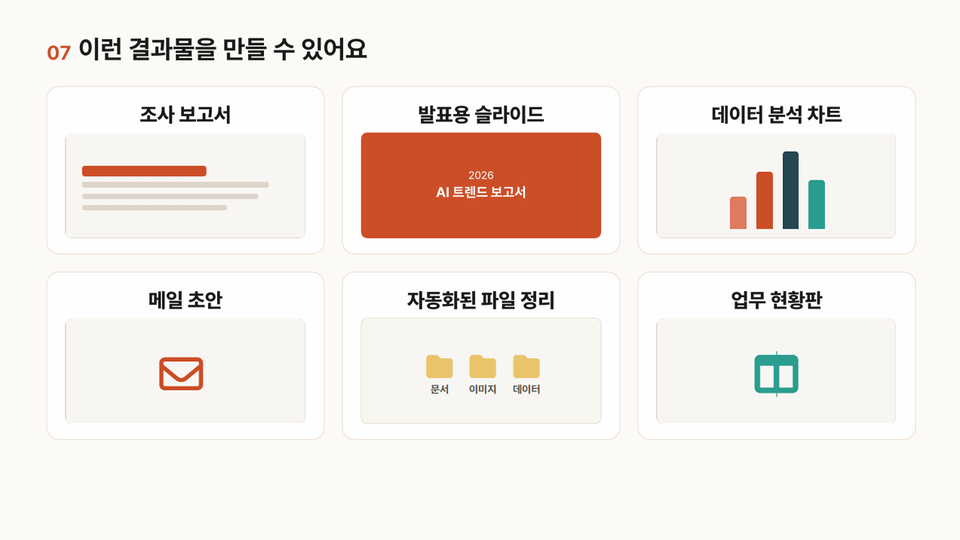
  • 1. You can use a work request brief outlining the objectives, materials, requirements, and format to assign Claude the task you want and review the deliverable.

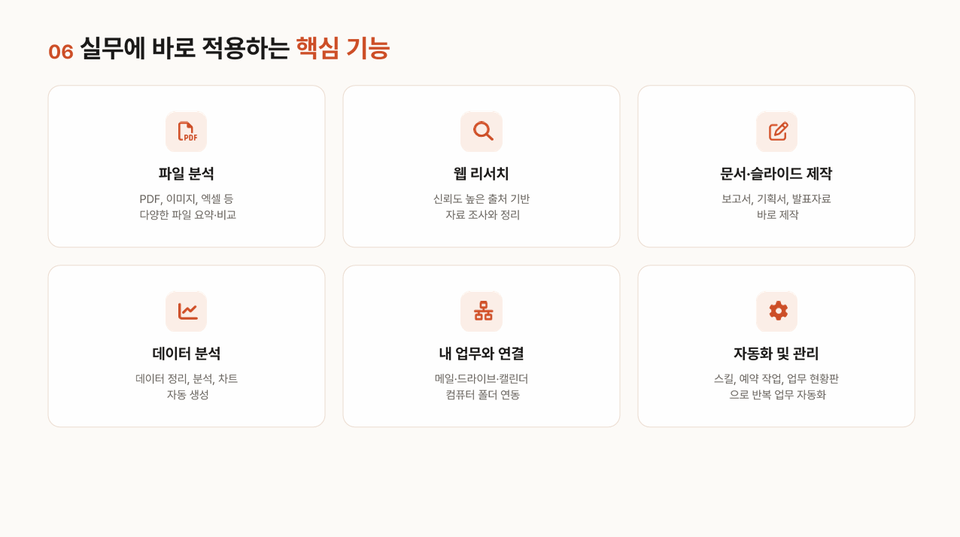
  • 2. Analyze files, web resources, and data, and connect them with email, Drive, Calendar, folders on your computer, and web-based tasks to complete real work deliverables.

  • 3. You can design workflows where recurring tasks run automatically and people only need to approve them, using skills, scheduled tasks, and a work dashboard.


Background and Rationale


Claude combines chat and task automation capabilities into one,

It now lets you handle file tasks, web tasks, connections to external services, and scheduled runs—all in a single chat window.


It's difficult to keep up with the changing environment by learning each tool's features separately, and examples based only on hypothetical scenarios are hard to apply to real work.


This course is based on work the instructor is currently doing in practice.

Expand the learning stages in this order: prompt it effectively → connect it to your work → entrust it with the whole task.


Market Overview


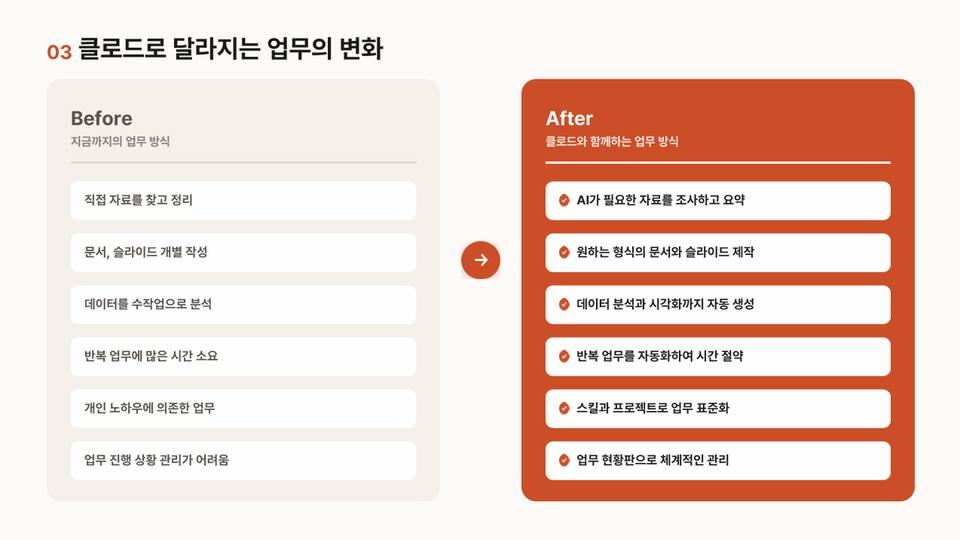
The use of generative AI is expanding beyond questions and answers to include file processing, research, document creation, integration with external services, scheduled execution, and more.

It is expanding into the AI agent stage, where AI performs actual work on your behalf.

Both businesses and schools are seeking the AX (AI transformation) capabilities needed to apply AI to their work.


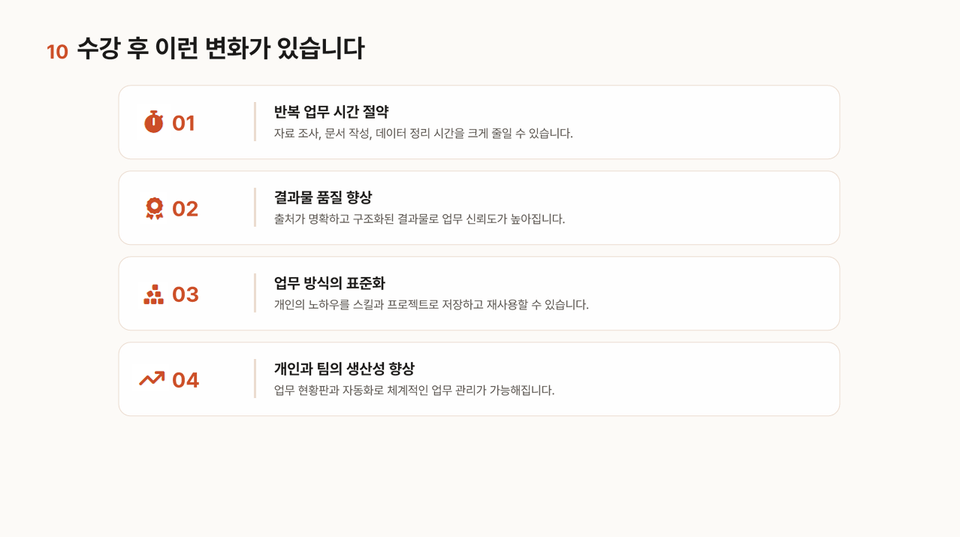
Expected Benefits


Reduce the time spent on repetitive tasks.

Develop the ability to delegate work accurately to AI and review the results.

Apply personal work rules and organizational templates to AI to maintain consistent output quality.

Connect email, Drive, calendar, my computer, and web tasks to automate the entire workflow.

Distinguish which tasks to delegate to AI and which not to, and use it in accordance with security principles.


Practical Application


I want to get documents in my preferred format without having to repeat the same instructions every time.

I want to organize multiple files and web materials all at once and turn them into reports and presentations.

I want to delegate repetitive tasks like checking email, organizing materials, and entering information on websites.

I want my weekly and daily tasks to be handled automatically at scheduled times.

I want to create a setup where I can see at a glance what the AI has done and simply approve it.

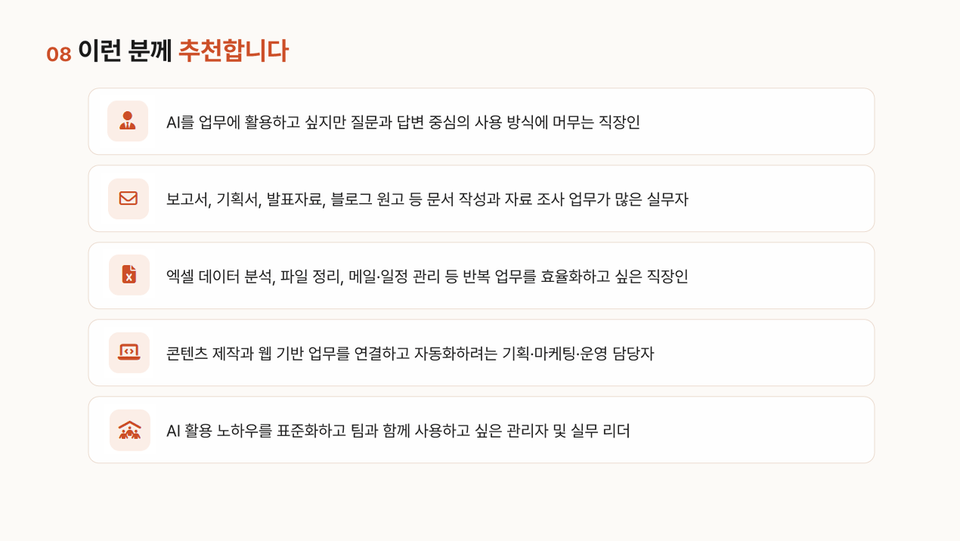
Recommended for
these people

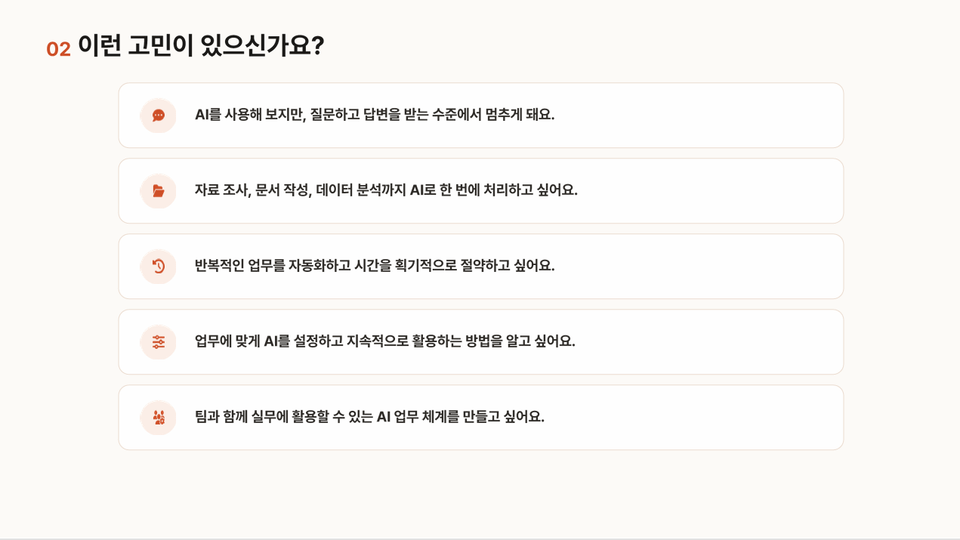
Who is this course right for?

  • 1. Non-technical professionals in marketing, sales, planning, operations, customer service, business support, and other fields

  • 2. Practitioners who have tried generative AI tools like ChatGPT but want to learn how to delegate actual work to AI

  • 3. Working professionals who want to automate repetitive tasks such as organizing files, writing documents, conducting research, processing data, and assisting customers

Hello
This is CON100

712

Learners

56

Reviews

4.8

Rating

56

Courses

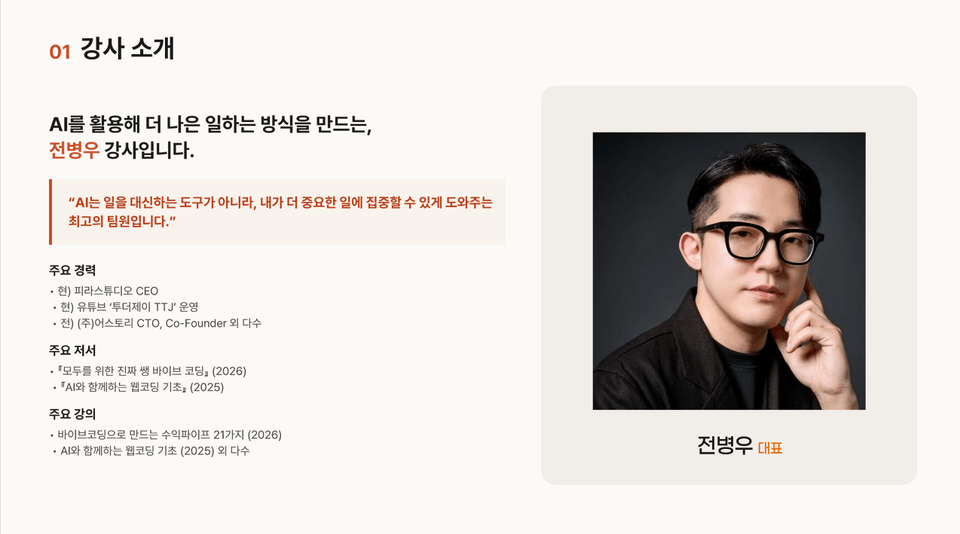
Hello! We’re CON100, your training partner dedicated to boosting your work efficiency by 100%.

We provide practice-oriented content that unifies fragmented tasks into a single workflow, helping you create flawless 'deliverables' from proposals to reports.

Begin your transformation into a highly effective professional who commands systems with CON100!

More

Reviews

Not enough reviews.
Please write a valuable review that helps everyone!

CON100's other courses

Check out other courses by the instructor!

Similar courses

Explore other courses in the same field!

Limited time deal ends in 4 days

$92,400.00

30%

$102.30