
inflearn logo

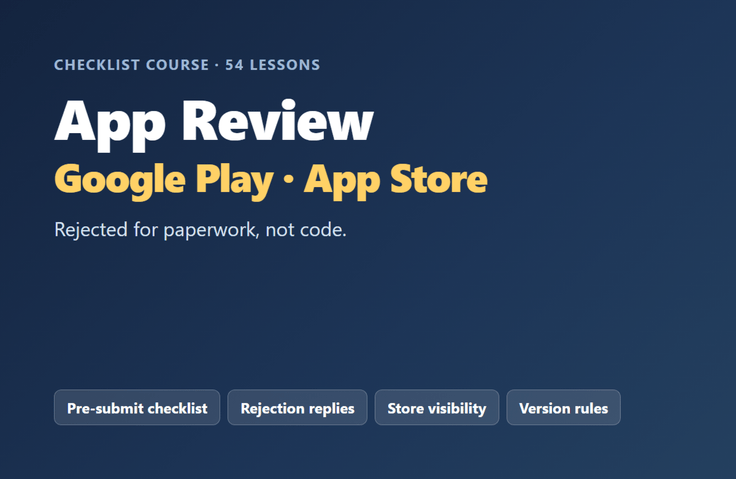
Getting Your App Approved — Play · App Store, It’s the Paperwork, Not the Code, That Holds You Back

This course is for those who have finished building their app but are stuck at the review stage. It covers everything from how to read rejection emails to what to check when your app has passed review but isn’t showing up in the store.

1 learners are taking this course

Level Basic

Course period Unlimited

Android
Android
iOS
iOS
Android
Android
iOS
iOS

What you will gain after the course

  • You can go through the checklist item by item to verify everything that needs to be in place before submitting.

  • You can find the relevant clause in the rejection email and write a reply.

  • You can find out where to look when it has passed review but doesn’t appear in the store search.

  • You can learn the rule that prevents updates from being rejected due to version number issues.

This course is about

I’ve organized the rejections I received while publishing seven apps to the stores, along with what I personally verified in the consoles.

The review doesn’t examine the code. It checks whether what you promised matches what you actually deliver. That’s why a well-functioning app can get blocked by paperwork.

This course covers four things: what needs to be in order before submission, how to find the relevant clause in a rejection email and respond to it, where to look when your app has passed review but doesn’t appear in the store search, and the rules to prevent updates from being rejected due to version issues.

It consists of text and checklists rather than videos. It is designed to be opened again just before review and used to write while checking each item one by one.

Recommended for those whoғыҙ

  • For those submitting an app for the first time — the obstacles are in the paperwork, not the code

  • Those who have stopped after a rejection — Learn how to read the guidelines and respond.

  • Those who uploaded their app but can't find it in search — passing review and launching sales are different stages

Contents

  • Section 1 · What reviewers look at is not the code — Pre-submission checklist, review account, review notes template, additional requirements for sensitive categories

  • Section 2 · Read and fix rejections — Rejection log template, finding the original text of the relevant clause, response letter, and a response table by rejection type

  • Section 3 · When It Passed but Isn’t in the Store — diagnostic steps, checking sales regions, responding to subscription “metadata missing” issues

  • Section 4 · Preventing Update Rejections — version number rules, responses to upload rejection causes, and rollback procedures

Prerequisites

  • You must already have or be developing an app to upload to the store.

  • Play Console or App Store Connect account

  • No development knowledge is required — this only covers the review and release stages.

We do not cover these topics

  • We do not guarantee approval. The criteria change and vary by app.

  • This is not an app development course — it only covers the review and release stages.

  • This is not a method for improving your store ranking.

Recommended for
these people

Who is this course right for?

  • First-time app publishers—it's the paperwork, not the code, that trips them up.

  • For those who received a rejection and got stuck — How to read the clauses and respond

  • For those who uploaded but can’t find it in search — passing review and going on sale are separate stages.

Need to know before starting?

  • You must already have an app to publish to the store or be in the process of creating one.

  • A Play Console or App Store Connect account is required (no development knowledge is necessary).

Hello
This is nextworks2048

I’m a solo developer who builds mobile apps and web services and independently publishes and operates them on app stores.

I’ve published seven apps on Google Play and the App Store. I ran into more obstacles during the publishing process than during development. My apps were rejected over paperwork and settings rather than code—privacy policy URLs, review accounts, consent for third-party AI processing, and sales region settings. There were even times when my apps didn’t appear in store searches for several weeks despite passing review.

I organized the rejection emails I received during that process, along with what I personally confirmed in the console, into a course.

Apps developed: Google Play “몸결,” “끼니,” “하루표,” “옷결,” “말결,” and “영어서랍” (developer: NextWorks)

More

Curriculum

All

54 lectures

Course Materials:

Lecture resources
Published: 
Last updated: 

Reviews

Not enough reviews.
Please write a valuable review that helps everyone!

Similar courses

Explore other courses in the same field!

25% off for new members

$48.20

25%

$68.20