Developing LLM Applications Using RAG (feat. LangChain)
jasonkang

RAG. Learn from Silicon Valley GenAI Hackathon Winner. Packed with real-world know-how.

Basic
LLM, RAG, LangChain
New to Flutter? A Flutter Contributor will guide you step-by-step! Start Flutter dev with an AI project using Gemini.
91 learners
Level Basic
Course period Unlimited
Flutter Widget Types & Usage
Implementing AI Chatbot with Flutter Gemini
Are you new to Flutter? Learn Flutter fundamentals with a Flutter Contributor and create an
AI chatbot using Gemini through hands-on projects!
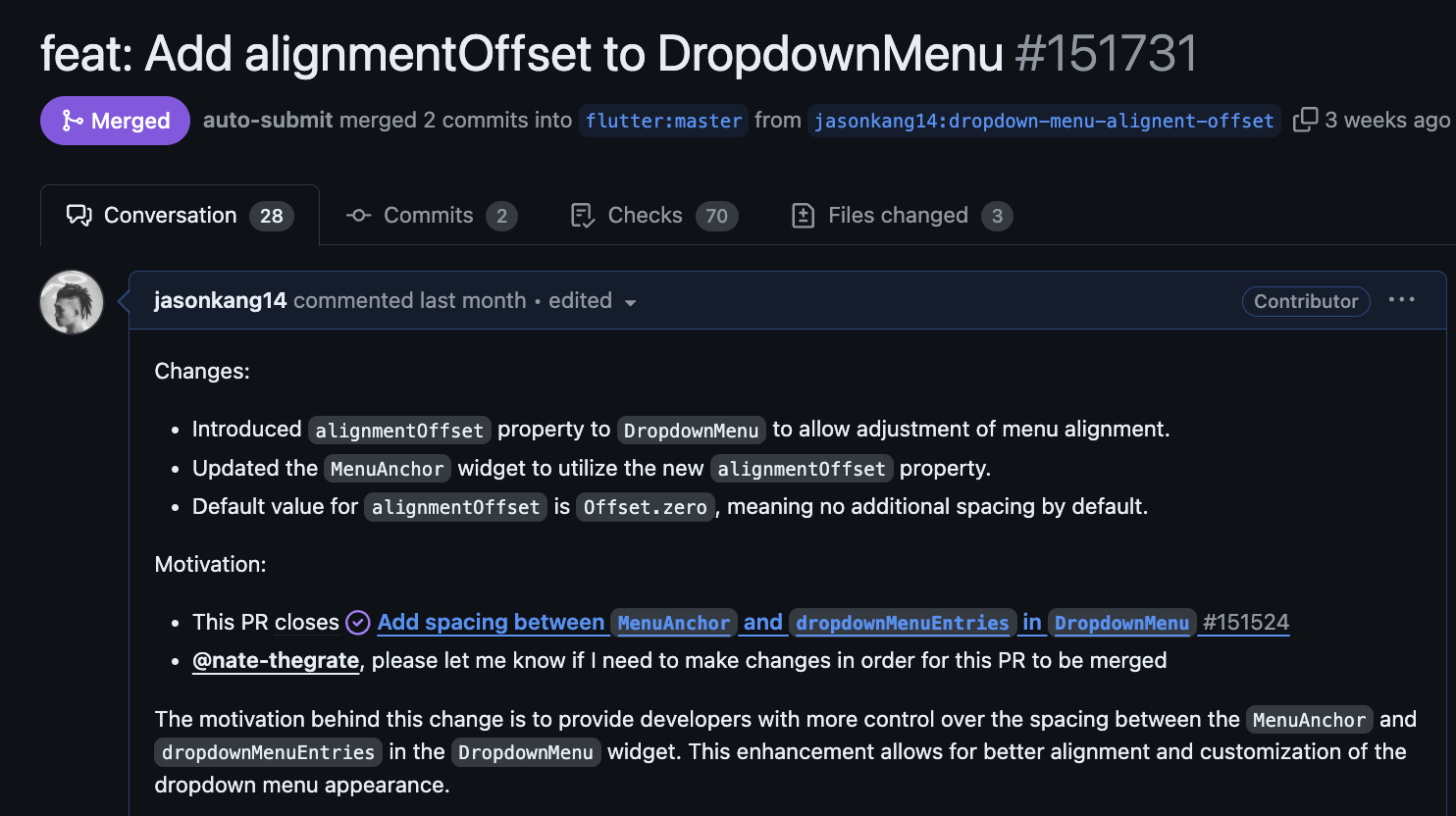

Mobile App Development!
For those who want to start with Flutter
From basic Widgets
to actual app development,
you can experience the
entire mobile app development process.

For those who want to learn Flutter
by building real services
Build AI chatbots hands-on and
develop the
API integration, state management,
and UI/UX design skills
needed in real-world applications

From the basics of Flutter
to those who want to build a solid foundation
From the basic concepts of Widgets
to Custom Widgets,
Flutter's core principles
can be learned systematically
with hands-on practice
You can understand the Widget Tree and design efficient UI
You can select and utilize appropriate widgets for different situations
You can create reusable Custom Widgets
Real-world Development Experience
You can create an actual working AI chatbot app as a portfolio project
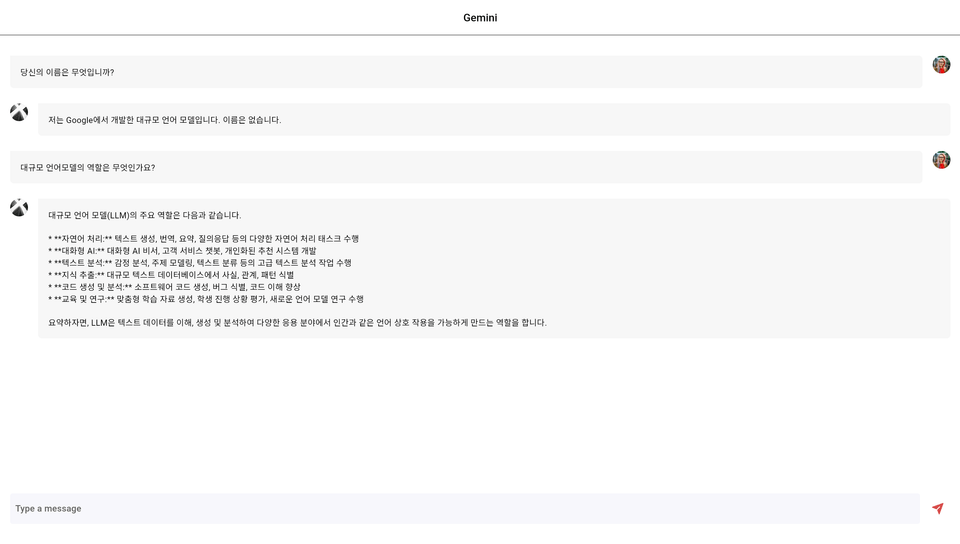
In this section, you'll learn about Widgets, which are the core of Flutter app development.
Starting with basic Widgets like Text, Button, and Container, and progressing to Layout Widgets, you'll build a solid foundation in Flutter
through practical example code.
Develop a fully functional AI chatbot app using Flutter Widgets. Learn practical development skills needed in the field, from creating Custom Widgets to API integration.
(Current) GS Group DX BootCamp Education Manager
Conducting AI / Flutter education and mentoring for non-majors/non-developers
Flutter Contributor
(Former) Series C AI Startup Tech Lead
Naver Boostcamp Web/Mobile Mentor
Naver Cloud YouTube Channel presenter
Wanted Preonboarding Frontend Challenge 7000+ Total Students
Hanghae Plus AI Course 1st Cohort Coach
Q. I want to create an app with Flutter, but I don't know where to start
You can learn step by step with a systematic curriculum from basics to practical application
Q. I need a portfolio for job hunting/career change
You can create a differentiated portfolio with a trendy AI chatbot app
Q. I'm confused about when to use Flutter's numerous Widgets
You can learn how to choose the right Widget for each situation based on practical experience
The course is conducted primarily on web development in a MacOS environment
Since we're not using XCode, if Flutter is installed, you can take the course
in Linux or Windows environments as well.
However, errors caused by the operating system are difficult to debug.
Dart
Dart has similar syntax to other programming languages, so I think you'll be able to follow along relatively easily.
For those who feel that Dart is a barrier, please watch the free public lectures and decide whether to enroll.
Who is this course right for?
Developer curious about Flutter
Developer who wants to do a mobile app side project
Need to know before starting?
Dart


Inflearn Verified
Career Verified
20,863
Learners
1,731
Reviews
541
Answers
4.9
Rating
10
Courses
FAANG Senior Software Engineer
삼성, GS, 아시아나 등 대기업 강연
Building AI Agents with LangChain & LangGraph 집필
(전) GS 그룹 AX 플랫폼 개발 및 운영
(전) GS 그룹 DX BootCamp 코치/멘토
(전) Series C AI startup 테크리드
(전) Stanford University Code in Place 세션 리더
네이버 Boostcamp 웹 모바일 멘토
네이버 클라우드 YouTube Channel 프리젠터
원티드 Pre-Onboarding Frontend/Backend Challenge (누적 수강생 6,000+)
항해 AI Plus Course 1기 코치
All
18 lectures ∙ (2hr 3min)
All
4 reviews
4.5
4 reviews

Reviews 15
∙
Average Rating 4.1
Reviews 2
∙
Average Rating 5.0
Reviews 12
∙
Average Rating 5.0
Reviews 46
∙
Average Rating 4.8
4
I think the lecture content and delivery are excellent. However, from the perspective of someone like me who is learning Flutter for the first time, I feel that there is a lack of explanation as to why we code in this way.
Thank you for the positive feedback! Regarding the "why this way" part, are you referring to the section on establishing the project structure? If you could provide more detailed feedback, it would be a great help in filming the next lecture!
For example, in "4.5 Implementing a Chat List Using ListView.separated()," it abstracts by "creating a chat_message.dart file, moving the code, and importing it...". I didn't understand well whether this was to separate the code by function, or if it was for speed. Based on my understanding, up to Section 3 was not difficult to understand, but from Section 4 onwards, the explanations felt insufficient and the pace felt fast.
I may have been explaining too fast, making it hard to understand. I'll make sure to reflect the feedback you gave me. Thank you!
Check out other courses by the instructor!
Explore other courses in the same field!





![[Done in a single word!] How to create your own monetized website with AICourse Thumbnail](https://cdn.inflearn.com/public/files/courses/336091/cover/01jxykkyatyya1dnv22ctkvtwe?w=420)
![[AI] Implementing Ideas with Prompts Only_Vibe Coding BasicsCourse Thumbnail](https://cdn.inflearn.com/public/files/courses/336725/cover/01jr2vbd3dr8hh1n4qn2jcyj02?w=420)