


inflearn logo

Claude for Non-Developer Professionals (Cowork + N8N + Claude Design)

Beyond simply copy-pasting with AI, you will learn how to actually automate repetitive tasks for non-developer professionals by connecting Claude Chat, Cowork, MCP, n8n, Supabase, and Vercel. Set against the backdrop of a virtual company called DingcoLabs, you will follow hands-on scenarios for PM, Marketing, Sales, CS, and HR to build work automation systems that can be applied to your company immediately.

53 learners are taking this course

Level Beginner

Course period Unlimited

claude
claude
AI
AI
AI Agent
AI Agent
n8n
n8n
claude
claude
AI
AI
AI Agent
AI Agent
n8n
n8n

What you will gain after the course

  • Instead of just asking Claude questions, you can give it instructions to directly create reports, proposals, and Excel outputs.

  • With Claude Cowork, you can process tasks on a folder basis and automatically generate results in .docx, .xlsx, and .md formats.

  • You can design repetitive task automation by connecting Slack, Jira, Notion, and Google Workspace via MCP.

  • You can build a deployable AI workflow system yourself using n8n, Supabase, and Vercel.

I've tried using AI, but
why hasn't my workload decreased yet?

You've tried summarizing reports, drafting emails, and organizing meeting notes,
but repetitive tasks still require a person to copy-paste, verify, and hand them over.


Does this situation sound familiar to you?

  • Even when I turn on Claude or ChatGPT, I'm the one who ends up doing the final cleanup.

  • I create weekly reports, proposals, and spreadsheet tasks from scratch every single time.

  • You want to connect Slack, Notion, and Google Workspace with AI, but you feel overwhelmed and don't know where to start.

  • I know that automation is necessary, but developer-oriented lectures feel too difficult.

This course is a process for non-developer professionals to transform AI from a simple answering tool into a work system.

You shouldn't just ask AI questions

The transformation aimed for in this lecture

In this course, we don't just stop at "AI answers well."

  • Weekly Reports: A workflow that transforms scattered notes into structured report drafts

  • Competitor Research: How to turn a half-day task into a reusable research process

  • Customer inquiries, meeting minutes, and proposal drafts: How to transform tasks previously written by humans into Claude-centered workflows

  • Ultimate goal: A structure that reduces repetitive task time and allows humans to focus on judgment and approval.

✅ Here is what you will learn.

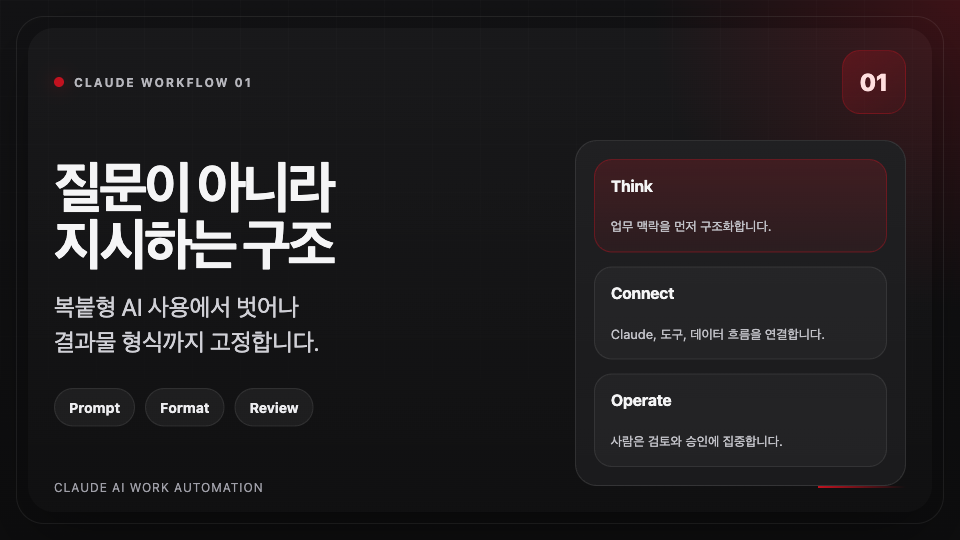
How to move away from copy-paste AI usage

  • A prompt structure that instructs rather than asks questions

  • How to fix even the output format

  • Having Claude create reports, emails, and tables first

  • A workflow where humans focus on review and approval

Explained thoroughly from a non-developer's perspective

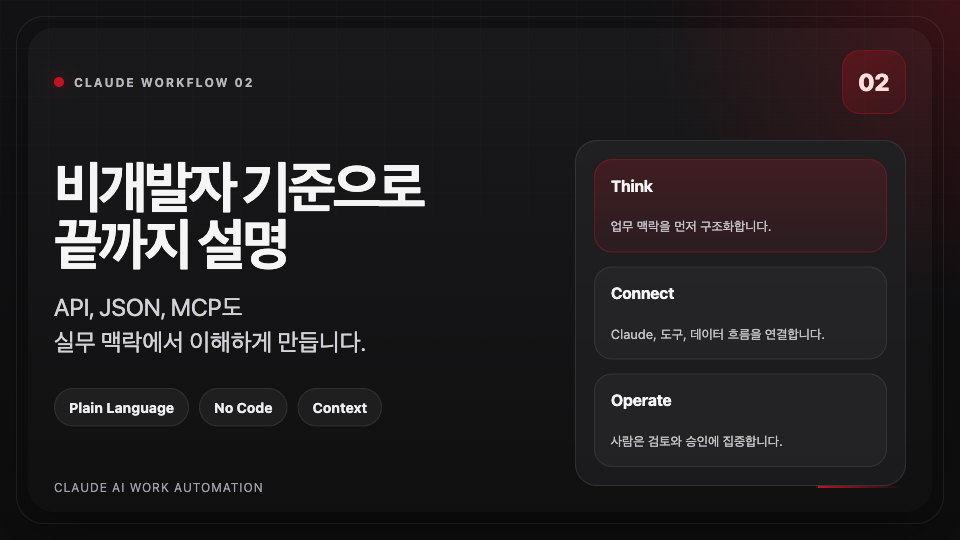
  • Explaining API, JSON, and MCP without using developer jargon

  • Show why it's necessary first, then attach the tools.

  • It is designed so that even those without coding experience can understand the flow.

  • We provide guidance so that both Windows and Mac users can follow along.

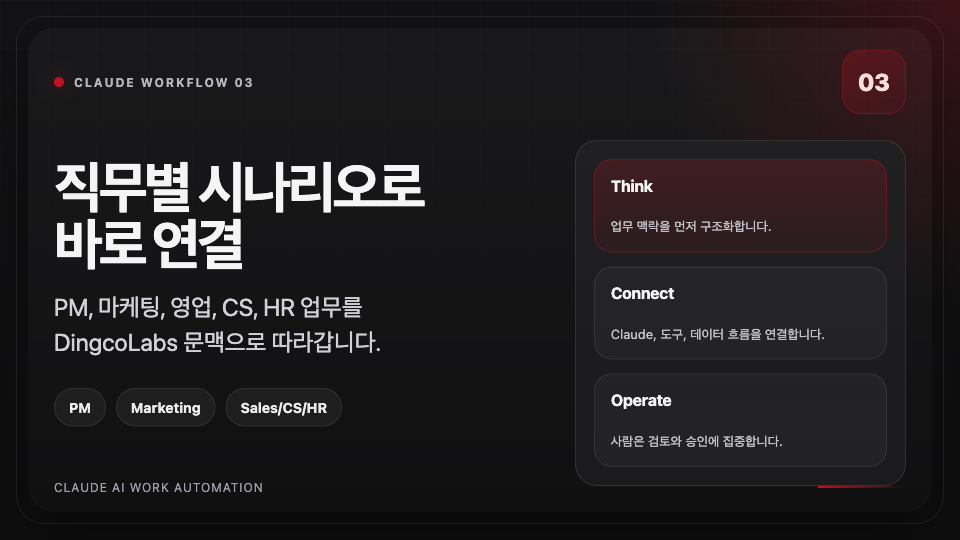
Practical Scenarios by Job Role

  • PM: PRD, retrospectives, and summarizing user interviews

  • Marketing: Content drafts, ad copy, competitor analysis

  • Sales, CS, HR: Proposals, inquiry classification, recruitment and onboarding automation

  • We also cover how to adapt this to your own specific work context.

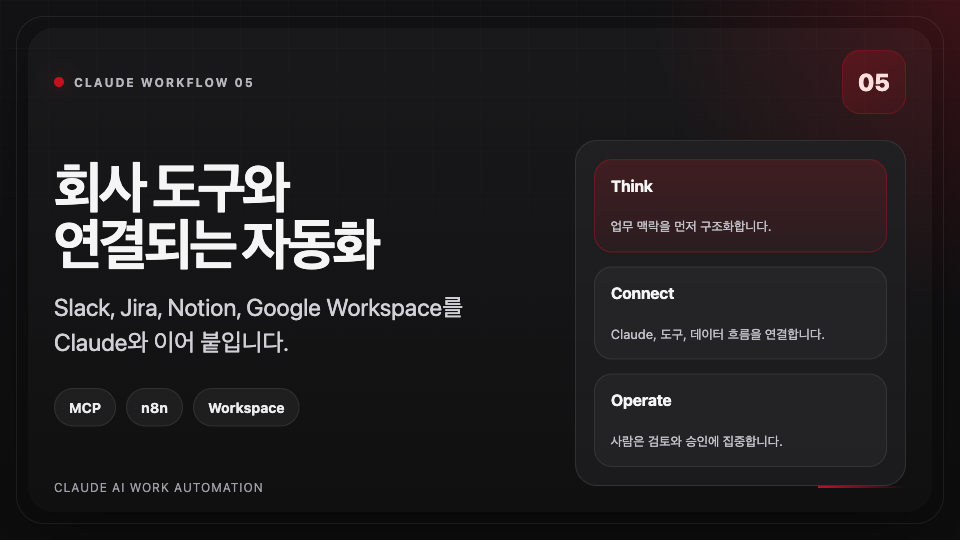
Automation that connects to company tools

  • Expanding from Claude Chat to Cowork, MCP, and n8n

  • Get a feel for connecting Slack, Jira, Notion, and Google Workspace

  • Understanding the deployment flow extending to Supabase and Vercel

  • We design systems for team use, not just for individual productivity.

With 10 sections, we have bundled everything from answer generation to deployment-ready automation into one package.

This course is not about memorizing a few prompts.
Set against the backdrop of a virtual company called DingcoLabs, you will follow the actual tasks experienced by PM, Marketing, Sales, CS, and HR to integrate Claude into the workflow., chúng ta sẽ theo chân các công việc thực tế của PM, Marketing, Sales, CS, HR để đưa Claude vào trong quy trình làm việc.

It starts with Claude Chat,
but gradually expands to Cowork, Projects, Artifacts, Deep Research, MCP, n8n, Supabase, and Vercel.

In other words, you will go beyond just learning how to ask good questions and acquire a
mindset for turning repetitive tasks into systems..

By the time you finish the course, it is designed to give you the intuition to immediately apply these methods
to your own company's tool environment.

✨ Features of this course

📌 It starts with Claude Chat, but it doesn't stop there

It's not just about getting a single good response; it creates a structure where results are connected and accumulated.

  • Use Projects to help the AI remember team knowledge and tone and manner, and

  • Quickly create charts and drafts with Artifacts,

  • Assigning folder-level tasks with Cowork,

  • Connect to company tools using MCP and n8n

The goal is to create a state where you don't have to assign the same task from scratch every time.


📌 It is a company scenario, so it is easy to apply to actual work.

Although it is a fictional company, the tools and documents used were designed to be as similar to a real company as possible.

  • PM: PRD, sprint retrospectives, interview summaries

  • Marketing: Blog drafts, ad copy, market research

  • Sales, CS, HR: Proposals, responses, recruitment, and onboarding tasks

That's why it's great for applying directly to your team's situation, rather than just being a simple demo.


📌 In the end, what you are building is your own work operating system

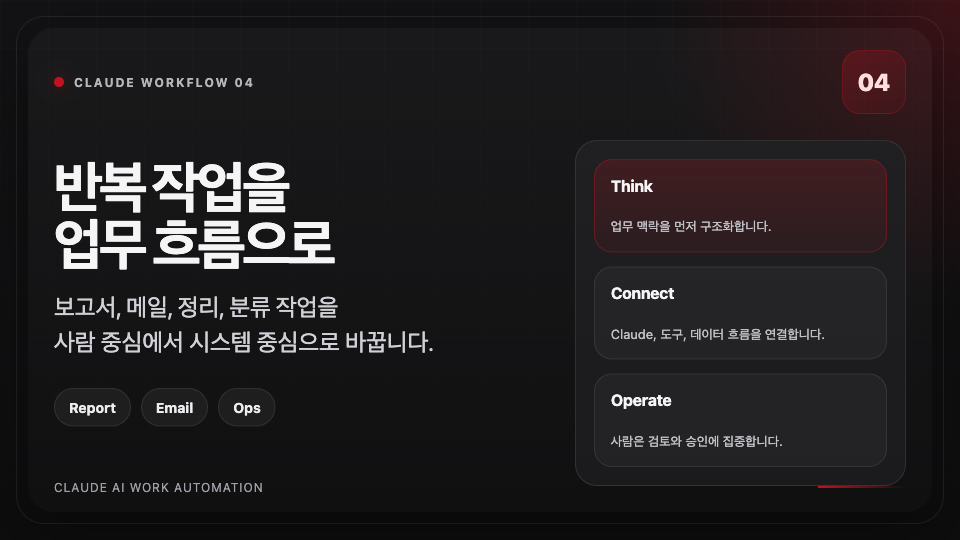
Claude handles repetitive tasks such as reports, emails, summary documents, sheets, and classification first, allowing humans to focus on final judgment and approval.

I focused on ensuring that by the end of the course, you won't just think "I should try using AI," but rather gain a structural perspective of
"I can automate this task like this."


📌 Focus on the workflow used directly in practice, rather than minor setups.

  • In what order to prepare the necessary accounts and tools

  • How documents, folders, and data should flow

  • Where to delegate to Claude and where a human must review.

We don't stop at just looking at tools; we take you all the way to the stage where they are applied to actual work.

Slack · Jira · Notion · Google Workspace connection flow

n8n · Supabase · Vercel deployable automation pipeline


📌 It is structured so that you will have tangible results just by following along.

Each section doesn't just end with a conceptual explanation but leads into a workflow that produces actual results.

For example, you will create step-by-step results ranging from report drafts, competitor analysis tables, and customer response templates to folder-based workflows, tool integration automation, and even deployable mini-systems.

In other words, as you take the course, you won't just accumulate knowledge; you will build up a
reusable framework that can be immediately applied to your work.

I designed this course so that it doesn't just end with you thinking it was a good lecture, but rather ensures you leave with a draft and structure that can be immediately applied to your work at the company.

I recommend it to these types of people

Those who are using AI but haven't moved beyond the copy-and-paste stage yet

  • Those who receive answers but always end up doing the final cleanup themselves

  • Those who repeatedly create similar documents and reports every day

Those in roles with heavy documentation and collaboration, such as PM, Marketing, Sales, CS, and HR

  • Those who have a high proportion of work involving proposals, organization, and communication

  • Those who want to design automation themselves first without the help of a developer

Those who want to create an AI workflow system that works for their team without coding

  • Those who want to understand Claude, MCP, and n8n within a practical business context

  • Those who want to go beyond personal productivity and reduce repetitive tasks for their team

What you will gain after taking this course

  • Prompts and work templates that you don't have to write from scratch every time

  • The sense of using Cowork to produce outputs on a folder-by-folder basis

  • Understanding the basic structure of connecting company tools with AI

  • The skeleton of an automation flow that can actually be deployed

It's not just a few lines of prompts; you will establish a baseline for automating your own work.

⛔ Caution 1: This is not a lecture where you just click buttons

This course is not about watching pretty demos, but about personally restructuring the framework to fit your own work.

Therefore, during the course, you must constantly think about how to apply it to the work you do.


⛔ Caution 2: We do not cover every feature of every tool

We do not explain all the features of Claude, MCP, n8n, Supabase, and Vercel in an encyclopedic manner.

Instead, we will take exactly what is needed for the workflow that non-developer office workers can use immediately in practice.


⛔ Precaution 3: AI outputs must be reviewed by a human

The core of this lecture is delegating work to AI, but not handing over the final responsibility.

In particular, for externally shared documents, customer service, and reporting materials, you must use a structure where a human always reviews and approves the content.

🎁 Course Review Event

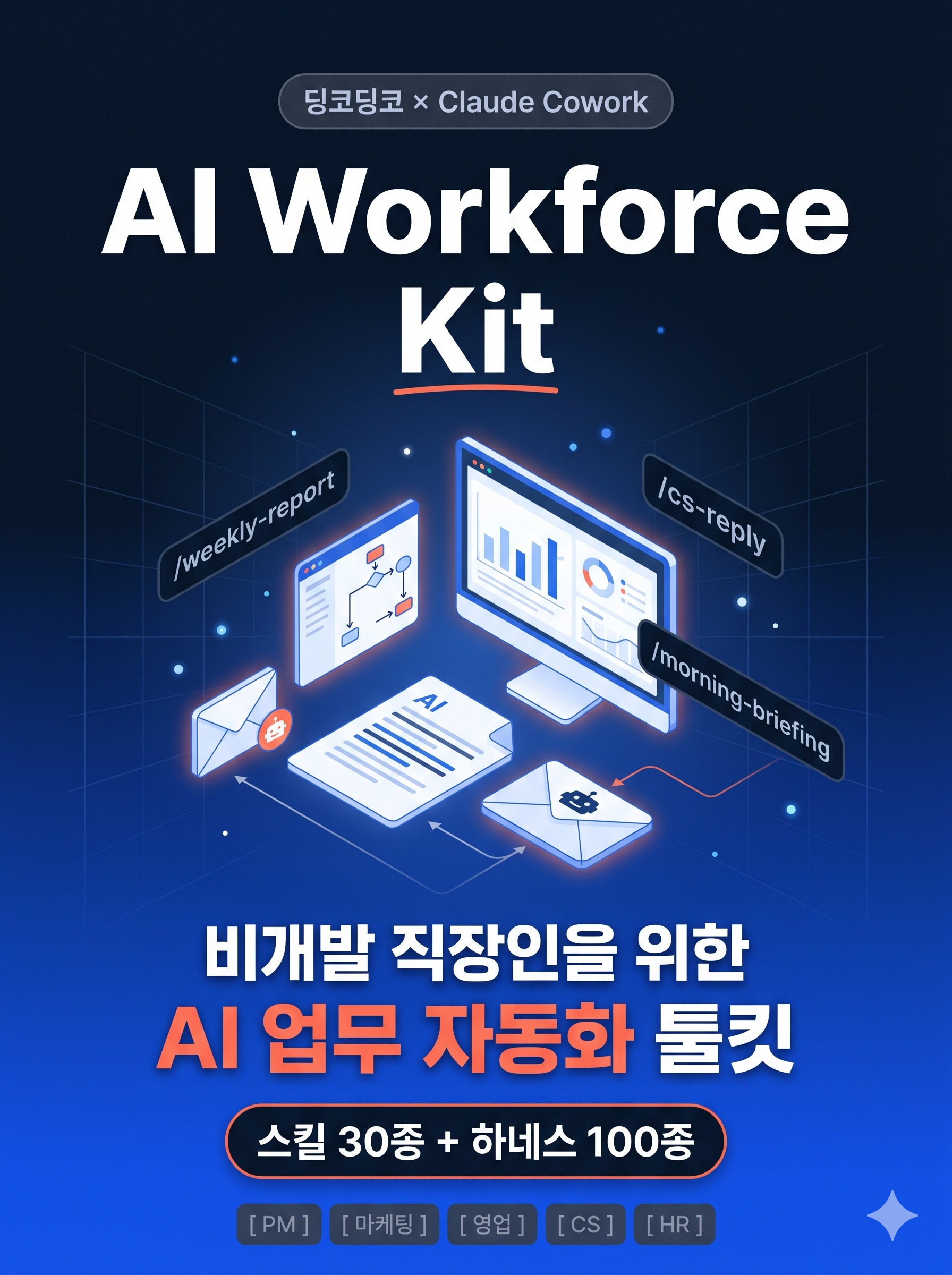
We provide the DingcoLabs AI Workforce Kit, which features the actual application of Claude Cowork usage, skill settings, and prompt designs learned in the lecture.

By adding a single line, dingcodingco/dingcolabs-skills, to the Cowork plugin, you can immediately execute weekly report automation, customer response drafts, competitor analysis, and data insight extraction. It includes 30 optimized skills for PM, Marketing, Sales, CS, and HR roles, along with 100 multi-agent collaboration harnesses.

Stop wasting time worrying about how to talk to AI every single time. This is a production-ready AI work toolkit that allows you to apply what you've learned directly to your practical tasks as soon as you learn it, with commands like /weekly-report, /cs-reply, and /morning-briefing already set up.

(This kit is provided as a link in Notion format!)


I will provide this starter kit to those who write a course review!

Get it after verifying your course review in the community!

(I have included the instructions on how to verify in the very last lecture __)


Learning styles that are particularly well-suited for this course

This course is most effective for those who prefer learning by adapting concepts to their own work, rather than simply memorizing a single correct answer.


A structure that can be applied immediately after listening

It is designed so that you can first improve your reports, emails, and organizational tasks within a single day, and then step-by-step expand into tool integration and deployment.


Ultimately, what you need to take away is the ability to apply it.

I focus on leaving you with a mindset and workflow that remains steadfast even when tool UIs change.

This course will be continuously updated based on these criteria.

As these tools—such as Claude, Cowork, MCP, n8n, Supabase, and Vercel—evolve rapidly, any points where the hands-on exercises break must be reinforced first.

Therefore, this course

  • Parts where the practice flow changes due to tool UI updates

  • Areas where additional scenarios frequently used in practice are needed

  • Explanations of concepts where non-developer students get stuck the most

I designed it based on the direction of continuously organizing and reinforcing content, prioritizing those elements.

The person who created this course

Channel Video Example | This contains a perspective that views AI not just as a tool, but as a structure for working together.

This course is not an introduction to tools, but a translation of real-world working methods.

  • We have redesigned the AI tools and automation workflows used in actual business settings into the language of non-developer professionals.

  • Concepts such as API, JSON, MCP, and deployment are also explained based on why they are necessary in practical work.

  • Instead of just teaching prompt tips, it conveys systemic thinking that can be reused repeatedly.

In other words, this course aims not to showcase fancy demos, but to enable you to apply what you learn immediately at work.

  • It is structured so that it can be applied immediately in the business contexts of PM, Marketing, Sales, CS, and HR.

  • It also helps you define requirements more accurately when collaborating with developers.

Notes before taking the course

This course is particularly well-suited for the following people.

If you are already using AI but find yourself stuck at the level of personal productivity or struggling to connect it with your company's tools, this course will bridge that exact gap. You will learn Claude, Artificial Intelligence (AI), AI Agents, and n8n.

Conversely, if you are expecting deep coding implementation or app development itself from the start, it may differ slightly from the core focus of this course.

Practice Environment

  • No coding experience is required. Basic experience with using the Chrome browser and uploading files is sufficient.

  • If you have a Claude Pro and a Google account, you can follow along with most of the hands-on exercises immediately.

  • n8n, Supabase, Vercel, and GitHub will be introduced based on their free plans as needed.

  • You can follow along in both Windows and Mac environments.

Learning Materials

  • Hands-on practice materials based on DingcoLabs scenarios

  • Examples of prompts and workflows applicable to each job role

  • Checkpoints to refer to when migrating automation structures to your own company's environment

Prerequisites and Important Notes

  • Development knowledge is not essential, but a willingness to learn by hands-on exploration of new tools is required.

  • This course does not focus on uncritically copying AI-generated results, but rather on how to build a system that allows for proper review.

  • When using company accounts or internal data, you must always check the internal security policies.

Recommended for
these people

Who is this course right for?

  • Non-developer office workers who use AI but are still stuck at the copy-and-paste stage

  • Practitioners in PM, Marketing, Sales, CS, HR, etc., who want to reduce repetitive tasks

  • Those who want to turn personal productivity into a system using Claude, MCP, and n8n

  • People who want to start automating work tasks without coding

Need to know before starting?

  • No coding experience is required. Basic computer skills, such as using the Chrome browser and uploading files, are sufficient.

  • If you have a Claude Pro subscription and a Google account, you will be able to follow along with the practice much more easily.

Hello
This is dingcodingco

16,864

Learners

1,699

Reviews

330

Answers

4.9

Rating

21

Courses

🚀 Ex-Toss, POSTECH graduate | Current Backend Developer (+8 years)
🎥 YouTuber with 20,000 subscribers | Development content creator
📚 Inflearn Instructor | Cumulative 15,000+ students
👥 Running a developer career community (8,000+ members)
🧩 Contributor to various open source projects (Gradle, Spring AI, etc.)
📝 Passed 38 resume screenings and conducted 100+ resume reviews on Kmong (5.0 rating)

I deliver vivid, real-world industry insights in an easy-to-understand and deductive manner.

Inflearn Interview Link!

More

Curriculum

All

44 lectures ∙ (3hr 27min)

Published: 
Last updated: 

Reviews

Not enough reviews.
Please write a valuable review that helps everyone!

dingcodingco's other courses

Check out other courses by the instructor!

Similar courses

Explore other courses in the same field!

Limited time deal

$115,500.00

30%

$127.60