
강의

멘토링

커뮤니티

NEW
AI Technology

/

AI Agent Development

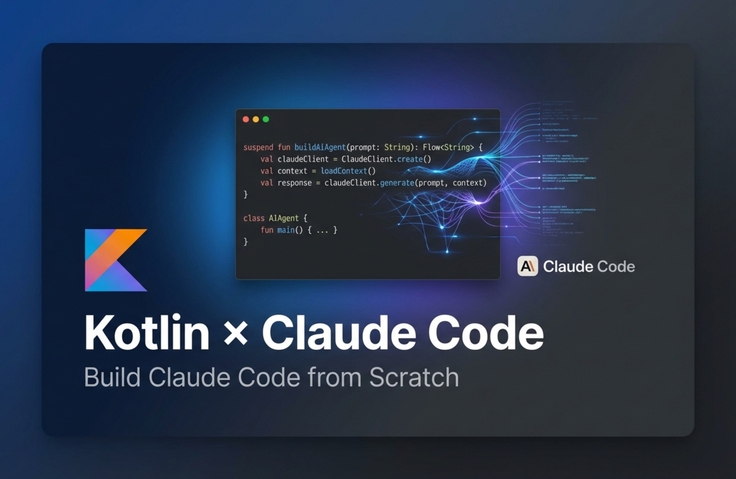
Learning Kotlin AI Agent Development by Building Claude Code Yourself

This is a hands-on course where you learn Kotlin-based AI agent development by building a coding agent yourself. Using Koog, an AI framework built with Kotlin, you'll practice step-by-step how to implement coding agents like Claude Code, Cursor, and Junie. In particular, Koog is not just a simple server-side framework— it integrates naturally with Spring and has the scalability to connect with various environments such as Android, iOS, Desktop, and Web through Kotlin Multiplatform (KMP). By building intelligent agents that read, analyze, modify, and generate code, you'll learn about AI agent architecture, strategies, context handling, Tool integration, and more in a practical, hands-on way.

10 learners are taking this course

Level Basic

Course period Unlimited

  • Outlier
토이프로젝트
토이프로젝트
실습 중심
실습 중심
AI 코딩
AI 코딩
백엔드
백엔드
안드로이드
안드로이드
Kotlin
Kotlin
Spring
Spring
Android
Android
AI Agent
AI Agent
AI
AI
토이프로젝트
토이프로젝트
실습 중심
실습 중심
AI 코딩
AI 코딩
백엔드
백엔드
안드로이드
안드로이드
Kotlin
Kotlin
Spring
Spring
Android
Android
AI Agent
AI Agent
AI
AI

What you will gain after the course

  • How to implement an Agent in Spring Boot / Android projects

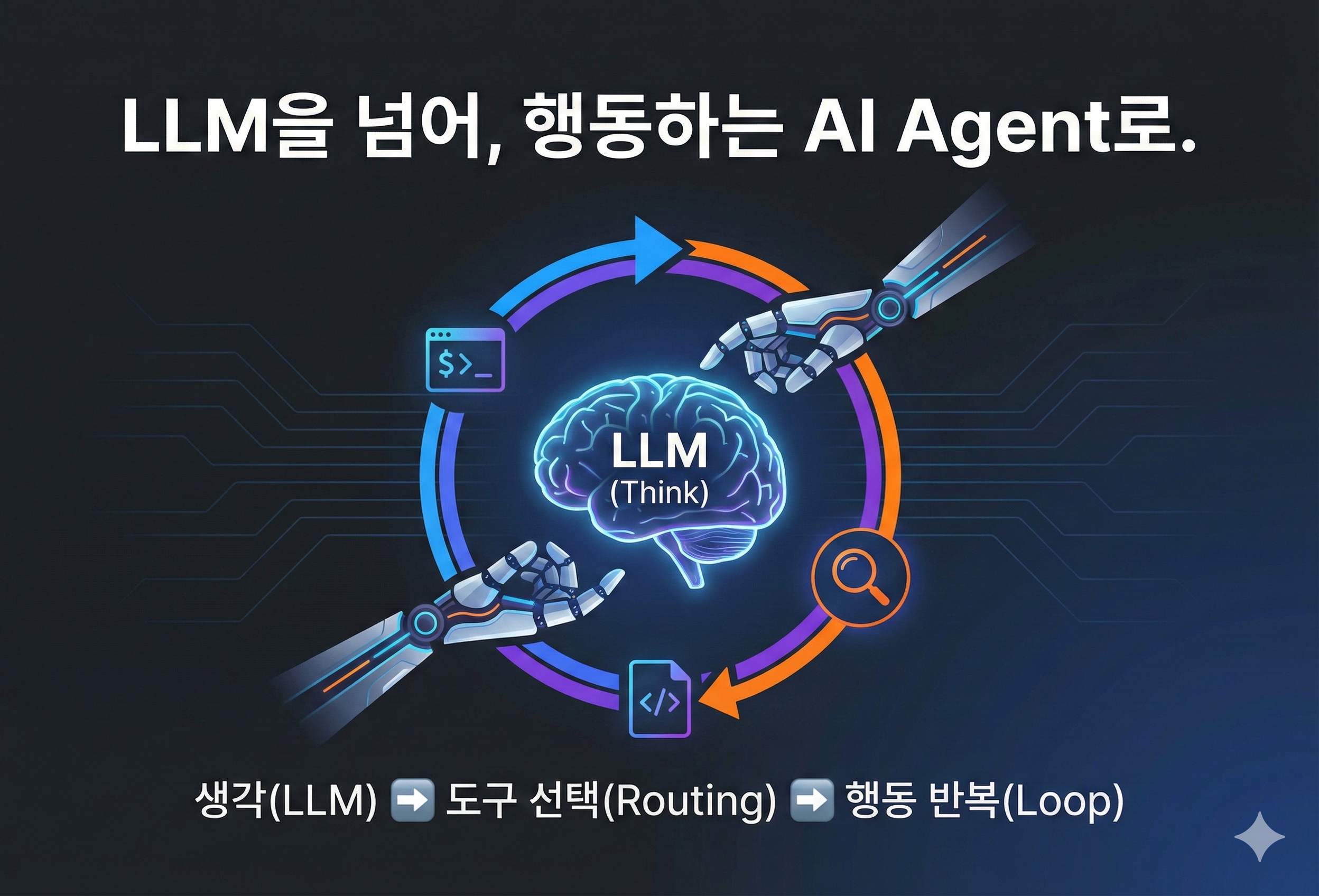
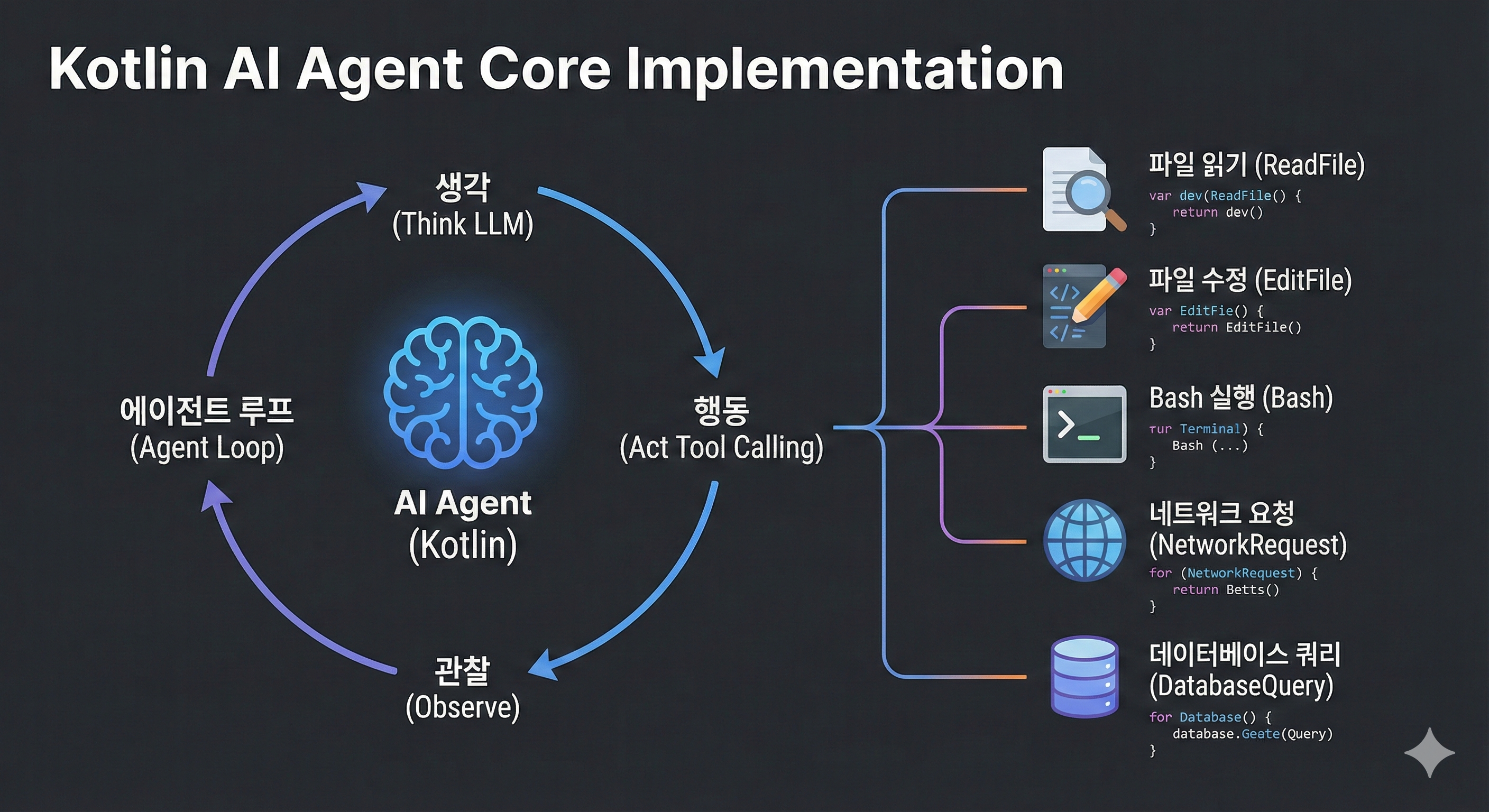
  • The core operating principles of AI Agents, including Tool Calling and Agent Loop

  • How to Build a Coding Agent Like Claude Code

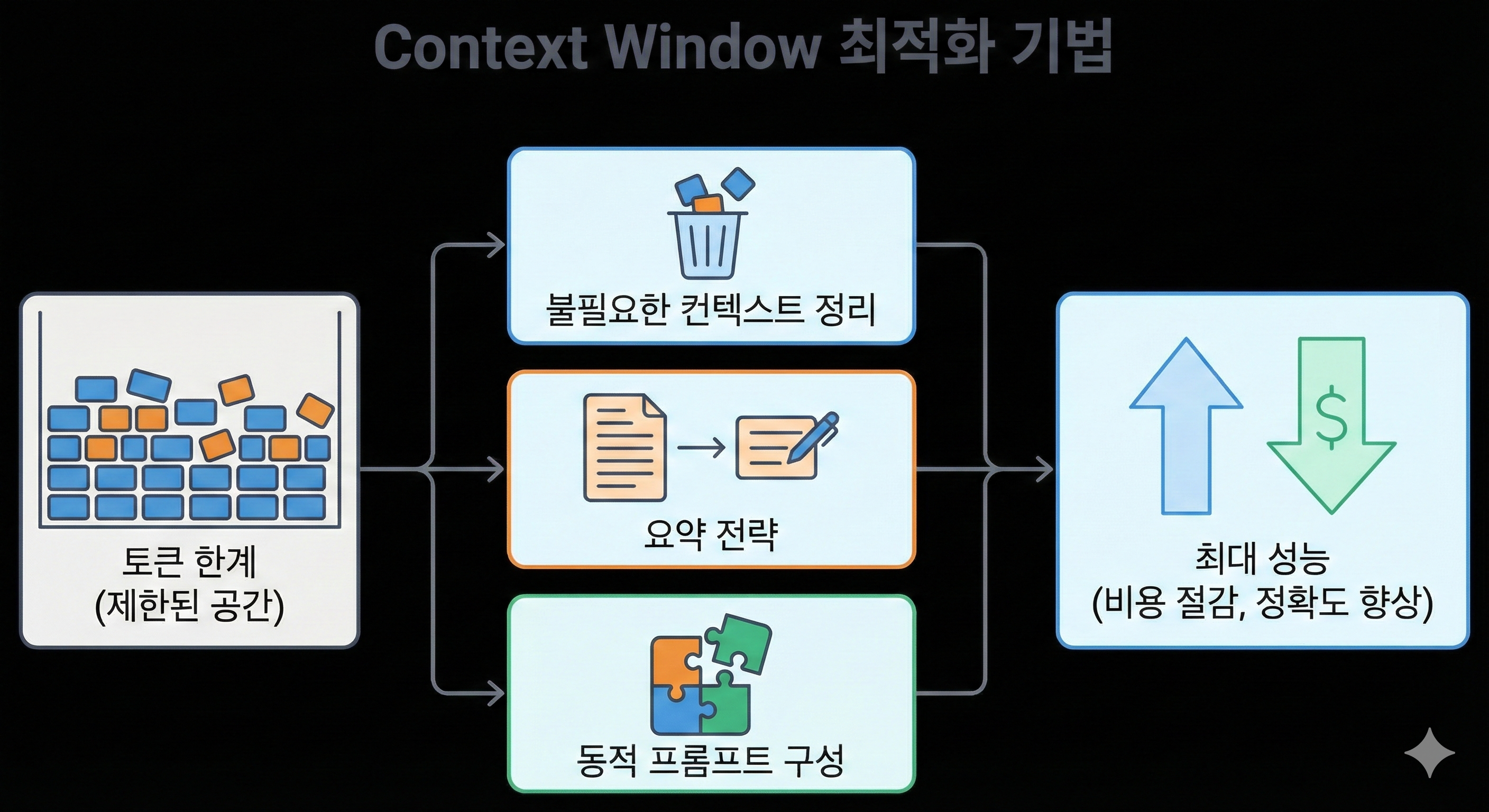
  • Optimization techniques to maximize performance within Context Window limits

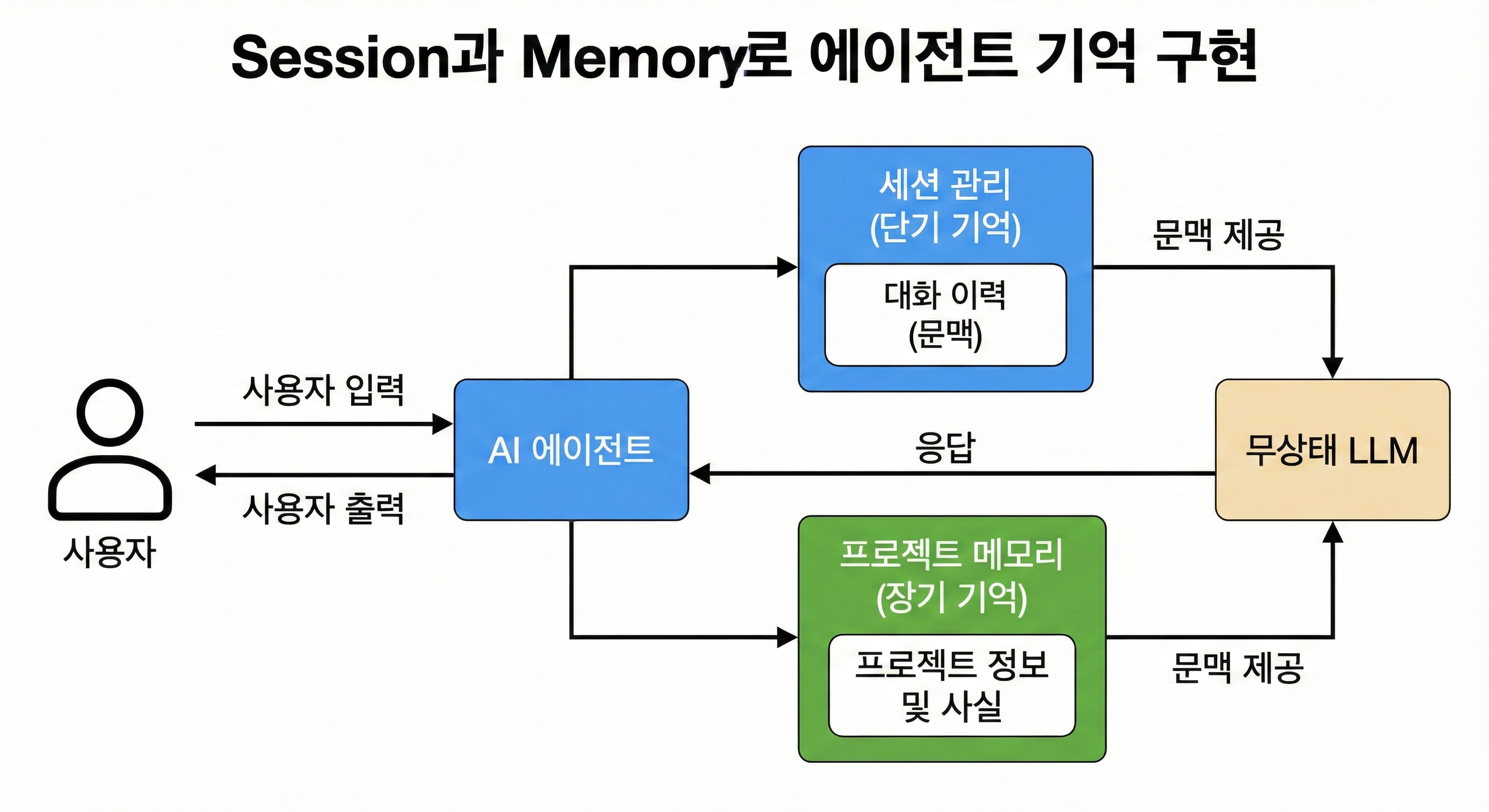
  • Creating an Agent that Remembers Context with Session and Memory

Promotional video

⚠️ In an era where AI codes, what sets you apart as a developer?

These days

  • Non-developers are also creating apps with Cursor or Claude Code.

  • Designers can also easily create landing pages with Claude Code.

It's a great time. The barrier to entry for technology has been lowered.

Anyone can create code with natural language. If you have an idea, AI will implement it for you.

But what if we as developers are also just using Cursor or Claude Code the same way?

Same tools, same prompts, same $20 monthly subscription. What makes us different from non-developers?

Where will the differentiation come from?


😰 The Uncomfortable Truth

The title of developer alone no longer sets you apart.

As AI-powered vibe coding becomes prevalent, many people are jumping into development regardless of their job function. Claude Code, Cursor, Copilot... It's an era where code is written with natural language alone.

Yet many developers still think they're safe.

  • "Because the limitations of AI tools seem clear"

  • "Because developers are still needed"

  • "Because what I do isn't just simple coding"

But this is like a frog feeling comfortable in slowly heating water.


🚀 Vibe coding is just the beginning, now it's time to go one step further

Now is the time to stop and think.

Right now, many people are only focusing on vibe coding and AI coding. But that is just the beginning of change.

We need to go one step further than others.


💡 The answer is clear: From AI consumer to AI provider

In an era where everyone uses the same AI tools.

Where does a developer's real competitive advantage come from?

The answer is simple:

  • People who use AI tools → People who create AI tools

  • AI consumer → AI provider

Non-developers use Cursor.

Developers create Cursor.

This is the decisive difference.

You can create these results after taking the course


With Tool Calling and Agent Loop

A Coding Agent that works autonomously

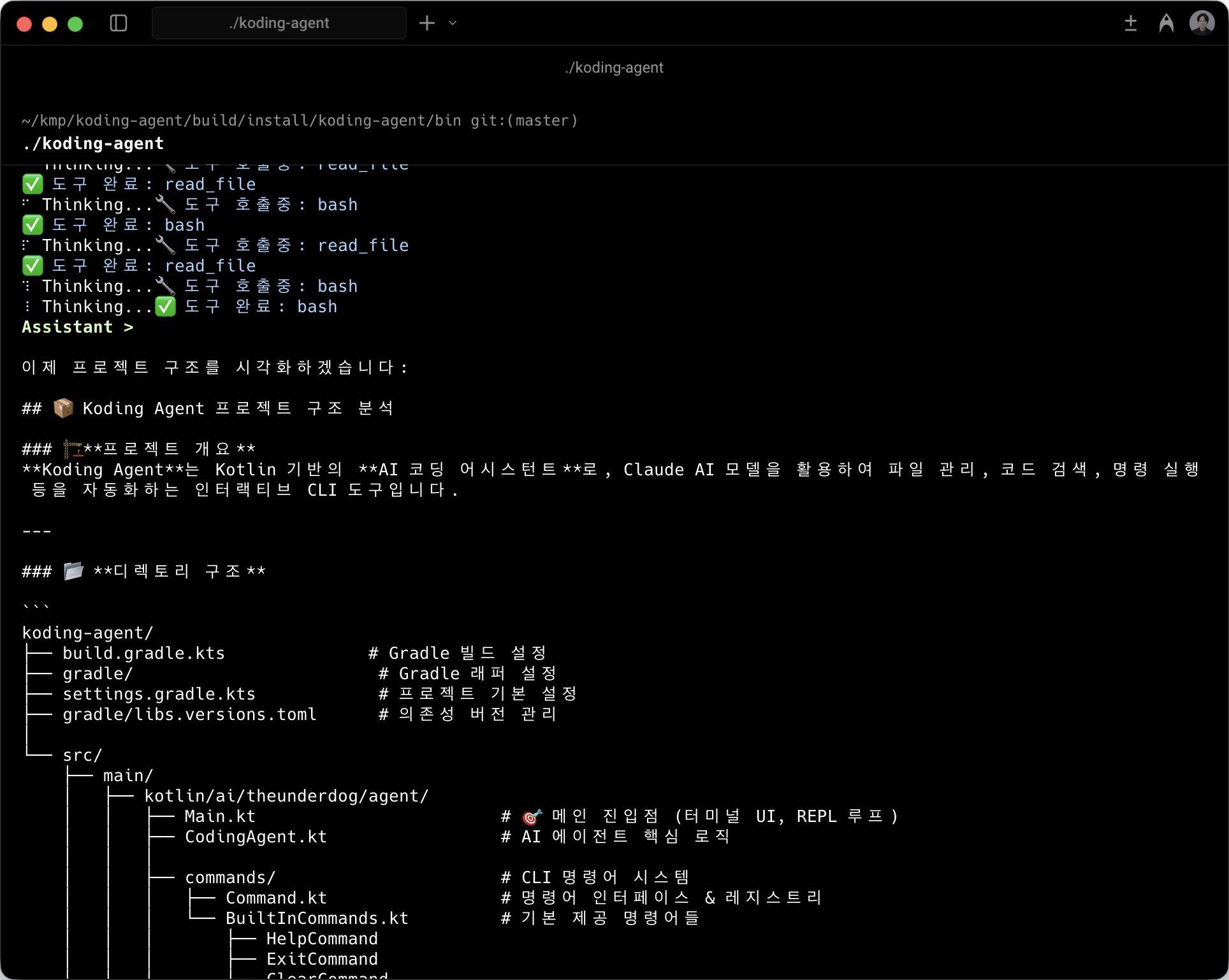
Reading and analyzing project structure

Code Analyzer

Create a coding agent that solves complex problems by connecting tools that read, write, and modify files, as well as execute Bash commands.

Explore directories and read files to understand project architecture. Build an analysis Agent that quickly comprehends unfamiliar codebases.

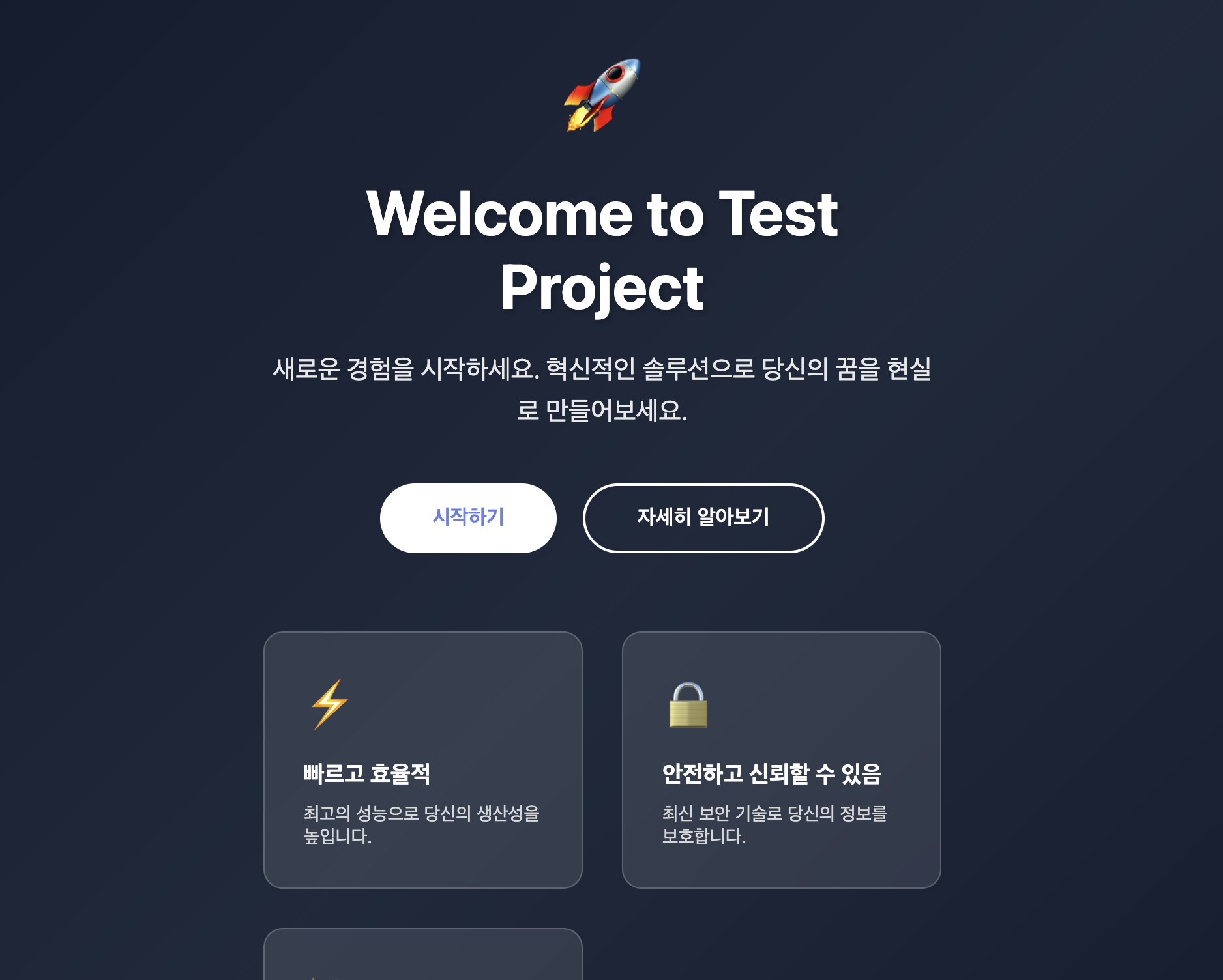
Generate code with natural language commands

Code Generator

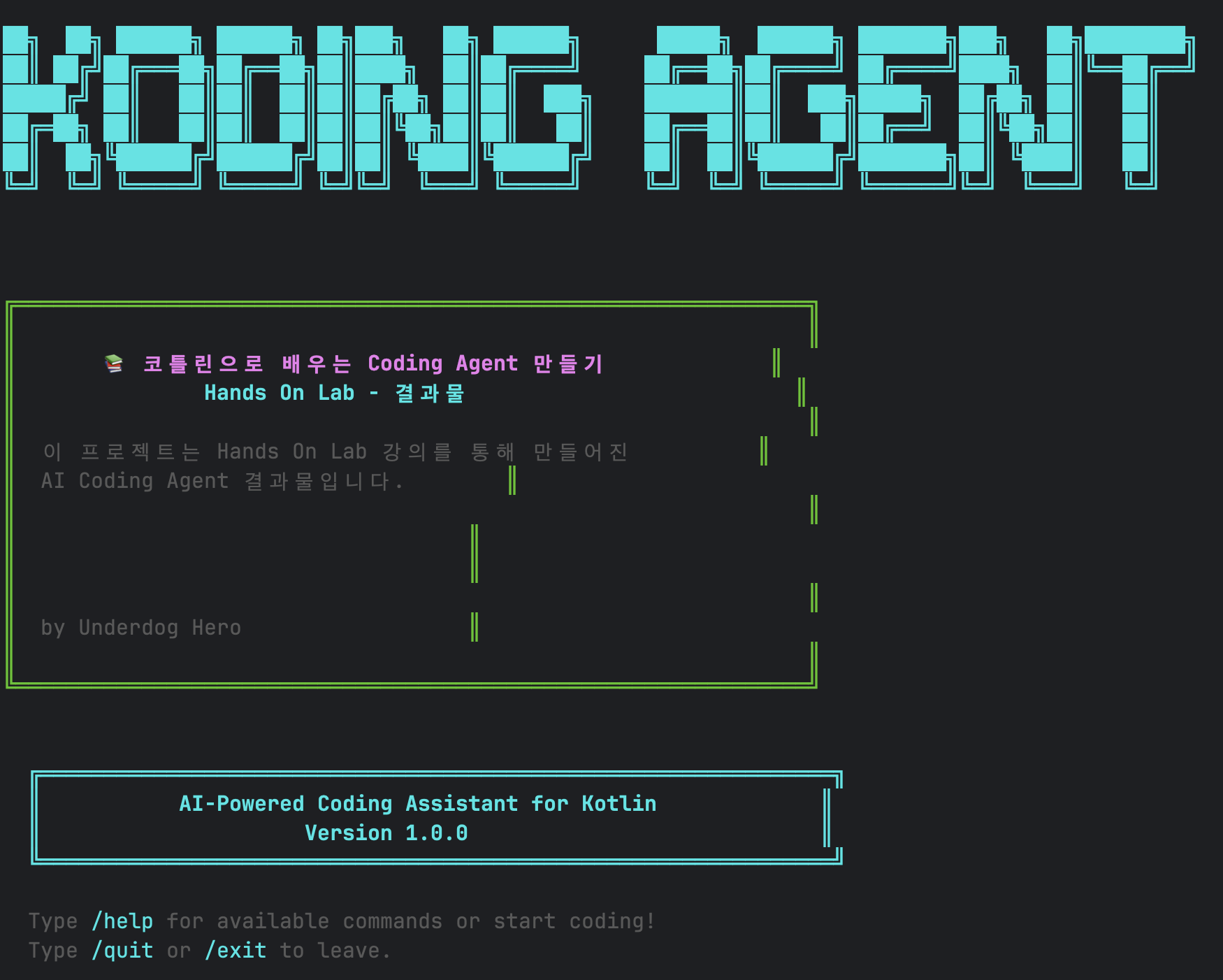
Working in the terminal

CLI Coding Agent

With just one command "Create a landing page," it generates HTML/CSS and saves it as a file. Build a generative Agent that turns ideas directly into code.

Complete your own CLI tool that codes through conversation in the terminal, just like Claude Code. A production-ready Agent with ASCII UI included.

Here's what you can learn!

How LLMs and AI Agents Work

How do Cursor and Claude Code work? Understand the core concepts of LLMs and the structure of AI Agents. Dive into the core mechanisms of AI Agents such as Agent Loop and Tool Routing.

Implementing Core AI Agent Components with Kotlin

Create 5 tools including ReadFile, EditFile, and Bash, and implement an Agent that operates autonomously through an Agent loop. Learn how to solve complex tasks step-by-step using Tool Calling.

Implementing Memory for Agents with Session and Memory

Implement Session to manage conversation history and Memory to store project information. Give context to stateless LLMs to create an Agent that remembers and utilizes previous conversations like a human.

Context Window Optimization Techniques
Learn how to maximize performance within token limits. Master practical techniques to reduce costs and increase accuracy through unnecessary context cleanup, summarization strategies, and dynamic prompt composition.


Why Koog?

Works anywhere with Kotlin Multiplatform

Integrated with KMP for Android, iOS, Desktop, and Web, allowing you to utilize a single Agent logic across multiple platforms.

Natural Integration with Spring

Since it's Kotlin-based, you can apply it directly to existing Spring projects. There's no need to create a separate Python server for AI logic.

From domain server to Agent, all in one

The majority of servers in Korea are Spring-based. With Koog, you can implement Agent logic cohesively within each domain server without separating it into a separate service. This reduces infrastructure complexity and increases development speed.


Practice Environment

  • Operating System and Version (OS): macOS, Java 24, Kotlin


  • Tools Used: IntelliJ

  • API Key : Claude API Key


  • Library used: Koog

Learning Materials

  • PDF Hands Book summarizing key theories

  • Video lectures structured so anyone can follow along step by step


Recommended for

  • Job seekers preparing for a career transition to AI engineer

  • Java / Spring-based backend developer

  • Android developers using Kotlin

Recommended for
these people

Who is this course right for?

  • People who want to implement AI Agents in Spring Boot or Android

  • For those who wanted to create Cursor or Claude Code themselves

  • Those who want to create a clear competitive advantage as a developer in the AI era

  • People who want to learn Kotlin's Agent framework Koog ahead of others

  • A developer who wants to become an AI engineer

Need to know before starting?

  • Understanding basic Kotlin syntax

Hello
This is

안녕하세요, AI 전환을 돕는 Outlier입니다.

현업 엔지니어에서 AI 엔지니어로의 여정, 어렵지 않습니다.

저도 백엔드/프론트엔드 개발자로 시작해 AI 분야로 전환했습니다.

이런 분들을 위한 강의입니다:

  • 개발 경험은 있지만 AI는 처음인 엔지니어

  • 수학/통계 없이 실무 중심으로 배우고 싶은 분

  • AI를 실제 프로젝트에 적용하고 싶은 분

함께 배울 내용:

✓ AI 리터러시
✓ AI Agent 개발

Curriculum

All

26 lectures ∙ (1hr 41min)

Course Materials:

Lecture resources
Published: 
Last updated: 

Reviews

Not enough reviews.
Please write a valuable review that helps everyone!

Limited time deal

$51.70

49%

$102.30

Similar courses

Explore other courses in the same field!