












A Complete Beginner's Guide to Dante's Codex

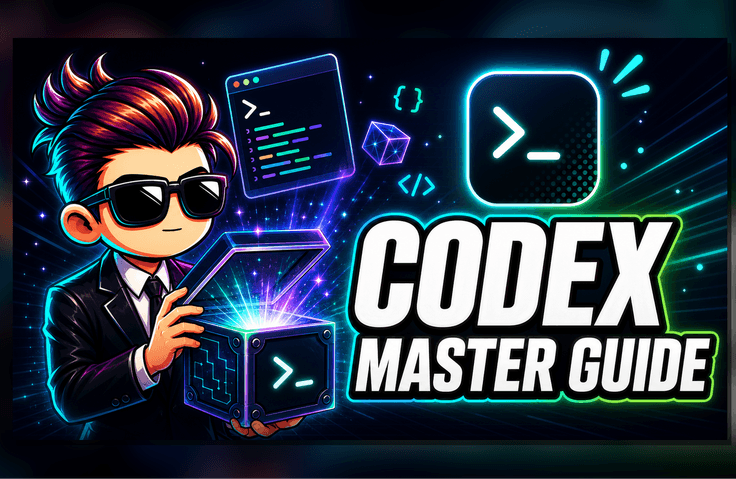
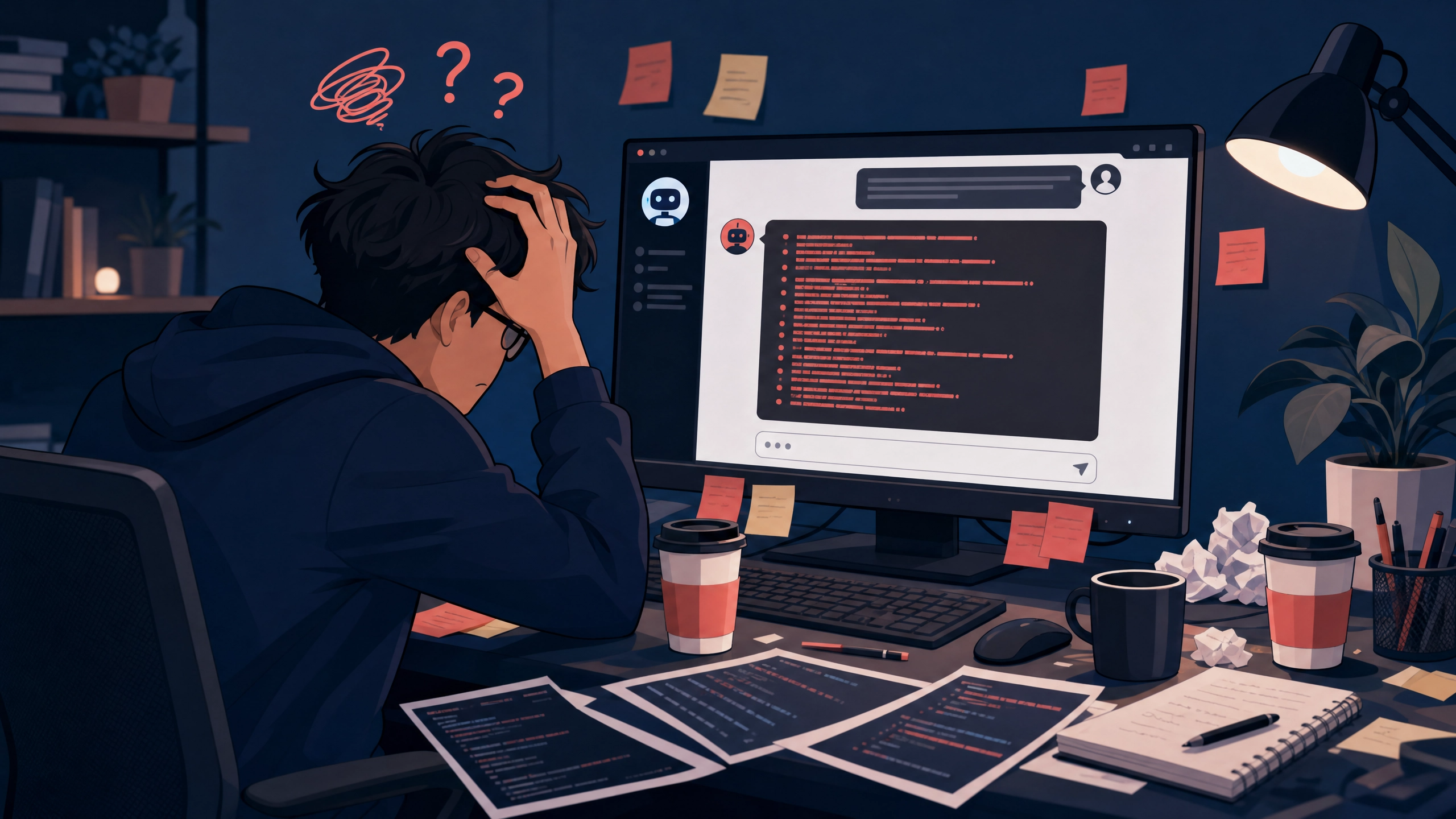
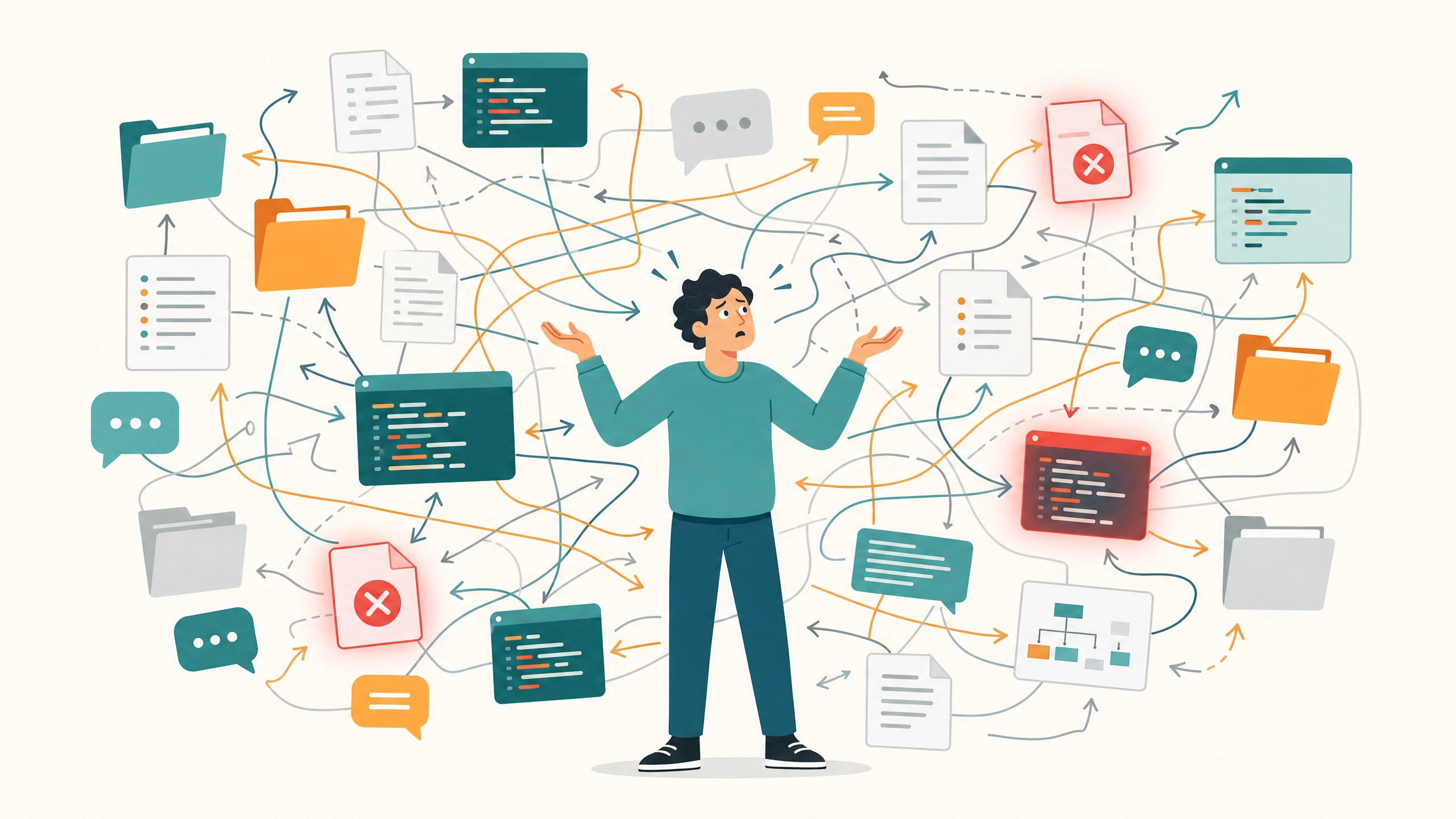
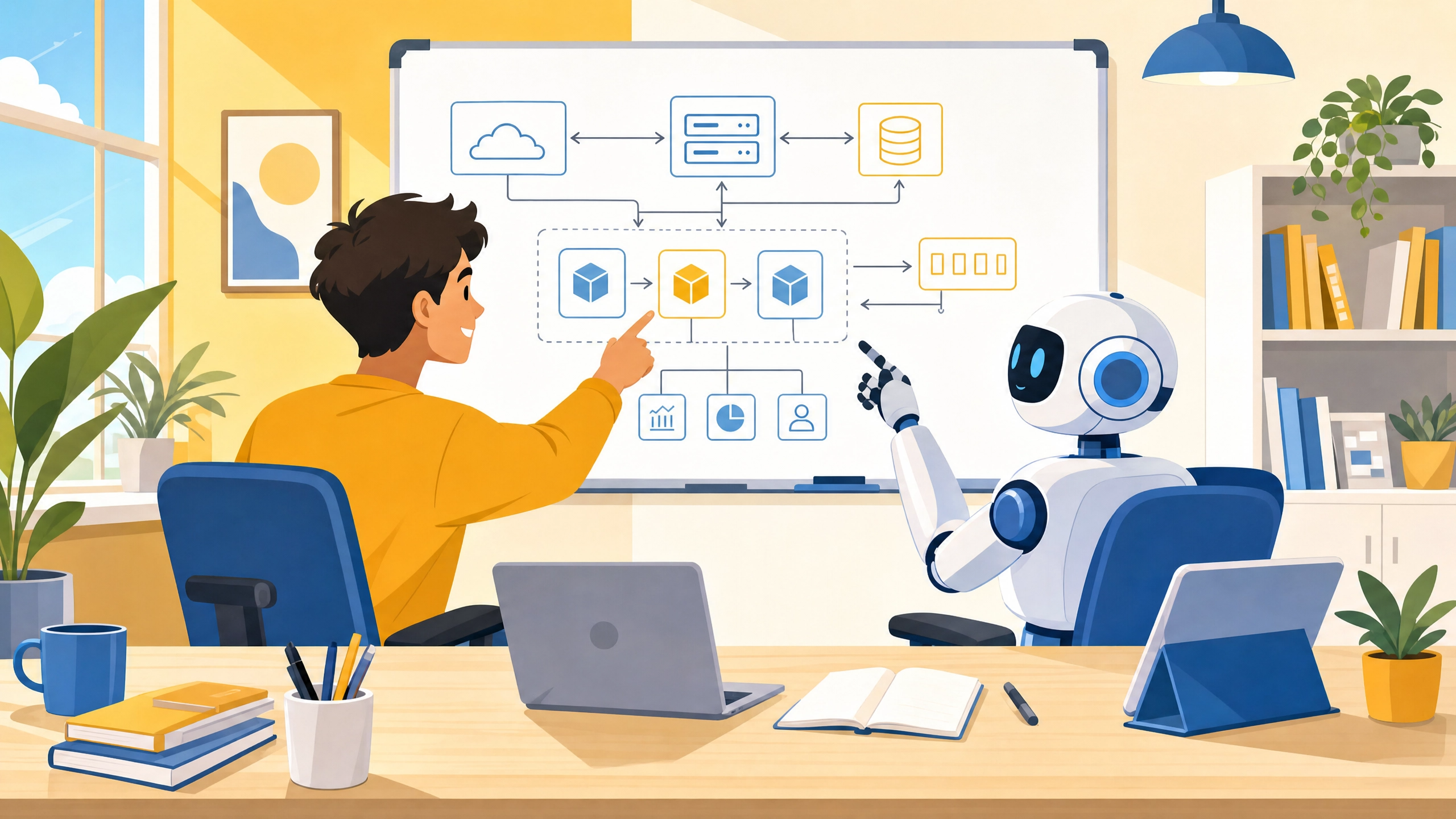
The time when your imagination becomes reality—we invite you to the world of 'Vibe Coding.' We have prepared this lecture for those of you who "don't know coding, but know exactly what you want to create." With the emergence of AI like ChatGPT and Claude, people say anyone can develop. But what happens when you actually try? - "It writes simple code well, but as the number of files increases, the AI forgets the previous context." - "It looks plausible, but it throws errors when executed, and when I ask to fix it, it gives even weirder code." You’ve likely had this experience at least once. I also experienced the same frustration when I first collaborated with AI. AI was an excellent 'assistant,' but it had limitations in seeing the big picture. However, after discovering the OpenAI Codex CLI and mastering a new method called 'Vibe Coding,' my development process changed completely. This lecture will solve the problems you are facing and transform you from a coder into a director who commands AI agents. Equip yourself with the powerful tool called Codex CLI and join me on an exhilarating journey of Vibe Coding to turn your imagination into reality.

8 learners are taking this course

Level Beginner

Course period Unlimited

frontend
frontend
codex
codex
AI
AI
Vibe Coding
Vibe Coding
frontend
frontend
codex
codex
AI
AI
Vibe Coding
Vibe Coding

What you will gain after the course

  • Collaborate with the AI agent 'Codex' to cultivate 'Vibe Coding' skills, enabling the implementation of ideas into software even without coding knowledge.

  • You can acquire the essential AI development knowledge required for Vibe Coding.

  • You can learn the know-how for instilling memories and rules into an agent.

  • AI-generated code can be connected to actual services.


In the AI era, stop worrying about what and how to study!

AI technology is changing day after day, and it feels like I'll fall behind if I don't learn it.

Have you never programmed before and are just feeling anxious?


My Vibe Coding is weird

The agent is not understanding my requests well.

Prompt engineering, context engineering..

Isn't this content too difficult and rigid for beginners?


Don't worry! From now on,

Using OpenAI's Codex

Without code, turning imagination into reality

Developers who command AI agents achieve a level of efficiency and produce results that are on a completely different dimension compared to developers who write code manually. I will help you take your first step.


You can learn step-by-step, from the basics to advanced applications.

Does the AI forget what was said before? Were you frustrated because it gave you nonsensical code?

News, various media outlets, and YouTube constantly tell you that you need to learn AI, making you worry, but are you only getting deeper into thought about where to actually start?

Experience it for yourself: AI moving according to a set plan and correcting its own errors.

It's okay if you don't have any coding knowledge. Learn how to command AI agents as a director, and start the amazing experience of turning your ideas into software.


Autonomy beyond ChatGPT,
An experience of turning ideas into reality with the AI Agent Codex,

It's okay if you have no coding experience.
Become a director who perfectly commands AI and build your product step by step.


Understanding the concept and autonomy of Agentic AI beyond Generative AI


With AI agents, your ideas become reality. It is possible even without programming knowledge.

  • You no longer have to feel frustrated by writing complex code yourself. You will master the 'Vibe Coding' method, which solves the issues that AI like ChatGPT or Claude often miss—such as losing the context of multi-file projects or generating incorrect code. You will experience turning everything you imagine into software by becoming a director who commands AI agents rather than just being a coder.


✔️

Why this course is the fastest solution

How to code with
AI agents

Do you want to turn your ideas into reality even without coding experience? This course teaches you how to become a director who gives clear instructions to AI instead of writing complex code, through the 'Vibe Coding' method of collaborating with the AI agent 'Codex'.
Beyond simple code generation, you will learn the concepts and practical applications of Agentic AI, where AI autonomously plans, executes, and solves problems.

Learning through Real-world Projects
Vibe Coding

Starting with the installation of the Codex CLI, you will build actual projects step-by-step, covering Git and GitHub integration as well as integrated VSCode utilization.
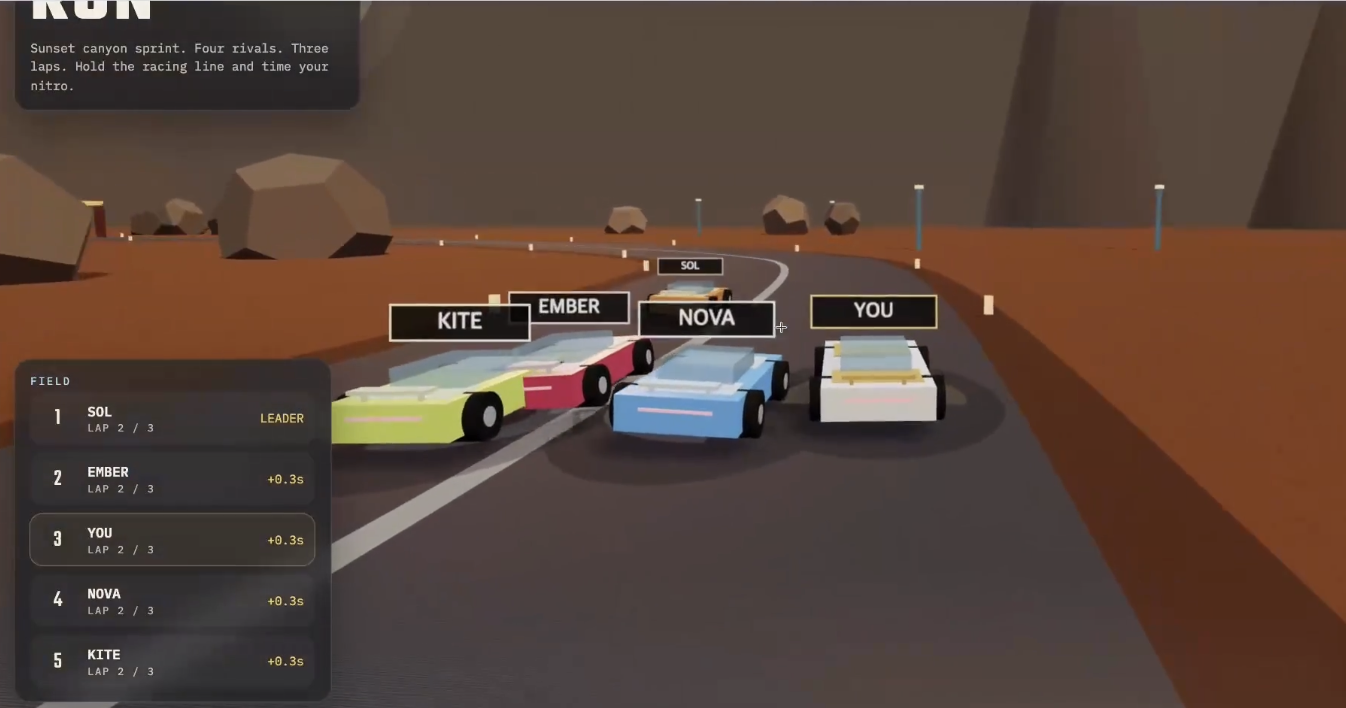
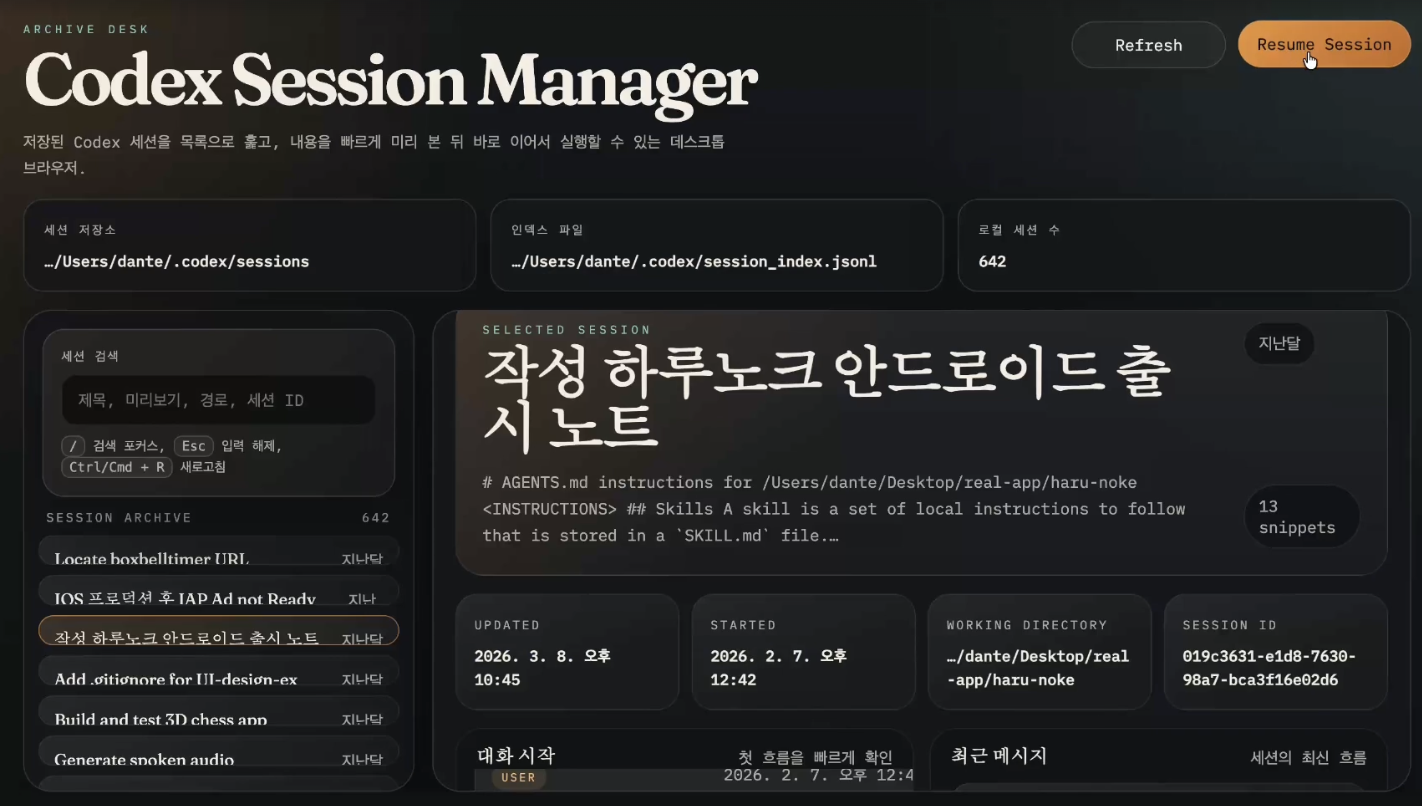
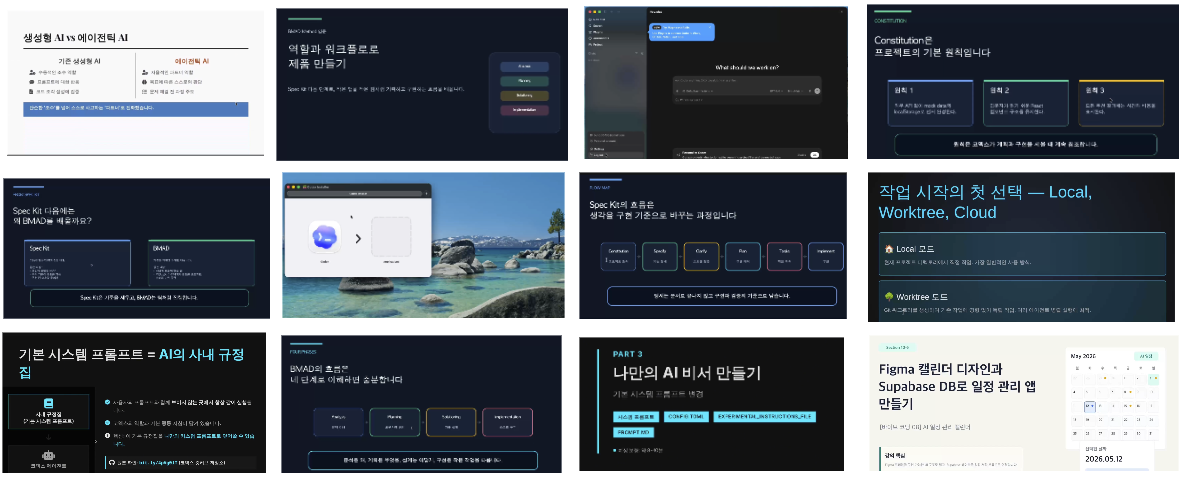
Through various hands-on exercises such as creating a game with a single prompt, building a session summary program, and constructing a conference landing page, you will develop the ability to code alongside AI.

3D Racing Game

Session Summary Program

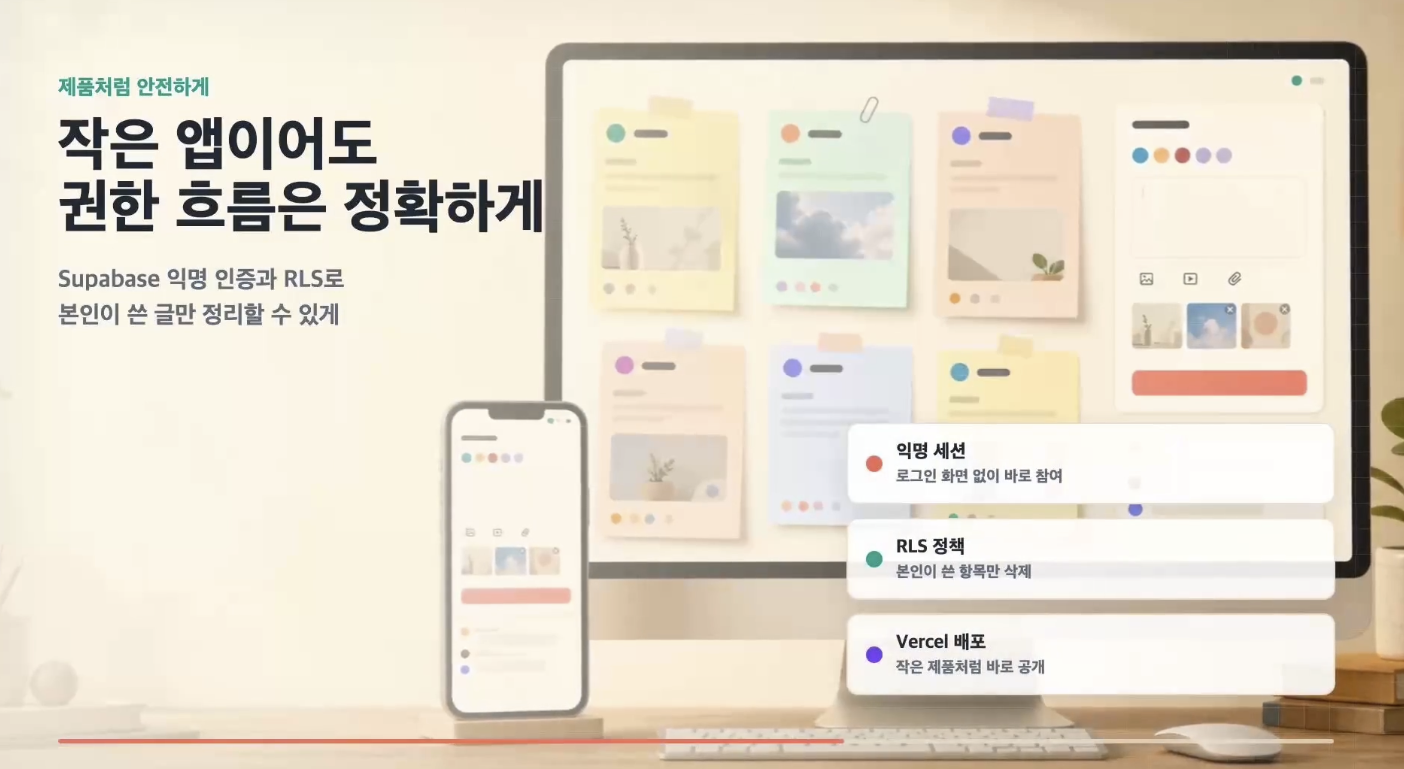
Marketing video created by Codex

Providing Rich Development Environments and
Resources

Throughout the course, we provide detailed guidance on how to set up the latest AI development tools and environments, including Codex CLI, VSCode extensions, MCP (Model Configuration Protocol), Skills, Codex App, and Codex Mobile.
We will elevate your development capabilities by providing setup guides and example codes that can be immediately applied to real projects, as well as context management know-how such as AGENTS.md.

Lecture materials and actual lecture demonstration scenes


A solid and friendly curriculum specialized for beginners


Section 1

Introduction to Agentic AI and Vibe Coding

Understand the concept and autonomy of Agentic AI, which goes beyond the limitations of generative AI, and learn the basic principles of Vibe Coding, a new development method for collaborating with AI. You will study how AI agents operate autonomously and why it is important.

Section 2

Codex CLI Installation and Basic Setup

You will learn how to install Codex CLI on macOS and Windows environments and how to configure the terminal environment. You will also master the CLI's built-in commands, as well as login and session management functions using API keys.


Section 3

Git and GitHub Utilization and Vibe Coding Practice

Learn the basic concepts of Git and GitHub, essential tools for development collaboration, and master how to apply them to real projects. Experience vibe coding through a hands-on practice of developing a racing game based on a single prompt.


Section 4

Advanced Codex CLI Configuration and Utilizing Session Information

Learn how to maintain project context by installing VSCode and utilizing the session management features of Codex CLI. Improve your code management skills through a hands-on exercise in developing a summary program using session information.


Section 5

Configuring the Codex Environment and Utilizing Custom Models

Learn how to configure the Codex environment using the config.toml file and integrate custom profiles and external models such as Claude. You will also learn how to use the non-interactive mode.


Section 6

Mastering Advanced Codex CLI Usage

Receive outputs in custom formats, manage session history, and understand Codex's memory mechanisms. Acquire advanced techniques for creating personalized AI assistants using system prompts.


Section 7

Utilizing the Codex App, Automation, and Sub-agents

Explore the Codex app in a GUI environment beyond the CLI, and conduct hands-on frontend development practice using Worktree mode. Learn how to utilize the browser, visualization features, memory, and automation functions.


Section 8

VSCode Integration and Productivity Enhancement Tools

You will learn how to install the Cursor extension for VSCode, familiarize yourself with the interface, and increase development productivity by utilizing Plan Mode.


Section 9

Prompt Engineering and Context Engineering

Learn prompt engineering techniques to effectively instruct AI and context engineering to manage various contexts such as files and threads. Includes hands-on web application development practice using AGENTS.md.


Section 10

Integrating Codex with External Tools Using MCP

Learn how to connect Cursor and external tools using MCP (Model Context Protocol). You will work on practical projects utilizing various MCPs such as OpenAI Docs, Context7, Figma, Supabase, and Cloudflare.


Section 11

AI Agent Skills: Developing a Real-time Guestbook App

Understand the concepts and open standards of Agent Skills, and use them to develop a real-time guestbook app that covers planning, PRD writing, UI design, database integration, deployment, and media creation.


Section 12

Utilizing Codex Cloud, Mobile, and Worktrees

Explore the Codex Cloud and mobile environments that allow you to work even without a computer, and use cloud environments within VSCode. Practice concurrent workflow methods using worktrees and sub-agents.


Section 13

Hands-on Project: Utilizing Spec Kit, BMAD, and /goal Loops

Learn specification-based development and role-based product development through the Spec Kit and BMAD frameworks. Perform a hands-on project to complete the remaining epics and stories of the project using the /goal loop.


Learn with confidence using the author's proven materials and curriculum.


An introductory course on Codex by the author of the Complete Guide to Codex


We can solve the concerns
of people like this!

📌

Vibe Coding Beginners

Those who have many ideas but struggle because they lack coding experience and don't know how to give specific instructions to AI. Those who have used ChatGPT but have no experience using it to create an actual product.

📌

Those wishing to introduce new AI development methodologies

Working developers who want to spread the latest AI development methodologies and new ways of collaborating using Codex CLI within their current companies. Those who want to apply the autonomy and problem-solving capabilities of AI agents to real-world projects.

📌

Office workers wishing for natural language-based task automation

Office workers who have no programming experience but want to create their own applications to handle repetitive tasks using only natural language. Those who want to experience turning ideas into actual software using AI.


Don't put it off any longer!

Spread your wings of productivity with Codex


Notes before taking the course


Practice Environment

  • Operating System: MacOS or Windows (WSL2 installation required)

  • Required installation tools: Node.js, Git, Visual Studio Code

  • Paid Subscription: OpenAI ChatGPT Plus (Required for using Codex CLI)

Prerequisites and Important Notes

  • It is okay even if you have no programming experience.

  • It is suitable for those who want to implement natural language-based ideas into code.

  • Recommended for those who want to gain a new perspective on collaborating with AI.

  • Purchasing the book is optional.

Learning Materials

  • Code examples and practice materials provided in the lecture

  • Codex CLI official documentation and related tutorials

  • Visual materials and diagrams to help understand concepts


Recommended for
these people

Who is this course right for?

  • Non-majors who are currently paying for a ChatGPT subscription and want to experience "vibe coding."

  • Aspiring entrepreneurs who want to start vibe coding using OpenAI's latest technology

  • A working developer who wants to spread new AI development methodologies and skills within their current company.

  • Office workers with zero programming experience who want to create their own work-related applications using natural language.

Need to know before starting?

  • We use a paid ChatGPT subscription in class.

Hello
This is dante

Hello! I'm Dante.
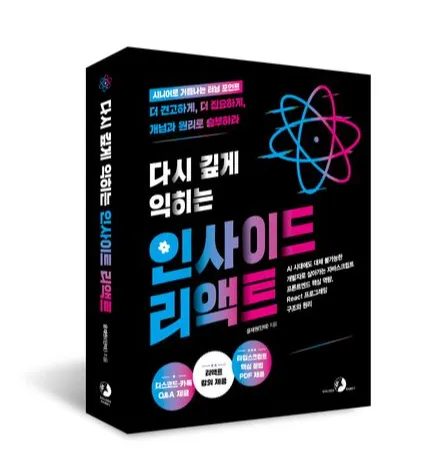
I am the author of The Complete Guide to Vibe Coding Codex and Deep Dive into Inside React.

I have experience working as a software engineer at leading major corporations such as Coupang and Naver, and I have met with over 400 mentees to provide consulting on the practical application and learning methods of AI agents, as well as front-end development and learning strategies.

XL

The Complete Guide to Modern Vibe Coding Codex

If you are interested in my mentoring,

Please check https://mentoring.inflearn.com/mentors/1535 :) nhé :)

스크린샷 2025-08-14 오후 9.49.00.png.webp

Inside React: Deep Dive Again

Kyobo Book Centre https://bit.ly/4mbixaE

Aladin https://bit.ly/4m9tOYO

Yes24 https://www.yes24.com/product/goods/151041836

More

Curriculum

All

68 lectures ∙ (8hr 24min)

Course Materials:

Lecture resources
Published: 
Last updated: 

Reviews

Not enough reviews.
Please write a valuable review that helps everyone!

Similar courses

Explore other courses in the same field!

Limited time deal

$11,902.00

29%

$102.30