




Skills and tips you can use right away in your practice!
A variety of indirect experiences through project know-how!
Practical experience is a must! Publisher's On-site tips and know-how are mine ❤️
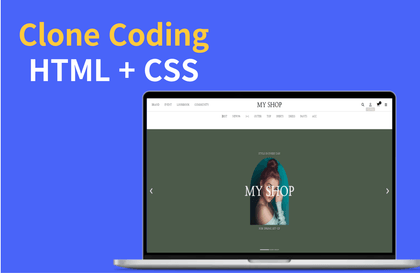
Learn by doing Website Clone Coding 👨💻
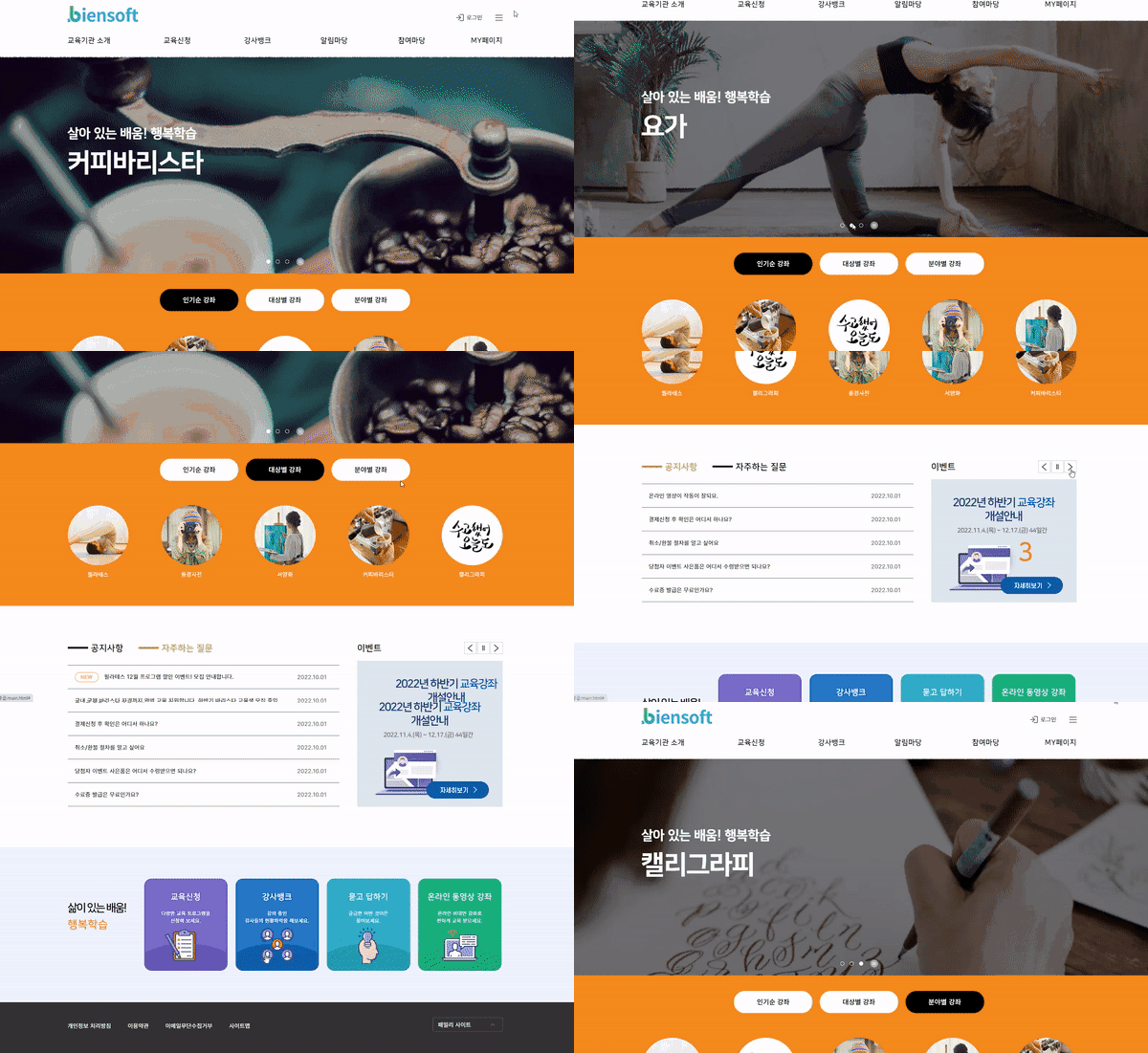
Learn the frequently used script UI elements on the website's main page. You'll create a variety of scripts, including GNBs, banner sliders, tabs, and scripts for opening and closing boxes. While it may seem relatively simple, learning it step by step will help you publish more complex UIs in the future!
1. If you look at the completed design and explain how to code by area, 2. After coding according to the lecture content 3. Listen and compare it to the coding I explained!
Let's code the website's main screen exactly the same way! A huge release of tips you can only find on-site 😎
Hello, this is Loving Code. When I first got into the web, I remember spending more time researching unfamiliar computer terms than learning coding skills.
Publishers serve as a bridge of communication between designers and developers. To achieve this, understanding and reinterpreting each other's language is crucial. Over the past 15 years, I've naturally developed this understanding. I thought that if a liberal arts student like me could create a course based on my experience and expertise as a publisher, it might make things a little easier for those who are just starting out.
So that you can use it right away Let's practice witha highly usable design UI 🎨
Publishing has a lower barrier to entry than other professions, but the road to graduation is arduous. But skills can be improved with hard work. You can also find references for flashy techniques whenever you need them. The important thing is to stick to the basics. Once you know the basics, you can easily learn new technologies. This is a principle I've never forgotten in my 15+ years of publishing experience. So, shall we get started?
I recommend this to these people 🙋♀️
My own portfolio Job seekers preparing
I'm alone at the company! Anyone who needs a shooter
Self-taught publishing Those who want to upgrade
About publishing Those who want to build understanding
Recommended Roadmap 📚
The publishing lectures taught by liberal arts students will continue in the future!
1) Publishing taught by a liberal arts student - Beginner
Learn the fundamentals of becoming a publisher.
We focus on learning HTML and CSS.
2) Publishing taught by liberal arts students - Intermediatecurrent course
We will learn mainly through clone coding.
3) Publishing taught by liberal arts students - Advanced courseto be opened soon
Learn how to apply responsive/web accessibility to clone coding.
Recommended for these people
Who is this course right for?
Job seekers preparing their own portfolio after mastering the beginner course!
I got a new job at a company and I'm the only one! Someone who needs a mentor!
Those who want to verify and upgrade publishing skills that they have learned on their own~
Anyone who needs to understand the website publishing production process!
Need to know before starting?
Publishing Taught by a Liberal Arts Student - Beginner
Hello This is
3년은 웹디자이너이자 플래셔로 15년은 웹 퍼블리싱과 프론트앤드 개발로 밥 먹고 사는 퍼블리셔입니다.
18년이상 it에 몸담으며
웬만한 대기업 프로젝트 경험은 다 해본 듯 하며...
최근 활동은
한화생명, BC카드, 한전, 삼성, 수협, 두산, 넥슨, 파고다, sk등 다수 프로젝트 참여!
I am also listening to this lecture well.
I am studying well thanks to the lecture that progresses step by step in an easy-to-understand manner.
I am looking forward to the next lecture!!!
I liked how you explained the most commonly used technologies on the main page in an easy way.
If you are new to jQuery, it might be difficult, so I think it would be better to do some pre-learning first and then take the class :)
I remember you asking questions..
Thank you so much for sticking with it until the end.
As you said, if you study the script part in advance,
it will be very helpful~
There is also a reason why I intentionally included script sources that are frequently used in practice in the lecture because many people have difficulty listening to scripts in actual practice.
I want you to use them first in practice.
I hope my sources will be very helpful in practice~
Everything is good, but I don't know how the results come out in real time while writing HTML, CSS, etc. I just keep writing on one screen so I don't know if what I'm doing is right... When I look at other people, they write HTML, CSS in real time on a dual screen and the results come out to the side so you can see that it's done like this, but I don't know how this is processed because I just keep coding and don't know how it's processed... I'm sorry but I'm stopping after listening to two lectures. I don't know what other people think, but I don't think it's my study style. Still, thank you for your hard work in making the lecture.
I heard you had trouble with the lecture T.T;;. If you keep listening, you can learn practical tips and mistakes that can happen in actual practice. I made the lecture structured so that you can learn about them subconsciously, but I feel bad because it wasn't helpful~
I hope you can find a helpful lecture~