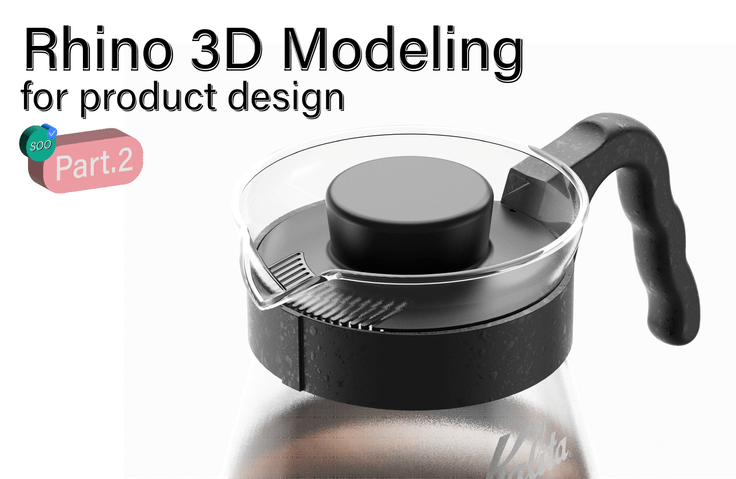
3D Modeling Beginner's Rhino 'Pro Tips' Part.2
Now let's start 'real' product modeling! Detailed product modeling + surface modeling techniques will help beginners escape perfectly! 👌ㅤㅤㅤㅤFrustrating Online Classes are NO! Substantial course materials and feedback for skill improvement OK! 👍🙆♂
154 learners
Level Basic
Course period 18 months

News
3 articles
The roadmap is divided into Rhino Part.1, Part.2 / Keyshot Part.1, Part.2.
Those who have applied for at least one of the four studies can apply for the remaining classes through the roadmap.
We are offering a much higher discount rate than the existing discount rate, and the course is also extended to 24 months.
Master Rhino Keyshot with Soo's roadmap!
Thank you 😀
Hello. This is SOO. Starting today, we have opened a KeyShot lecture on Inflearn.
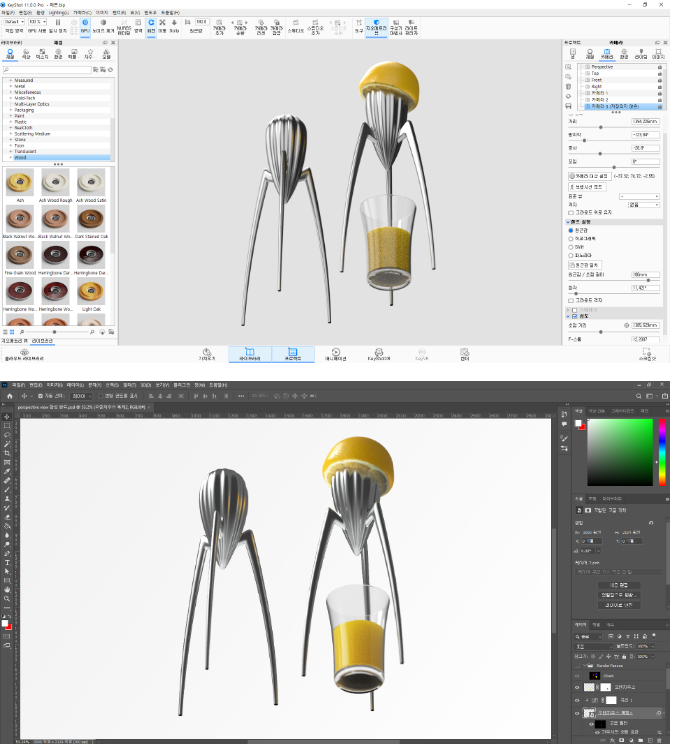
KeyShot Introduction/Beginner: KeyShot Rendering & Post-processing for Ultra-Realistic Product Images Part 1
https://inf.run/L6iihKeyShot Intermediate/Advanced: KeyShot Rendering & Post-processing for Ultra-Realistic Product Images Part 2
https://inf.run/AxKDzYou can learn everything about materials, lighting, staging, composition, texture mapping, unwrapping, labeling, Photoshop post-processing, material graphs, etc.
This time, we are also organizing a review event to provide additional videos for students who are running towards the end of the course.
Although it only consists of parts 1 and 2, since there are many lectures and it is long, you can think of it as parts 1 to 5 of other lectures. If you learn only parts 1 and 2, I can guarantee that you will have done everything that can be done in KeyShot.
I put all my know-how, tips, and soul into making it with all my heart.
Thank you. SOO Dream
Additional lectures have been added to Part 2 of Rhino Tips for Beginners in 3D Modeling.
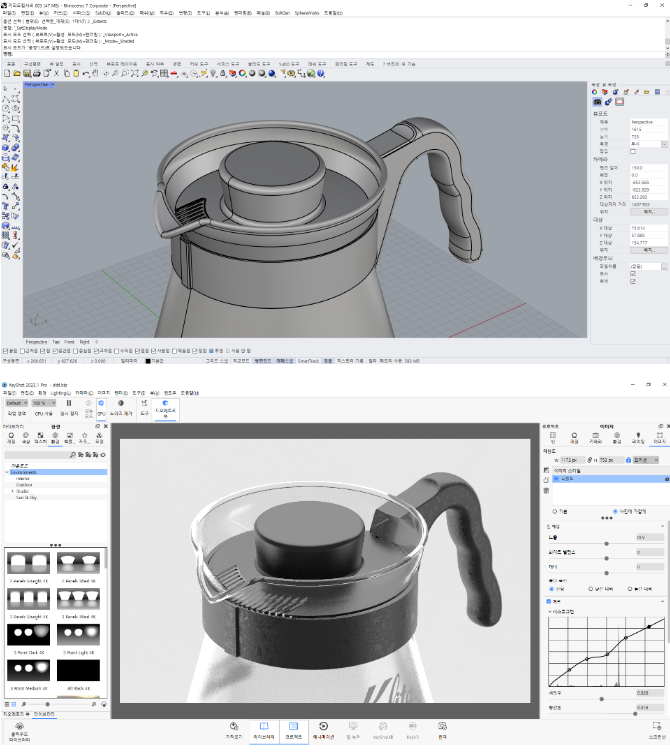
We have added more information such as Y-type, G2 connection, advanced, intermediate mouse, advanced mouse, and R value correction based on practical application.
It takes about 6 hours longer than before, and there is a lot of material, but if you stack them up, I think you will see the pinnacle of surface modeling.
In particular, the in-depth mouse goes beyond the existing SingleSpanSrf and complements the shortcomings of Match and MatchSrf by directly moving the curvature graph and UV to match them. It is rare because it is hard to find elsewhere, and if you learn it, you can utilize more perfect surface modeling. In addition, the lecture has been supplemented with an in-depth method of fixing the R value that can be applied in practice.
Originally, I wanted to compose it as part 3 and proceed with more in-depth modeling, but due to time constraints, I expected it to be difficult, so I used it in part 2. I think it would be good for those who have watched the video to check it again and try it out.
Please download the data again.
★Lastly, we are providing additional videos related to KeyShot and Photoshop post-processing to those who have completed reviews or achieved 80% of the course completion.
*For those who have previously received the video, please request additional videos and we will send them to you. We will reward you with very good quality, so please participate actively.
Thank you :-) SOOdream