Premiere Pro is easy to learn and master in just 3 hours
This course will help you pass the introductory and intermediate level of video editing in one go. It will also give confidence to those who are afraid of video editing.
For me, video editing has always been a challenging area that I wanted to learn but was afraid of. As I followed Chocolatte's lecture, I was able to feel a sense of accomplishment as I learned step by step. Before I started, I was scared of Premiere Pro, but I realized that if I just knew how to use it, I could create much better video results! Thank you for providing such a great lecture!
5.0
교양있는개발자
97% enrolled
I am a beginner using Adobe Premiere Pro. With a short lecture and simple practice for a couple of hours, I was able to get a rough idea of what I can do with Premiere Pro. This is a great course for beginners who have no knowledge of Premiere Pro.
You can use all the apps in Adobe Creative Cloud, including Premiere Pro, for 7 days. Grab me and use this course as a starting point to challenge yourself in video production.
5.0
blue_42
100% enrolled
Very good
What you will gain after the course
You can create delicious travel videos with Premiere Pro.
You can edit funny scenes and upload them to YouTube.
You can master the most basic tools in video editing.
Before taking the class, check out the reviews!
👉Lee Hyun-soo's course review: Initially, I thought a digest lecture that simply covered the key points was necessary, but this course offers the right amount of content and content for those new to video editing. [See more reviews]
👉Lee Ga-in's review: I recommend this course to anyone who's new to video production and has no prior knowledge of Premiere Pro tools, or who's unsure where to start.[See more reviews]
👉Kang Su-hyeon's course review: Video editing has always been a challenging field I've always wanted to learn, but I've also been afraid of it. Following the lectures and practicing, I felt a sense of accomplishment as I gradually learned the ropes.[See more reviews]
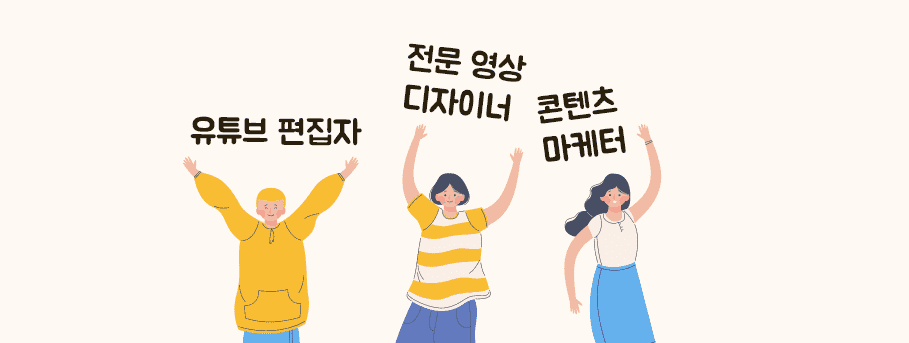
With Premiere, you can become a YouTube editor or even a professional video designer.
For those who want to edit delicious videos You Can Do It Too! Premiere Lecture
We're currently in a war of video platforms, led by YouTube. Like it or not, the newly emerging millennials and Generation Z will consume massive amounts of video within the next decade. Even now, countless businesses are being run through YouTube channels.
In the future, people who can create video content and deliver value will earn more money. Just like the number of people making money through YouTube and other platforms is increasing. Conversely, if you can't create video content, it will be difficult to ride the wave of the times.
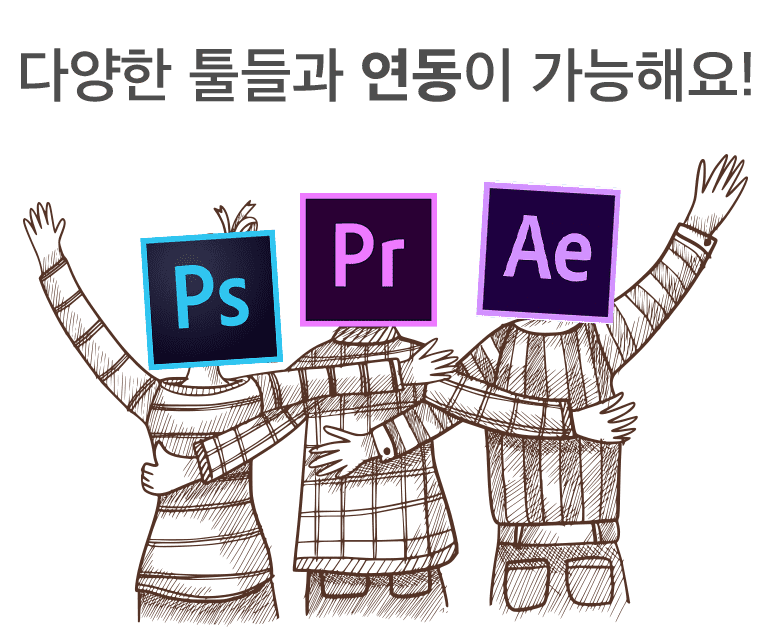
Premiere Pro integrates with a variety of tools, including After Effects and Photoshop. Here are some useful Premiere Pro tutorials!
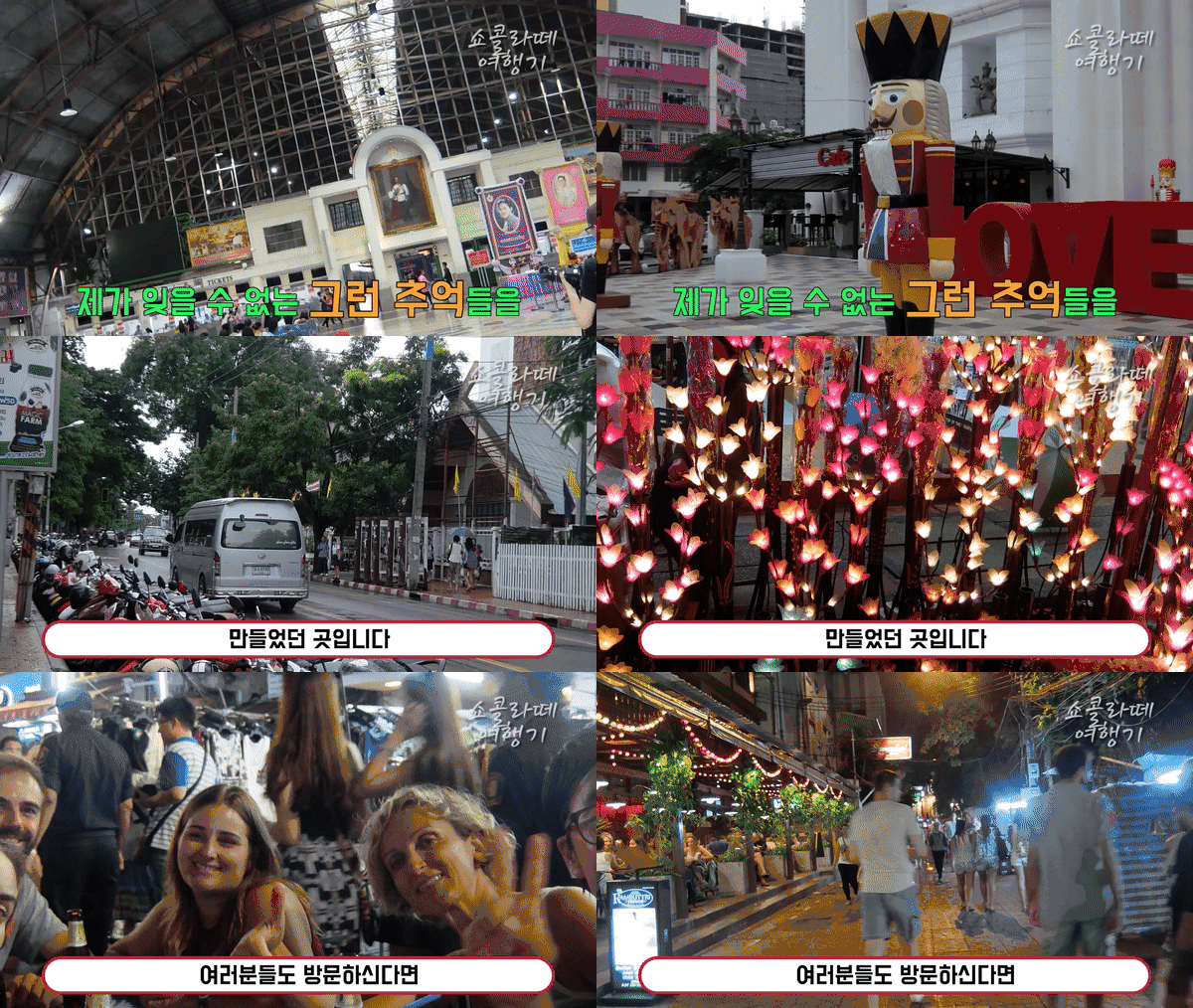
Should I film a travel vlog?
I've had quite a few friends ask me how difficult it is to learn Premiere Pro. Some people say that they are afraid to step forward and learn.
So I thought it might be helpful to share some of the methods and know-how I've learned in the past to help you overcome your fears.
Also, many people want to try their hand at editing travel videos, but find it too difficult and daunting. I created this course to show those people that video editing is easy to learn.
What you get after the lecture
The purpose of this course is to create a travel video and complete it into one video. This course explains the basics step by step to complete a video from start to finish.
After the course is over, completing a single video will be a breeze.
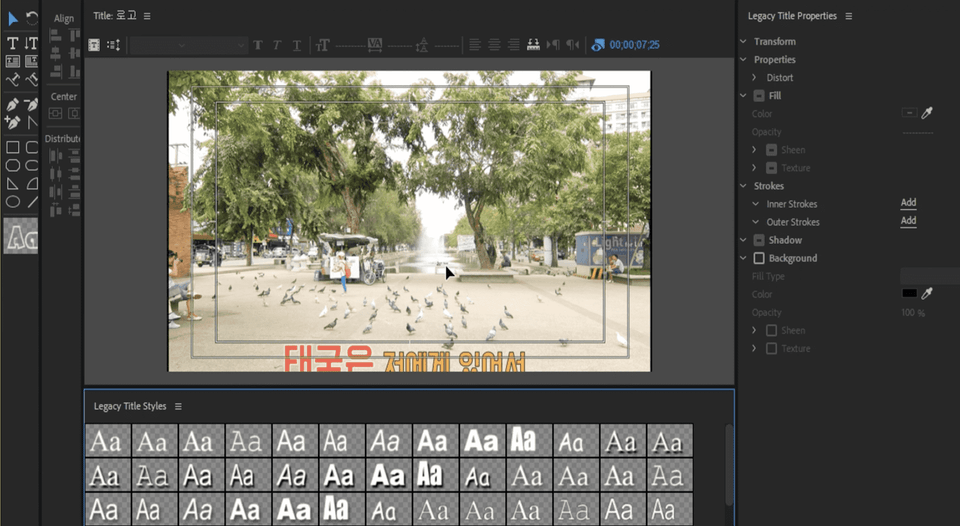
Tools covered here
- This lecture will be conducted using Premiere 2018 version. - It would be great if After Effects was also included.
For delicious video editing! Learn about the curriculum
Storyboard 👉What is Premiere Pro? 👉Escape from the beginner stage! 👉 Travel Vlog Production 👉 Get 10 tips and action subtitle files!
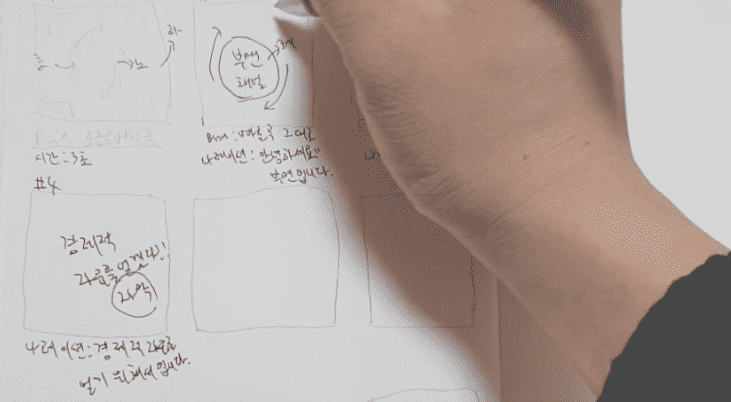
1. Planning before making a video is also very important! A storyboard is like a guidebook! Let's find out how to make it.
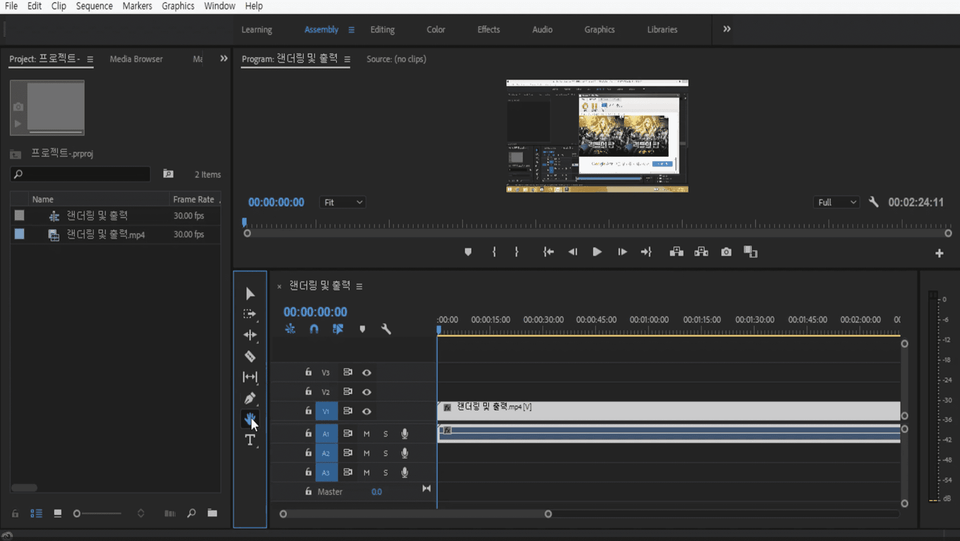
2. What is Premiere Pro? Create a project and first create several panels I'm going to study Korean!
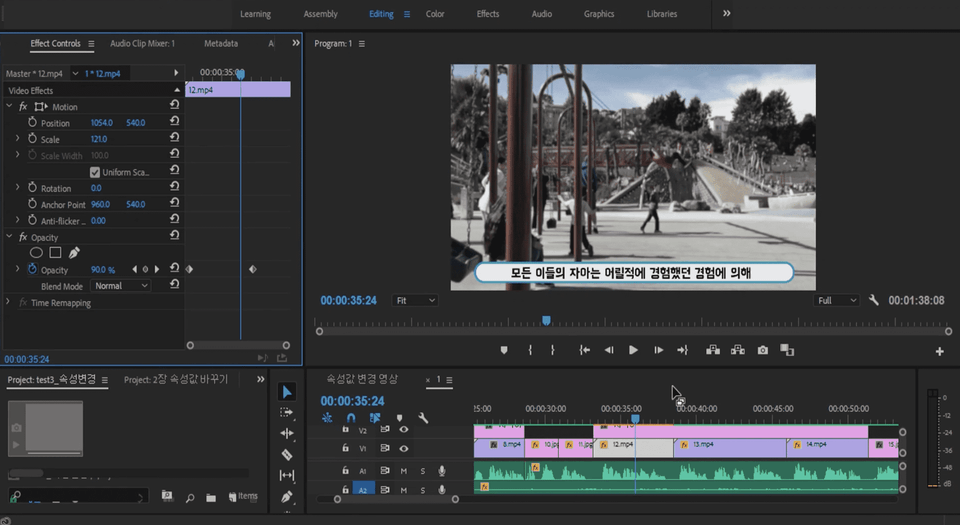
3. Full-fledged video editing! From loading files, We will learn about video effects step by step.
4. Create a travel vlog! With what you have learned so far, Let's make a travel vlog.
5. Conclusion Finally, some tool-related tips and A collection of 10 action subtitle files! It's that easy!
A gift for those who attend the lecture, 10 templates
When you first learn Premiere and start editing, you often find yourself feeling disappointed in the effectiveness aspect. In such cases, it would be really useful to have templates, but in reality, creating all of them is not an easy task. For those of you who are learning Premiere and struggling with applying effects, I'm giving you 10 templates I personally created as a gift.
🙋🏻♂️ What's special about this course? I'm curious!
Q. Can non-majors also take the course? A. Even non-majors can learn it. When I first encountered Premiere Pro, I was an engineering student unfamiliar with video editing. If I could learn it as an engineering student, you can too.
Q. What can I do if I learn Premiere?
A. With Premiere, you can become a YouTube editor or even a professional video designer. Alternatively, you can lay the groundwork for a career as a content marketer.
Q. Are there any special advantages to this course? A. We provide transition files, various subtitle files, and intros that cannot be produced in Premiere.
Q. What made you interested in this field? A. I happened to see a video while passing by the university and was drawn to it.
Q. What are your future goals in this field? A. The first is to become the best video editing instructor who can provide the most fun and valuable experience. My second goal is to become a 100,000 YouTuber.
Recommended for these people
Who is this course right for?
- People who have never tried video editing before but want to learn
- People who are interested in Premiere Pro but are afraid
- College students in their 20s who need to learn video editing
- People who want to learn video editing as a hobby or as a side job
Hello, I am Kim Ho-seung of 'Content Heaven'. I am someone who teaches Minecraft, video editing, and blogging, holding onto the single sentence, "Let's restore the joy of learning."
Are you perhaps feeling lost right now, thinking, "When on earth will it be my turn..." because you're working hard but don't see any results? I know exactly how that feels. Because I was right there in that same spot.
In February 2019, my blog's monthly views were less than 200. Far from getting sponsorships, I seriously considered giving up, wondering if I should even continue. Then, in December of that year, I started digging in properly. I analyzed trending posts versus buried ones one by one and found the 'principles of success.' As a result, it became a blog that consistently exceeds 1,500 to 2,000 daily views — and from then on, good things started following one after another.
It felt like a waste to enjoy this change all by myself. That is why I opened this course. I want to share the principles I discovered so that you don't have to take the long way around as I did.
This is the path I have walked so far. · 6 years of continuous lecturing, from Minecraft convergence education to blogging · Selected as a Naver Influencer in 2021, still actively participating · Kyung Hee University video editing lecture — researching on-site "what" beginners find difficult · Sharing basics for free on YouTube that are helpful to know before starting Inflearn
I will continue to share what I know without ceasing. Won't you join me in rediscovering the 'joy of learning'? 👉 Naver Influencer: in.naver.com/contentsheaven
I am a beginner using Adobe Premiere Pro. With a short lecture and simple practice for a couple of hours, I was able to get a rough idea of what I can do with Premiere Pro. This is a great course for beginners who have no knowledge of Premiere Pro.
You can use all the apps in Adobe Creative Cloud, including Premiere Pro, for 7 days. Grab me and use this course as a starting point to challenge yourself in video production.
For me, video editing has always been a challenging area that I wanted to learn but was afraid of. As I followed Chocolatte's lecture, I was able to feel a sense of accomplishment as I learned step by step. Before I started, I was scared of Premiere Pro, but I realized that if I just knew how to use it, I could create much better video results! Thank you for providing such a great lecture!
The course is old, so the menu locations and other aspects don't match the latest version of Premiere Pro 😭😭 It would have been nice if they had at least updated the course materials, which is disappointing in many ways. The advantage is that it's easy to learn. The disadvantage is that since the course is old, adapting to changes from Adobe updates is left to the students, and it can feel a bit boring too. 😊
It seems like it's a somewhat older version, so a renewal is needed 😊 I'll work on renewing it soon and create it to match the version :) Thank you for the good feedback.
I had absolutely no knowledge of Premiere tools, so I think this is a great lecture for learning the overall structure and basic usage. However, I think it would have been a little more satisfying if you had mentioned even a little bit about video color correction!
Come to think of it, I think it's a shame that there's no tutorial on video color correction. Haha. I'll try to upgrade to an intermediate level! ^^ Still, I'm glad that it was helpful.












![[Integrated] Introduction to AI Video Production + Practical ApplicationCourse Thumbnail](https://cdn.inflearn.com/public/files/courses/343029/cover/01kwtvq9840gqg1t7b6krs3bkk?w=420)
![[Integrated] Introduction to AI Video + Shorts ProductionCourse Thumbnail](https://cdn.inflearn.com/public/files/courses/343177/cover/01kx2mmgmppa8h7jdb8kx9bxye?w=420)